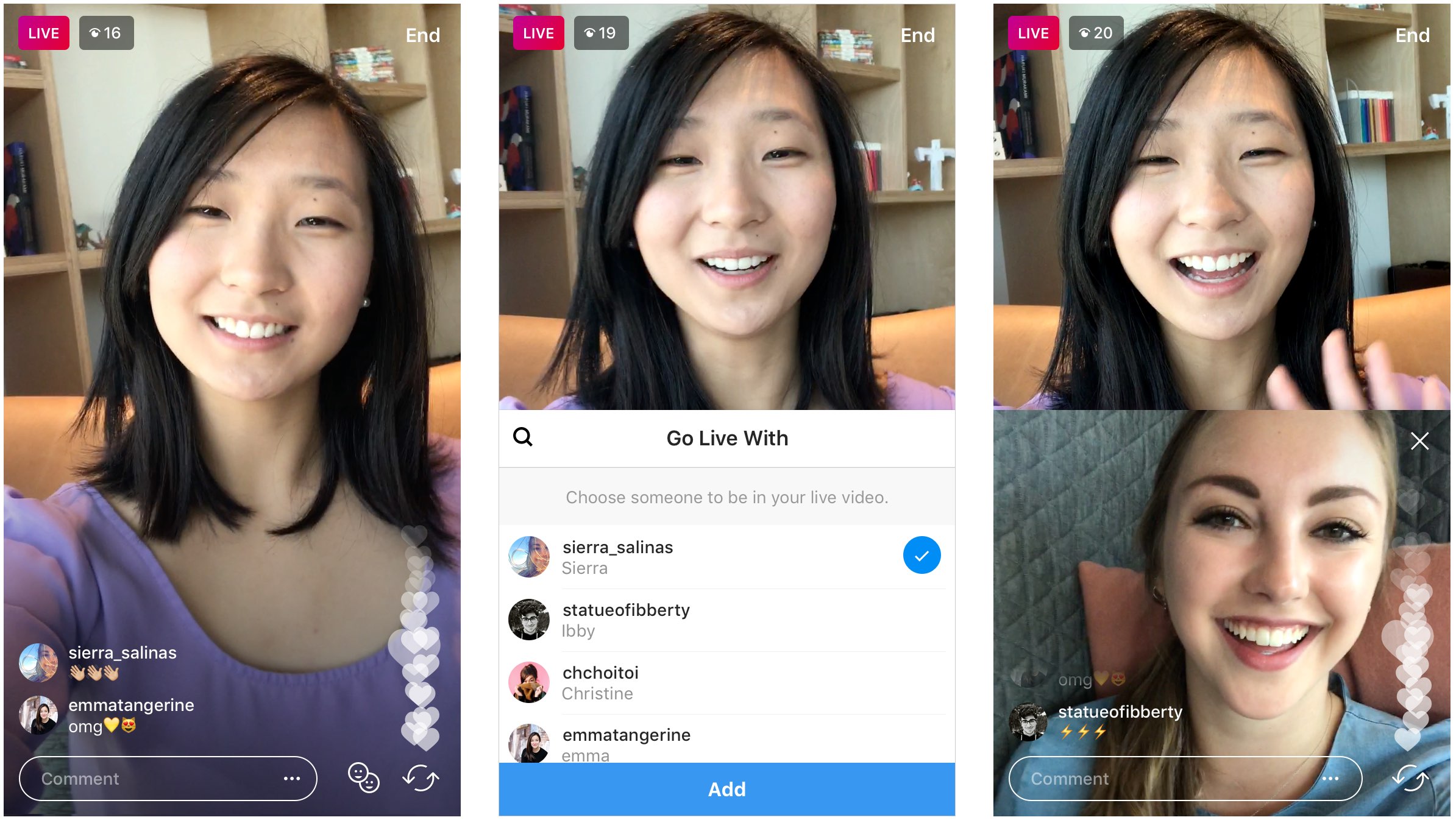
Instagram announced today it's testing a new feature that will permit users of its mobile app for iPhone and iPad to go live with a friend.
Instagram testing two-person live broadcasting
Stay up-to-date on the latest iPhone news and learn new tips and tricks with our comprehensive tutorials. From software updates to new features, we’ve got you covered.
Instagram announced today it's testing a new feature that will permit users of its mobile app for iPhone and iPad to go live with a friend.
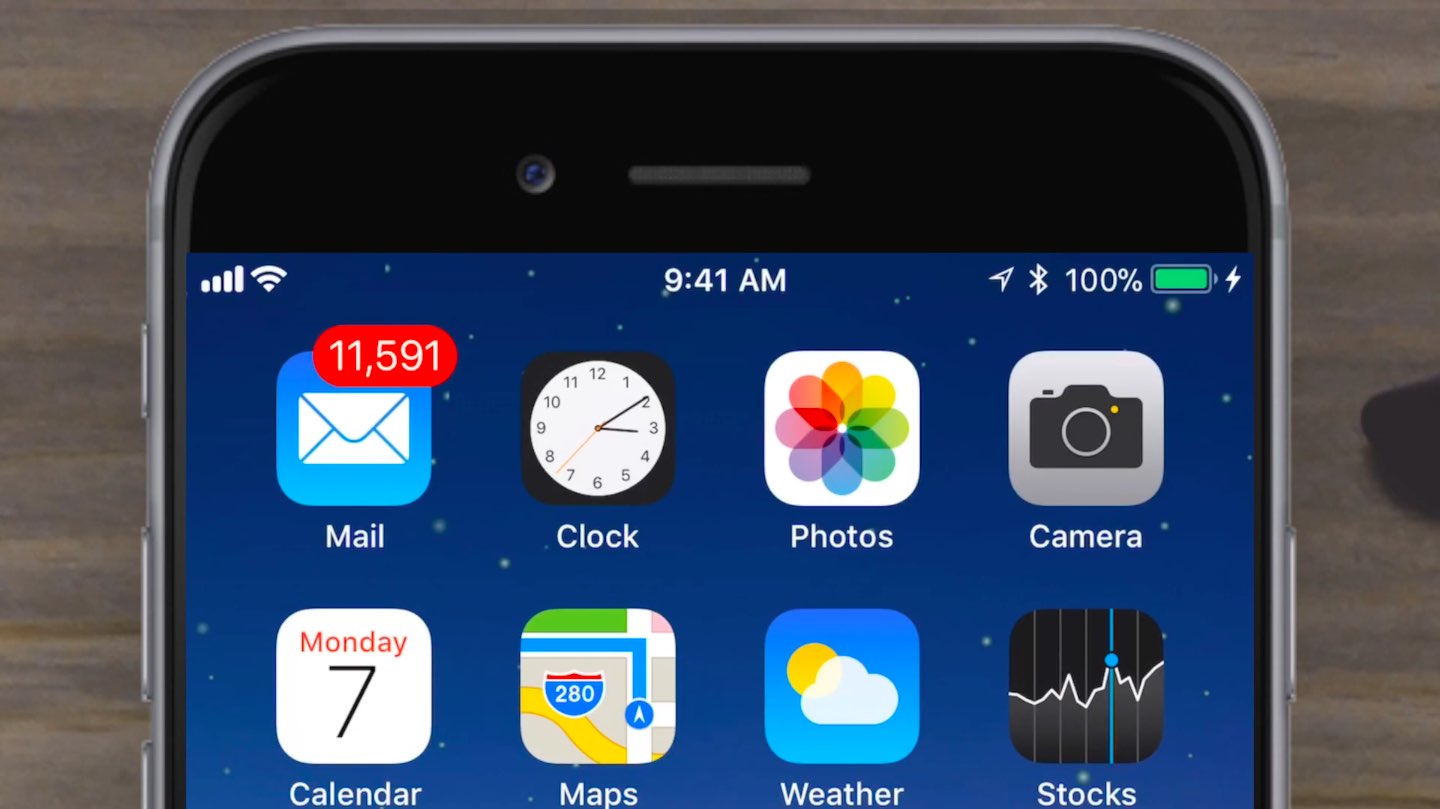
Apple yesterday released a fifth beta of iOS 11 for developer testing, and we're expecting its matching public beta to drop later today.
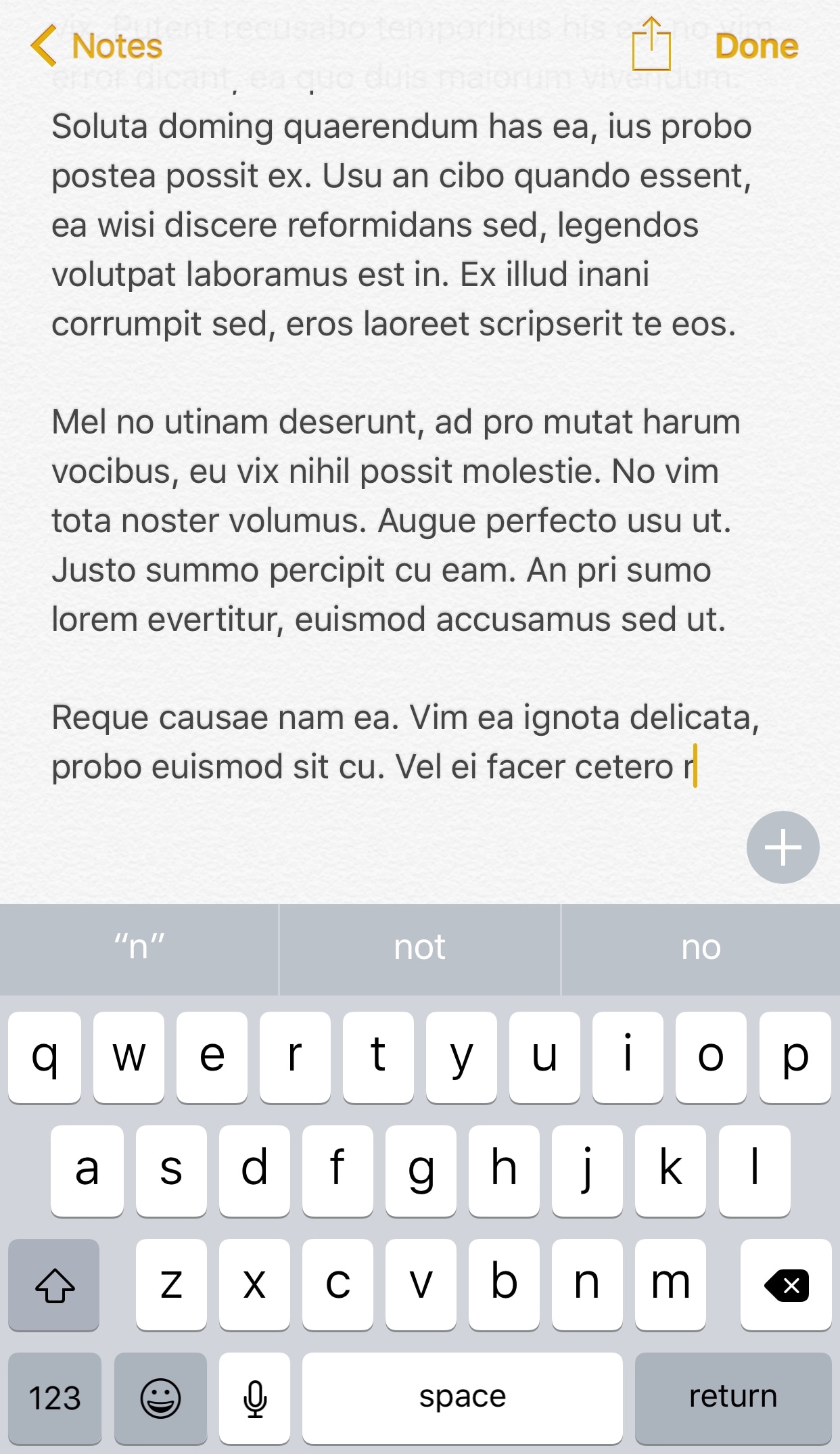
I can’t even begin to tell you about the countless times I’ve accidentally backspaced an entire body of text when I only wanted to remove a few words from a sentence. It seems like iOS’ automatic backspace acceleration that kicks in when you tap and hold on the backspace key can get a little too excited at times.
Fortunately, a new free jailbreak tweak called Backspace+ by iOS developer Justin Petkovic provides some relief from this issue and makes text-editing more feasible on iOS devices.
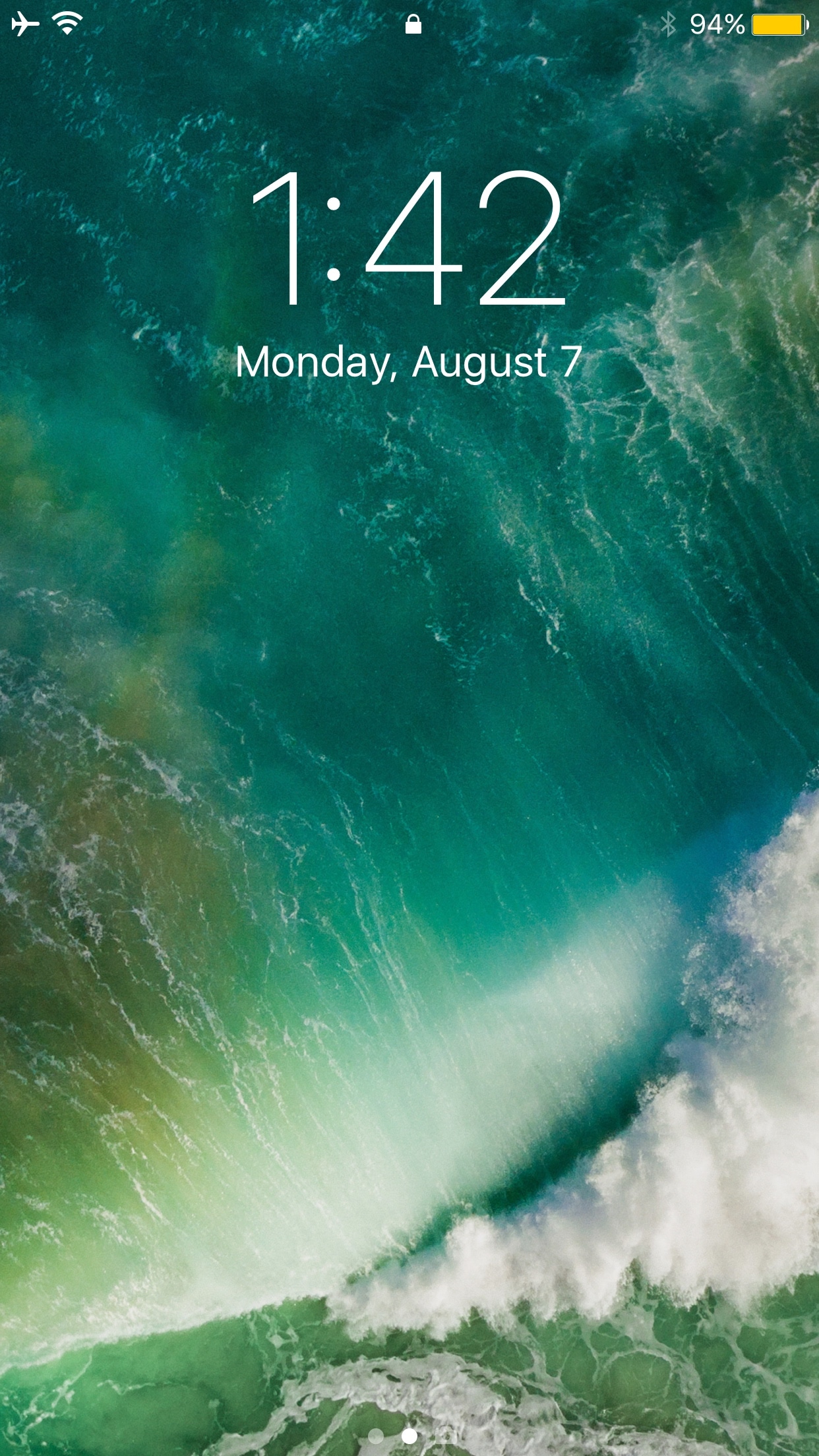
First world problems differ from one person to the next, but having been in a situation before where someone pranked me by grabbing my iPhone and taking several screenshots of the Lock screen to fill up my storage space, I can’t recommend a new free jailbreak tweak called LSScreenshotLimit by iOS developer DGh0st enough.
This tweak helps you avoid issues like the one I described by limiting the number of screenshots that can be taken from the Lock screen at one time. In doing so, you'll also dodge unnecessary frustration and urges to strangle whoever filled your Camera Roll with repetitive screenshots.
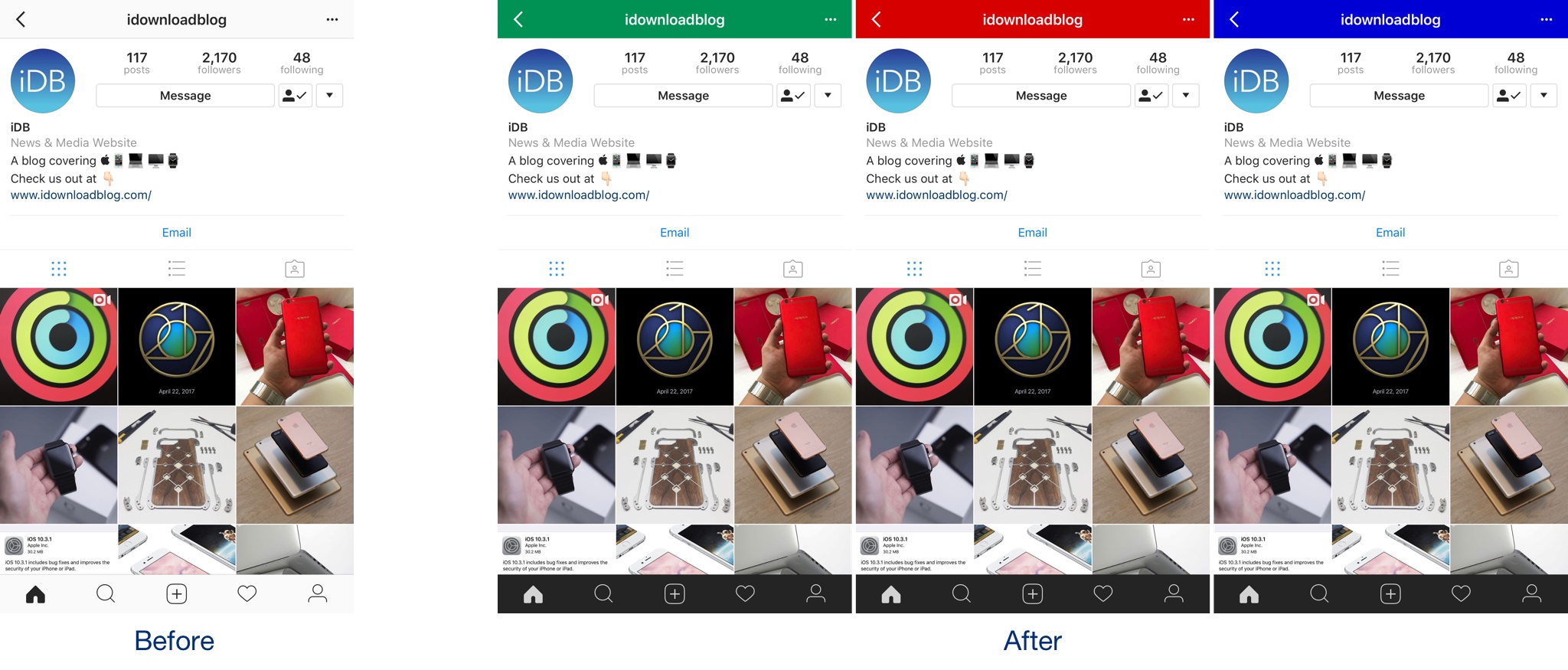
If you want to colorize your Instagram app’s UI to something other than the bland white it comes with out of the box, then we’d recommend trying a new free jailbreak tweak called InstagramUICustomizer by iOS developer Wylliam Altman.
Once installed, you can change the default navigation bar color of your Instagram app to anything you’d like and choose whether the tab bar at the bottom of the app will be light or dark.
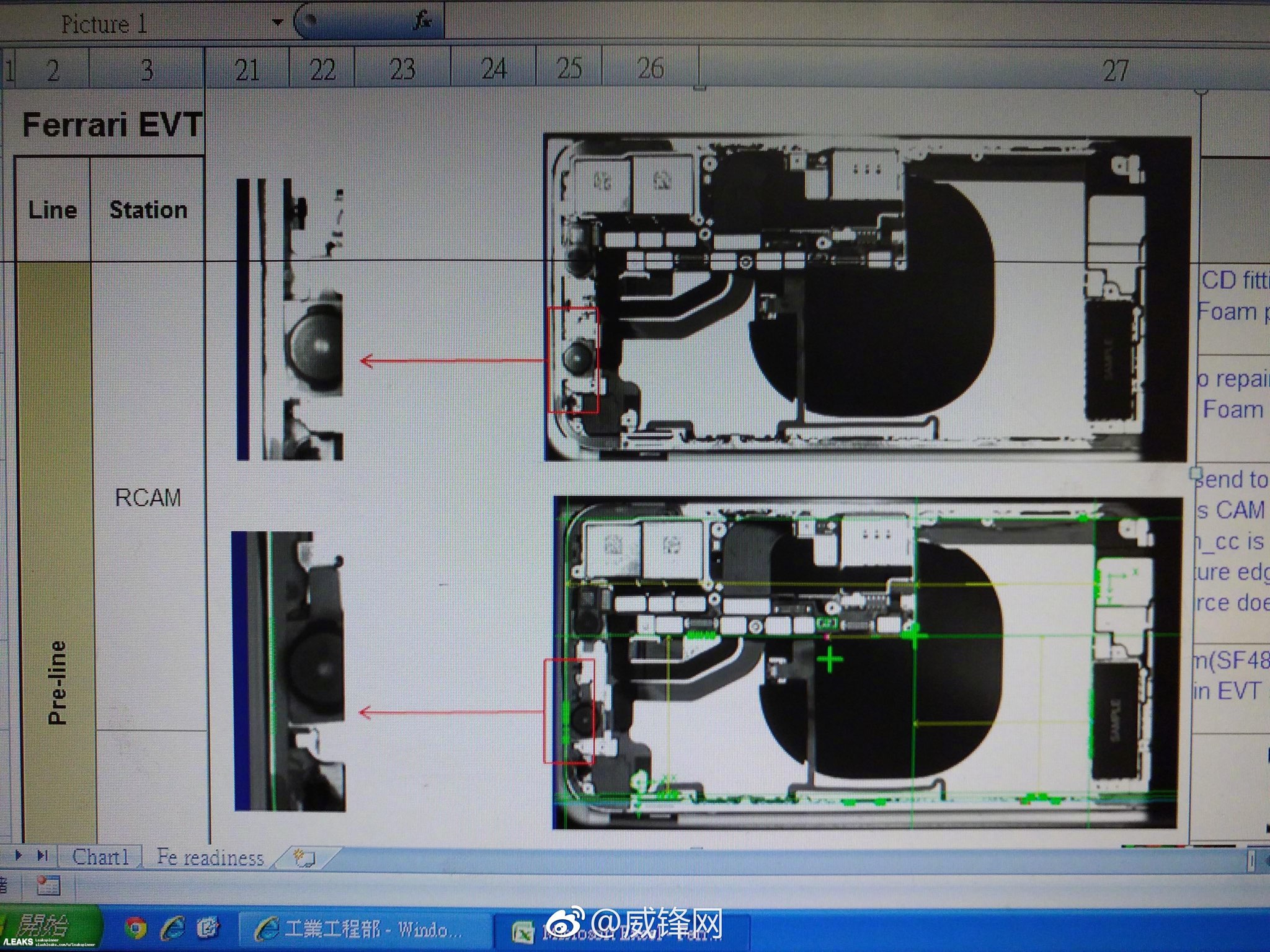
Apple's flagship iPhone 8 model is said to support wireless charging and use a stacked logic board design to make room for an L-shaped battery, with purported new images of alleged production designs taken by a Foxconn employee depicting those purported components.
As Apple continues testing iOS 11 for iPhone, iPad and iPod touch ahead of its scheduled fall release, the Cupertino technology giant today seeded a fifth beta of the upcoming software update to the registered developers and members of the Apple Developer Program.
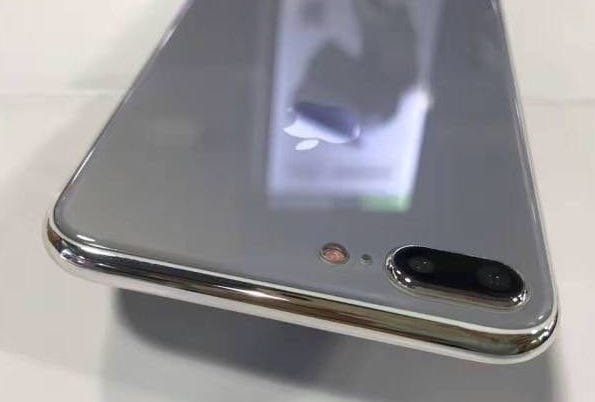
Most of the chatter about Apple's upcoming iPhones is revolving around the highly anticipated OLED-based model, but fresh new images from Apple tipster Sonny Dickson, reposted by French outlet iGeneration, have depicted the rumored glass-sandwich design for the LCD-based iPhone 7s and iPhone 7s Plus models.
OLED screens for iPhone 8 are proving significantly more difficult to mass-manufacture than Apple's suppliers may have anticipated, with a Foxconn executive claiming high rejection rate for the sophisticated display panels due to “a special cutting” in them.
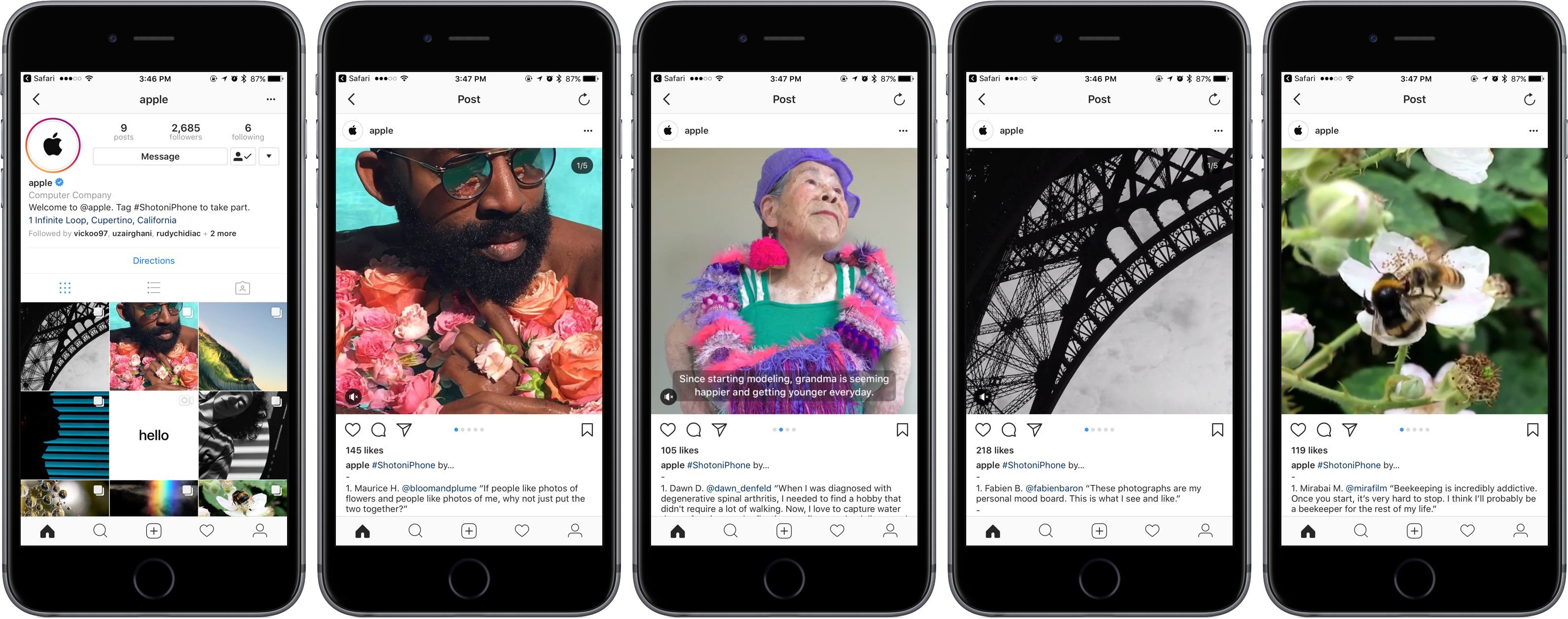
Better late than never: Apple has at long last launched a new Instagram account to showcase some of the best photos and videos from iPhone users all over the world.
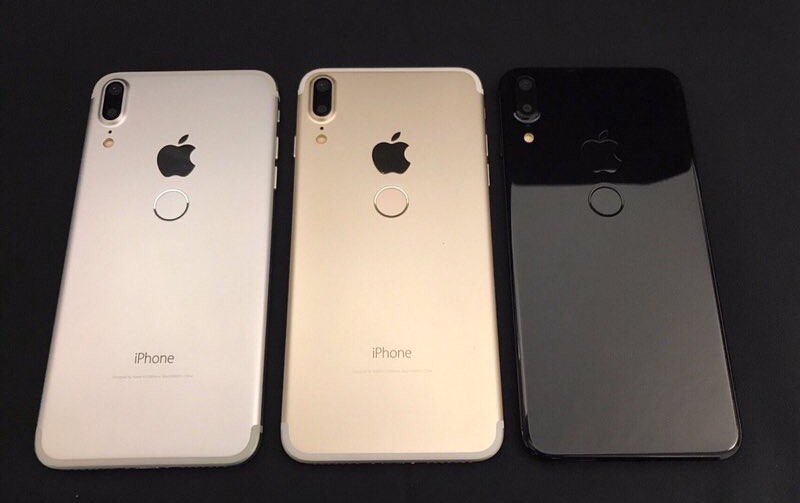
Apple has “cancelled” plans to embed a Touch ID fingerprint sensor under the cover glass of iPhone 8, revered Apple analyst Ming-Chi Kuo wrote in a note issued to clients last weekend, a copy of which was obtained by AppleInsider.

MyDrivers today shared images of what appear to be purported iPhone 8 dummy units that originally surfaced on Chinese microblogging service Weibo, depicting three possible colorways for the upcoming OLED-based iPhone: White, Black and Champagne Gold.