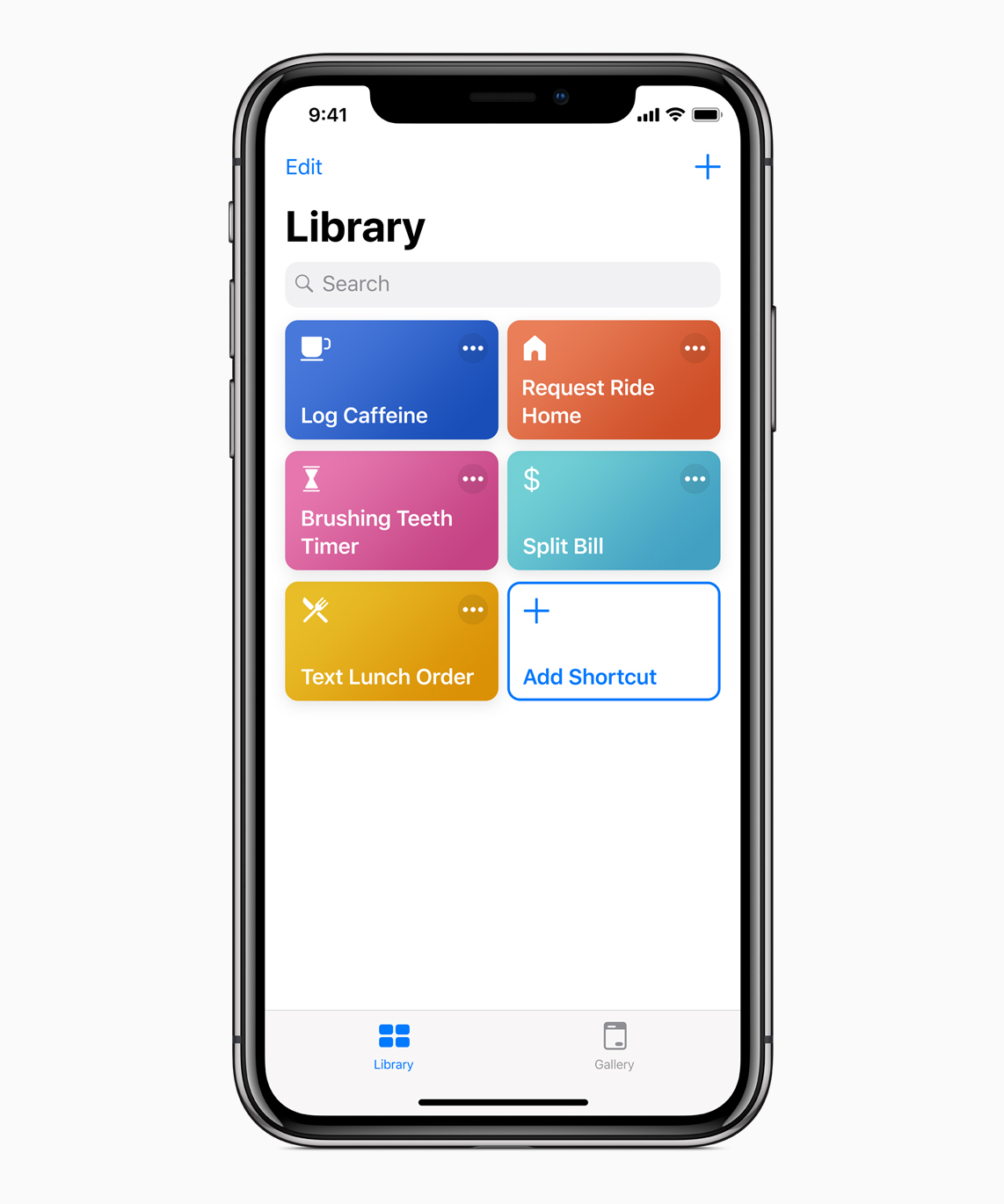
Apple today released iOS 12.1.1 along with a bunch of updates to its other operating systems (sans watchOS), plus a minor update to its Shortcuts app.
Shortcuts 2.1.2 update brings two new handy actions for your iOS automation workflows
Stay up-to-date on the latest iPhone news and learn new tips and tricks with our comprehensive tutorials. From software updates to new features, we’ve got you covered.
Apple today released iOS 12.1.1 along with a bunch of updates to its other operating systems (sans watchOS), plus a minor update to its Shortcuts app.
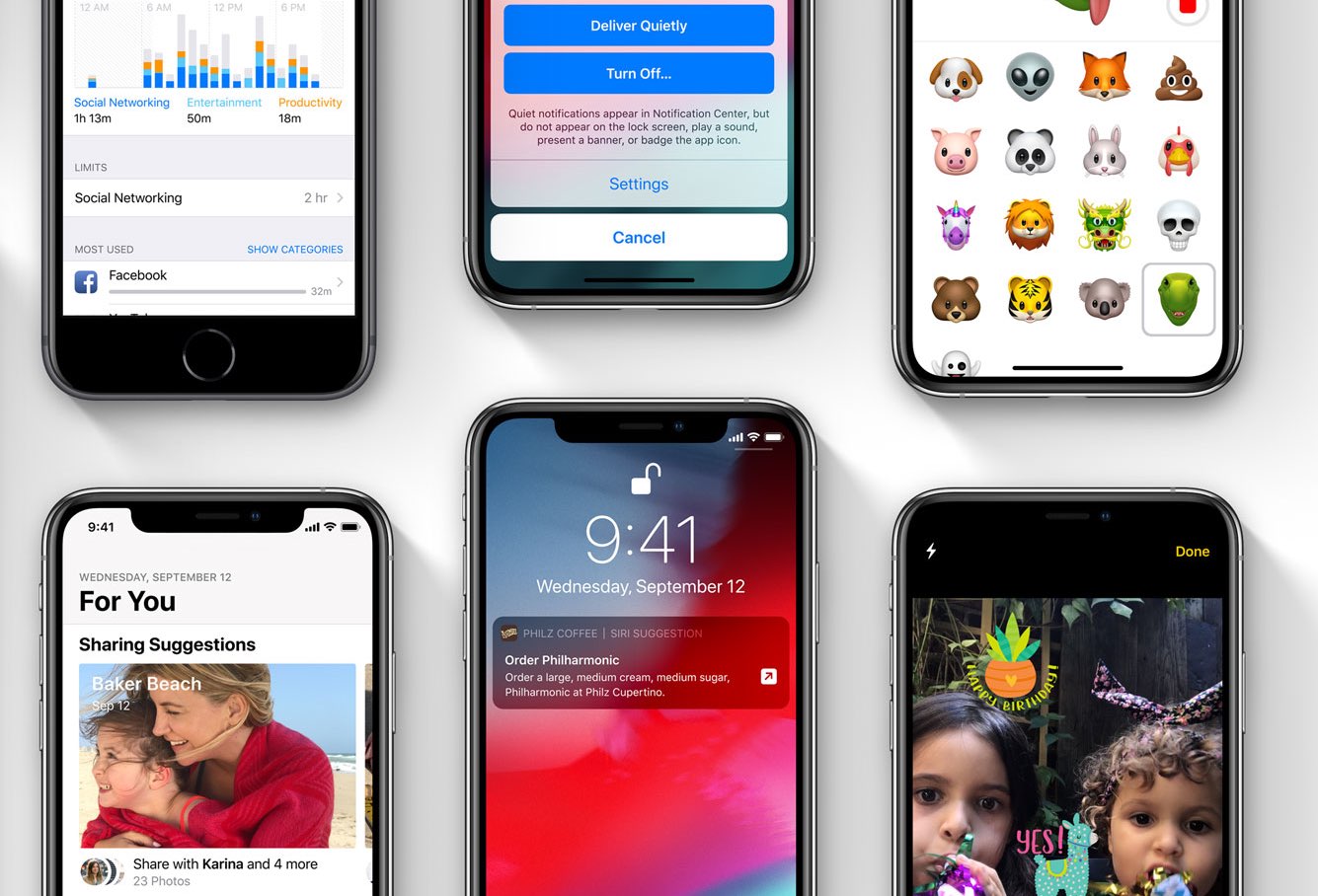
Apple on Wednesday released iOS 12.1.1 to the public, following several weeks of beta testing. The minor update doesn't bring about any major new features, but it does include FaceTime Live Photos, a refreshed FaceTime UI that offers quicker access to important actions, and other improvements.

Apple today started selling its own clear case for iPhone XR through its online store and at Apple Stores around the world for $39.

Learn how to easily set up call forwarding on your iPhone, and go through the troubleshooting tips in case you’re facing issues turning it on.

Repeating the sad story about how iOS’ volume HUD leaves a lot to be desired feels a lot like beating a dead horse. You’d think Apple would have done something about this concern by now, but as always, it’s the jailbreak community that offers the fastest refuge.
Melior is a volume HUD-centric jailbreak tweak coded by iOS developer SparkDev and designed by Dennis Bednarz that produces one of the cleanest alternatives to iOS’ terrible volume HUD that we’ve seen.
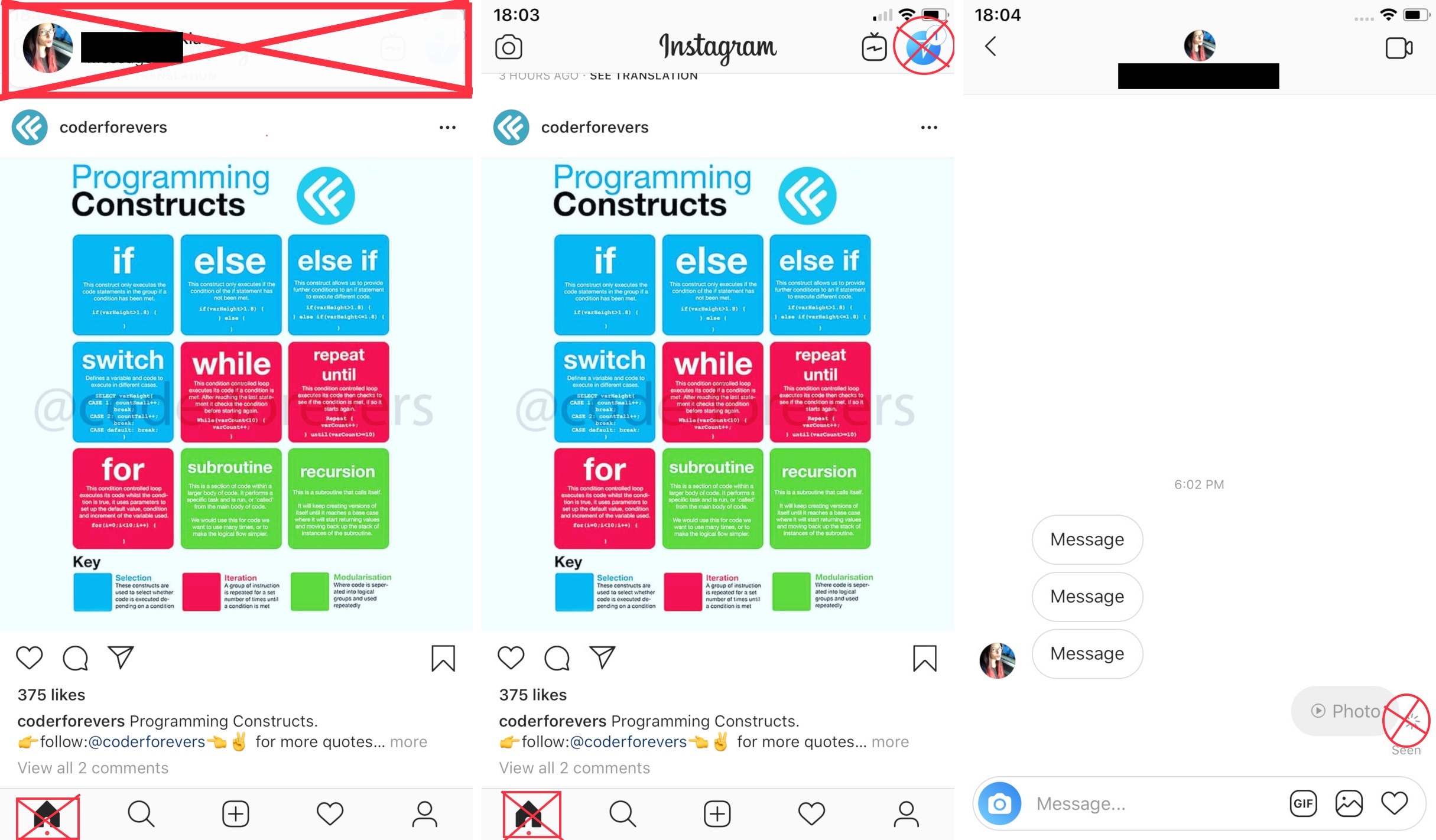
If you frequently use the official Instagram app on your jailbroken iPhone, then you might have something to gain from using a new free jailbreak tweak dubbed InstaNotifyFilter by iOS developer midkin.
As you might have already inferred from the tweak’s name, InstaNotifyFilter filters some of the more extraneous notifications you might receive in the Instagram app, and citing the tweak’s description, it specifically targets the following:

While there’s no official confirmation of any individual or team of people working on a public iOS 12 jailbreak, it seems that we could be one step closer as of Tuesday.
Citing a post published on /r/jailbreak, it appears that a powerful sandbox escape proof of concept for iOS 12.0-12.0.1 has been released, fueling speculation that a public jailbreak tool could be crafted in the future with support for Apple’s latest and greatest mobile operating system. Notably, the exploit is patched in iOS 12.1.
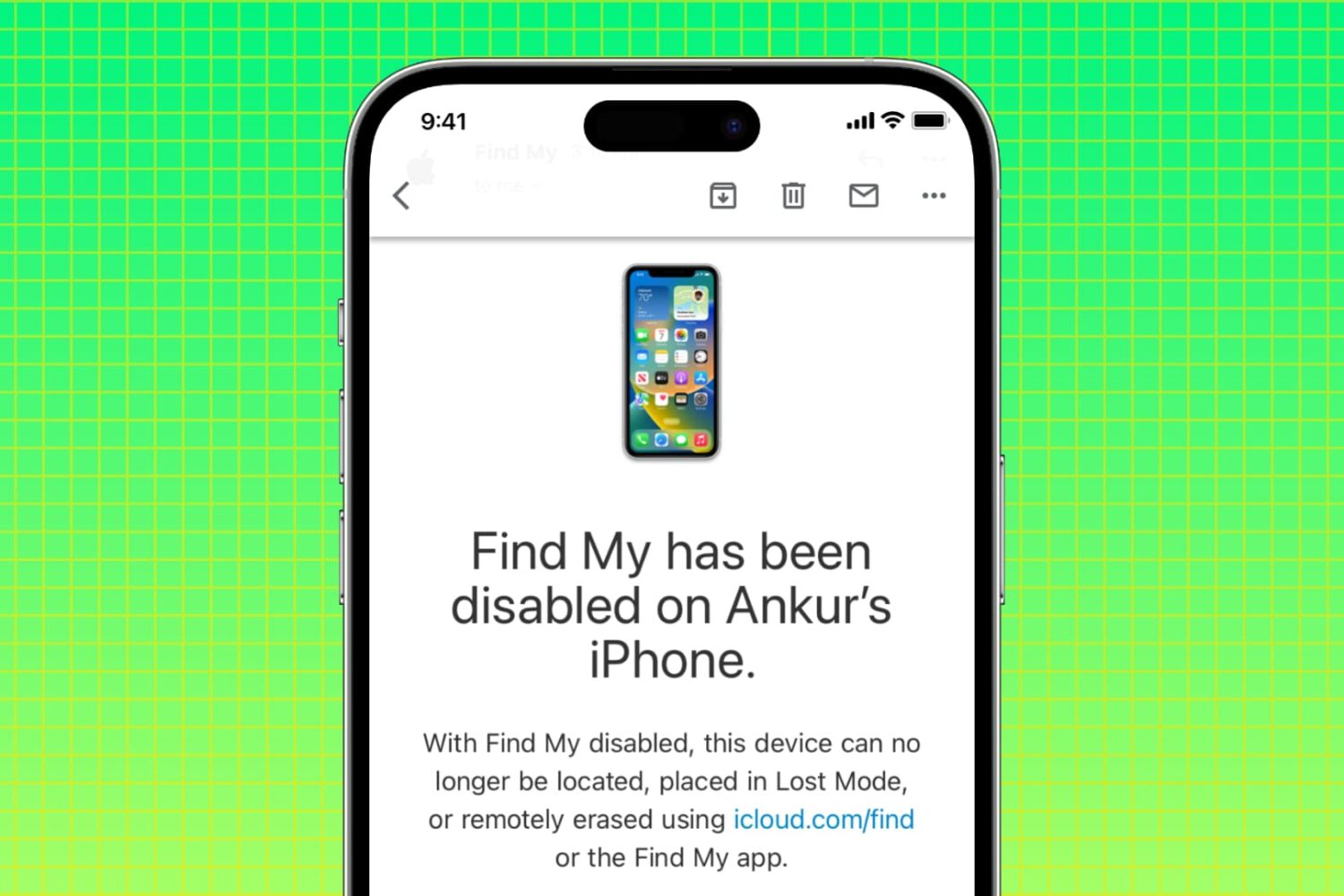
In this tutorial, we’ll explain why you may want to disable Apple’s Find My service on your iPhone, iPad, and Mac, along with the steps to do so from the device itself or remotely if you don’t have the device with you.
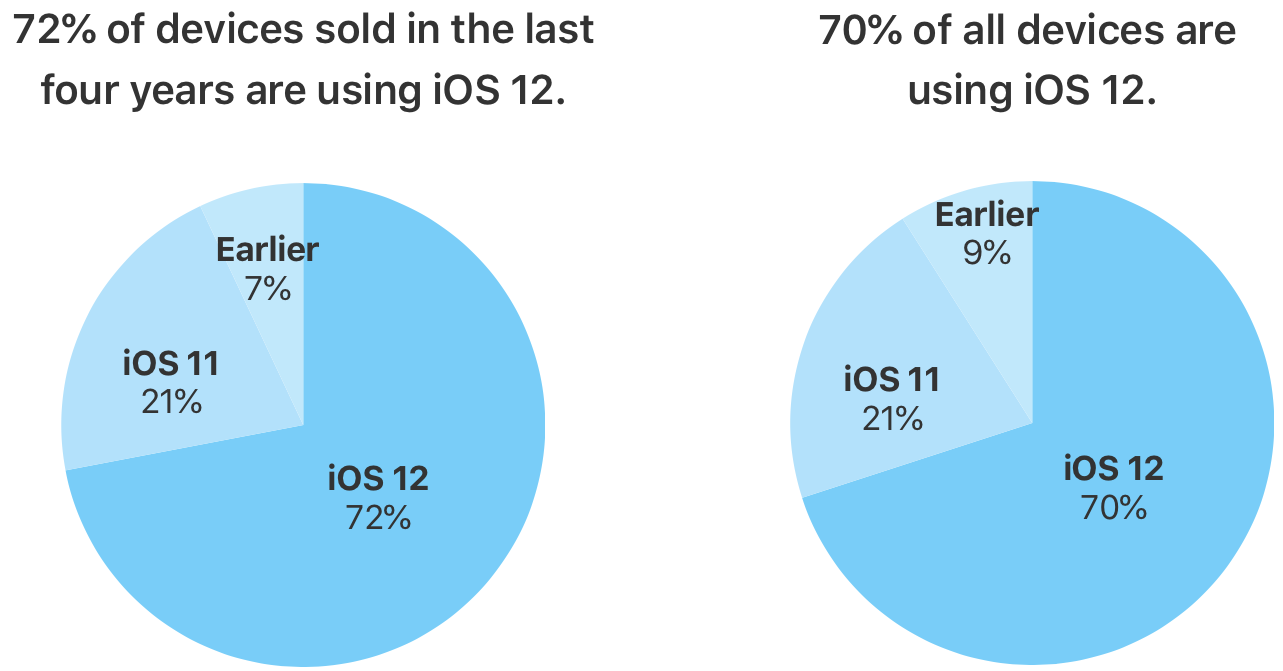
Apple revealed today via the App Store dashboard for developers that iOS 12, its latest and greatest mobile operating system, is now powering 72 percent of devices sold in the last four years. Just a month ago, the company reported that iOS 12 powered 63 percent of iPhones, iPads and iPod touches unveiled since September 2014.
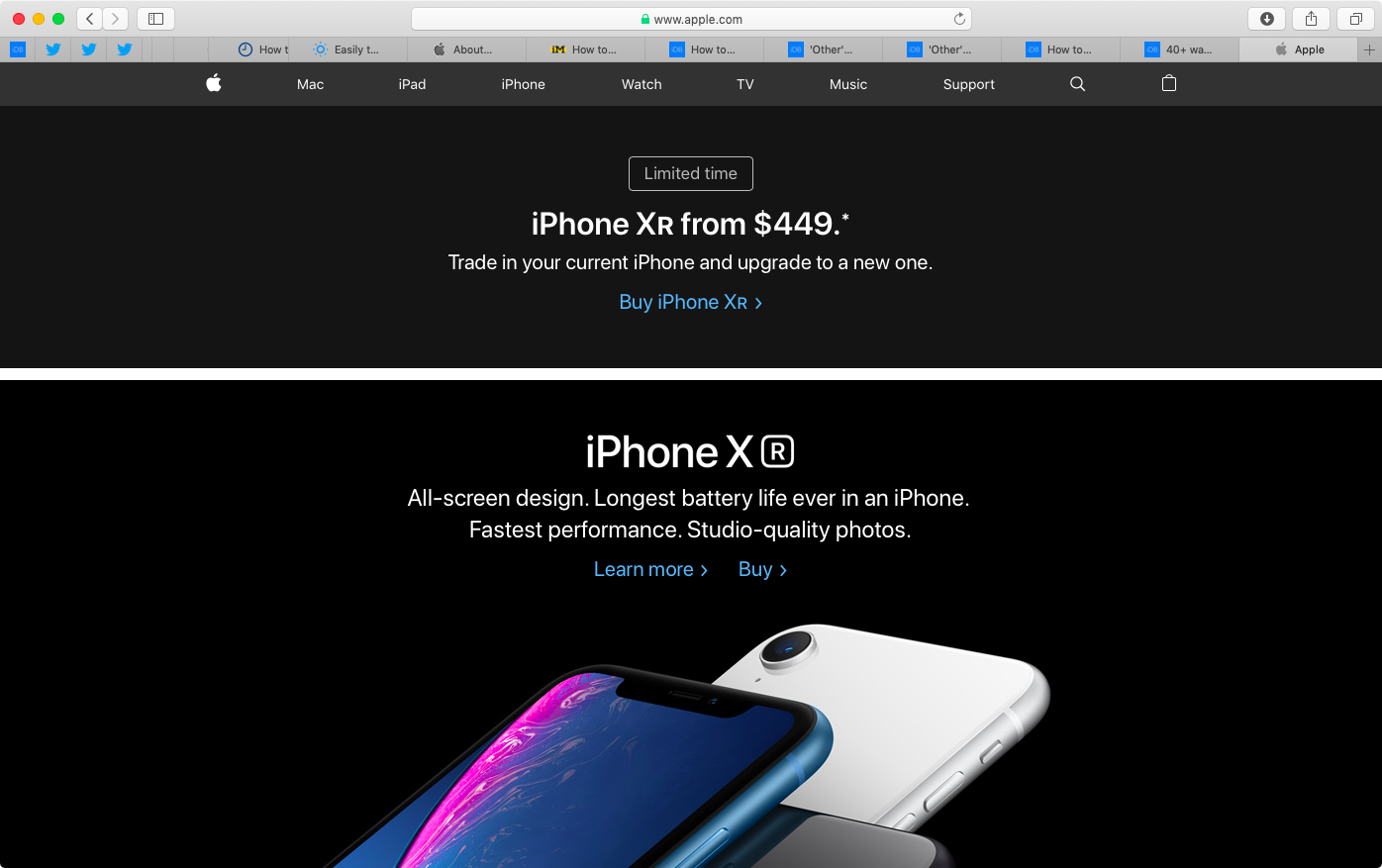
Bloomberg reported on Tuesday that Apple is now “experimenting” with iPhone marketing strategies it apparently rarely uses, including discount promotions through generous device buyback terms, in an effort to help increase sales of its iconic smartphone.

Are you trying to figure out how to access iCloud on your or someone else’s iOS device? This tutorial shows you how to log in to iCloud.com in a web browser on an iPhone or iPad and customize its appearance and functionality.
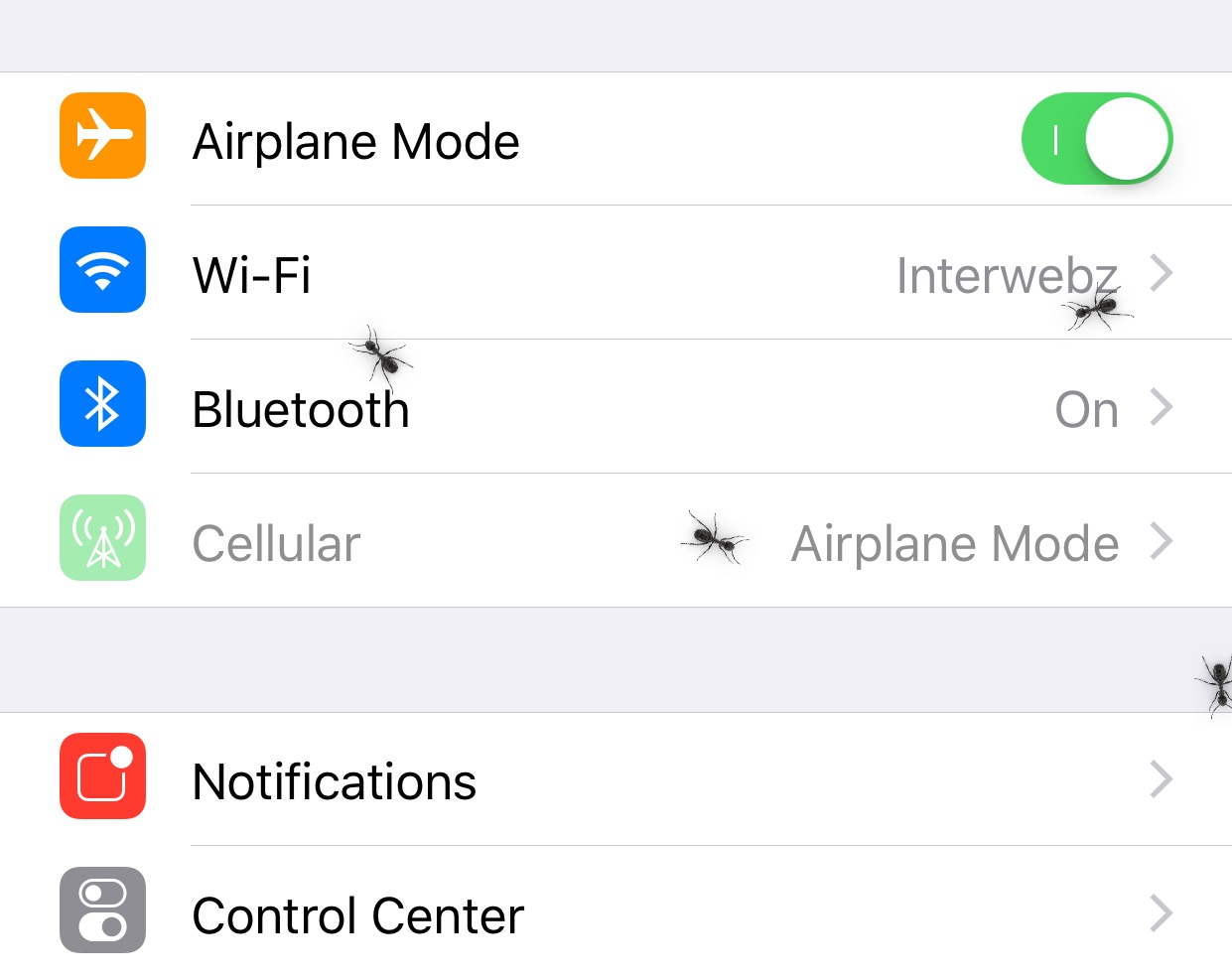
If you’re one to appreciate fun and quirky animations on your jailbroken iPhone or iPad, then a new free jailbreak tweak called Ants by iOS developer SparkDev might be of interest to you.
Once installed, Ants causes an army of animated virtual ants to spawn all over the iOS interface. They appear and crawl around whether you’re on your Home screen or inside of an app.