iPhone

Stay up-to-date on the latest iPhone news and learn new tips and tricks with our comprehensive tutorials. From software updates to new features, we’ve got you covered.

Totallee’s super thin cases are now available on Amazon for Prime shipping [sponsor]

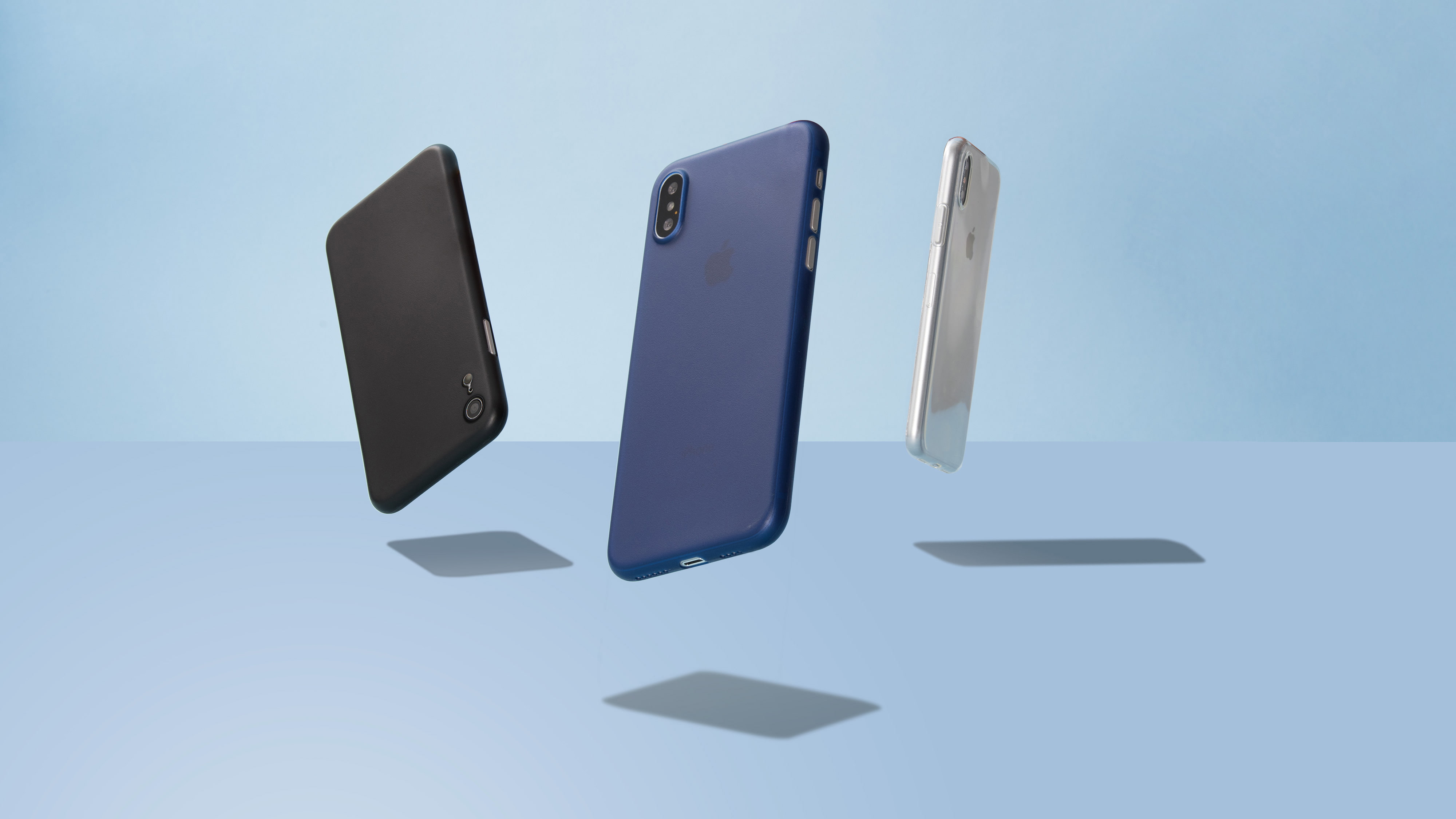
Totallee's super thin cases for the new iPhone XS, iPhone XS Max, and iPhone XR  are now available on Amazon for Prime shipping.

I'm not going to beat around the bush: Totallee cases are my favorite cases, period. Cynics might think I am just being paid for saying that, and while it is true the company is sponsoring this message, it certainly doesn't change my opinion of Totallee's products as I've been using these cases for 4 years, well before they became a sponsor.

Umbreon: A customizable Dark Mode for web pages in iOS

While most Dark Mode-oriented jailbreak tweaks support iOS’ native app interfaces, the vast majority lack support for the various web pages you might visit while surfing the web.

Two tweaks launched in September, dubbed Deluminator and Nebula, were some of the first to bring a full-featured Dark Mode experience to web pages in particular. But now, a new release called Umbreon by iOS developer Soh Satoh accomplishes this same goal while providing some additional customizations.

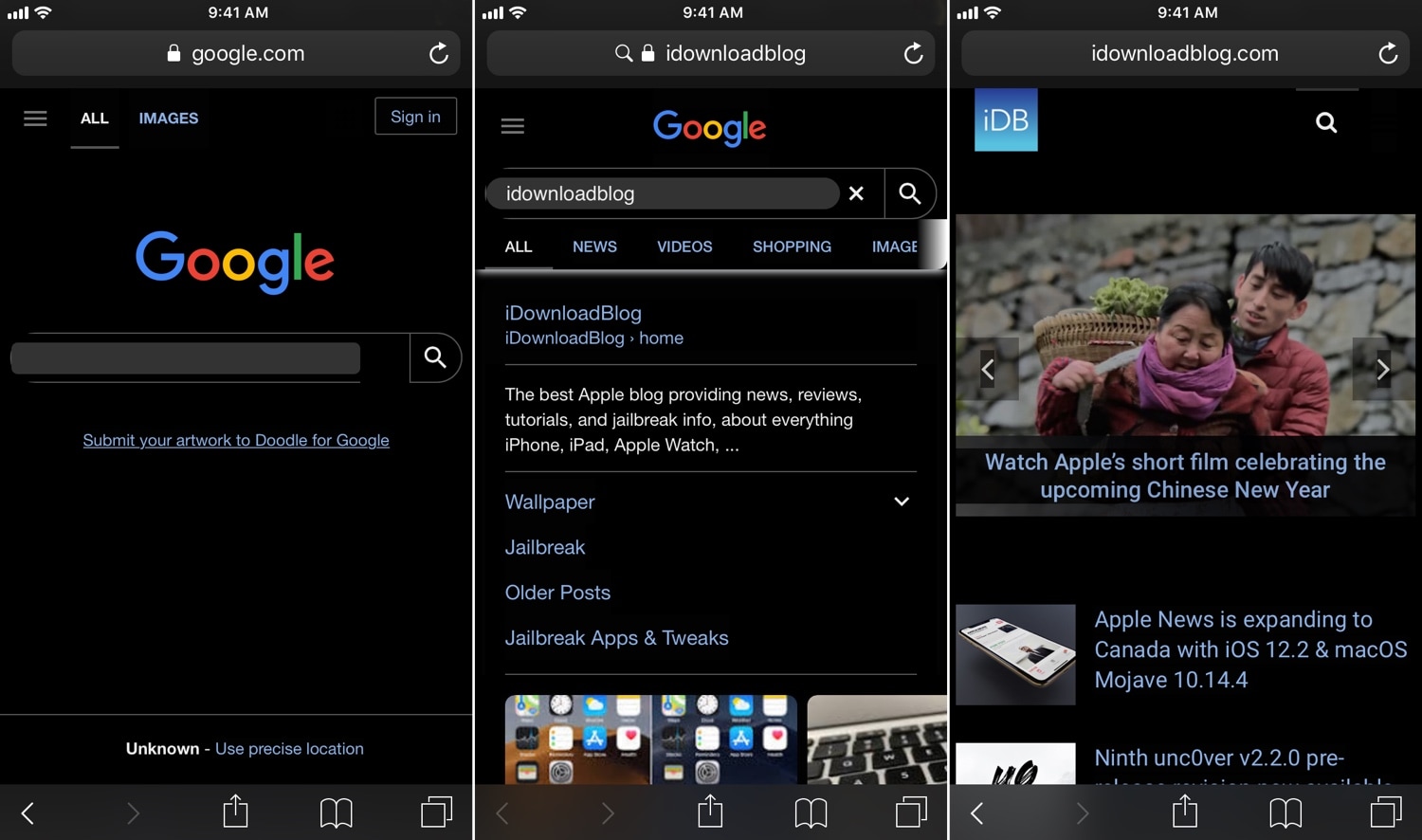
In the screenshot examples above, you can see how white backgrounds on most web pages are darkened to reduce the eye-searing effect that’s typically endured while browsing the internet in a dark environment. Umbreon should play nicely with most standard web pages, but there are some instances where a web page won’t be fully compatible.

After you install Umbreon, you’ll find an extensive preference pane in the Settings app where you can configure the tweak to your liking:

Here, you can:

Toggle the tweak on or off on demand Enable Dark Mode for web pages Combine custom CSS formatting with Dark Mode CSS Select different apps to disable features in Configure a CSS injection delay Toggle gray background instead of black for Dark Mode Enable web image brightness adjustments Use a slider to set a custom image brightness level Enter custom Dark Mode CSS styling if you don’t want to use the default Toggle website filtering Choose whether filter is a black list or a white list Choose whether filter should exactly match URLs or guess websites based on name Inject custom JavaScript Toggle filtering for JavaScript injection

The developer includes a respring button at the top right of the preference pane that you can use to save your changes. You should use it any time you adjust the settings in this pane.

Compared to Deluminator and Nebula, it seems like Umbreon intends to offer more features to the end user, but its aesthetics aren’t as streamlined. As you can probably discern from our screenshot examples above, some website elements don’t render as expected, such as the Google search bar text field and the filtering tabs just above the Google search results.

Finally, we should mention that Umbreon looks best when paired with a core Dark Mode tweak, such as Eclipse or Nightshade; otherwise, you'd only be theming web pages and not the apps you use on a regular basis.

If you’re interested in trying Umbreon, then you can download it for $1.00 from Cydia’s Packix repository. The tweak is compatible with jailbroken iOS 10 and 11 devices. Any bugs should be reported directly to the developer such that they can be fixed promptly.

What are your thoughts about the versatility that Umbreon presents? Let us know in the comments section below.

Enjoy a fuller Home screen experience with Fullboard

Apple designed the iOS Home screen such that you could scroll through pages of app icons, but there’s always been a single row of non-scrollable, static app icons near the bottom of the display, more commonly referred to as the Dock.

Love it or hate it, the Dock is a staple in Apple’s desktop and mobile operating systems, but a new free jailbreak tweak called Fullboard by iOS developer Heft Johnson lets you nix it entirely, instead transforming the full height of the Home screen into a scrollable interface.

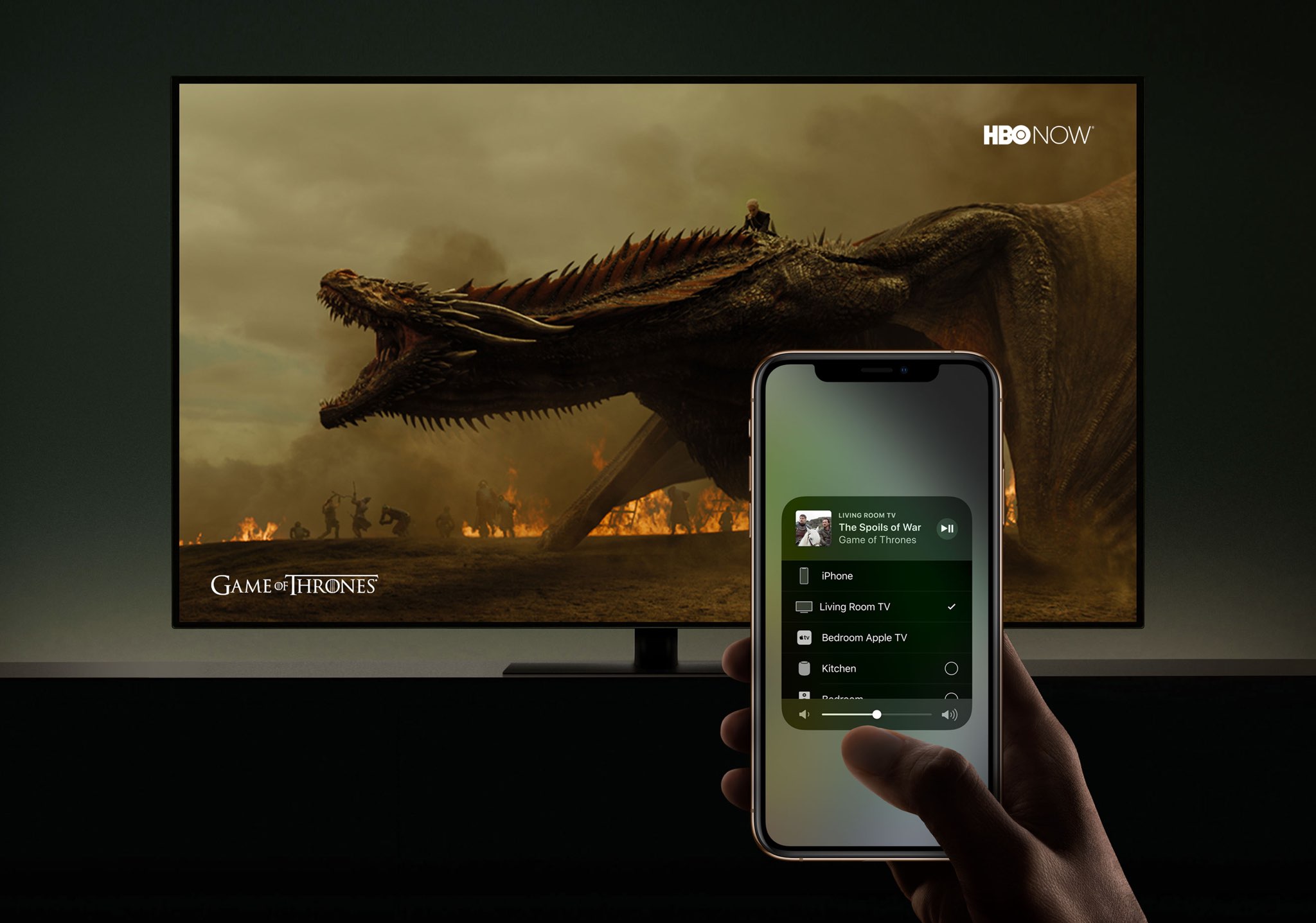
HomeKit support for Smart TVs shown in action

Developer Khaos Tian has managed to add his Smart TV to the Home app on the iOS 12.2 beta by hacking Apple's HomeKit protocol. As a result, he's discovered, screenshotted and capture on video some of the upcoming HomeKit features for Smart TV integration and control.

The best free apps for creating animated GIFs on iPhone

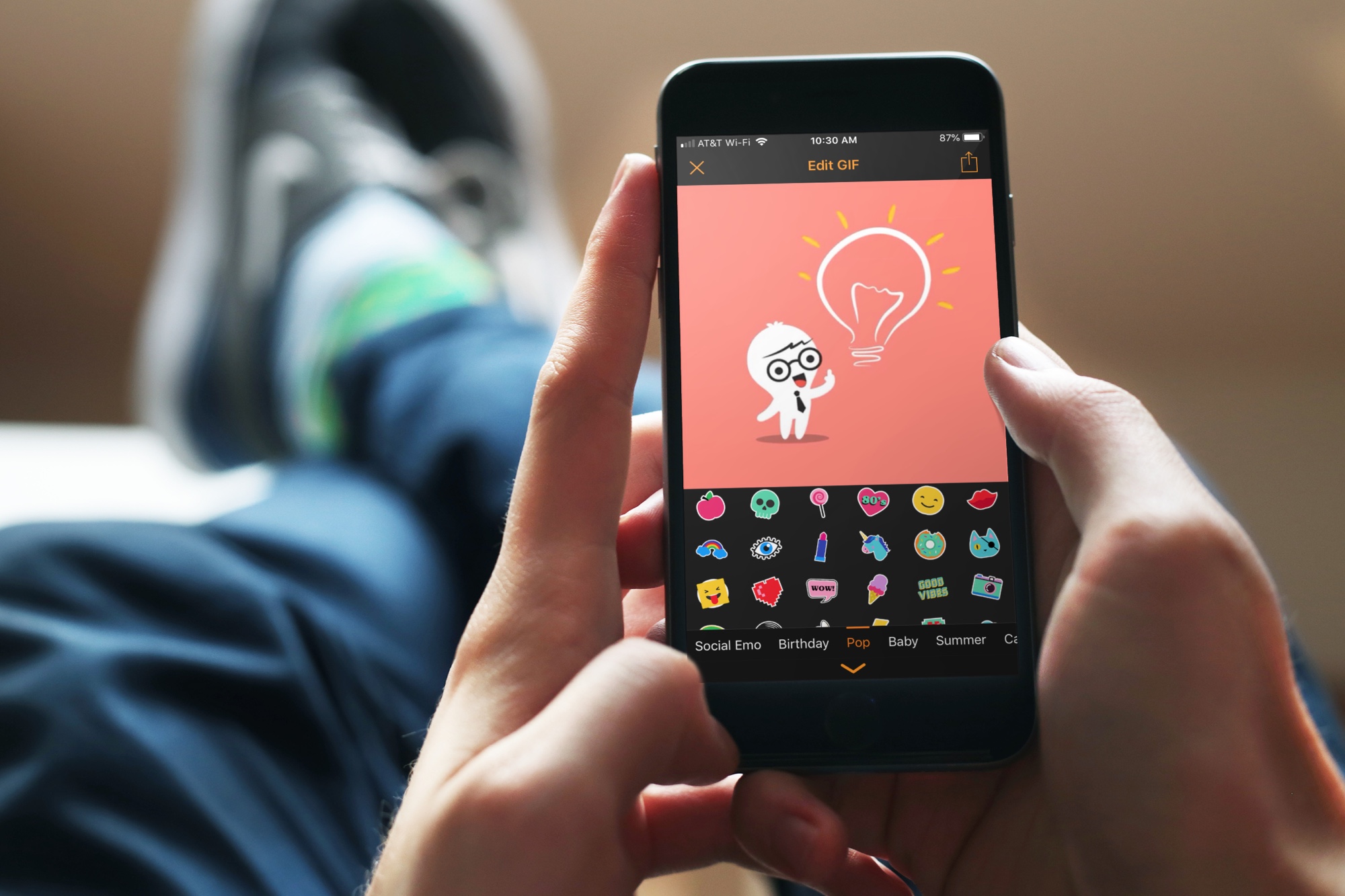
animated GIF apps iphone - GIF Maker

There are GIFs everywhere. We see them, save them, and share them from Facebook, Twitter, and even those we receive in Messages or Mail. So, if you want to have some fun, make something memorable, or just get creative with your photos and videos, why not make a GIF of your own?

These are the best free apps for creating animated GIFs on iPhone.

Ninth unc0ver v2.2.0 pre-release revision now available for public testing

acker and unc0ver lead developer Pwn20wnd pushed his ninth revision to the unc0ver v2.2.0 pre-release jailbreak tool for public testing on Friday. As you might come to expect, this revision incorporates minor bug fixes and improvements to help the beta process along.

We can gather from Pwn20wnd’s official GitHub changelog that this new revision brings the following changes:

Watch Apple’s short film celebrating the upcoming Chinese New Year

Ahead of Chinese New Year which falls on February 5, Apple's official YouTube channel yesterday released a short shot-on-iPhone film about the taste of home.

Titled "The Bucket" and done by acclaimed director Jia Zhangke, the video asks the question: "What gifts would your parents prepare when your Chinese New Year visit comes to an end?".

It invites the viewer to capture the taste of home this Chinese New Year with their iPhone.

The taste of home

And here it is.

https://www.youtube.com/watch?v=Eu-TqfxpfgU

Apple has also posted a pair of behind-the-scenes videos in which the author sheds some light on how slowing time with the Slo-mo camera feature makes emotions last longer.

https://www.youtube.com/watch?v=TRn6SutCmcU

"Use Slo-mo to prolong and savor the taste of home this Chinese New Year," Apple advises. In the following making-of video, Jia discusses bridging the gap between his subject matter and audience through the Depth Control feature.

https://www.youtube.com/watch?v=7lYFWtSIPiM

"Use Depth Control to get closer to the taste of home this Chinese New Year," says Apple.

Shot on iPhone, but...

These short films were all shot on the new iPhone XS.

As we saw with other Apple-commissioned clips, third-party accessories for filmmaking were most likely used in the making of these clips to stabilize footage, capture aerial scenes and more, with color-correction and editing likely done in professional video editing apps.

Prime examples of such professionally done videos include recent short films about a teenage athlete from American Samoa and Japan’s extravagantly decorated trucks, called "decotora," that attempt to highlight low-light photography improvements of the latest handsets.

Shot on iPhone contest

Three days ago, Apple announced a contest inviting iPhone users from around the globe to submit their best shots for a chance to be featured on billboards, in retail stores and online.

Submissions will be accepted from January 22 to February 7, and Apple says a panel of judges will be selecting 10 winning photos.

Apple to pay licensing fees

Responding to criticism by the artistic community that it will use select works from the winning iPhone photographers on billboards without compensation, Apple has since updated the content announcement to acknowledge that winning artists will be paid for their work.

"Apple believes strongly that artists should be compensated for their work," reads the updated press release. "Photographers who shoot the final 10 winning photos will receive a licensing fee for use of such photos on billboards and other Apple marketing channels."

What do you think about these new shot-on-iPhone ads?

Let us know in the comments down below.
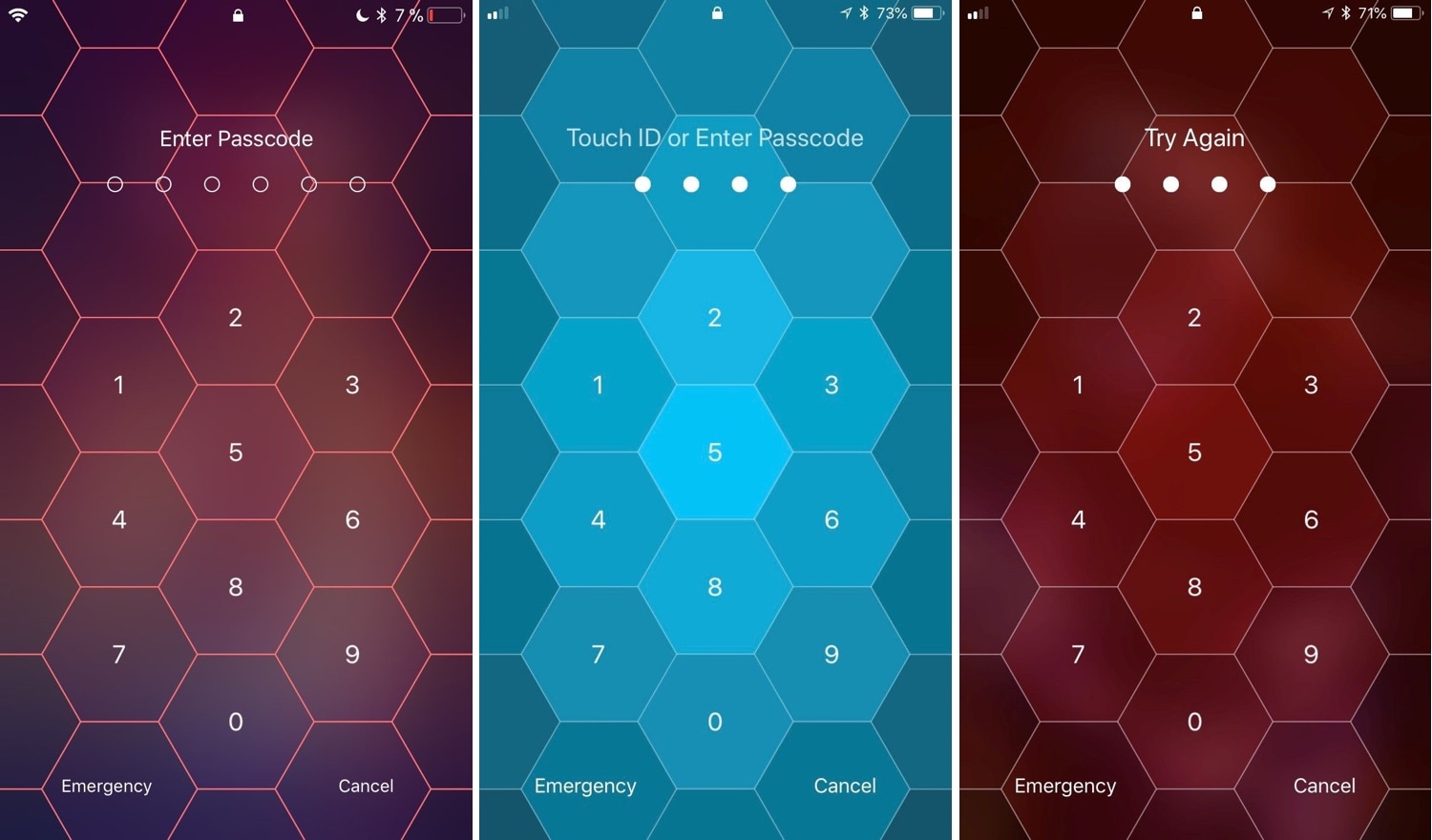
Hive: A hexagonal take on the iPhone’s passcode interface

I use Face ID and/or Touch ID so often these days that I’ve all but forgotten what it’s like to need to enter a passcode manually. Still, iOS occasionally asks for it, such as after rebooting your handset and following a multi-day timeout period. That said, you'll still stumble upon the passcode entry screen at one point or another.

And that brings me to my next point; if you’re jailbroken, then you might want to customize the look and feel of your passcode entry screen. Fortunately, there’s a new jailbreak tweak in town that will let you do that.

Set iPhone wallpapers that change throughout the day with AutoWall

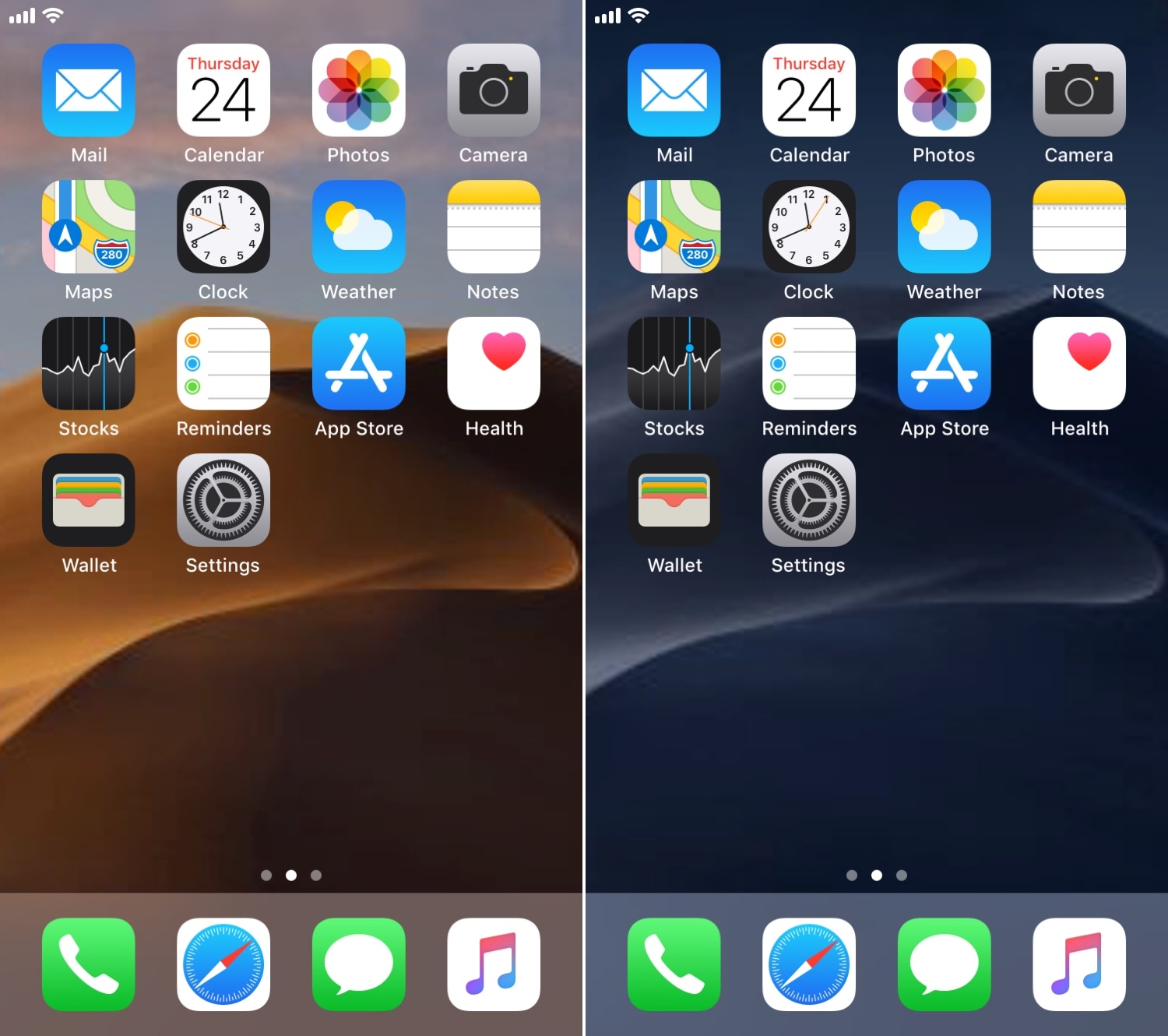
One of my favorite features in macOS Mojave is the dynamic wallpaper, which changes from a daytime desert landscape during the day to a nighttime desert landscape come nightfall. Apple is evidently capable of implementing something like this on the iOS platform as well, but they haven’t yet; and there’s no guarantee they ever will.

Fortunately, jailbreakers don’t need to wait. A free jailbreak tweak called AutoWall by iOS developer Julio Verne lets you have time-centric dynamic wallpapers on your iPhone or iPad – perfect for replicating macOS Mojave’s treasured feature on the iOS platform.