iPhone

Stay up-to-date on the latest iPhone news and learn new tips and tricks with our comprehensive tutorials. From software updates to new features, we’ve got you covered.

NotifyWiFi X notifies you when your handset jumps to a new Wi-Fi network

It’s normal for your iPhone or iPad to automatically bounce from one Wi-Fi network to another as you migrate from one location to the next, and sometimes that involves unsecured public Wi-Fi networks. With that in mind, wouldn’t it be nice if iOS notified you whenever it connects to a new Wi-Fi network?

If you’re thinking along the same lines that I am, then you might take a liking to a newly-released jailbreak tweak dubbed NotifyWiFi X by iOS developer ichitaso. Much like the name implies, NotifyWiFi X promises to let you know whenever your handset connects to a different Wi-Fi network, and it even provides a plethora of options beyond that.

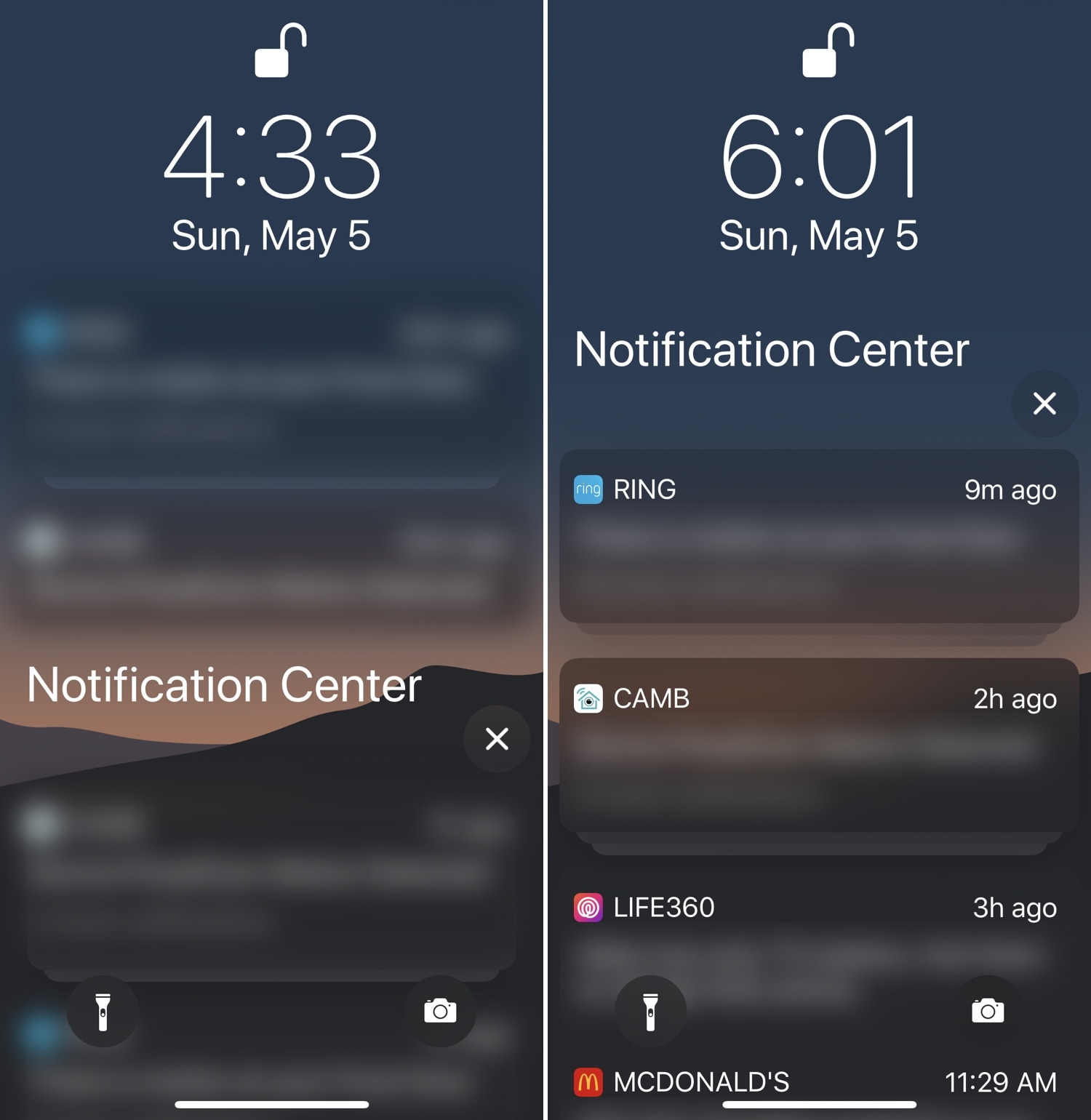
This tweak can customize Notification Center’s ‘No Older Notifications’ text

Apple designed iOS’ Notification Center to display the text string ‘No Older Notifications’ if you don’t have any pending notifications that you haven’t already acknowledged. But isn’t it obvious enough that you don’t have any older notifications if Notification Center isn’t displaying any?

Given the apparent redundancy on Apple’s part, iOS developer YaYPIXXO has released a new free jailbreak tweak called CustomNoOlderNotifications that lets users modify Notification Center’s ‘No Older Notifications’ text string to display anything they want.

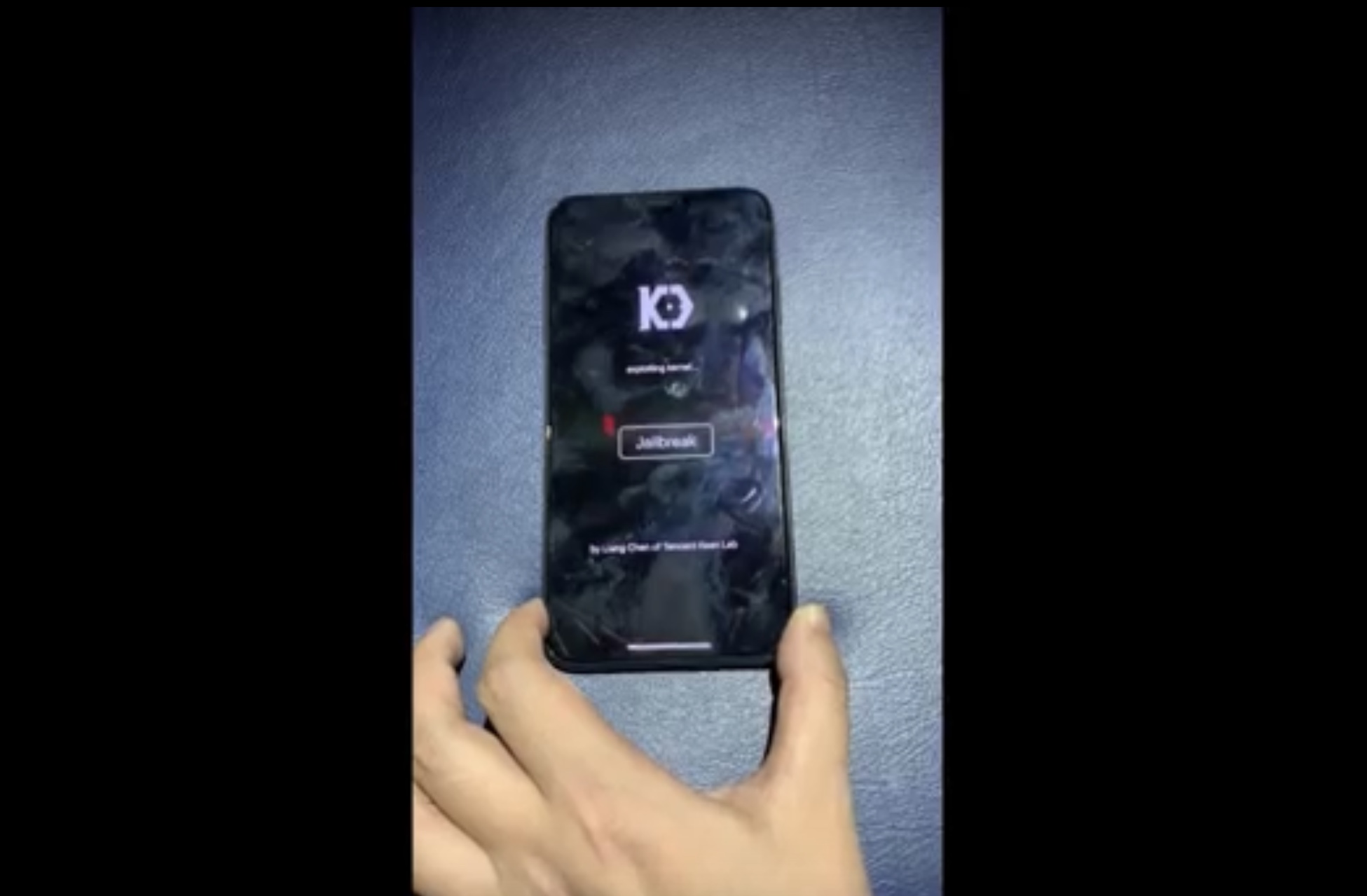
Pwn20wnd confirmed to be working on Substitute for A12(X) devices with unc0ver

Just last week, Saurik advised the jailbreak community not to hold its breath for an A12(X)-compatible Cydia Substrate, but that doesn’t mean that team unc0ver won’t release a full A12(X)-compatible jailbreak; in fact, the contrary appears to be true.

In the absence of Cydia Substrate on A12(X) platforms and with little or no indication that it’ll ever be updated to support them, hacker and unc0ver lead developer Pwn20wnd embarked on a new challenge – one that involves implementing an improved Substitute for A12(X) handsets specifically while continuing to use Cydia Substrate for tweak injection on pre-A12(X) devices.

AutoInvert automatically toggles Smart Invert based on your display brightness level

A hidden accessibility feature on your iPhone called Smart Invert lets you enjoy a Dark Mode-like experience on your handset on demand, but you still need to invoke it manually if you wish to use it.

With that in mind, iOS developer Cole Cabral has just released a new jailbreak tweak in Cydia called AutoInvert that automatically facilitates your handset’s Smart Invert feature based on your current display brightness level.

Augment iOS’ native power down interface with ModernPower

Pressing and holding a certain button sequence on your iOS device (the sequence varies depending on the device) invokes the power down menu from which you can easily turn your handset off. Unfortunately, iOS’ native power down menu has an ongoing reputation for being somewhat ‘featureless.’

In an attempt to change that, iOS developer conorthedev released a new free jailbreak tweak called ModernPower, which gives iOS’ native power down menu a modern facelift and supercharges it with additional features that you won’t find out of the box on a stock device.

The best iPhone emoji keyboard apps

Best emoji keyboards for iPhone - FancyKey

These days, using emojis when sending text messages is the norm. You can say about anything with an emoji instead of text from “I love you” to “Let’s grab a burger.” And your iPhone is packed with tons of them to use. But there are apps that take these handy little smileys to another level.

You can send emojis that are arranged in a picture, those that you edit yourself, and many that you won’t find on your iPhone by default. If you want to step it up with your emojis, here are the best iPhone emoji keyboard apps.