iPhone

Stay up-to-date on the latest iPhone news and learn new tips and tricks with our comprehensive tutorials. From software updates to new features, we’ve got you covered.

AutoInvert automatically toggles Smart Invert based on your display brightness level

A hidden accessibility feature on your iPhone called Smart Invert lets you enjoy a Dark Mode-like experience on your handset on demand, but you still need to invoke it manually if you wish to use it.

With that in mind, iOS developer Cole Cabral has just released a new jailbreak tweak in Cydia called AutoInvert that automatically facilitates your handset’s Smart Invert feature based on your current display brightness level.

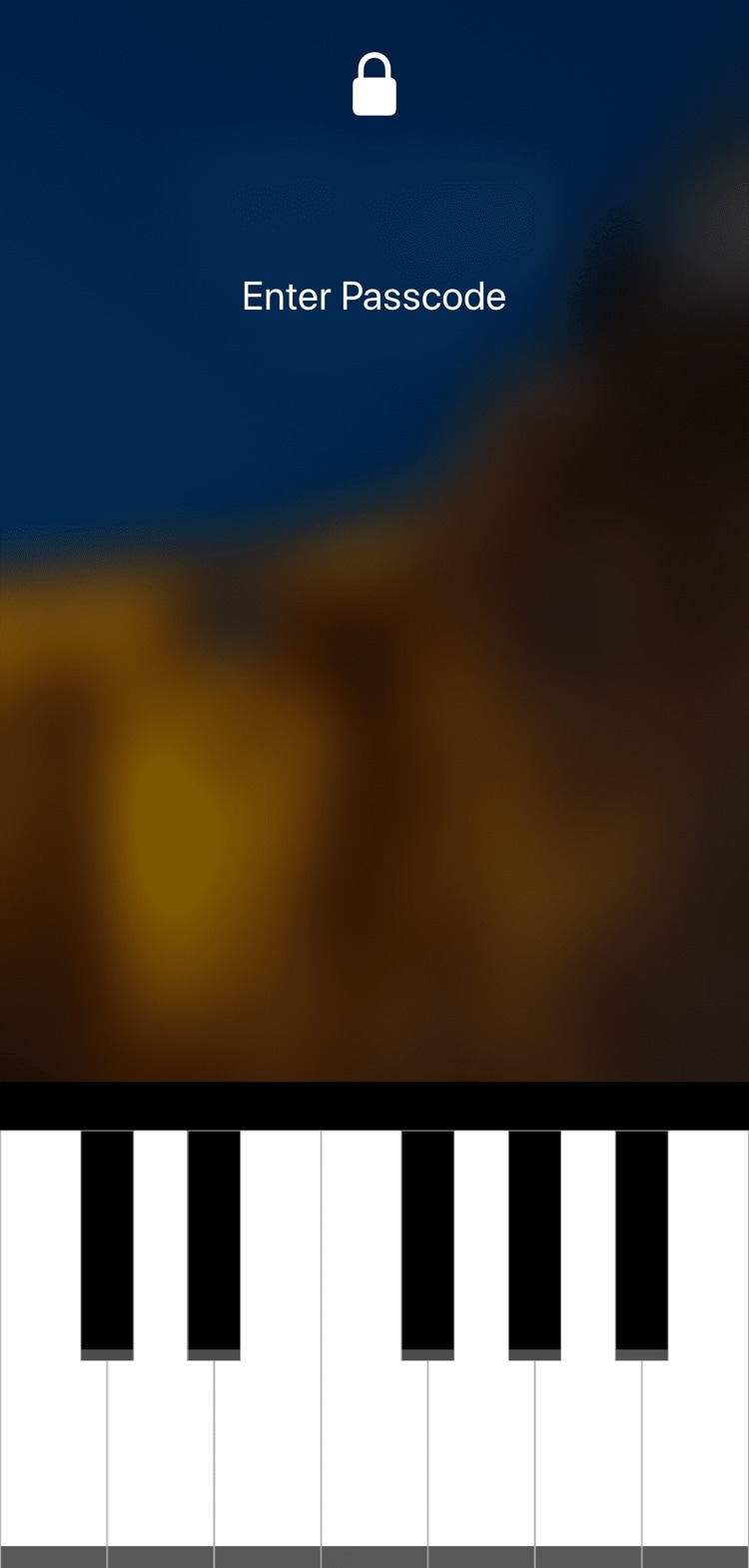
Augment iOS’ native power down interface with ModernPower

Pressing and holding a certain button sequence on your iOS device (the sequence varies depending on the device) invokes the power down menu from which you can easily turn your handset off. Unfortunately, iOS’ native power down menu has an ongoing reputation for being somewhat ‘featureless.’

In an attempt to change that, iOS developer conorthedev released a new free jailbreak tweak called ModernPower, which gives iOS’ native power down menu a modern facelift and supercharges it with additional features that you won’t find out of the box on a stock device.

The best iPhone emoji keyboard apps

Best emoji keyboards for iPhone - FancyKey

These days, using emojis when sending text messages is the norm. You can say about anything with an emoji instead of text from “I love you” to “Let’s grab a burger.” And your iPhone is packed with tons of them to use. But there are apps that take these handy little smileys to another level.

You can send emojis that are arranged in a picture, those that you edit yourself, and many that you won’t find on your iPhone by default. If you want to step it up with your emojis, here are the best iPhone emoji keyboard apps.

InstaLauncher helps you launch any app on your device in a jiff

One of my favorite parts about jailbreaking over the years has been installing custom app launchers that make accessing my apps easier. There haven’t been that many tweaks of this nature in recent memory, and that’s why I’m excited to show you the rebirth of a classic jailbreak tweak dubbed InstaLauncher by iOS developer Jonathan Winger-Lang.

InstaLauncher has been around for several years, but it was just recently re-released with full support for the latest Electra and unc0ver jailbreaks encompassing iOS 11 and iOS 12. Those who remember the original tweak should see InstaLauncher for what it is: a tweak that lets you launch any app on your device in a jiff without having to scour multiple Home Screen pages.

PingWatch gives your iPhone a more audible Lost and found tone

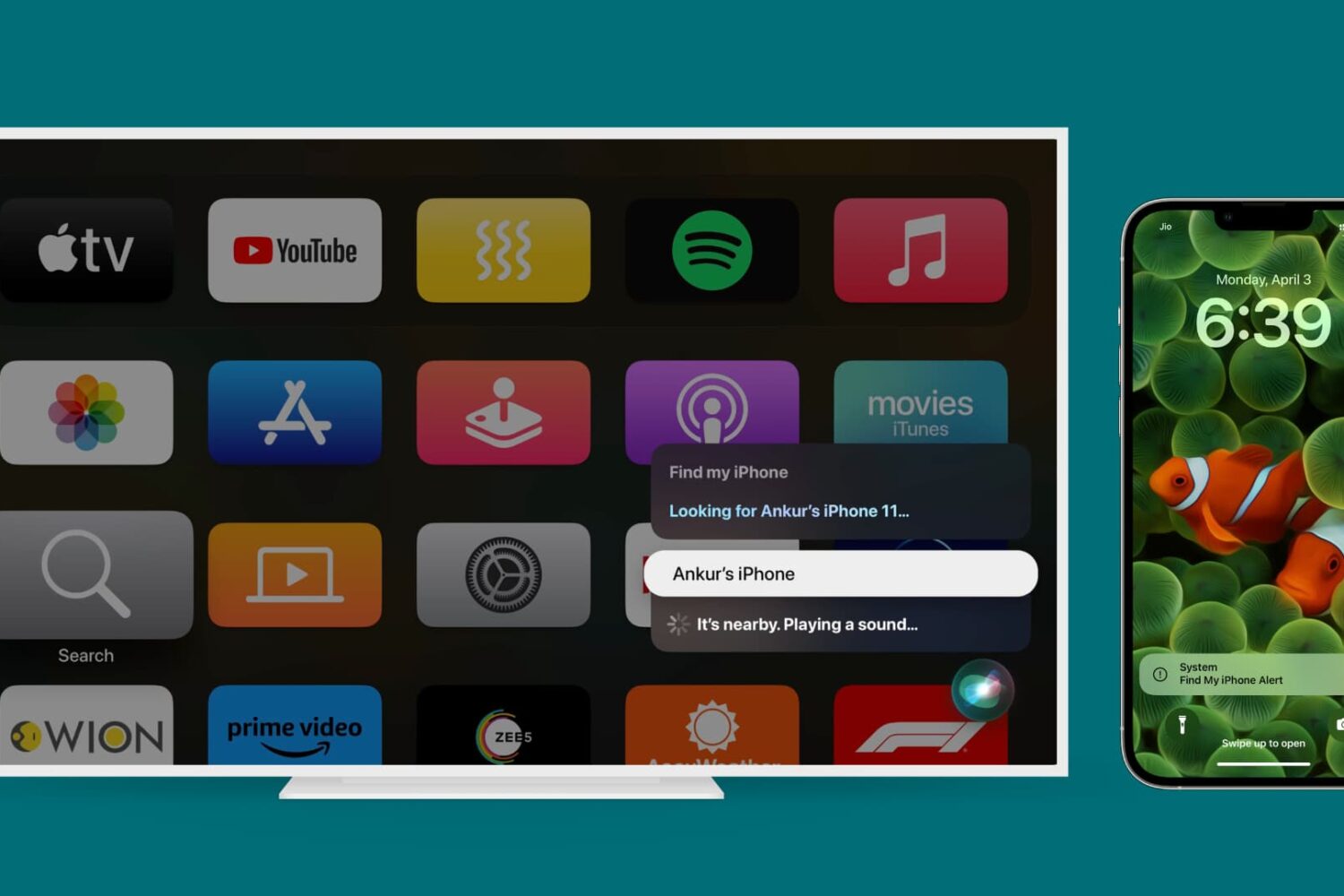
Sometimes you misplace your iPhone and it’s merely hiding in between the seat cushions on your couch rather than being lost out in public, and that’s why Apple includes a native feature on your Apple Watch called Lost and found, which forces your iPhone to emit a high-frequency sonar tone so that you can locate it with just your ears.

As cool as this feature is, many have expressed their concerns with the sound, noting that it isn’t loud or noticeable enough. Apple’s response to these concerns? – such is life. But iOS developer Lefteris Karkaletsis wanted to do more, and so he released a new jailbreak tweak called PingWatch to replace the native Lost and found tone with something more audible.

Unc0ver v3.0.1 released with important stability fix & more

The unc0ver jailbreak tool for iOS 11.0-12.1.2 was updated on Tuesday to version 3.0.1 as an incremental update from the previous release, which spent several months evolving over the course of 50-something beta updates.

Pwn20wnd announced the update via Twitter Tuesday afternoon, noting that unc0ver v3.0.1 contained important bug fixes in addition to miscellaneous improvements:

Electra Team and Pwn20wnd issue status updates regarding the A12(X) jailbreak

Despite the unforeseen bombshell that Saurik recently dropped on the jailbreak community regarding the much-anticipated Cydia Substrate update for A12(X) devices, this hasn’t stopped talented hackers such as those from the Electra and unc0ver jailbreak teams from devising workarounds to ensure that the community gets its cake and eats it too.

The unc0ver jailbreak is perhaps the most impacted jailbreak from the ordeal, as Electra uses Substitute instead of Cydia Substrate. And for that reason, we consider the following words from hacker and unc0ver lead developer Pwn20wnd be to be somewhat significant given the times we’re in:

ReachIt puts a Now Playing music interface in the empty Reachability space

Modern iPhones have become so massive that it’s becoming a challenge to operate them one-handed. For this reason, Apple implemented a feature in iOS called Reachability that pulls the contents of your display farther down so you can reach them with your thumb.

On any stock device, the Reachability interface leaves a large gap of unused space at the top of your display, but a new free jailbreak tweak called ReachIt by iOS developer Nepeta makes use of that wasted screen real estate by incorporating a Now Playing music interface into it.

Improve your iPhone’s multitasking capabilities with PullOver Pro

Multitasking is something that the iOS platform has always fallen short on, and that’s precisely why we’re excited to talk to you about a newly-released jailbreak tweak called PullOver Pro by iOS developer c1d3r.

As you might’ve noticed from the screenshot examples above, PullOver Pro is exactly what it sounds like. The tweak adds a small grabber to the side of your display that you can interact with to gain quick access to your favorite or most recently-used apps.