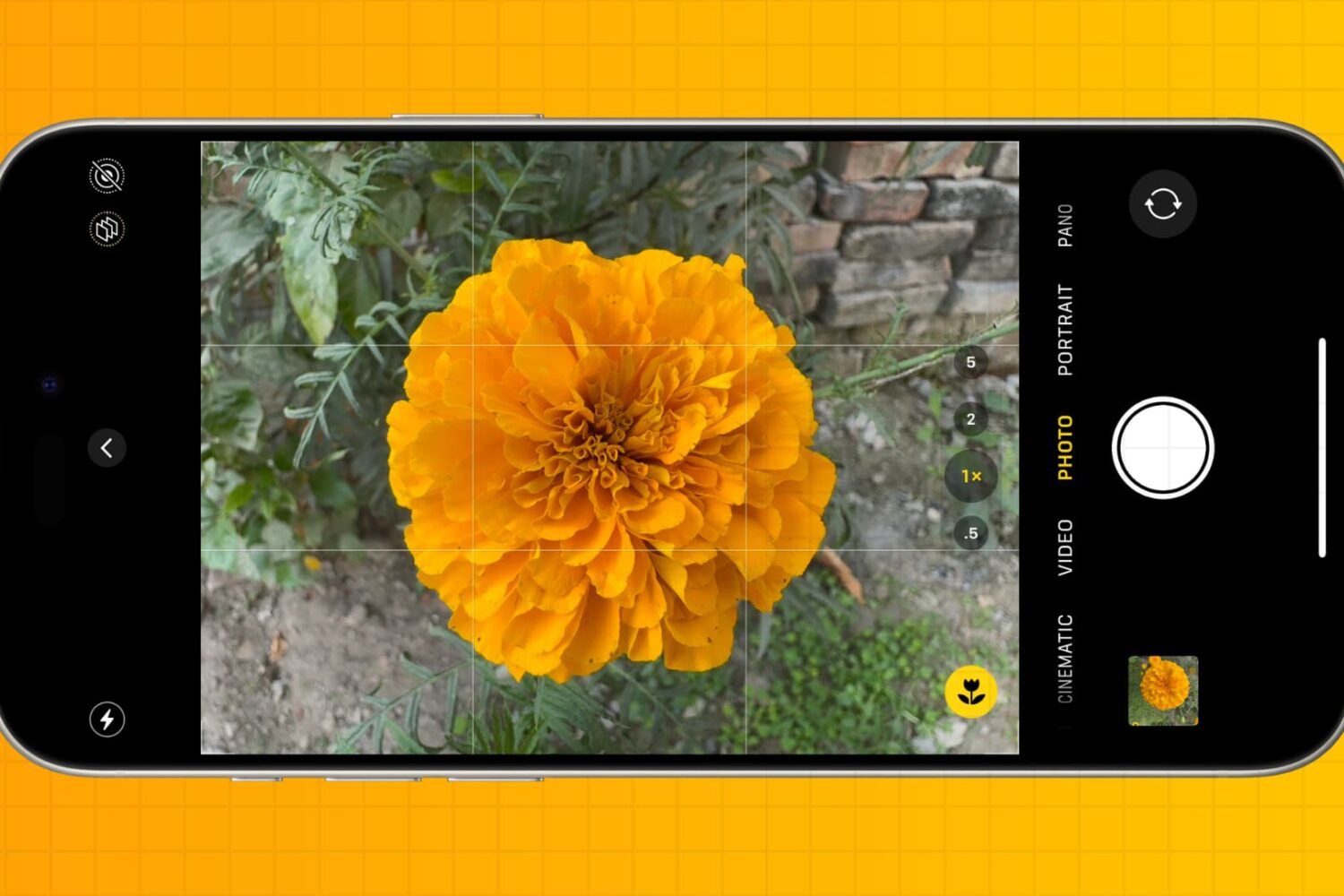
You don’t have to be a professional photographer to take amazing photos. Check out these five quick iPhone camera tips to make a few tweaks and capture better pictures every time.
5 essential iPhone camera tips for beginners and non-photographers
Stay up-to-date on the latest iPhone news and learn new tips and tricks with our comprehensive tutorials. From software updates to new features, we’ve got you covered.
You don’t have to be a professional photographer to take amazing photos. Check out these five quick iPhone camera tips to make a few tweaks and capture better pictures every time.
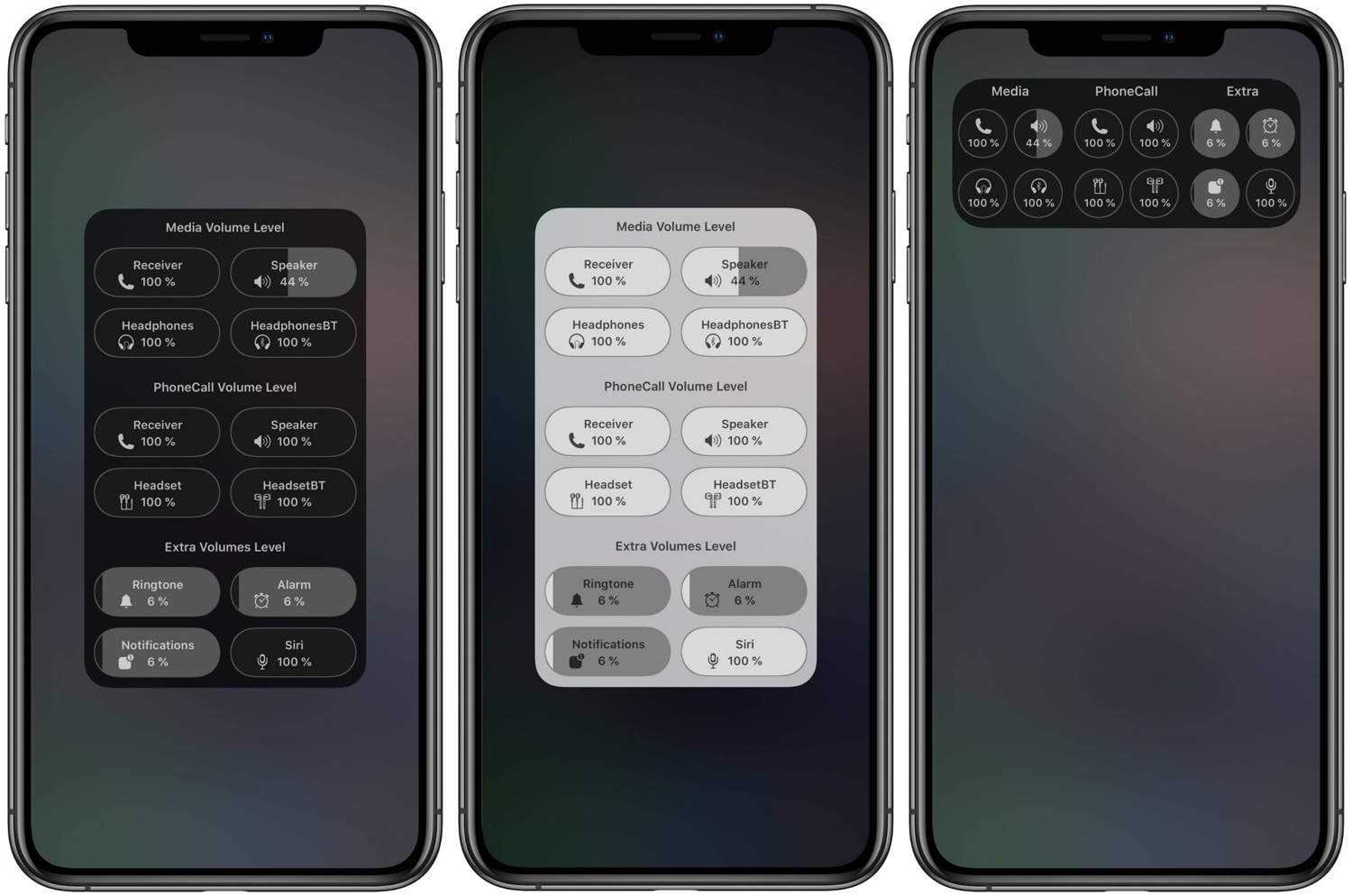
Depending on your surroundings, you might fine-tune your handset’s volume level so that you can hear music, videos, or even voice messages and phone calls. In most cases, we do this by pressing the volume up or down buttons on the side of the device, or perhaps by opening Control Center and dragging the slider to a comfortable listening level.
What many people don’t know, however, is that iOS & iPadOS play host to several different volume level settings. One of those controls your media playback volume, while another controls your phone call volume. You also have individual volume levels for connected Bluetooth devices, notification sounds, and even Siri’s voice.
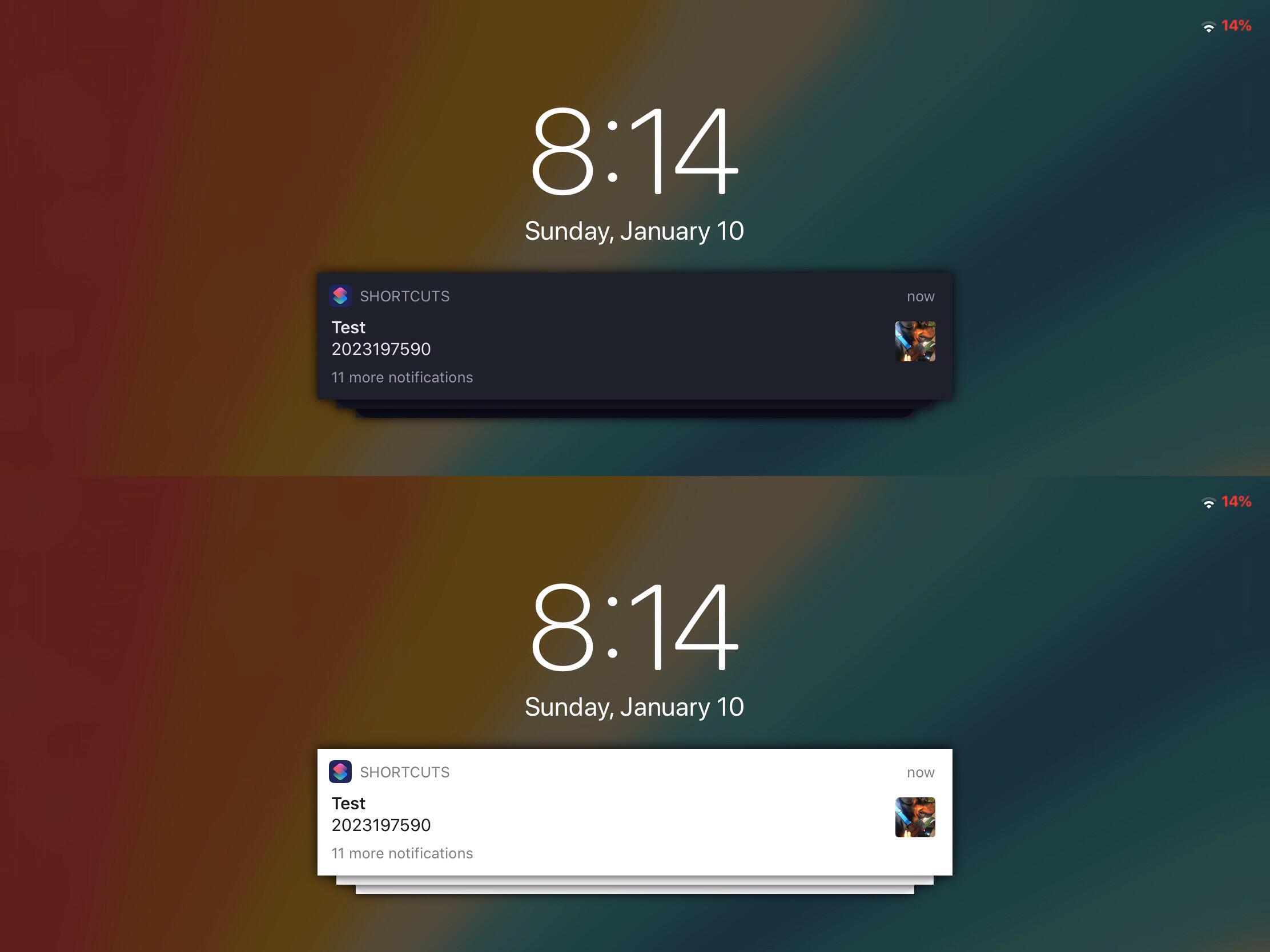
Banner notifications are a critical component of the notification system found on iPhones, iPod touches, and iPads. Whenever you miss a notification, regardless of which app it’s coming from, the operating system displays a banner to keep you in the loop of what’s going on.
Like many things in Apple’s fully integrated software ecosystem, banner notifications aren’t aesthetically customizable. With that in mind, it’s easy to see why banner notifications are often the topic of interest with respect to jailbreak tweaks.

If you use the unc0ver jailbreak, then you might recall a Substitute update that was released just yesterday evening, bringing the tweak injection package up to version 2.0.4. It was just one of several updates to be released since Substitute received its major v2.0 rebranding shortly after the start of the new year, but it would be far from the last…
This Thursday evening, Substitute received yet another update. The package now sports the version number 2.0.5, however for the average jailbreaker, this update isn’t quite as imperative as yesterday’s would have been.
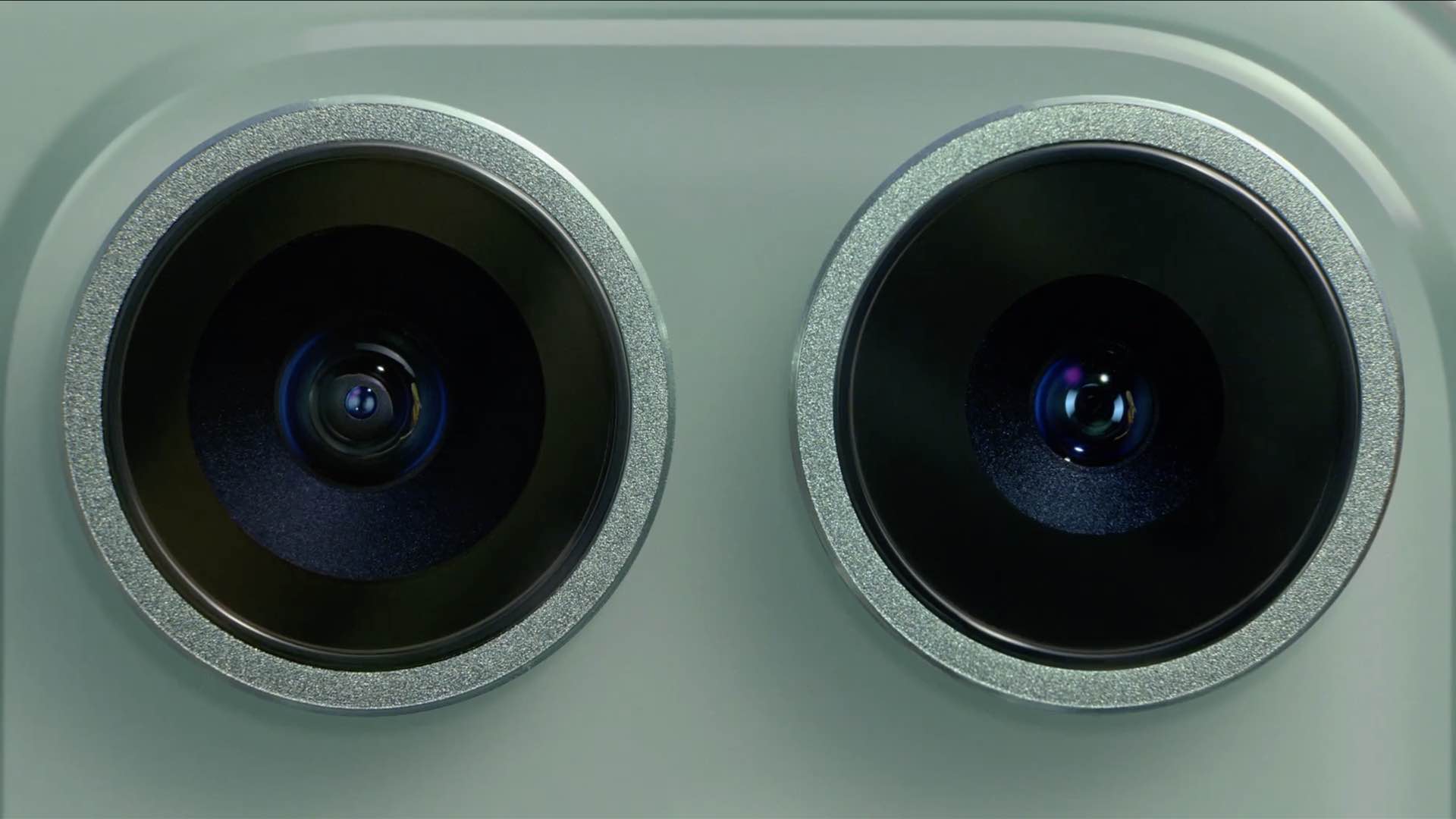
Your iPhone may soon put up a warning if it detects that the camera has been repaired or replaced with aftermarket parts rather than with genuine Apple components.
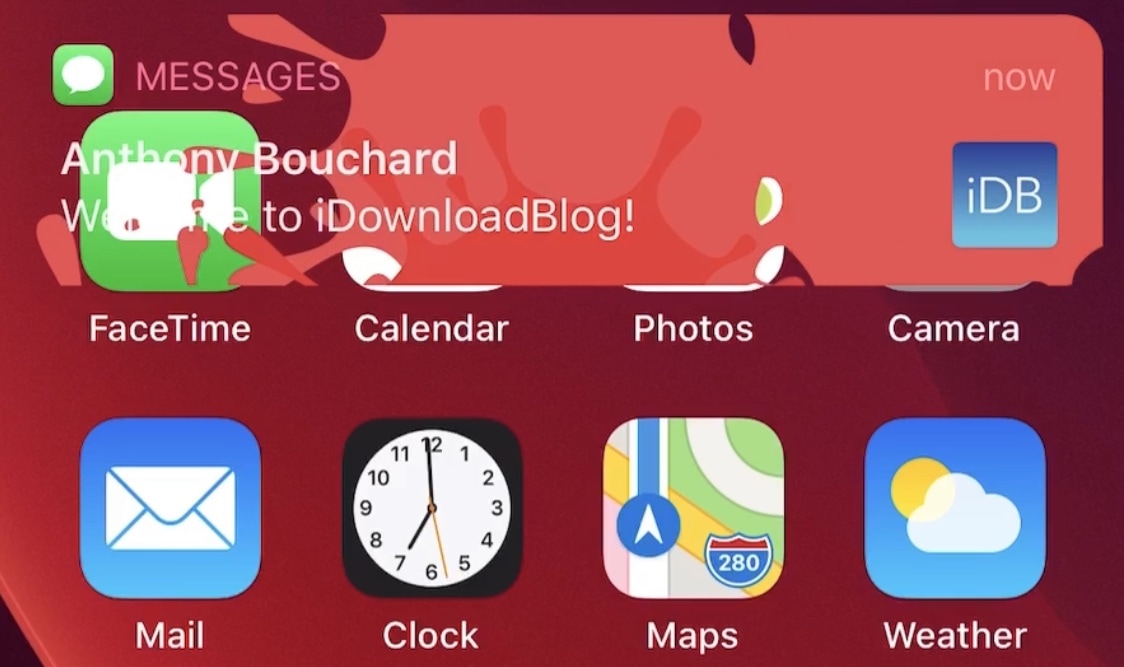
Since the start of January, we’ve witnessed and covered a number of jailbreak tweak releases intended to port fun and quicky Lottie-style notifications to the iOS and iPadOS platforms.
LottieLockscreen was the first of such releases, and as the name implies, it offered Lottie-style animations for the Lock Screen. A few days later, LottieStatusBar became available, and it brought similar animations to the Status Bar. Today, we’re looking at another addition to the Lottie tweak family.
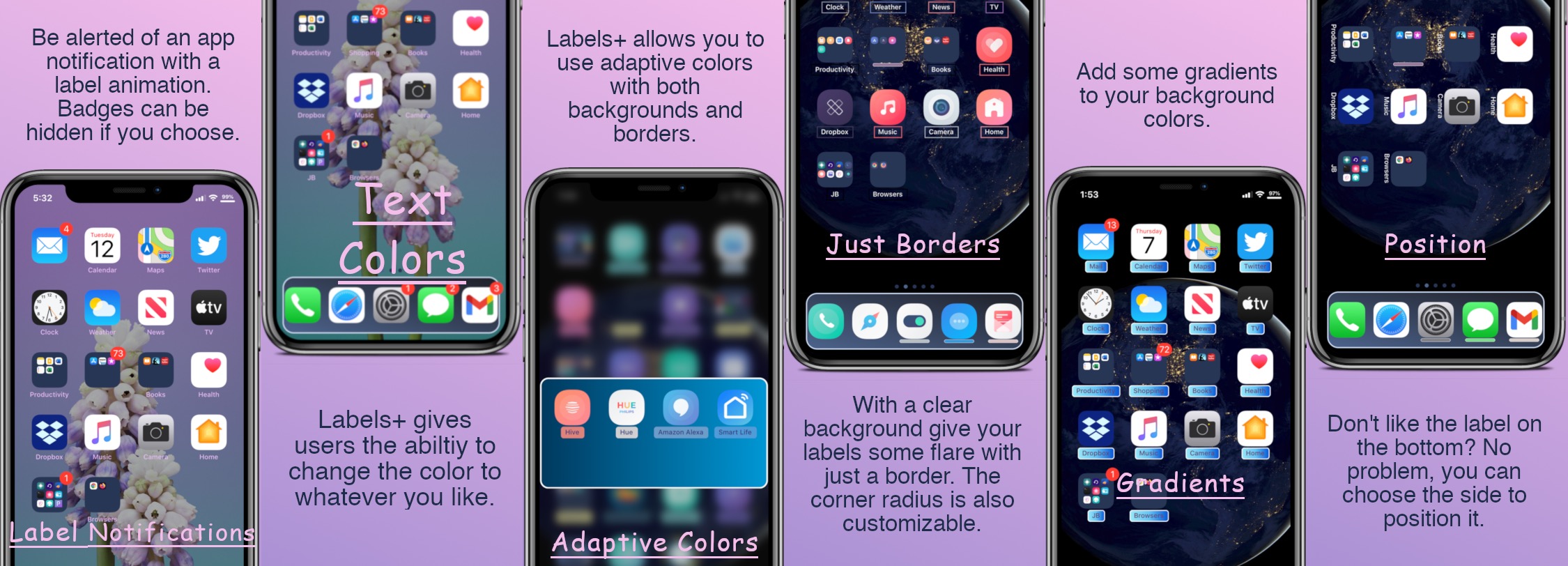
One of the things we just can’t help but notice about the Home Screen is the fact that each individual app icon sports its own label — typically designating the respective app’s name.
Apple doesn’t provide users with much customization when it comes to the Home Screen’s app icon labels. The only arguable exceptions are that the icon labels may switch between black and white depending on the color of the Home Screen’s wallpaper and that users may embolden the app icon labels by enabling bold text system-wide.
If you’ve been paying attention to the unc0ver team as of late, then you likely caught wind of the team’s plans in November to release Substitute version 2.0 with significant speed and performance improvements. Substitute is the primary tweak injection method used by the unc0ver jailbreak, which means that it loads user-installed jailbreak tweaks and extensions.
The unc0ver team’s plans were realized just last week after Sam Bingner unleashed the update on his personal repository, which comes pre-added to Cydia out of the box on the unc0ver jailbreak. While the update was somewhat shaky for a small subset of users at first, a couple of smaller subsequent Substitute updates quickly addressed that.
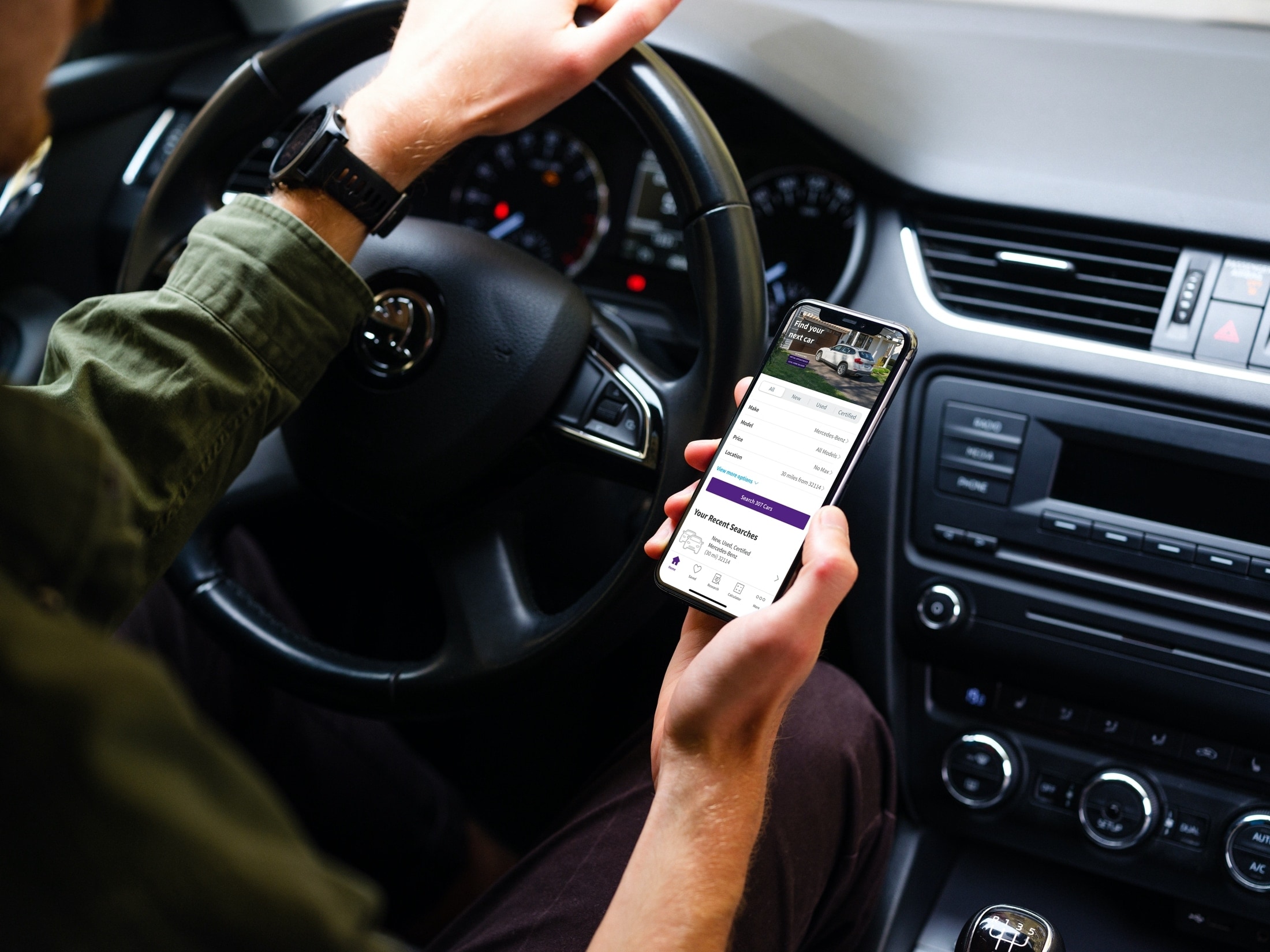
Things certainly have changed when it comes to shopping. You no longer have to deal with traffic, crowds, and checkout lines. You can buy almost anything you want online or from an app. So when you’re ready to purchase a new vehicle, why not do it the same way?
Now of course, you’ll want to see that car in person, take it for a test drive, and make sure it’s in great condition, especially if it’s used. But you can get a jumpstart on your vehicle purchase with a handy app on your iOS device.
These car buying apps for iPhone and iPad let you find the right vehicle for you before you head out the door to see it. Instead of traveling from one car lot to another, check out these convenient apps for finding a new vehicle.
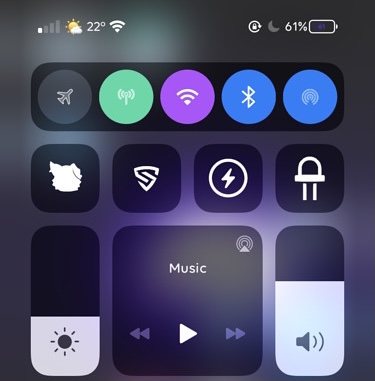
One of my favorite elements of Control Center is the connectivity module, which resides on the top shelf of the interface and provides nearly all of the toggle buttons for my handset’s wireless radios, including Bluetooth, Cellular, Wi-Fi, and a handy button for immediate access to Airplane Mode, among other things.
As much as I like the connectivity module in terms of its functionality, I’ve always thought that it would be more exciting if Apple provided a way for users to colorize the user experience to suit their tastes. While it doesn’t seem that Apple shares the same interests that I do, a free jailbreak tweak dubbed Aestea Revived by iOS developers Litten and Luki120 certainly hits close to home on the subject.
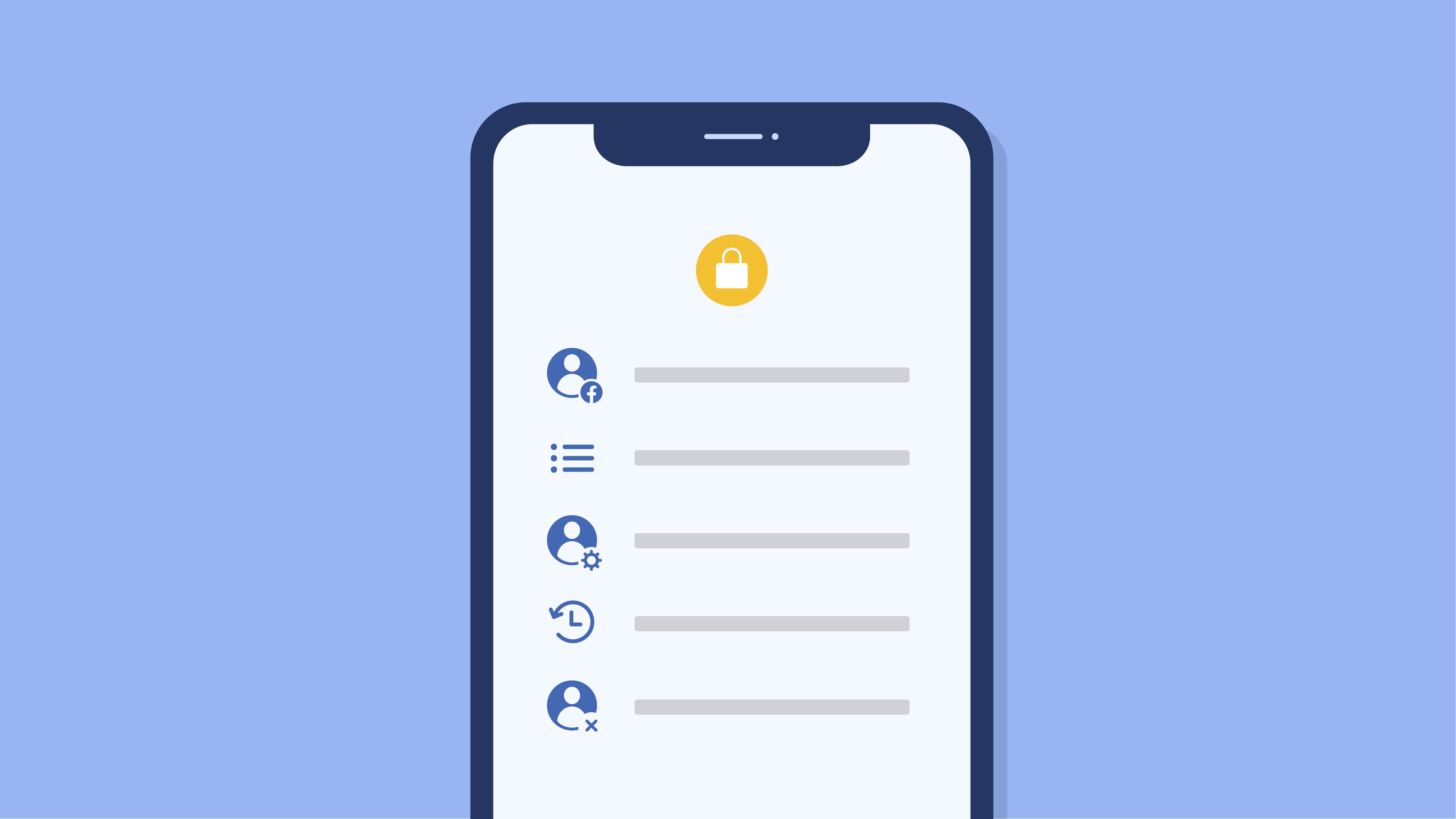
Facebook has given its feature for downloading account data, dubbed “Access Your Information”, a fresh new coat of paint whilst adding several new capabilities, including seeing how the social network has used your information to personalize your experience.