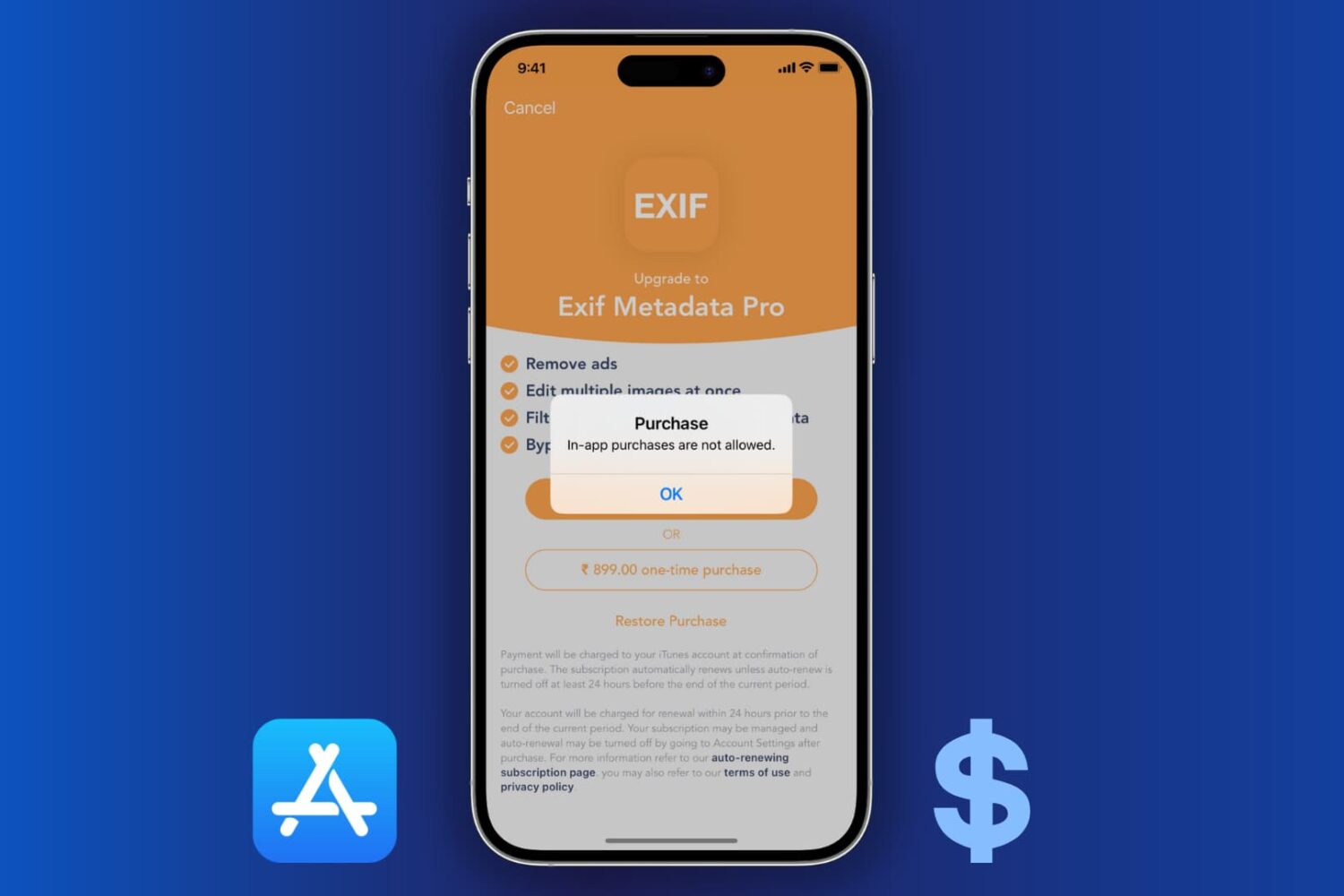
Learn how to block the ability to purchase content in apps on your or your kid’s iPhone, iPad, or Apple TV to avoid unwanted spending and bill shock.
How to turn off in-app purchases for iPhone, iPad, and Apple TV
Stay up-to-date on the latest iPhone news and learn new tips and tricks with our comprehensive tutorials. From software updates to new features, we’ve got you covered.
Learn how to block the ability to purchase content in apps on your or your kid’s iPhone, iPad, or Apple TV to avoid unwanted spending and bill shock.
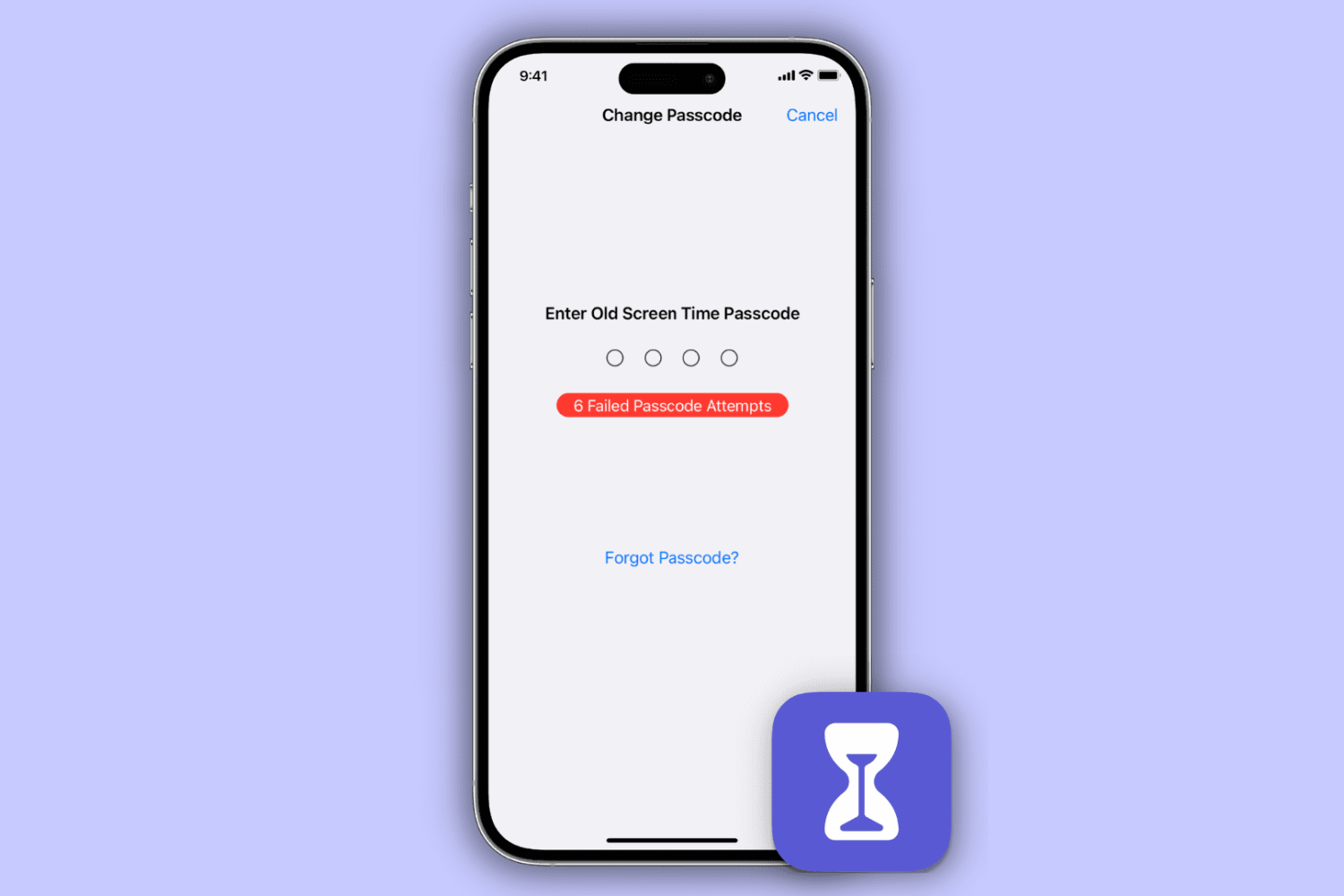
Learn how to reset your Screen Time passcode if you have forgotten it, whether for your own Apple devices or your child’s iPhone, iPad, or Mac.
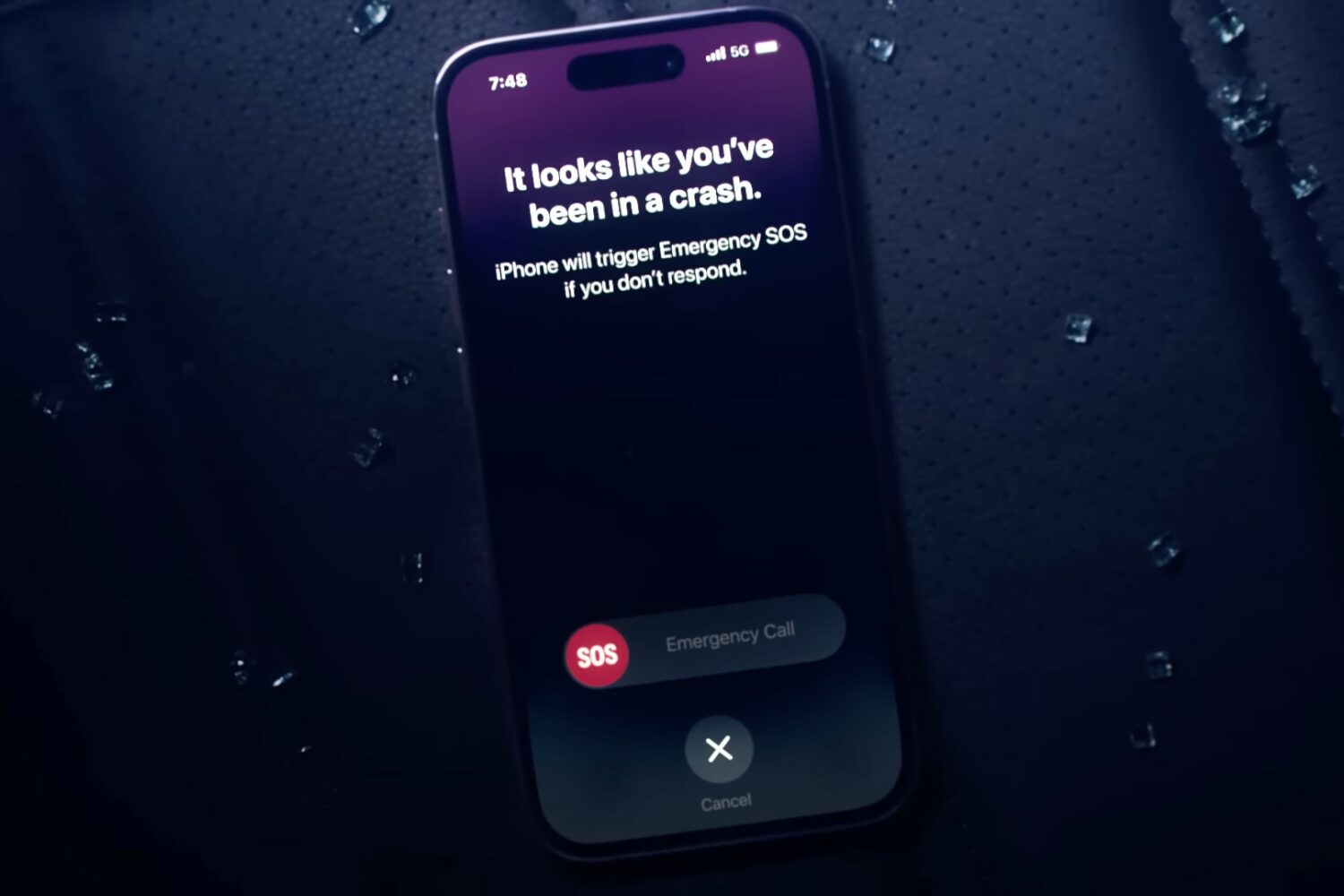
The iPhone's Crash Detection feature automatically falls back to Emergency SOS via satellite when outside of Wi-Fi or cellular coverage.
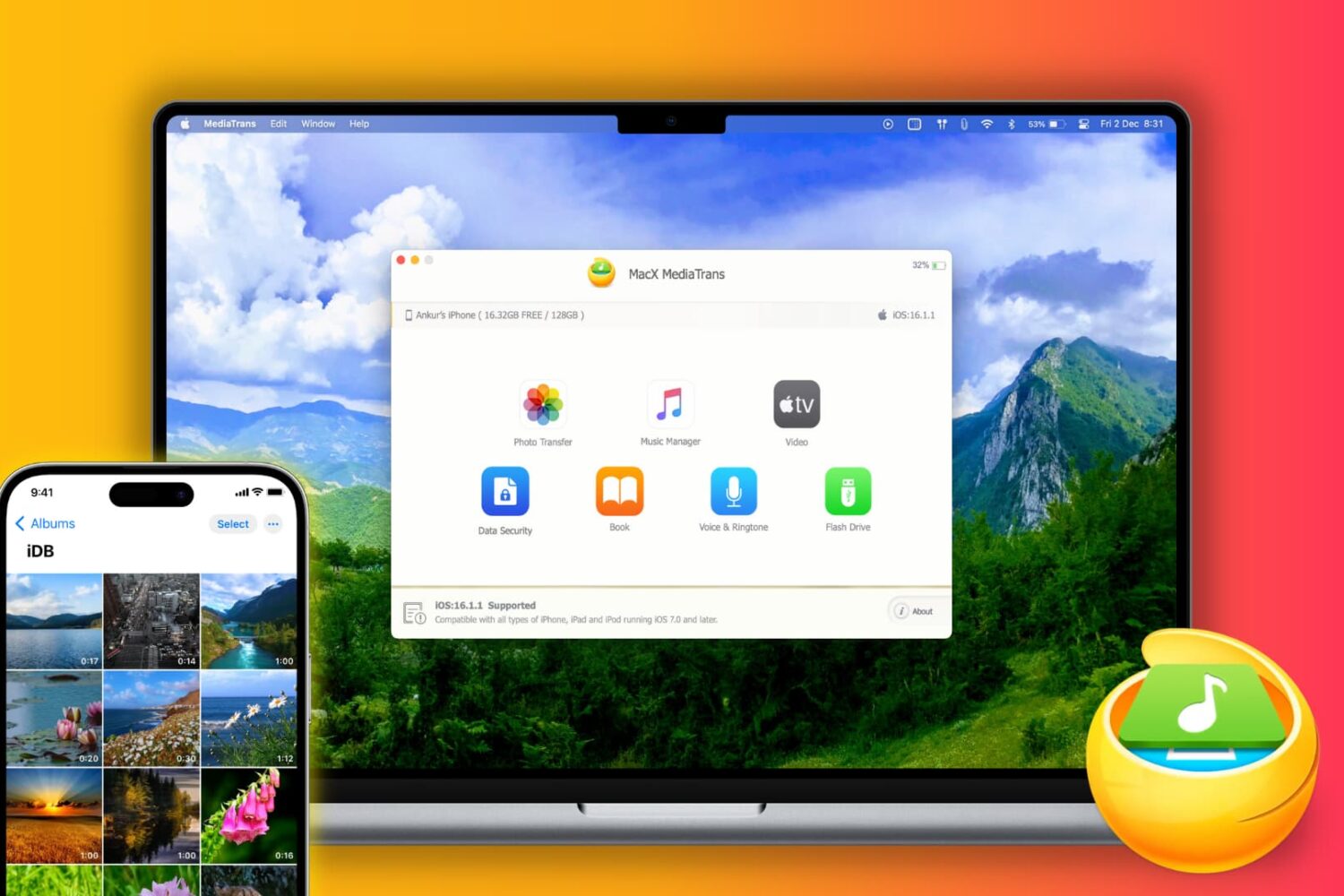
Do you regularly transfer photos, videos, songs, books, and other files from your iPhone or iPad to your Mac? You may do this for backup purposes, to free up space on your primary iPhone, or move data while switching to a new phone. In order to make your iOS to computer transfers effortless, you should try MacX MediaTrans on your Mac or WinX MediaTrans on your Windows PC.
Let us tell you more about the app's Mac version and a limited-time giveaway where you can win free licenses for either MacX MediaTrans or WinX MediaTrans!

iOS 16.3 provides a new visual guide to educate users on how to use the Handoff feature to transfer music and other audio between their iPhone and HomePod.
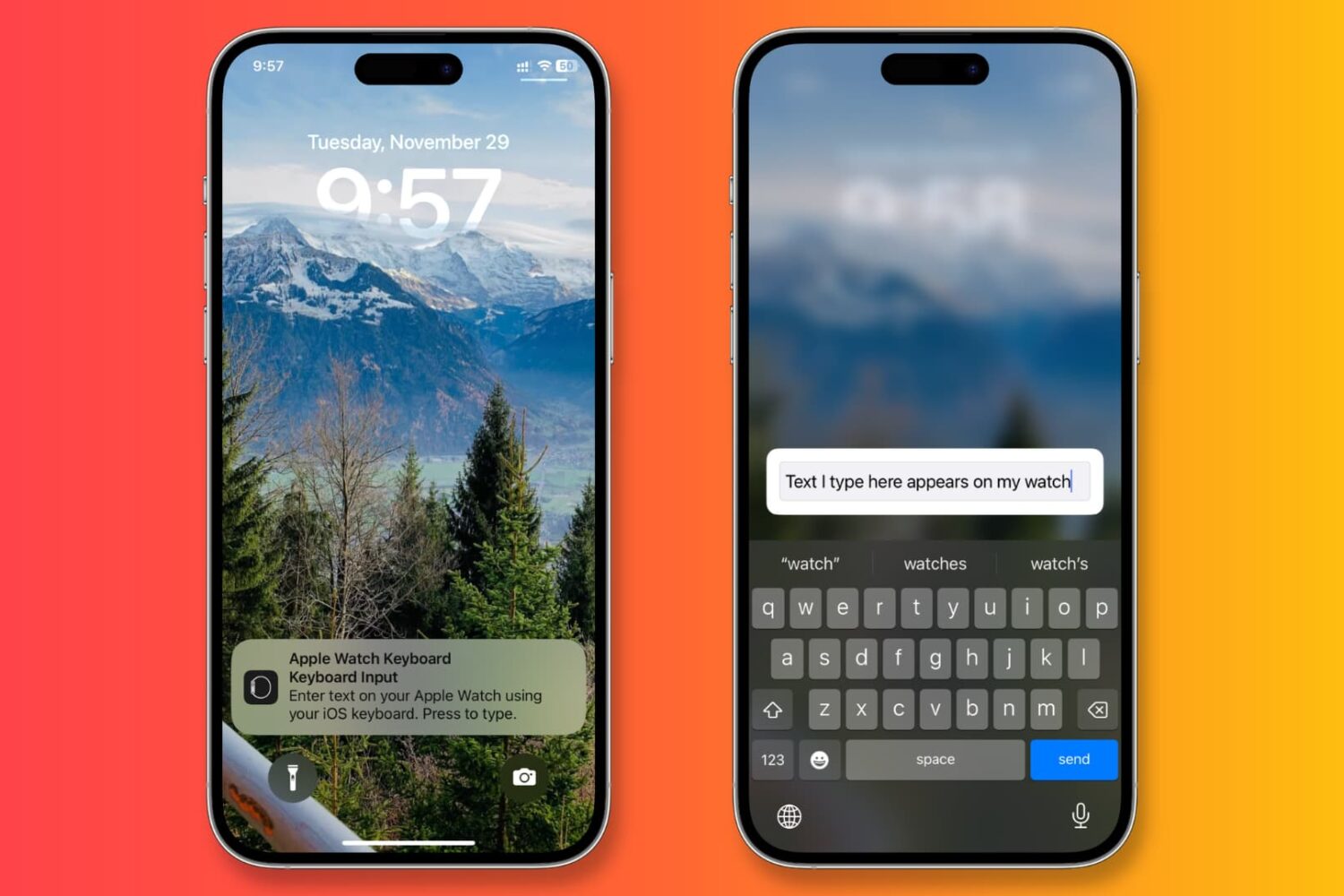
Learn how to stop receiving keyboard notifications on your iPhone or iPad whenever you select a text field on an Apple Watch or Apple TV.
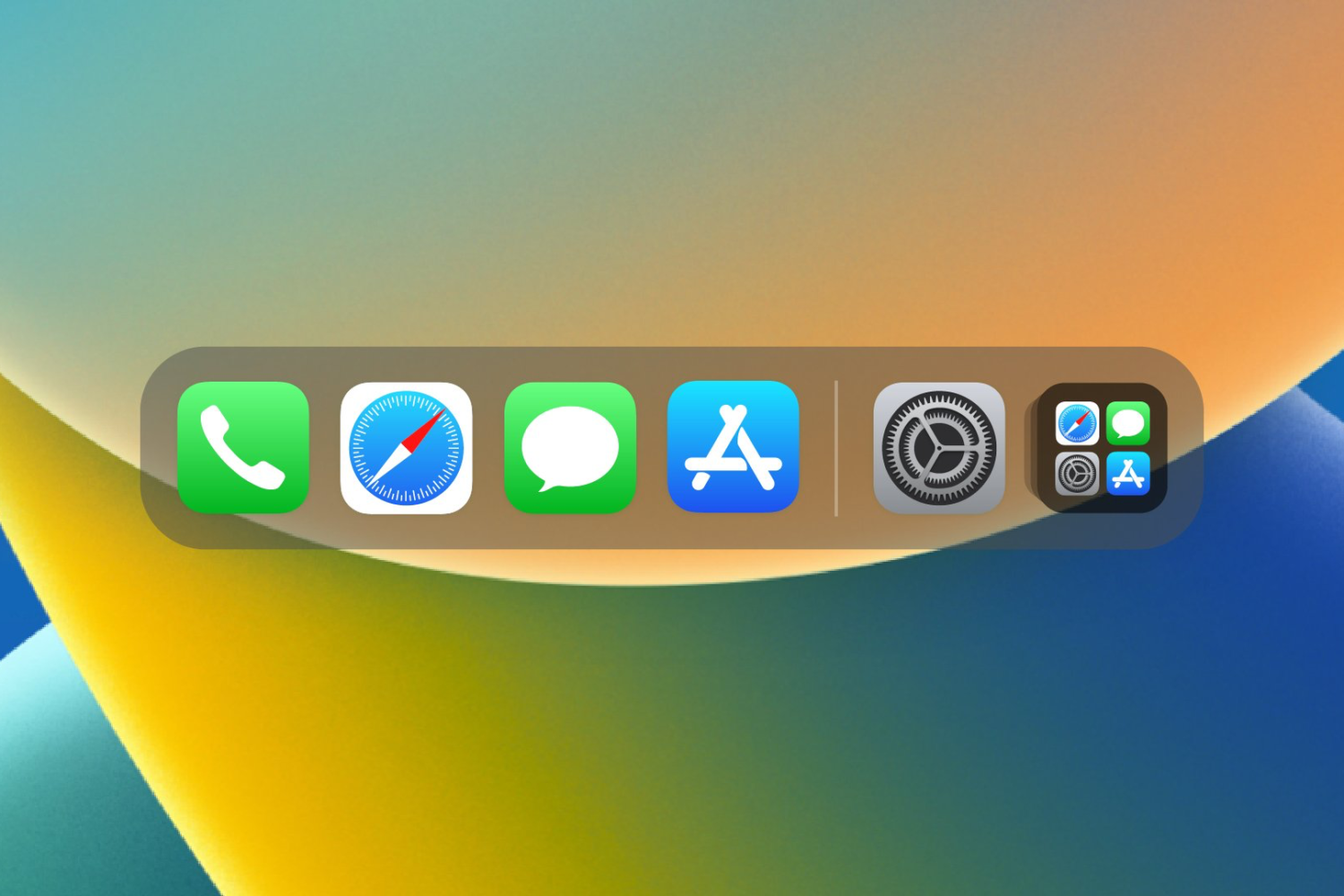
With a new and free jailbreak tweak release dubbed FloatingDockXVI by iOS developer Ethan Whited, you can experience a floating iPad-inspired Home Screen Dock experience with several other Dock-centric configurations on your jailbroken iPhone running iOS 15 or 16.

Sileo Team developer Amy While has pushed another update on Thursday for a separate build of Sileo intended specifically for the XinaA15 jailbreak tool for A12-A15-equipped devices running iOS or iPadOS 15.0-15.1.1.

Got a jailbroken Face ID-capable device and wish you could reduce the time it takes to go from authenticating yourself to looking at your Home Screen? If so, then the new and free FastLockX jailbreak tweak by iOS developerKasper_2773 might be for you.

Last week, we shared the news about how the XinaA15 jailbreak tool for A12-A15 chip-equipped devices running iOS or iPadOS 15.0-15.1.1 had been leaked to the general public, resulting in the developer’s decision to launch an early public testing period.

One of my favorite things to do with a jailbroken iPhone, especially an older one, is to port newer features to it that Apple ordinarily blocks that device from using. This is common practice from Apple after a new product launch or a substantial software update.

The new iPhone features in iOS 16.2 include iCloud backup encryption, the Freeform app, Apple Music Sing, always-on display tweaks and so on.