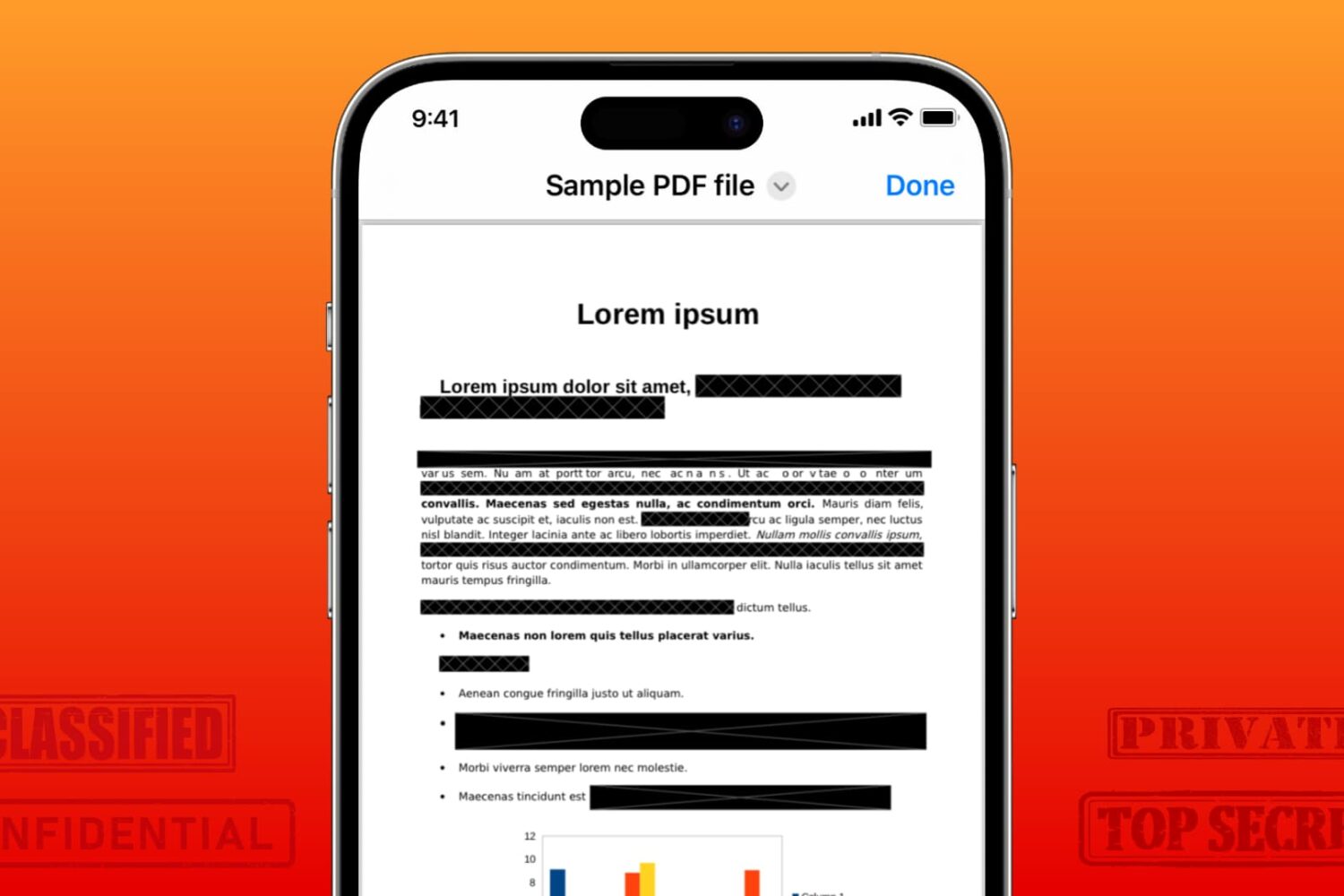
Learn how to securely redact or black out emails, phone numbers, bank accounts, and other confidential text in PDF documents to protect your privacy.
How to redact or black out sensitive text in a PDF on iPhone, iPad, Mac
Stay up-to-date on the latest iPhone news and learn new tips and tricks with our comprehensive tutorials. From software updates to new features, we’ve got you covered.
Learn how to securely redact or black out emails, phone numbers, bank accounts, and other confidential text in PDF documents to protect your privacy.
One of the things that a jailbreak tweak should be able to do is make using your iPhone or iPad easier, and that’s one reason why the community has made so many gesture and shortcut-based tweaks over the years.
The kernel file descriptor (kfd) project that made rounds this past weekend because of its ability to achieve kernel read and write on firmware up to and including iOS & iPadOS 16.5 is becoming even more famous as iOS developers devise new and unique ways to take advantage of it.

Retail prices of the iPhone 15 Pros could increase by $100 to $200, pushing the base iPhone 15 Pro Max model close to $1300, $200 more than the iPhone 14 Pro Max.
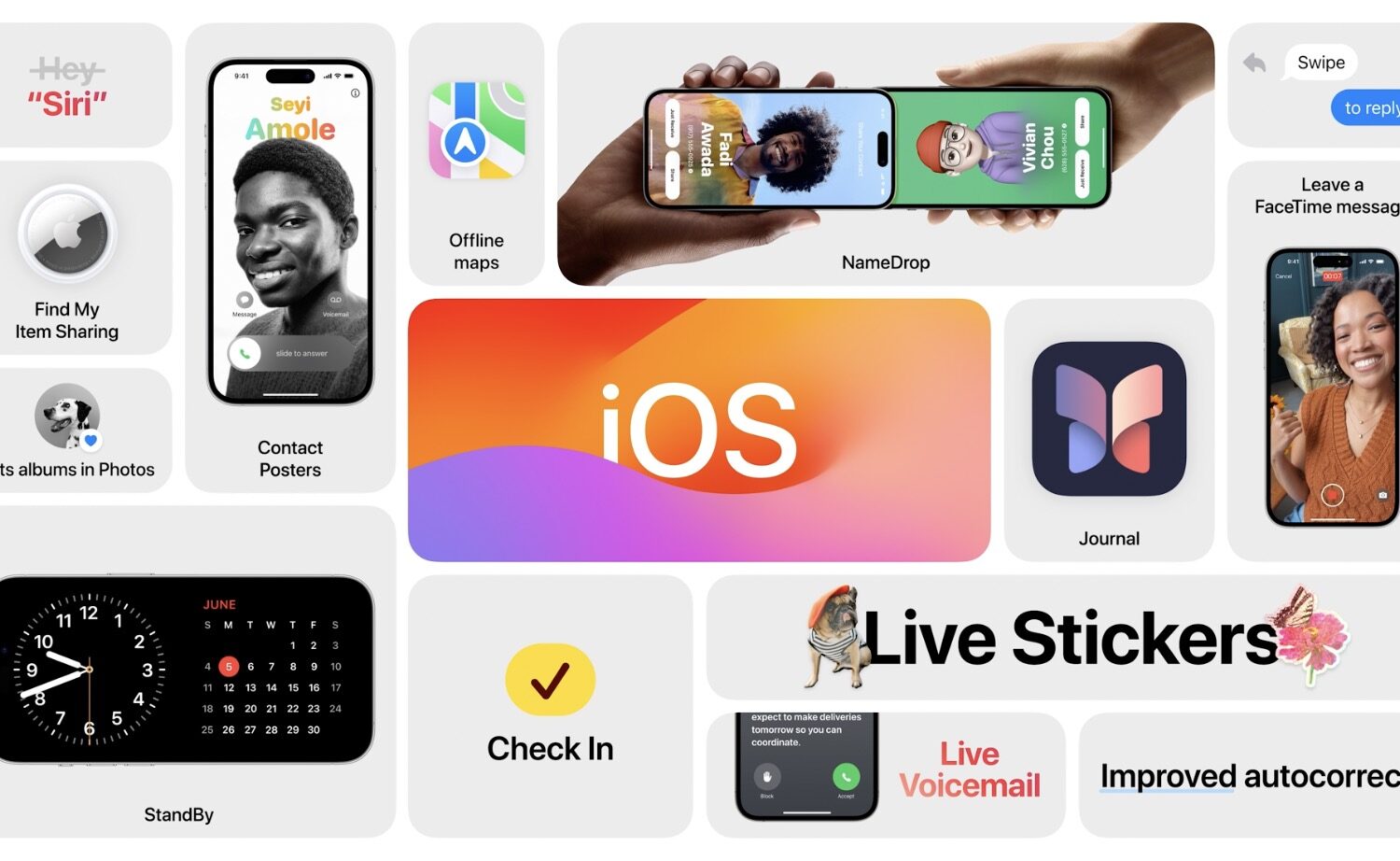
The fourth beta of iOS 17 hints at possible options for the rumored Action button on the iPhone 15 Pros, while bringing new toggles for StandBy and AirDrop features.
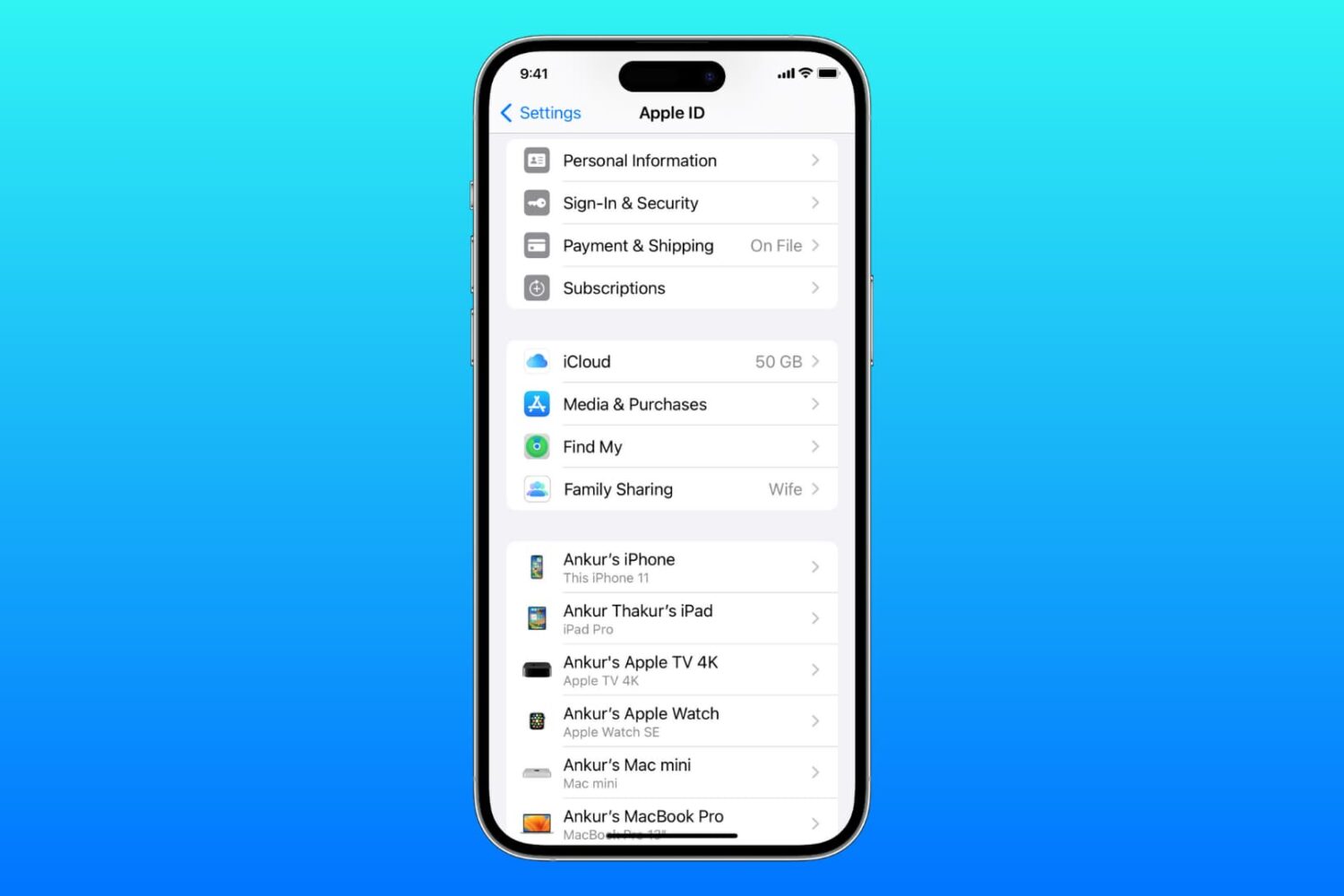
Learn what to do if you cannot access your iCloud or Apple Account settings because they’re grayed out or unclickable on your iPhone, iPad, Mac, or web browser.

If you’re in the mood for a Home Screen Dock that looks a little different than you’re accustomed to, then you might take an interest in a new and free jailbreak tweak called RoundDock Remastered by iOS developer Thomz.
Over the weekend, we told you about an ambitious project called kernel file descriptor (or kfd for short) that would help jailbreak developers achieve kernel read and write privileges on firmware up to and including iOS & iPadOS 16.5.
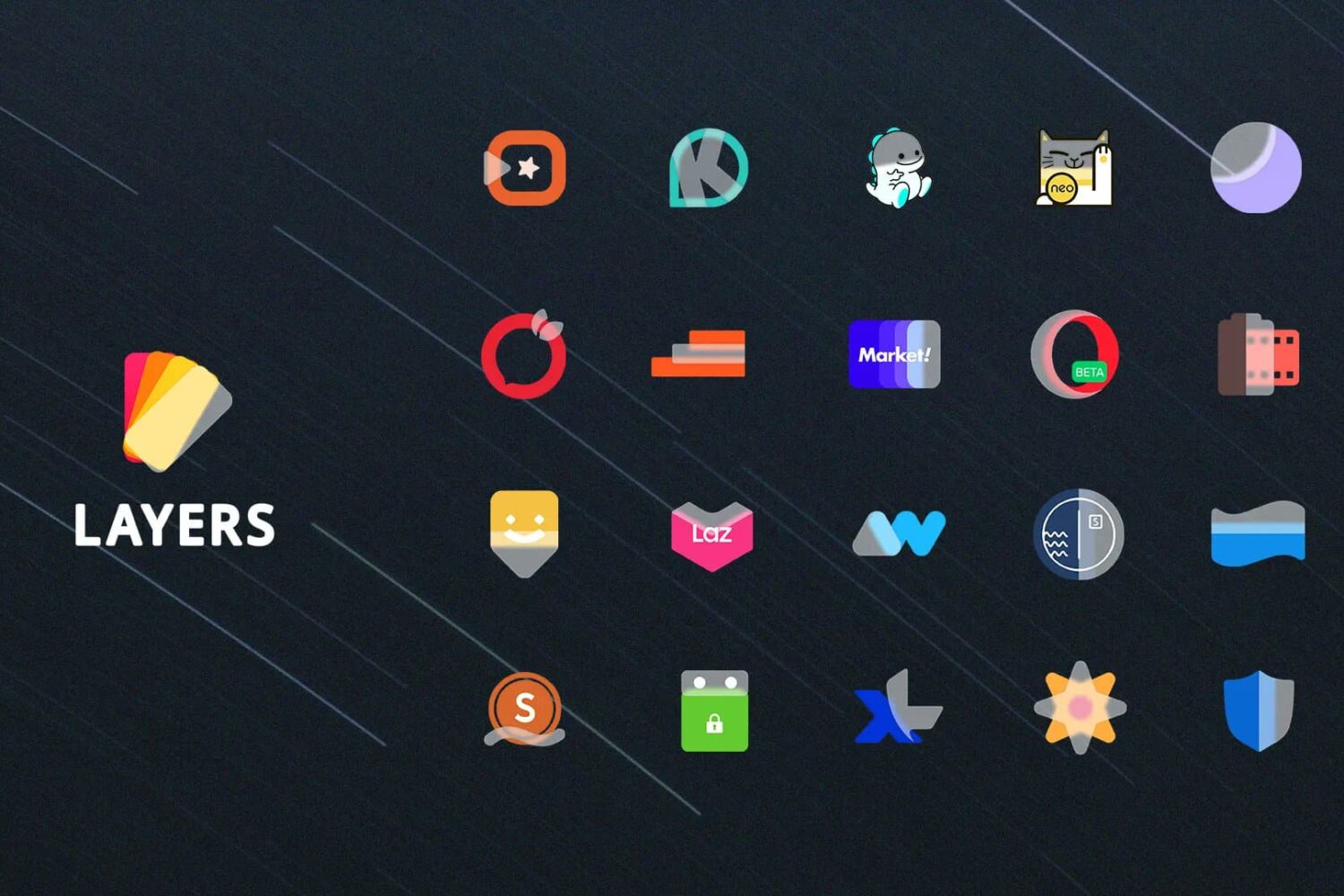
Anyone who might be in the market to spruce up the appearance of their Home Screen should definitely set aside some time to take a closer look at a theme called Layers by iOS developer Sreerag.

Some people are satisfied with a simple Lightning cable for charging their iPhone after a long day, but if you’re anything like me, then you might prefer going wireless.
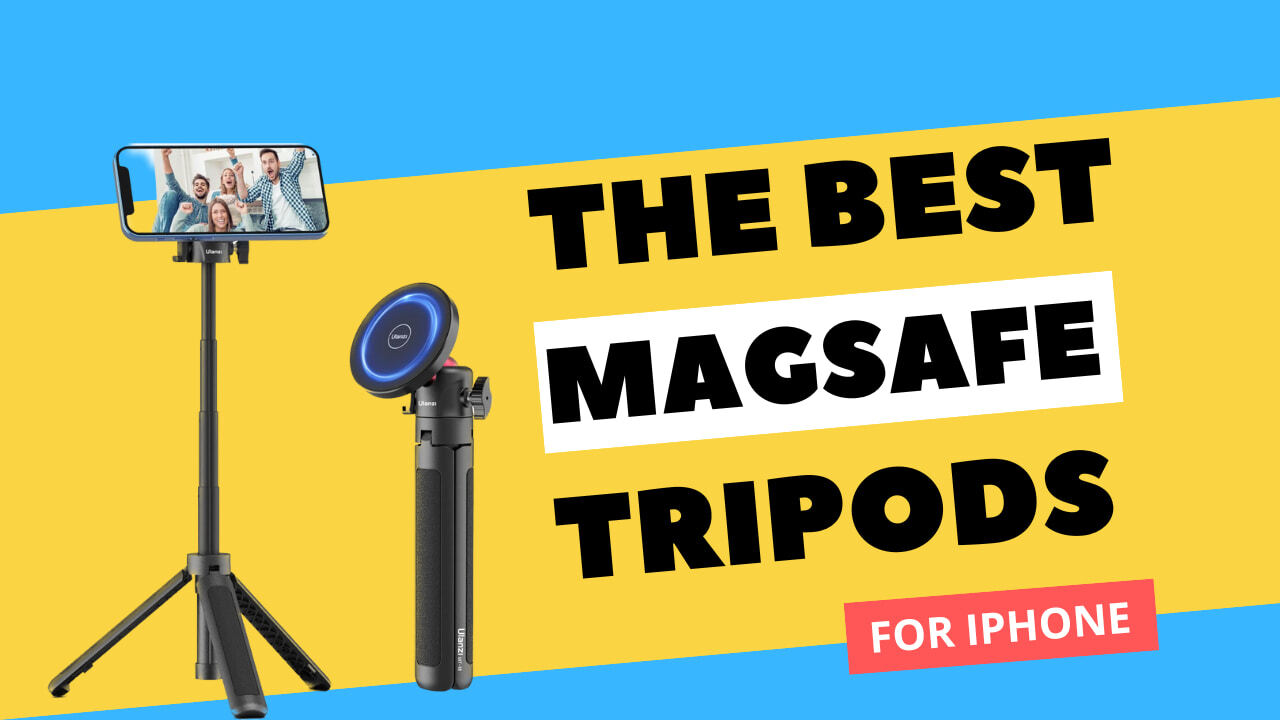
A tripod is one of the best accessories you can buy to improve your iPhone photography skills, whether you want to take a family holiday photo, or create a time-lapse video. As with all accessories, tripods come in many shapes and sizes, with different features, and it can be a pain to sift through the giant sea of options.
But not to worry, we have once again taken care of the leg work for you. Below you will find our favorite picks for the best MagSafe tripods for iPhone.