Apps

Choose which apps are allowed to use Wi-Fi with ConditionalWifi2

iOS lets you restrict apps from using cellular data, so it only makes sense to let users do the same with Wi-Fi networks. Although cellular data is more prone to being limited by caps and speed reductions, Wi-Fi networks can sometimes cause issues with apps because of how they're configured or raise security concerns.

By installing a new jailbreak tweak called ConditionalWiFi2 (iOS 10) by iOS developer Creatix, you can choose what apps can connect to the internet over a Wi-Fi connection.

Lightroom for iOS gains selective brush editing, all-new iPad interface & more

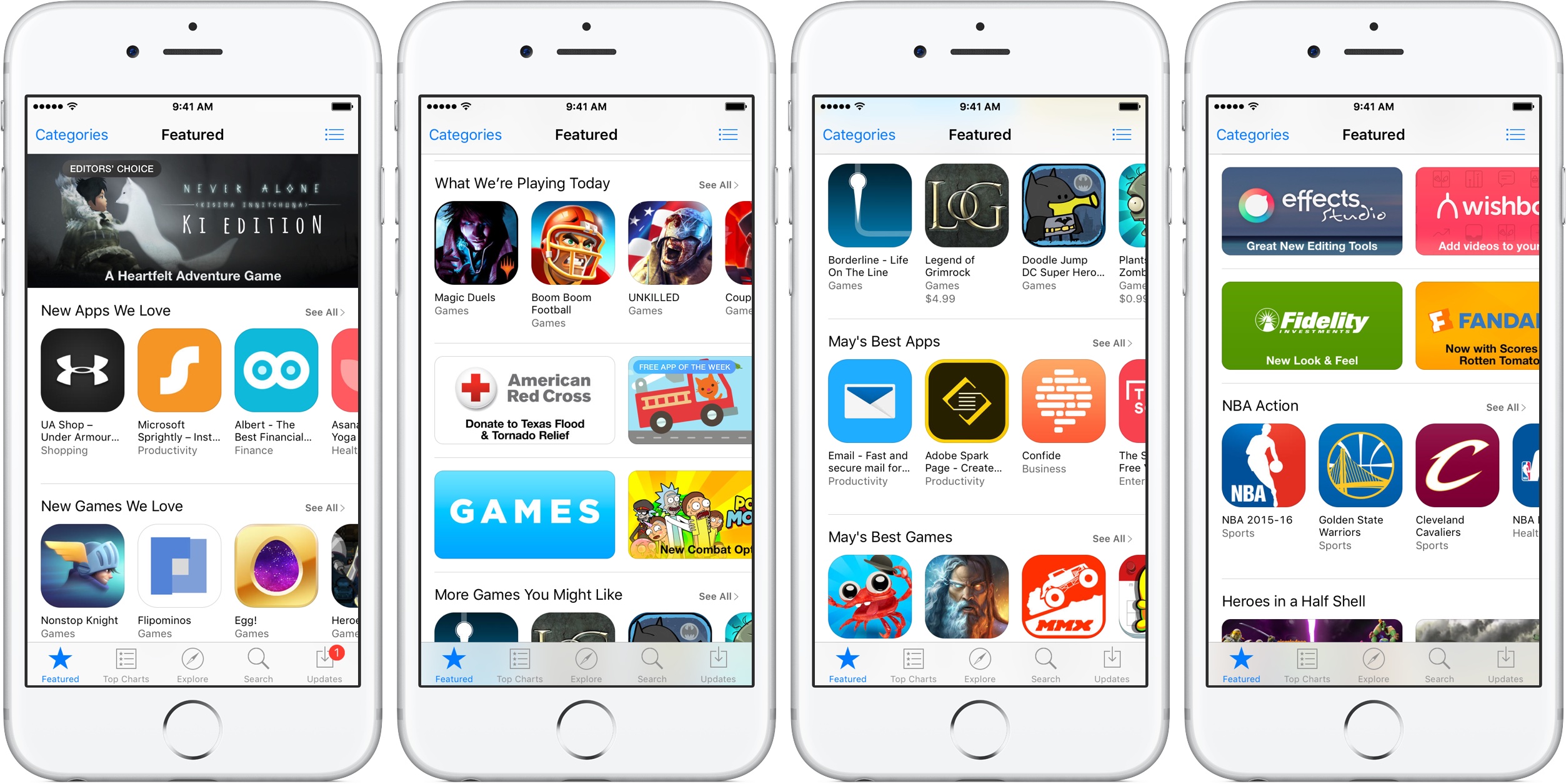
Adobe today updated Lightroom for iPhone and Lightroom for iPad on App Store with some key new features aimed at making editing on the go easier than ever. You can now use a new brush feature to selectively paint in enhancements to any part of your images.

The selective brush option extends to the eraser tool, allowing you to selectively erase both the linear and radial gradients. And if your device has 3D Touch, like iPhone 6s or iPhone 7, you can even vary the effect by just pressing softer or harder as you paint.

iPad Pro users working with an Apple Pencil get the same pressure-sensing to apply more or less of the effect. You'll also notice a new Details tab within the app where you can add the finishing touches to images by controlling noise and enhancing image details.

The in-app camera now supports a new Show Highlight Clipping feature that shows you the over-exposed areas prior to capture, which lets you adjust the exposure or composition in camera. Lightroom for iOS also packs in an improved virtual level via the in-app camera with haptic feedback and support for latest cameras and lenses.

Last but not least, Lightroom for iPad now features a revamped interface, shown top of post, designed for the tablet's larger canvas. According to Adobe, the app makes editing via iPad a serious option as a laptop replacement for any photographer.

Download Lightroom for iPhone and iPad free in App Store.

Vigor brings useful new features to Home screen app icons

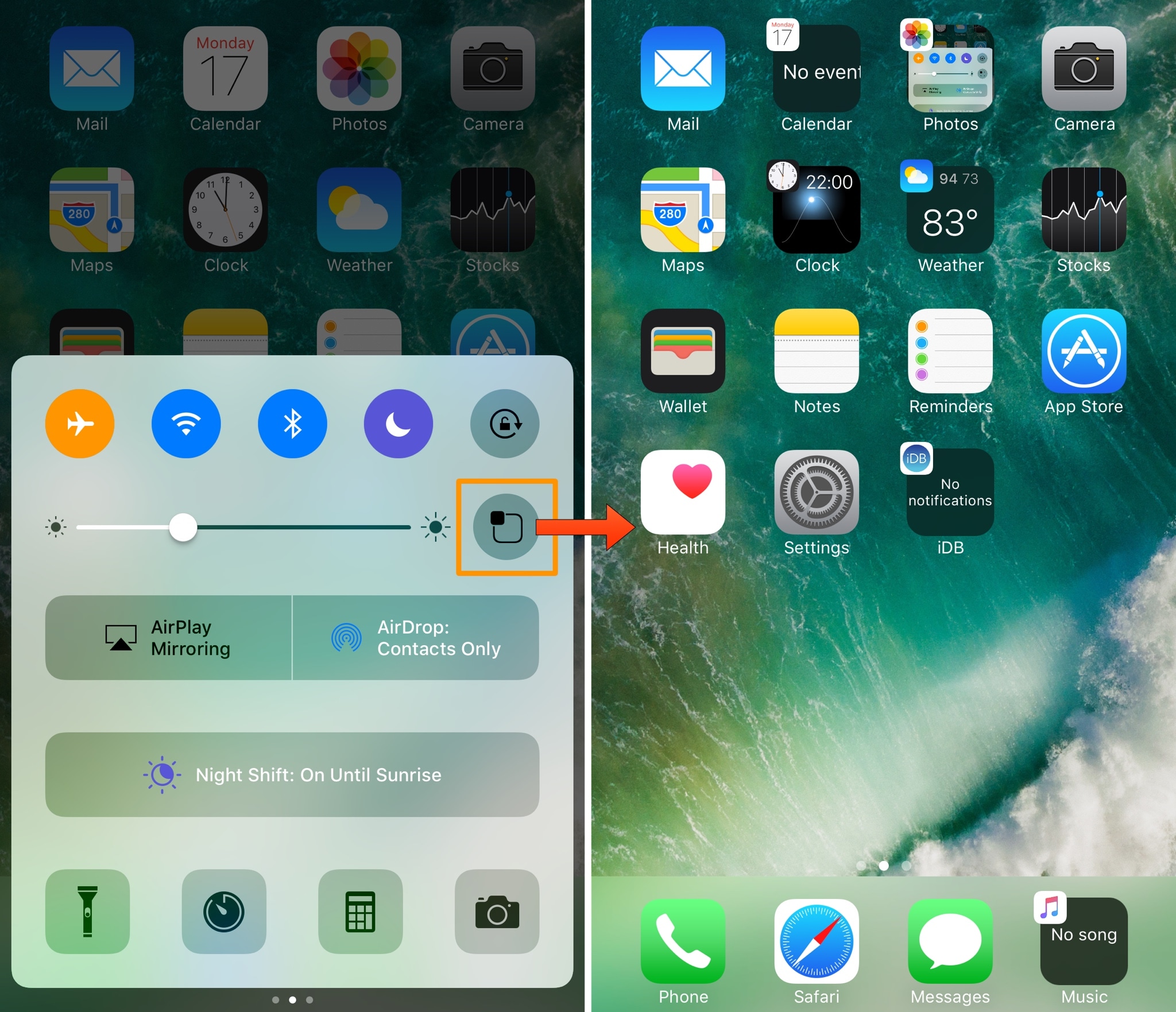
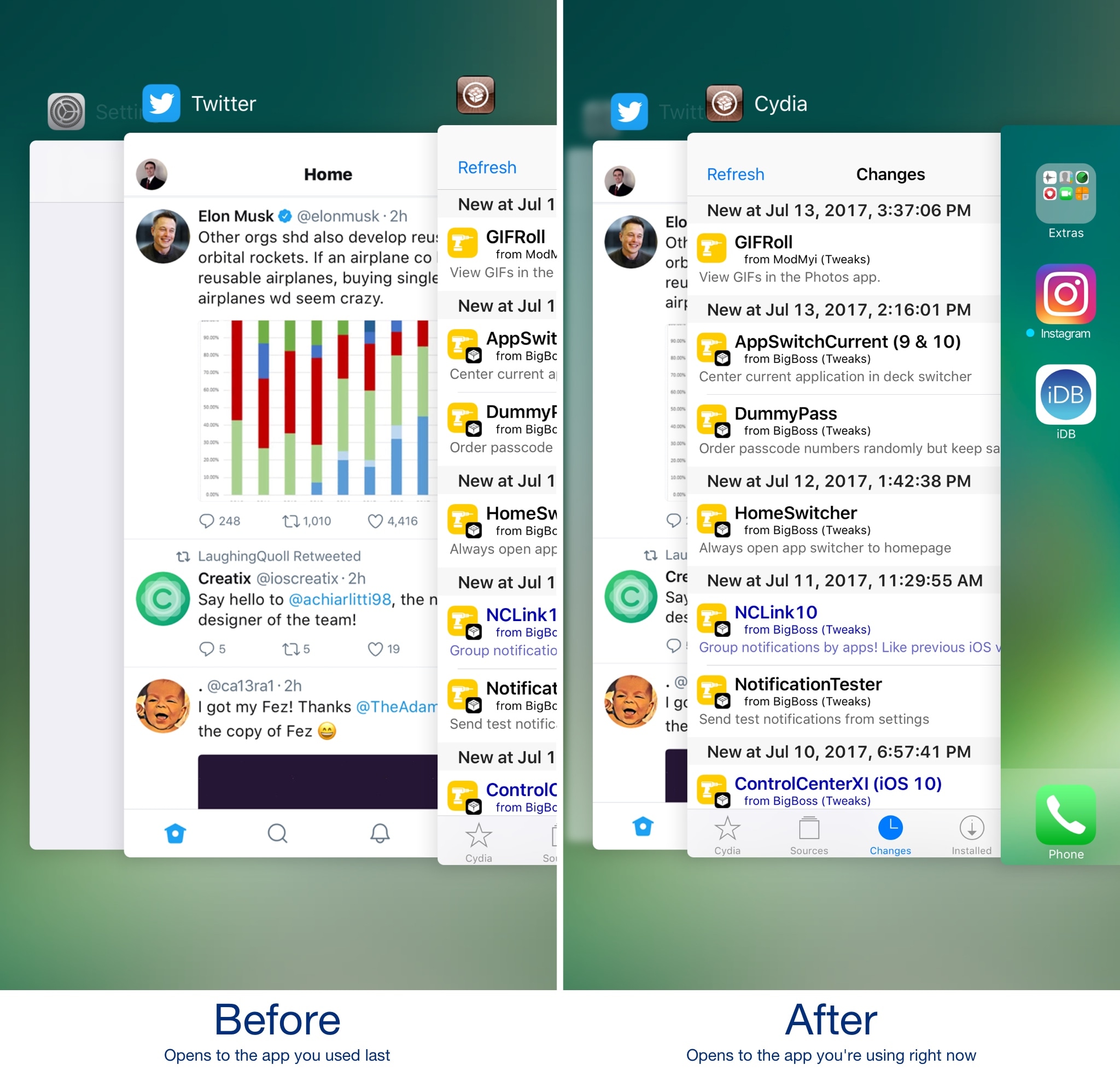
The iOS Home screen has always left a lot to be desired. Being nothing more than a wall of app icons, you really can’t get useful information on the Home screen without using a 3D Touch gesture or swiping over to the Today widget page.

A new jailbreak tweak called Vigor by the AtomDevTeam changes that by displaying useful information directly inside your app icons, making it easier to see at a glance.

WhatsApp gains chat pinning, comprehensive file sharing & more in latest update

As part of a broader set of capabilities recently teased for the Facebook-owned WhatsApp messaging platform, the app has now gained a trio of new features in the latest update. WhatsApp version 2.17.40 for iOS brings a chat pinning feature, multi-format file sharing and other improvements.

With the pinning feature, you can make it so your favorite chats remain at the top of the list, so you can quickly find them. To use this feature, just swipe right on a chat in the conversation list, then tap a Pin or Unpin option.

The app has also expanded the file sharing feature, which now allows you to share any type of file with one or more recipients. To send files of any type, open a chat, tap the plus icon at the bottom then choose the Document option.

In the popup menu, select your favorite storage provider like iCloud Drive, Dropbox, Google Drive and so forth (any app that includes an iOS Document Provider extension should be available from the menu).

And lastly, when you receive multiple photos the app now lets you tap and hold on the group of photos to quickly forward or delete all of them in one fell swoop.

Download WhatsApp for iPhone, iPad and iPod for free from App Store.
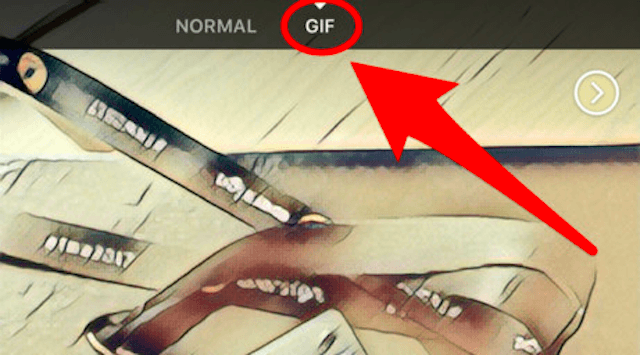
Facebook is testing in-app GIF creator

As first spotted by The Next Web, Facebook is testing an in-app GIF creator with a subset of users of its mainland mobile app for iOS. The feature is available through the app's built-in camera and allows users to quickly create animated GIFs for sharing with friends and family.

You can also post the GIF to a Story or save it to your device.

GIFs can be spiced up using Facebook's range of built-in camera effects. According to the publication, any GIFs created through this feature are short, lasting only a few seconds.

As I mentioned before, the feature is only available to certain users.

We'll let you know when the in-app GIF creator launches for everyone. Until then, let us know in the comments section if you're part of Facebook's limited test of this feature.

Just a month ago, the social network rolled out the ability for users to express themselves better by posting animated GIFs in comments.

Download Facebook at no charge from App Store.