iPad

From the latest news to the most comprehensive tutorials, learn how to get the most out of your iPad with our step-by-step guides and expert tips.

BlurTouchClean removes the blur from your Home screen’s 3D Touch menu backgrounds

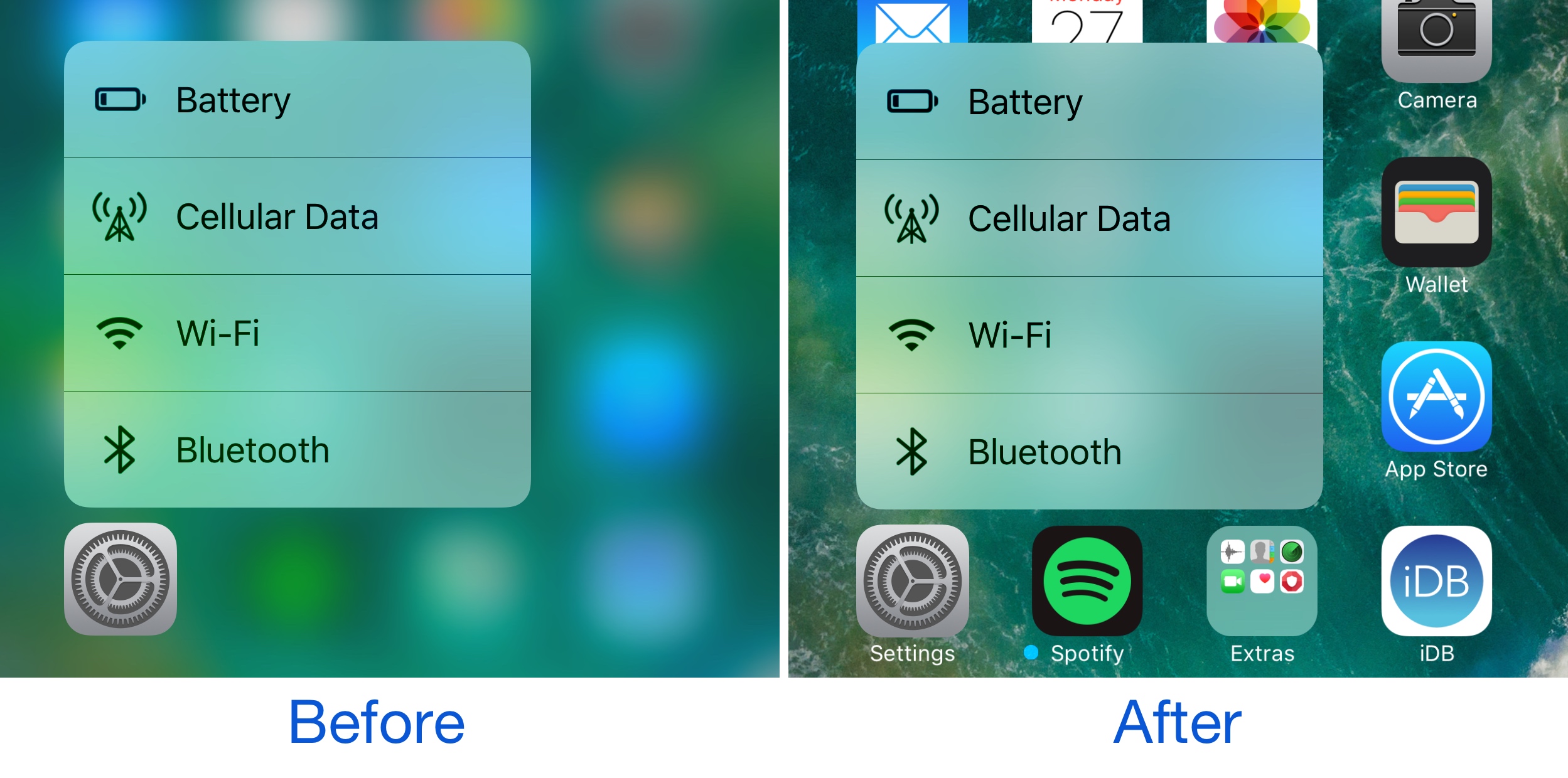
Anyone with a 3D Touch-enabled device is likely familiar with the bevy of menu options that can be revealed by imposing a simple 3D Touch gesture on apps from the Home screen.

Whenever one of these 3D Touch menus is revealed, iOS blurs the background to draw your focus to the menu, but a new free jailbreak tweak called BlurTouchClean by CydiaGeek can remove the blur effect so you can continue to see everything residing behind the menu.
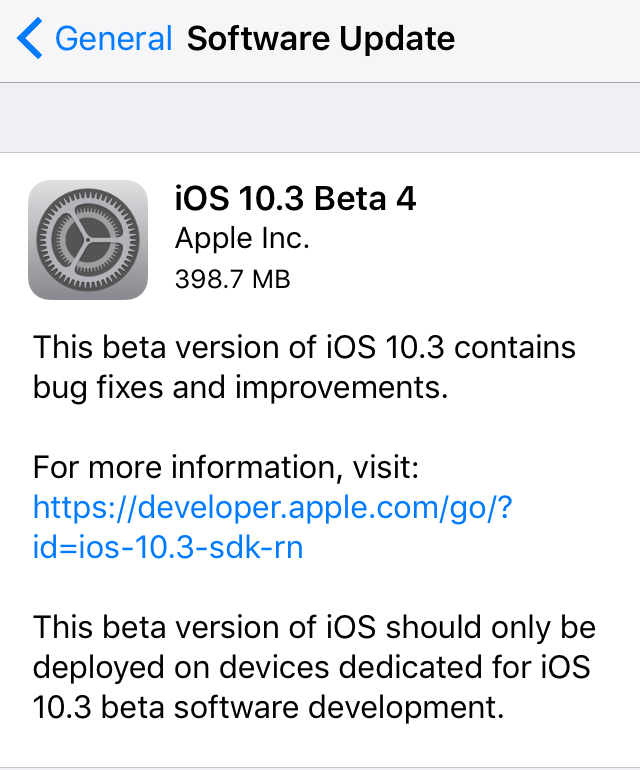
Apple seeds fourth betas of iOS 10.3, macOS Sierra 10.12.4 and watchOS 3.2 to developers

Apple today seeded fourth betas of iOS 10.3, macOS Sierra 10.12.4 and watchOS 3.2 to members of the Apple Developer Program. iOS 10.3 beta 4 (build number 14E5260b), macOS Sierra 10.12.4 beta 4 (build number 16E175b) and watchOS 3.2 are now all available as over-the-air downloads through the Software Update mechanism on devices with an appropriate configuration profile. We'll update the article if we find new features or important under-the-hood changes in the new betas.

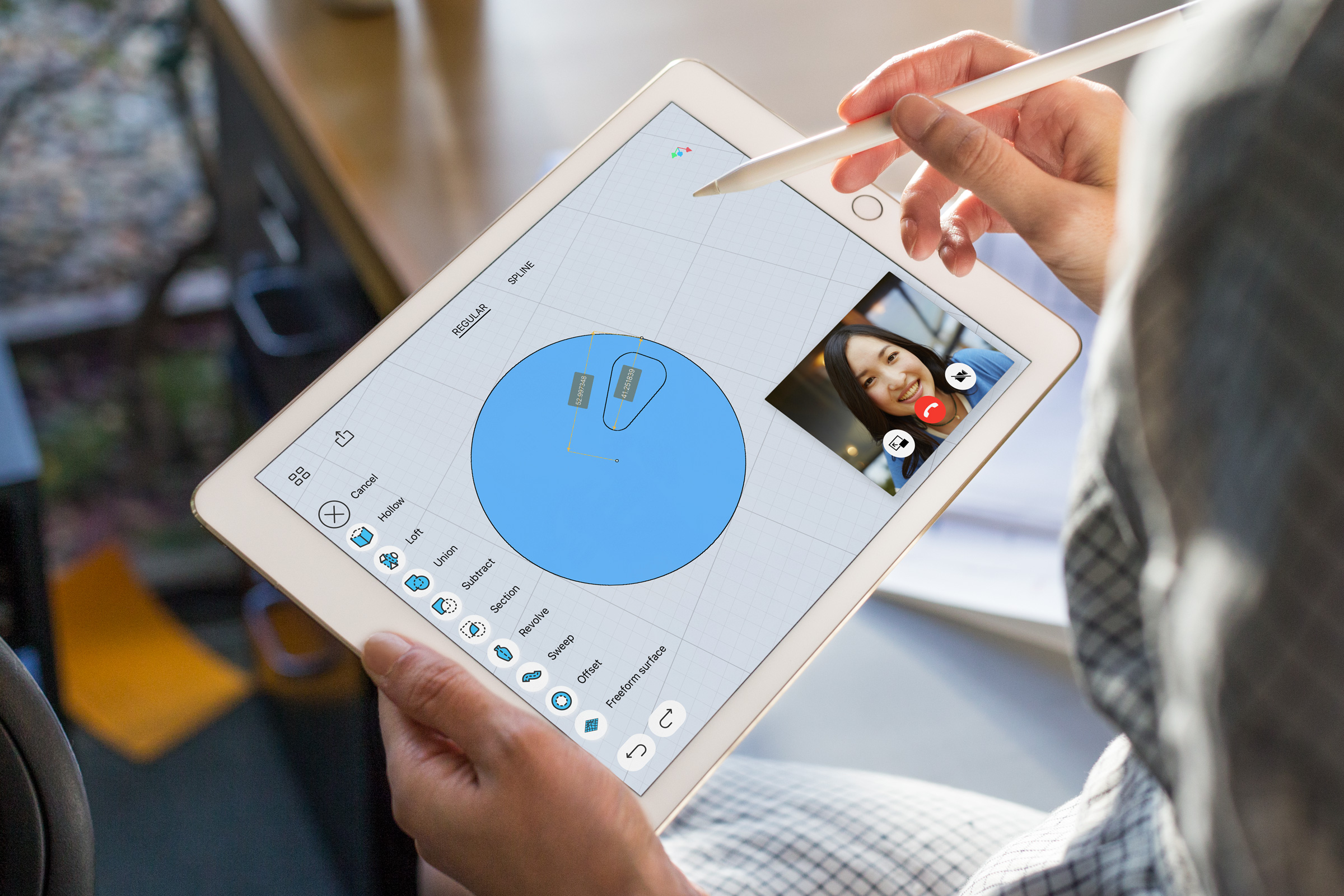
10.5″ iPad Pro may sport 2,224×1,668 screen with same density as 9.7″ iPads

Rhoda Alexander, IHS Markit's director in charge of tablets and PCs, shared some interesting observations with Forbes over the weekend regarding Apple's rumored new bezel-less iPad Pro model which, according to other analysts, would house a display measuring 10.5 inches inside a body the same size as 9.7-inch iPads.

According to Rhoda, the new iPad Pro model should have a 2,224-by-1,668 display with the same pixel density as 9.7-inch iPads. For context, Apple's 12.9-inch iPad Pro has a 2,732-by-2,048 Retina display at 264 pixels per inch and its 9.7-inch counterpart has a 2,048-by-1,536 screen, also at 264 pixels per inch.

Google Maps gains 3D Touch place previews

Last week, I whined about Google dragging its feet when it comes to implementing support for important iOS features, like 3D Touch, in apps such as Gmail. Other iPhone and iPad apps from Google have been more aggressive in adopting 3D Touch features, including Maps. In the latest update, Google Maps was bumped to version 4.28 and now allows users who have an iPhone 6s, iPhone 6s Plus, iPhone 7 or iPhone 7 Plus to press places on the map to get quicker access to popular actions.

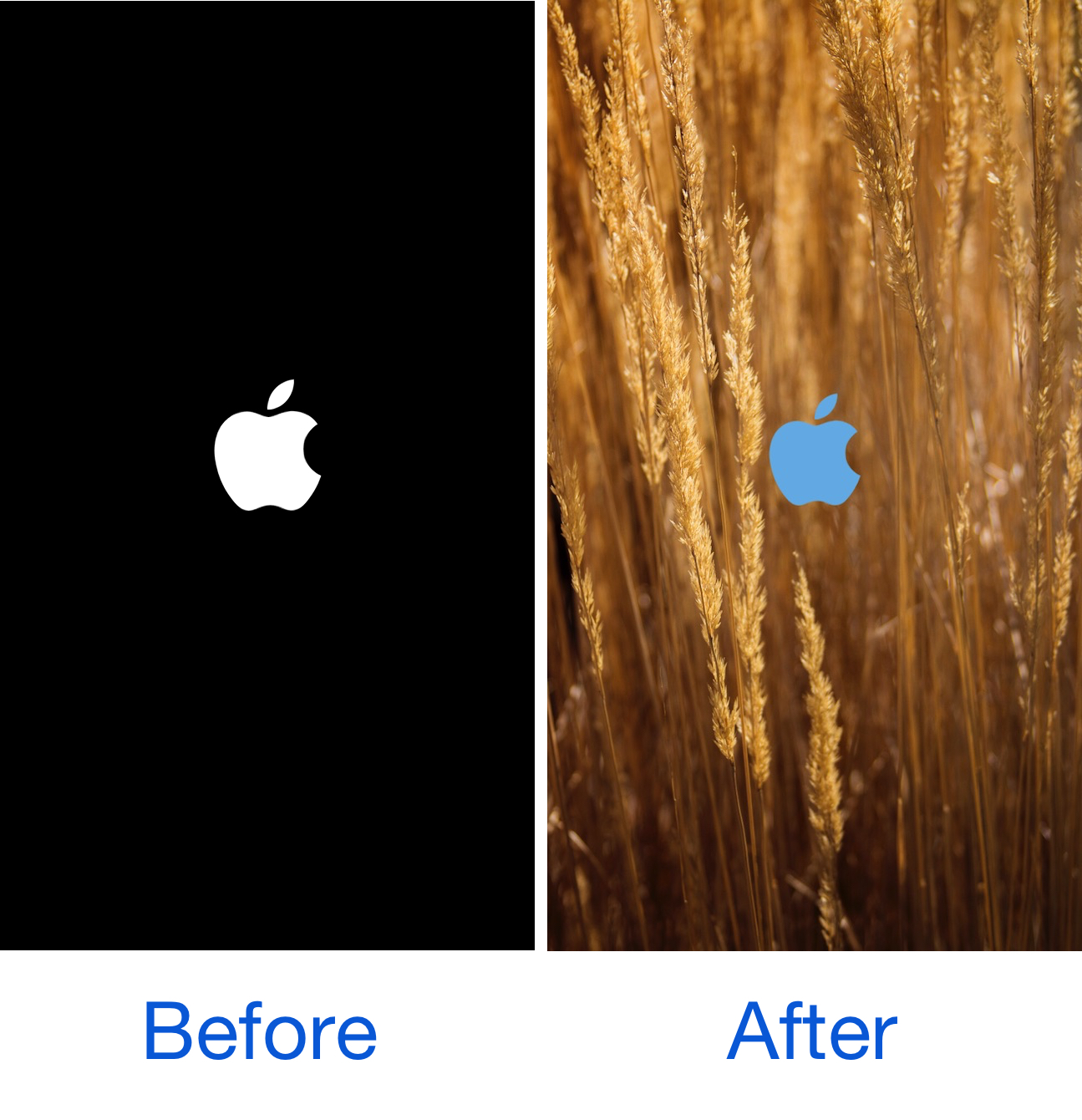
SpringChanger lets you customize your respring screen with backgrounds and colors

As we showed you last week, MakeRespringsGreatAgain allowed you to resurrect the classic Apple logo-based respring screen, a classic screen that iOS 10 jailbreakers typically don't get to see anymore.

On the other hand, if you wanted to take things a step further, a new free jailbreak tweak called SpringChanger by Wizages is worth trying out because it lets you customize the respring screen beyond recognition.

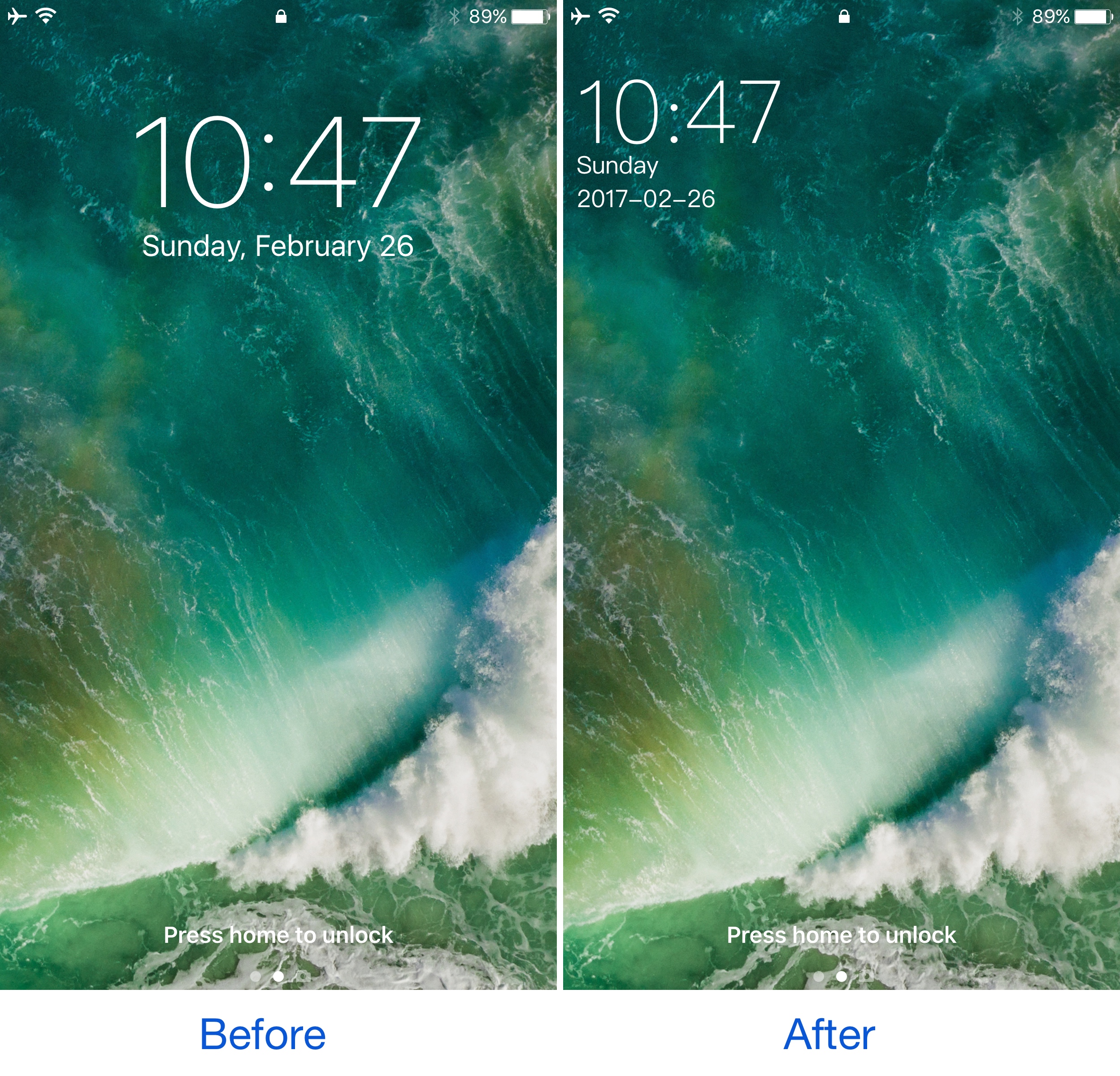
This tweak shrinks and relocates the Lock screen’s date and time indicator

A few years ago, a popular jailbreak tweak called SubtleLock rearranged some of the Lock screen’s information pieces to reduce their visual footprint and put more emphasis on the wallpaper you’ve chosen. Unfortunately, despite its popularity, it hasn’t been updated for iOS 10.

Despite the lacking support for those who have recently jailbroken iOS 10 with Yalu, users can now flock to an alternative: a jailbreak tweak called SimpleLSiOS10 by XCXiao. This tweak carries on the minimalist legacy SubtleLock started and never finished.

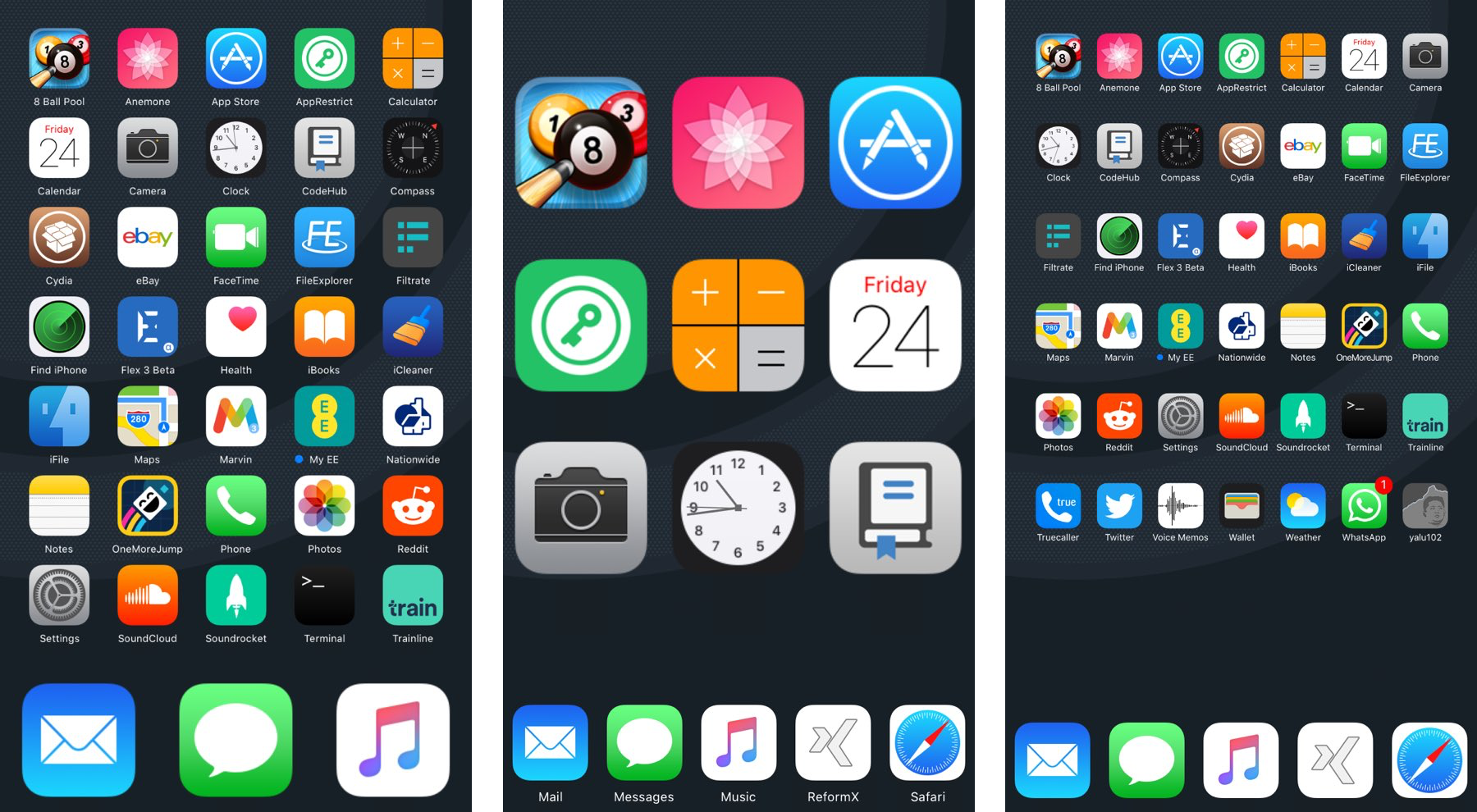
ReformX: customize your Home screen layout and more

A number of large springboard customization jailbreak tweaks are paid, and expensive at that, but for those who want a budget option, a new free jailbreak tweak called ReformX by zEstLabs could be just the one you’ve been waiting for.

This tweak provides you all kinds of options for tricking out your Home screen, ranging from the layout of your Home screen icons, to the style of your dock, to the appearance of your folders; the list goes on.

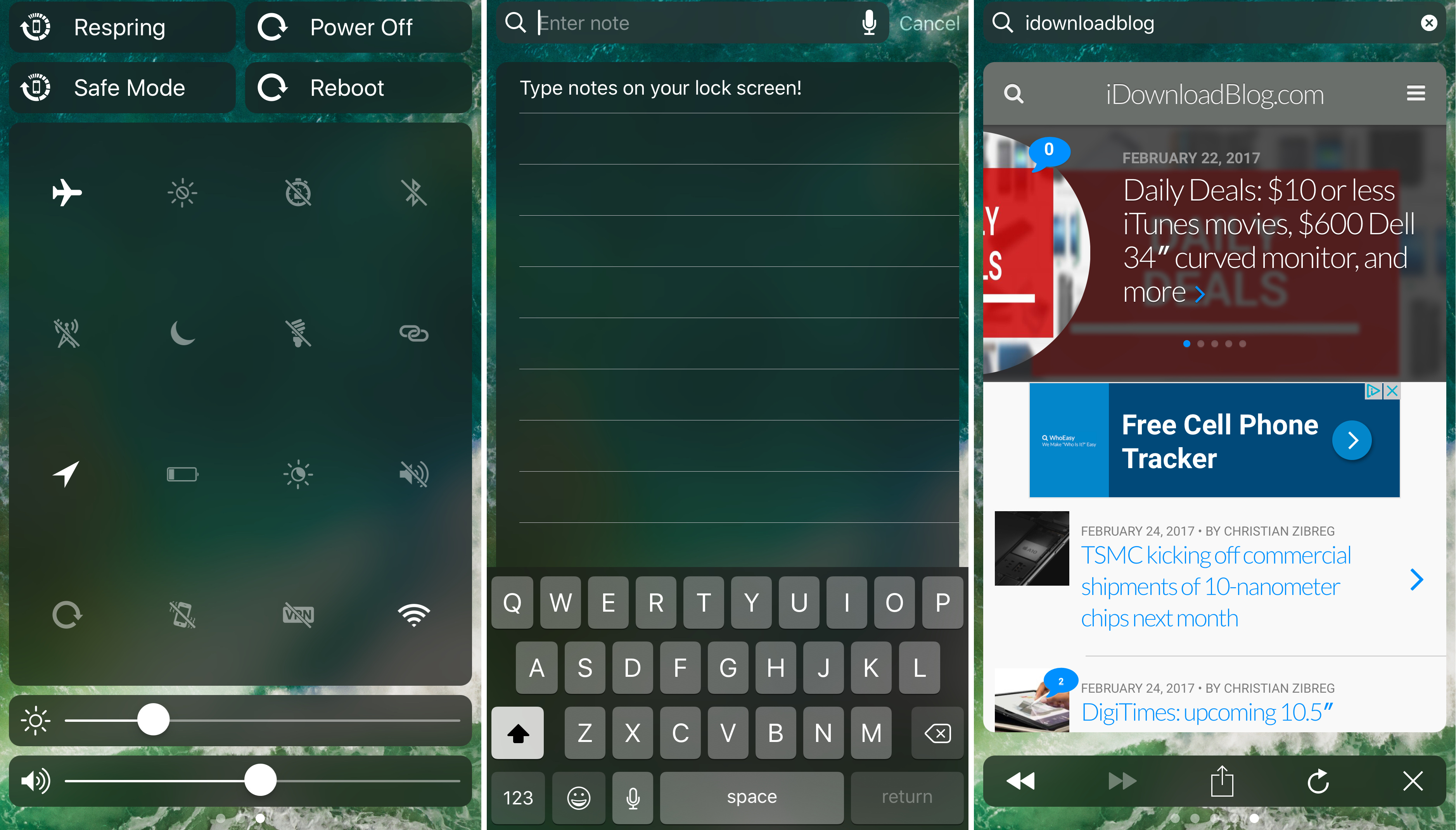
Falcon supercharges your Lock screen and Notification Center

The creativity surrounding a number of the jailbreak tweak releases for iOS 10 so far has been quite impressive, but perhaps one of my favorites yet is one called Falcon by iOS developer Logan O’Connell.

With Falcon, you will be supercharging your Lock screen and Notification Center interfaces with a ton of new features; among those are a web browser, a note taker, and a toggle page.

Get Android Nougat-like folder icons with this tweak

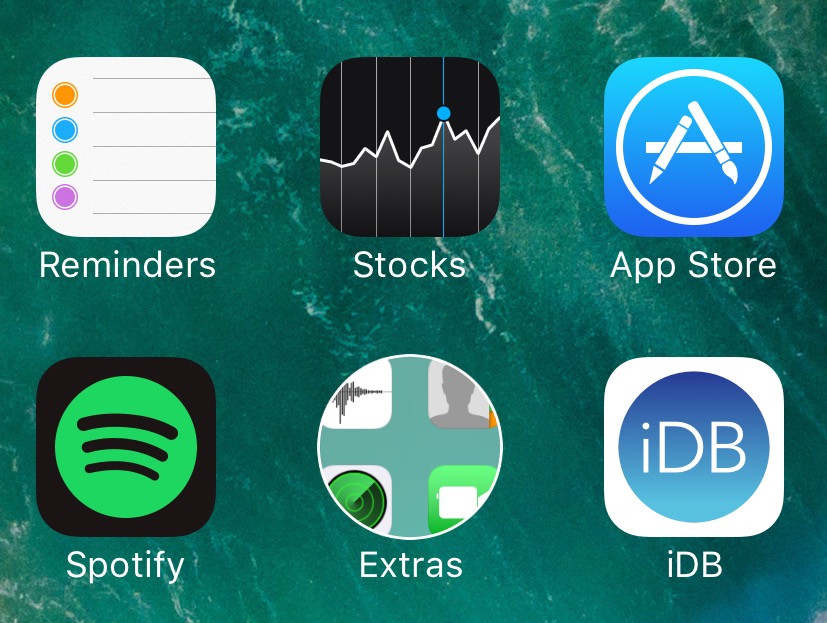
If you’re looking for something you can do to change the appearance of your Home screen on your jailbroken device without going overboard, then you should look into a new free jailbreak tweak called NougatFolder by Elton Goci.

Essentially, this tweak transforms your Home screen’s folder icons to look more like those on an Android Nougat handset.

Eyeplugs prevents unwanted notification banners from getting in the way

Apple’s banner notification system leaves a lot to be desired, especially since modern banners are so huge when they appear that they cover all kinds of important parts of your apps, such as navigation bar, which is often an essential part of navigating your apps.

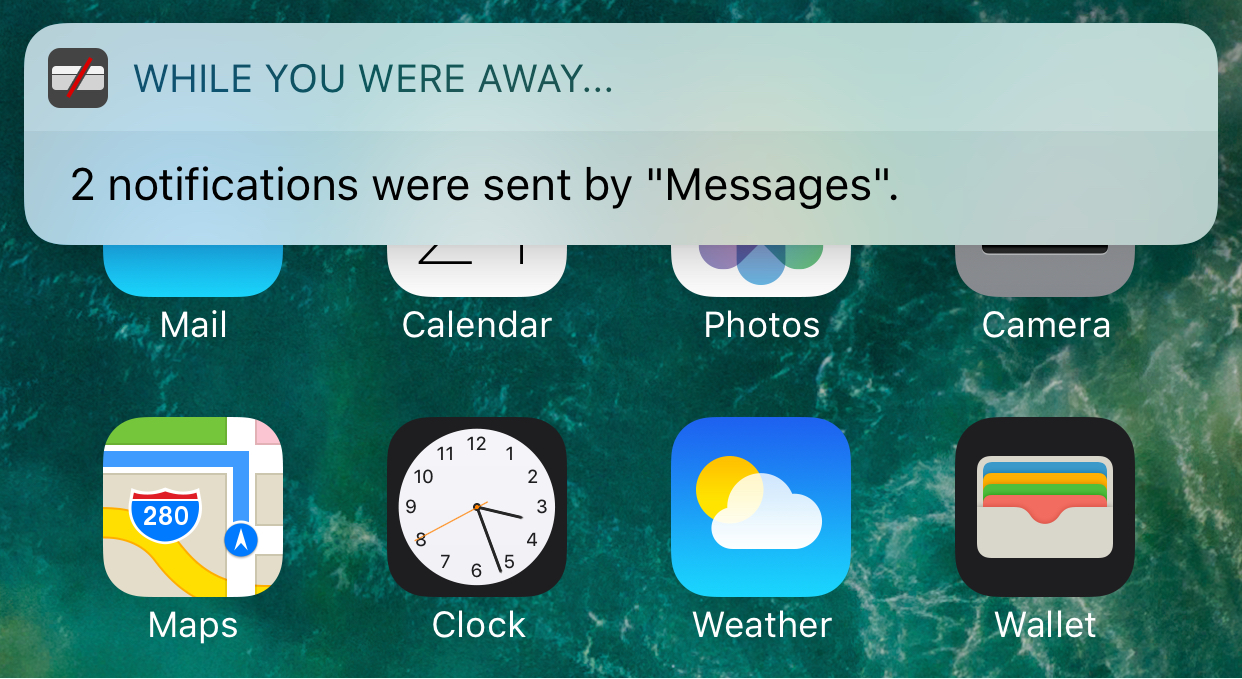
Because banner notifications are excessively large, a new free jailbreak tweak called Eyeplugs by the author The Holy Constituency of the Summer Triangle can help prevent them from appearing whenever you’re inside of designated apps, but once you close the app(s), you’ll get a summary of all your missed notifications.