iPad

From the latest news to the most comprehensive tutorials, learn how to get the most out of your iPad with our step-by-step guides and expert tips.

Coming soon to Allo for iOS: animated emoji, revamped GIF picker, and one-tap Google Assistant

Allo, Google's cross-platform messaging app for iPhone, Android and the web which made its debut at Google I/O in March 2016, will soon receive three major enhancements. The first integrates Assistant, Google's conversational AI helper, deeper so you can access it with a single tap.

Aside from improved Assistant access, Allo will let you browse GIFs to add to your messages easier than before with a redesigned picker, plus use animated emojis in chats.

Keep in mind that these new features will be rolling out on Android starting today, and will come to iOS soon (don't worry, we'll keep you posted).

Tip: open video pages in Safari from YouTube app

Thanks to iOS's deep linking feature, YouTube URLs automatically open in the mobile app on your iPhone, iPad or iPod touch. Unfortunately, you cannot temporarily disable this feature for those times when you might prefer YouTube links to always open in Safari instead of the mobile app.

But don't you worry—you just have to work around a bit to have the mobile app open a video link in YouTube's mobile interface in the Safari browser.

HideMeX: an all-inclusive SpringBoard customization tweak for iOS 10

HideMeX by CPDigitalDarkroom is an all-inclusive SpringBoard customization jailbreak tweak for iOS 10 that lets you customize a number of things on your iPhone or iPad.

For anyone who’s familiar with Springtomize, this tweak is very similar in a myriad of ways, however as we continue to wait for the release of Springtomize for iOS 10, HideMeX offers a viable alternative with a lot of similar configuration options.

ColorFlow 3 uses dominant colors of album artwork to colorize your Now Playing screen

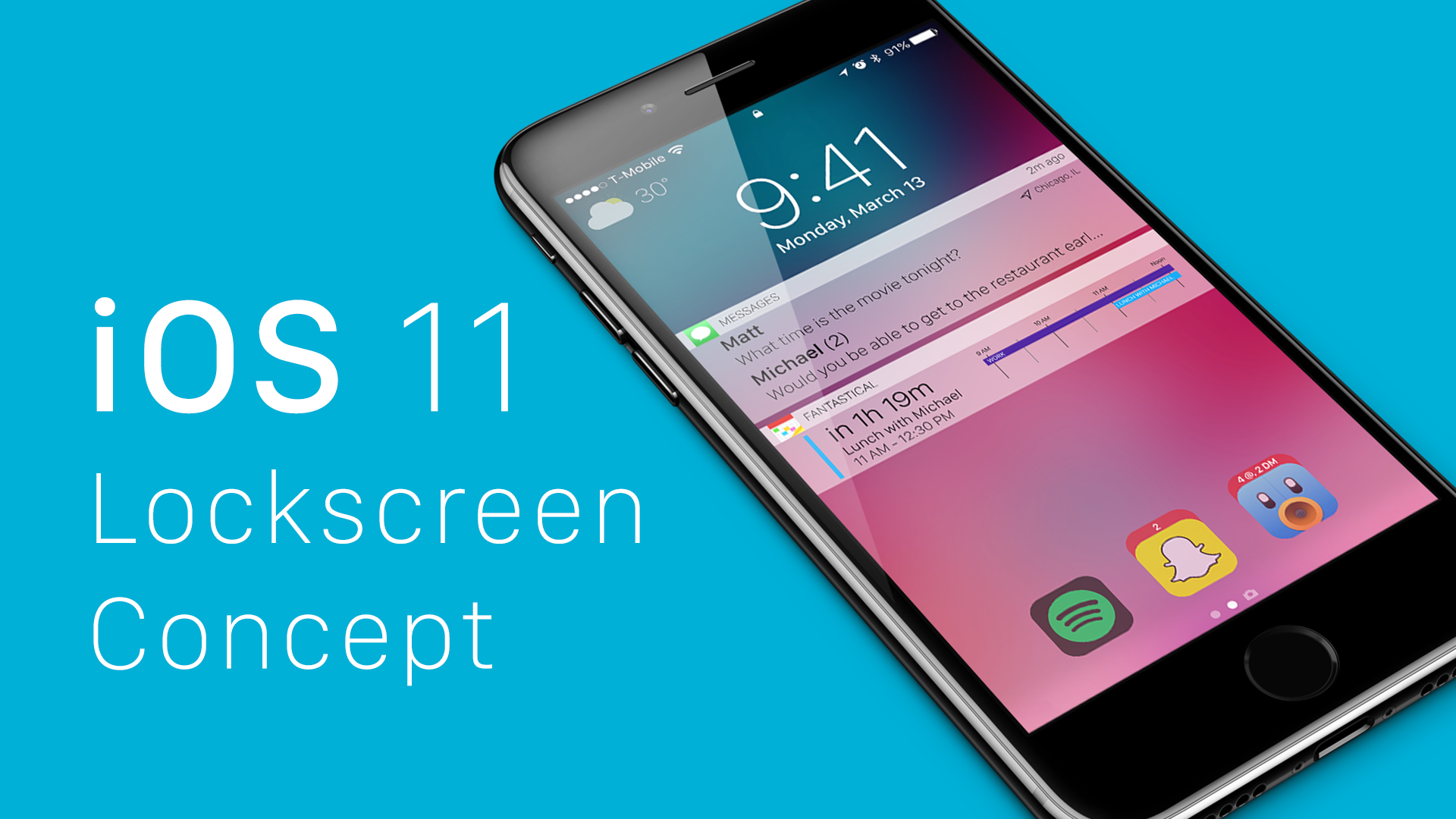
It was just last week that we showed you a unique tweak for jailbroken devices called Spin10, which redesigned the look and feel of the Now Playing interface on the Lock screen, giving it a circular and colorful look and feel that made it feel much more modern.

On the other hand, another jailbreak tweak that changes the appearance of the Now Playing screen by colorizing it based on the dominant color of the album artwork dubbed ColorFlow 3 by David Goldman is also available in Cydia as of this week.

Customize and add new functions to Control Center with Onizuka

Although Control Center is useful on any stock iPhone or iPad right out of the box, Apple doesn’t give you a whole lot of options for customizing it with the toggles and aesthetics you want to have. Fortunately, that’s where having a jailbreak can come in handy.

With a new jailbreak tweak called Onizuka by maximehip, you can customize your Control Center layout through the help of various options that can give it a different aesthetic or change its functional usefulness.

ColorBanners 2 adds a splash of color to your notification banners

When iOS 10 launched, there was quite a bit of gasping at the appearance of the new notification banner style throughout the operating system, including those that appear in apps, on the Lock screen, and in Notification Center.

Fortunately, a jailbreak tweak called ColorBanners 2 by David Goldman can help you to make your notifications a little easier to look at, as it lets you to colorize them in nearly any way you’d like.

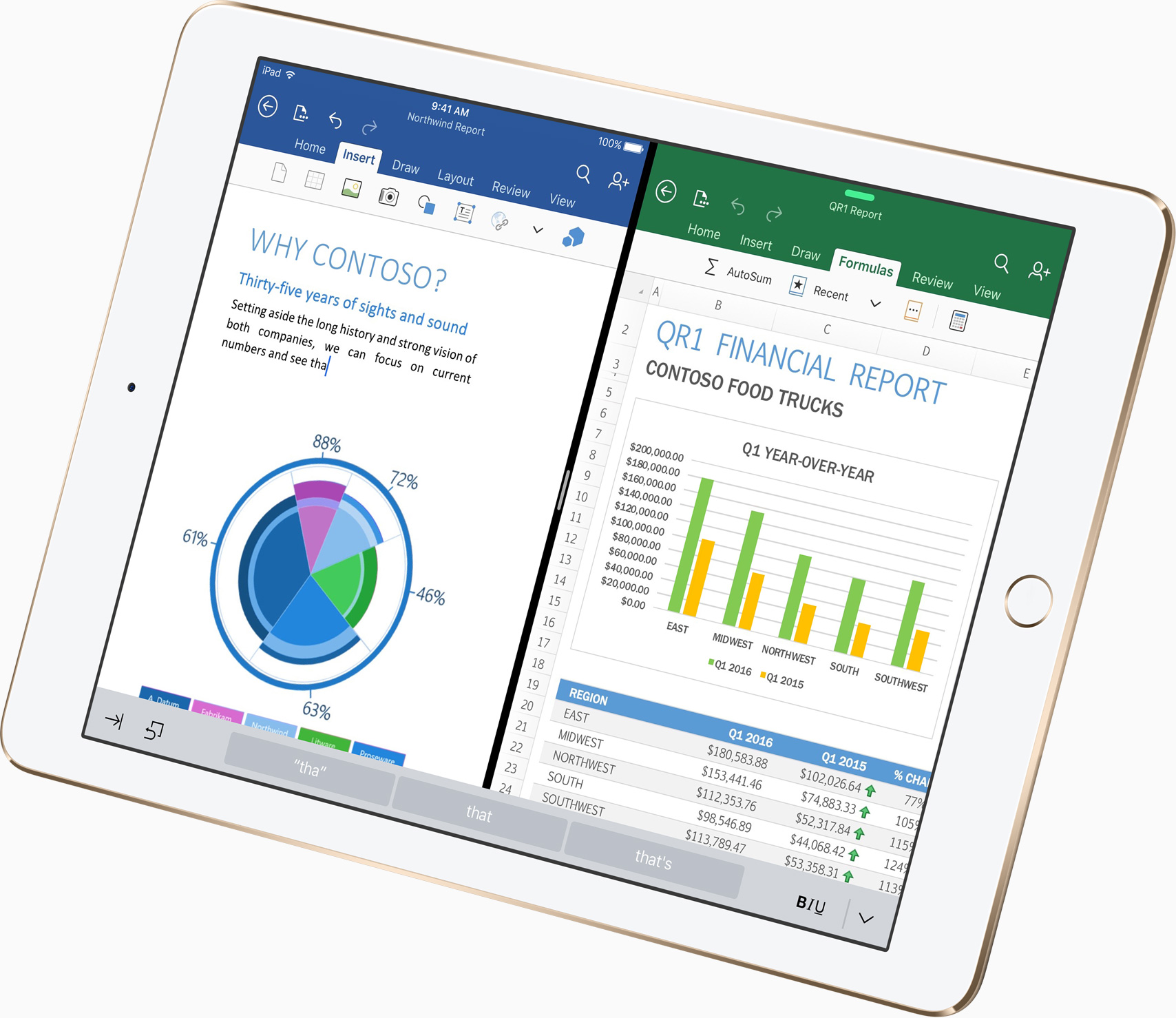
New iPad Pro ad focuses on Apple Pencil

Reminiscent of Apple's legendary "I'm a Mac, I'm a PC” commercials, the latest iPad Pro ad campaign based on real tweets from real people continues with a new 16-second video posted to the company's YouTube channel Tuesday.

Titled “No More Printing,” the video is based on a 2013 tweet which reads: “When you're printing personal things at work and you have to run to the printer to get your stuff before anyone else does.”

The commercial shows off iPad Pro's ability to sign digital documents right on the device with Apple Pencil. “You wouldn’t have to print anymore, if your computer was an iPad Pro,” Apple wrote in the video's description.

All YouTube links now open in mobile app instead of browser

Google's mobile YouTube app takes advantage of iOS's deep linking capability to automatically launch itself when a user taps a video URL in their browser. That useful feature doesn't always work as intended, however, prompting Google to push an update to YouTube for iPhone and iPad to rectify this. If clicking a YouTube link in Safari or Chrome doesn't launch the app and iOS doesn't display the “Open this page in YouTube?” pop-up, be sure to update your copy of YouTube for iOS to version 12.07.

This tweak lets you use a 3D Touch gesture to clear app icons badges

Anyone looking for a quicker way of dismissing unwanted notification badges from their app icons without having to open the app in question might want to turn their attention to a new free jailbreak tweak release called ClearBadges3DTouch10 by HiDaN.

As the self-explanatory name implies, this tweak is intended to give you a way to remove notification badges from your apps with a 3D Touch gesture.

BlurTouchClean removes the blur from your Home screen’s 3D Touch menu backgrounds

Anyone with a 3D Touch-enabled device is likely familiar with the bevy of menu options that can be revealed by imposing a simple 3D Touch gesture on apps from the Home screen.

Whenever one of these 3D Touch menus is revealed, iOS blurs the background to draw your focus to the menu, but a new free jailbreak tweak called BlurTouchClean by CydiaGeek can remove the blur effect so you can continue to see everything residing behind the menu.