iPad

From the latest news to the most comprehensive tutorials, learn how to get the most out of your iPad with our step-by-step guides and expert tips.

Castro, SSHIcon, and other jailbreak tweaks to check out this weekend

If you're like most jailbreakers, then you're probably foaming at the mouth for something new to install on your device right now. While the iOS 10 jailbreak has been slow lately, we've seen some fairly impressive releases this week.

In this roundup, we'll show you all the jailbreak tweaks that launched in Cydia throughout the past work week. We'll start with our favorites and move on to the rest of them afterward.

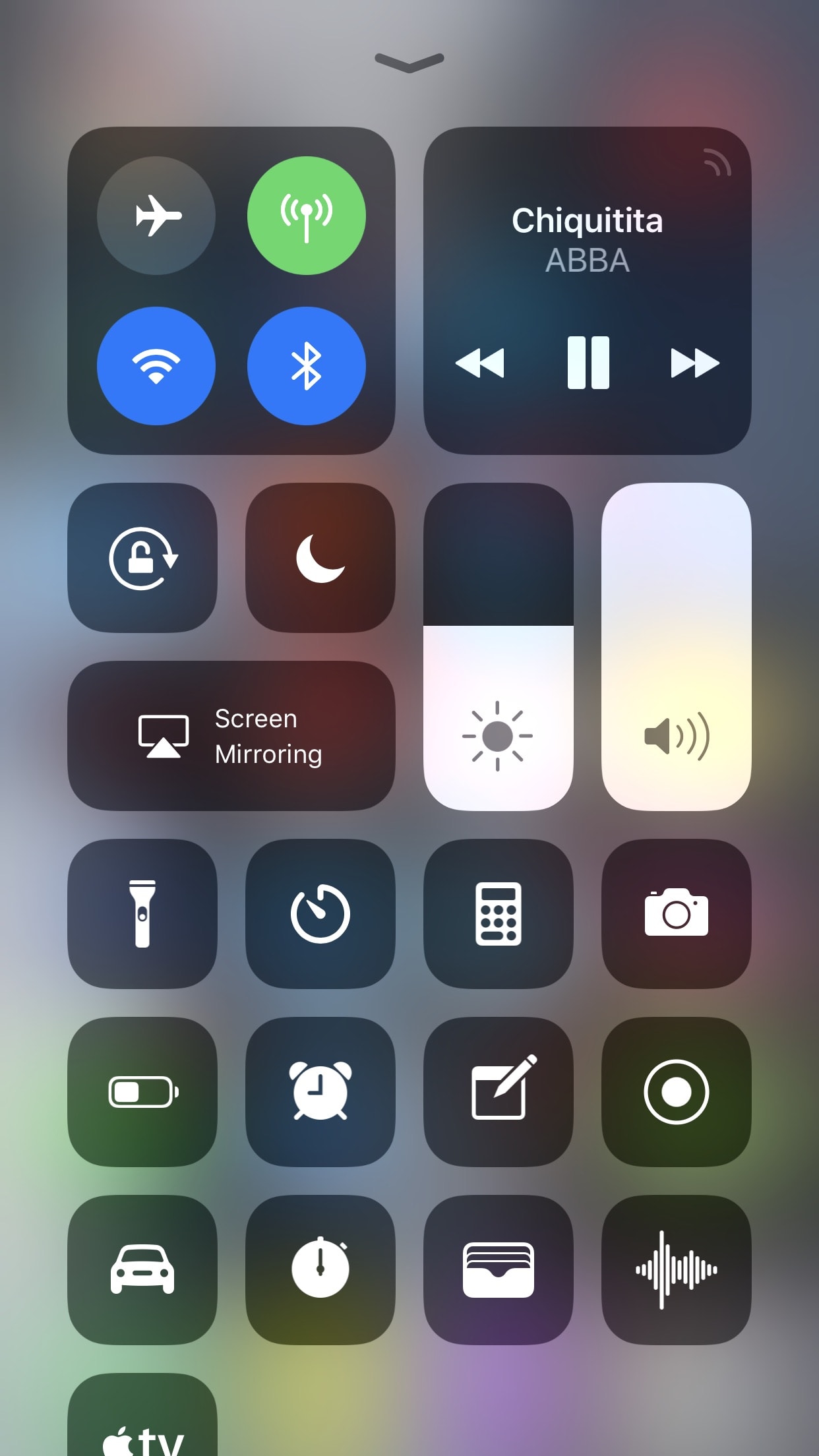
Castro gives the iOS volume HUD a much-needed facelift

I’ve said it many times before, and I’ll say it again: the volume HUD in iOS is a ridiculous mess, and it's in need of a facelift.

A plethora of jailbreak tweaks in Cydia can help with the situation, but after trying a new release called Castro by iOS developer candoizo, I’m convinced that this just might be one of the best looking alternatives to date.

SSHIcon lets you know when there are active SSH connections to your device

SSH is a powerful tool that lets you access your jailbroken handset’s filesystem on the fly, but one of the things I don’t like about it is how there’s no indication when an SSH connection is initiated.

A new free jailbreak tweak called SSHIcon by iOS developer Sticktron solves this problem by putting an icon in your Status Bar any time you or someone else uses SSH to access your device.

Apple seeds beta 9 of iOS 11 and tvOS 11 to developers

Apple on Thursday seeded iOS 11 beta 9 to developers. The release comes just days after beta 8 of the software was rolled out, suggesting that either a significant bug or security issue was discovered, or that Apple is charging hard down the final stretch of beta testing in an effort to finish the update on time for public release next month.

iOS 11 beta 9

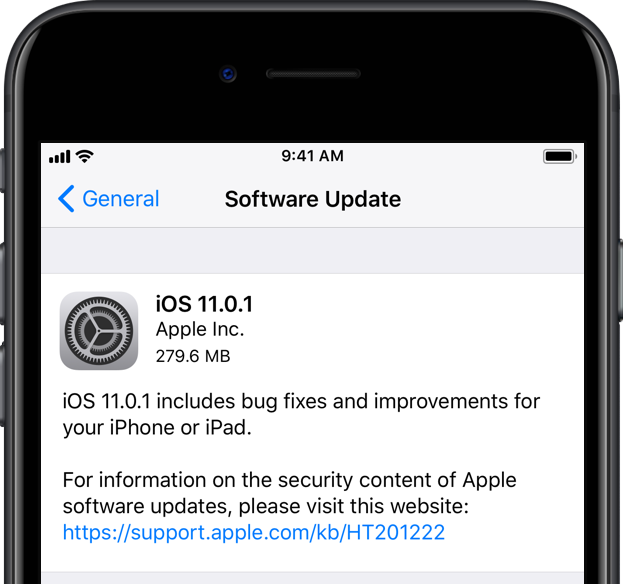
If you're a registered developer with a device already running a previous iOS 11 beta, you can upgrade to the latest build (15A5370a) over the air using the Software Update mechanism in the Settings app.

Given the short lead time between beta 8 and beta 9, we don't expect many (if any) user-facing changes. But here are the new things we spotted in beta 8:

https://www.youtube.com/watch?v=b--2ov6pcIk

Subscribe to iDownloadBlog on YouTube

tvOS 11 beta 9

Developers with the appropriate configuration profile on their Apple TV (4th gen) can install today’s beta (build number 15J5378a) by visiting Settings > System > Software Update.

Otherwise, it requires you to hook up your Apple TV to your Mac via a USB-C cable and a quick trip to the Dev Center. tvOS 11 has shown to be a modest update, with just a handful of user-facing improvements.

As always, if you see something notable in the new betas you think we’ve missed, feel free to tell us about it in the comments below, or on Twitter @iDownloadBlog.

HideDeleteBox is a subtle way to prevent others from deleting your iOS apps

If you share your iPhone or iPad with multiple people, then new apps probably appear on the Home screen while old apps go missing all the time. iOS comes with restriction features to prevent app deletion, but enabling this solution will only get in your own way too.

A new free jailbreak tweak called HideDeleteBox by iOS developer NeinZedd9 takes a simpler approach; it makes the “x” button that typically appears after entering ‘jiggle’ mode on your iPhone or iPad invisible.