iPad

From the latest news to the most comprehensive tutorials, learn how to get the most out of your iPad with our step-by-step guides and expert tips.

HideMeX: an all-inclusive SpringBoard customization tweak for iOS 10

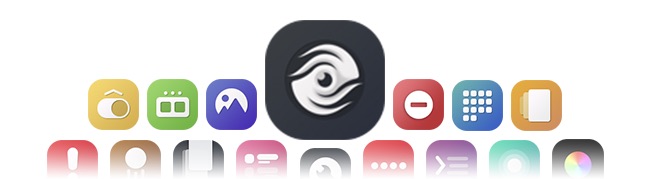
HideMeX by CPDigitalDarkroom is an all-inclusive SpringBoard customization jailbreak tweak for iOS 10 that lets you customize a number of things on your iPhone or iPad.

For anyone who’s familiar with Springtomize, this tweak is very similar in a myriad of ways, however as we continue to wait for the release of Springtomize for iOS 10, HideMeX offers a viable alternative with a lot of similar configuration options.
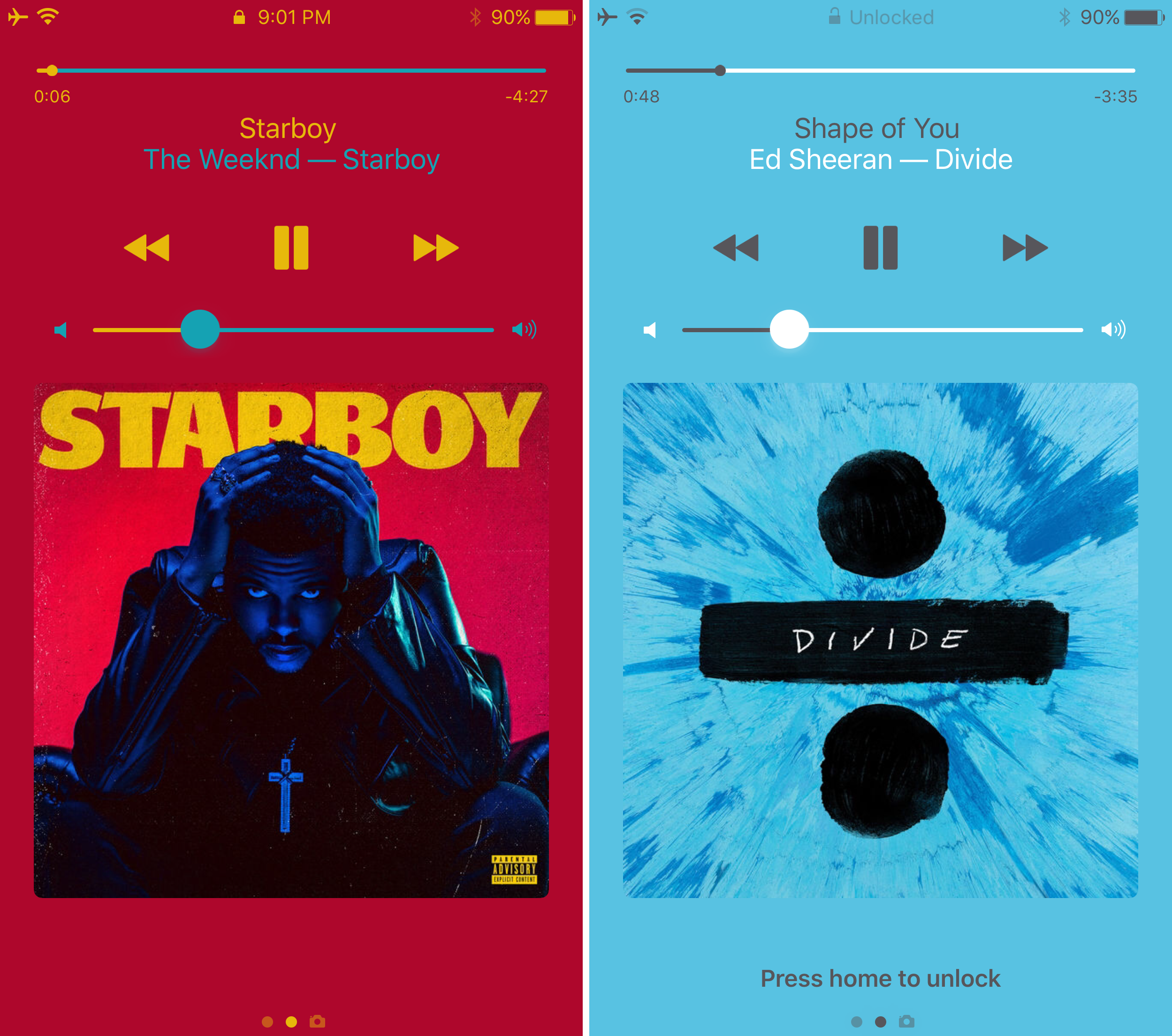
ColorFlow 3 uses dominant colors of album artwork to colorize your Now Playing screen

It was just last week that we showed you a unique tweak for jailbroken devices called Spin10, which redesigned the look and feel of the Now Playing interface on the Lock screen, giving it a circular and colorful look and feel that made it feel much more modern.

On the other hand, another jailbreak tweak that changes the appearance of the Now Playing screen by colorizing it based on the dominant color of the album artwork dubbed ColorFlow 3 by David Goldman is also available in Cydia as of this week.

Customize and add new functions to Control Center with Onizuka

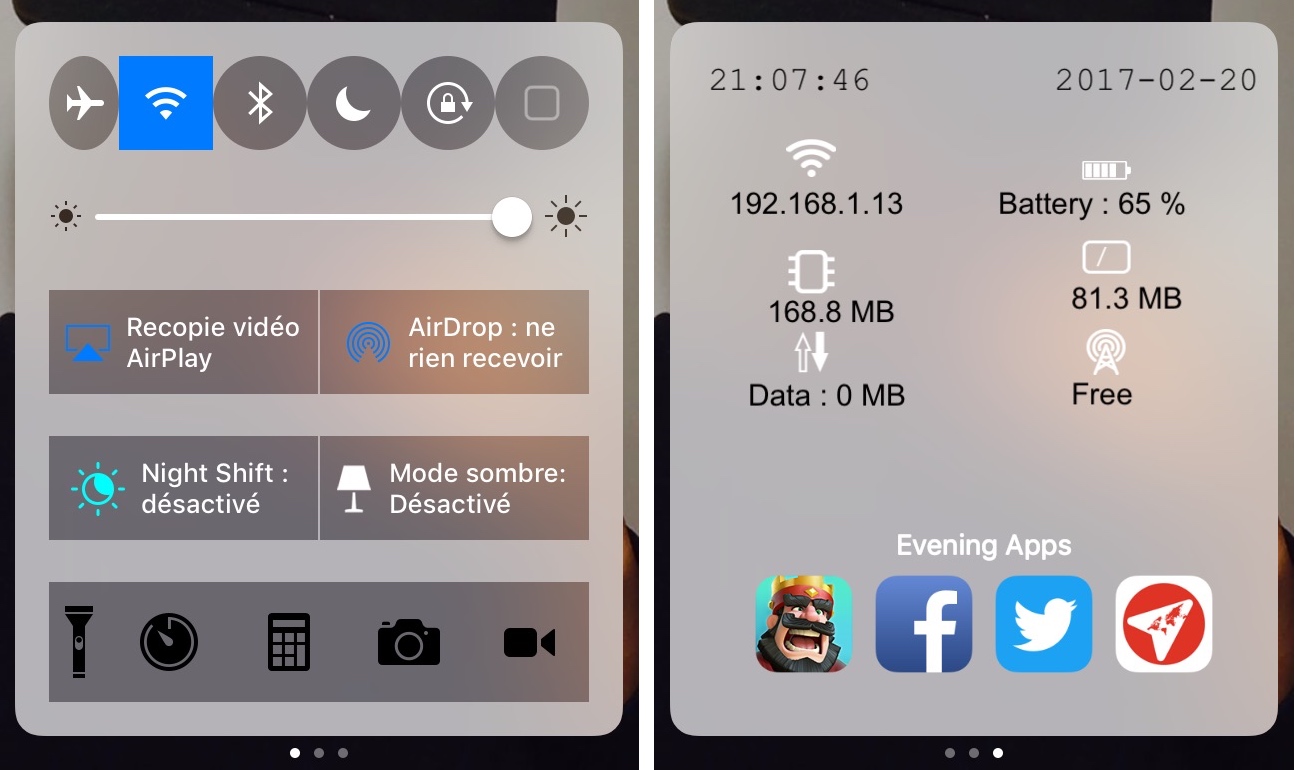
Although Control Center is useful on any stock iPhone or iPad right out of the box, Apple doesn’t give you a whole lot of options for customizing it with the toggles and aesthetics you want to have. Fortunately, that’s where having a jailbreak can come in handy.

With a new jailbreak tweak called Onizuka by maximehip, you can customize your Control Center layout through the help of various options that can give it a different aesthetic or change its functional usefulness.

ColorBanners 2 adds a splash of color to your notification banners

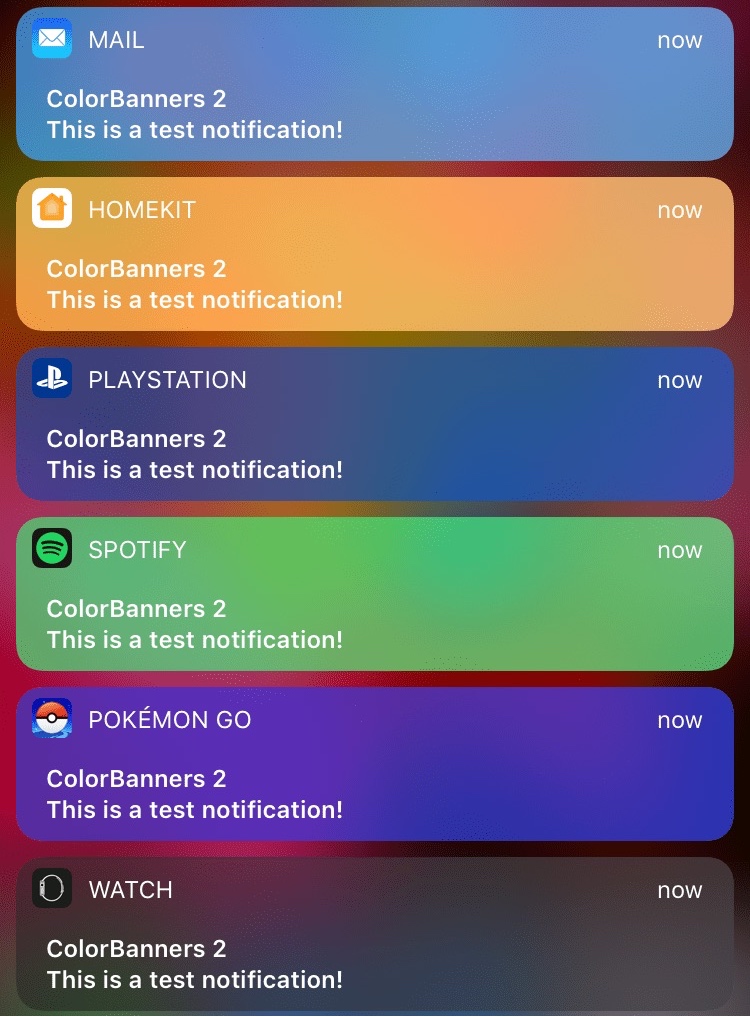
When iOS 10 launched, there was quite a bit of gasping at the appearance of the new notification banner style throughout the operating system, including those that appear in apps, on the Lock screen, and in Notification Center.

Fortunately, a jailbreak tweak called ColorBanners 2 by David Goldman can help you to make your notifications a little easier to look at, as it lets you to colorize them in nearly any way you’d like.

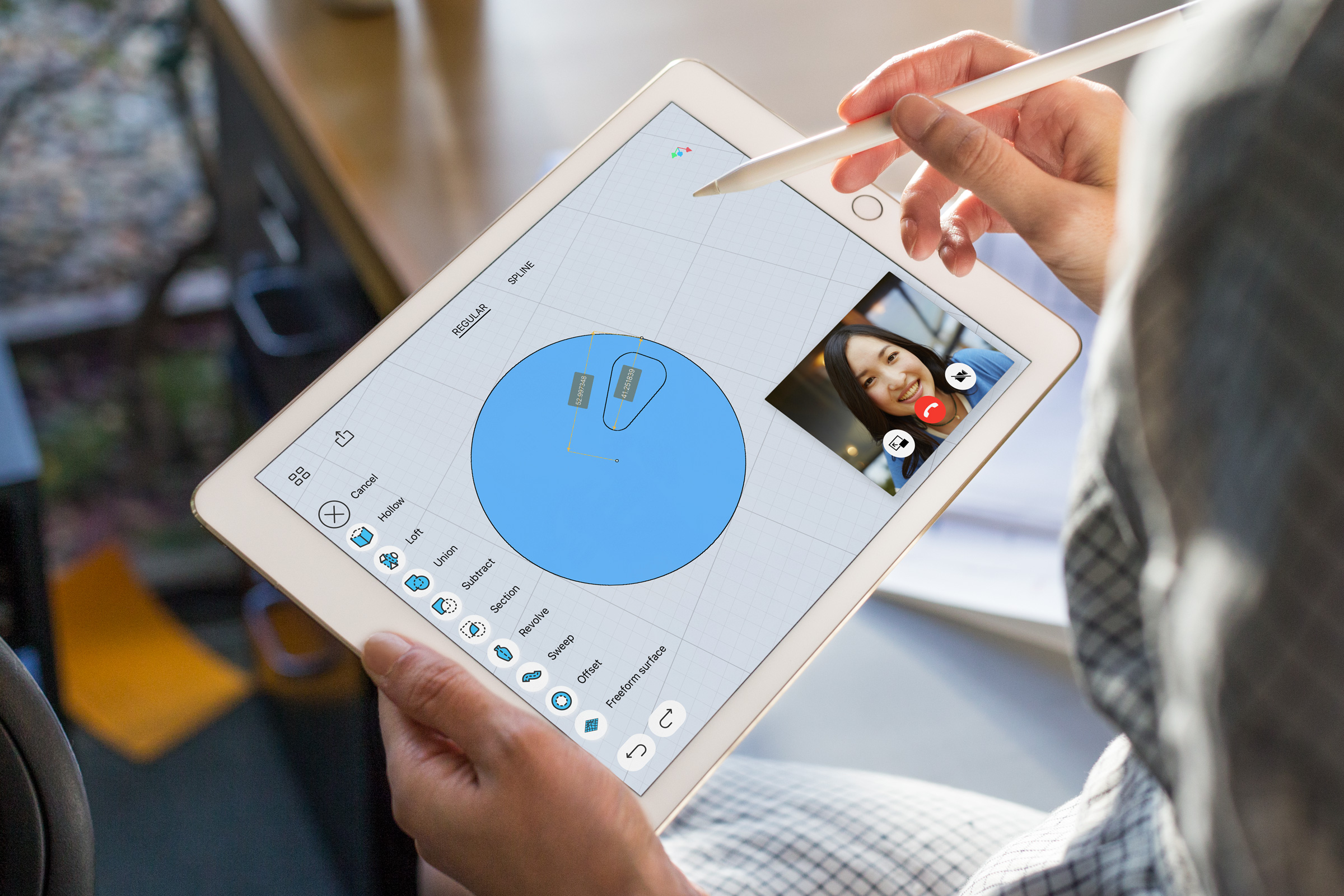
New iPad Pro ad focuses on Apple Pencil

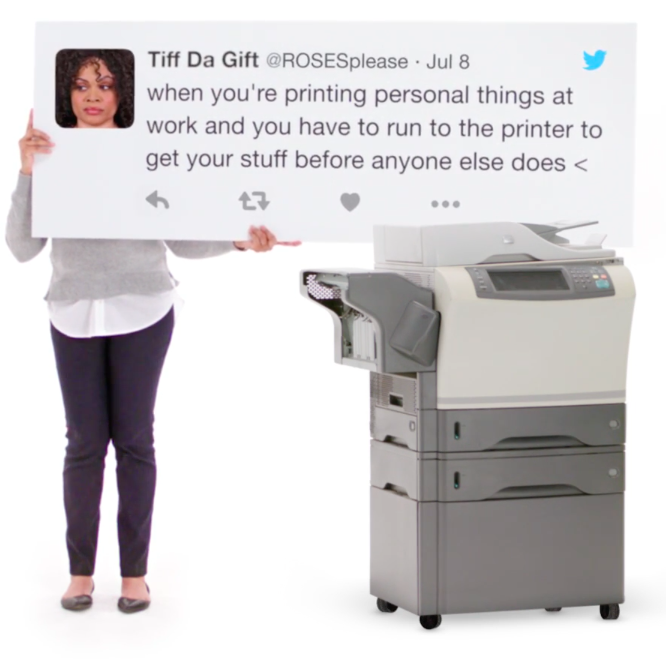
Reminiscent of Apple's legendary "I'm a Mac, I'm a PC” commercials, the latest iPad Pro ad campaign based on real tweets from real people continues with a new 16-second video posted to the company's YouTube channel Tuesday.

Titled “No More Printing,” the video is based on a 2013 tweet which reads: “When you're printing personal things at work and you have to run to the printer to get your stuff before anyone else does.”

The commercial shows off iPad Pro's ability to sign digital documents right on the device with Apple Pencil. “You wouldn’t have to print anymore, if your computer was an iPad Pro,” Apple wrote in the video's description.

All YouTube links now open in mobile app instead of browser

Google's mobile YouTube app takes advantage of iOS's deep linking capability to automatically launch itself when a user taps a video URL in their browser. That useful feature doesn't always work as intended, however, prompting Google to push an update to YouTube for iPhone and iPad to rectify this. If clicking a YouTube link in Safari or Chrome doesn't launch the app and iOS doesn't display the “Open this page in YouTube?” pop-up, be sure to update your copy of YouTube for iOS to version 12.07.

This tweak lets you use a 3D Touch gesture to clear app icons badges

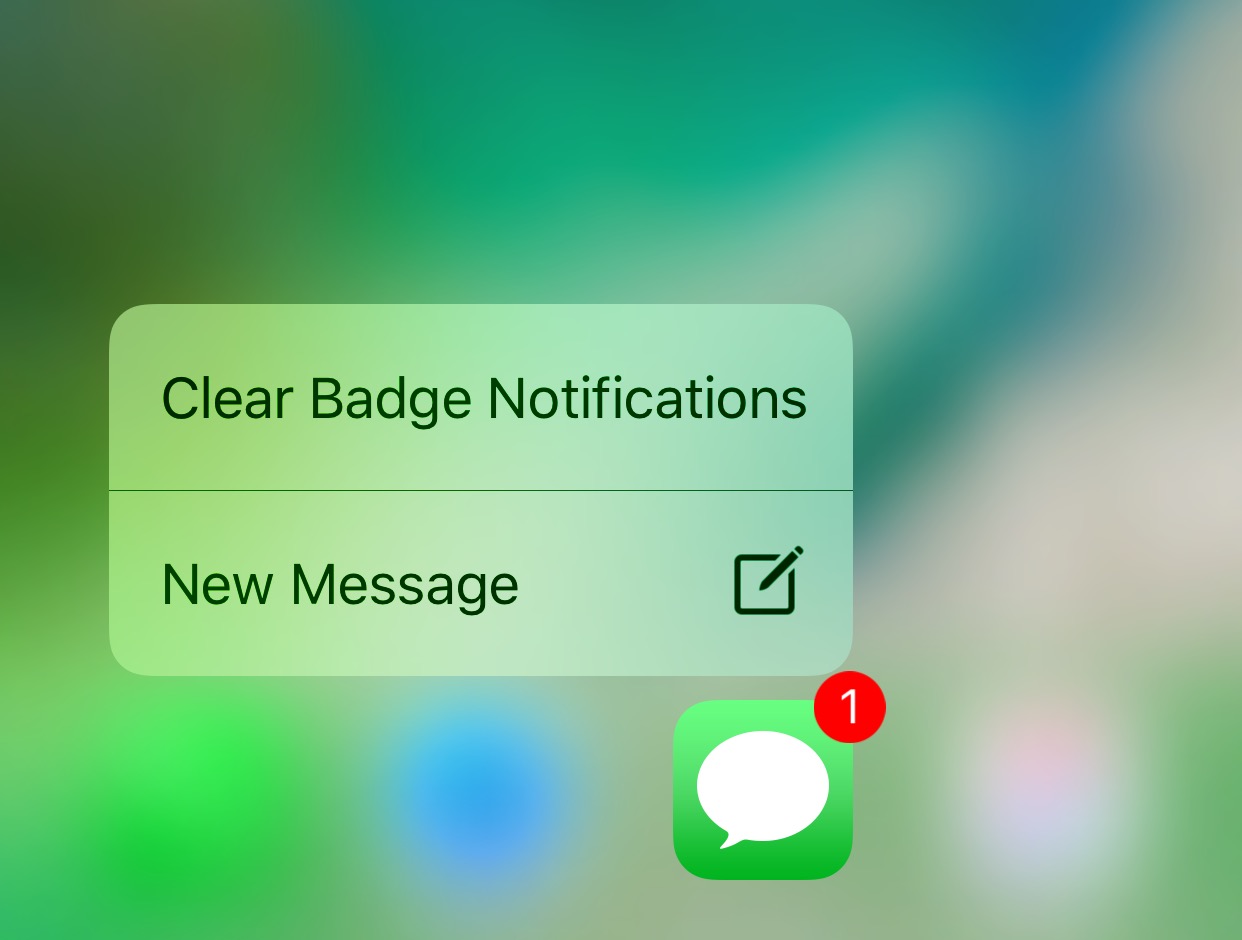
Anyone looking for a quicker way of dismissing unwanted notification badges from their app icons without having to open the app in question might want to turn their attention to a new free jailbreak tweak release called ClearBadges3DTouch10 by HiDaN.

As the self-explanatory name implies, this tweak is intended to give you a way to remove notification badges from your apps with a 3D Touch gesture.

BlurTouchClean removes the blur from your Home screen’s 3D Touch menu backgrounds

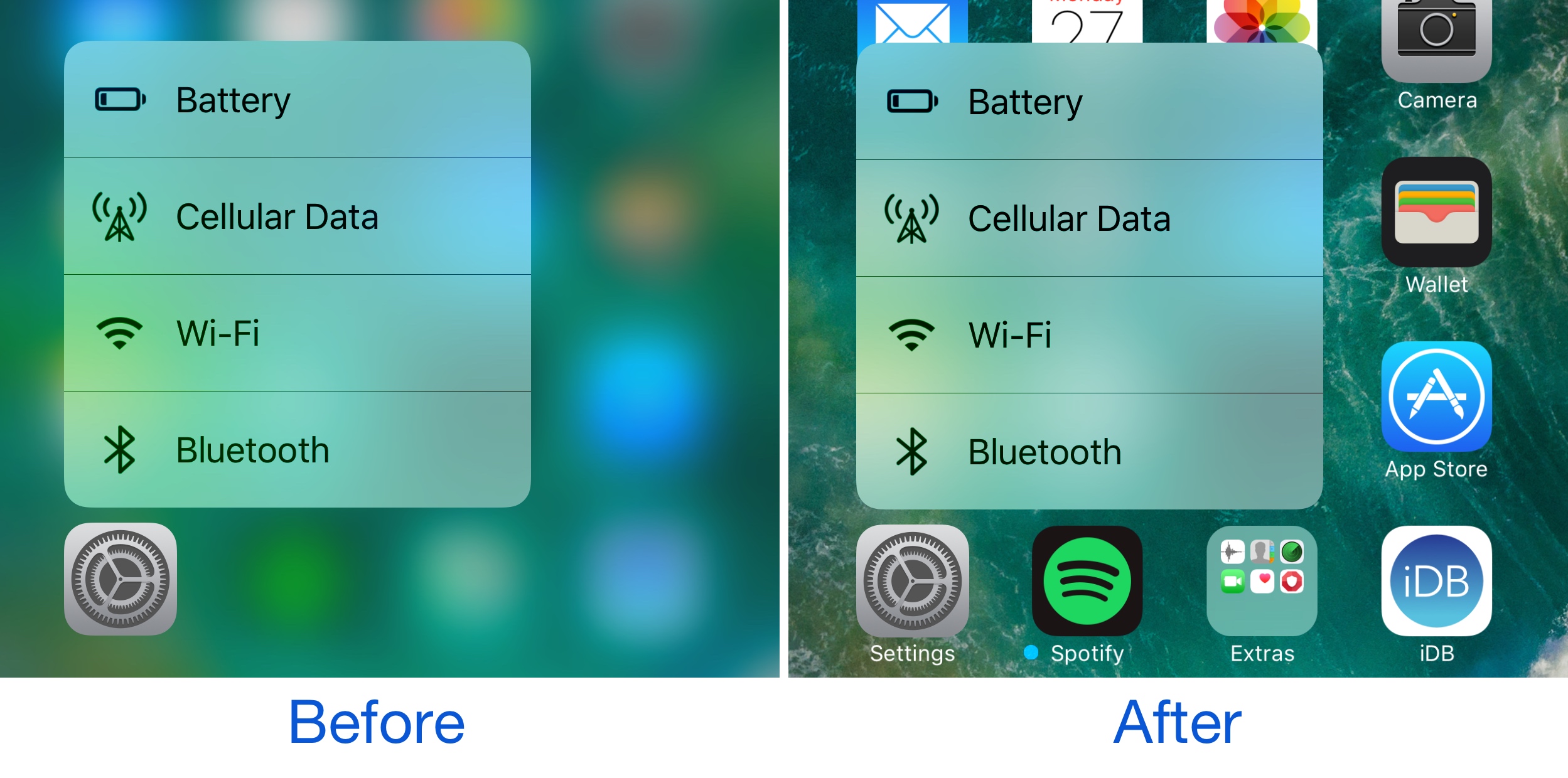
Anyone with a 3D Touch-enabled device is likely familiar with the bevy of menu options that can be revealed by imposing a simple 3D Touch gesture on apps from the Home screen.

Whenever one of these 3D Touch menus is revealed, iOS blurs the background to draw your focus to the menu, but a new free jailbreak tweak called BlurTouchClean by CydiaGeek can remove the blur effect so you can continue to see everything residing behind the menu.

Apple seeds fourth betas of iOS 10.3, macOS Sierra 10.12.4 and watchOS 3.2 to developers

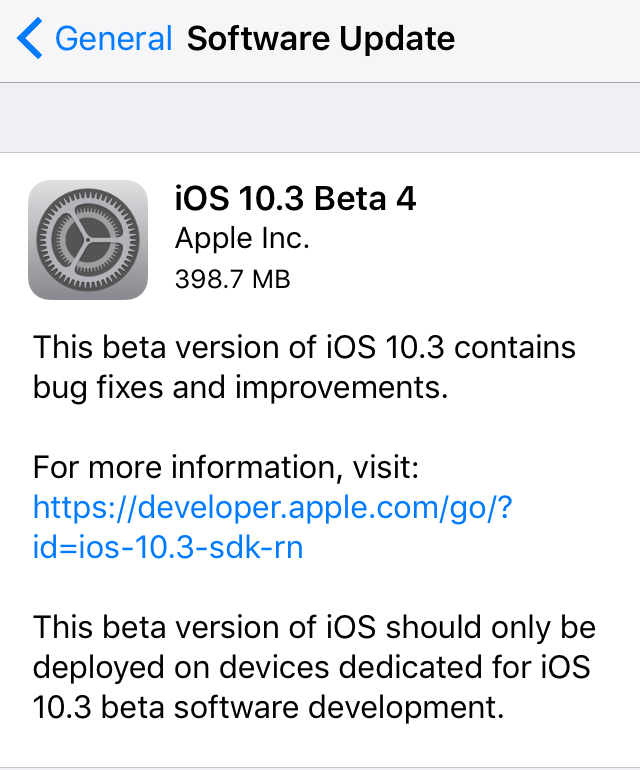
Apple today seeded fourth betas of iOS 10.3, macOS Sierra 10.12.4 and watchOS 3.2 to members of the Apple Developer Program. iOS 10.3 beta 4 (build number 14E5260b), macOS Sierra 10.12.4 beta 4 (build number 16E175b) and watchOS 3.2 are now all available as over-the-air downloads through the Software Update mechanism on devices with an appropriate configuration profile. We'll update the article if we find new features or important under-the-hood changes in the new betas.

10.5″ iPad Pro may sport 2,224×1,668 screen with same density as 9.7″ iPads

Rhoda Alexander, IHS Markit's director in charge of tablets and PCs, shared some interesting observations with Forbes over the weekend regarding Apple's rumored new bezel-less iPad Pro model which, according to other analysts, would house a display measuring 10.5 inches inside a body the same size as 9.7-inch iPads.

According to Rhoda, the new iPad Pro model should have a 2,224-by-1,668 display with the same pixel density as 9.7-inch iPads. For context, Apple's 12.9-inch iPad Pro has a 2,732-by-2,048 Retina display at 264 pixels per inch and its 9.7-inch counterpart has a 2,048-by-1,536 screen, also at 264 pixels per inch.

Google Maps gains 3D Touch place previews

Last week, I whined about Google dragging its feet when it comes to implementing support for important iOS features, like 3D Touch, in apps such as Gmail. Other iPhone and iPad apps from Google have been more aggressive in adopting 3D Touch features, including Maps. In the latest update, Google Maps was bumped to version 4.28 and now allows users who have an iPhone 6s, iPhone 6s Plus, iPhone 7 or iPhone 7 Plus to press places on the map to get quicker access to popular actions.

SpringChanger lets you customize your respring screen with backgrounds and colors

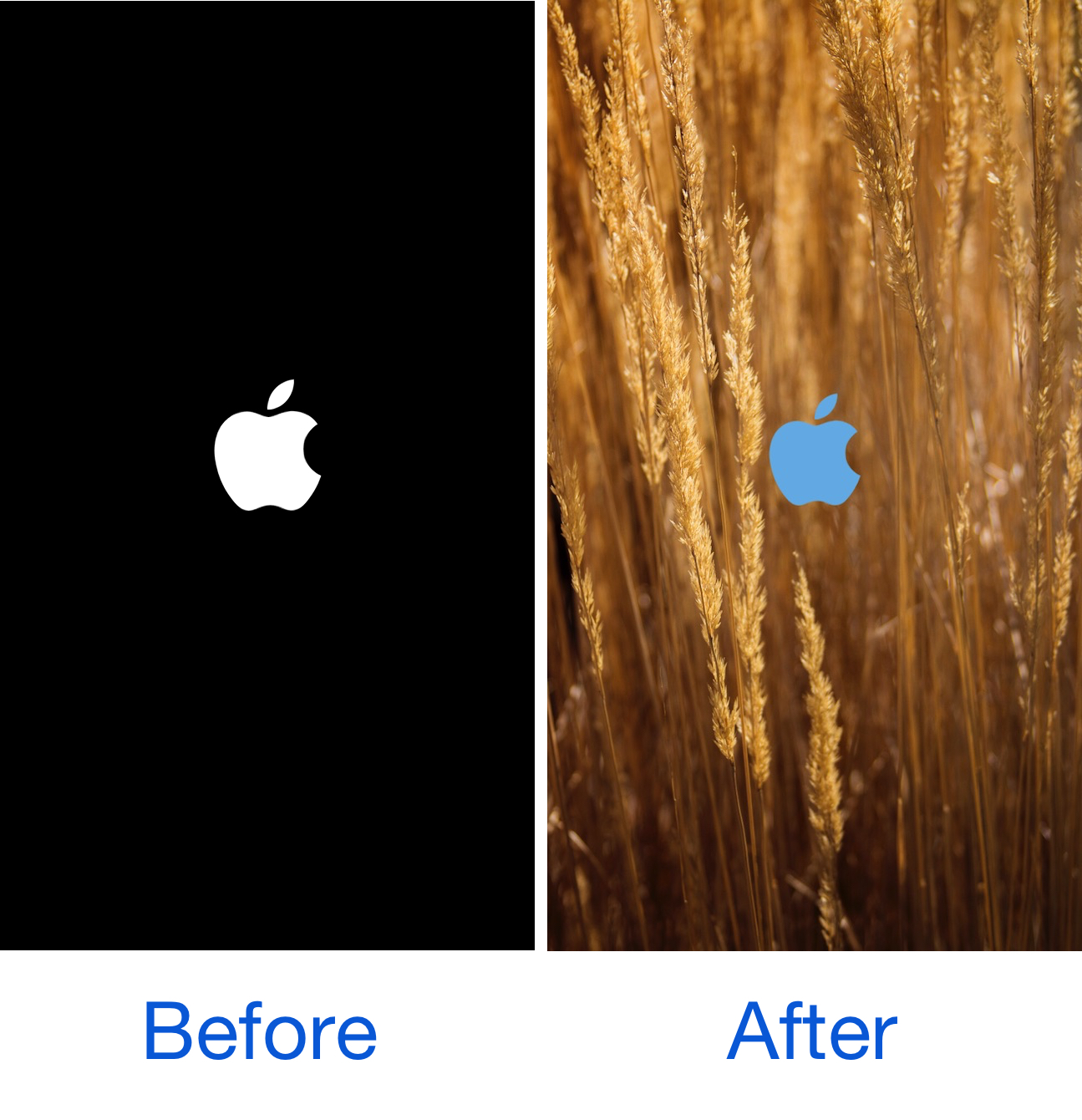
As we showed you last week, MakeRespringsGreatAgain allowed you to resurrect the classic Apple logo-based respring screen, a classic screen that iOS 10 jailbreakers typically don't get to see anymore.

On the other hand, if you wanted to take things a step further, a new free jailbreak tweak called SpringChanger by Wizages is worth trying out because it lets you customize the respring screen beyond recognition.