iPad

From the latest news to the most comprehensive tutorials, learn how to get the most out of your iPad with our step-by-step guides and expert tips.

How to gift iTunes credit on iPhone and iPad

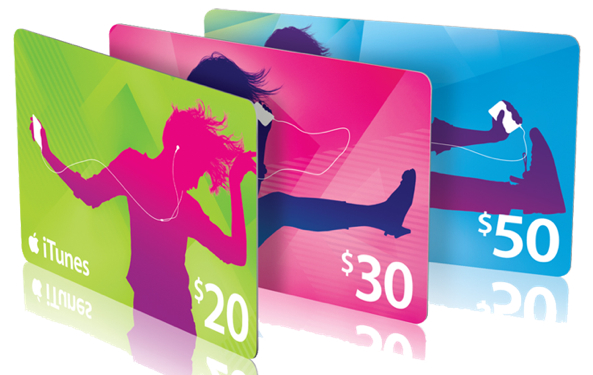
A particularly cruel proverb says there's more than one way to skin a cat. True or not for cats, its intended meaning certainly applies to sending iTunes gifts and gift cards to your loved ones. For years, Apple has done their homework to make sure we can easily swoop up gift cards for iTunes at most retailers, online through services such as PayPal and also directly gift apps or music we come across and want to share immediately.

On top of the bevy of options available, there's another simple trick to send (any desired) iTunes credit to a fellow application user, right through iTunes or the App Store on iOS. While on no account a hidden gem, we haven't called attention to it before on iDB, so let's bring you up to speed on it if necessary.

How to switch between Celsius and Fahrenheit on your iPhone, iPad, and other Apple devices

Two screenshots from the iPhone Weather app with one showing the temperature in Fahrenheit and the other in Celsius

Your Apple devices provide a global setting for representing specific quantities of temperature in apps. You can switch between displaying the temperature in either Celsius or Fahrenheit. Apps that support this feature, including Apple's stock Weather app, honor this setting to display the temperature in your preferred unit regardless of your regional settings.

In this tutorial, you will learn how to easily switch between Celsius and Fahrenheit independently of your other regional settings on your iPhone, iPad, or iPod touch, as well as adjust this setting on other Apple devices, such as your Apple TV, Apple Watch, or Mac.

Jailbreak tweaks of the week: ColorGram, HUDPlayer, & more…

The jailbreak community has been pretty unpredictable lately; just as you begin to think Cydia is going through a lull, developers surprise you with a bevy of fun and useful new releases.

In this piece, we'll discuss all of the jailbreak tweaks that were released throughout the week, starting with our favorites. We'll outline the rest of them afterwards.

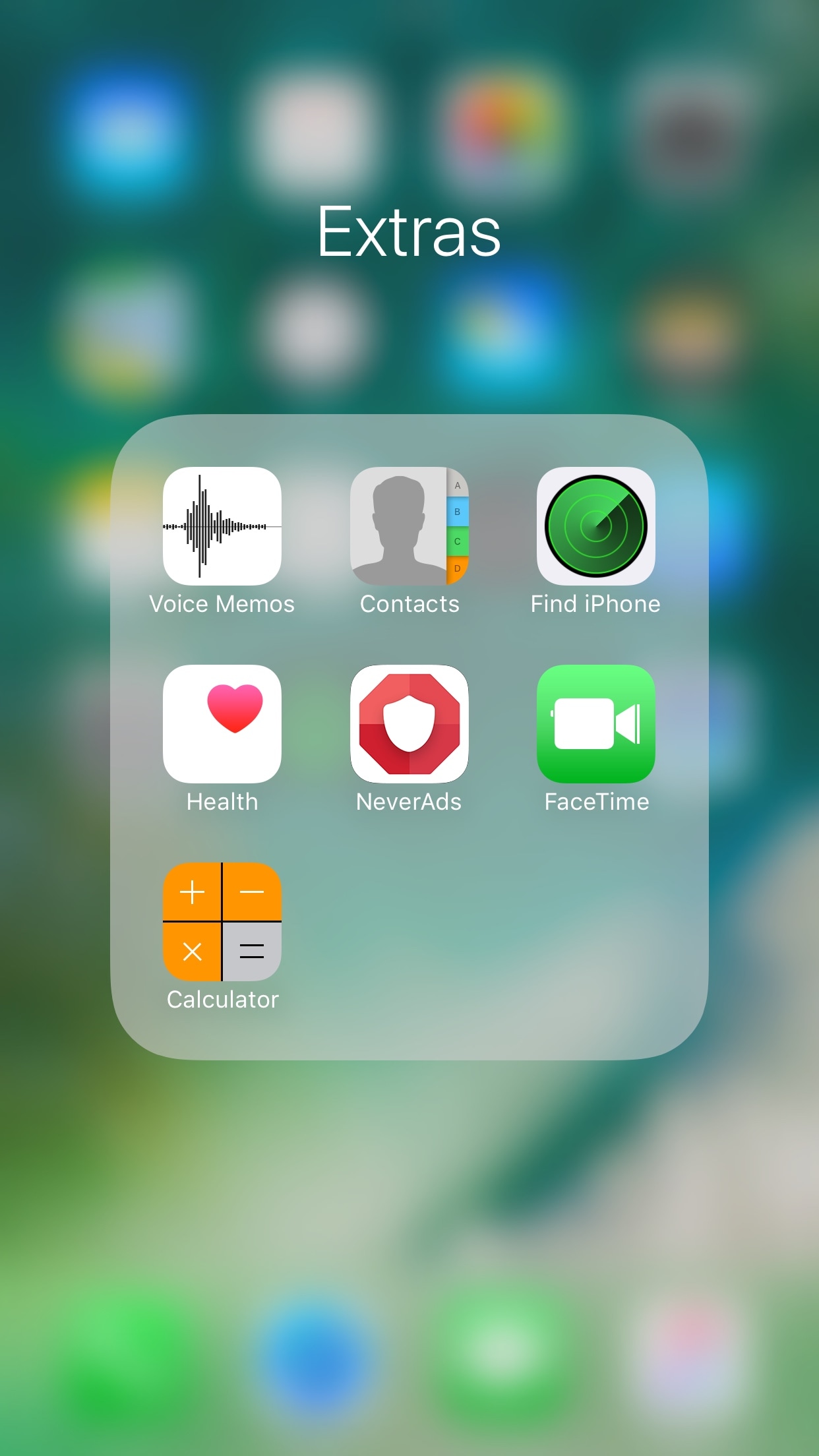
FolderAutoClose 10 automatically closes folders after launching apps from them

Any time you open a folder to launch a containing app, and then you close it, you find yourself back inside the folder where you originally launched that app rather than on the main Home screen.

A new free jailbreak tweak dubbed FolderAutoClose 10 by iOS developer yuripeyamashita is now available that automatically closes folders in the background when launching apps from them.

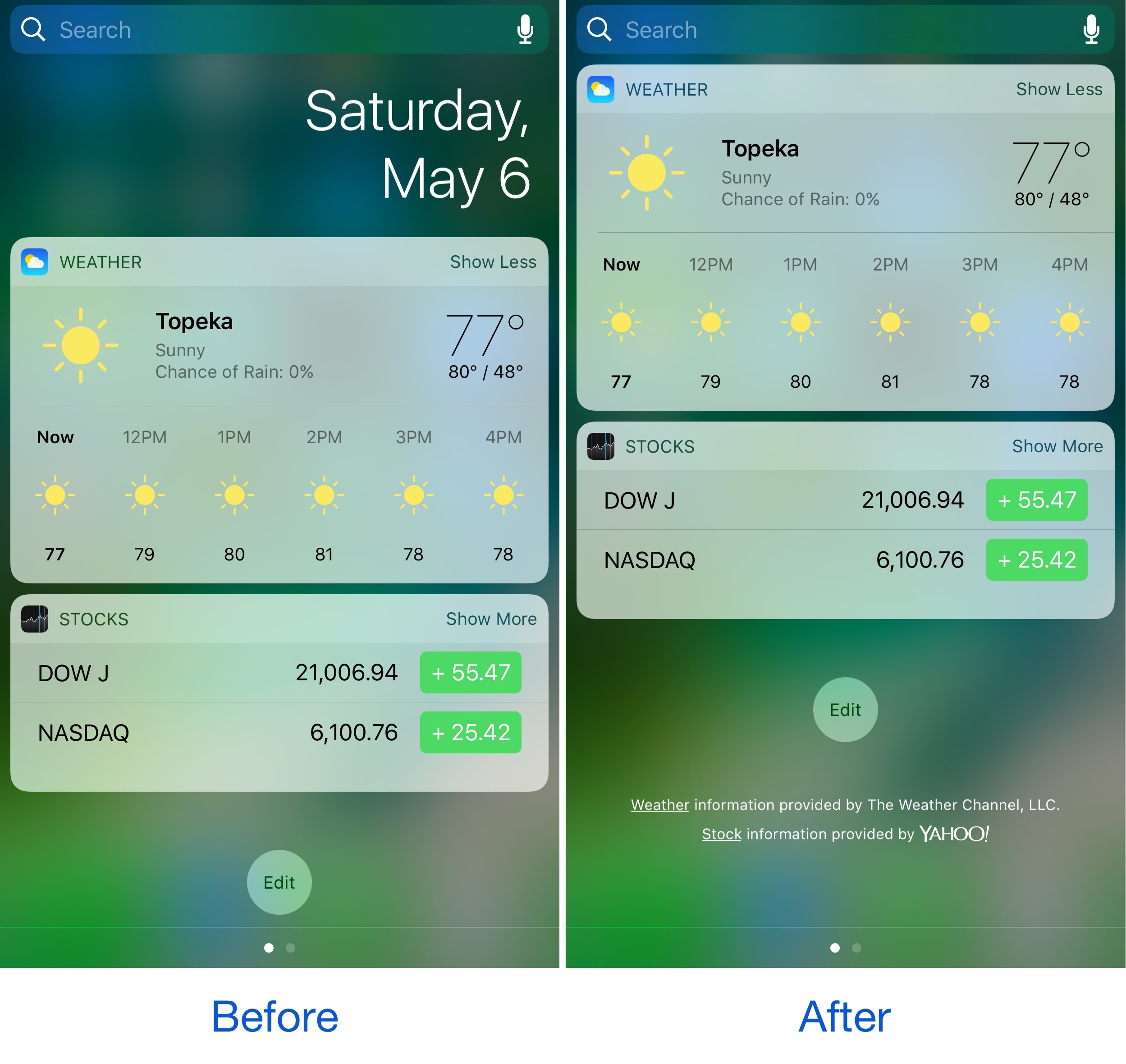
Hide the date from the Today page with No Date Today

Some might consider the date information in the Today page unnecessary because the date appears in several other places on your devices. If you agree, then a new free jailbreak tweak called No Date Today by TheComputerWhisperer could be useful to you.

This tweak removes the double-line date from the Today page and makes more vertical room for cramming additional Today widgets into a single screen; the benefit being that you won't have to scroll down as much to see their information.

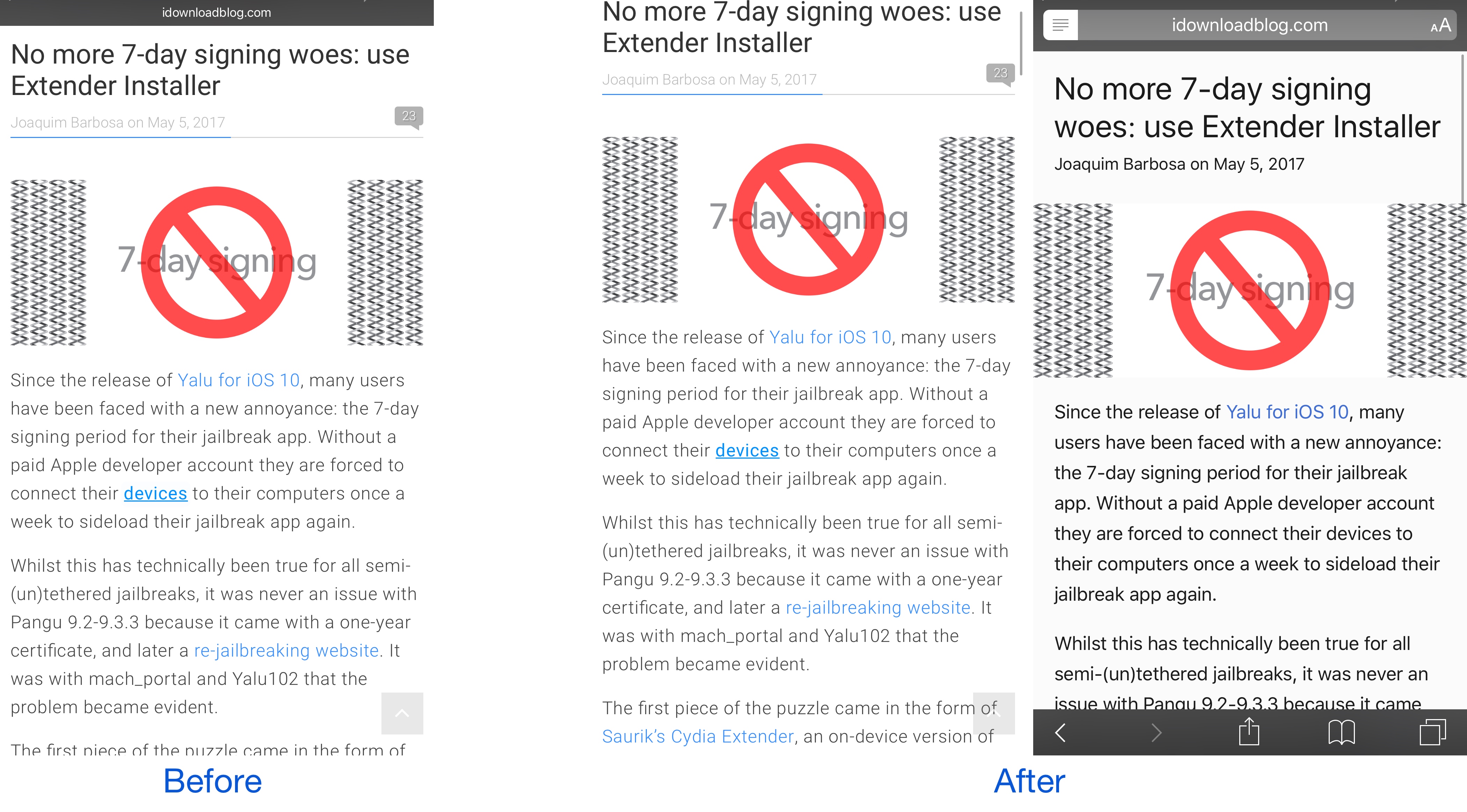
This tweak forces Safari to load web pages in Reader or full screen mode

While browsing the web in Safari, two bars typically appear in the app: the navigation bar (top) and the toolbar (bottom). As you scroll through a page, on the other hand, the toolbar disappears and the navigation bar shrinks to conserve vertical space.

There are other modes you can use in Safari to complement the web browsing experience, such as full screen mode in landscape orientation and Reader mode in either orientation, but if you’ve ever wished Safari would just use either mode automatically for every page you visit, then you’re going to love using a new free jailbreak tweak called SafaReaderFullScroll by CydiaGeek.

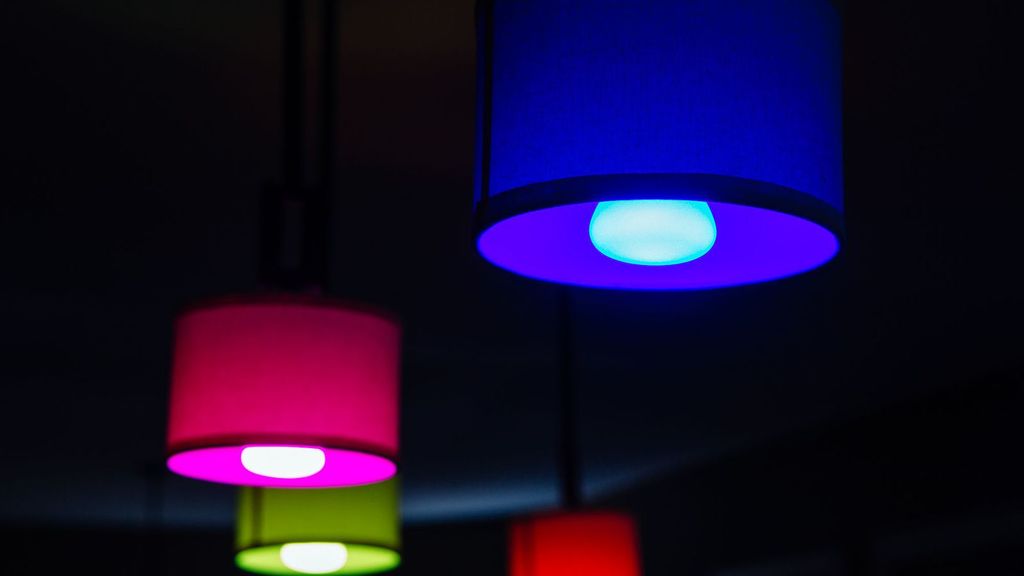
Smart light bulbs you can control with your iPhone

If you're looking to dip your toes in the smart home pool, there's perhaps no easier or less-expensive way than with smart light bulbs. Simply install them into the appropriate light sockets, pair them with their mobile app, and you're ready to go.

As with most electronics, there are a lot of choices out there, and some are much better than others. So to help you separate the good from the bad, we decided to compile a list of some of the best smart bulbs you can can control with you iPhone.

How to fix photos not uploading to or downloading from iCloud Photo Library

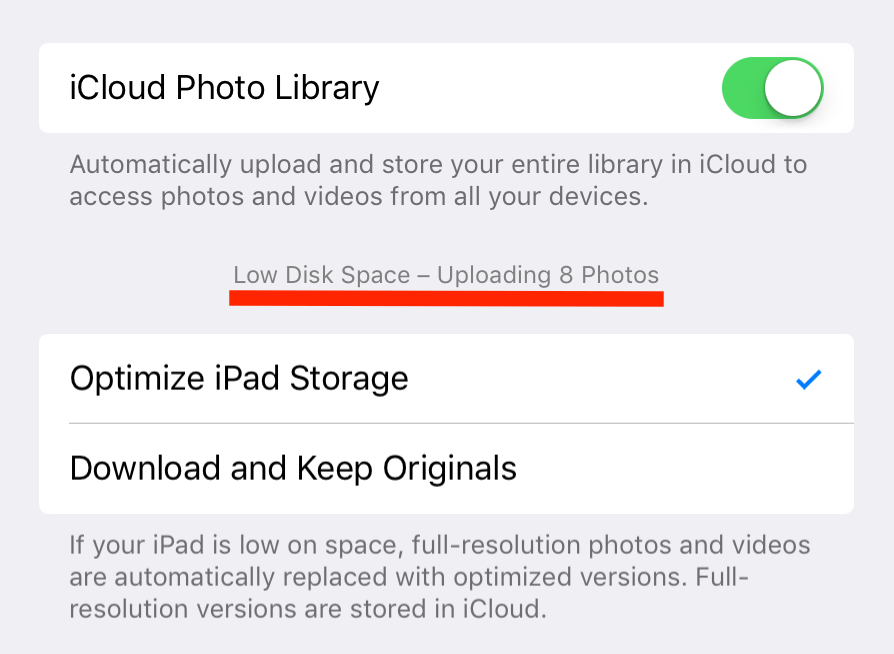
iCloud Photo Library is one of these great features that you think you don't really need until you actually start using it. One of the promises of the service is that it automatically keeps every photo or video you take in iCloud. These photos and videos can then be accessed from any of your devices, assuming the feature is enabled on these devices. iCloud Photo Library is great... at least when it works as it should.

Spotlife hides Today widgets, brings back the iOS 9-style Spotlight page

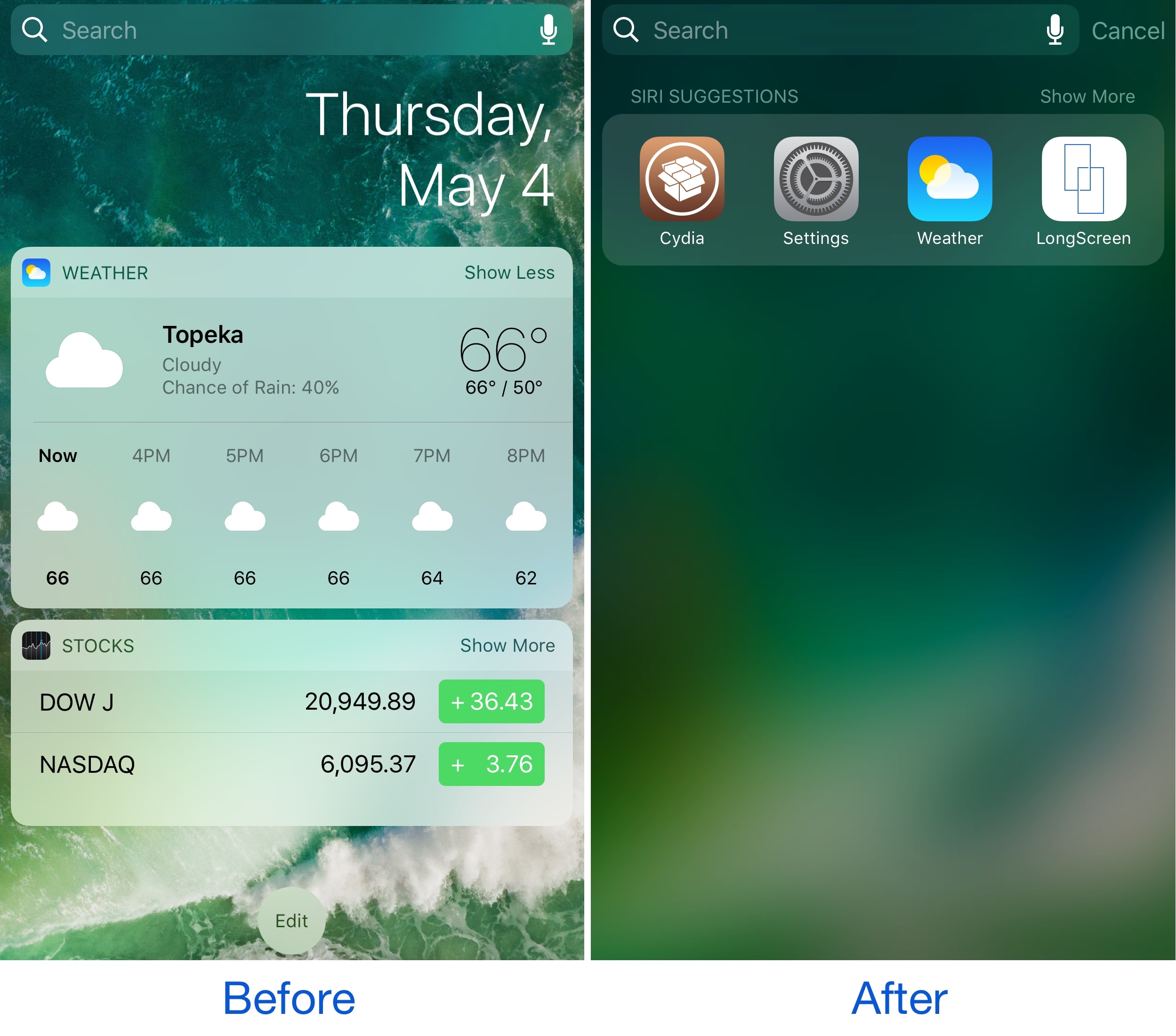
While some people like using the Today page on the Home Screen, Lock screen, and in Notification Center, others don’t. It really comes down to whether or not you actually use any of your Today widgets.

If you find yourself missing the simplicity of the iOS 9 Spotlight page because you don’t use any Today widgets, then a new free jailbreak tweak called Spotlife by iOS developer pxcex could be a beneficial addition to your device.

Apple clarifies only in-app commissions have dropped to 2.5 percent

Apple has clarified in an email communique by its iTunes Affiliate Support team that the recently reduced affiliate rates which went into effect May 1 only apply to in-app content, not to apps linked on websites and other outlets.

The company announced a policy change last month, saying commission rates for apps and in-app content would drop from seven to just 2.5 percent. The firm now clarifies that the change applies only to affiliate links used inside apps, not the ones on websites like iDB.

“Please note that only in-app commissions have changed,” reads the message from iTunes Affiliate Support. Here are the correct new app commission levels, according to Apple itself:

iOS apps commissions: 7 percent In-app iOS commissions: 2.5 percent Mac apps commissions: 7 percent In-app macOS commissions: 2.5 percent

Several website owners and bloggers linking to App Store and Mac App Store apps have reported that the seven percent commission for apps has in fact remained unchanged.

MacGamerHQ provides the following screenshots of Apple's email to iTunes Affiliate members.

Apple originally said about two weeks ago that beginning May 1, 2017 commissions for all apps and in-app content would get slashed from seven percent to just 2.5 percent globally. The poor wording of the message has been blamed for the misunderstanding.

“We will also continue to pay affiliate commissions on Apple Music memberships so there are many ways to earn commissions with the program,” Apple said two weeks ago.

Aside from slashing commissions for in-app content, items like music, movies, books and TV subscriptions remain subjected to the seven percent commission rate across all markets.

iTunes Affiliate Program lets website owners and developers claim a small percentage of the proceeds from linked apps and content.

The company's Affiliate Resources webpage offers a Getting Started guide on becoming an affiliate partner, an updated Program Overview section providing information on the commission raters, reporting, creating links and other useful resources.
Apple’s social video editing app Clips gains new feature in first update since launch

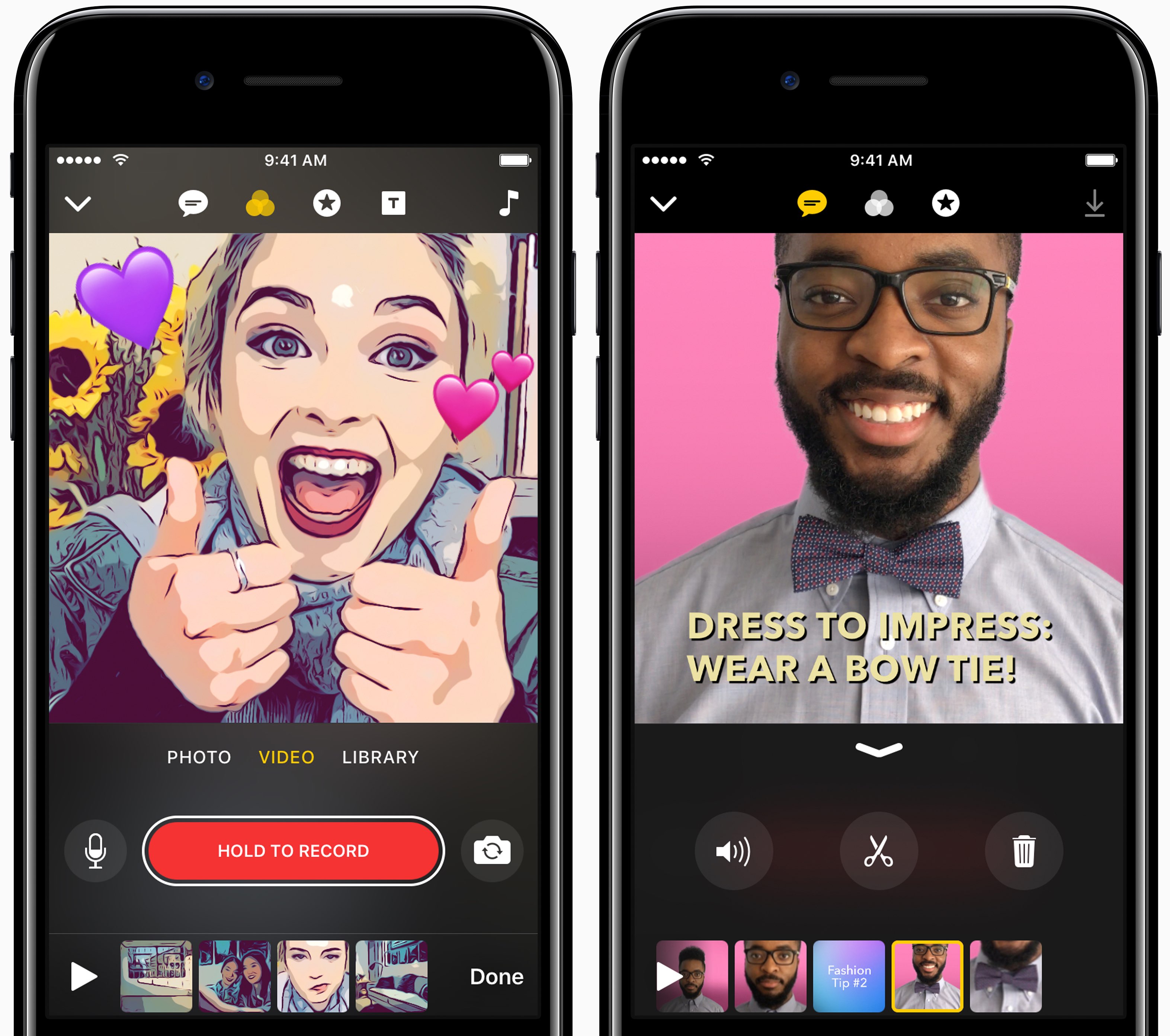
Apple yesterday pushed the first update to Clips for iPhone and iPad following the software's debut on App Store nearly a month ago. Bumped to version 1.0.1, Clips packs in improvements to the Live Title feature that lets you create animated captions and titles in 36 different languages using your voice.

Apple says you can now tap on Live Title text while playing or paused to edit it manually in case Siri misheard you. Additionally, when you share your edited video to a contact who has multiple messaging addresses in your address book, the app will now suggest the most frequently used address.

Lastly, the stability and reliability when capturing and sharing videos that contain certain posters have been improved in this edition of the app.

https://www.youtube.com/watch?v=-2dfeWpwfyk

Subscribe to iDownloadBlog on YouTube

Clips is compatible with iPhone 5s and later, 9.7-inch iPad (2017), all iPad Air and iPad Pro models, iPad mini 2 and later and sixth-generation iPod touch.

The app requires iOS 10.3 or later and does not work on 32-bit devices.

For more on Clips, check out our walkthrough video included above. Clips was introduced as part of a flurry of Apple's Spring product refreshes in March.

Download Clips for iOS for free via App Store.