Apps

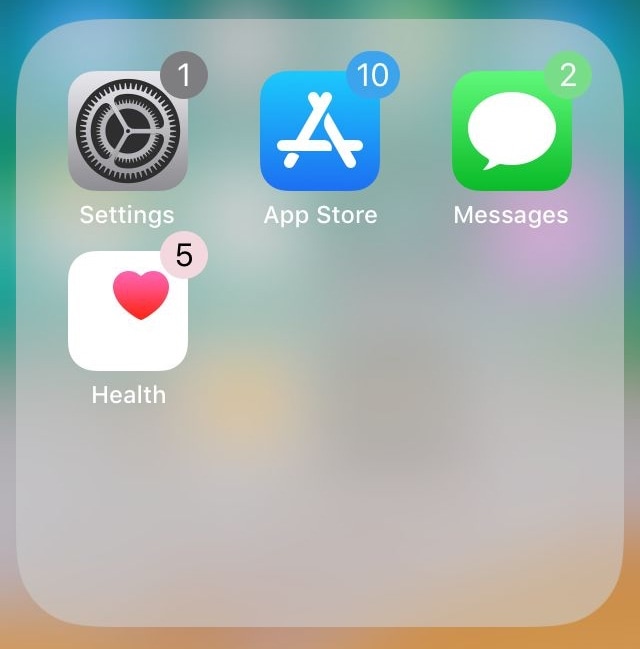
Colorize your Home screen’s notification badges with BadgeColors

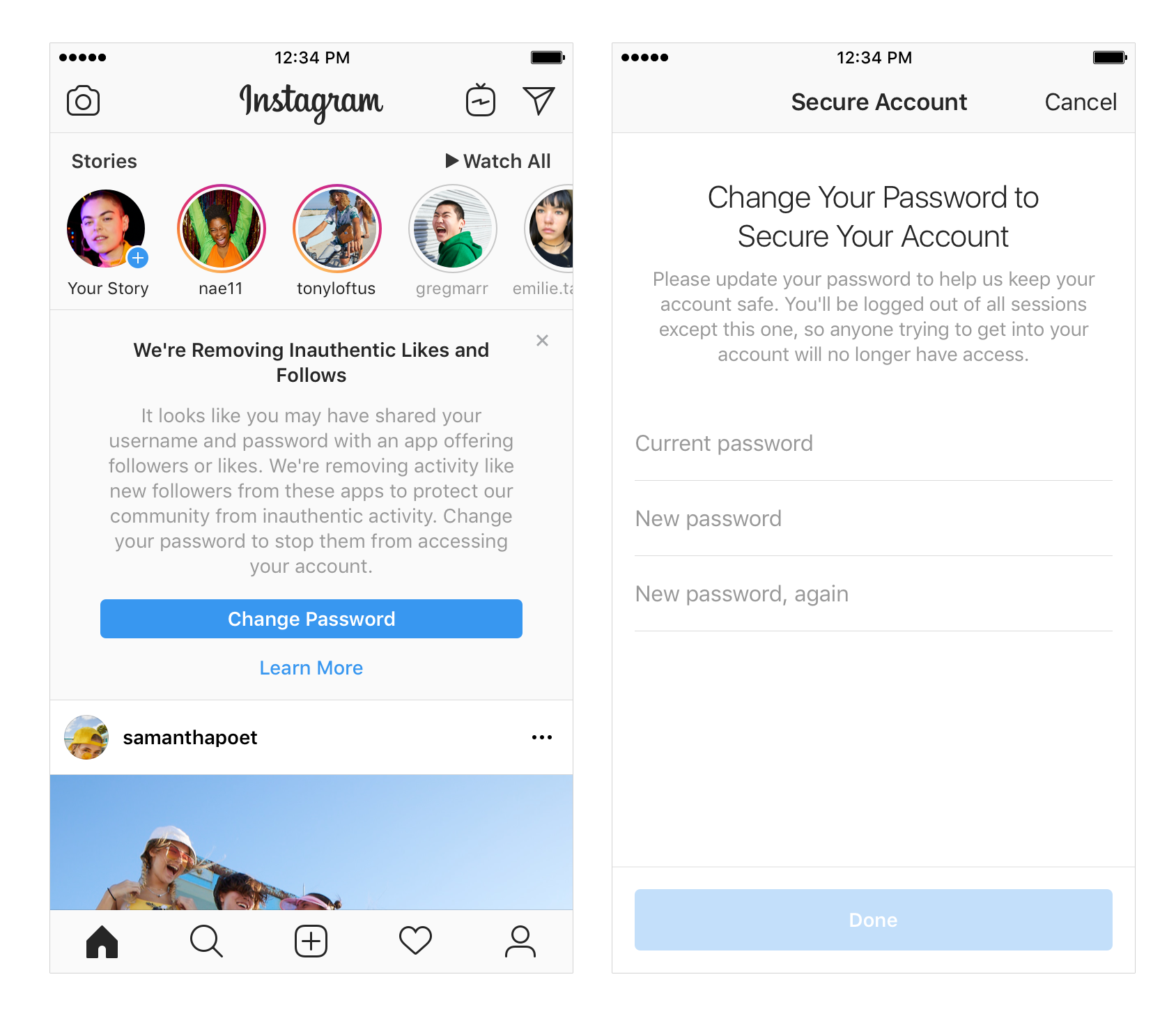
As your iPhone accumulates missed notifications, the icons on your Home screen become littered with little red dots indicating the number of missed notifications you have. Apple calls these red dots notification badges.

There’s no way to customize how notification badges look on a stock device, but if you’re jailbroken, then you can take advantage of a new jailbreak tweak called BadgeColors by iOS developer Cole Cabral.
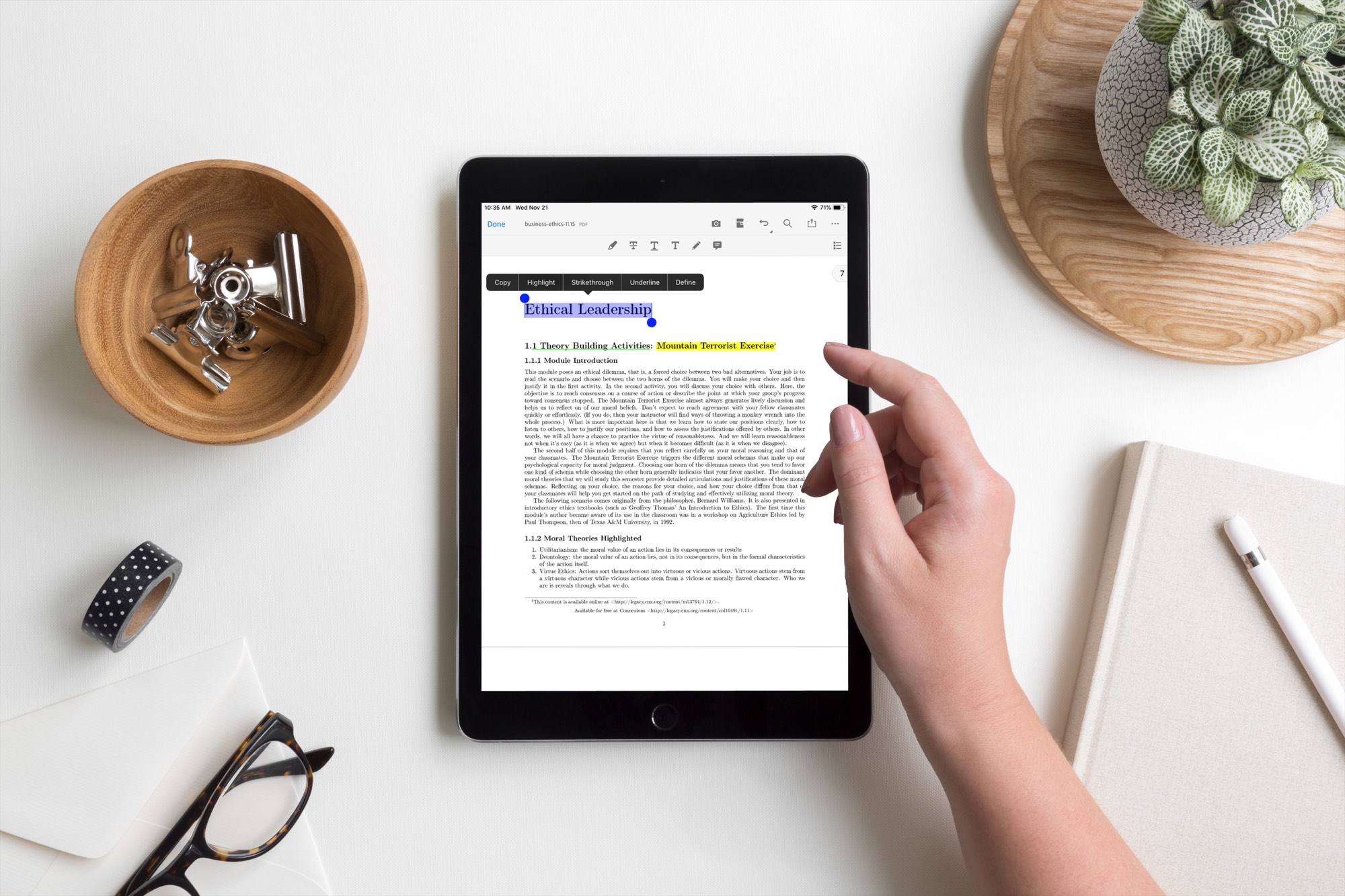
The best apps to read and annotate PDF books on iPad

PDF Read Annotate iPad Apps

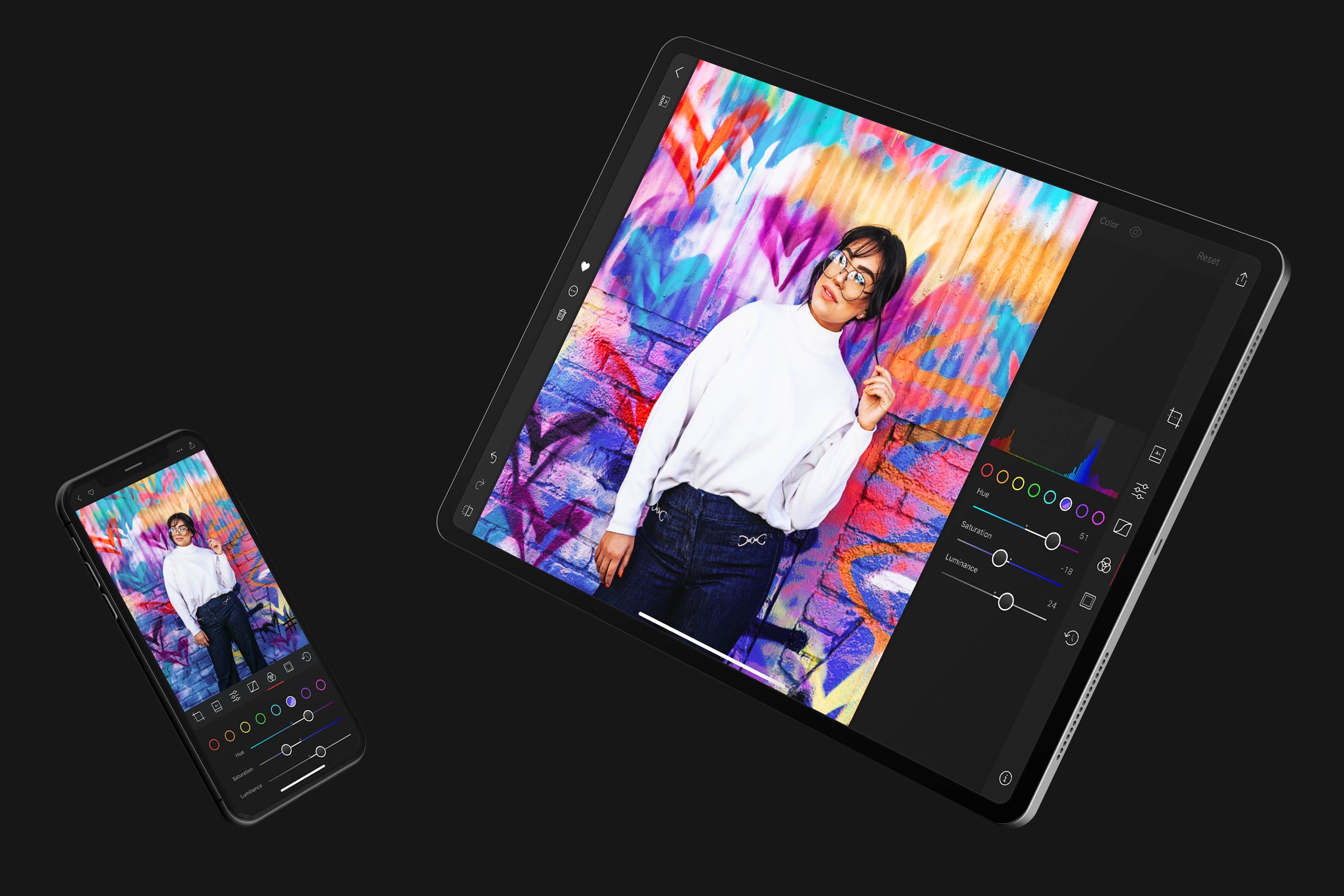
One of the best things about electronic books and textbooks is that you can mark them up. Rather than a physical book that you rent or buy and want to sell later, with books on your iPad, you can make notes and highlight important points. Plus, you can read wherever you go with your device.

Here are the best apps to read and annotate PDF books on iPad.

How to quickly save over 2 GB of storage space on your new iPhone or iPad

GarageBand Storage Space iPhone

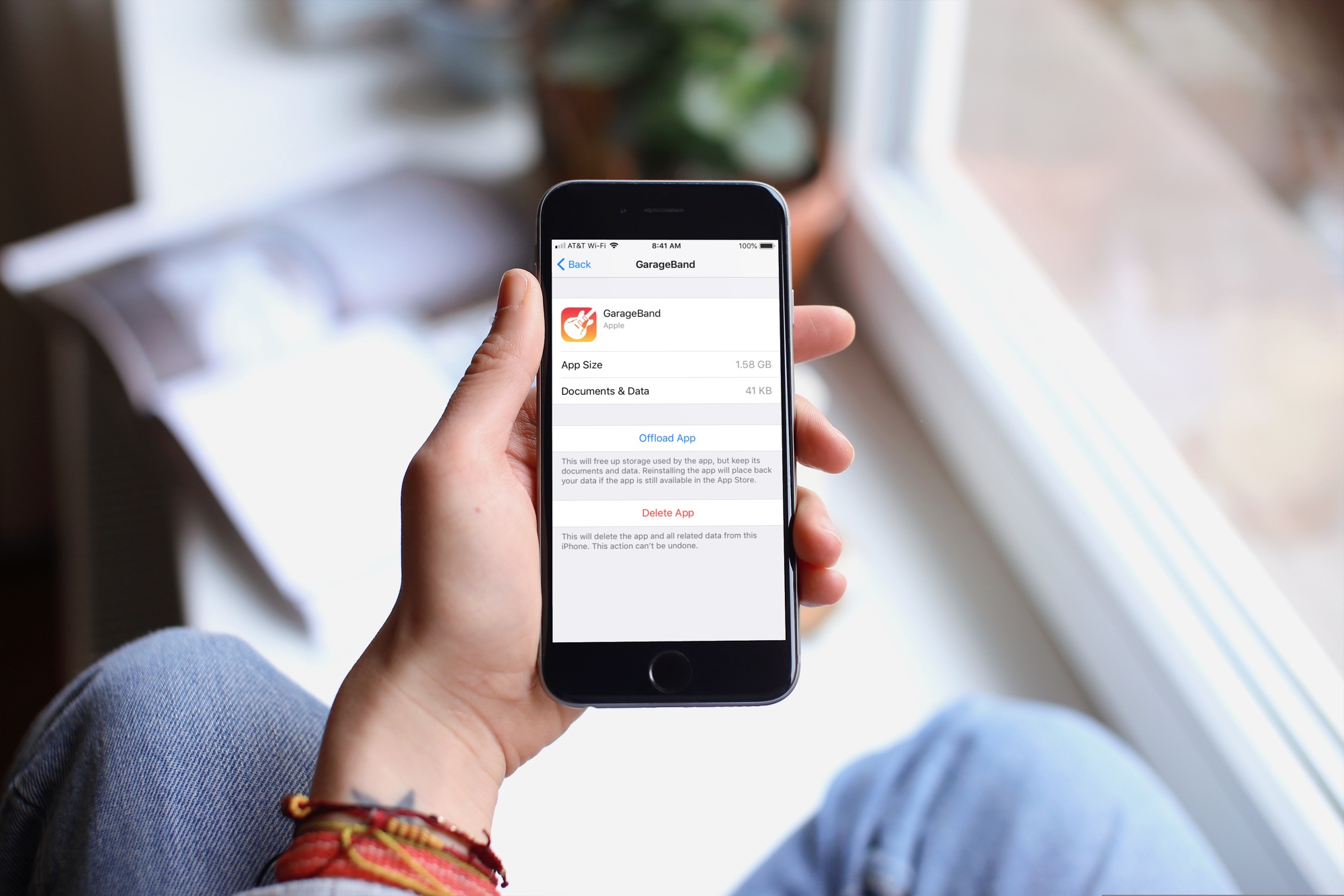
When you get that shiny new iPhone or iPad, you’re going to spend some time getting it just how you want it. One place you’ll likely begin is with the App Store. Whether it’s games or apps that tickle your fancy the most, you’re going to grab them. What comes with downloading the games and apps you want is enough space for them all.

So, why waste space on apps that you will never, ever use when you need it for those you want to use every day? Here’s how to quickly save over 2 GB of storage space on your new iPhone or iPad.