iOS

How to keep your iPhone from knowing where you are going next

Your iPhone is equipped with a feature called Frequent Locations, which slowly tracks your location in the background to keep you updated via the Today View and the Lock screen on how long it would take you to get to your favorite places based on how often you visit them.

If you choose to enable Location Services during the initial iPhone setup, this feature will be enabled by default, so if you feel like it is a slight hindrance on your ability to remain private, you just might be right. In this tutorial, we'll show you how you can disable the feature and keep your iPhone from knowing where you are going next.

How to show Safari toolbar on iOS without having to scroll back up

Since the iPhone's inception, Apple's mobile Safari browser has had this neat little feature for quickly jumping to the very top of any webpage simply by tapping the status bar.

Following a major redesign of Apple's mobile operating system with the 2013's release of iOS 7, Safari's top and bottom toolbars now shrink and disappear as you scroll down. As a result, you must scroll back up a bit to access the URL field, bookmarks and other features in the toolbars.

In this tutorial, you're going to learn about a cool new shortcut that you can use to quickly reveal Safari's toolbars without scrolling back up.

Mimic iOS 9.3’s new Calculator app Quick Action with this tweak

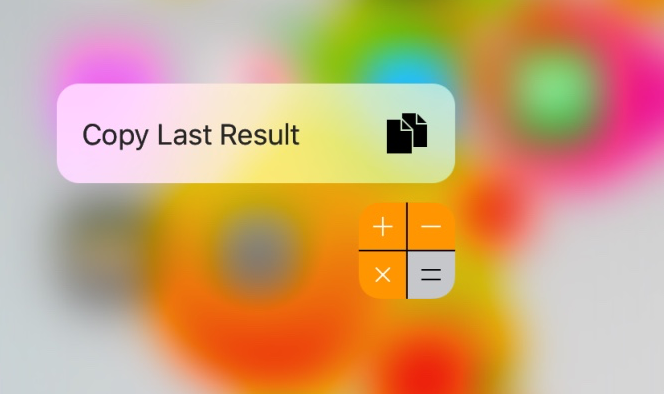
iOS 9.3 beta includes a new Quick Action feature for the Calculator app, allowing those with a 3D Touch display to press firmly on the Calculator app icon to reveal a new option: Copy Last Result.

Fortunately, those with a jailbroken device on iOS 9.0-9.0.2 don't have to upgrade to iOS 9.3 beta to get this feature. A new free jailbreak tweak called CalculatorCopy is now available in Cydia's BigBoss repository that will bring this feature to older iOS 9 installations.
Microsoft’s Word Flow keyboard is coming to iOS

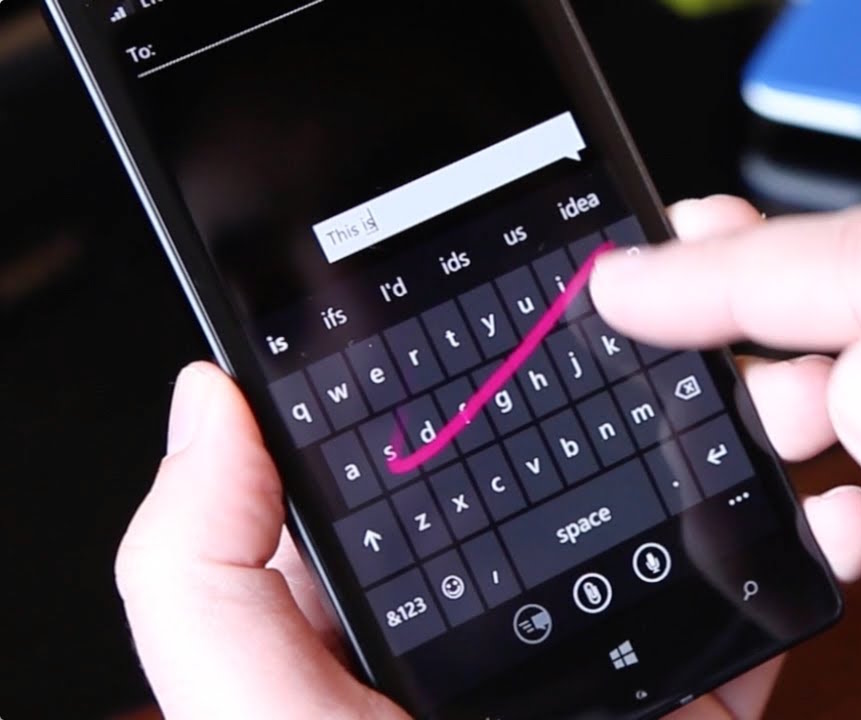
Windows giant Microsoft is porting its excellent predictive text keyboard for Windows Phone, dubbed Word Flow, over to the iPhone, iPod touch and iPad.

In an email to some Windows Insider testers, obtained by The Verge's Tom Warren, Microsoft invited iPhone users to participate in a trial of the Word Flow keyboard for iOS.

On Windows Phone, the Word Flow keyboard includes a number of advanced features such as autocorrect, suggestions, gestures, multi-language support, emoticons, the ability to swipe letters like in Swype's keyboard, and more.

Apple investigating iPhone 6s battery percentage issue, offers temporary fix

Has the battery percentage indicator been acting up lately on your iPhone 6s or iPhone 6s Plus? If so, you're not alone: this is a known issue, according to Apple's newly published support document.

“If you change the time on your iPhone 6s or iPhone 6s Plus manually or change time zones when traveling, you might notice that the battery percentage doesn’t update,” reads the document.

Apple is aware of the problem and working hard to deliver a permanent fix.

ForeverNotification keeps notifications on your Lock screen longer

When you get notifications and are unable to get to them immediately, iOS automatically stacks them on the Lock screen for you so you can see a general overview of what you've missed. The only problem is when you unlock your device, and then lock it again, the notifications disappear from your Lock screen, even if you haven't had the chance to view all of your notifications just yet.

With ForeverNotification, a new free jailbreak tweak in Cydia's BigBoss repository, you can prevent those notifications from disappearing from the Lock screen automatically just because your device gets unlocked.

Never miss a call or message notification again with this tweak

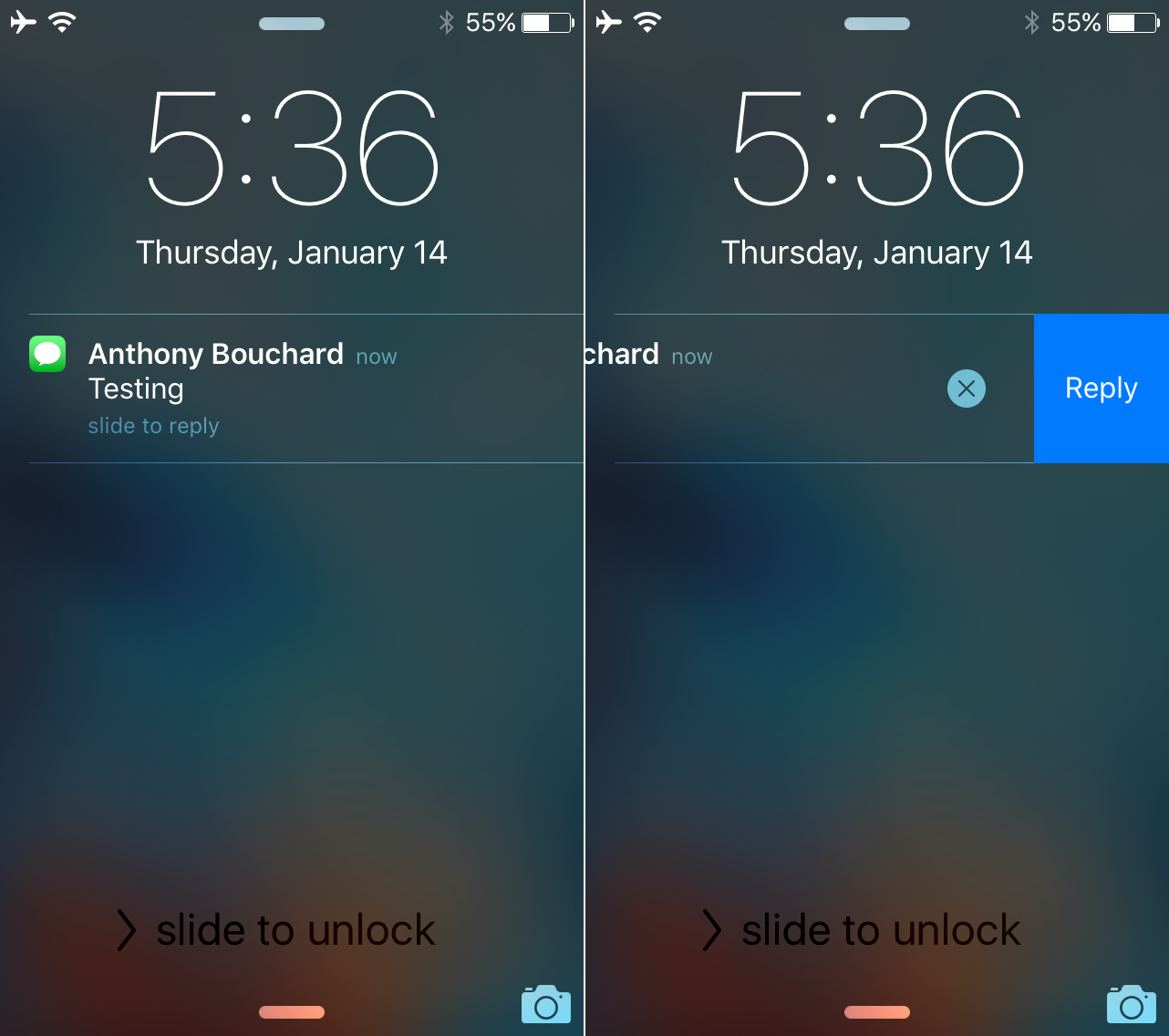
Sometimes you miss notifications on your iOS device. Perhaps you were incredibly busy when someone was in the middle of texting or calling you. In some cases, you were so preoccupied that you couldn't even feel the vibrations. In other situations, perhaps you were just away from your device, and never got the memo until hours later, when it was too late.

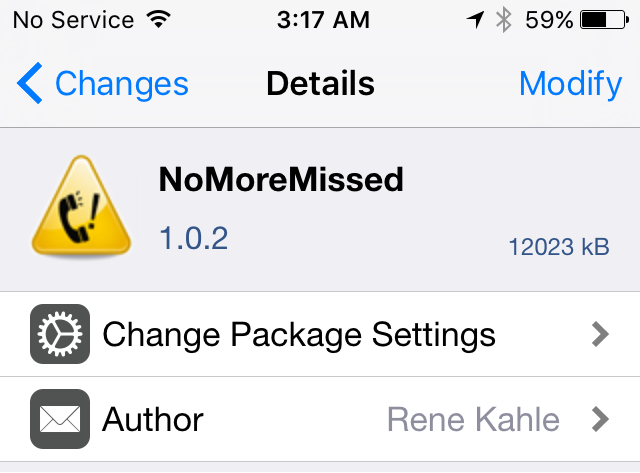
NoMoreMissed is a new jailbreak tweak available in Cydia's BigBoss repository that ensures you'll never miss a notification for text messages, phone calls, or instant messages ever again.

How to increase privacy in Safari for iPhone and iPad

Safari on iPhone and iPad

Most of you who use an iOS device probably use Safari as your main and default web browser despite the vast number of third-party alternatives like Chrome, Firefox, Brave, Opera, etc., available in the App Store. But how often do you think about the privacy of your information when you're using it?

Apple gives you several privacy options for using Safari on your iPhone or iPad to keep your information safe. In this tutorial, we aim to make you more familiar with them and talk about how to use them to make Safari secure and private.