iOS

The ultimate guide to protecting your private information in Notes from the prying eyes

According to Apple, Notes is one of the most popular and most-frequently used stock applications on the iPhone, iPod touch and iPad.

People use Notes for everything from memorizing recipes to keeping track of errands, creating shopping lists, storing inspirational quotes and even passwords, codes and medical data.

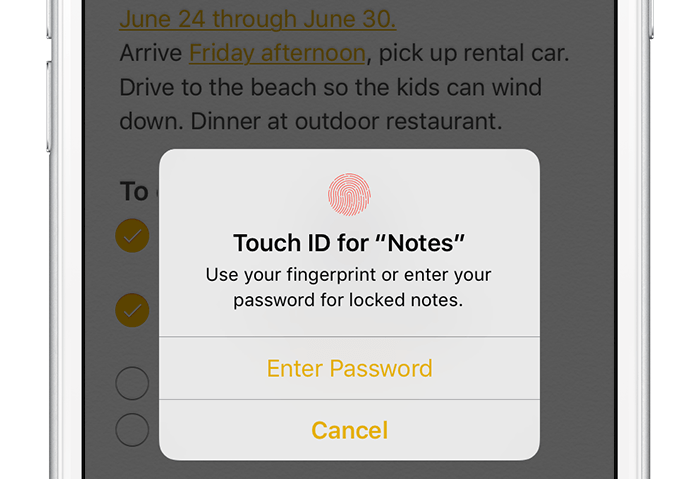
Not all notes contain sensitive information, but many do. Beginning with iOS 9.3 and OS X El Capitan 10.11.4, you can protect your notes with a password or Touch ID.

In this tutorial, you'll learn how to set up Notes protection, secure items on a note-by-note basis so no one can view their contents and more.

This tweak inverts the respring and reboot screen colors on your iPhone

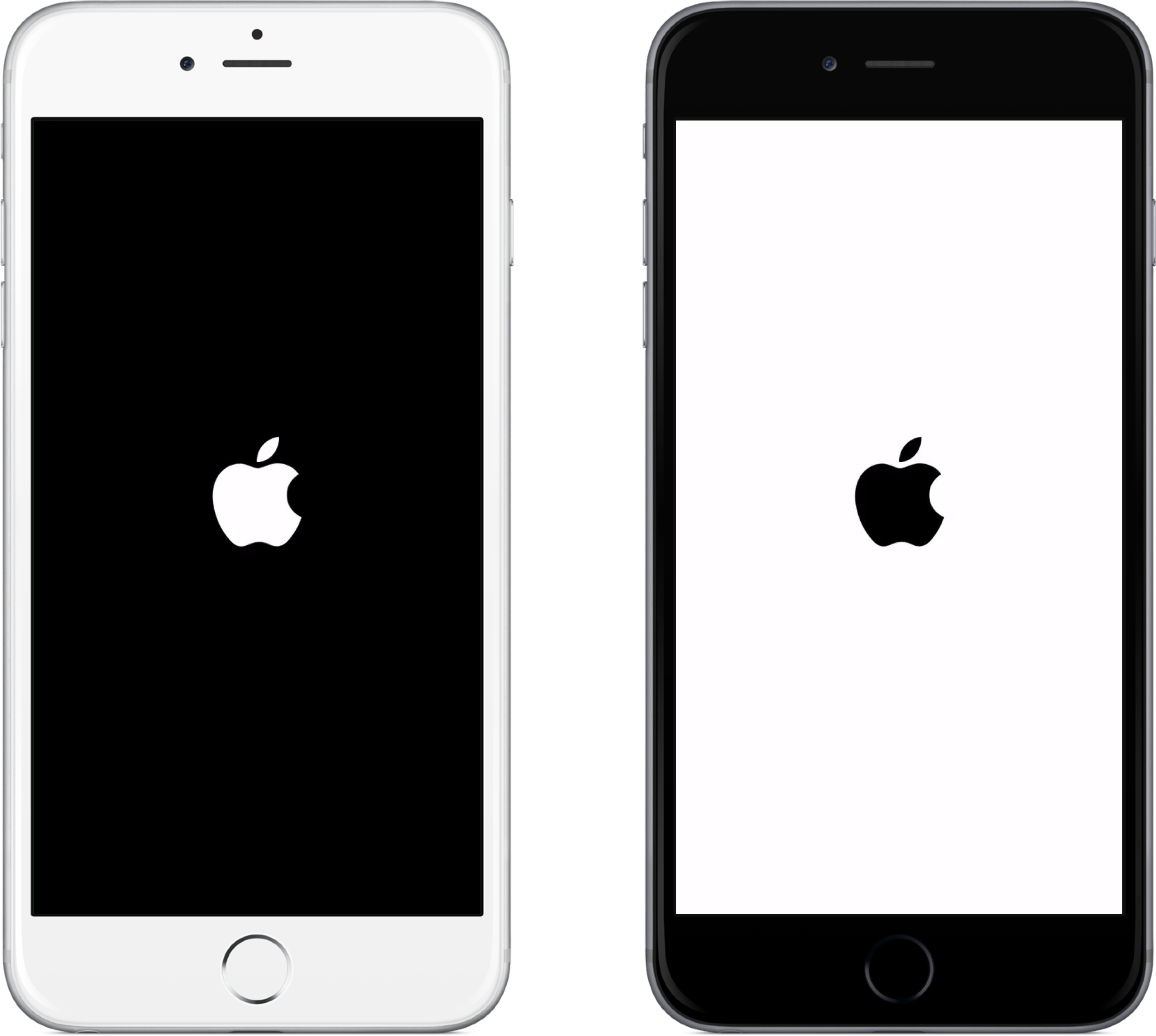
Typically, on any black-colored iOS device, the respring or reboot screen is going to be black with a white Apple logo; and conversely, any white-colored iOS device will have a white respring or reboot screen with a black Apple logo.

Although some people may like the small variance Apple has given their devices, others may like to have the option to switch it up for themselves.

For those people, a new jailbreak tweak called InvertRespring will invert the respring and reboot screen's background and Apple logo colors to their opposites, and is now available for free in Cydia.

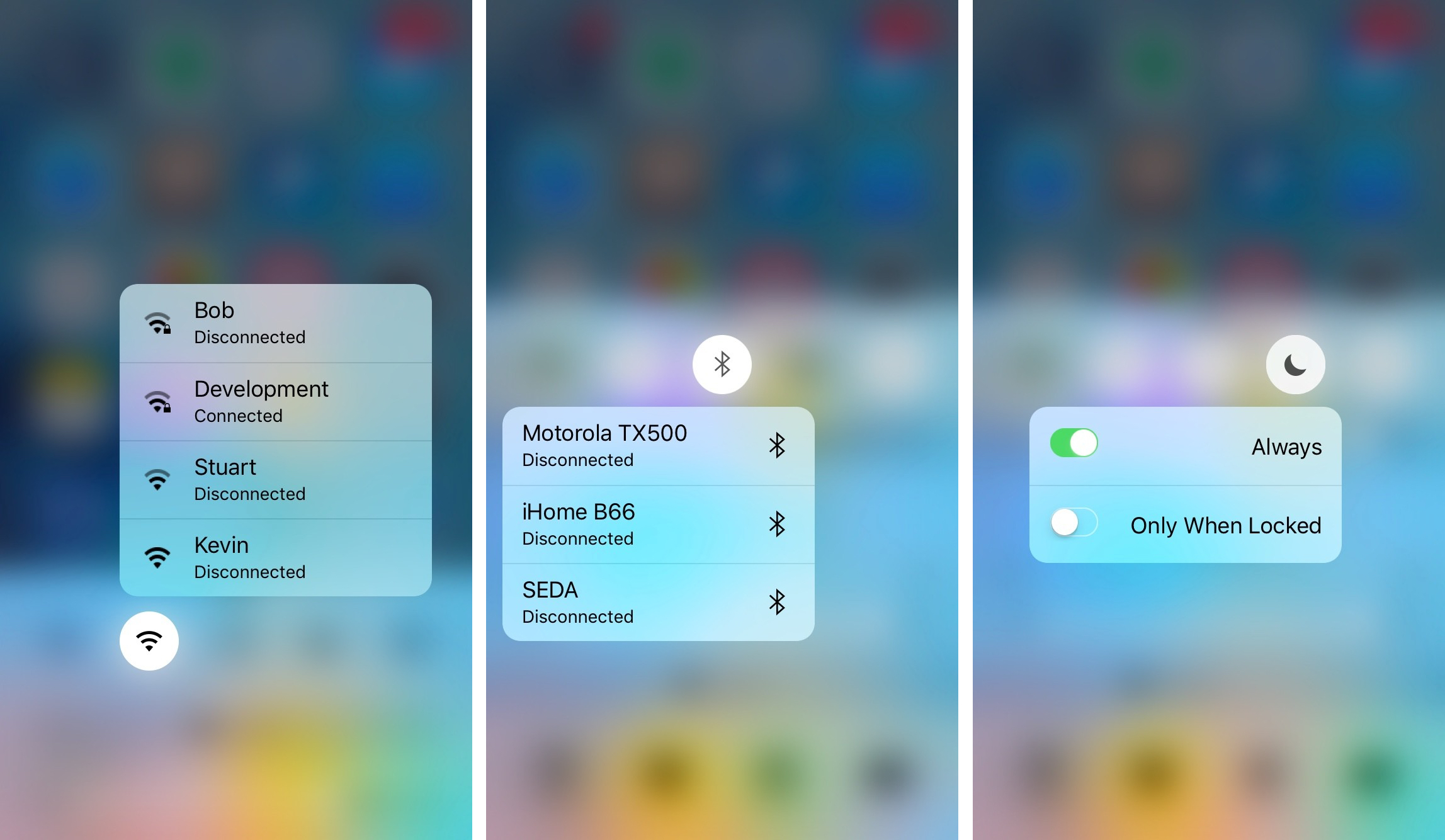
QuickCenter brings 3D Touch features to Control Center

Control Center is one of the more useful parts of iOS where you can easily toggle on or off some of your most important features, and where you can access shortcuts to your device's most useful utilitarian apps.

Unfortunately, Apple wasn't thinking three-dimensionally when they launched the iPhone 6s and iPhone 6s Plus, and as a result, Control Center doesn't take advantage of the 3D Touch display. That's where a new jailbreak tweak release called QuickCenter, which can be had from Cydia for $0.99, comes to the rescue.

Poll: have you updated to iOS 9.3?

After closing its 'Let us loop you in' special event on Monday, Apple released iOS 9.3 to the public, along with OS X El Capitan 10.11.4, tvOS 9.2, and watchOS 2.2.

iOS 9.3 is a big update for iPhones, iPod touches, and iPads, and as a result, we're interested in learning whether or not the update was big enough for you to download on your daily drivers.

iOS 9 adoption hits 80 percent mark

In less than two weeks since iOS 9 was powering a reported 79 percent of devices, that figure has now climbed by one percentage point to eighty percent of devices, a significant milestone. While the new iOS 9 adoption numbers are yet to be publicized on Apple's App Store dashboard for developers, the freshest figure was mentioned on stage at yesterday's 'Let us loop you in' media event by Greg Joswiak, Apple's Vice President of iPhone Marketing.

Apple releases iOS 9.3 with Night Shift Mode, protected Notes, new 3D Touch goodies and more

After testing it with registered developers and public beta testers, Apple today released the iOS 9.3 software update for the iPhone, iPod touch and iPad. A major new software update, iOS 9.3  is now available on all iOS 9-comptaible devices in Settings right General → Software Update and brings several headline new features along with a bunch of under-the-hood tweaks and enhancements.

Some of the big new features of iOS 9.3 include Night Shift Mode, passcode or Touch ID protection of your notes, enhancements in News and Health apps, as well as important enhancements for iOS in the classroom such as managed Apple IDs, multi-user support on iPads and more.

Hold on to your seats, iOS 9.3 is arriving today

Apple has just revealed at its 'Let us loop you in' media event when customers around the world will be able to download and install iOS 9.3. The third major update to iOS 9.0 since its September 2015 debut, iOS 9.3 will release later today, Apple has said.

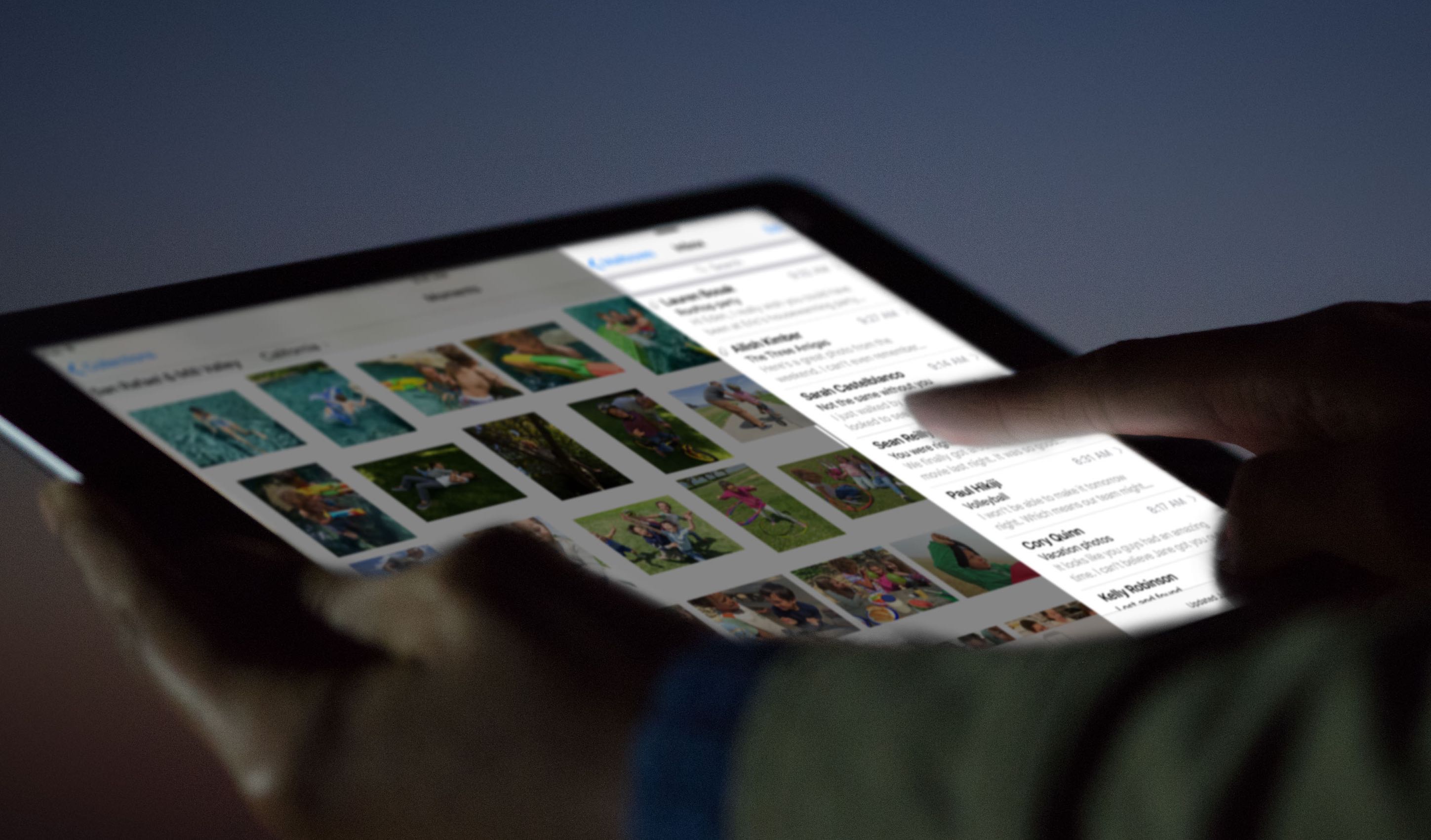
The free software update for any iOS 9-compatible iPhone, iPod touch and iPad includes features like Night Shift Mode, which reduces blue light to avoid disrupting your sleep cycles, and the ability to pair multiple watches to a single iPhone.

In iOS 9.3, users can protect their notes with a passcode or Touch ID, enjoy an even more personalized News, take advantage of an enhanced Health app that integrates move, exercise and stand data, along with goals from Apple Watch apps, to mention just a few highlights.

iOS 9.3 patches a bug that would let attackers decrypt photos and videos sent via iMessage

A group of Johns Hopkins University researchers led by computer science professor Matthew D. Green has discovered a critical bug in Apple's stock Messages app for the iPhone, iPod touch and iPad.

The vulnerability would allow nefarious users to decrypt photos and videos sent over iMessage, but there's nothing to worry about—iOS 9.3, which we expect to release after today's Apple event wraps up, contains a patch for this oversight on Apple's part.

How to watch Apple’s ‘Let us loop you in’ event live

Apple will be streaming its 'Let us loop you in' media event live on the company's website. The Cupertino-based company is expected to unveil a number of new products related to iPhone, iPad, and the Apple Watch, but we'll have to wait and see to know for sure.

If you'll be tuning in to watch the Apple event live on your computer, there are some requirements you'll have to meet, and we'll touch on those requirements in this piece so you're prepared for it.