iOS

iOS 10 tidbit: unsubscribe from mailing lists from the Mail app

Lately, I feel like all I get is spam email. This is very frustrating and I've taken to using apps like Unroll.Me that make it easy to unsubscribe from the bevy of email lists I've somehow wound up on. That being said, it appears Apple has baked the ability to unsubscribe from mailing lists straight from the native Mail app in iOS 10.

No, widgets haven’t been removed from iOS 10’s Notification Center

Widgets are a big deal in iOS 10. In addition to having new capabilities such as increased support for 3D Touch and the ability to play—and even stream—video inline, they now have a dedicated side panel on the Lock screen. Now, some people have voiced concerns about widgets having been removed entirely from the Notification Center on iOS 10.

Luckily, that's not entirely true.

iOS 10 tidbit: “Define” has become “Look Up,” now supports Siri-powered web suggestions

As a non-native English speaker, I rely on a Define feature which helps me pull up the definition for any selected word in Safari and other apps, as determined by iOS's built-in Dictionary.

With iOS 10, Apple has rebranded this feature as Look Up and it's not just a marketing gimmick: On iOS 10, Look Up's greatly expanded scope now serves up any piece of Internet content that Siri Suggestions support.

iOS 10: app sharing made simple with handy new 3D Touch shortcut

In the run-up to the WWDC 2016 keynote, Apple announced a major shake up in the App Store with several new features, among them an easier way to share third-party apps with friends and family using 3D Touch.

Now that iOS 10 Preview has released to Apple's registered developers and we've had a chance to spend hands-on time with this feature, we're pleased to report that it works precisely as advertised.

The fine print of deleting stock apps on iOS 10

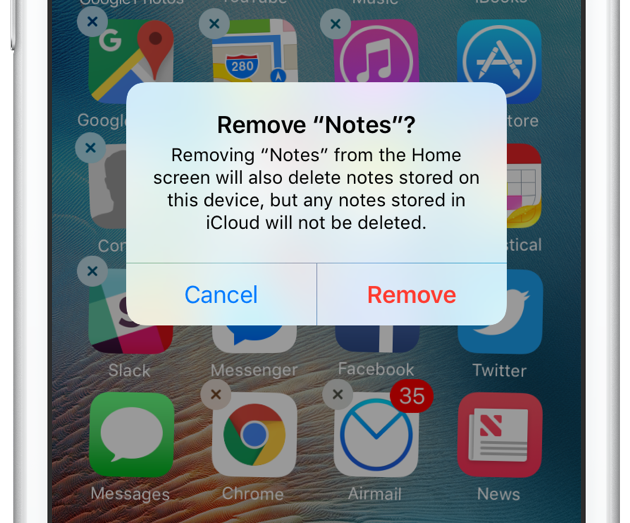
In an effort to address one of the longest standing customer pain points with iOS, Apple has officially confirmed that a bunch of first-party apps can be removed from iOS 10 devices. But as it turns out, deleting a stock app won't do what you'd expect.

Apple execs Phil Schiller and Craig Federighi shed more light on the topic on Daring Fireball editor John Gruber’s podcast, “The Talk Show”.

They've confirmed that deleting a stock iOS 10 app only removes its icon from the Home screen and deletes user data associated with the app, leaving actual app binaries intact on your device. Here's why this isn't such a big deal as it might sound and how removing specific first-party Apple apps might affect iOS 10's functionality.

iOS 10 tidbit: using 3D Touch to rename folders and seeing their notifications badge breakdown

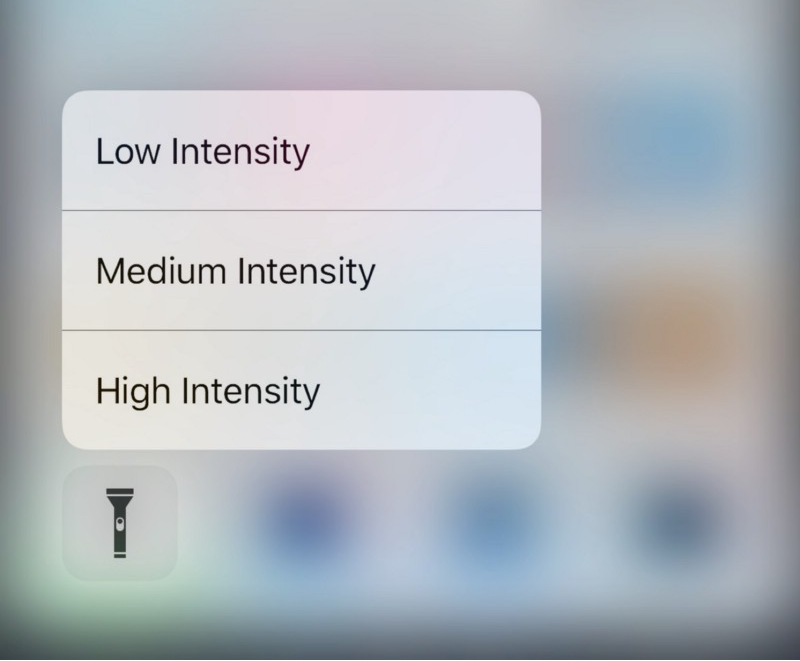
iOS 10 makes extended use of 3D Touch-driven gestures on the iPhone 6s and iPhone 6s Plus. For instance, you can 3D Touch the bottom row of icons in Control Center to set flashlight intensity, start the timer, go to your last calculation and jump directly into a Camera mode.

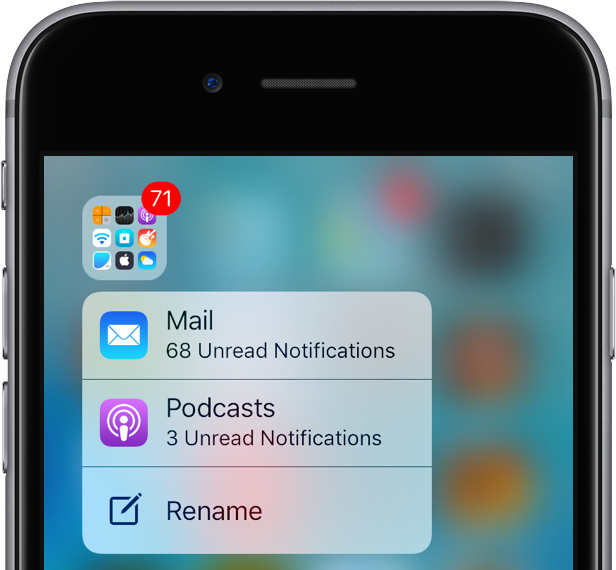
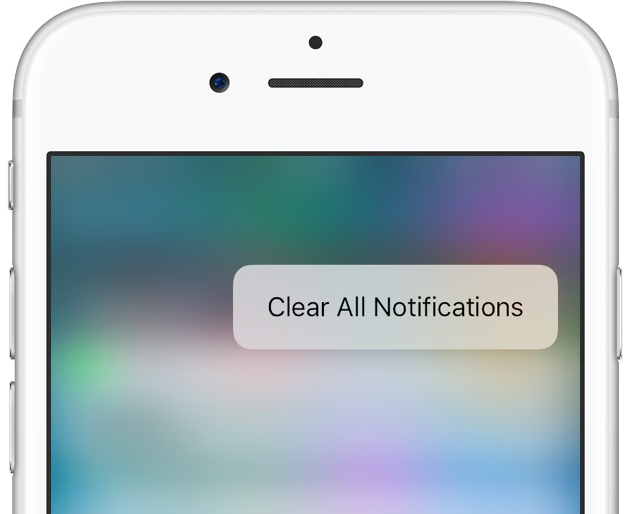
You can also clear all notifications with 3D Touch and now I've stumbled upon another handy 3D Touch shortcut on iOS 10: folder renaming and seeing apps inside a folder with missed notifications.

Opinion: Dark Mode? Apple’s been testing dark interfaces on iOS for years now

My colleague Andrew first broke news yesterday that Dark Mode resources have been found within iOS 10's Messages app. Now, Dark Mode was expected to make an official appearance in iOS 10, but the WWDC keynote came and went without any mention of this feature.

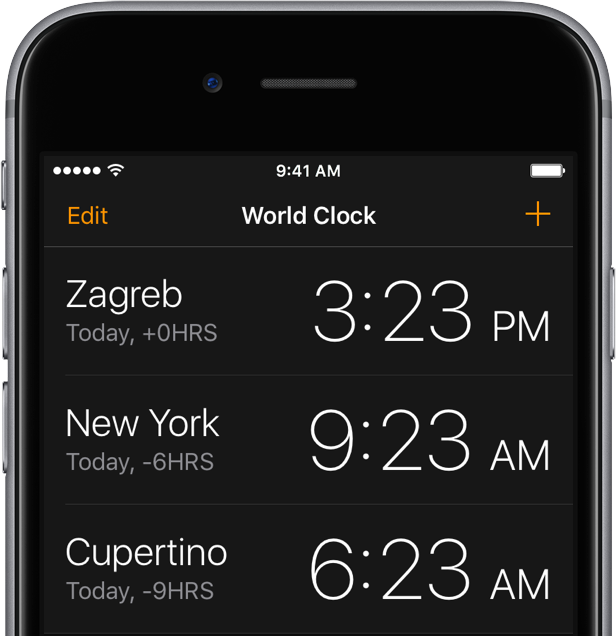
Now Mac Aficionados tweeted out screenshots depicting a dark interface in other iOS 10 stock apps, including an automatic dark mode in iBooks, in addition to the Clock app, Safari and the iTunes Store.

As it turns out, dark interfaces in these apps (sans Clock) have been present for years, indicating Apple's been testing how users might accept a Dark Mode option on iOS.

CloudClip: Universal Clipboard for your Mac right now

Apple's newly-announced macOS Sierra is set to release to the public this Fall as the company revealed at WWDC 2016 this week, and it includes a variety of improvements that will make using your Mac even better than ever.

One of those improvements is Universal Clipboard, which is a Continuity feature that lets you share your clipboard between your iOS device(s) and your Mac.

But what if we told you that you didn't have to wait until the public release of macOS Sierra to enjoy a similar feature on your Mac?

iOS 10 tidbit: battery life suggestions

One of the useful little things Apple's built into iOS 10 without even mentioning it during the WWDC keynote or in iOS 10 marketing materials is a brand new feature designed to suggest ways users can maximize their iPhone's battery life. Branded as Battery Life Suggestions, it appears automatically when your battery is not connected to power or using Low Power Mode.

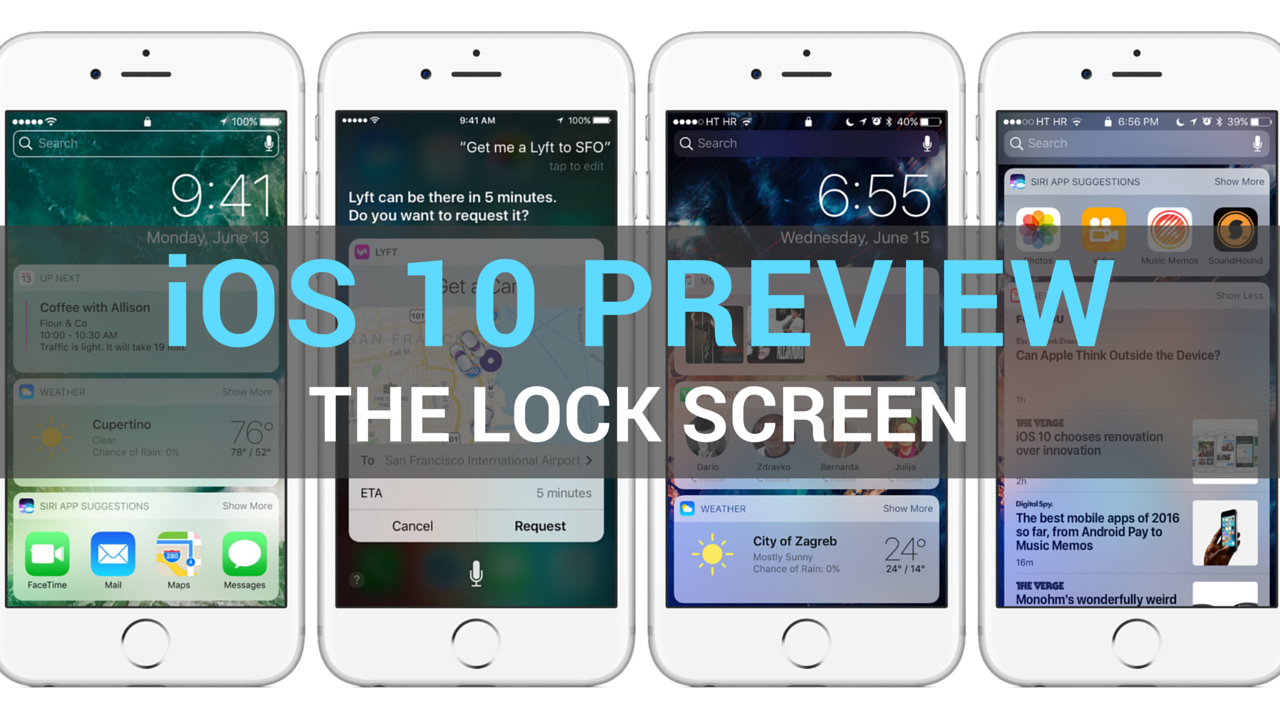
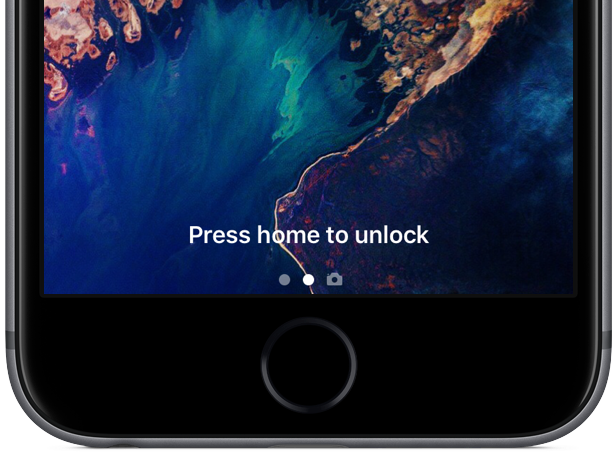
iOS 10 preview: your new Lock screen with Raise to Wake, widgets, interactive notifications & more

Having taken a closer look at a much improved Messages app, which delivers more expressive and animated ways to message friends and family, our preview of big new features in iOS 10 continues with a detailed overview of an all-new Lock screen. Wait, the Lock screen in iOS 10 warrants an article?

As you know, the Lock screen has remained virtually unchanged since the iPhone's inception. With iOS 10, however, it's  undergone some major improvements in the form of a refined look and feel, including vastly redesigned widgets, and new features such as interactive notifications, Raise to Wake and expanded use of 3D Touch shortcuts.

We think that many folks are going to appreciate how iOS 10 makes their device's Lock and Home screens way more functional than before, so here's a detailed walkthrough of all the goodies included in iOS 10's freshened up Lock screen experience.

iOS 10 tidbit: clearing all notifications at once with a simple 3D Touch gesture

One of the longest-standing complaints about iOS has got to be its inexplicable lack of a Clear All button in the Notification Center that would permit users to clear out all of their missed alerts in one go rather than dismissing them one by one, like an animal.

Not anymore: iOS 10 makes expanded use of 3D Touch throughout the system, including making all missed notifications disappear with a single press.