Learn how to stop your iPhone display from automatically dimming, locking, or turning off so it stays awake even if you don’t touch the screen.
How to prevent your iPhone screen from turning off automatically
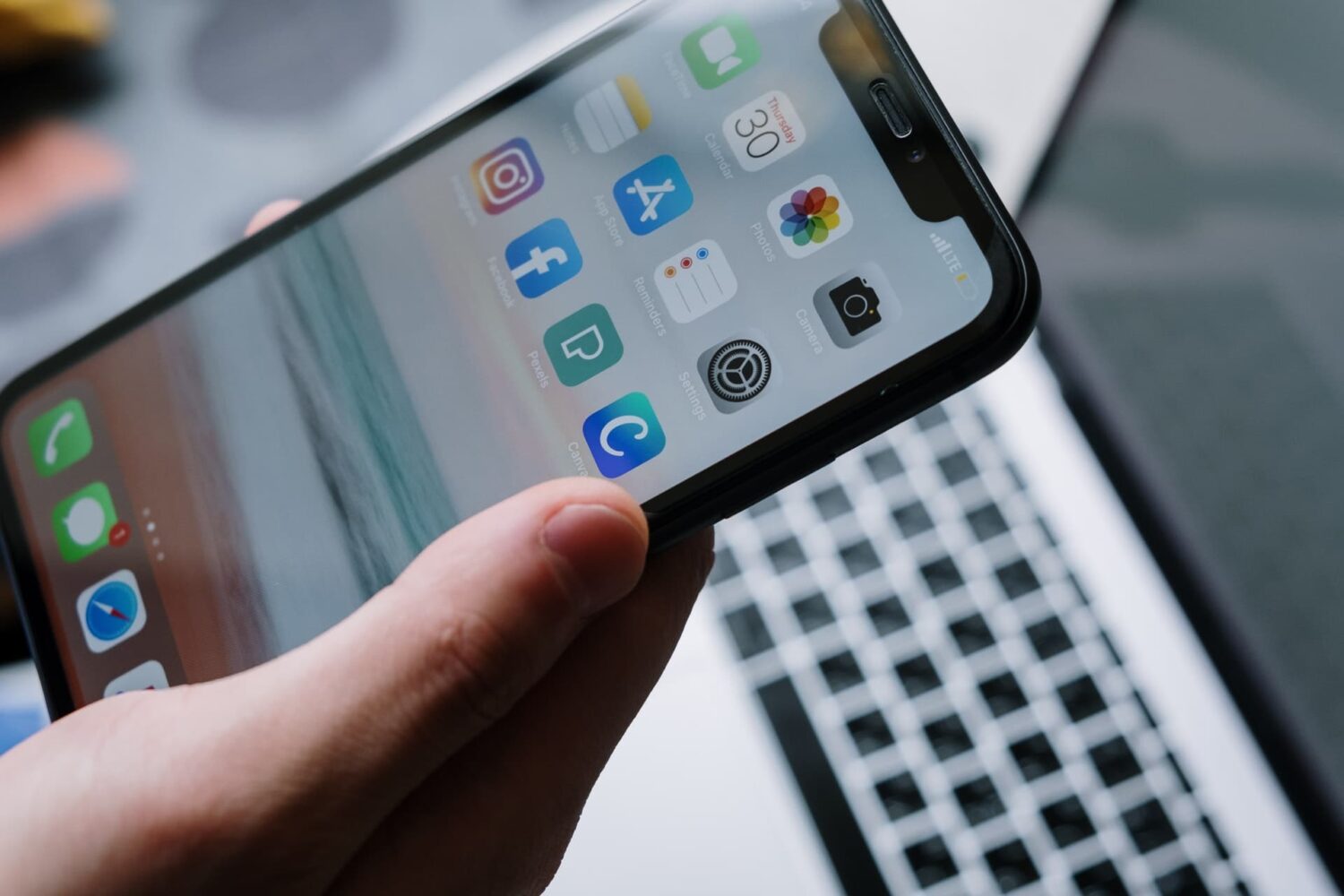
Learn how to stop your iPhone display from automatically dimming, locking, or turning off so it stays awake even if you don’t touch the screen.
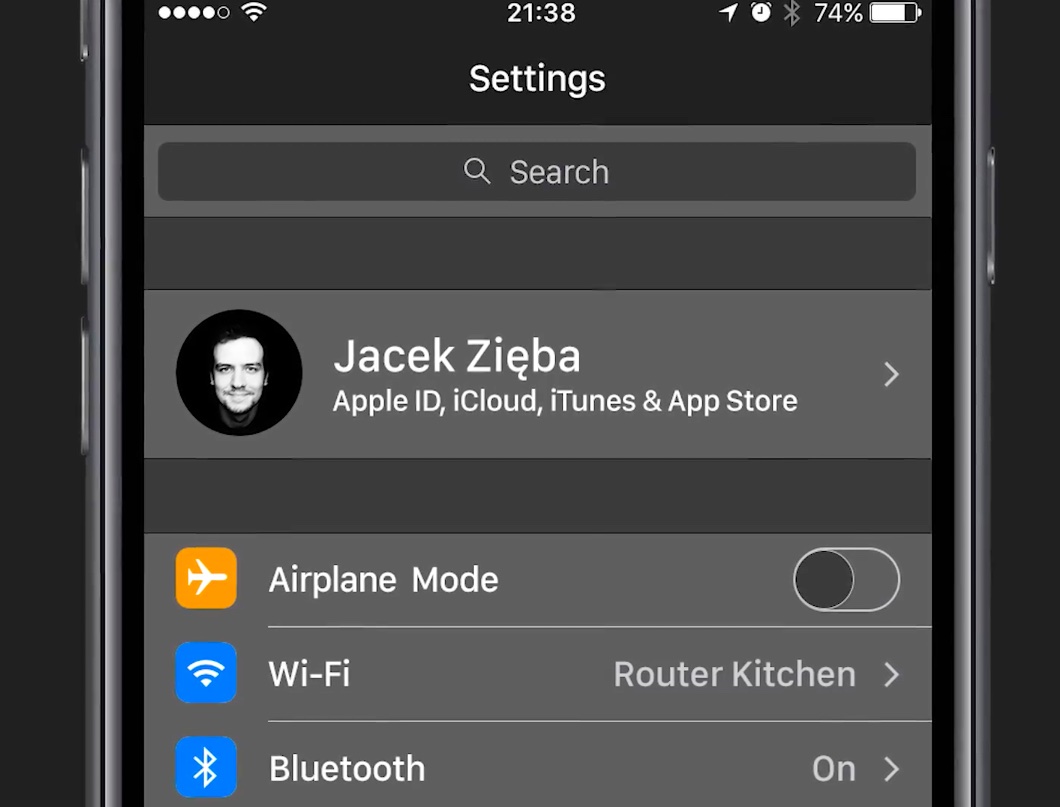
Unused resources for a dark theme in apps like Messages and Settings were discovered previously in iOS 10 code, fueling speculation that Apple could be laying the groundwork for a full Dark Mode in iOS 11 to coincide with an upcoming iPhone 8 release. A dark interface should help iPhone 8 conserve power because the organic light-emitting diode (OLED) display technology illuminates the individual pixels and doesn't require a power-hungry backlight.
Polish blog My Apple has put together a stunning video concept that attempts to imagine what a system-wide Dark Mode and some other sought-after rumored features of iOS 11 might look like.

Following yesterday's release of macOS Sierra 10.12.4 beta 5, Apple on Wednesday issued fifth betas of iOS 10.3, watchOS 3.2 and tvOS 10.2. Registered developers and members of the Apple Developer Program can install iOS 10.3 beta 5 (build 14E5269a), watchOS 3.2 beta 5 (build 14V5243a) and tvOS 10.2 beta 5 (build 14W5260a) over-the-air through the Software Update mechanism provided their devices have a special configuration profile, available on Apple's portal for developers.
If you sampled a bunch of people and asked them about their favorite downtime activities, chances are there would be a fairly even split in numbers between respondents choosing a good book over other forms of entertainment and those drawn to the audiovisual media instead. Folks of the latter segment know best for themselves where to get their daily dose of videos from, but places such as Netflix, Youtube or Hulu are generally speaking a solid bet. Internet empowered services aside, there is credible chatter that in the shadows of society, some renegades continue to resort to a traditional TV set for their spate of mindless diversion.
Whether you find yourself all too often hunting for new videos to watch during lunch break or you identify with the dwindling TV crowd, a brand new app called neverthink could be for you. That’s because it marries the old-fashion convenience of always-on programming with the excitement of the sometimes mercurial internet. Neverthink wants you to never again think about what videos to dig up next and their way of going about it is unique enough to potentially strike a chord with you.
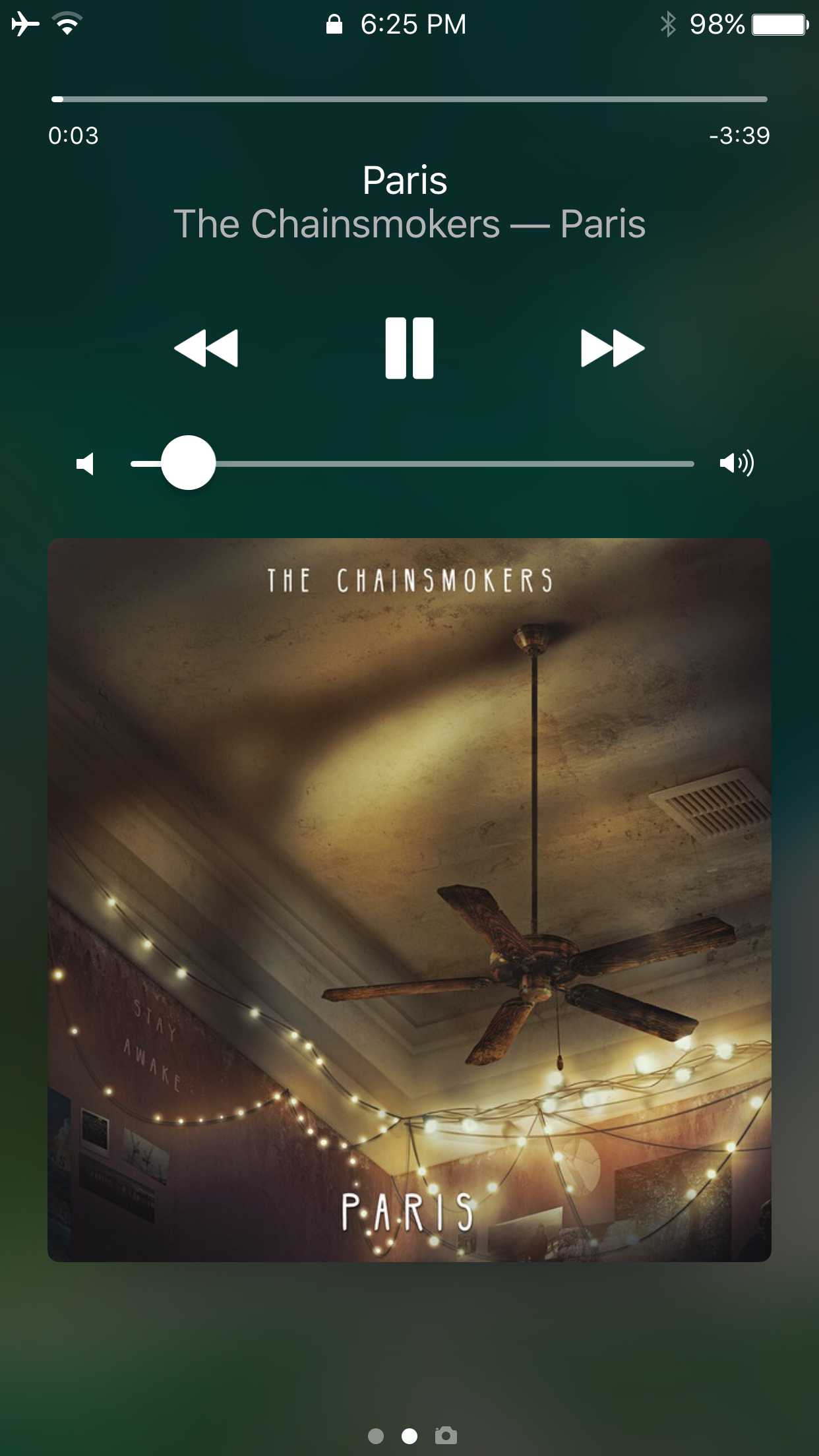
The haptic feedback trend continues with the release of a new free jailbreak tweak called Harp by iOS developer candoizo.
This tweak generates a soft 'buzz' in your hand whenever you interact with your iPhone’s music controls from your Now Playing interfaces in Control Center or on the Lock screen.
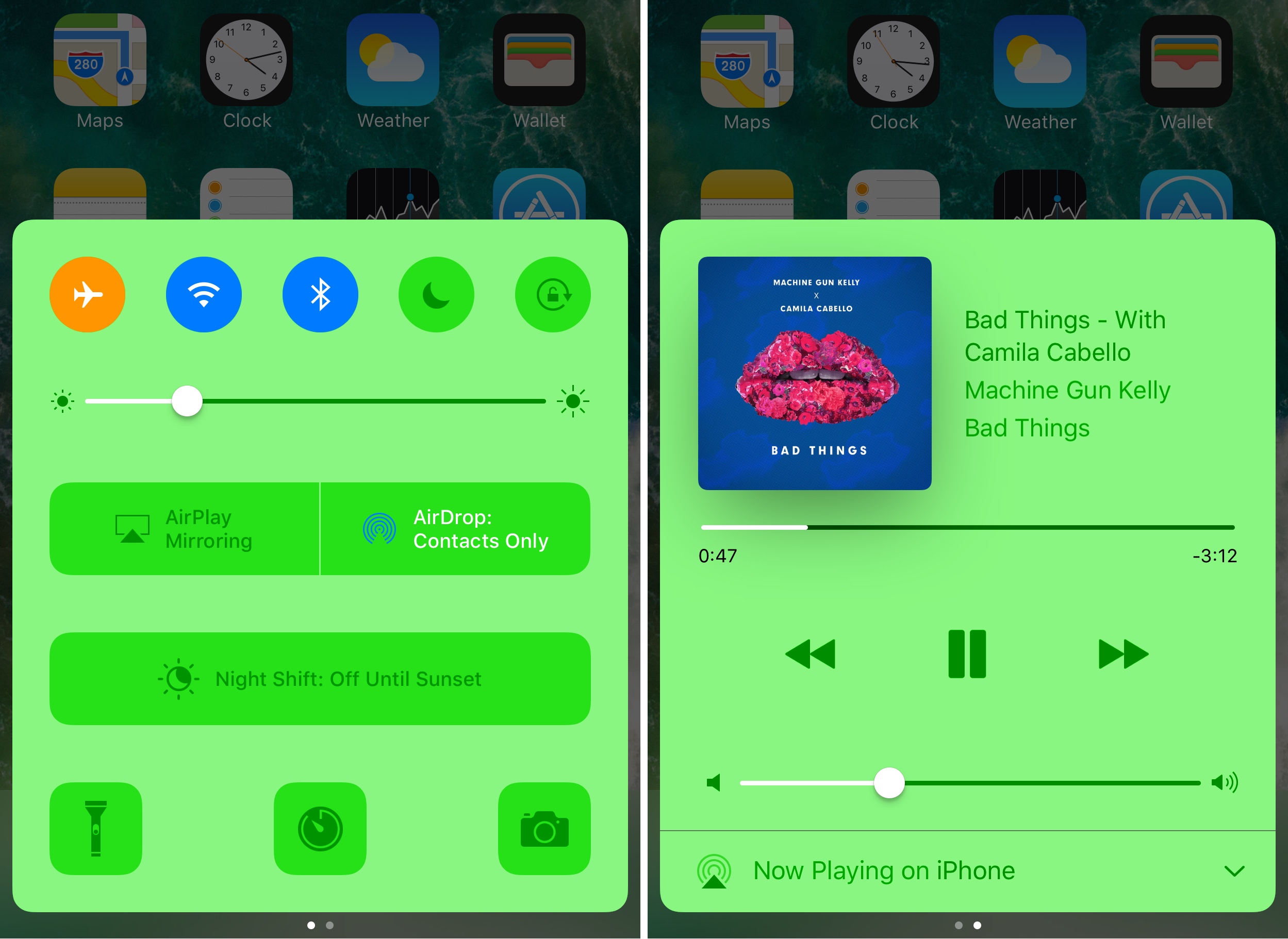
Control Center made iOS devices more usable after debuting post-iOS 7, as it allows you tinker with settings and shortcuts without ever having to open an app to do so. On the other hand, Apple still doesn’t give the user even the most basic of customization options, which leaves a lot to be desired. Fortunately, the jailbreak community picks up the slack in this department.
With a new free jailbreak tweak called CCPlus by iOS developer Skitty, you can configure the look and feel of Control Center so it reflects what you want, rather than what Apple expects it to be.
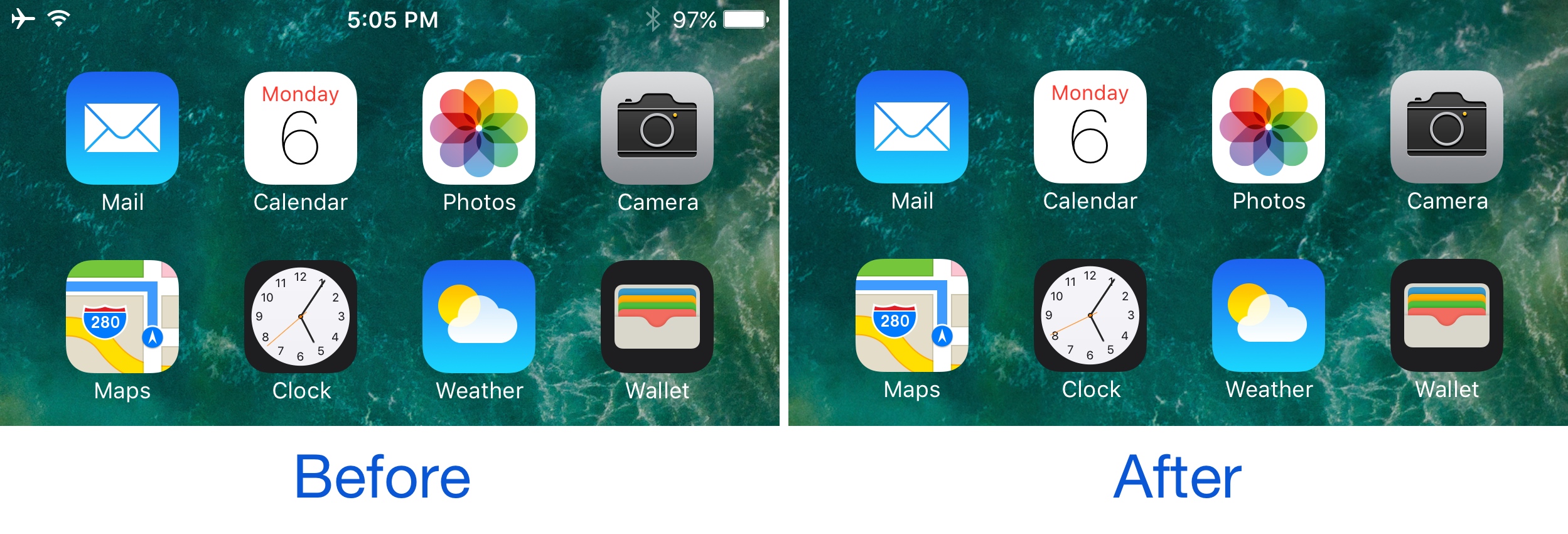
There may be times when you actually want to see your Status Bar, but sometimes you might feel just the opposite and have the desire to hide it away from view. One might want to do this when inside of certain apps where the Status Bar appears on top of an interface, like in the Pokémon GO app, for instance.
With a new free jailbreak tweak called TapTap Statusbar by pxcex, you can easily hide or show your Status Bar on demand with a simple tap gesture.
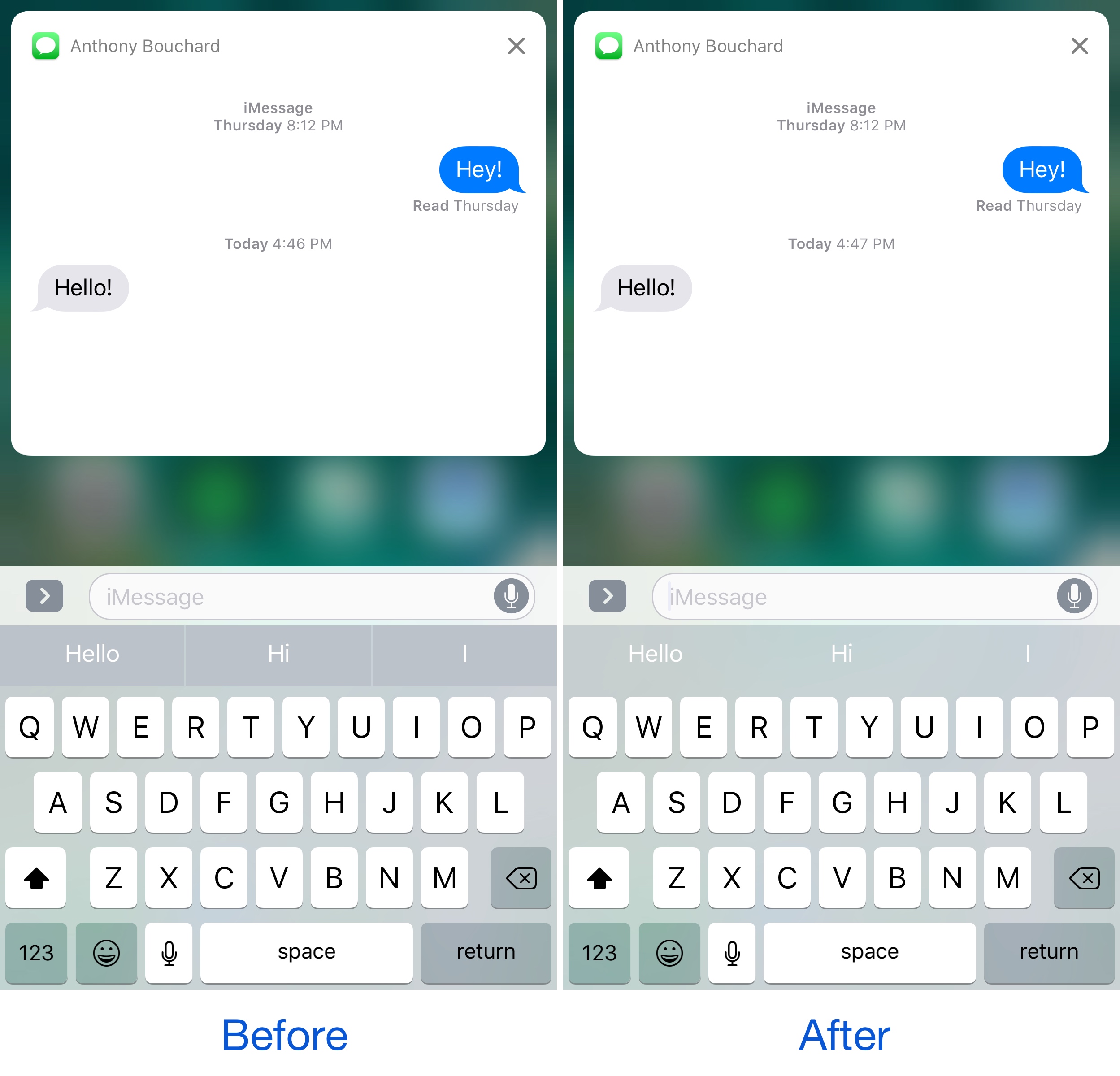
If you ever use the predictive keyboard to type faster responses to people from your device, then you’re likely familiar with those ugly separator lines in between the suggested words and the unappealing difference in background color that the buttons have when compared with the rest of the keyboard.
A new free jailbreak tweak called KB - NoPredictiveBackground by pxcex removes the background color and lines from the predictive keyboard buttons, leaving you with much cleaner-looking buttons.

The jailbreak community has been launching some really awesome tweaks for iOS since the Yalu iOS 10 jailbreak dropped. These last few weeks have been pretty interesting, and this past week has been just as exciting.
In this roundup, we'll talk about all the jailbreak tweaks that were released this week, starting with our favorites and then getting to the rest afterwards.
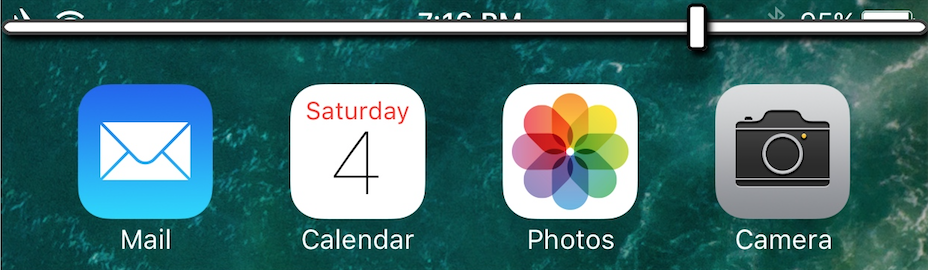
The volume HUD continues to lack any innovation from Apple with each passing release of iOS. It's put smack in the middle of the screen, overlaying everything and making watching videos or playing games more of an annoyance than anything.
There has been a truck load of jailbreak tweaks released in the past that aimed to fix this issue by relocating the volume HUD to the top of the screen, and a new free release called ByeByeHUD by midkin joins that ever-expanding list.
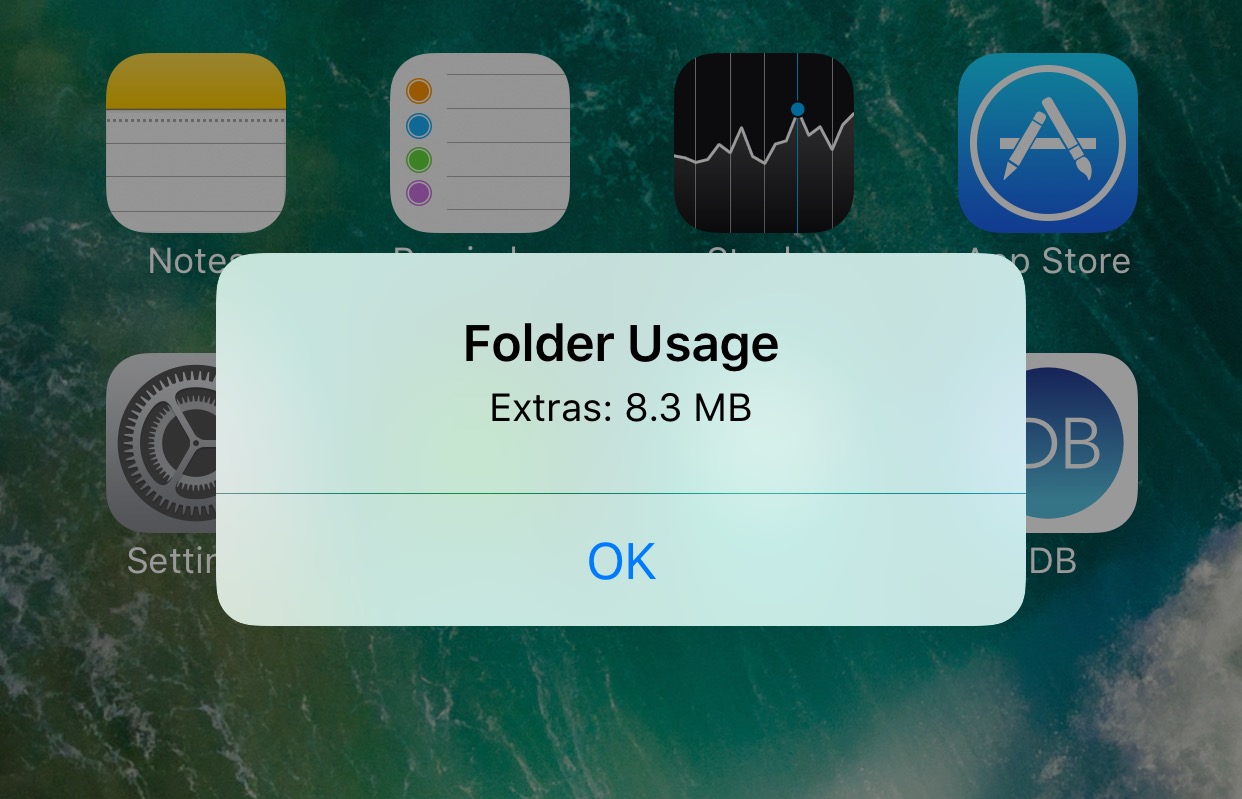
Have you ever wondered how much storage space the apps inside of a particular folder on your Home screen are using? If so, you might be interested in a new free jailbreak tweak called FolderUsage by midey.
With this tweak installed, you can use a simple swipe-up gesture on any of your folder icons and this invokes a pop-up that displays the storage space being occupied by all of the apps contained within it.
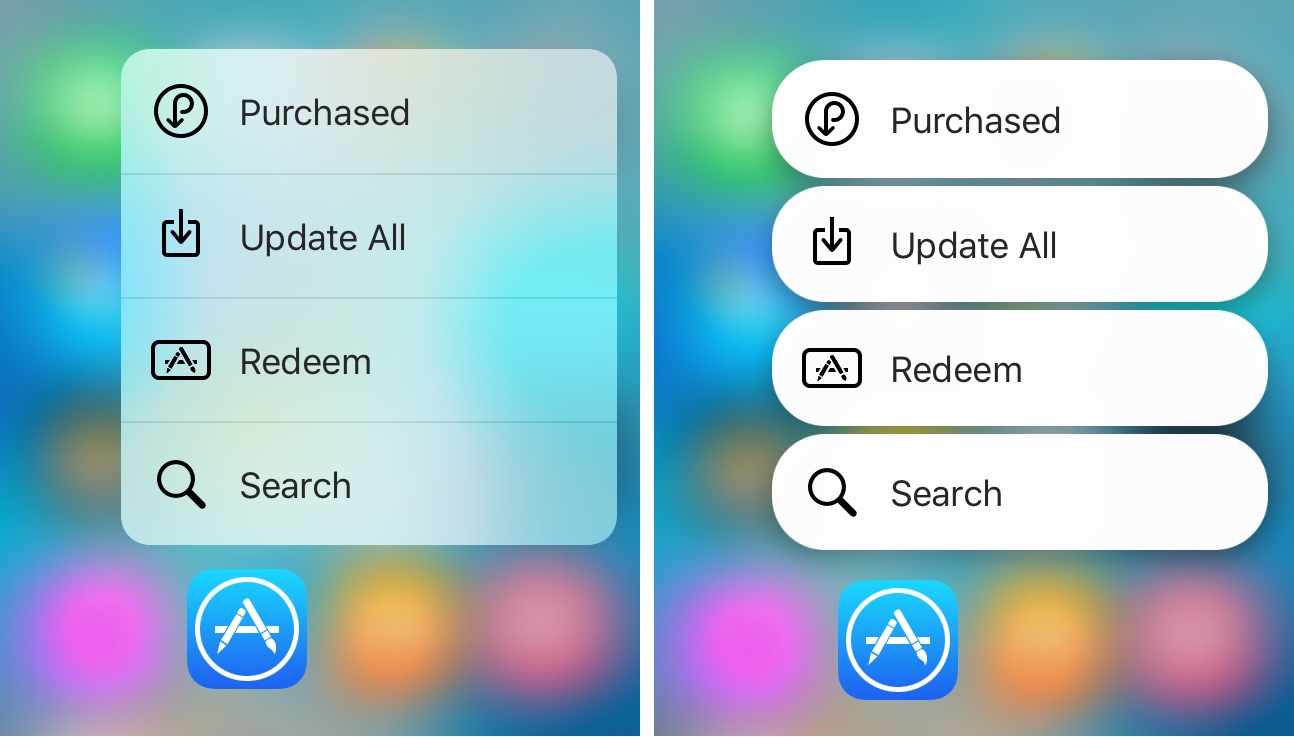
It seems almost like releasing jailbreak tweaks to make iOS look more like Android Nougat are becoming a trend.
It was just around a week ago we showed you a tweak that could make Home screen folders look more like those from Android Nougat, and now another release called NougatShortcuts by Ben Giannis makes 3D Touch menus on the Home screen look more like menu options from Android Nougat.