iOS

Safe Alarm 3 adds powerful features to your iPhone alarm

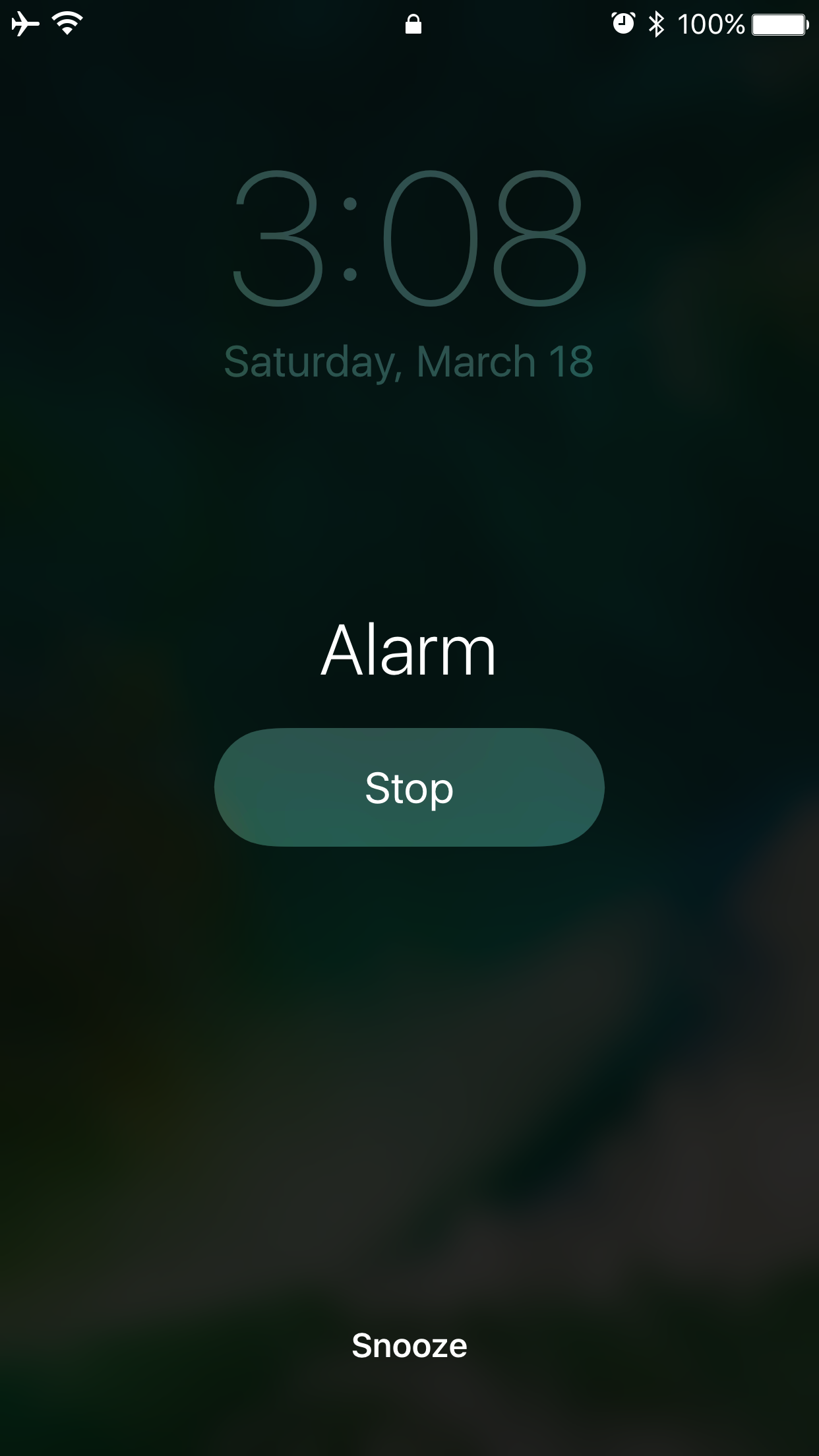
So many people rely on alarms from their smartphone to wake up in the morning that when a major new jailbreak tweak comes out that improves the stock alarm system on the iPhone, it’s a big deal.

Safe Alarm 3 by Douglas Soares is a noteworthy release in Cydia that expands upon the alarm system in iOS by giving you a trough of new options to configure, including new ways to be woken up.

Defluxit applies a fade effect to your Lock screen notifications

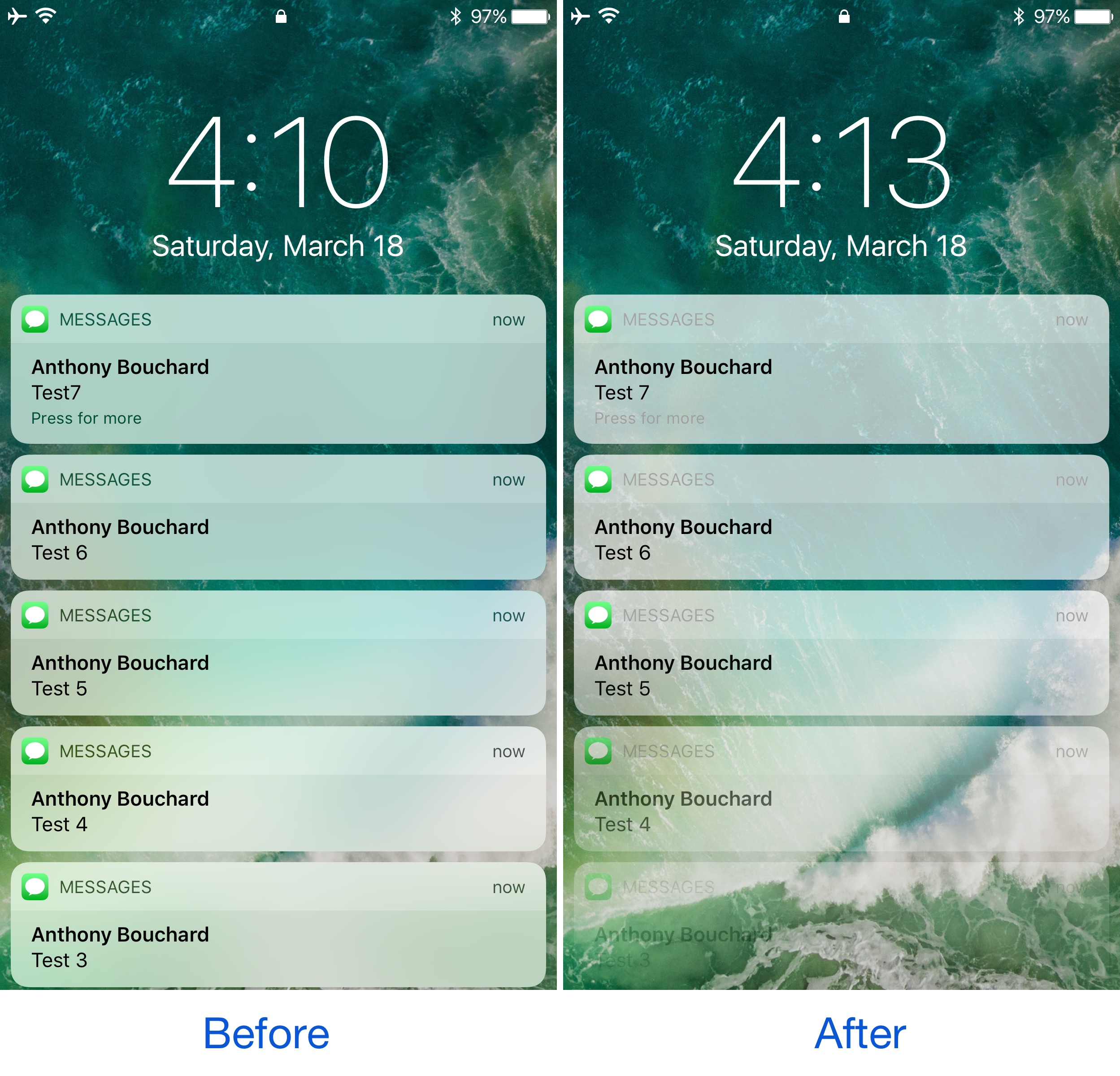
One thing the jailbreak community does best is change the way iOS looks through the channels of jailbreak tweaks and themes, and one of the latest releases to do so is Defluxit, by c0ldra1n.

This tweak is intended to give your Lock screen’s incoming notifications a visually-appealing fade away effect that puts emphasis on your most recent notifications, as shown above.

Colorize your iPhone’s cursor and text selection tools with Moose

The last several weeks have seen the release of many jailbreak tweaks aimed at colorizing different elements of iOS, and it doesn’t seem like the trend will be dying down any time soon.

Yet another tweak to join the growing array of color customization tweaks is Moose by iOS developer Tom Effects. This tweak lets you tint the cursor and text highlighting tools you typically see when editing text in iOS.

Apple Store shopping app now requires iOS 10

Apple's mobile shopping app, aptly named Apple Store, now requires iOS 10.0 or later. This requirement happened in the last three days and even though it's not a huge deal, it deserves to be mentioned. The app's most recent update, dated March 9, included only “various improvements and performance enhancements,” according to Apple's release notes. Apple Store for iPhone, iPad and Apple Watch is available at no charge from App Store.

SleekNotifications makes notification banners more compact

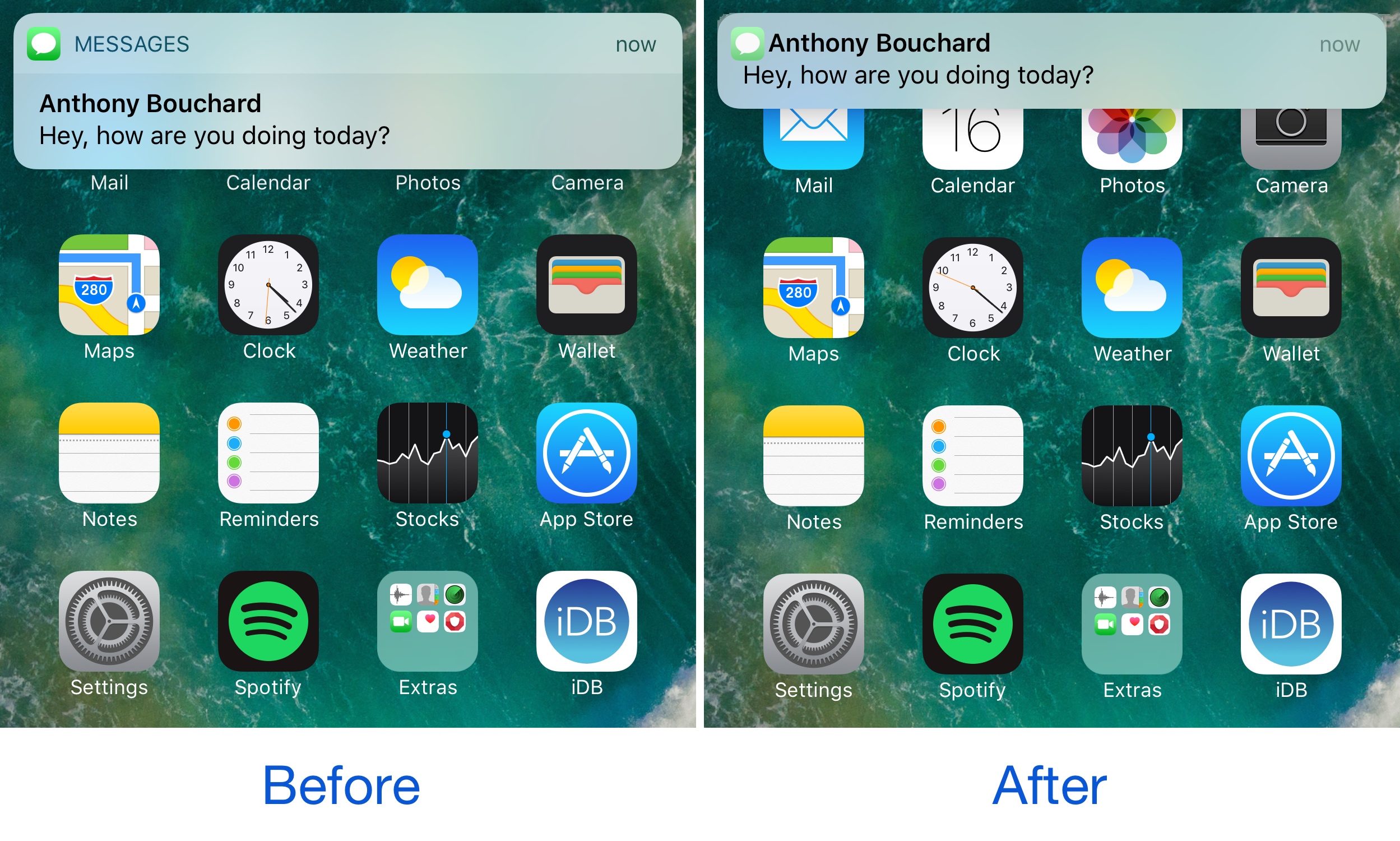
One of the ongoing pain points of notification banners circa iOS 7 is their large size. Banners were originally introduced to keep notifications out the way, but Apple eventually made them taller, causing them to get in the way of more of what you’re doing.

A new free jailbreak tweak called SleekNotifications by Rishanan is now available to help quell the misery in this department, as it shirnks down the size of your notification banners so they take up less vertical space on your screen.

This tweak withholds read receipts from your iMessage recipients until you’re ready

Admittedly, I have a love/hate relationship with read receipts. I like getting them, and I don’t particularly mind sending them to people, but sometimes I want to read someone’s message in peace without notifying them until I'm ready to deal with the consequences.

You could go into Settings and disable read receipts temporarily, but this becomes more of a nuisance than it’s worth. Fortunately, a free jailbreak tweak called Delay Read Receipts (iOS 10) by iOS developer HiDan helps by preventing read receipts from getting sent to your recipient until you’re ready.

WiFi Top Toggle moves the location of the Wi-Fi toggle switch in Settings

If you ever want to change Wi-Fi-related settings on your device, you typically go into the Wi-Fi section of the Settings app where you can then toggle the feature on or off on demand and/or pick the network you want to connect to.

A new free jailbreak tweak called WiFi Top Toggle by Mohamed Marbouh does a little bit of rearranging in your Settings → Wi-Fi preferences pane, yielding an end result that feels tidier.

BouncyNC10 makes the Notification Center launch animation bouncier

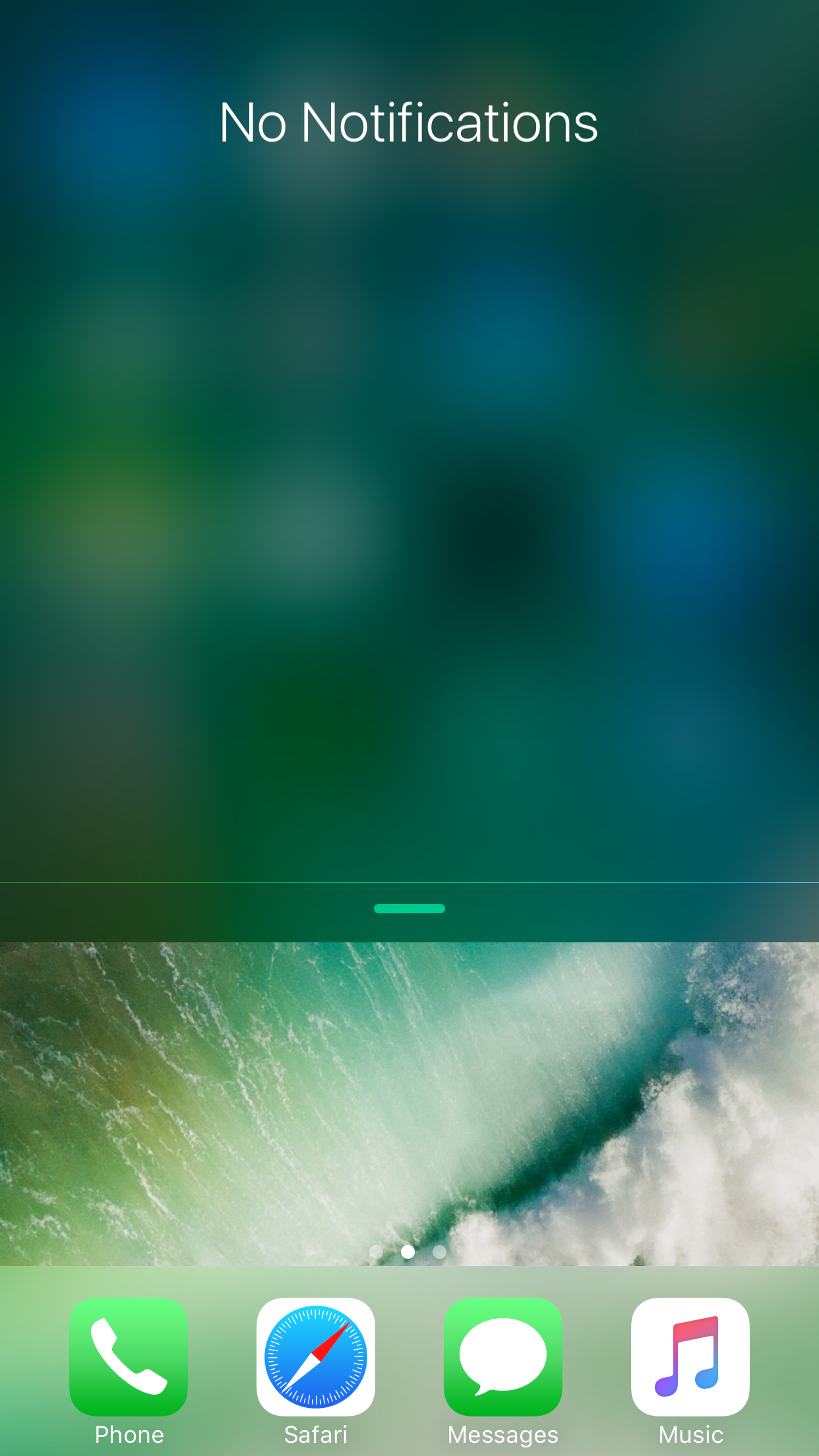
When you drag Notification Center down from the top of your screen, the interface normally just falls into place. The stock animation is a little boring, and some might argue that it could do with some additional creativity.

That’s the idea behind a new free jailbreak tweak called BouncyNC10 by CydiaGeek, which adds an enhanced bounce animation to Notification Center as it strikes the bottom of the screen.

Seventh betas of iOS 10.3 and macOS Sierra 10.12.4 now available

Apple on Thursday seeded seventh betas of what would become the third major software update to iOS 10 and the fourth major update to macOS Sierra 10.12.4. Members of the Apple Developer Program can now install iOS 10.3 beta 7 (build 14E5277a) and macOS Sierra 10.12.4 beta 7 (build 16E191a) over the air, via the Software Update mechanism, on devices with a special configuration profile that's available through Apple's portal for developers.

This cool iOS 11 concept would bring more power to your iPhone’s Lock screen

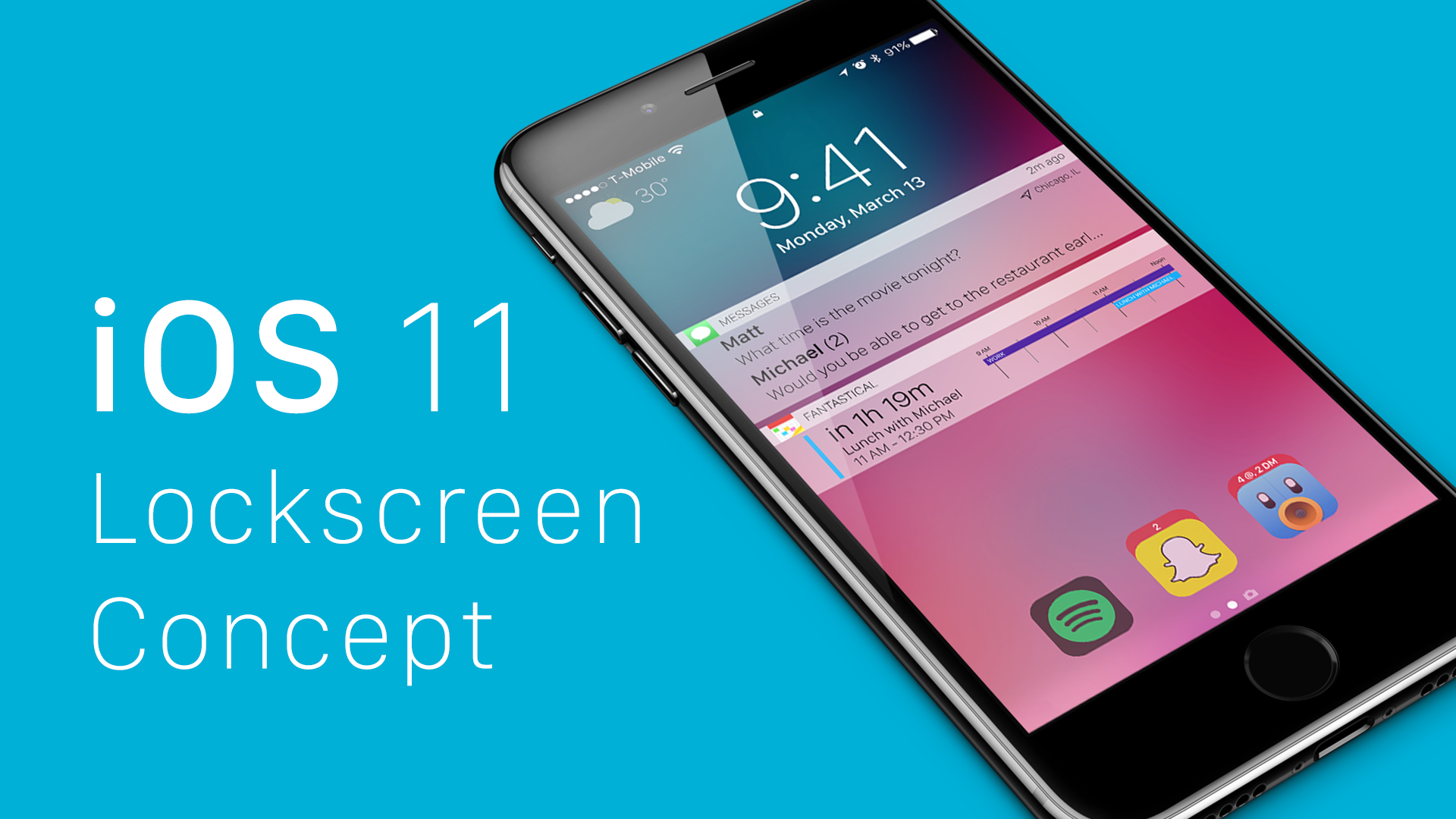
Various iPhone 8 and iOS 11 concepts have been proliferating lately, with app developer Matt Birchler jumping on the bandwagon with mockups of his own. We're liking some of the smart ideas presented in his batch of thoughtfully done renderings that envision a much more useful Lock screen on iOS 11.

Going beyond simple things like checking the date and time, launching the camera, accessing your favorite widgets and seeing notifications that have arrived since your last unlock, Birchler is proposing a Lock screen with Apple Watch-like complications, user-selectable app shortcuts, alert bundles, smart notifications that could be augmented further with optional location information and so forth.

BiggieSmallcc makes the album artwork more more prominent in Control Center

One of the great things about Control Center is how it offers access to Music controls anywhere you might need them. Part of the music control interface shows an album artwork illustration for whatever media is playing. Of course, some jailbreak developers would argue that it needs improvement.

A new free jailbreak tweak called BiggieSmallcc by candoizo aims to make the album artwork more proportionately appropriate by enlarging it to better fit the size of the interface, especially on larger-screened devices.