iOS

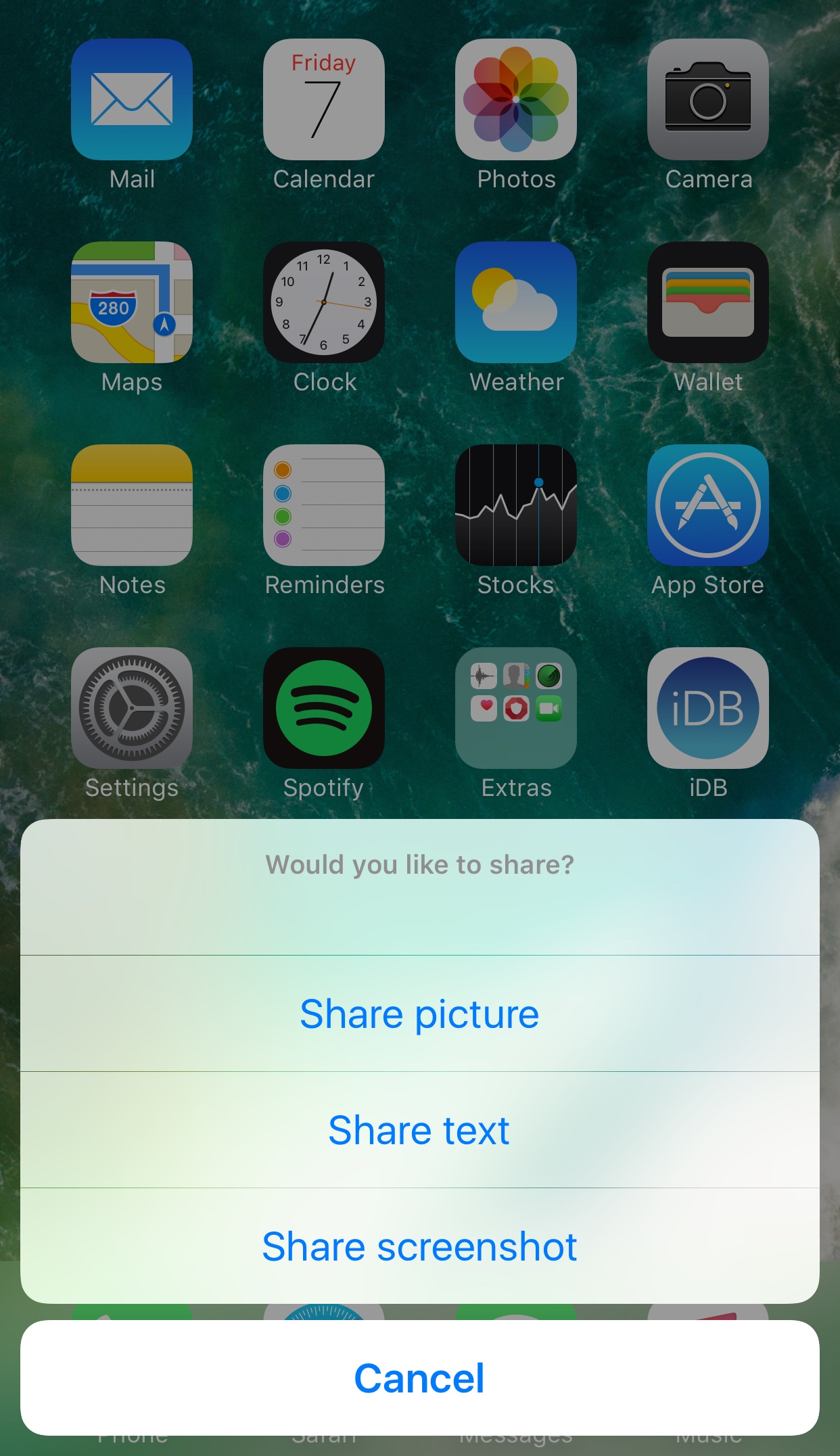
This tweak customizes the ‘iPhone is disabled’ text that appears after failed passcode attempts

Whenever your iPhone passcode is entered incorrectly too many times, a message eventually pops up that says “iPhone is disabled.” This prevents the device from being used for a temporary period of time and is intended to deter people who try to gain unauthorized access to your device and personal information.

On the other hand, the stock message is pretty bland, and a new free jailbreak tweak called GoAway by iOS developer gilshahar7 paves the way to new ways of customization by letting you change the message and other information that gets displayed after too many wrong passcode attempts.

How to call your destination when using the Maps app on Apple Watch

It’s the little shortcuts Apple Watch can provide in life that make wearing the device oh so rewarding at times. The most prominent ones have certainly saturated Apple’s marketing and most corners of the internet by now, still many smaller tricks are hardly covered simply because they can be so darn hard to find.

The following one certainly falls into that category, as I had never heard or read about it before, and I frankly came across it by pure chance. If you have to hit the roads regularly and rely on Apple Maps and your watch to get to your destination, it’s a deft shortcut that makes sure you can keep your eyes on the road at all times - even if you need to make a phone call to the place you are currently headed!

The best calendar apps for iPad

Time famously flies, which is why calendars have been invented to make sense of that unstoppable ride called life we're all on together. It is also the reason why it has been ages since we last shook the App Store tree and scrutinized all the best calendar apps for iPad falling off it for their quality.

So here we are again, same place but different time, sizing up what today’s App Store has to offer in terms of third-party apps to satisfy your organization and scheduling needs on iPad. Join us on a roundup of some of the best iPad calendar apps for iPad.

The best jailbreak tweaks for Notification Center

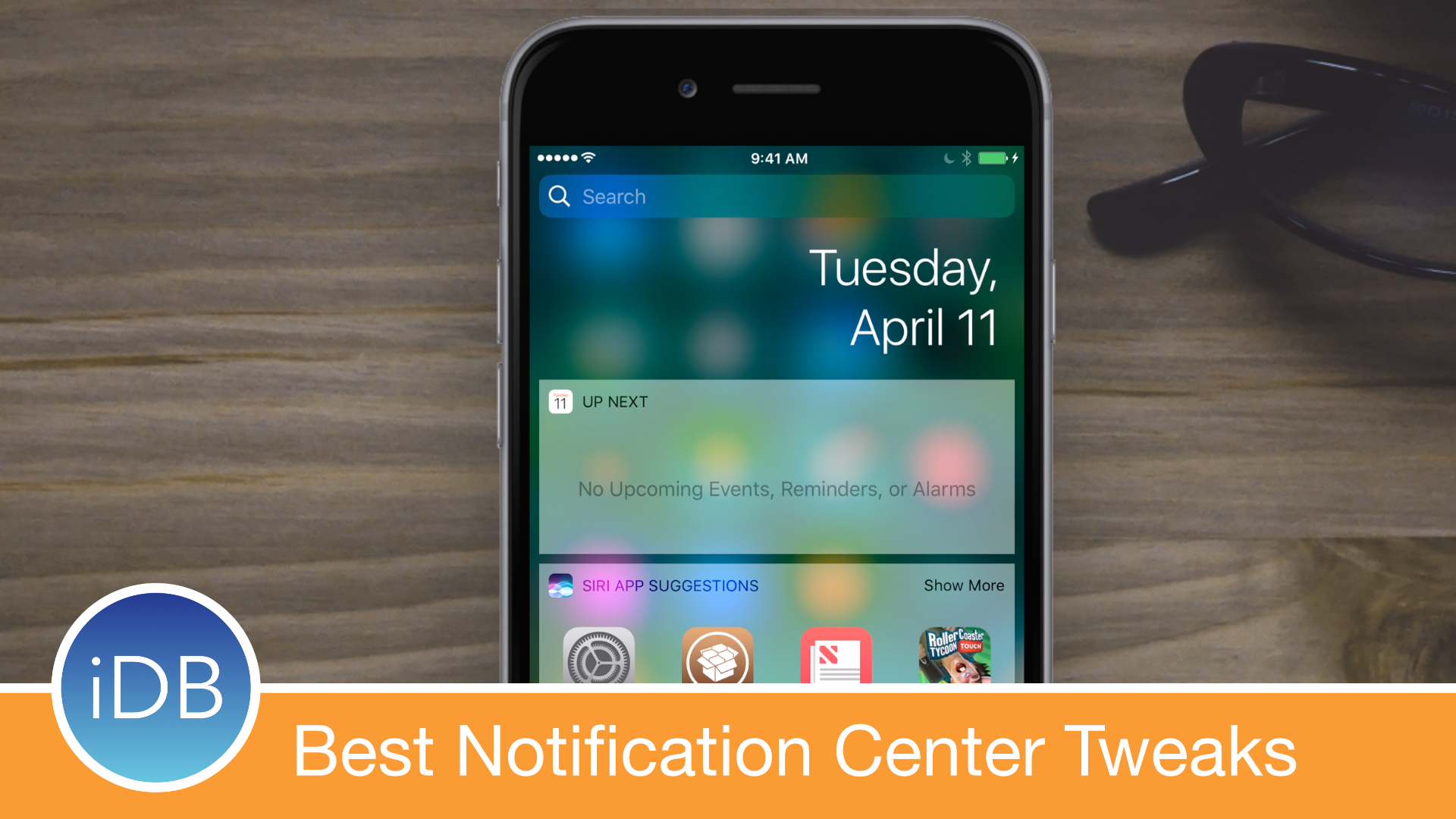
Those rocking the Yalu jailbreak for iOS 10 and who are looking for the best jailbreak tweaks to install on their devices have come to the right place. We're working on a series of roundups that cover the best tweaks for each exclusive part of iOS.

In this piece, we'll discuss the best jailbreak tweaks for Notification Center that were released following the launch of the iOS 10 jailbreak.

Researchers demonstrate passcode detection method that uses your phone’s motion sensors

A team of researchers from the United Kingdom's Newcastle University have demonstrated how criminals could steal your passcode simply by tracking the motion of your phone. Don't worry, Apple issued patches last year to prevent anyone from collecting sensor data, but Android users remain at risk of having their passcodes stolen if they visit a rogue website or tap a malware link. Although Google is aware of the issue, they're still looking into a fix.

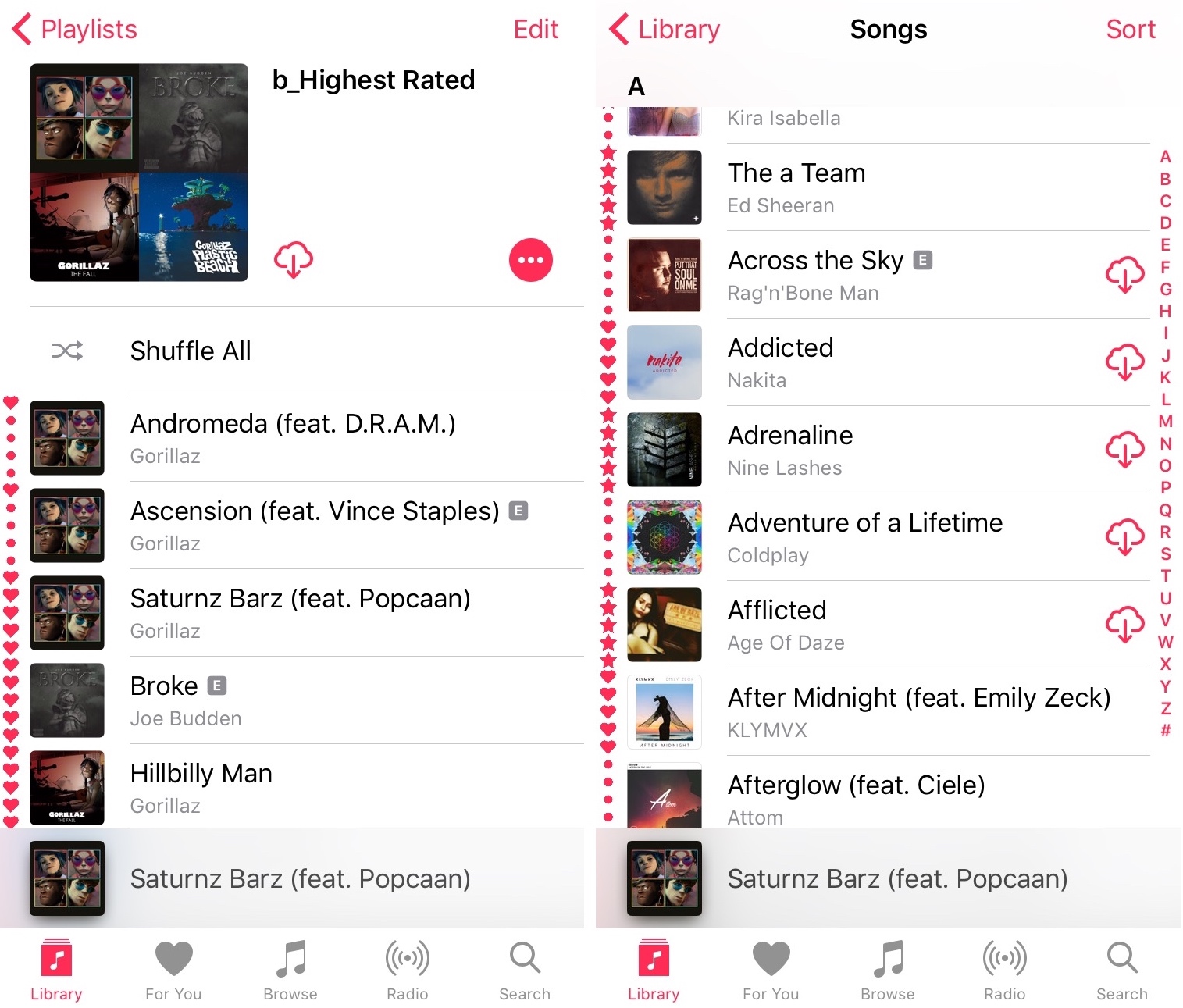
This tweak displays song ratings throughout the Music app

If you use the stock Music app to listen to your favorite songs on your iPhone or iPad, then you owe it to yourself to use your jailbreak to enhance the app the best you can.

A free jailbreak tweak called I See Stars III by Pat Sluth improves the Music app by displaying media ratings in the playlist tables, otherwise known as song lists.

Birdhouse lets you see tweets from your empty Notification Center

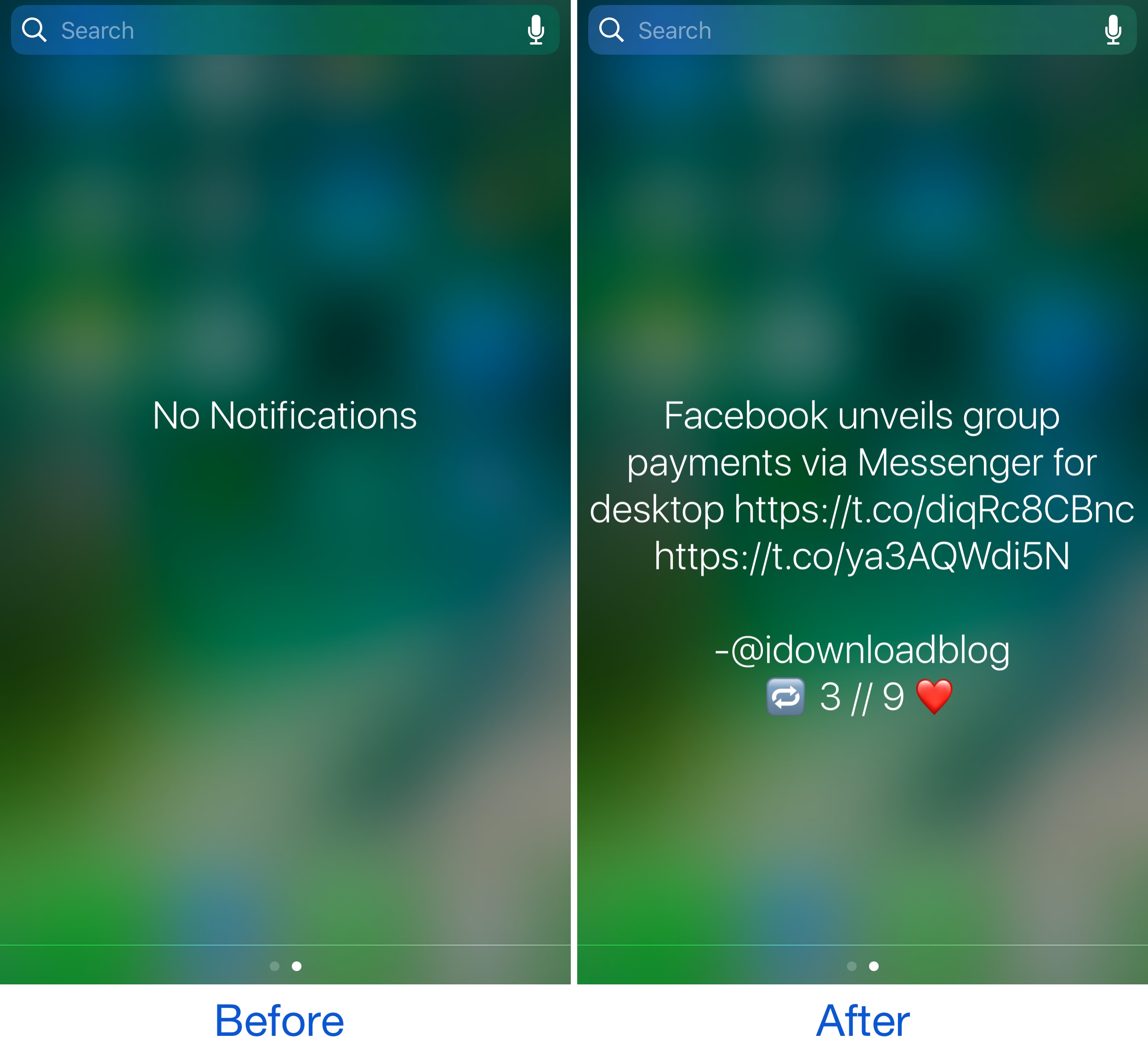
When you don’t have any unread notifications waiting to be acknowledged, you typically see the “No Notifications” text string in the middle of Notification Center. Not only isn’t this aesthetically pleasing, but it wastes potentially useful space.

With a new free jailbreak tweak called Birdhouse by candoizo, you can make use of this space by replacing the generalized "No Notifications" text with a Tweet from your favorite Twitter account.

How to disable comments on your Instagram posts

If you have problems with trolls leaving nasty comments on your Instagram posts, then it might be music to your ears to hear that you can disable commenting, a step that can prevent trolls from leaving hurtful comments on your posts while allowing you to maintain a presence on the popular media-sharing social network.

While the workaround certainly isn’t perfect, it can be effective if used correctly. We’ll show you how to disable comments on your Instagram posts in this tutorial.

Second betas of iOS 10.3.2 and macOS Sierra 10.12.5 now available to public beta testers

Both iOS 10.3.2 beta 2 and macOS Sierra 10.12.5 beta 2 are now available to the general public via the Apple Beta Software Program. Public betas of iOS 10.3.2 and macOS Sierra 10.12.5 follow their developer-only releases yesterday. If you're enrolled in Apple's public beta program, you should receive the latest iOS 10.3.2 and macOS Sierra 10.12.5 betas through the Software Update mechanism in Settings on iPhone, iPad and iPod touch and via the Updates tab in Mac App Store on your Mac.

NoMoreStories removes the Stories feature from the Facebook app

Facebook has made a lot of unwanted changes to the mobile app in the last few weeks; unfortunately, because they refuse to list anything new in the App Store change logs, everyone who uses Facebook gets duped into installing the changes whether they want them or not.

One of the latest unpopular additions to the Facebook app is the Snapchat-like Stories feature, which appears at the top. If you don’t like Facebook’s new Stories feature, you can use a new free jailbreak tweak called NoMoreStories by iKilledAppl3 to get rid of it once and for all.

Hide the waveform and activity bar when using voice memos with discreetVoiceMemos

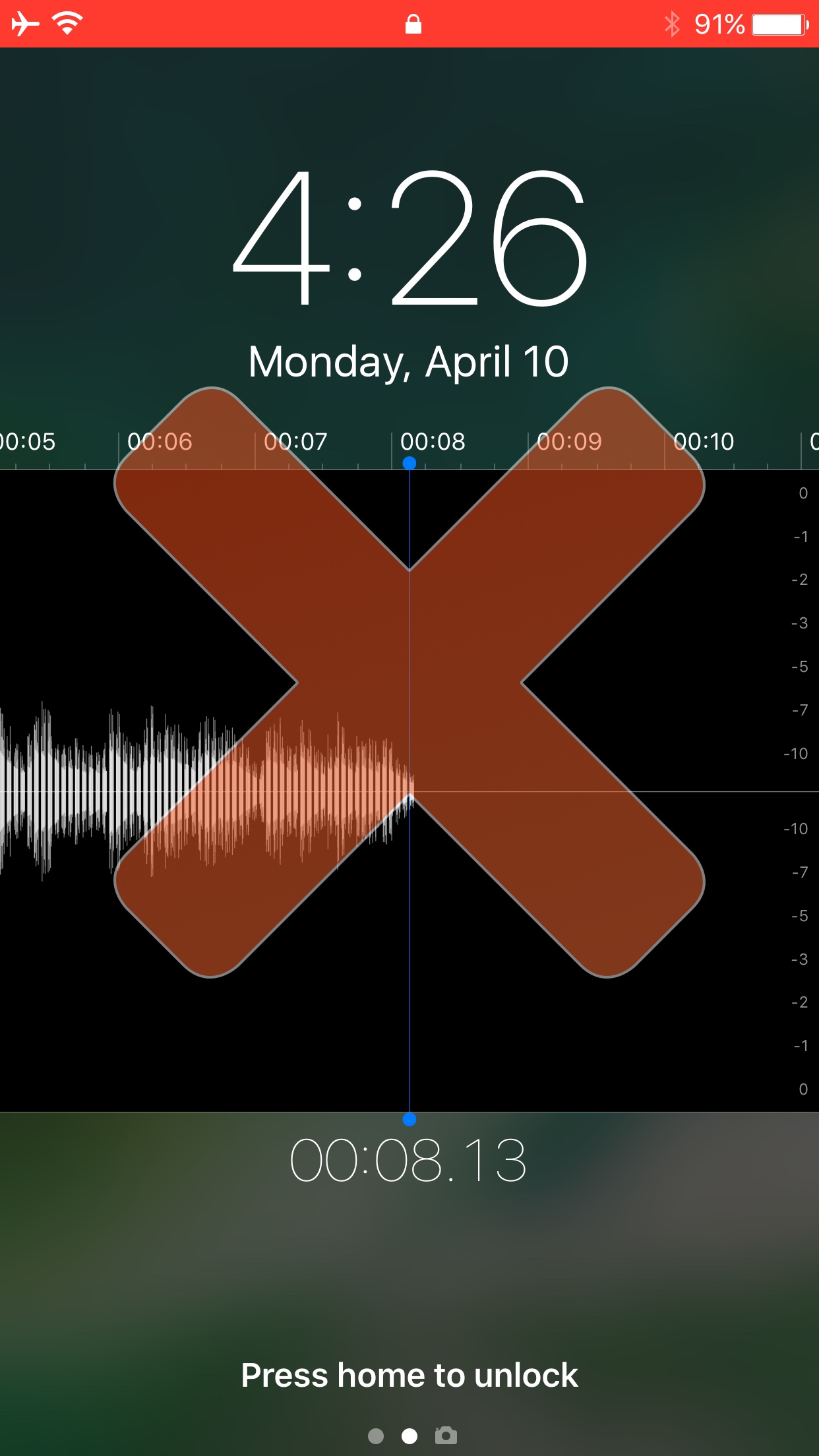
The Voice Memos app is useful for recording conversations to listen back on at a later date. On the other hand, when trying use it discreetly, the app is far from helpful. It drops obvious hints that it’s being used by displaying an animated waveform on the Lock screen and a bloated red Status Bar everywhere else in iOS.

If you were hoping for a solution to this problem, then you’re in luck because a new free jailbreak tweak called discreetVoiceMemos by CydiaGeek helps to make your Voice Memos usage more sneaky by hiding these highly-visible features from your device when the app is in use.

Apple posts second betas for iOS 10.3.2, macOS Sierra 10.12.5, watchOS 3.2.2 & tvOS 10.2.1

Apple on Monday released second betas of what would become the iOS 10.3.2, macOS Sierra 10.12.5, watchOS 3.2.2 and tvOS 10.2.1 software updates. iOS 10.3.2 beta 2 (build 14F5075a), macOS Sierra 10.12.5 beta 2 (build 16F54b), watchOS 3.2.2 beta 2 (build 14V5475a) and tvOS 10.2.1 beta 2 (build 14W5573a) are now available to Apple's registered developers over the air or as standalone downloads via the Apple Developer Center.