iOS

CCDataMore adds a cellular data toggle to Control Center

Apple really doesn’t make it easy to toggle cellular data on or off apart from using Airplane Mode. Your only other option is to dig through your Settings app to find the cellular data preference pane, which is intrusive when you're already in another app or doing something else.

Fortunately, a new free jailbreak tweak called CCDataMore by iOS developer Lizynz solves this problem by enabling a cellular data toggle in Control Center.

Supercharge your iPhone wallpaper options with PanoramaPapers

Apple has always been boring when it comes to wallpaper options on the iPhone. They debuted ‘dynamic wallpapers’ when iOS 7 dropped, but to this day, you're still limited to Apple’s stock selection; otherwise, you have to use still images and you can’t change things beyond that.

To fix that problem, a new free jailbreak tweak called PanoramaPapers by iOS developer sst1337 can complement your device by letting it stand out from the rest. It lets you have different kinds of wallpaper layouts on your device, depending on the images you choose.

This tweak displays your Wi-Fi channel in the Status Bar

Modern wireless routers use both the 2.4GHz and 5GHz bands to feed internet data to your wireless devices, but figuring out what channel you’re using from your device typically requires an app or access to the router’s wireless settings to discern.

On the other hand, a new free jailbreak tweak called WifiChannelBar by Jeremy Kister makes things easier for you by displaying the Wi-Fi channel your network is using right next to the Wi-Fi icon in your Status Bar.

Apple posts third betas of iOS 10.3.2, macOS Sierra 10.12.5, watchOS 3.2.2 and tvOS 10.2.1

Apple on Monday issued third betas of what would become maintenance and bug-fix updates to iOS, macOS Sierra, watchOS and tvOS. Members of the Apple Developer Program can now deploy iOS 10.3.2 beta 3 (build 14F5080a), macOS Sierra 10.12.5 beta 3 (build 16F60a), watchOS 3.2.2 beta 3 (build 14V5480a) and tvOS 10.2.1 beta 3 (build 14W5578b) through the Software Update mechanism.

Jailbreak tweaks of the week: Don’t Stop the Party!, NoMoreStories, StatusPeek2, & more…

Those of you clinging onto that iOS 10 jailbreak wall want to hold onto it a bit longer. There've have been some neat jailbreak tweak releases these past couple of weeks and every Sunday we come at you with a roundup, showcasing the best of the week.

In this roundup, we'll follow that same tradition, talking about all of the jailbreak tweaks that were released in Cydia. We'll start first with our favorites and then move onto everything else afterwards.

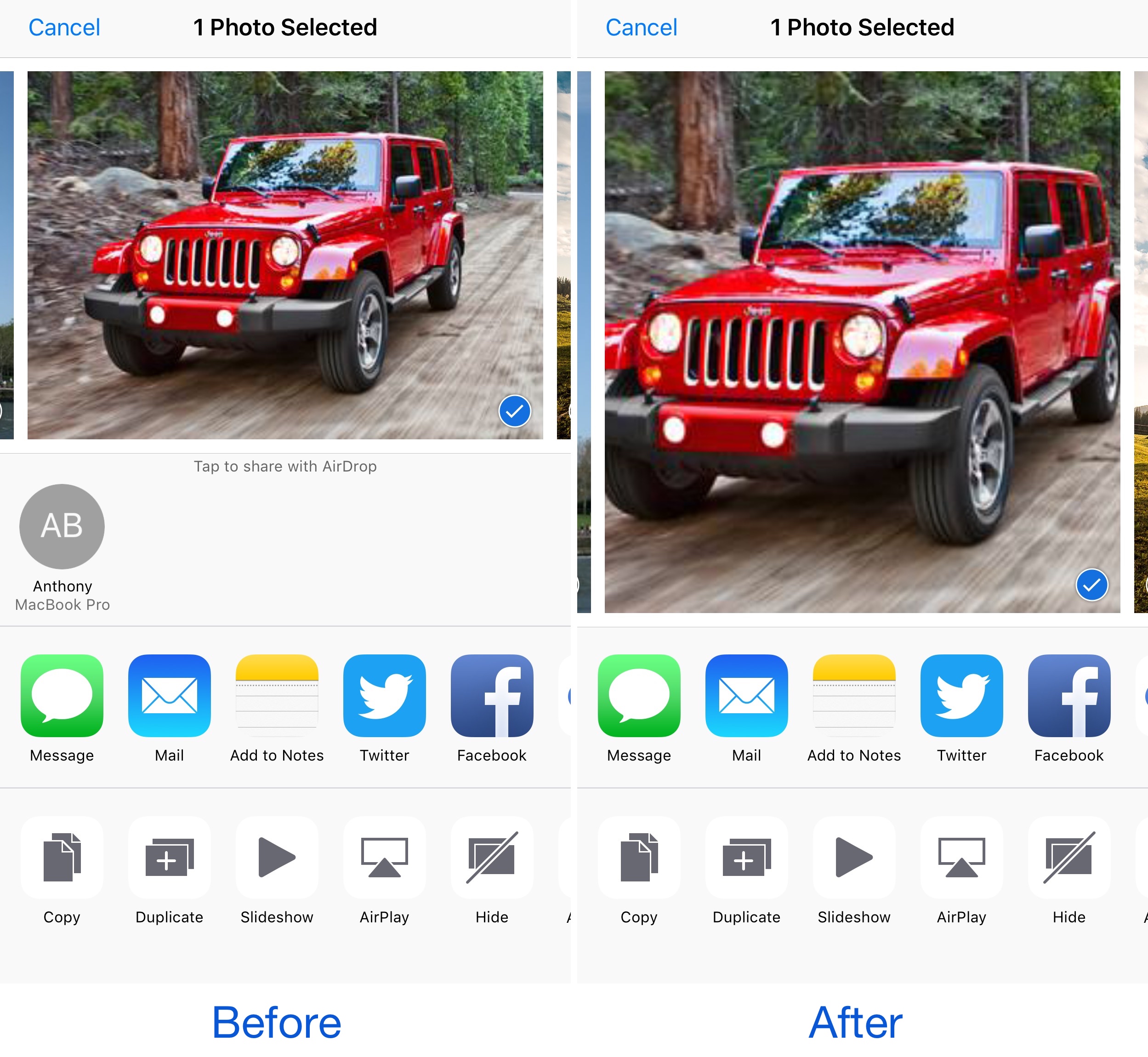
AirDrop Remover nixes the AirDrop button from iOS Share Sheets

AirDrop is a very convenient way to send and receive files between iOS devices and Macs; on the other hand, not everyone uses it. While you can easily disable AirDrop, the feature still clutters your interfaces whether it's disabled or not.

Those with a jailbreak can hide AirDrop from their device entirely, and a new free jailbreak tweak called AirDrop Disabler by Justin Petkovic aides in this process by removing AirDrop from your Share Sheets.

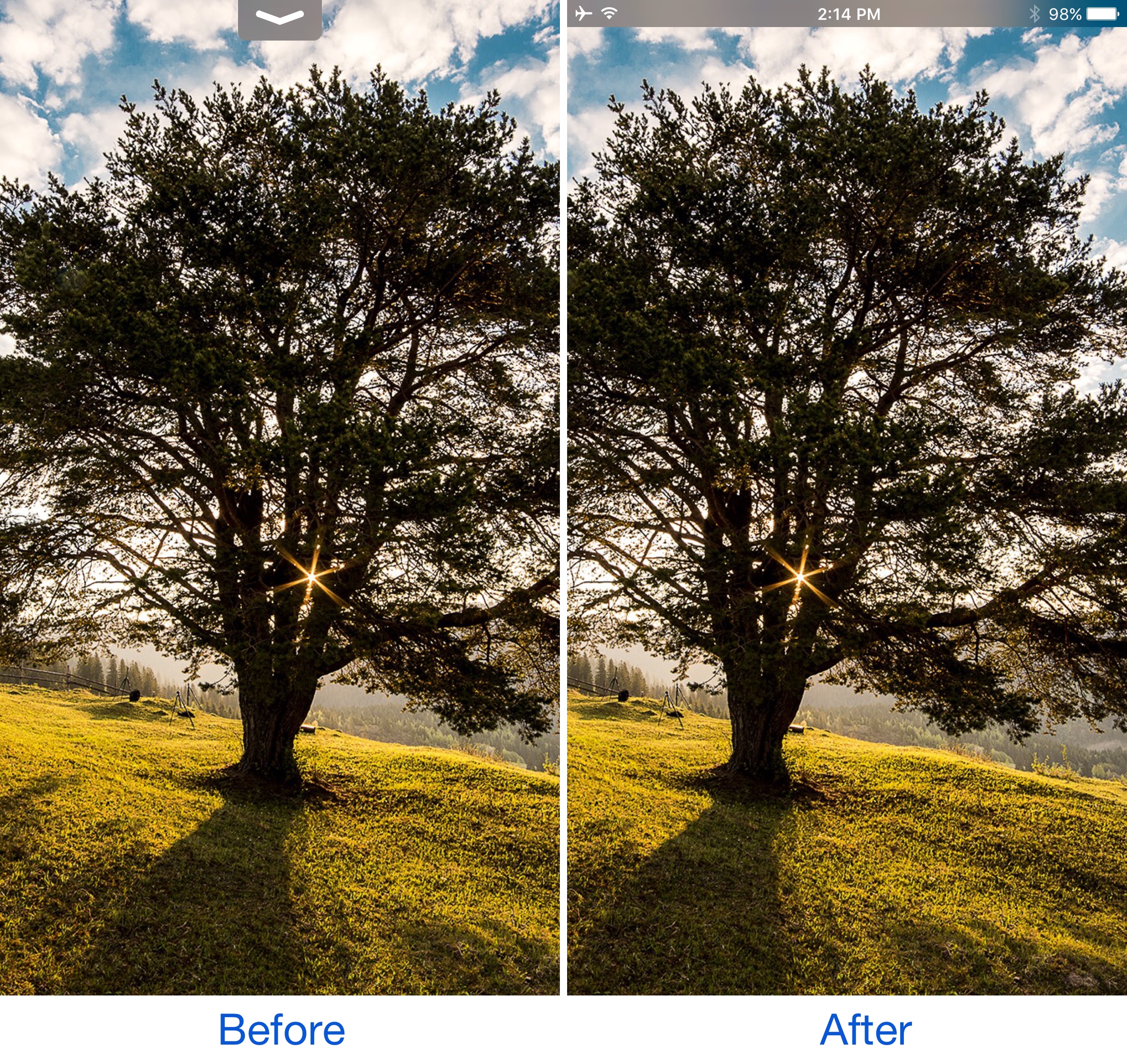
StatusPeek 2 replaces the Notification Center grabber with the Status Bar

When you drag down from the top of the screen (intentionally or unintentionally) inside of full-screen apps, a grabber that lets you open Notification Center presents itself. While it works fine for what it was made for, many would agree that it’s useless beyond opening Notification Center.

That’s where a jailbreak tweak called StatusPeek 2 by Noeliel can come in handy and improve things for the better. It replaces the usual grabber with a sneak peek of your Status Bar while maintaining the function of a grabber.

Don’t Stop the Party! keeps your music playing during resprings

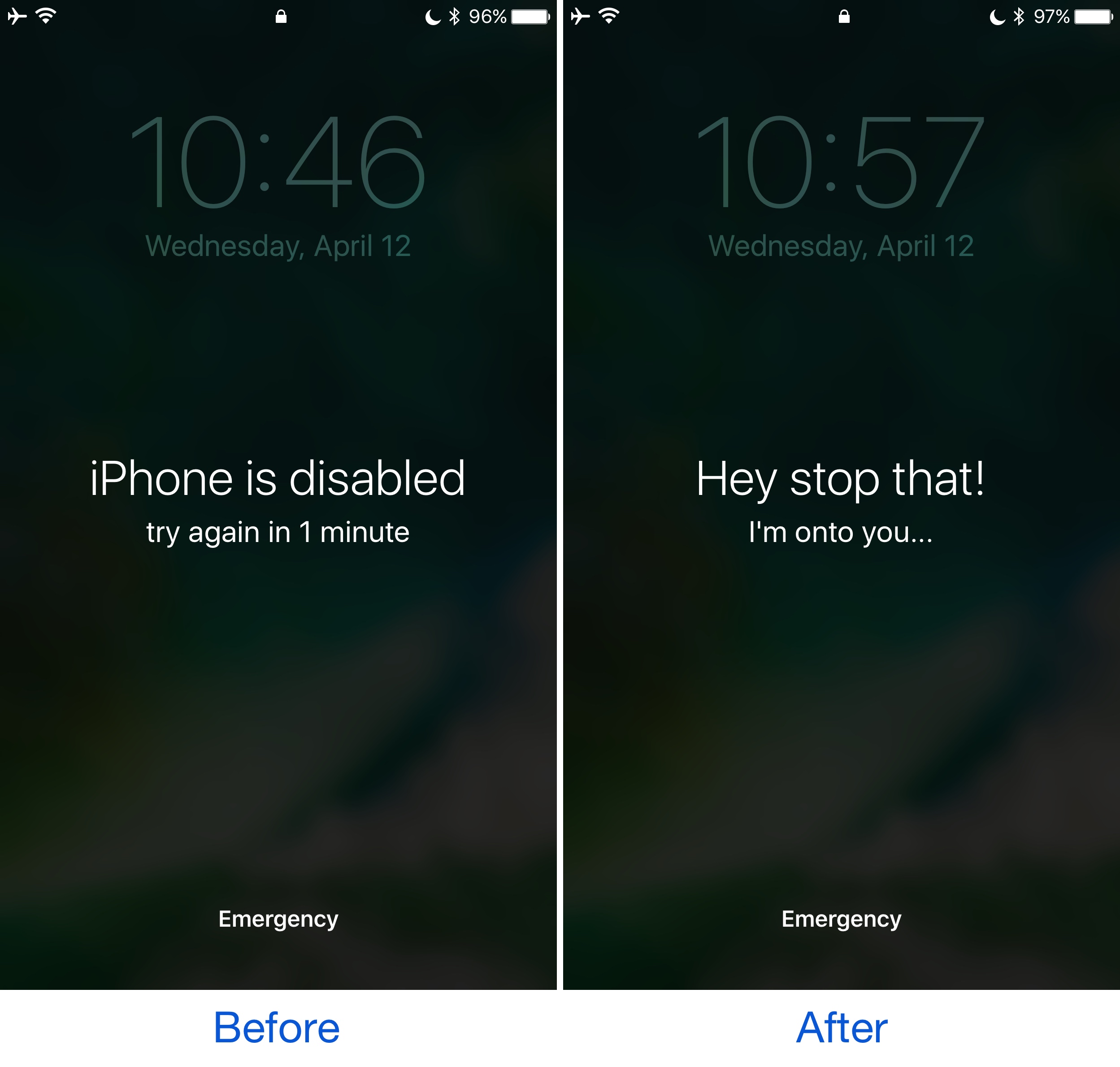
One of my pet peeves in terms of having a jailbroken device is how any music I'm listening to while installing tweaks on my device gets silenced with every respring. Anyone who peruses Cydia and installs tweaks a lot will find this to be a buzzkill.

Fortunately, a new jailbreak tweak called Don’t Stop the Party! by iOS developers David Goldman and Wizages helps fix the problem once and for all by letting the music play straight through the respring process.

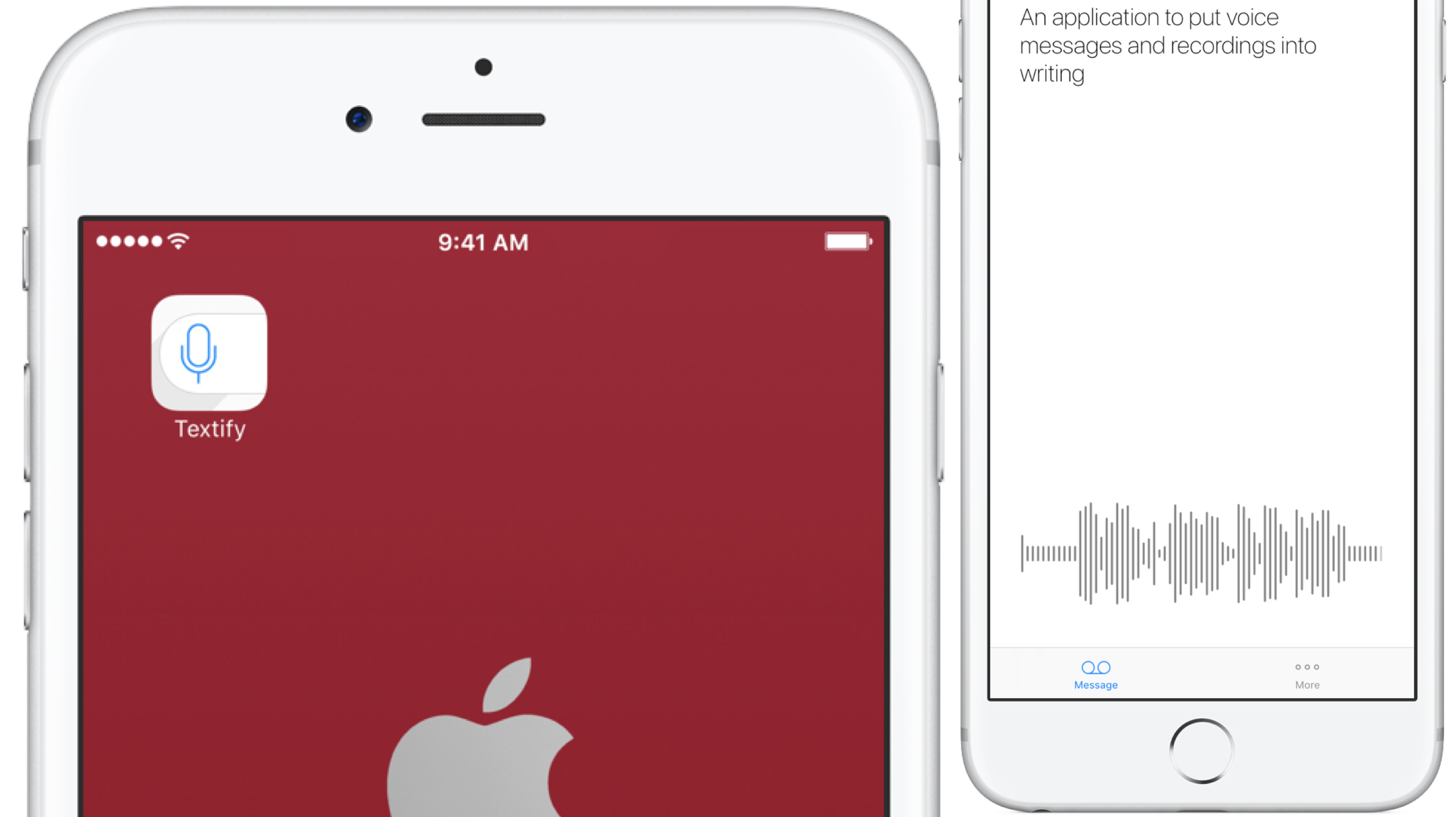
Turn iMessage, WhatsApp, and Line voice messages into text with Textify

Sending your friends voice recordings on messenger platforms such as iMessage, WhatsApp or Threema is surely not everyone’s cup of tea, but it’s hard to overlook its rising popularity in certain circles. Be it for faster communications or text weariness amongst younger people, voice messages are rife in chats today and that is despite the one clear downside they have: unlike texts, they are not very discreet, which makes them basically unobtainable in a host of potential situations.

Understanding the (circumstantial) issues with voice messages, Apple were the first to offer voicemail transcriptions in iOS 10 and now Textify joins the cause to bring a similar service to an even wider audience. The speech recognition app provides spoken word-to-text transcriptions for all your favorite messenger platforms including iMessage, WhatsApp, Threema, and Line. And suffice it to say that it wouldn’t be on iDB if it was not surprisingly powerful at that. Here’s how it works.


The best VPN deals right now

There are so many VPNs to choose from, and if you’re having trouble deciding what one to choose for your own internet privacy and security, then we’re here to help.

One of the biggest deciding factors in purchasing a long-term commitment to software is the cost, so in this roundup, we’ll discuss some of the best VPN deals you can get right now.

No new features are coming to the Workflow app following Apple’s acquisition

Apple in March 2017 purchased the powerful iOS automation app Workflow. Even though Workflow is now free and the company has refunded some of the users who have paid for the app, it seems that no new features will be coming to Workflow going forward. That's according to French blog iGeneration, which reported Thursday that the Workflow team's confirmed that the software will no longer be updated with new features.

How to spoof the GPS location of photos on your iPhone

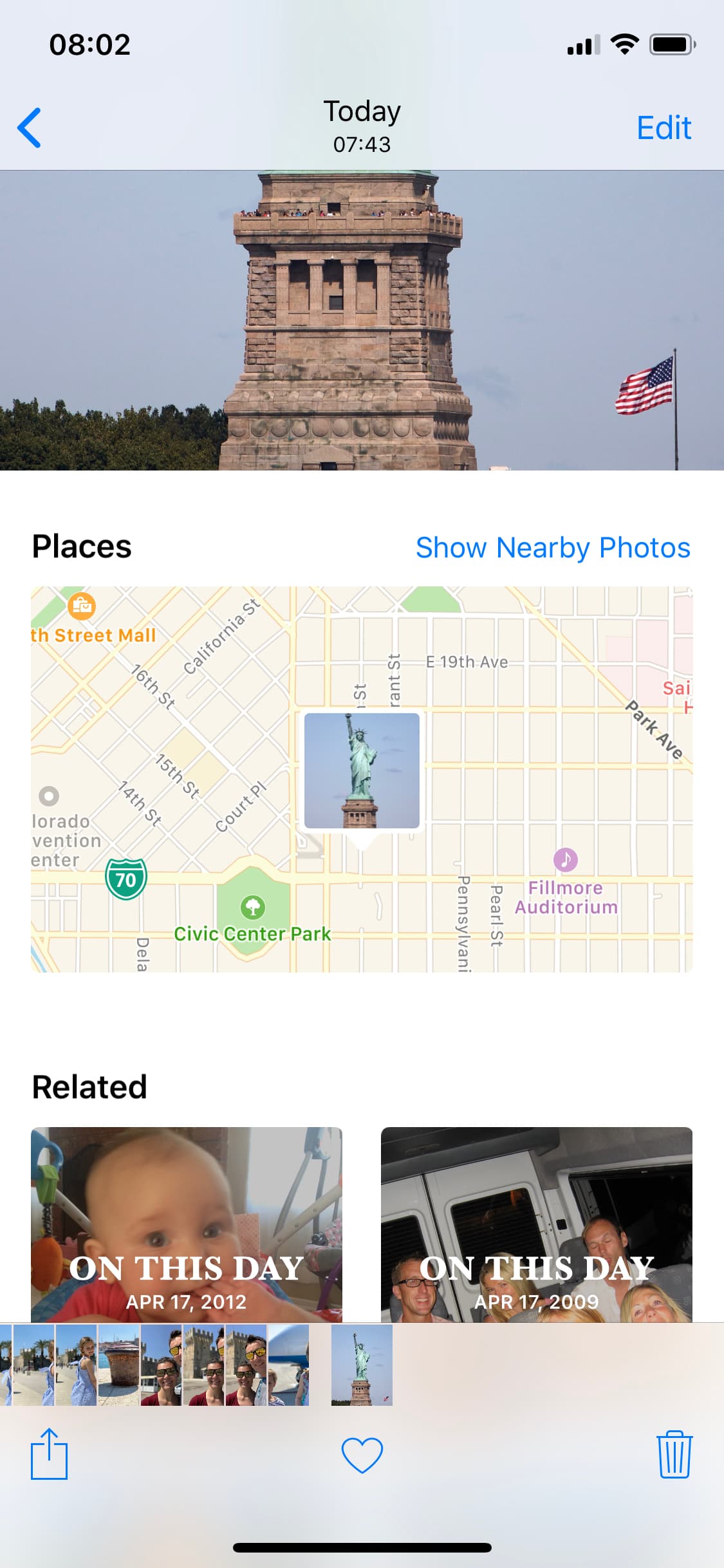
spoofed location

The Photos app can keep track of where your photographs are taken, assuming the photos in your Photo Library have location-based metadata attached to them. Even images you save from the internet can have this location data baked into them from time to time.

What most people don’t know is that it’s possible to spoof a photograph’s location data to make it look as if it were taken somewhere else. In this tutorial, we’ll show you how you fake the location of your photos in less than a minute with Exif Metadata, an app we developed in house.