iOS

iPhone newly jailbroken? This tweak upgrades the native keyboard in more than one way

Whether you send a ton of text messages, spend a lot of time browsing the Web, or like to jot down notes from time to time, the keyboard is something most iPhone owners interact with on a daily basis.

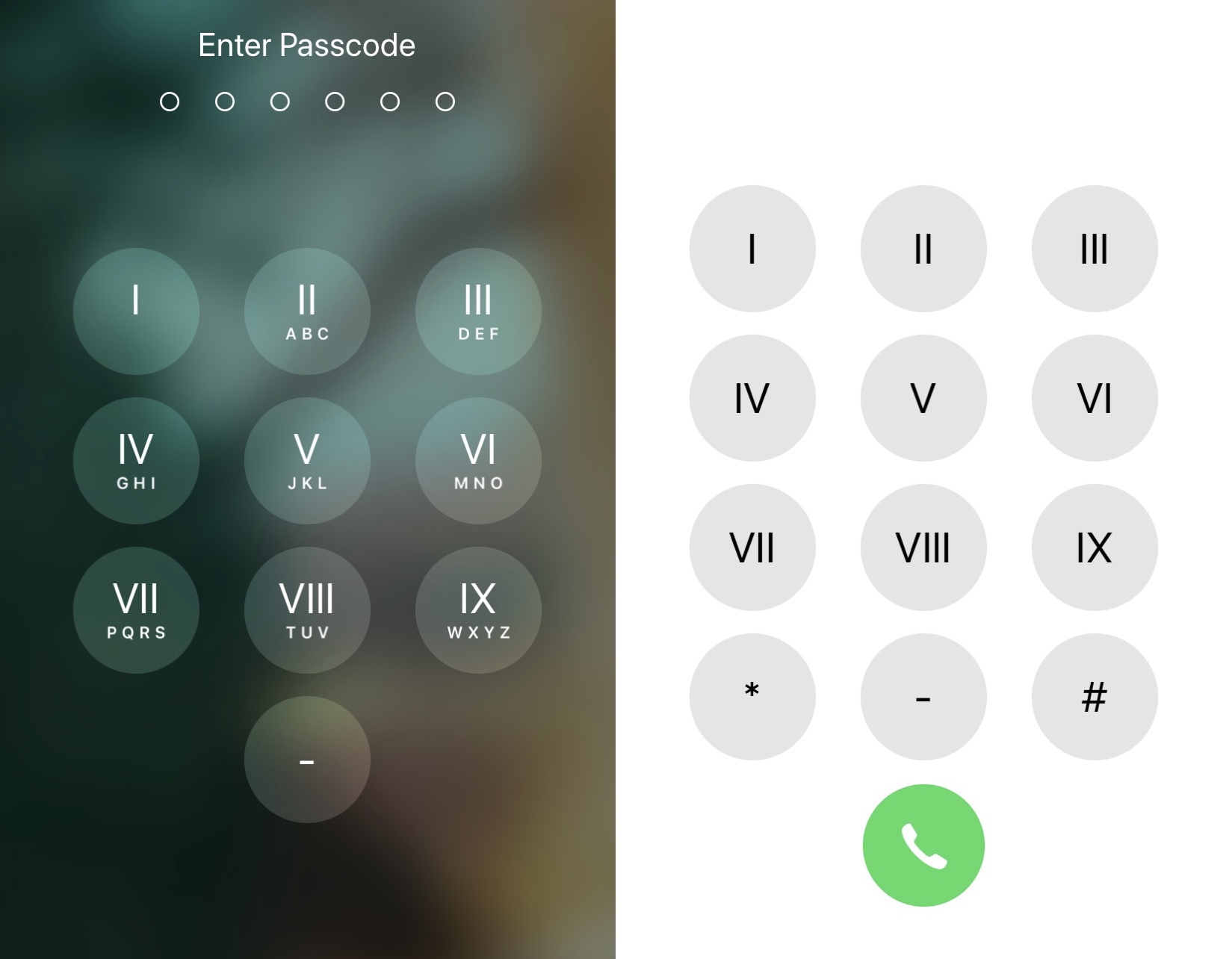
While Apple’s keyboard offers perhaps one of the most refined keyboard user experiences on the market today, it’s not uncommon for the jailbreak community to develop ways of making it better. The latest of such attempts comes by way of a new and free jailbreak tweak dubbed Shortmoji 2 by iOS developer MiRO.

New FutureRestore GUI makes unsigned iOS downgrades and upgrades more approachable

The FutureRestore GUI.

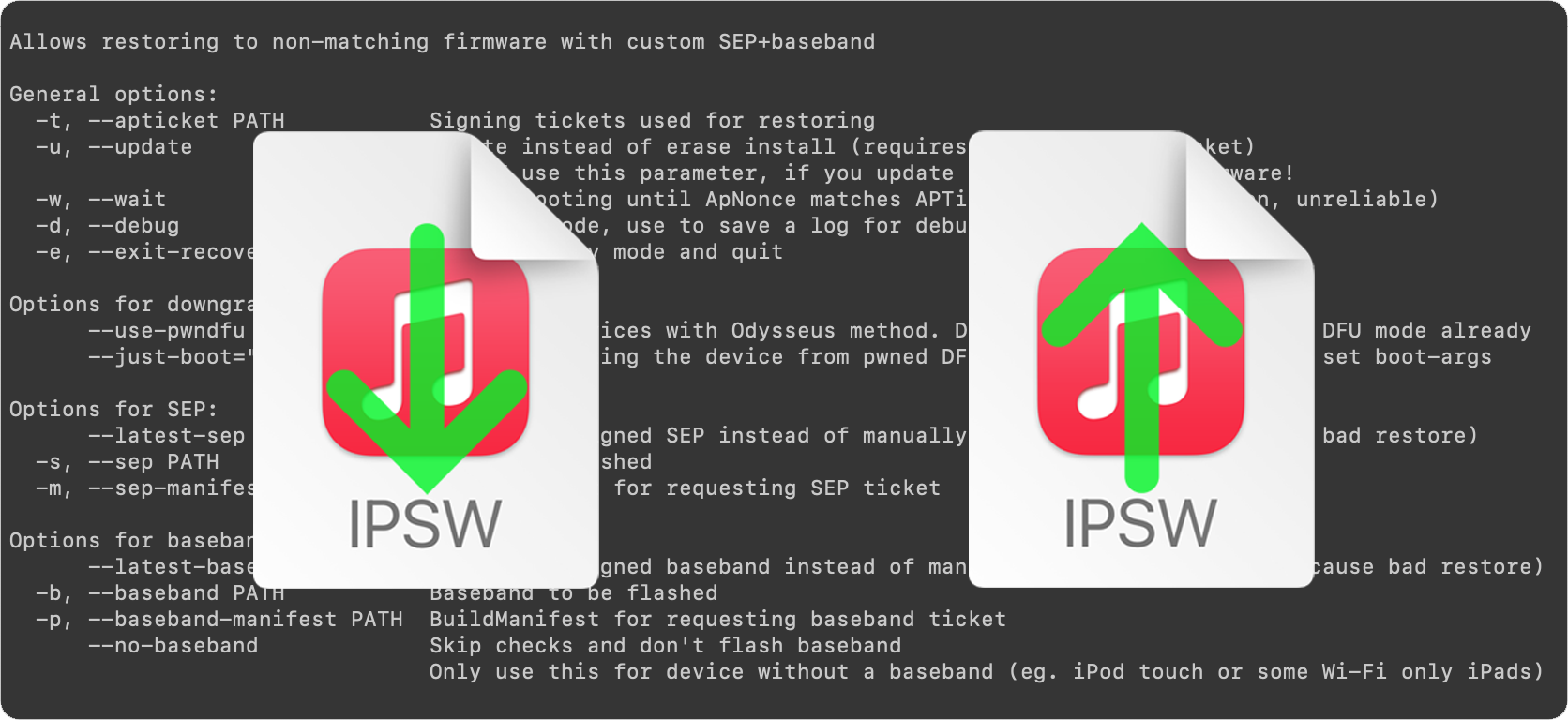
Excellent news for those who’ve been wanting to take advantage of futurerestore to downgrade or upgrade to an unsigned version of iOS or iPadOS – you’re no longer limited to using command line interfaces (CLI) to do so.

On Monday, the community was pleasantly surprised by the release of a new user-friendly and Java-based futurerestore application for macOS dubbed FutureRestore GUI (GUI of course stands for graphical user interface).

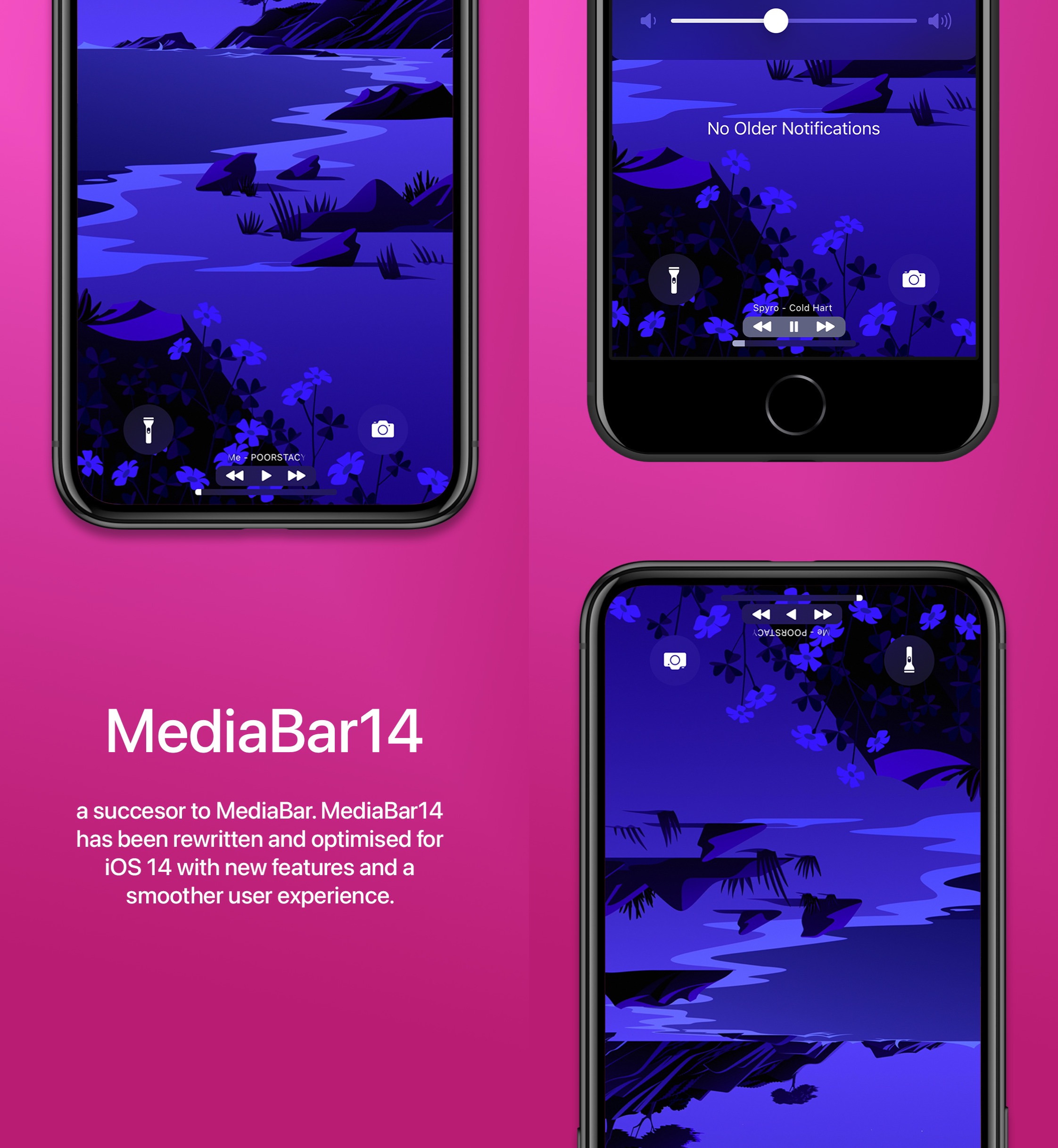
MediaBar14 augments the Home Bar with powerful media controls

All of Apple’s notched devices, iPhones and iPads alike, come equipped with a software alternative to the Home Button known as the Home Bar — the thin line that manifests itself at the bottom-center of the display.

I love the Home Bar as an alternative to the antiquated Home Button, especially when paired with the bigger edge-to-edge displays that modern iPhones and iPads now possess. But with a jailbreak, it’s possible to make the Home Bar even better than it already is.
Customize the toggling sound of your pwned iPhone’s flashlight with FlashSound

If you use your iPhone’s rear-facing LED flash as a flashlight to help you navigate dark environments from time to time, then you’re far from alone.

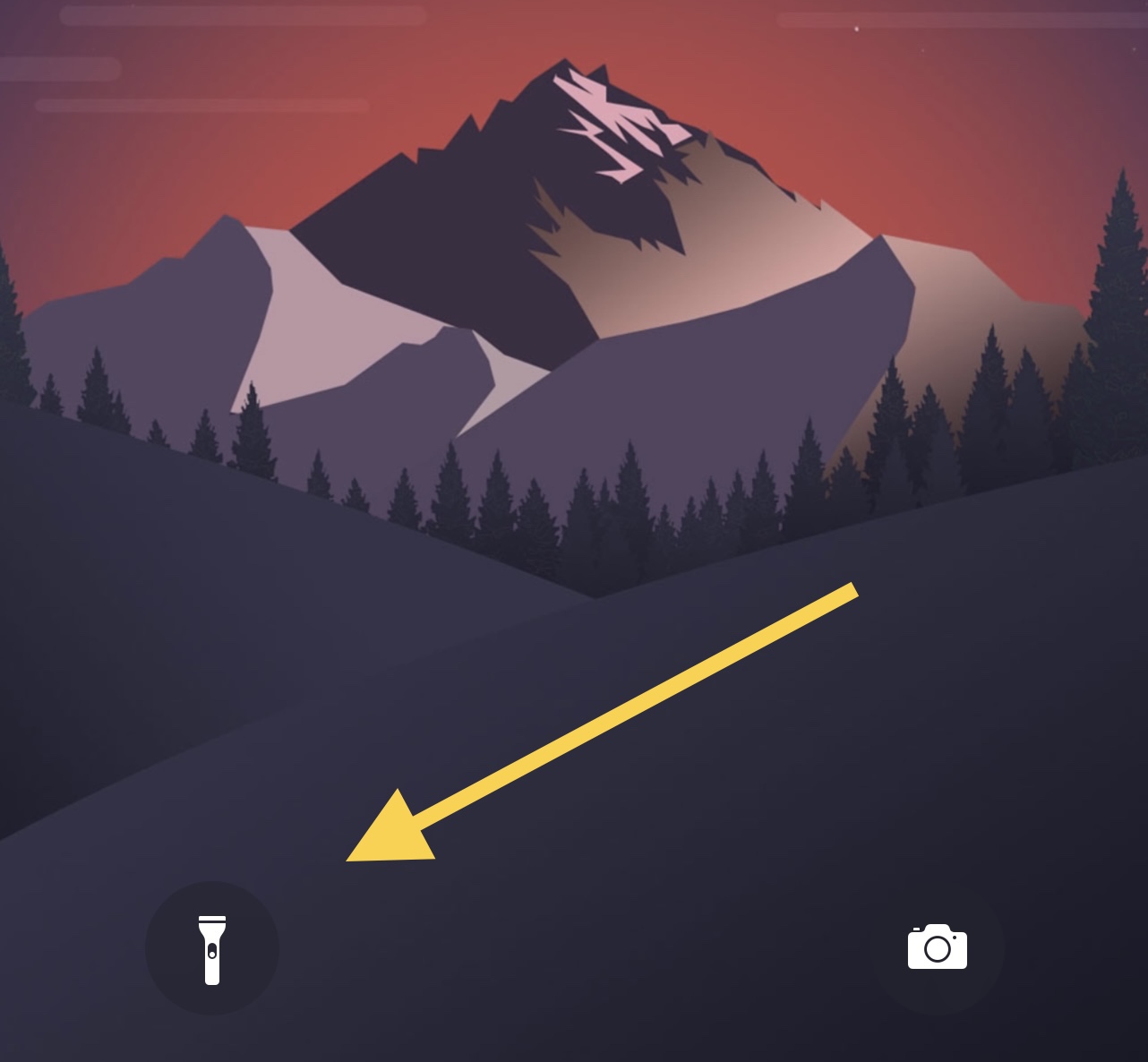
Right out of the box, Apple provides a shortcut on the Lock Screen for the aforementioned purpose, and it even offers a satisfying amount of haptic feedback when toggled. As for a cool sound effect, however, users are left underwhelmed.

Guide to futurerestore: Introduction

This is an introductory article which explains what futurerestore is and how it works, as well as how to follow our futurerestore guides to upgrade/downgrade your device.

Before attempting any of the guides, everyone should read this article. It explains whether the guides apply to you, and if they do, which ones you should follow, as well as making sure that you fulfil the requirements for it to work. Not everyone can use futurerestore.

Guide to futurerestore Part 1: How to set a generator

This is Part 1 of a two-part guide on how to use futurerestore.

Before attempting this guide, everyone should read the introductory article, Guide to futurerestore: Introduction. It will explain whether this guide applies to you, as well as making sure that you fulfil the requirements for it to work.

If you currently have a jailbreak and you want to move to a different firmware with futurerestore’s generator mode, you must follow this guide first before following Part 2.

If you currently have no jailbreak, and you want to move to a different firmware with futurerestore’s Apnonce collision mode, you can skip this guide and head straight to Part 2. This method does not apply to most users.

Guide to futurerestore Part 2: How to use futurerestore to restore to unsigned firmwares

This is Part 2 of a two-part guide on how to use futurerestore.

Before attempting this guide, everyone should read the introductory article, Guide to futurerestore: Introduction. This will explain whether the guides apply to you, as well as making sure that you fulfil the requirements for it to work.

If you currently have a jailbreak and you want to move to a different firmware with futurerestore's generator mode, you must follow Part 1 of the guide before following Part 2.

If you currently have no jailbreak, and you want to move to a different firmware with futurerestore's Apnonce collision mode, do only this part of the guide. This method does not apply to most users.

CallFavorites lets iOS 14 users dial favorite contacts via a Haptic Touch gesture on the Home Screen

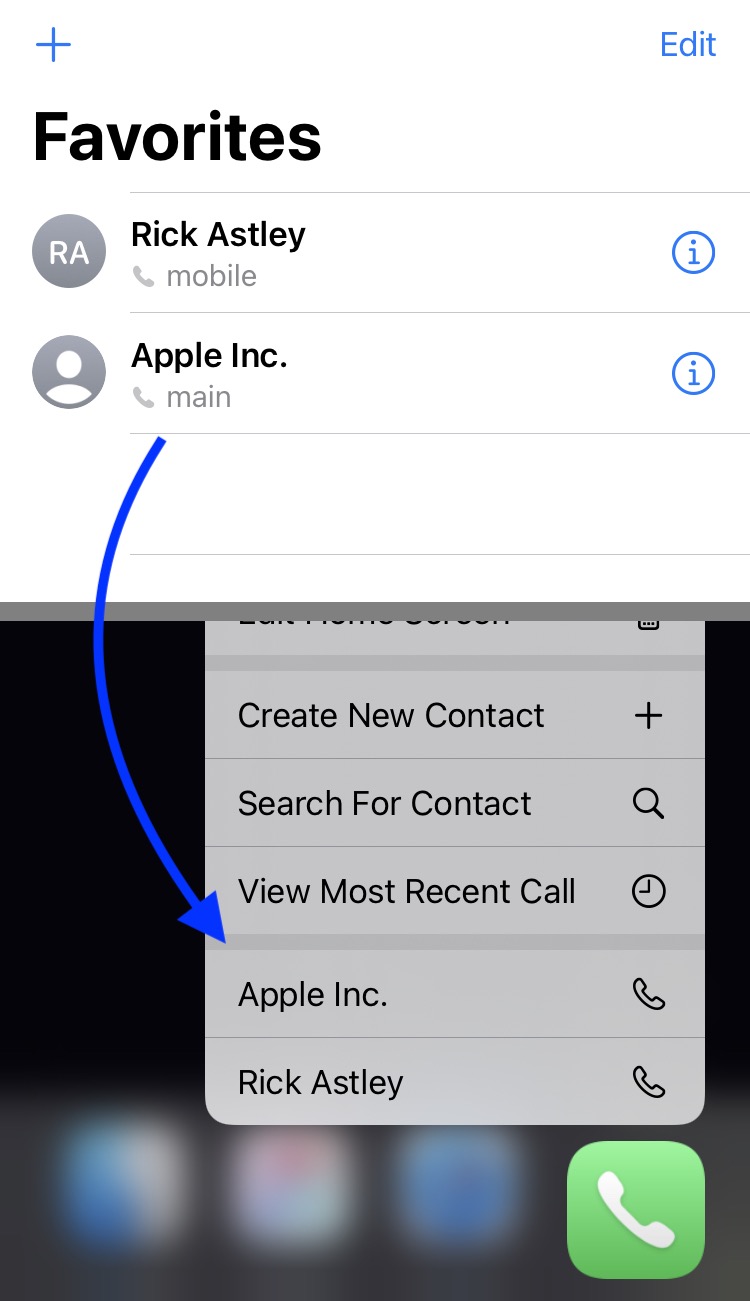
We all probably have at least a few favorite contacts saved on our iPhones, whether it’s close family or our best of friends. Fortunately, Apple allows you to set up favorite contacts in the Phone app so that it’s easier to get in touch with them when life necessitates it.

Designating a contact as a ‘favorite’ contact in the Phone app moves that person’s contact information to the dedicated Favorites tab at the bottom of the app, but if you were looking for even more added convenience, then we think you’ll come to appreciate a newly released and free jailbreak tweak called CallFavorites by iOS developer pixelomer.

RingPercentLabel adds battery percents to items in iOS 14’s Battery widget

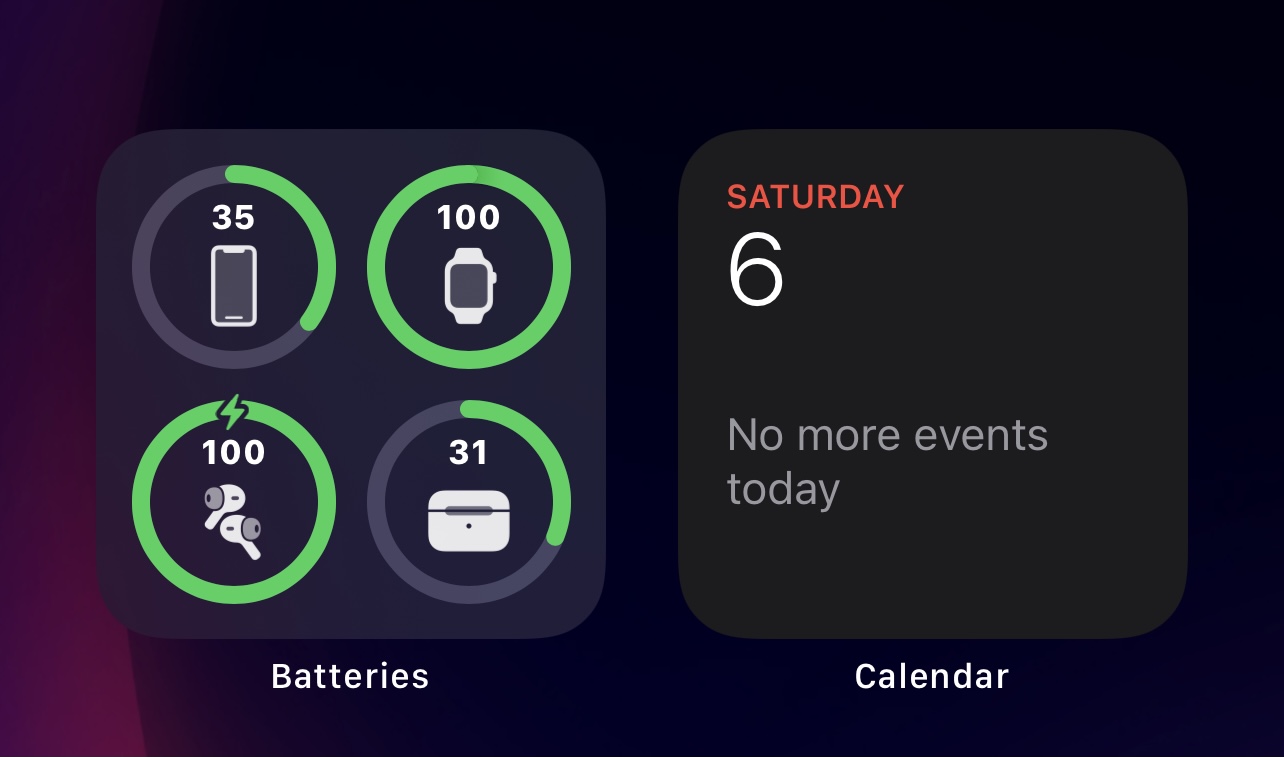
It was only a couple of days ago that we showed you a free jailbreak tweak called CompactBatteryAvocado, which improved the overall look and feel of iOS & iPadOS 14’s native Battery widget by adding numeric battery percentage labels to each item that appears inside of it.

But as it would seem, CompactBatteryAvocado isn’t the only jailbreak tweak in town that can serve the aforementioned purpose. Enter RingPercentLabel, an alternative to CompactBatteryAvocado by iOS developer P2KDev that serves the same purpose, albeit with a slightly different aesthetic.