iOS

This tweak unlocks listening mode switching for Beats Studio Buds via Control Center on firmware prior to iOS 14.6

Apple device users responded positively to AirPods Pro and their tight integration with the iOS and iPadOS mobile operating systems. More specifically, users appreciated being able to switch listening modes directly from Control Center, which includes Noise Cancellation mode, Normal mode, and Transparency mode.

These features were once exclusive to the AirPods Pro, but fast-forward to today, and those same features can be enjoyed on AirPods Max and even certain Beats headphones like the Beats Studio Buds. One caveat, however, is that users must be running iOS or iPadOS 14.6 or newer to enjoy this functionality with the Beats Studio Buds.

Some of the best jailbreak tweaks for web browsing on iOS 14

Jailbreaking is a large part of what we do here at iDownloadBlog, and that’s one of the reasons why we so vehemently carry out our mission of helping our readers with jailbreak tweak discovery. This is especially critical given the vast number of decent jailbreak tweaks that jailbreakers often forget about as newer releases come to fruition.

We’ve already curated hand-picked lists of some of the best jailbreak tweaks for iOS 14’s Control Center, Home Screen, Keyboard, Lock Screen, Messages app, Now Playing interface, notification system, Status Bar, and widget system, but we won’t stop there because there are still several another facets of Apple’s mobile operating system that can be augmented with third party add-ons.

Colorize various apps on your jailbroken iPhone with this new tweak

Every app tends to have its own unique color scheme. But if you’d like to take things to the next level and you have a jailbroken handset at your disposal, then the jailbreak tweak we’re going show you might be of interest.

Enter Apps Colour Changer, a new and free extension for pwned handsets by iOS developer Lillie that lets the end user colorize various apps to their liking.

Apple no longer signing iOS 14.6 following the launch of iOS 14.7 (& iOS 14.7.1)

Following a lengthy beta testing period involving developers and volunteer participants, Apple officially released iOS & iPadOS 14.7 to the public last week with a long list of new features and improvements for iPhones and iPads alike. But no software update from Apple comes without the bitter aftertaste.

Just as Apple always does after releasing a major software update, the company closed the signing window for iOS & iPadOS 14.6, which makes it substantially more difficult for iPhone and iPad users to downgrade to the older firmware version if they’ve already updated the device(s) to iOS or iPadOS 14.7, or perhaps the newer yet iOS or iPadOS 14.7.1.
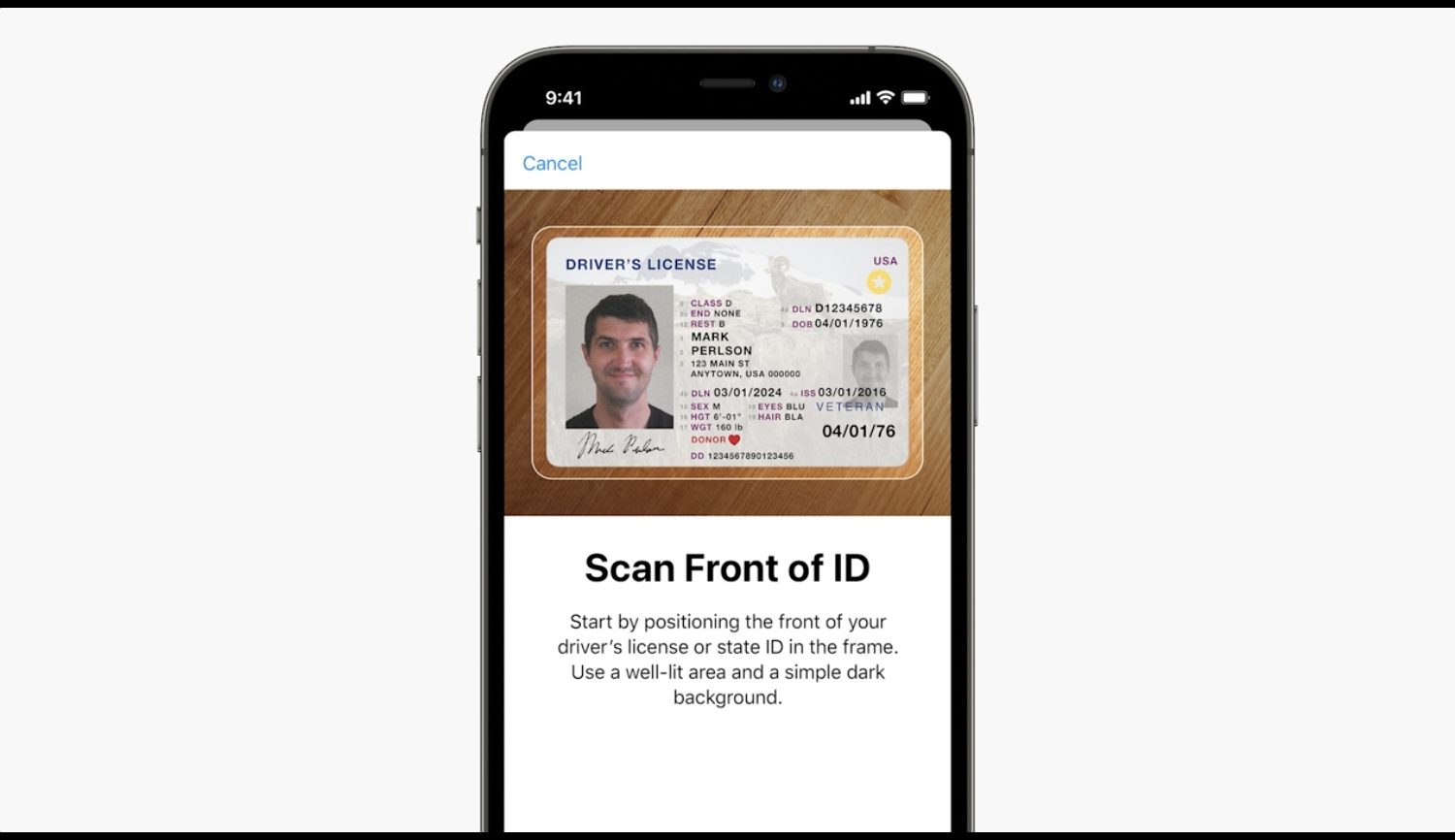
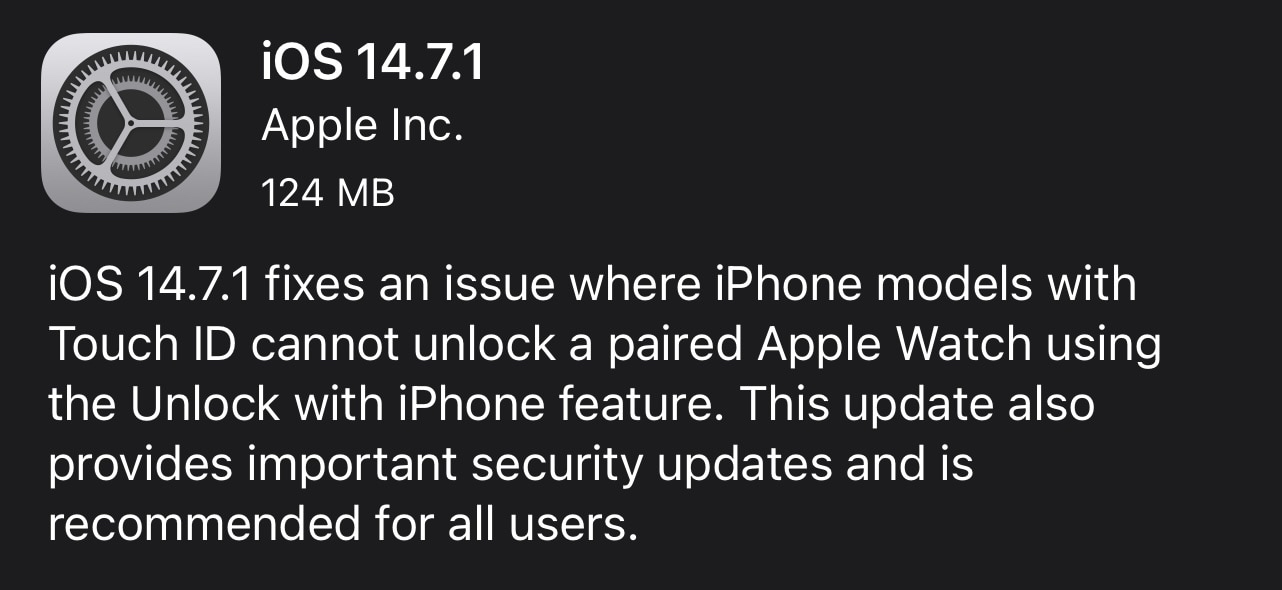
Apple releases iOS & iPadOS 14.7.1 to fix Apple Watch Touch ID bug & improve device security

Apple on Monday released software updates for the iPhone, iPod touch, and iPad, taking the form of iOS 14.7.1 and iPadOS 14.7.1 respectively. The updates were joined in good company by the newly released macOS Big Sur 11.5.1 for Apple's Mac computer lineup.

These updates have some noteworthy changes on all the devices they support, however perhaps more-so on the iPhone than on the iPad, as we’re about to discuss.

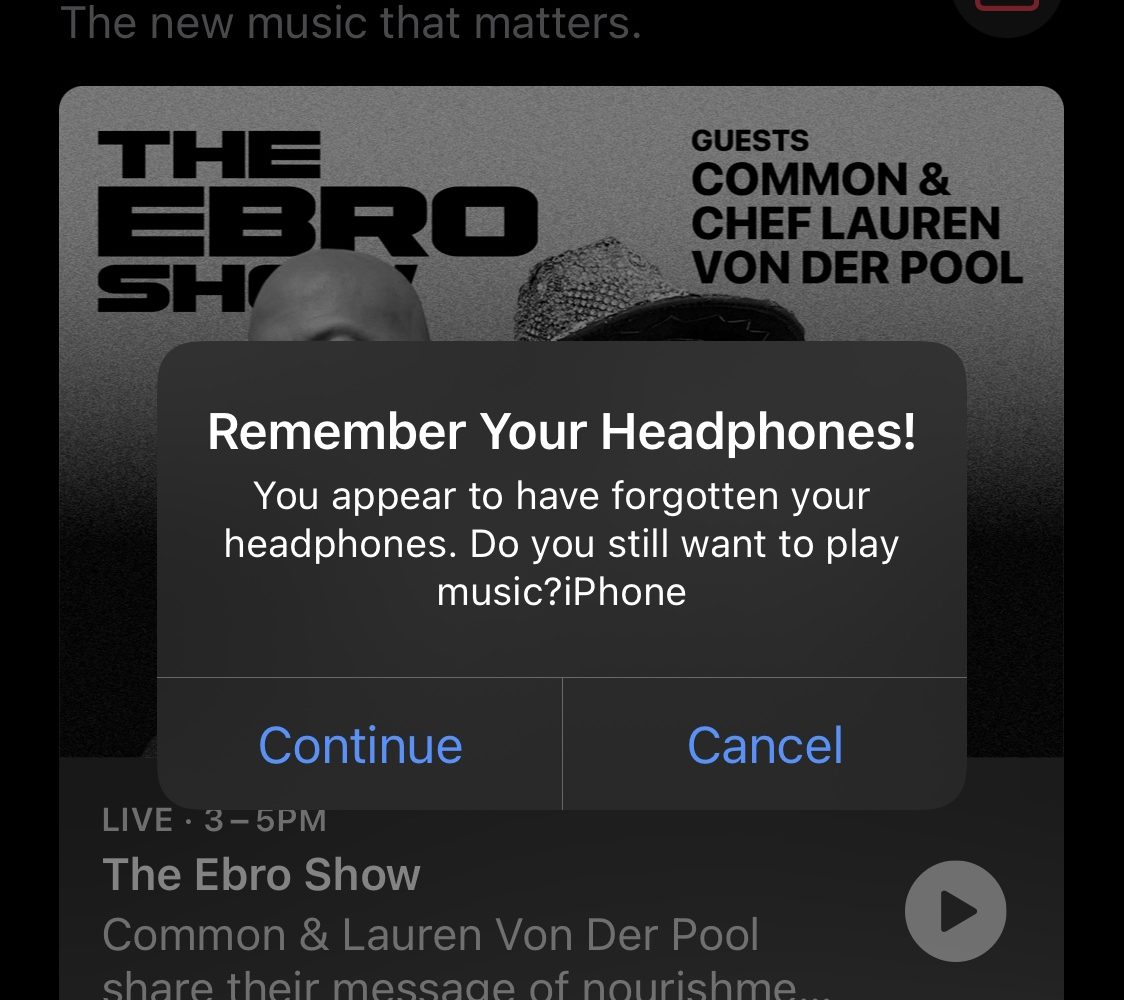
Jailbreak tweaks of the week: EarphoneReminder, IAmSpeed, Lucient, & more…

The jailbreak community continues to be the spawning ground of unique ideas for modifying stock iOS in the form of jailbreak tweaks. But a busy life can make  keeping tabs on everything a challenge.

Fortunately, iDownloadBlog has your back. We come at you every weekend with a dedicated roundup just like this one where we showcase all our favorite jailbreak tweak releases and jailbreak-centric news.

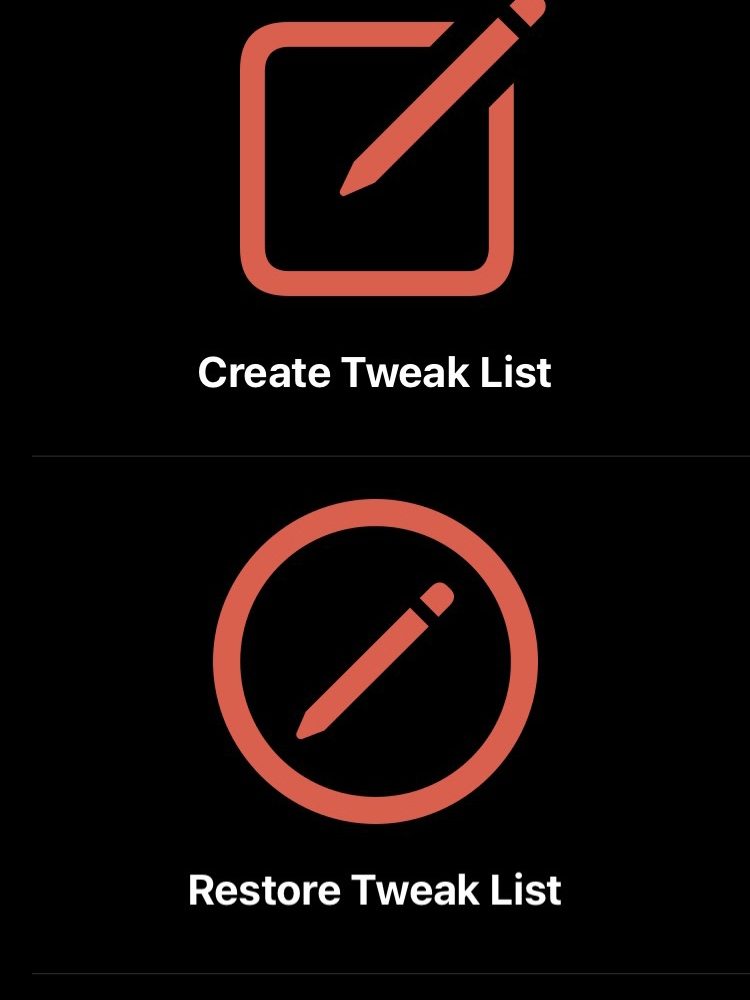
IAmSpeed simplifies the process of backing up jailbreak tweaks for when switching jailbreaks

So you’ve built up a rock-solid jailbreak tweak arsenal that you’re certain you want to continue using for the foreseeable future. And let’s hypothetically also say that you’re the type of person who likes to rootFS restore and switch jailbreaks from time to time, just to see what works best for you.

How can you make re-installing all your jailbreak tweaks a swift and painless process after switching to a different jailbreak? Why, with a jailbreak tweak backup solution, of course!