Find out how to export a video frame as a photo in iOS 27, iPadOS 27, and macOS 27 Golden Gate to capture a moment in the clip without having to take a screenshot.
How to save a video frame as photo on iPhone, iPad, Mac

Find out how to export a video frame as a photo in iOS 27, iPadOS 27, and macOS 27 Golden Gate to capture a moment in the clip without having to take a screenshot.

In this step-by-step tutorial, we explain how you can get the recently announced smart Siri and the new Siri app on your iPhone, iPad, and Mac running iOS 27, iPadOS 27, and macOS 27 Golden Gate.

Learn how to place extra large landscape and portrait app widgets on your iPhone, iPad, or Mac Home Screen and desktop to see even more information without going into the app.

iOS 27 Beta is now available for developers, and you can install it on your primary or secondary iPhone by following our step-by-step guide. Once the update is installed, simply head to Settings > Wallpaper to apply the new iOS 27 wallpaper to your Lock Screen and Home Screen. That said, beta software, especially the first developer release, can be unstable, and not everyone is comfortable installing it. And if you’re using an Android device, installing iOS 27 isn’t an option. To help, here are all the new iOS 27 and iPadOS 27 official wallpapers in full resolution. Download them for use on any device, whether an iPhone, iPad, Android phone, or tablet.

Apple announced new versions of its operating systems at its Worldwide Developers Conference on June 8, 2026. The new versions focus heavily on AI features and overall system improvements.

In this quick step-by-step tutorial, we explain how you can download and install the newest iOS 27 public beta or developer beta on your iPhone and iPadOS 27 on your iPad.

Go through these 11 solutions if your iPhone or iPad fails to download the latest iOS 27 or iPadOS 27 developer beta update, or if it’s stuck on the “preparing update” screen.

Learn what to do before updating your iPhone or iPad to ensure a smooth transition from iOS 26 to iOS 27 or from the current iOS version to the next one.
Learn how to archive a backup of your iPhone or iPad on a Mac to keep it intact, rather than have it overwritten by future backups.

Learn how to unenroll your iPhone, iPad, Apple Watch, Apple TV, HomePod, and Mac from Apple’s public or developer Beta Software Program.
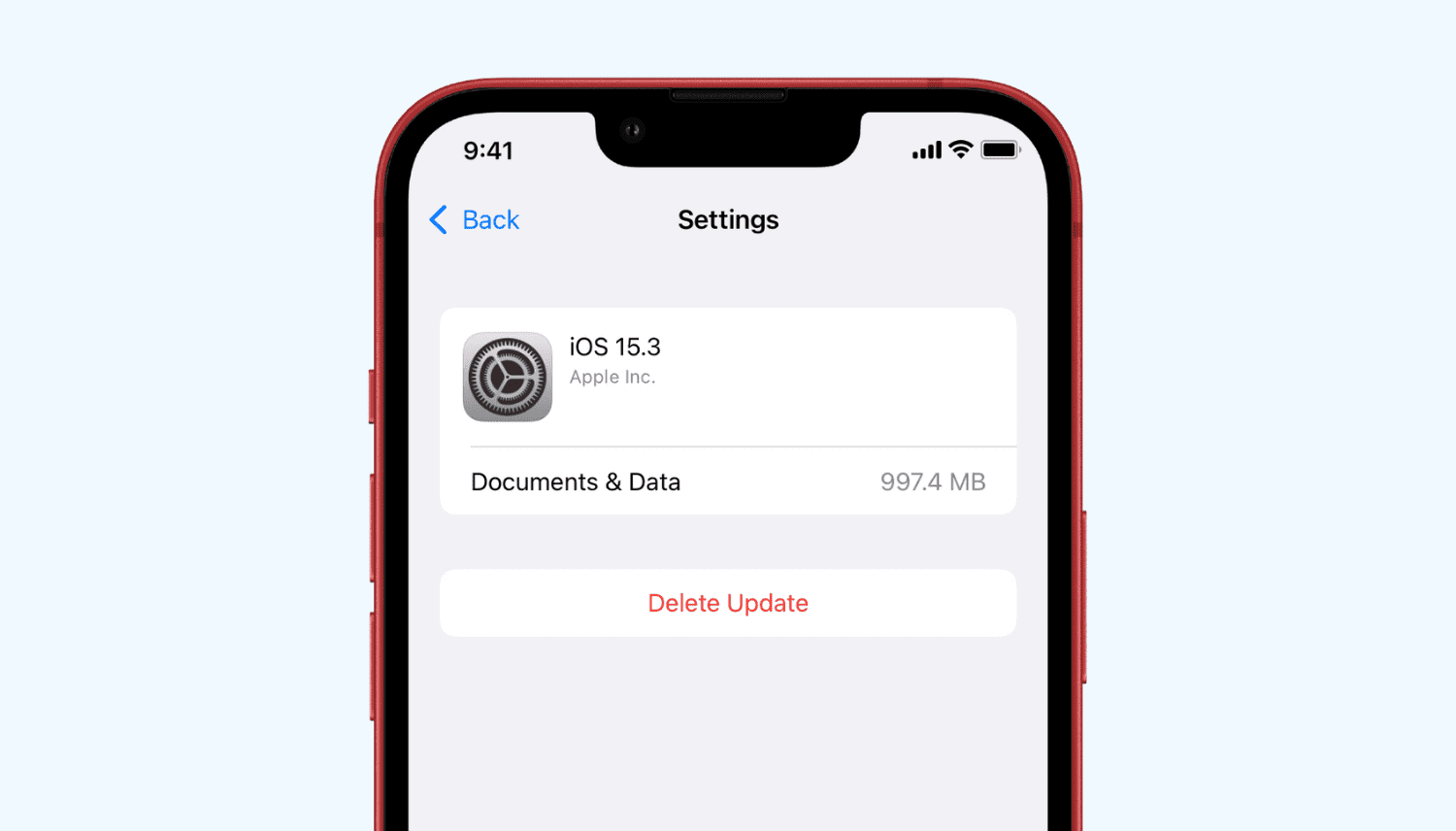
Learn how to delete a software update file that has already been downloaded to your iPhone or iPad if you don’t want to be asked to install iOS 27 beta, iOS 26, or some other update every day.
