iOS 16 finally allows you to use the Apple Pay payment feature on websites in other browsers like Chrome, Edge and Firefox, not just Safari.
iOS 16 lets you use Apple Pay in Chrome, Edge and Firefox, not just Safari
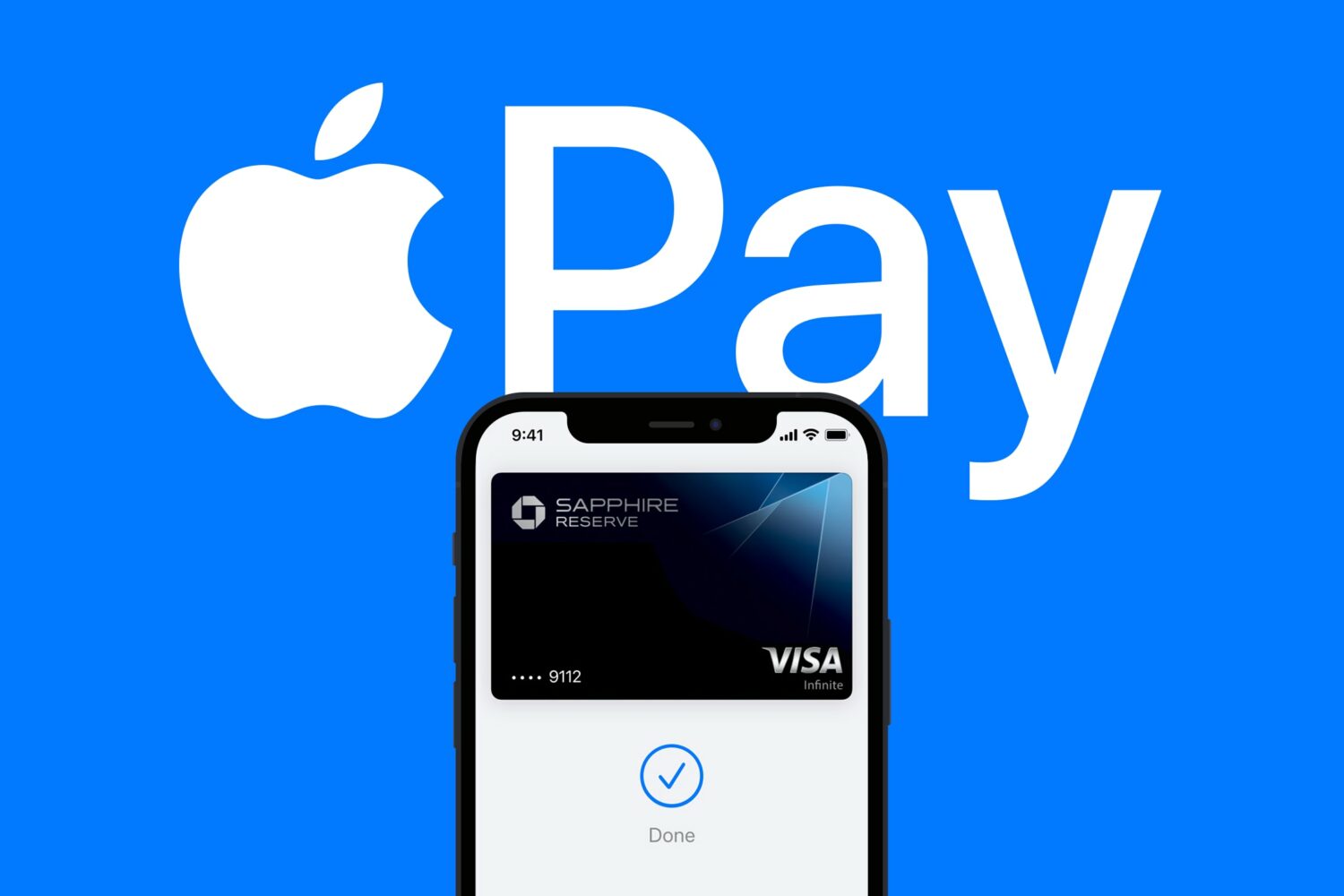
iOS 16 finally allows you to use the Apple Pay payment feature on websites in other browsers like Chrome, Edge and Firefox, not just Safari.
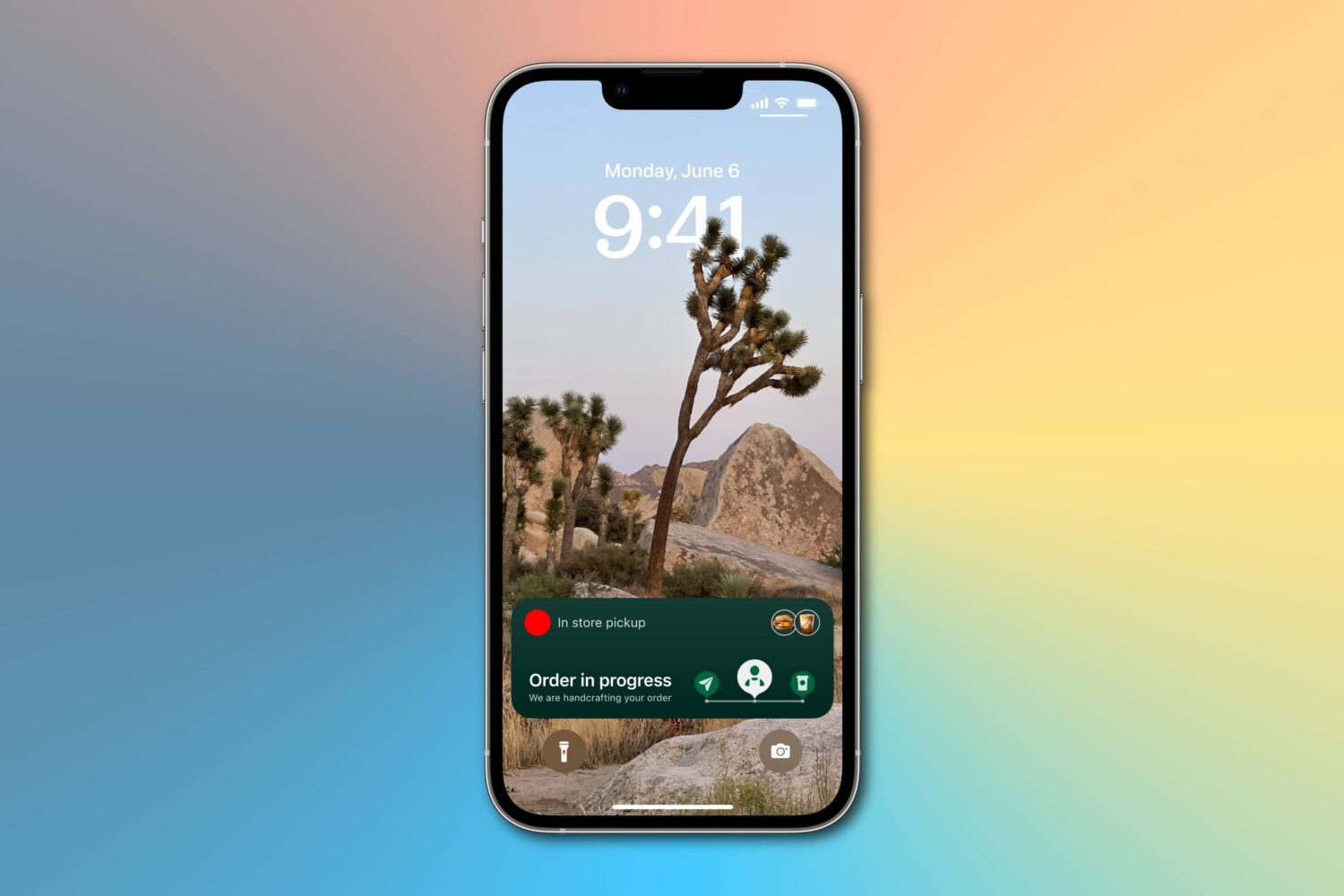
Apple's cool new Live Activities feature won't be ready for prime time when iOS 16 launches this fall, but the company promises it'll arrive later in 2022.
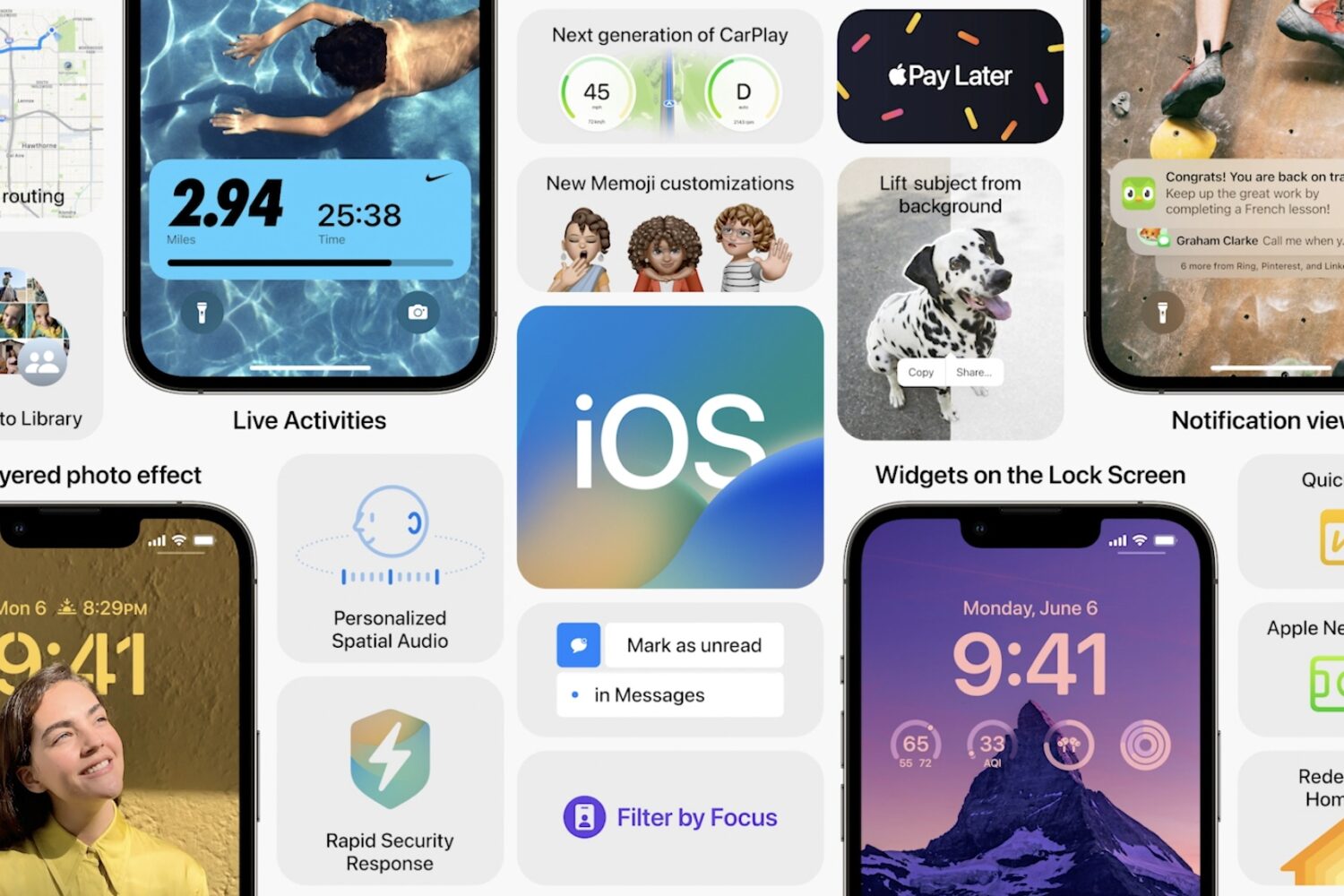
As we march towards the eventual arrival of the iOS 16 update, Apple is still seeding beta versions of the software to help prepare developers for what's to come. To that end, we've got a brand new beta seeded today and, along with it, some new features and changes for the prerelease software.
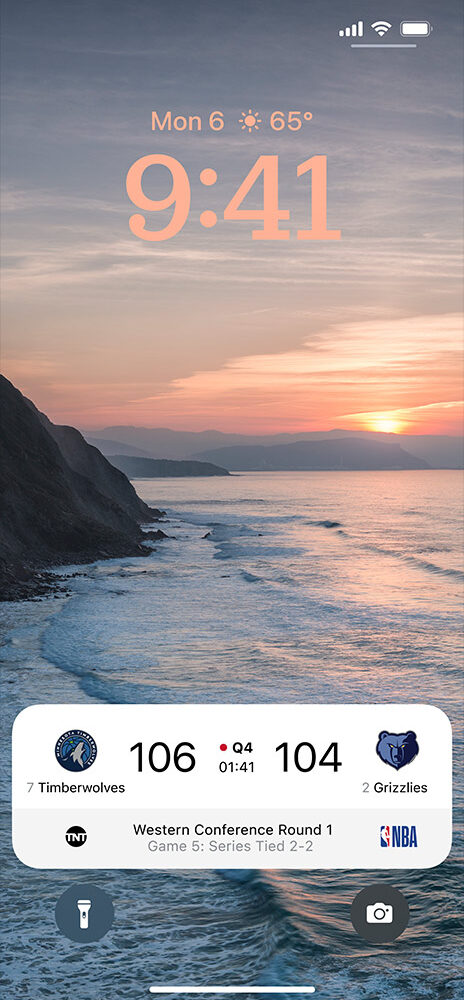
While iOS 16 is bringing with it a lot of different changes and new additions, one of the biggest focal points for Apple is the Lock Screen. Obviously the new widgets that can be implemented is a highlight, but so is a brand new feature called Live Activities. At face value, it's all about giving the user even more easily digestible information.
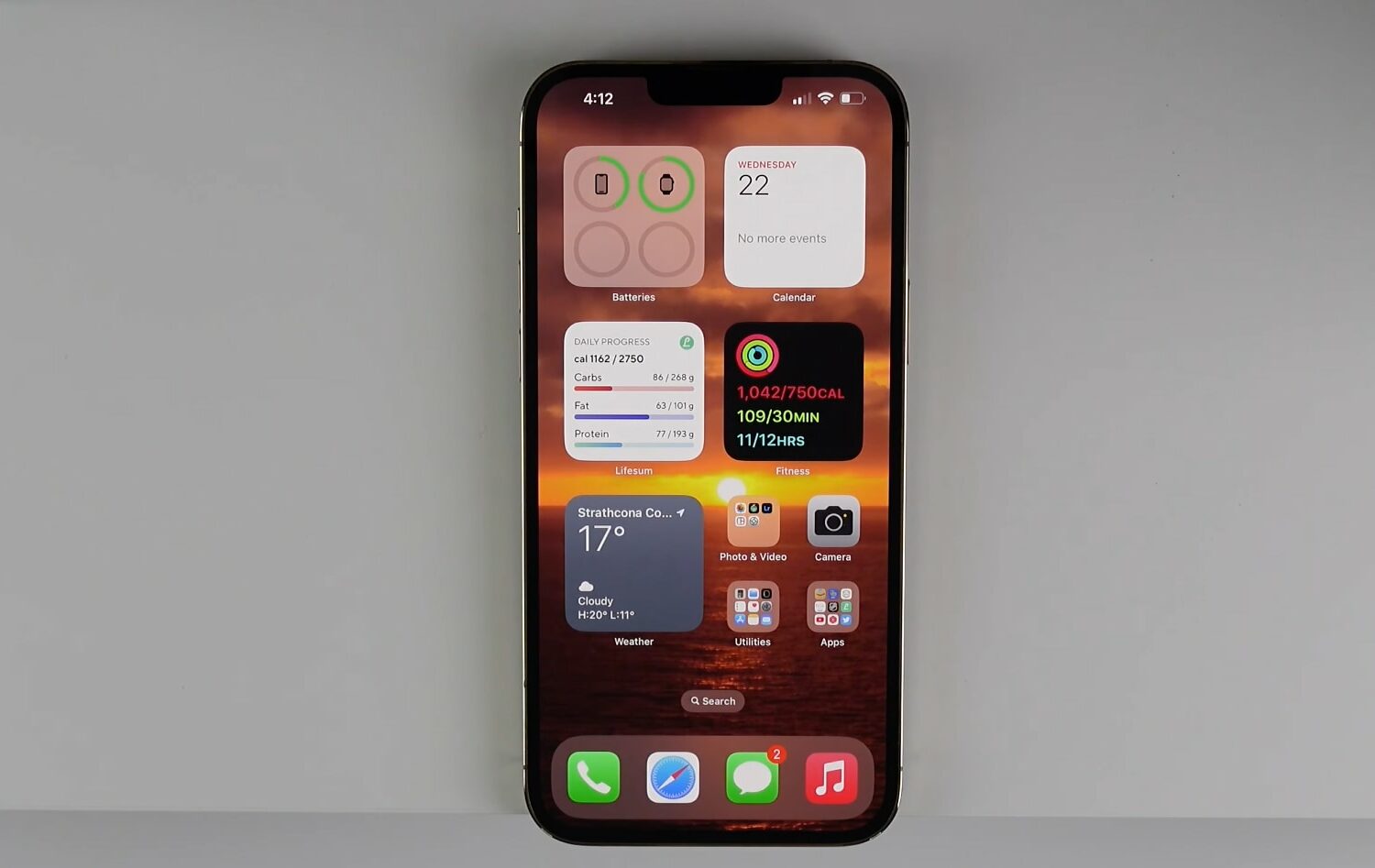
We discuss if you should install the iOS 16 beta on your iPhone and talk about our experience in terms of teething issues, bugs, battery life and so forth.
Both iOS 15.6 and iOS 16 allegedly provide a new toggle that lets you test emergency alerts from the US government on your iPhone and Apple Watch.
Apple is bringing support for AVIF images to the iPhone, iPad and Mac with the upcoming releases of iOS 16, iPadOS 16 and macOS 13 Ventura.
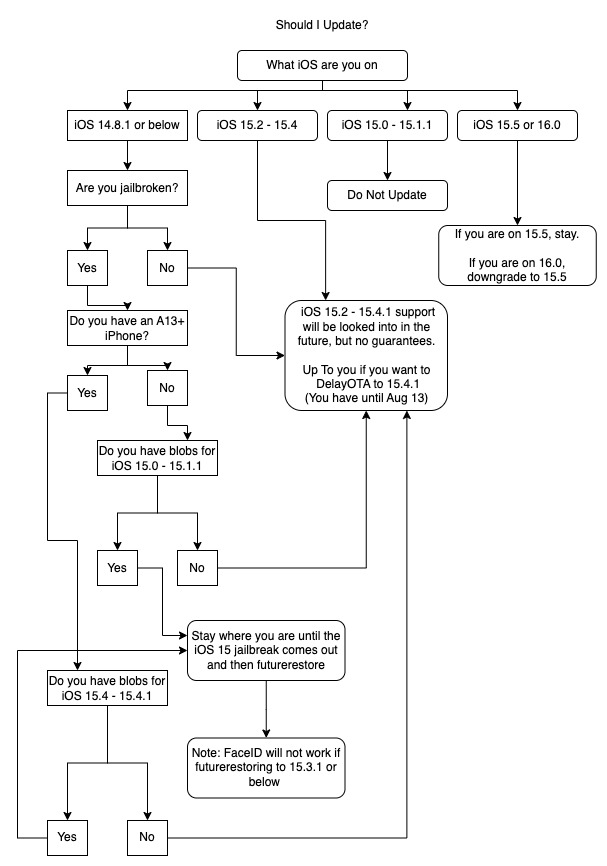
So you’ve heard about the Odyssey Team’s upcoming Cheyote jailbreak for iOS & iPadOS 15.0-15.1.1, but now you’re wondering what you should do with those device(s) you still have running iOS or iPadOS 14, or perhaps they’re running a newer version of iOS or iPadOS 15, or even iOS or iPadOS 16 beta for that matter. What should you do next?
Check out some pretty cool—and underrated—iPhone features in iOS that will surprise and delight you. Grab your iPhone and follow along with our video!
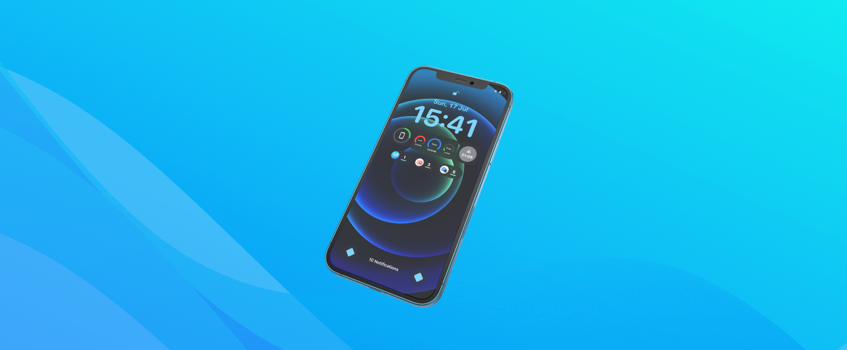
One of the very first things that jumps right out at you when you look at those sexy iOS 16 previews on Apple’s website is the redesigned Lock Screen that the iPhone will be receiving. Apple’s development team seems to have spent a lot of time making the Lock Screen more customizable, as well as adding a lot of the information that, until now, only would have been possible to see on the Lock Screen if you had a jailbreak.

The Lock Screen is a major point of attention for Apple with the upcoming iOS 16 release. The company is putting a lot of effort in letting users customize their devices, which has been one of the more oft-requested features for some time now. And while widgets are also getting tossed into the mix, a revamped media player is also center stage.
Apple introduced iOS 16 and iPadOS 16 back in June, during the keynote for this year's Worldwide Developers Conference. Right after that event wrapped up, the company seeded the first developer betas for the upcoming software updates. Which means public beta testers have had to wait until July to get their chance with the prerelease software. The good news is, the wait is over.