iOS 10

How to use voicemail transcription on iPhone

One of the more useful features for iPhones that comes packed inside of Apple’s new iOS 10 release is voicemail transcription, which transcribes your voicemails into text so you can read them rather than listen to them.

The feature is available to users in the United States and it’s very much still in its beta stages despite the fact that iOS 10 is now a public firmware, but if you want to know how to use it, or to see if you can use it yet, then you’ll be happy to know it’s quite easy to follow.

How to remove built-in applications from iPhone or iPad

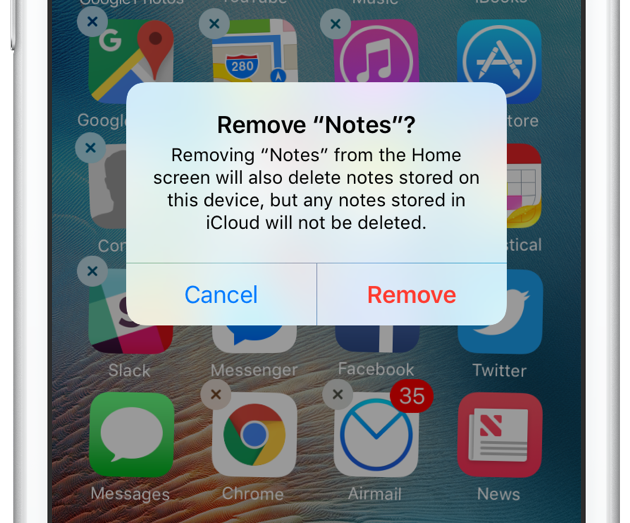
Just like you probably do, I have a folder on my iPhone whose sole purpose is to store all of Apple's apps that I don't use. Stocks, Compass, Voice Memos, Tips, etc. They're all in there because I can't get rid of them. But this is changing!

Beginning with iOS 10, Apple now allows you to delete some built-in applications from your iPhone or iPad to help you tidy things up and bit and rid you of apps you don't actually use.

This comes with some minor strings attached. For one, apps aren't technically deleted from your device. That said, the process to remove them and get them back on the Home screen is similar to how you handle other apps. We'll have a look at all this right now.

How to transfer only Activity and Health app information to a new iPhone

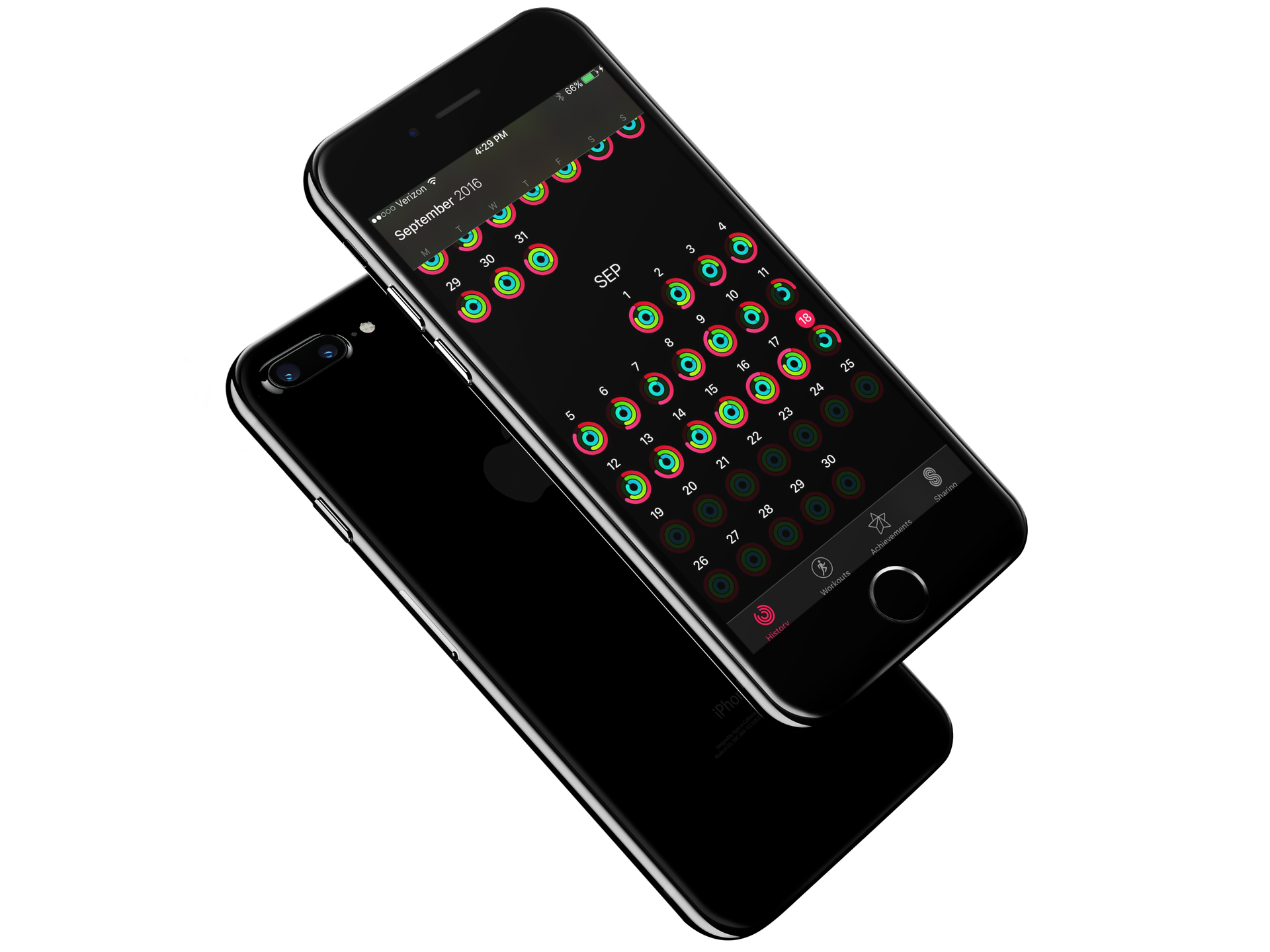
Each year when a new iPhone lands on my doorstep, I am excited to carefully unpack the new device and get everything installed. Like you, I prefer to think of loading up a new iPhone as one of the best digital experiences. It is like taking a new car for its first run on the highway. To ensure the best experience, those among us with strong opinions always start from a fresh iPhone and never restore from a previous backup. By starting from scratch, you guarantee no faulty details work their way into an otherwise fresh system.

However, with the advent of Apple Watch and encrypted Health and Activity data, the only way to transfer those precious Activity rings is via an encrypted backup. If there was just some way, to only restore the Activity and Health data... 

How to play YouTube and other web videos inline in Safari on iPhone

With iOS 10, Safari didn't receive a major facelift like some other Apple apps did. That's not saying Safari didn't have a few tricks up its sleeve that make browsing the web a more pleasing experience for everyone. One of the little things about iOS 10 that I'm sure many folks appreciated was the ability for Safari to play videos inline on the iPhone and iPod touch, too.

This feature has been present on iPads for years.

Thankfully, you can watch most web videos inline on your iPhone and iPod touch, even while multitasking in Safari. Telling Safari to play a video inside the webpage isn't as obvious as it could have been, so here's a little tutorial to get you up to speed.

How to disable iPhone 7 force feedback for system controls and interactions

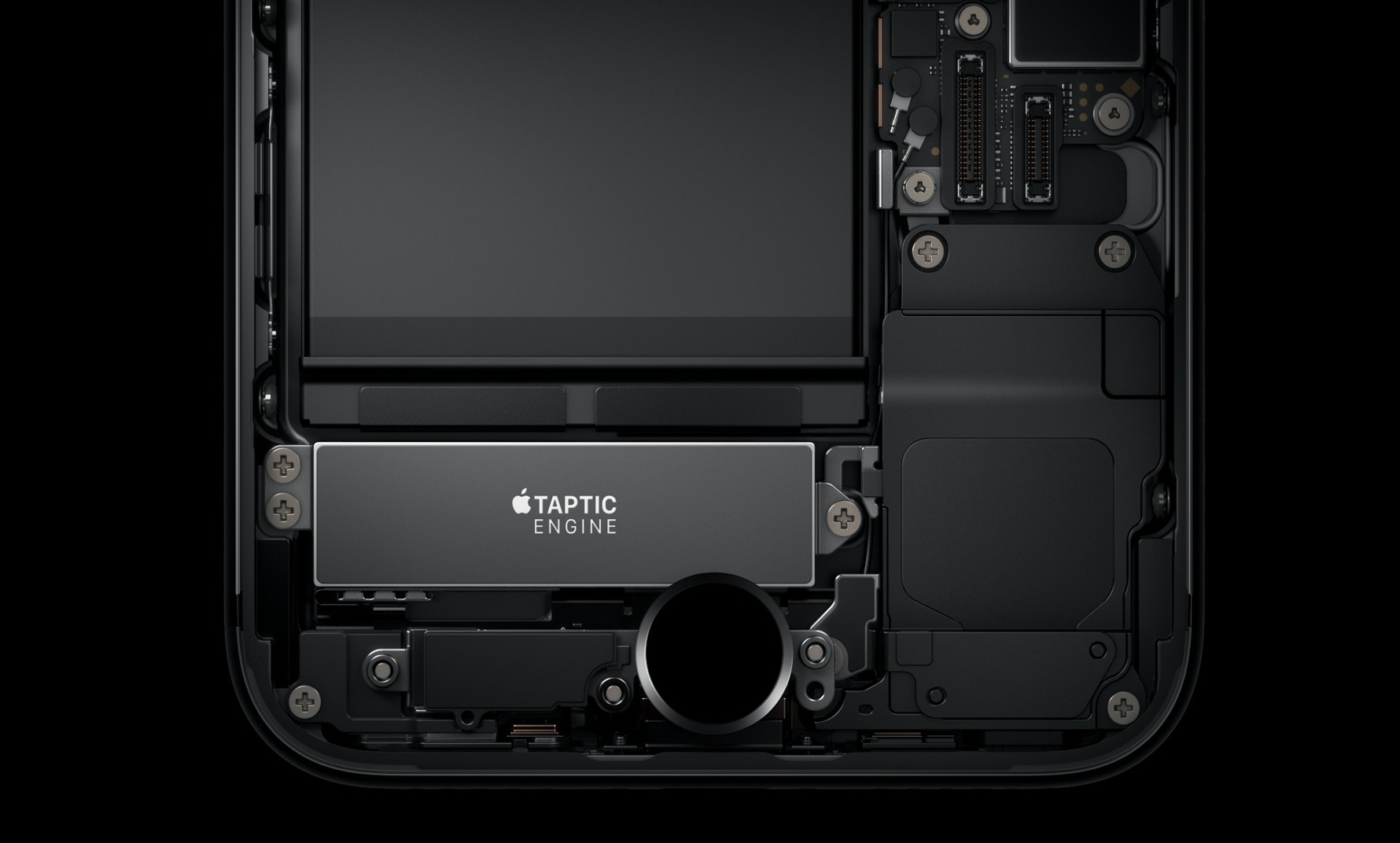
The iPhone 7 packs in a bigger, more sophisticated Taptic Engine that one in the iPhone 6s. Taptic Engine, of course, is Apple's fancy marketing moniker for force feedback. The iPhone 7's enhanced Taptic Engine is capable of reproducing a range of subtle vibrations.

In fact, it's so good that Apple has decided to provide a new API to developers to add custom vibratory feedback to their apps. If you dislike this feature, you can turn off iPhone 7 haptics for things like system controls and other interactions.

New low quality mode in iOS 10 Messages uses circa 100KB per sent image

As you know, iMessage overcomes many of the limitations of standard MMS. Every time you attach an image taken on your iPhone and iPad to an iMessage, it's delivered in its original size and resolution. Some downscaling may occur, but only for very high resolution images: those taken with an iOS device are always delivered in their original form without any resizing taking place.

And herein lies a problem for those of you who send a lot of images via a cellular data connection.

Knowing a typical photo taken on an iPhone 6s weighs in at between three to five megabytes (or even more), it does add up pretty quickly. If you're concerned about cellular data consumption (as you should be), pay attention as Messages on iOS 10 offers a brand new low quality mode.

We've determined it downscales images sent through iMessage to circa 100 kilobytes each. In other words, for the amount of data you'd normally spend to shoot someone a single photo via iMessage you get to send 30 to 50 images in low quality mode.

How to have your iPhone announce who’s calling you

Among the 100+ new features in iOS 10 came the ability to have your iPhone announce who's calling when receiving a phone call. Based on the caller ID, your iPhone will vocalize the name of the caller, or tell you it's an unknown caller in case the number isn't in your contacts.

This is a nice little addition that can actually be configured in the Settings.

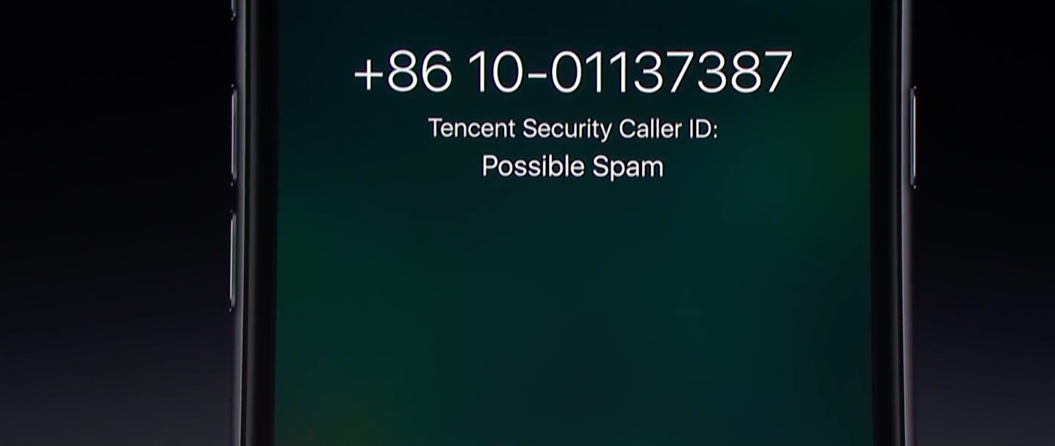
How to filter and block spam phone calls on iPhone

Starting with iOS 10, Apple is allowing a new type of applications in the App Store: apps that can detect and block spam phone calls from telemarketers, debt collectors, scammers, and automated systems. These apps act as an extension of the Phone application, and in theory, they can help you filter out those calls from people you don't want to talk to.

In this post, we will have a look at how these applications work and how to use them.

Poll: Did you update to iOS 10?

iOS 10

Apple officially launched iOS 10 to the hands of the public this week with more than 100 new features for iPhone and iPad users.

It looks like an exciting update, but we know some people are still wary of updating this early in the game. So to find out where you stand, we've launched another poll you can participate in.

100+ new iPhone and iPad features in iOS 10

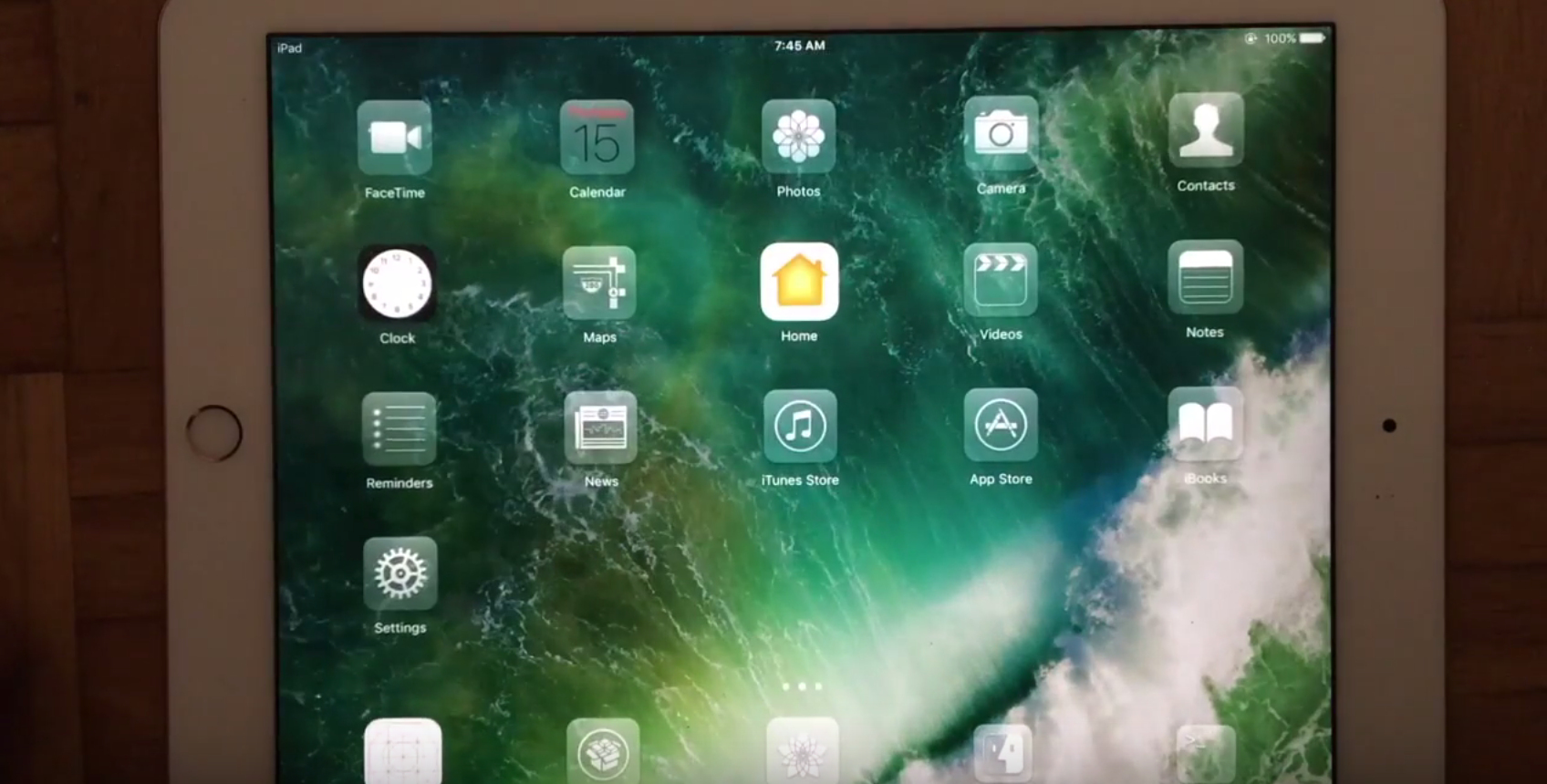
iOS 10 is here and it's a massive, easily the most significant update to the mobile operating system powering the iPhone, iPad and iPod touch. iOS 10 packs in important new core technologies like Differential Privacy, plus a bunch of improvements across most stock apps.

Apple has opened up additional aspects of iOS to developers, turning Siri, Phone, Messages and Maps into extensible software platforms in their own right. It also fixes a number of pain points, makes expanded use of 3D Touch and haptic feedback and completes Apple's overhaul of iOS, that began with iOS 7, with its refined look and subtle design changes.

There's a lot to look forward to in iOS 10 and this massive roundup is our attempt at giving you guys a comprehensive overview of the more than a hundred new capabilities and enhancements that you're going to fall in love with.

How to disable ‘Press Home to Unlock’ on iPhone

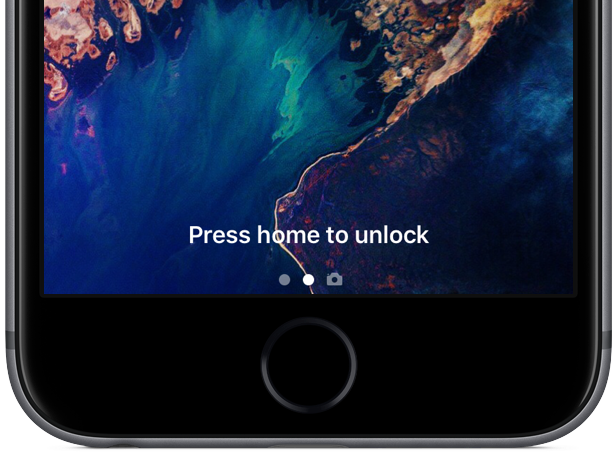
iOS 10 introduced a new way of unlocking Touch ID-capable devices, requiring you to press the Home button to unlock the device and get to the Home screen. This, coupled with the new Raise to Wake feature can make for a nicer experience, but like every new interaction, it can be confusing, annoying, or just hard to break the habit.

Users who don't like this 'Press Home to Unlock' feature will be happy to learn that there is a way to turn this off and take things back to the way they were before iOS 10.