iPod Touch

Google+ gains search autocomplete, Reply button on posts and more in latest update

Google+, the search giant's social thing, introduced a few new features in its mobile application for the iPhone, iPod touch and iPad, which can be downloaded at no charge from the App Store. Google+ 5.5 for iOS now includes search autocomplete, allowing you to search faster with suggestions appearing as you type.

The new Reply button on each comment lets you respond to posts with fewer taps and you can now create and delete circles from within the app's People tab.

What to do if you can’t make or receive FaceTime calls iPhone or iPad

Have you ever received one of those annoying messages that basically tells you FaceTime is having problems on your iPhone, iPod touch, or iPad? They can be incredibly annoying, but usually they're easy problems to fix.

In this piece, we'll talk about why you might be getting FaceTime errors on your iOS device and walk you through some ways to correct the problem.

How to repost Instagram photos, videos, and stories on iPhone

Repost photo to Instagram

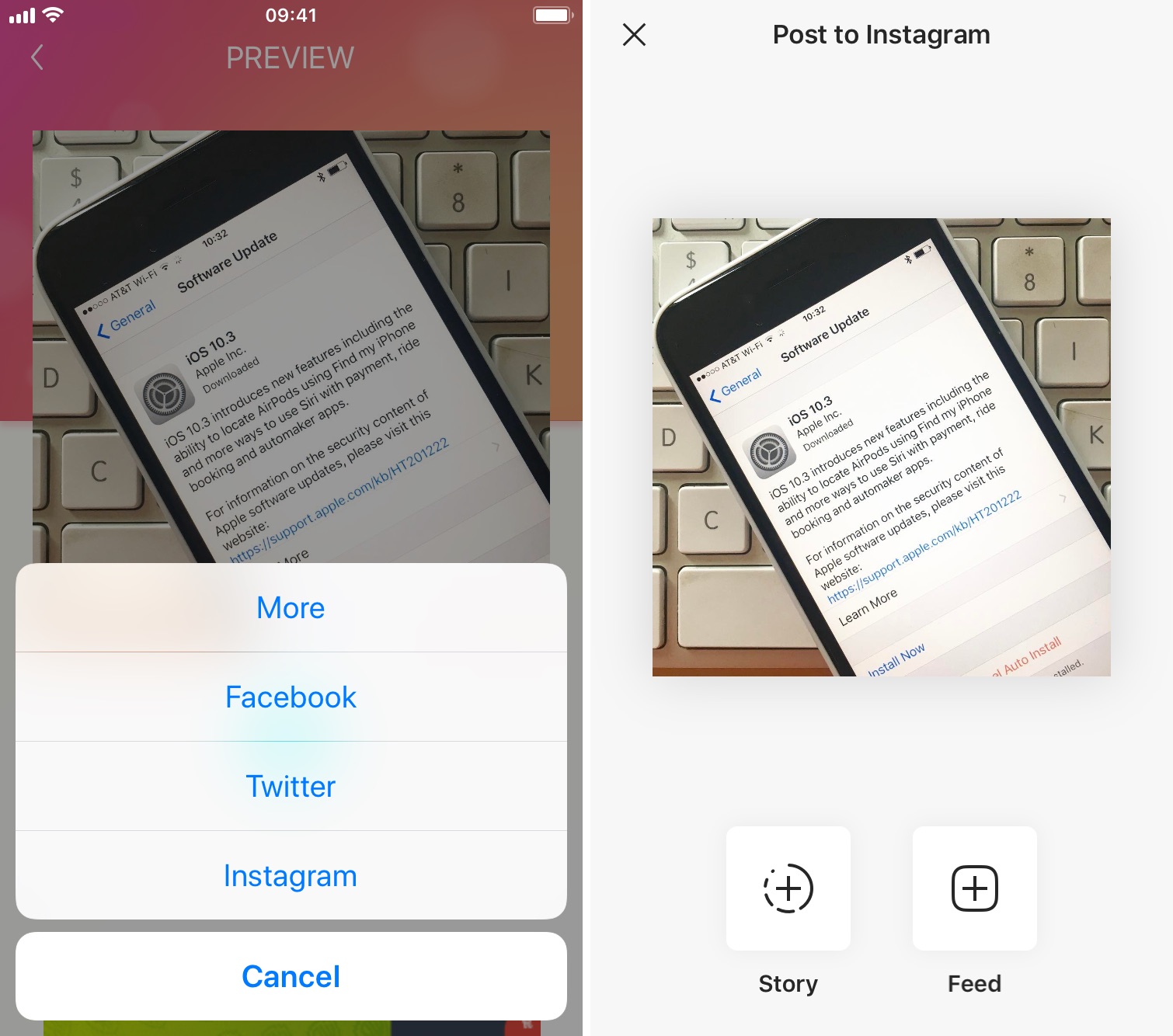
The Instagram app lacks the option to repost Instagram photos, videos, and stories natively, so people usually screenshot photos to post them as their own. This works fine as a workaround but requires extra steps, such as cropping the screenshot. Maybe more importantly, it generates photos of poor quality.

Reposting, also known as regramming, is quite a common practice, even though the Instagram application doesn't provide a way to easily do that. As a result, you must use third-party applications. In this post, we will show you how to repost Instagram photos, videos, and stories from your iPhone using an app we developed ourselves called Reposter for Instagram.

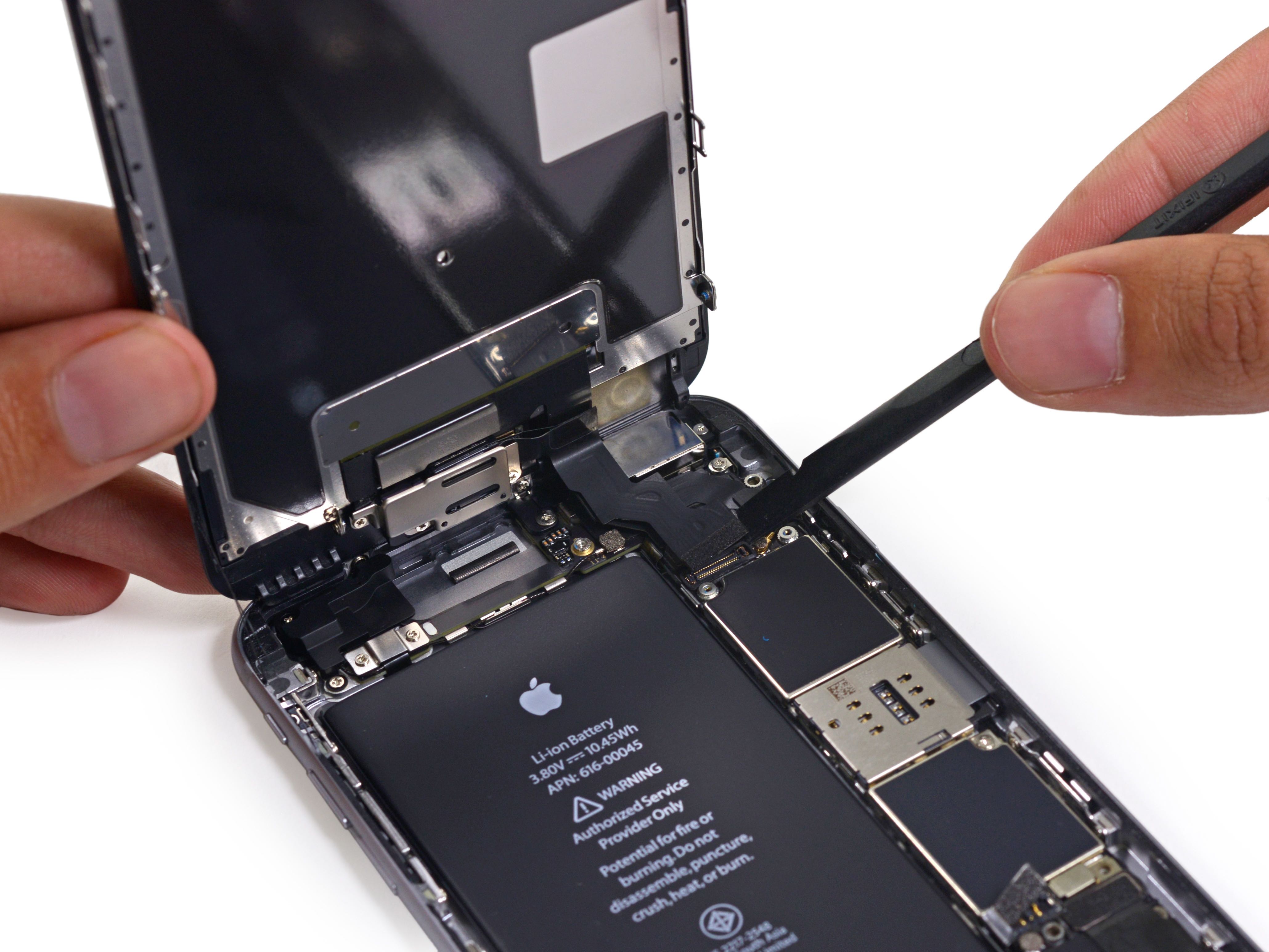
Design of Apple’s ‘A11’ chip for 2017 iPhones and iPads has been finalized

Taiwanese component makers are currently scrambling to fulfill orders as the Cupertino firm is getting ready to kick off production of this year's upcoming iPhones and iPads.

Moreover, Apple's engineers should now be close to completing work on a 2017 iPhone and have certainly been developing a 2018 iPhone for some time now.

Trade publication DigiTimes wrote in a new report that Taiwan Semiconductor Manufacturing Company Limited (TSMC), a foundry that builds chips for Apple, has now taped out an Apple-designed 'A11' chip that will power 2017 iPhones and iPads.

Fun with iPhone: how to swap two faces in a photo with FacePlant

Sometimes there's no greater humor than that of which you can dish out by way of photo editing.

If you've ever wanted to swap two faces in a photograph for the giggles you know it's going to bring to the table between yourself and other people, then you've come to the right place.

In this tutorial, we'll show you how you can use a simple and free iPhone app to quickly swap two faces in a photograph right from your device.

How to use your iPhone as a mouse or trackpad

Your iOS devices have some of the best touch screens out there. As a matter of fact your iPhone screen makes for a great mouse, or trackpad.

The idea of using iOS devices as a trackpad for your computer isn't new, but Mobile Mouse Remote is a great app that provides this kind of functionality with ease of use in mind. It even packs some useful bonus features.

If you're interested in this kind of functionality for your iPhone, iPod touch, or iPad, then this is something you're going to want to check out.

Netflix picks up 3D Touch Home screen shortcuts, cellular video quality presets and more

Netflix today updated its iPhone, iPod touch and iPad application on the App Store with support for Quick Actions on the Home screen with 3D Touch.

This lets iPhone 6s or iPhone 6s Plus owners press the Netflix icon on their Home screen to quickly search, continue watching and access the Trending Now or My List sections from the shortcuts menu.

Other enhancements in this edition of Netflix for iOS include VoiceOver navigation improvements and new controls to manage streaming data usage on cellular networks.

Google Photos gains revamped search with emoji support, customizable movies and more

After introducing smarter albums with text, maps and locations back in March, the search giant Google today issued a refresh to its mobile Photos application on the App Store. Now available as a free download for the iPhone, iPod touch and iPad, Google Photos version 1.10 packs in a redesigned search experience with support for emoji search (it really works) and Spotlight integration, better movies with the ability to add your own music to them and other perks.

On the web, Google Photos has gained a handy overlay with keyboard shortcuts and new features when uploading images to the service.

Users around the world are reporting search problems with App Store and Mac App Store

We are tracking multiple reports on Reddit, Twitter and other social media this morning that describe problems with the search feature on the App Store and Mac App Store, with some of the well-known apps not being surfaced in users' search results.

The issue appears to be widespread, but you wouldn't be able to tell that from looking at Apple's System Status webpage, which at the time of this writing had not acknowledged any such issues with App Stores.

Overhauled Apple Music to integrate lyrics, offer a new Browse section and more

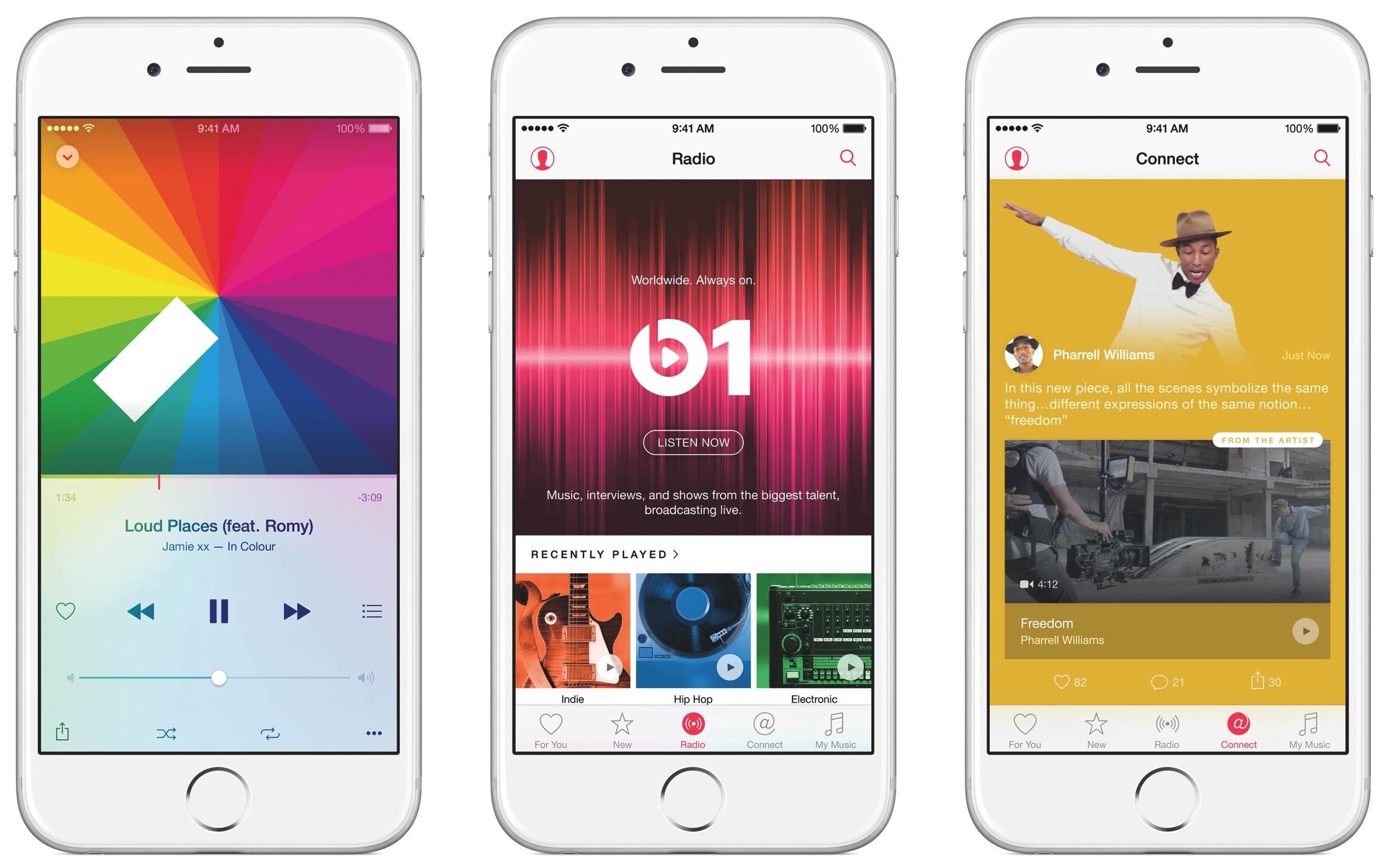
9to5Mac's Mark Gurman has added some color to Bloomberg's report this morning which described an upcoming overhaul of Apple Music in broad strokes. According to Gurman's sources, the new-look Apple Music section within the stock Music app will be part of the overall iOS 10 refresh and include, among other things, lyrics integration.

The end-to-end overhaul includes ditching the colorful look in favor of a simpler, black and white design which emphasizes text. For example, the appearance of the albums view will no longer change based on the color of a particular album’s art.

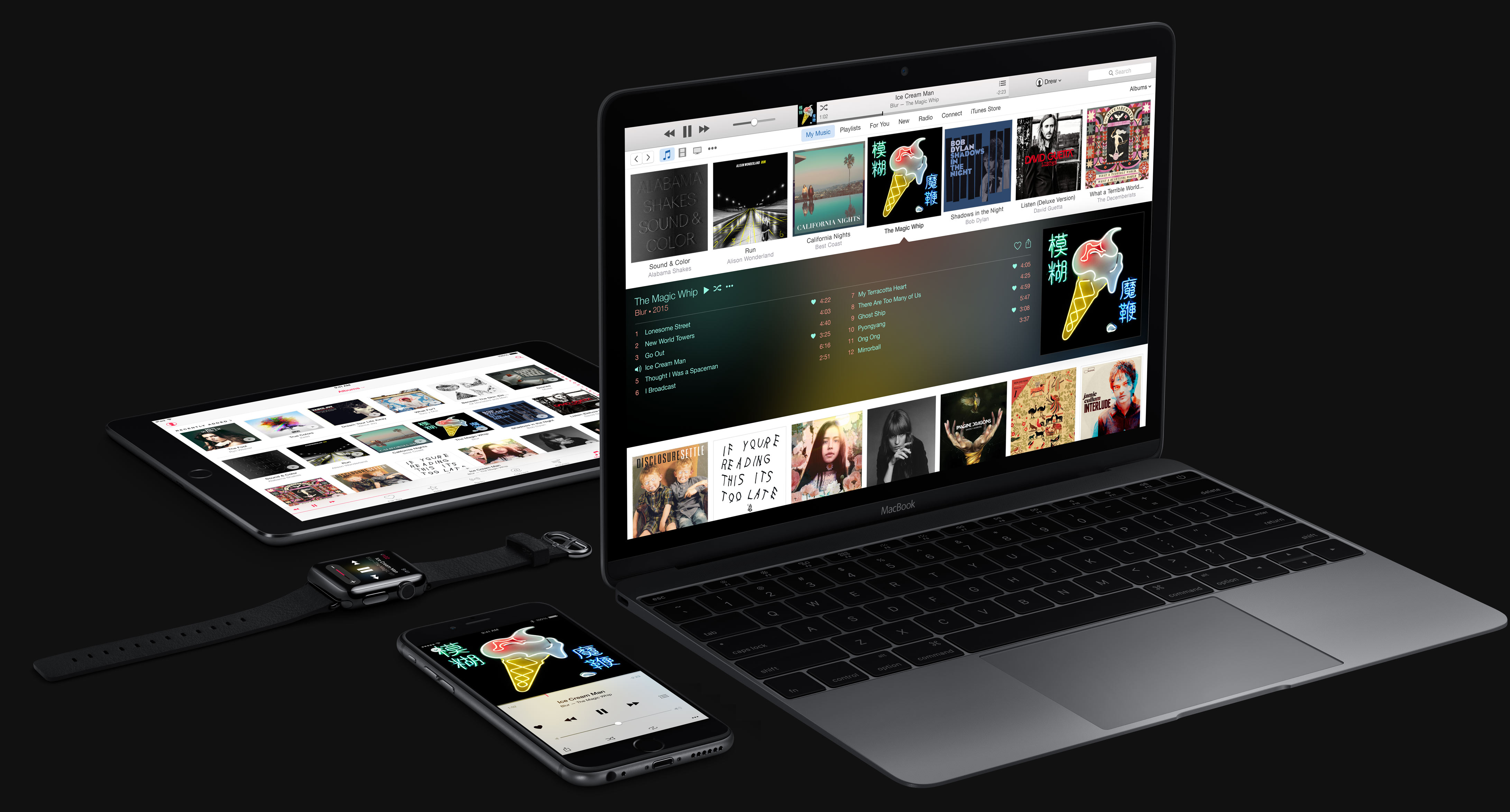
A more intuitive Apple Music to launch at WWDC next month

Since its debut, Apple Music has received its fair share of criticism as fans complained about various issues, from the confusing, complicated user interface to a number of design inconsistencies. Thankfully, your prayers haven't gone unnoticed by the powers that be at 1 Infinite Loop, California.

As reported by Bloomberg, Apple is set to show off at WWDC next month a “more intuitive” version of Apple Music that should be easier to use.

How to view recent Safari history on iPhone and iPad

On any given day, I browse the web a lot—be it catching up on the news, doing research on future stories or skimming through my favorites to learn what's the latest. And more often than not do I find myself struggling to make my way back to an article I stumbled upon a few hours ago.

Locating a specific item in browsing history can feel like finding a needle in the haystack, especially if you're on the go.

Yes, I could just tap Safari's back button multiple times or swipe to go back a single webpage at a time until I found the webpage I was looking for, but that's a time-consuming process which unnecessarily wastes my iPhone's cellular data.

As you'll discover in this tutorial, Safari provides a very handy, though not immediately obvious shortcut which allows you to quickly jump to any previously visited webpage.