iPhone

Stay up-to-date on the latest iPhone news and learn new tips and tricks with our comprehensive tutorials. From software updates to new features, we’ve got you covered.

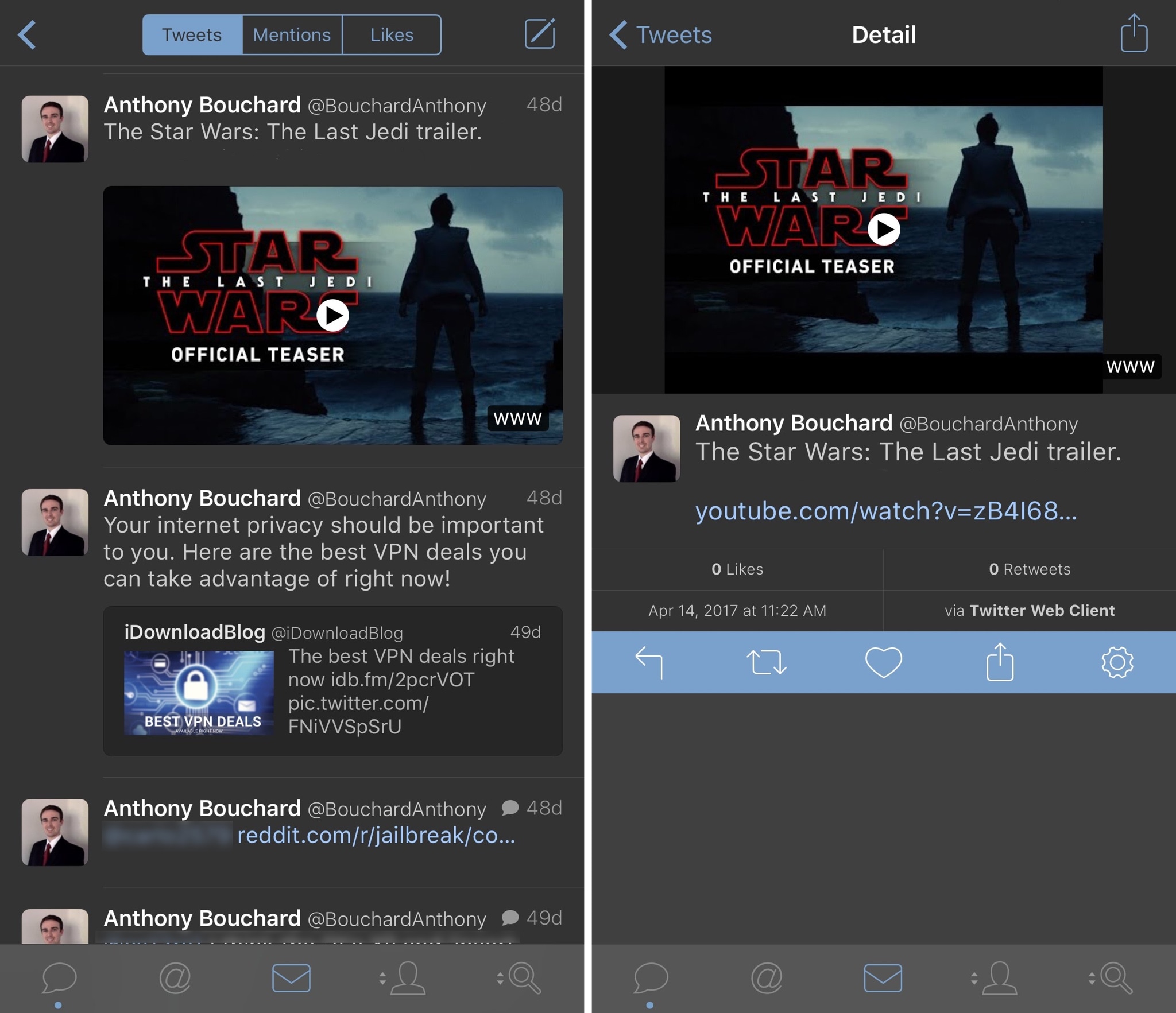
SaveBot lets you save videos from your timeline in Tweetbot

A good chunk of Twitter users use Tweetbot instead of the stock Twitter app because it has a unique appearance and a bevy of useful features. Nevertheless, some would say it could be better.

A new free jailbreak tweak called SaveBot by iOS developer iTheGentle expands upon Tweetbot’s functionality by empowering users with the ability to save videos directly from their timelines.

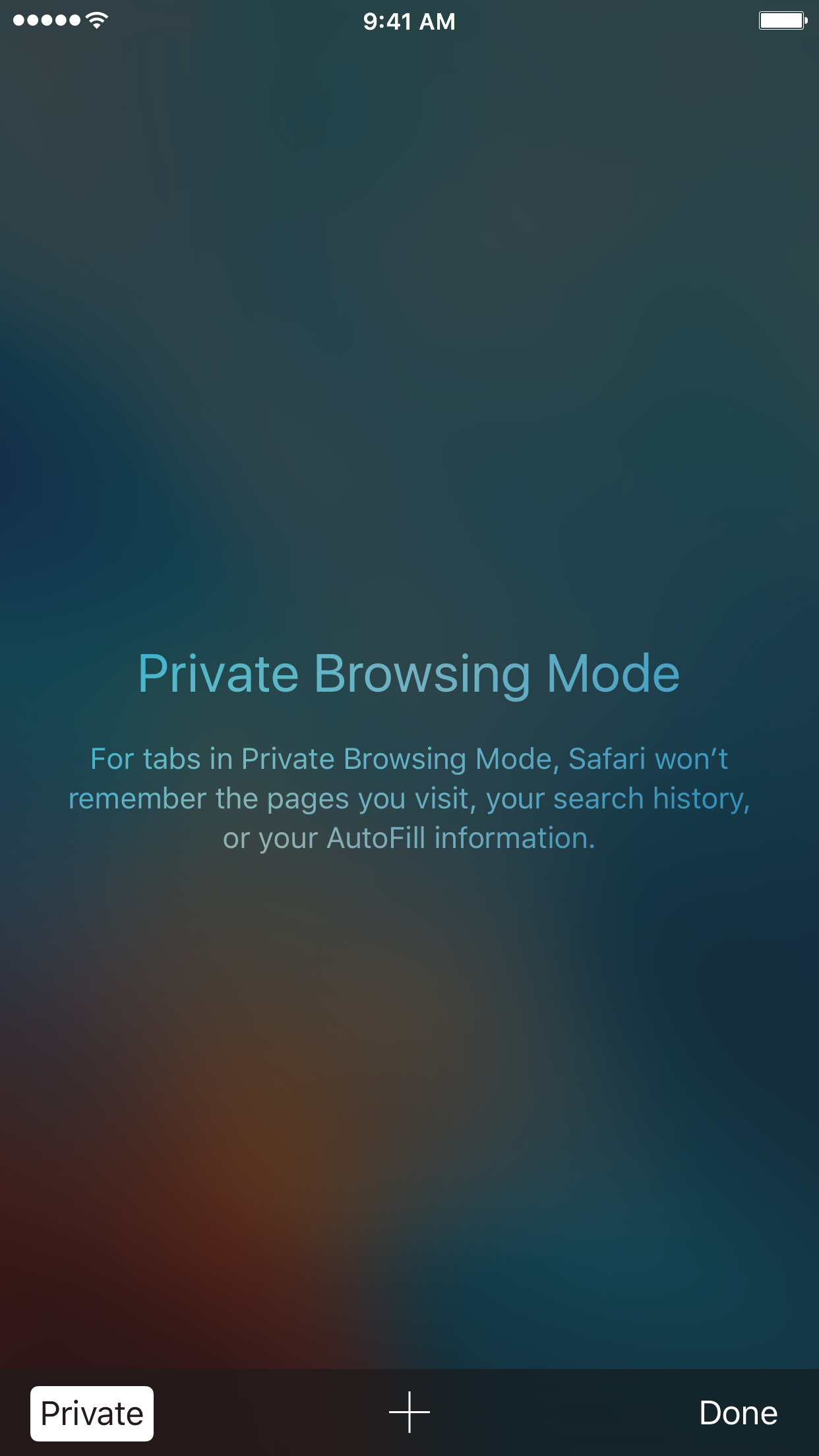
How to always open Safari in a private window

With privacy becoming a hotter topic these days, web users are becoming more and more wary about what they share online. While there are many different steps that can be taken to increase your online privacy, a very simple way to get started is to use a web browser in Private mode.

In this post, you will learn about what Private mode means in Safari, and you will find out how to always open Safari in a private window to make this simple precaution an automatic way of accessing the web on your Mac, your iPhone, or your iPad.

Skype is getting a major redesign with Snapchat-like features

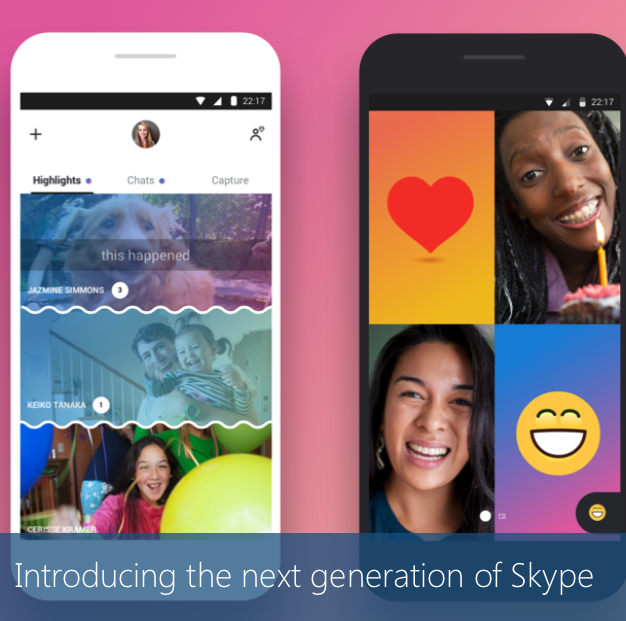
Microsoft on Thursday unveiled a major redesign for its Skype video conferencing app. Rebuilt from the ground up, the company says the new app vastly improves the ways you can connect with your favorite people, putting chat front and center.

Early reactions to the new design have pointed out that the interface has kind of a Snapchat vibe. Group chats are more lively, expressive and personalized, and there's a new Stories-like Highlights section that allows you to share a photo or video.

Highlights can be decorated with emojis and text, and they remain available for a full week instead of the usual 24 hours. They can be viewed by anyone who follows you on Skype, or you can choose to send your Highlights to a specific group or user.

https://www.youtube.com/watch?v=RU9w41tPXyc

Other new features include Facebook-like reactions to Highlights and chats, in-video chat overlays for emojis, text, stickers and photos, and the addition of smart assistant Cortana. Skype is also adding bots from Bing, Expedia, YouTube and others.

The Skype update hits Android first, later today, iOS within the next few weeks, and Mac and Windows devices within the next few months.

Source: Skype

Apple expected to increase Intel LTE chip orders as fight with Qualcomm grows

Apple is expected to up its LTE chip orders from Intel as it looks to distance itself from Qualcomm, reports DigiTimes. Despite inferior performance, Intel has gone from supplying around 30% of iPhone 7 baseband chips in 2016 to 50% in 2017. And experts say it could be supplying over 70% of the baseband products for iPhones by 2018.

Earlier this year, Apple filed a lawsuit against Qualcomm in a California district court for charging unfair prices to license its tech. Qualcomm has since countersued Apple, and withheld around $1 billion in royalty rebates from the iPhone-maker as retaliation for its participation in a Korean Fair Trade Commission investigation.

Given the nature of this feud, don't be surprised to see Apple work to dramatically reduce its reliance on Qualcomm over the next several months. The company recently hired Esin Terzioglu, Qualcomm's VP of Engineering, to head up a new chip project. It's believed they are developing their own, in-house baseband modems.

Source: DigiTimes

Plex app gets live TV support and DVR enhancements

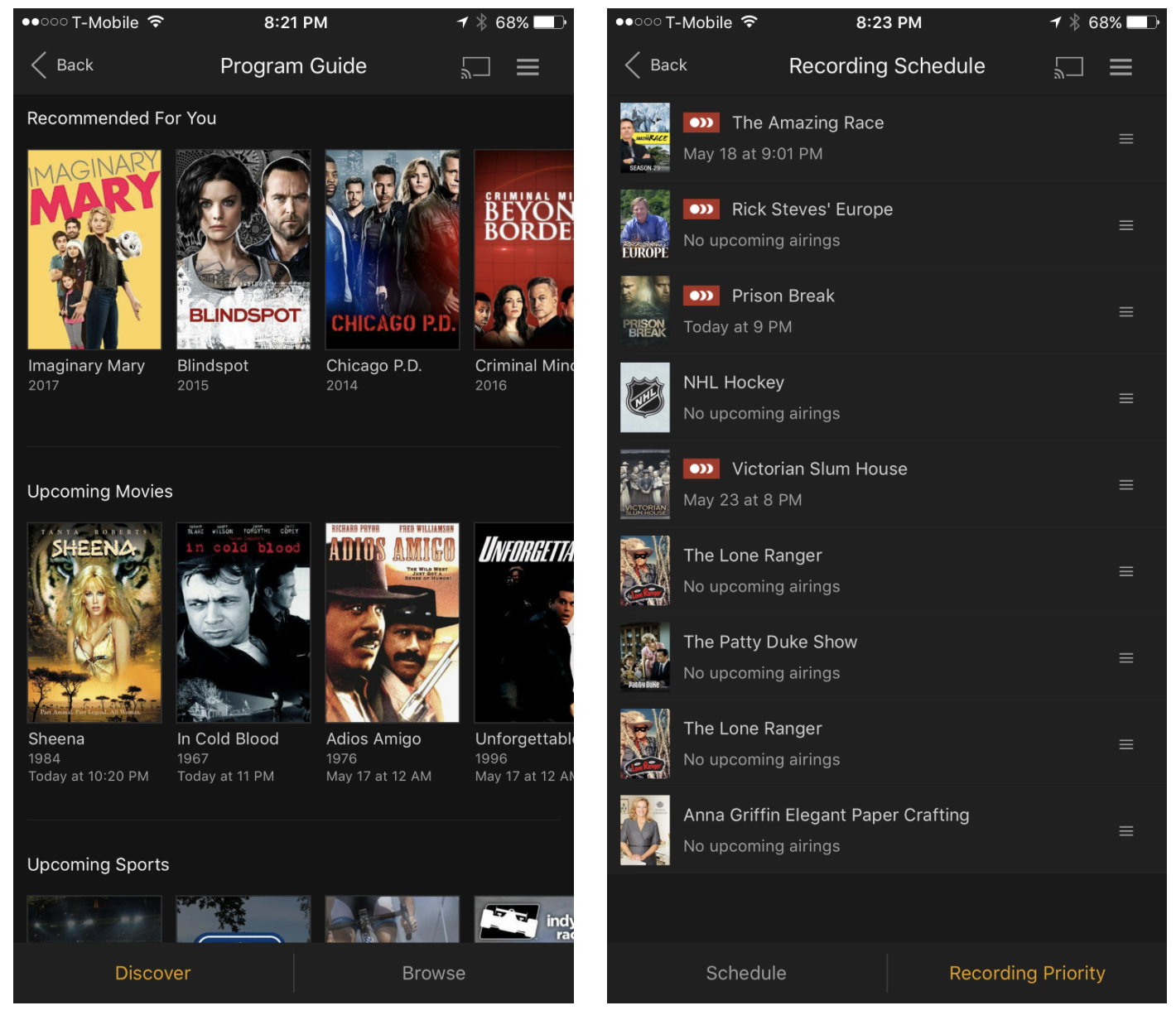
Plex on Thursday announced that they're rolling out support for live TV to their various Plex apps. They're starting with Android TV and iOS, and say updates for other platforms like tvOS will follow suit.

The live TV feature is built right into the Media Server, so you'll be able to stream everything from game shows to sporting events in real time, from pretty much anywhere in the world.

The app is also getting other improvements: in-app DVR management, meaning you can now browse the program guide and manage recordings directly from within the app, and expanded tuner support. Last September Plex announced support for the HDHomeRun tuner line, and now it's opening up to tuners from Hauppauge, AVerMedia and many more.

Plex Live TV and DVR are available immediately for Plex Pass users only. The service costs $5 per month, $40 per year, or $120 for life (20% off for a limited time). It's a bit pricey, but it's definitely worth looking into if you're thinking about cutting the cord.

Source: Plex

Apple: App Store developers earned over $70 billion in revenue since debut

Apple announced Thursday morning that developers all over the world for its platform have generated over $70 billion in total revenue, a new record since the launch of the App Store almost nine years ago in 2008.

The number 70 appears to be Apple’s lucky number this year, as app downloads have also soared 70% in the last 12 months, illustrating interest in numerous new app titles that took the App Store by storm.

DetailedCellularUsage reveals hidden items in your iPhone’s cellular usage report

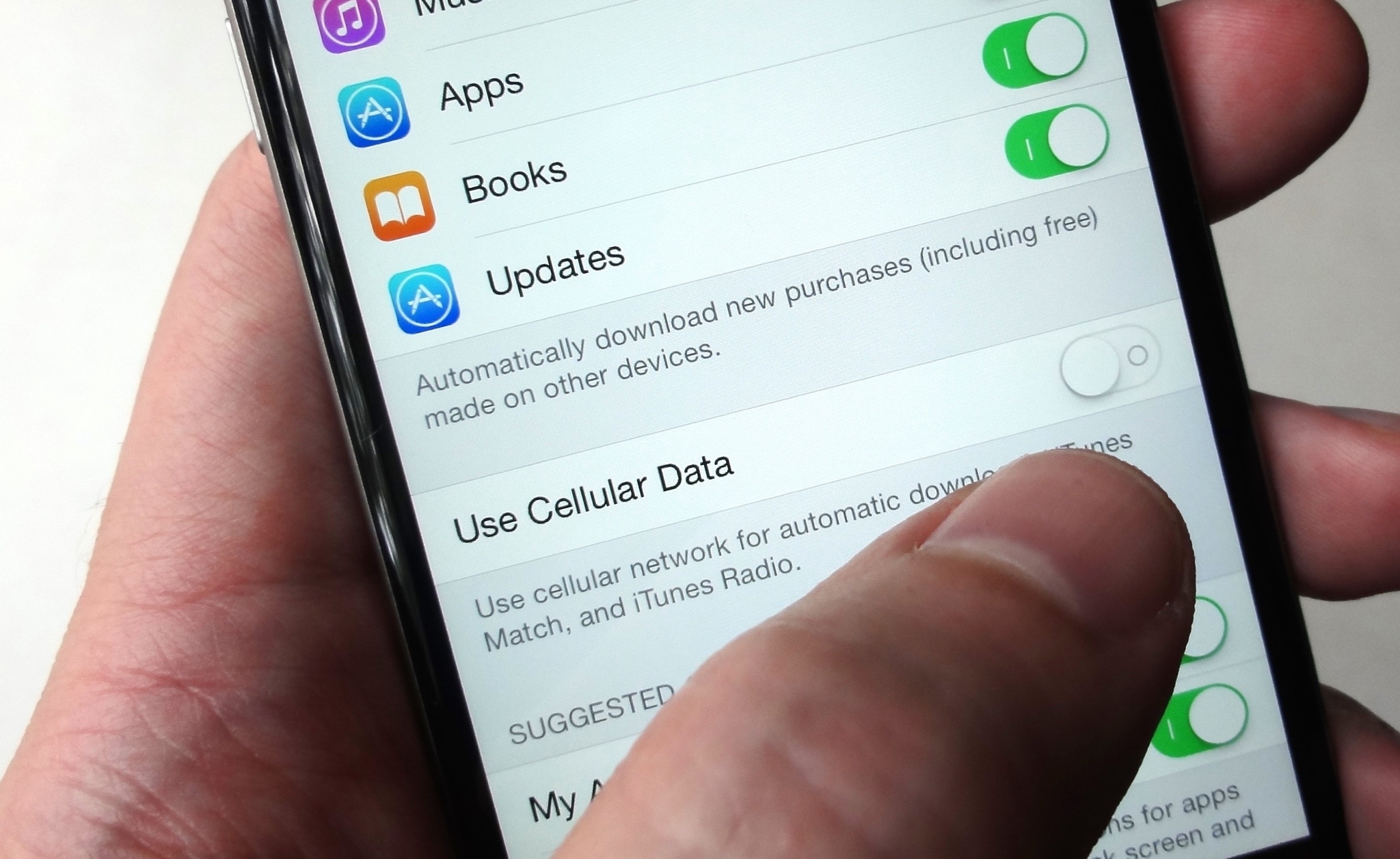
Cellular data is one of those things we seem to always use regularly, but fail to keep track of as efficiently as we could. This becomes a problem when you swear your data provider is over-charging you for your data usage.

A new free jailbreak tweak called DetailedCellularUsage by TheComputerWhisperer helps reveal some of the gray areas where iOS uses your cellular data and doesn’t report it in the Settings app.

Apple is giving away popular platformer Chameleon Run via Apple Store app

Chameleon Run, the popular auto runner by developer Noodlecake Studios, is now available at no charge for the next two weeks but only through the official Apple Store app.

On App Store, the game currently sells for $0.99.

If you haven't had a chance to grab Chameleon Run back in February when Apple featured it on App Store as part of its weekly Free App of the Week promotion, download the official Apple Store app now to claim your free copy of this awesome platformer with a colorful twist.

This promotion will expire on June 15, 2017.

Featuring smooth execution, this fast-paced auto runner requires you to switch your character's color to match the ground as you run and jump from platform to platform.

The game's expertly crafted levels “will have you running back for more”.

Chameleon Run features pixel-perfect physics, simple two-button controls, fun jumping mechanics with special moves (i.e. “double jump”, “head jump” and so forth), non-linear levels with three special objectives in each one and other perks.

It plays especially well on the fourth-generation Apple TV.

https://www.youtube.com/watch?v=DrIAedC-wJY

To claim your free copy of Chameleon Run, first download the official Apple Store app.

Next, launch the Apple Store app and tap the Discover tab at the bottom. Scroll halfway down until you spot the Chameleon Run offer, then tap “Download now for free”.

You should see an overlay offering basic information about the game.

Tap the blue Download Now For Free button at the bottom to continue.

You'll be asked if you'd like to finish redeeming your gift in App Store. Hit Continue to bring up the game's App Store page, then hit Redeem to claim your free copy of Chameleon Run. Once you've successfully redeemed the promo code, hit Done.

The game should begin downloading to your device. Chameleon Run supports iPhone, iPad, iPod touch and Apple TV. As always, you can use the App Store's Purchased section to re-download the game to your Apple TV and other iOS devices using the same Apple ID.

Keep in mind that you must use the Apple Store app in order to grab this freebie. On App Store, Chameleon Run is currently 99 cents after a fifty percent discount, valid for one week only.
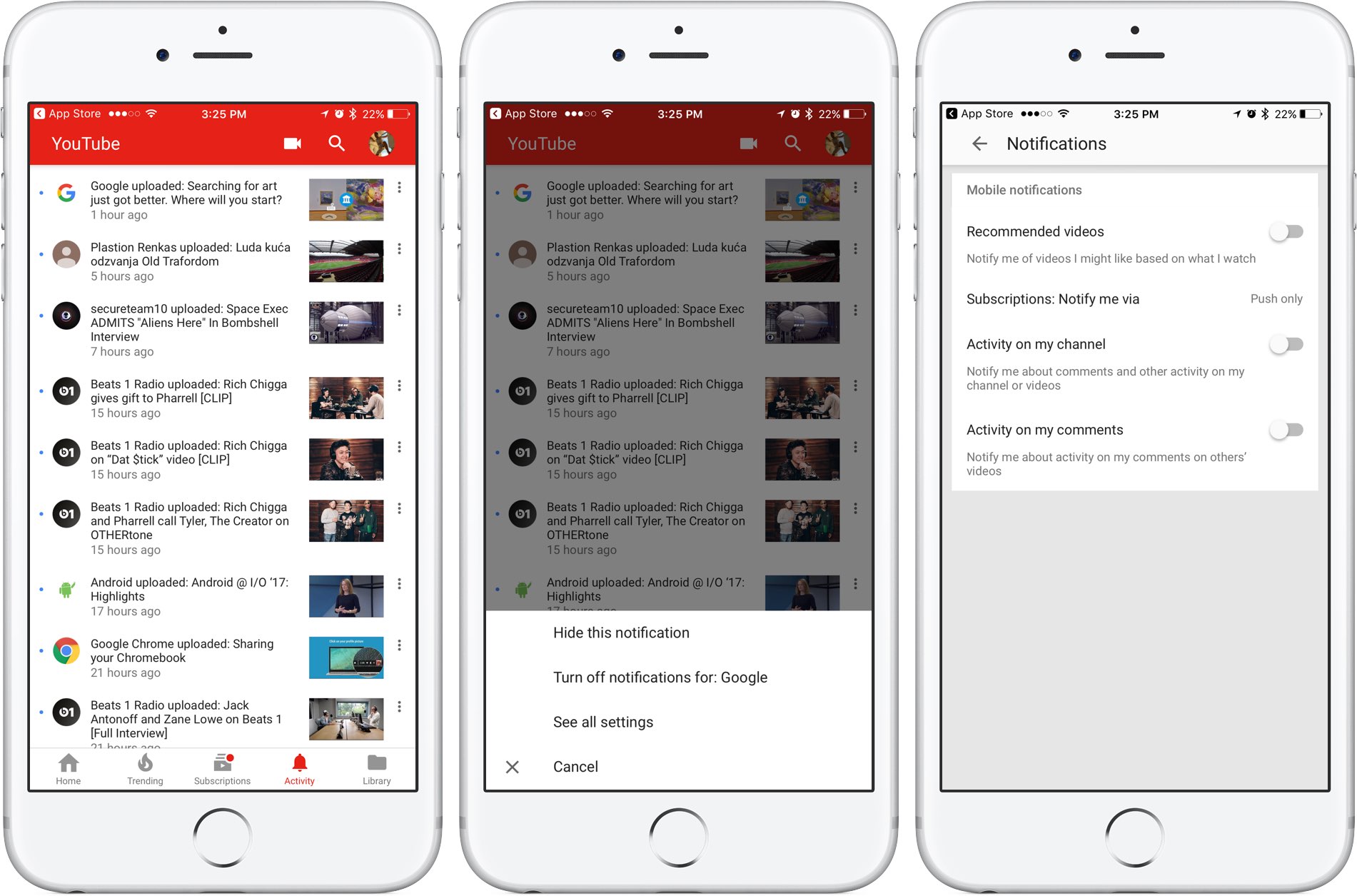
Easily manage all your YouTube notifications via all-new Activity tab

Google is rolling out a small update to its mobile YouTube app for iPhone and iPad, bringing out an all-new Activity tab where you can easily find and control all of your notifications.

Now you can see your notifications, opt-out of receiving alerts from specific accounts and more—all in one central place just a tap away no matter where you happen to be in the app.

The new tab joins the app's existing tabs: Home, Trending, Subscriptions and Library.

Before today, accessing notifications was a multi-tap affair: you were required to tap your profile picture in the app's top-right corner, then hit Notifications (see the screenshot below).

Functionally, nothing has changed drastically—the new Activity section still shows notifications from your favorite accounts in the order they were received.

The old way of managing your YouTube notifications was a multi-tap affair.

Tapping the three dots next to a notification allows you to hide that particular notification, just like before, as well as elect to turn off all future notifications for that account and more.

Tapping the option See All Settings takes you to settings where you can turn notifications on or off for any recommended videos, choose whether you'd like to be notified about activity on your comments or others' videos, select how you'd like to be notified and more.

The new Activity tab requires YouTube for iOS version 12.20 or later.

Grab YouTube for iOS for free form App Store.

Twitter’s inbox now separates out messages from people you don’t follow

Twitter's bird logo set against a transparent background

Twitter is rolling out a new inbox section which it says is designed to separate direct messages from people you do and don’t follow, making it easier to accept or delete unsolicited chats.

“If you’ve opted-in to get Direct Messages from anyone, messages from people you don’t follow will go into Requests in the Messages tab,” wrote the company in a tweet yesterday.

New group chats you’re added to by people you don’t follow will also appear in Requests.

Upon entering the chat, you'll be asked to either Delete or Accept the message. Accepting the chat moves it to your inbox, allowing you to continue the conversation with that person.

“Please note that they will not know you have seen the message until you have accepted their request,” said Twitter. All media will be hidden prior to accepting the message.

If you wish to view any hidden media, tap the View Media option.

https://twitter.com/Twitter/status/869608493548011520

Conversely, deleting the message removes it from the inbox although that account is still able to message you in the future unless you block or report it. These new features are available on the mobile Twitter app for iOS and Android and on twitter.com.

TUTORIAL: How to find Messenger chats you didn't know existed

Facebook-owned Messenger introduced a similar feature back in October 2015, replacing the “Other” inbox with a Message Requests section that brought all the messages from people you’re not friends with on Facebook in one central place, separate from your regular chats.

Grab Twitter for iOS for free from App Store.

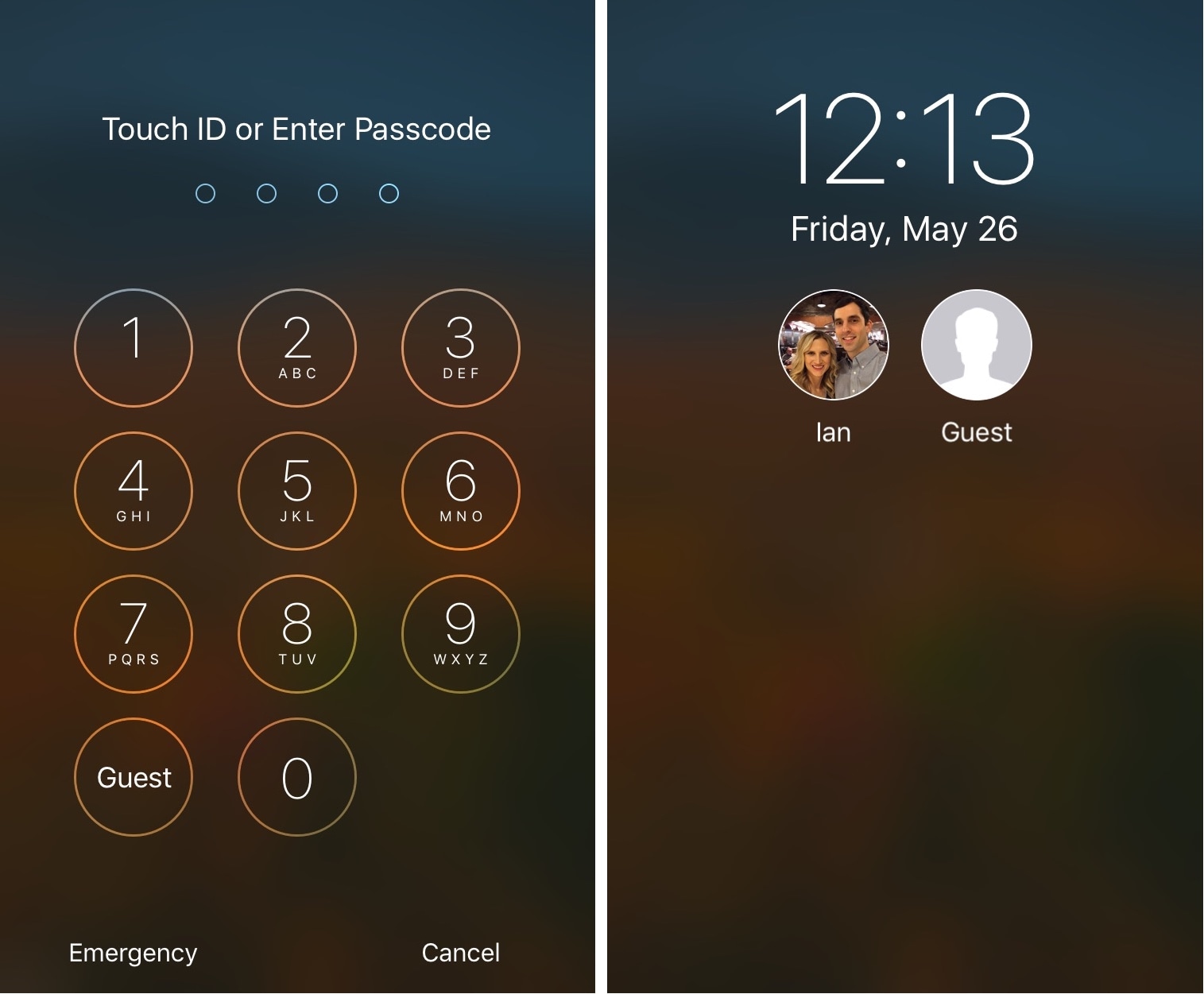
Allow guests to sign into your iPhone or iPad with Guest Mode 2

If you have a jailbroken iOS device that you share with guests or other family members, then Guest Mode 2 by iOS developer Ian Burns is a jailbreak tweak that might be worth installing.

This tweak lets guests use your device without knowing your passcode, but securely and with limited privileges, similarly to that of the guest user on macOS.

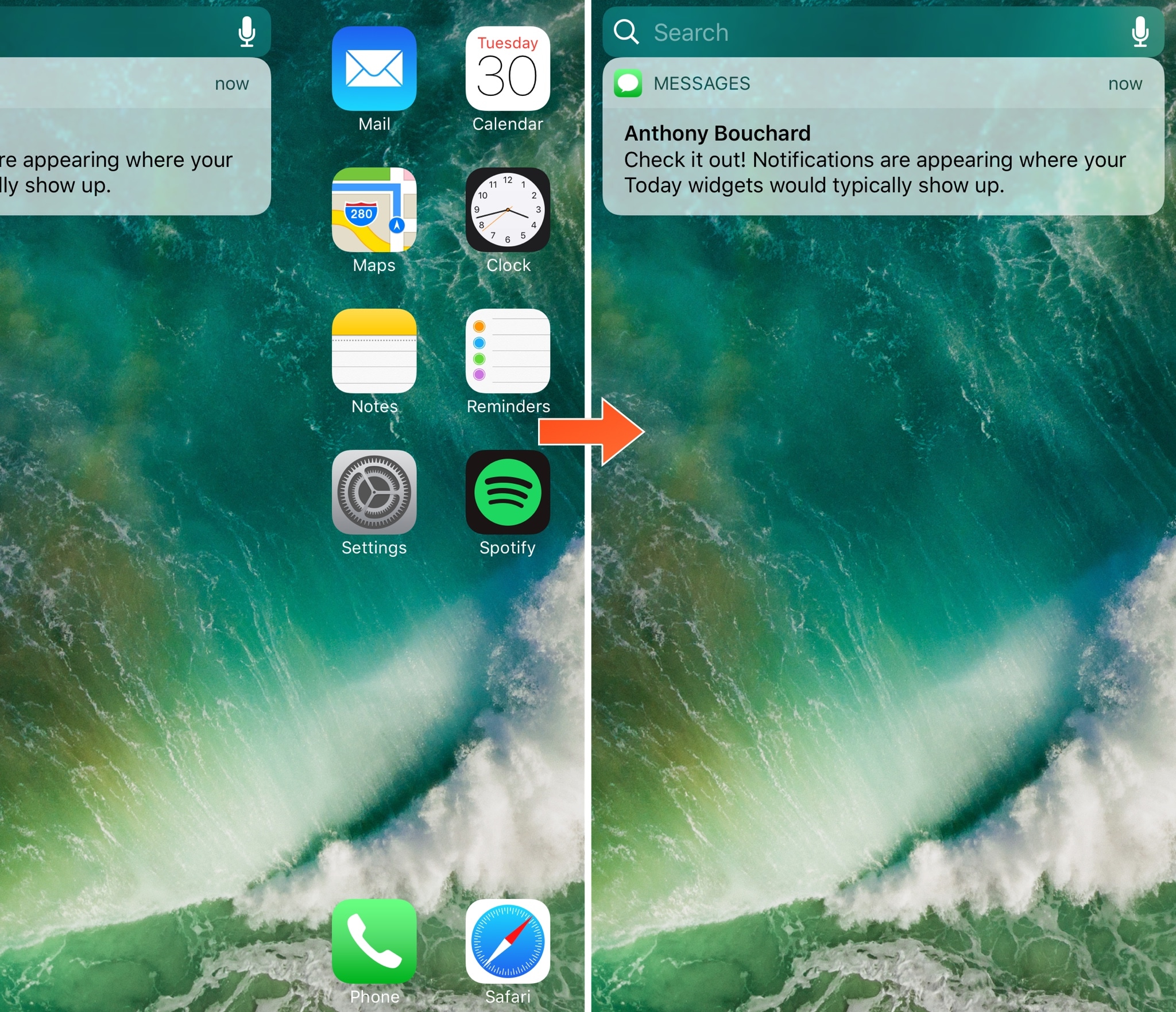
Toka replaces Home screen’s Today widgets with missed notifications

Today widgets appear on the Home screen when you swipe all the way to the left, beyond the first page of your app icons. For those who don't like to use the Today widgets, this page is a significant waste of space.

A new free jailbreak tweak release called Toka by iOS developer maximehip is now available for those who would prefer to see something other than Today widgets when swiping to the left, as it replaces them with your missed notifications instead.