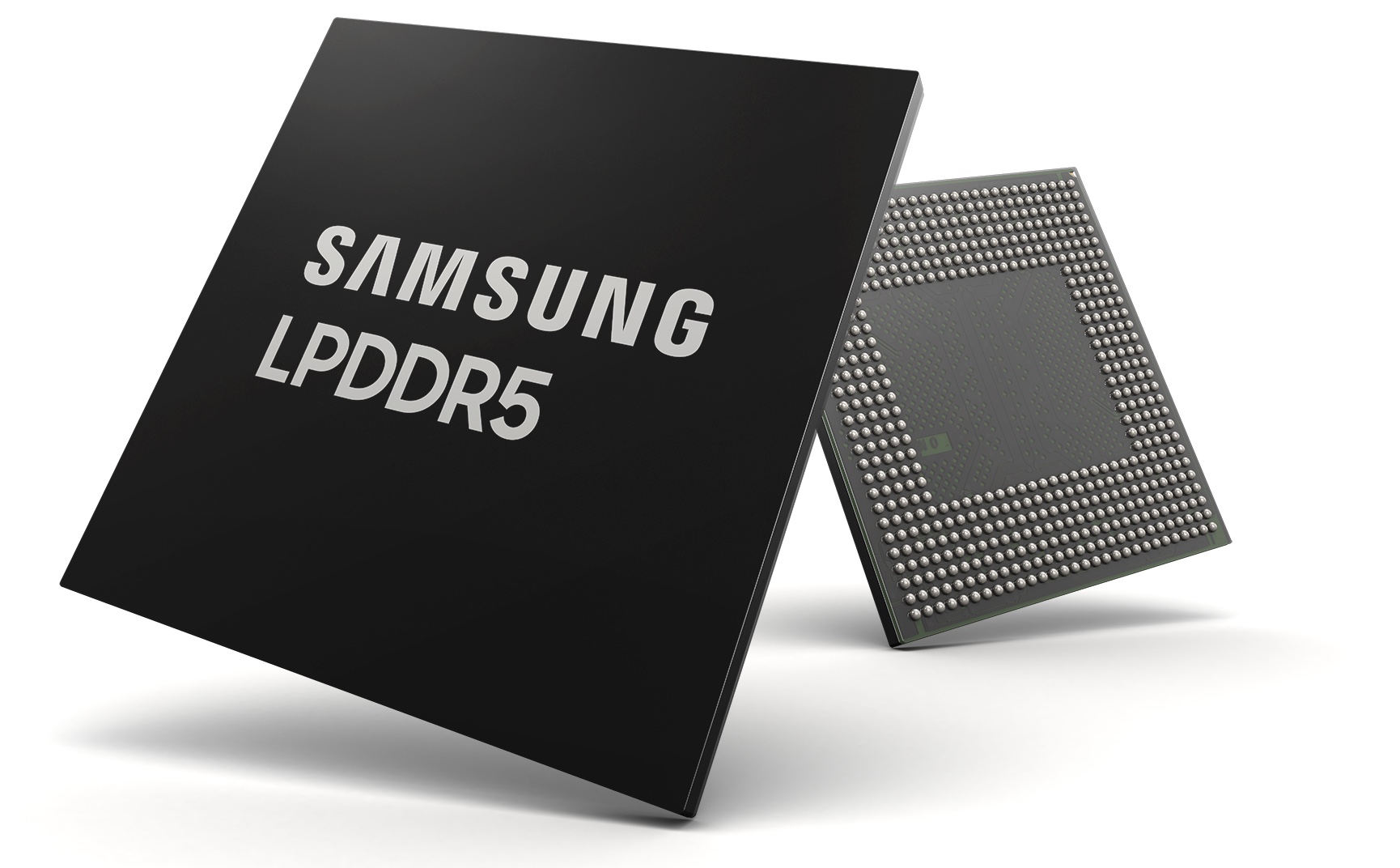
Samsung Electronics, the South Korean chaebol's component-building arm, Tuesday unveiled the industry's first 8-gigabit LPDDR5 DRAM chip for mobile devices.
Will Samsung’s latest 8-gigabit LPDDR5 DRAM chip make its way into future iPhones?
Stay up-to-date on the latest iPhone news and learn new tips and tricks with our comprehensive tutorials. From software updates to new features, we’ve got you covered.
Samsung Electronics, the South Korean chaebol's component-building arm, Tuesday unveiled the industry's first 8-gigabit LPDDR5 DRAM chip for mobile devices.
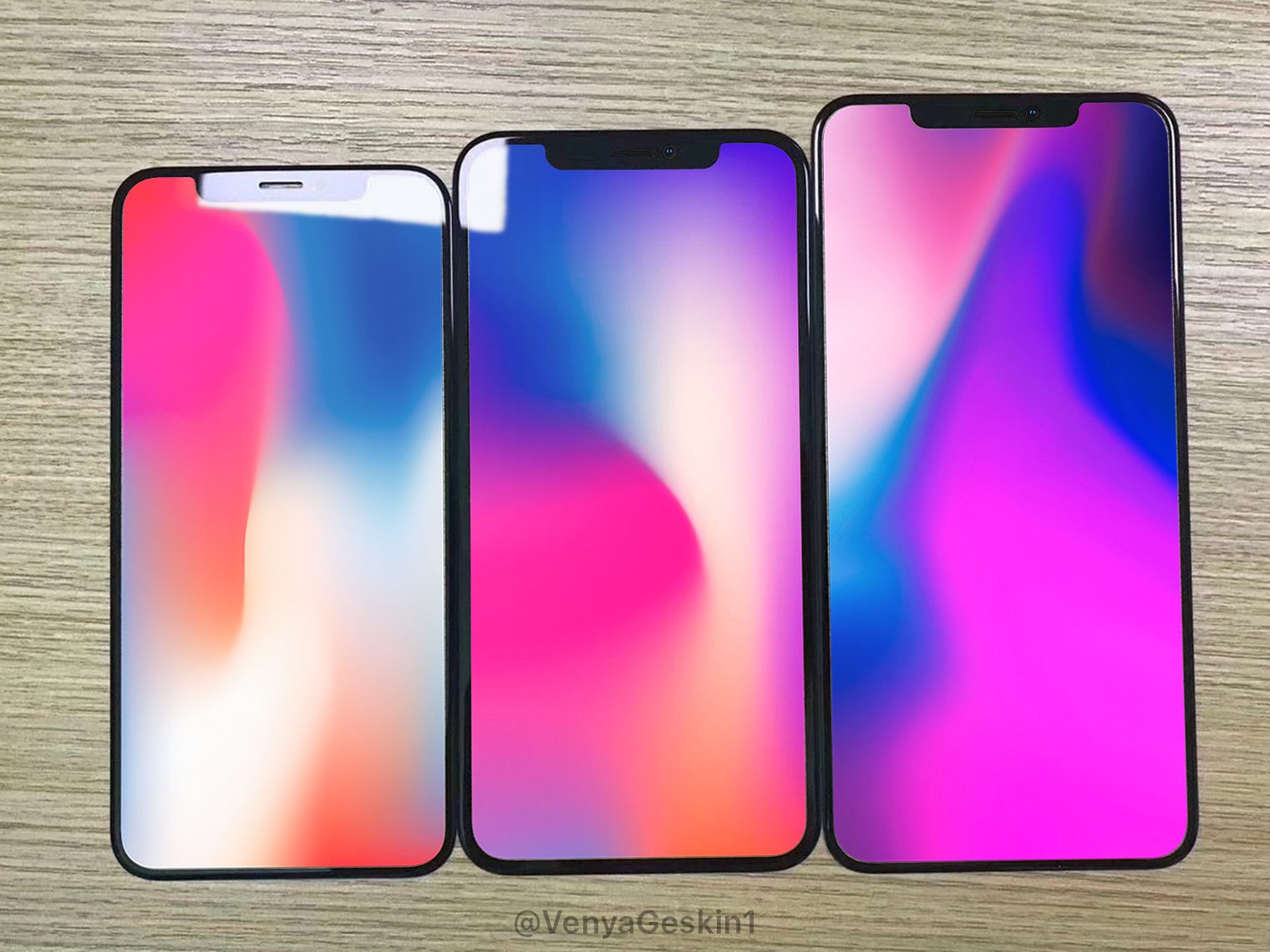
Smartphone leakster Benjamin Geskin, who has a solid yet not perfect track record in leaking phone parts, this morning posted images of claimed glass panels for 2018 iPhones.
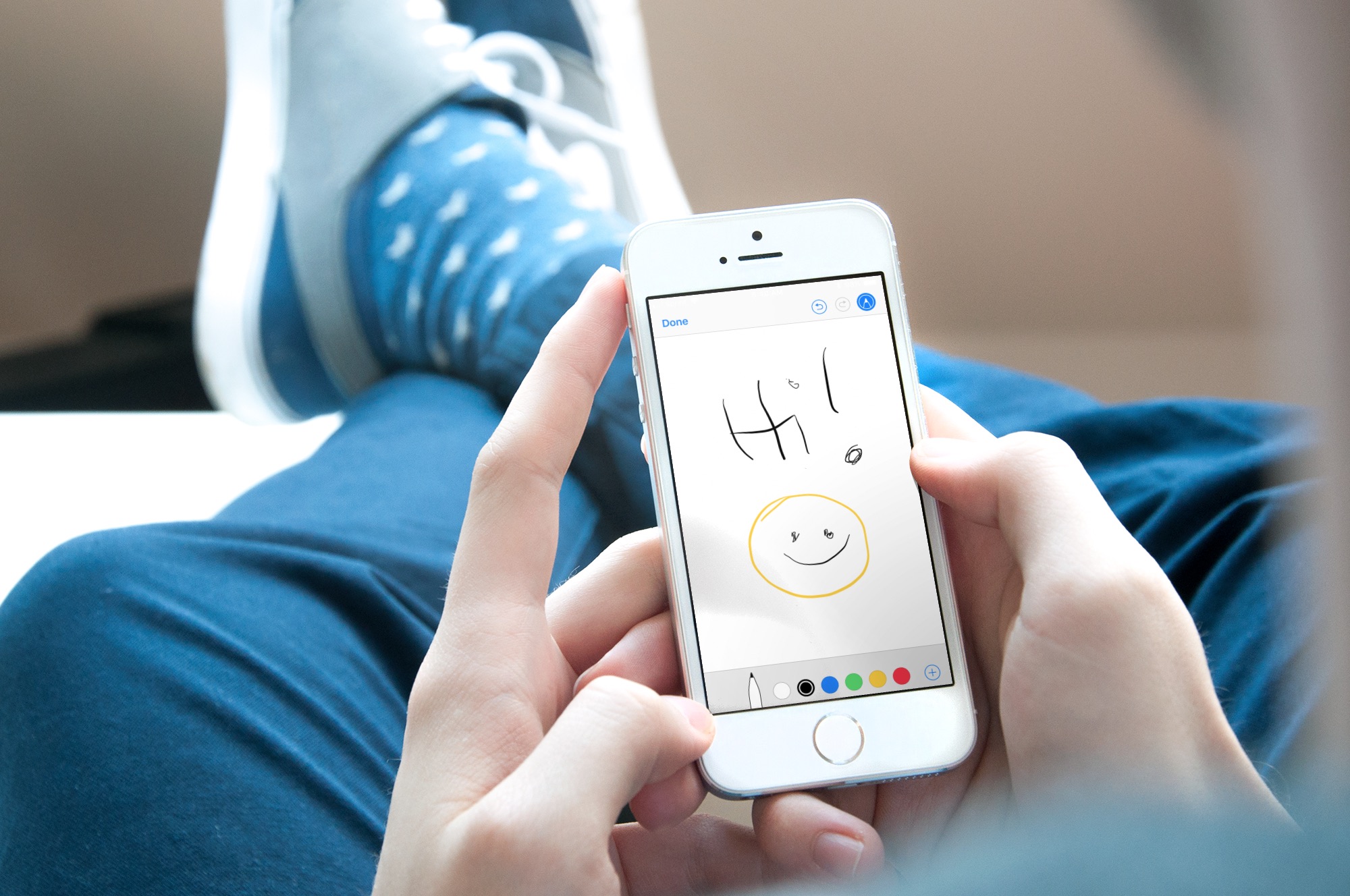
Sometimes, a picture is worth a thousand words, and adding a drawing or sketch to an email can help convey your message more effectively. While the Mail app on iPhone and iPad may seem like a basic email client, it actually comes with some powerful tools that allow you to create and add sketches to your emails.
In this article, we'll explore how to use these tools and add your own drawings and sketches to your emails, giving your messages a personal touch.
Several years ago, Saurik released an un-jailbreaking tool known as Cydia Eraser so that jailbreakers could revert their pwned devices to a stock state any time they wished. But it hasn’t received any updates for some of the latest jailbreakable firmware versions, leaving much of the community in a state of confusion.
Fortunately, the Electra Team plans to change that. Team member Pwn20wnd announced on Monday the completion of an un-jailbreaking tool dubbed ‘SemiRestore11,’ which will roll back any jailbreak performed with Electra1131.

After a long period of silence from Saurik himself, it now appears that the Electra Team is moving forward with plans for an alternative to Cydia as a third-party extension store.
The Electra Team calls their project “Sileo,” and it will be a full-featured, user-friendly GUI in which jailbreakers can search for and download new jailbreak tweaks, themes, and much more.
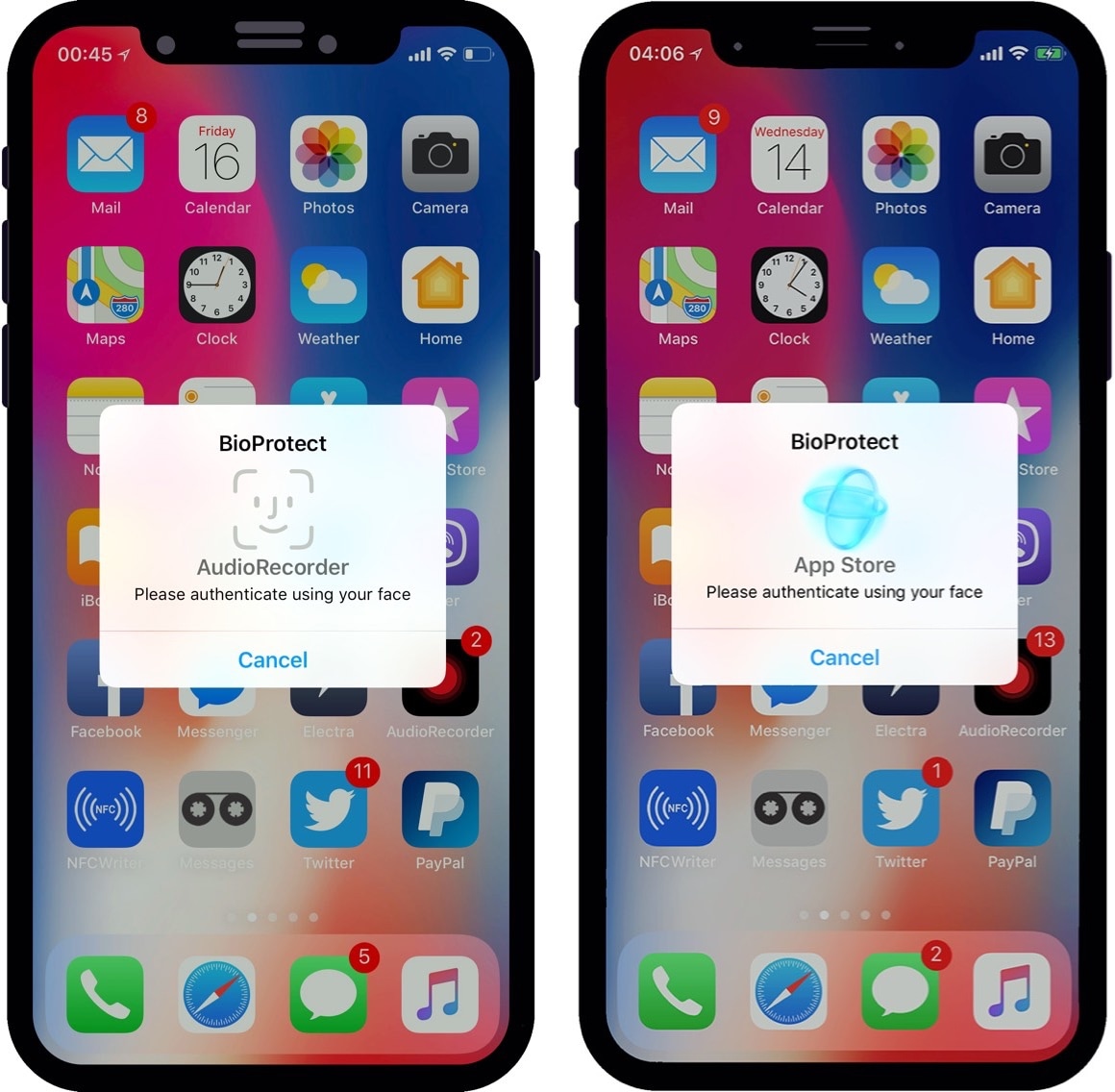
If you worry about your privacy more than most, then you might want to go beyond a simple passcode to protect your iPhone’s valuable data. Fortunately, a new jailbreak tweak called BioProtect X (iOS 11) by iOS developer Limneos can help.
As the name implies, BioProtect X can protect apps and other important things on your device. The tweak supports various security measures for doing so, including Face ID, Touch ID, or a traditional passcode.
It’s been an incredibly exciting week given the circumstances surrounding Electra1131. Now that we have a more current jailbreak tool at our disposal, we’re beginning to see increased activity from jailbreak tweak developers.
In this piece, we’ll go over all the jailbreak tweaks released in Cydia from July 9th to July 15th. As usual, we’ll kick things off by showcasing our favorites and then outline the rest afterward.
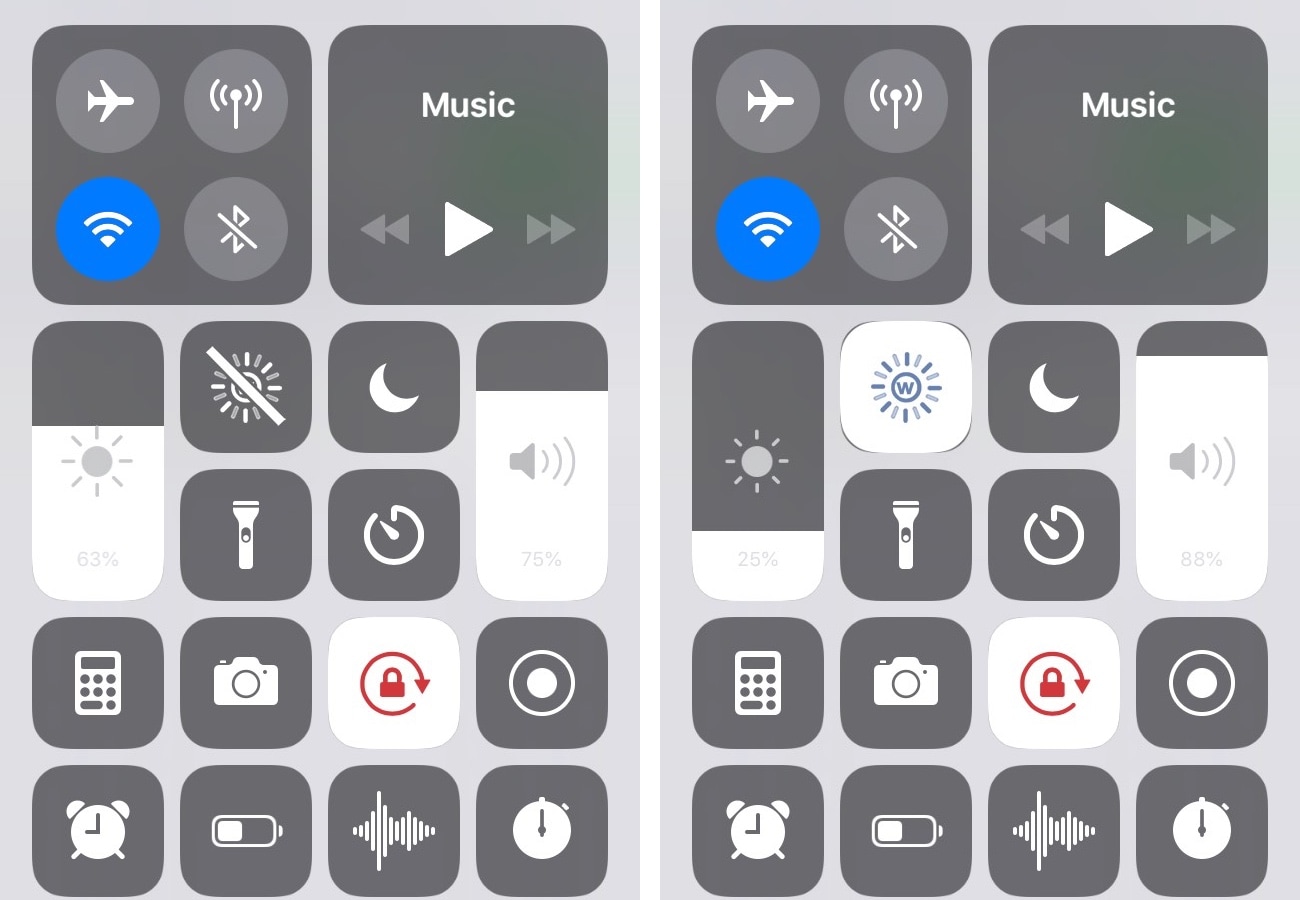
It’s only natural to fancy a lower display brightness when you’re in a dark environment, such as your bedroom during the night. Doing so makes viewing your display more comfortable by reducing the strain on your eyes.
But another eye-saving feature that comes bundled in iOS is Reduce White Point, and a new free jailbreak tweak called RWP Slider by iOS developer SpicaT makes it substantially easier to use.

If you’re worried that someone might be trying to obtain unauthorized access to your iOS device when you aren’t looking, then you might find a new free jailbreak tweak called CatchaThief by iOS developer Jake James useful.
Once installed, CatchaThief harnesses your handset’s front-facing camera to snap a picture whenever someone enters your passcode incorrectly, allowing you to see anyone that might be trying to use your device without your permission.
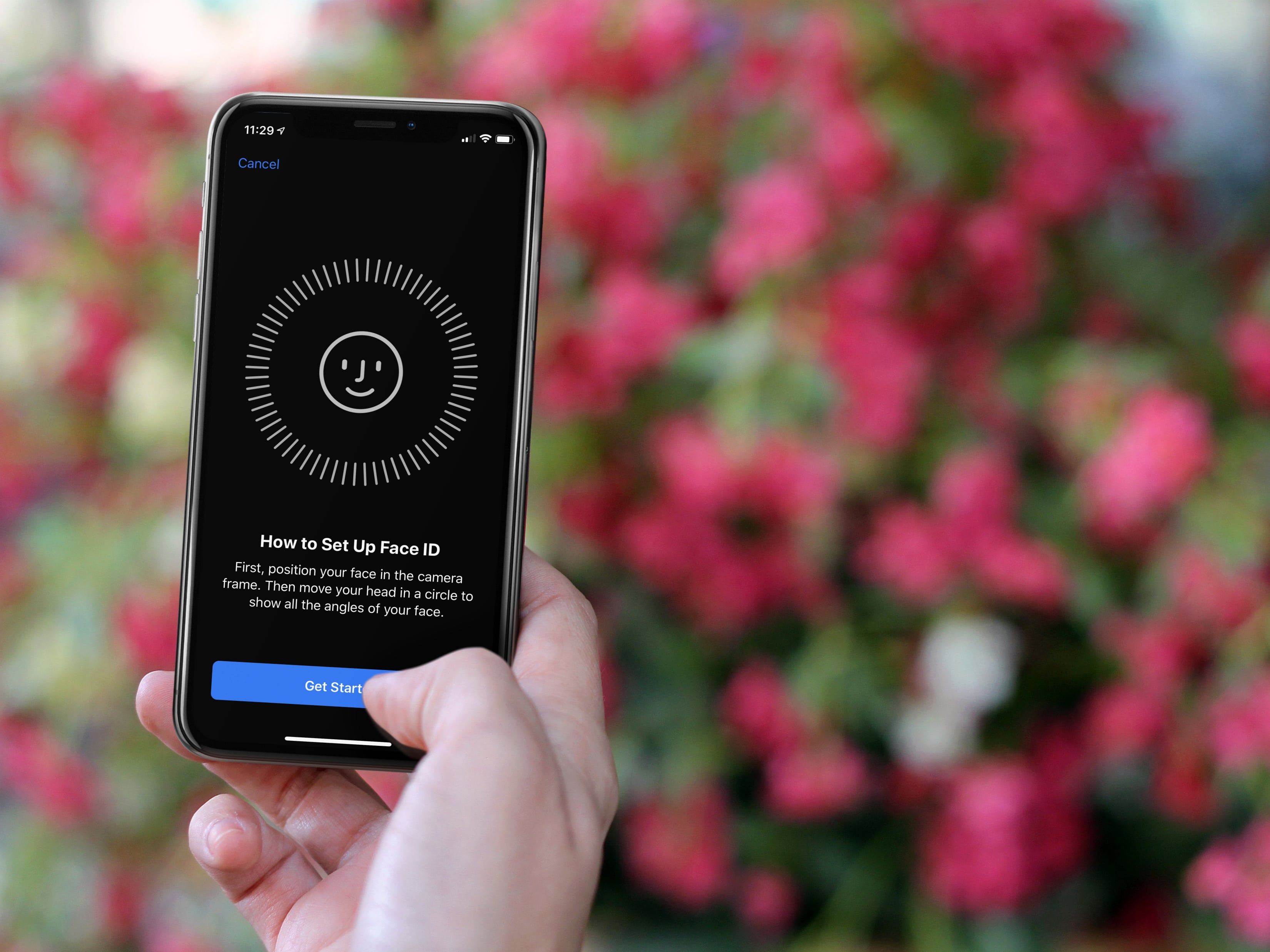
In this tutorial, we’ll show you how to add another person’s face to Face ID on your iPhone or iPad so they can also unlock your device and authenticate for apps and purchases using their face.
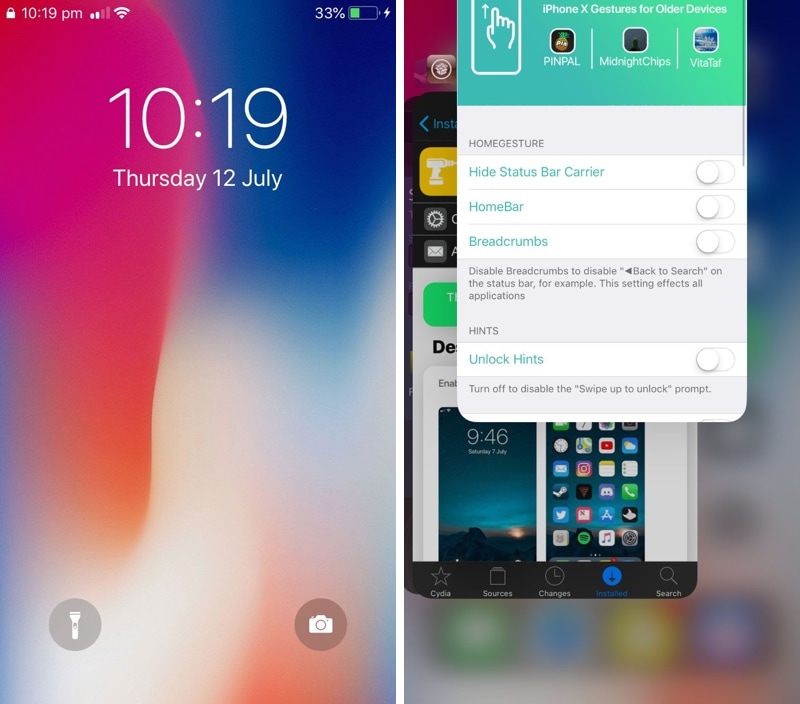
The iPhone X doesn’t have a Home button like traditional iPhones do. Instead, Apple has users swiping up from the bottom of the display to leave applications and unlock the handset.
But even if you’re still rocking a traditional Home button-equipped iPhone, you can take advantage of a new free jailbreak tweak dubbed HomeGesture by iOS developer MidnightChips to simulate the iPhone X-like swipe gestures on unsupported devices.
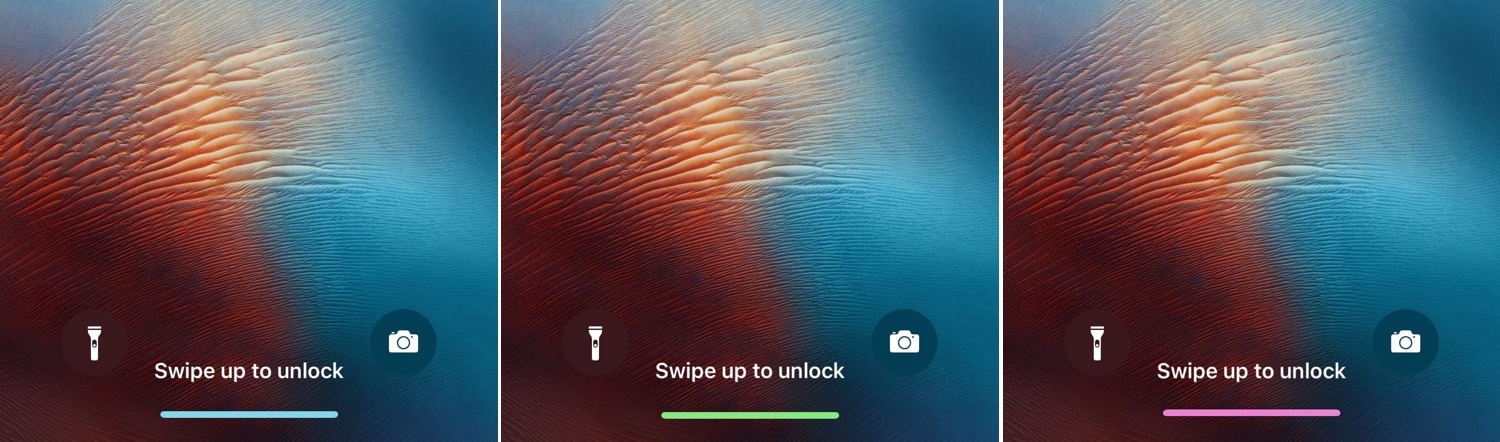
While the notch is one of the iPhone X’s most distinguishable features, so too is the missing Home button, which has been replaced with a new gesture bar.
Unfortunately, Apple doesn’t provide any customization options for said gesture bar, but a new free jailbreak tweak called LS Gesture Bar Colour (iPhone X) by iOS developer Justin Petkovic provides you with the customization that you might be looking for.