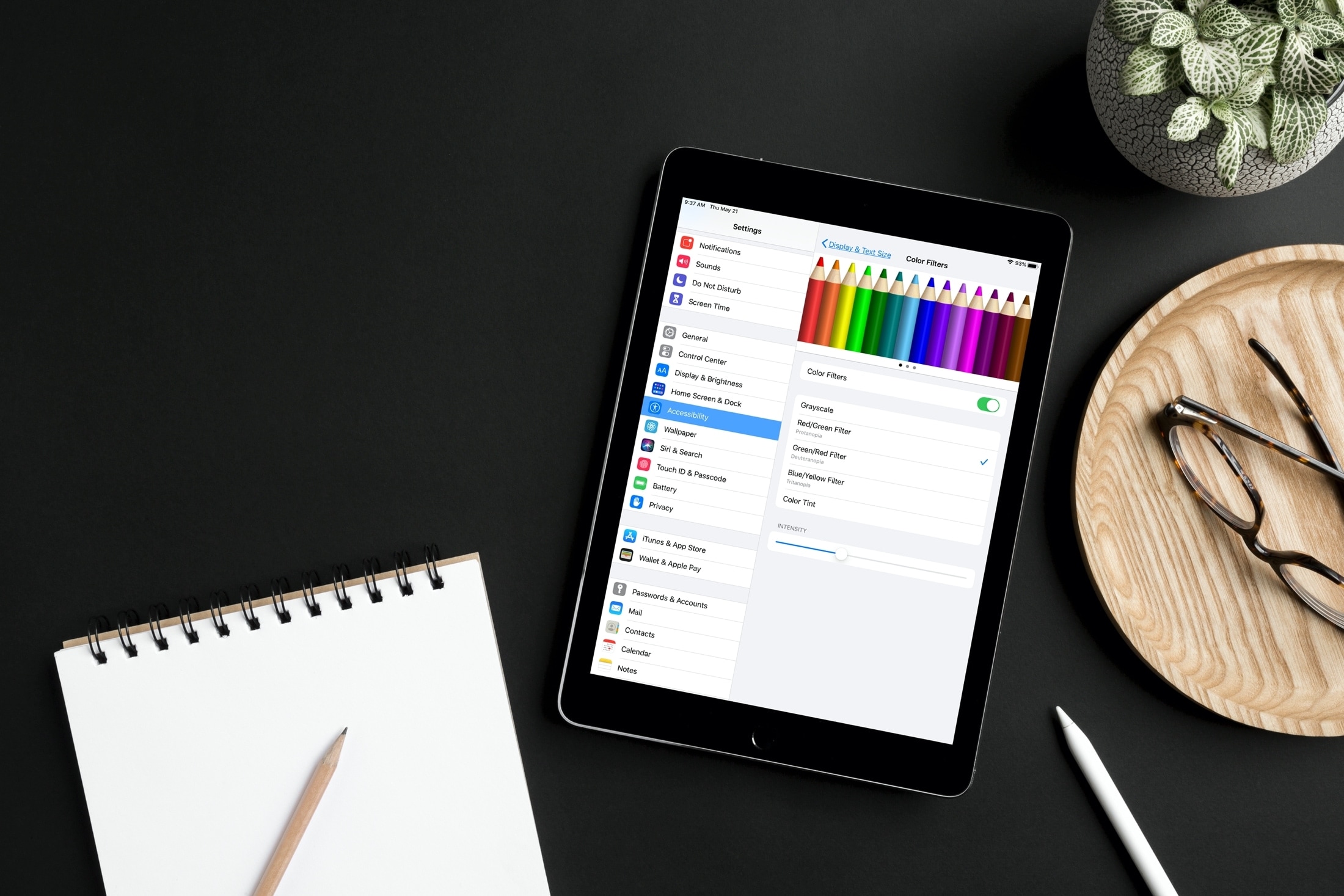
Learn how to adjust your iPhone or iPad’s color settings to invert colors, apply color filters, increase contrast, and more, making the screen more pleasing to your eyes.
How to adjust iPhone or iPad screen’s accessibility color options
Stay up-to-date on the latest iPhone news and learn new tips and tricks with our comprehensive tutorials. From software updates to new features, we’ve got you covered.
Learn how to adjust your iPhone or iPad’s color settings to invert colors, apply color filters, increase contrast, and more, making the screen more pleasing to your eyes.
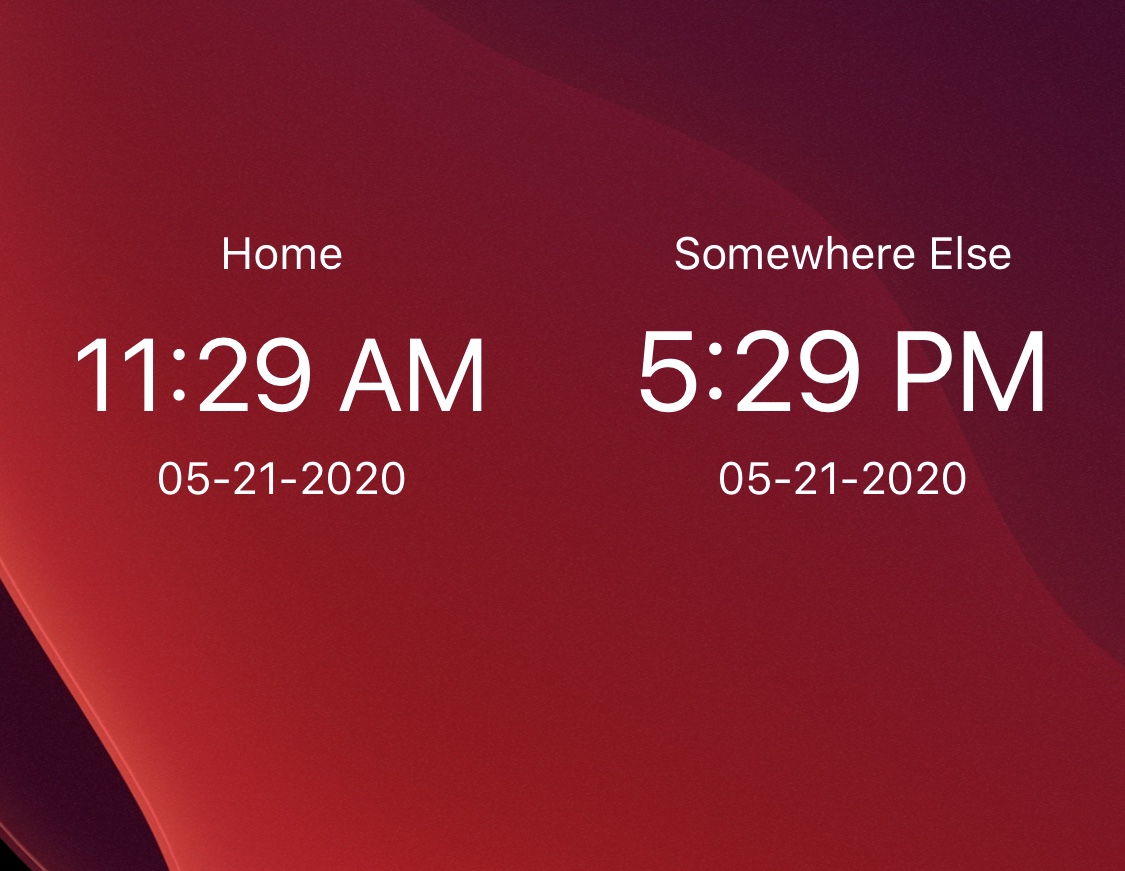
If you live right on the border of two different time zones, or you’re close friends with someone who lives in a timezone different than yours, then you may want to stay mindful about the variances in time across several regions as not to come off as disturbing to someone else when you send a text or place a phone call.
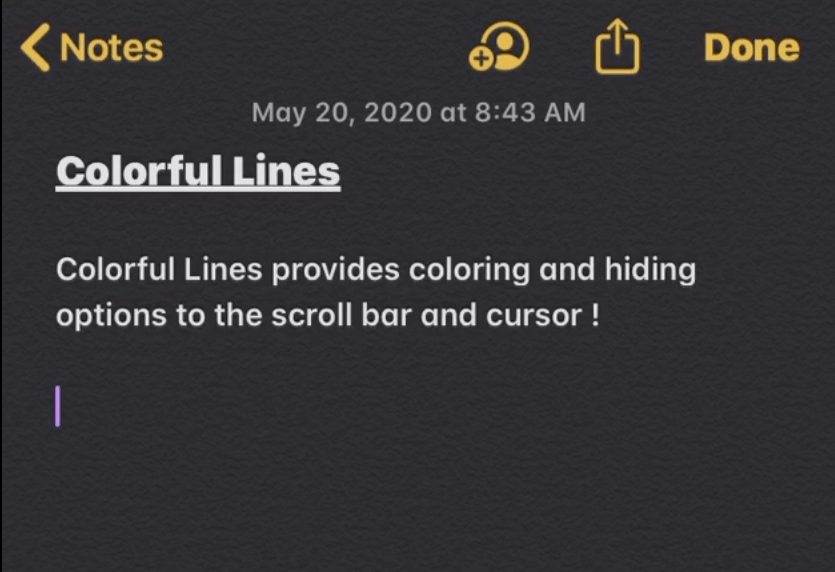
If you’re a minimalist, then you may enjoy customizing your jailbroken iPhone, but perhaps not to the extent of installing crazy themes or adding extraneous features and interfaces. One thing you might enjoy doing, however, is making subtle adjustments to iOS’ native user interface.
Anyone who aligns themselves with the aforementioned sentiment will probably enjoy the likes of a newly released and free jailbreak tweak dubbed Colorful Lines by iOS developer Yulky Tulky. Just as its name implies, this tweak doesn’t do much else other than allow custom colorization of certain line-centric interfaces in iOS.
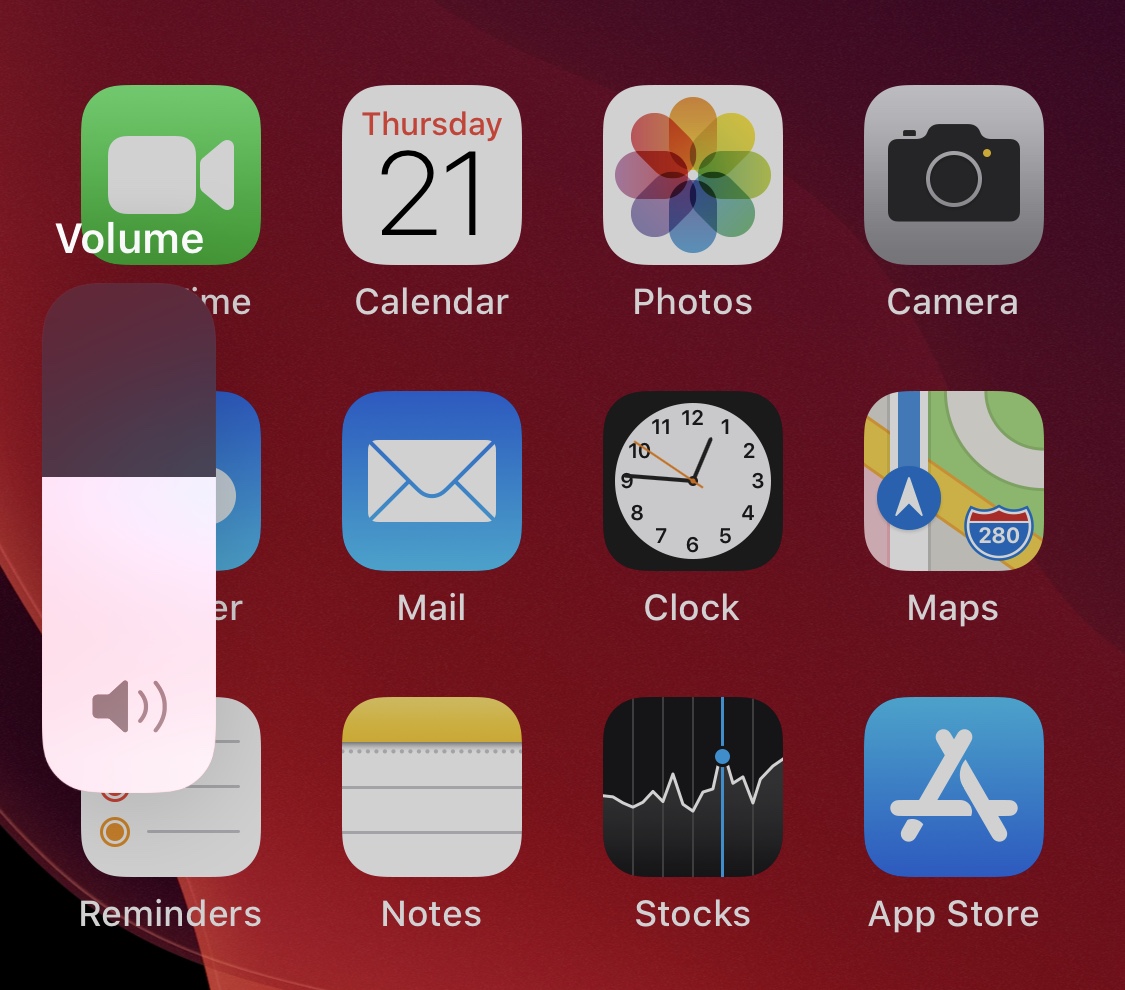
As you adjust your iPhone’s volume with the physical volume buttons on the left edge of the handset, each button press equates to a tiny amount of adjustment to the volume level itself. If you’re trying to make drastic changes to the handset’s volume all in one fell swoop, then this means pressing the volume button(s) several times in rapid succession until you get it right where you want it.
A newly released and free jailbreak tweak dubbed VolumeStep13 by iOS developer Randy240 attempts to make this process a little bit easier by allowing jailbreakers to set a custom volume step amount. In a nutshell, this means each button press can have more or less influence over the volume level than it would on a stock handset, and as you might come to expect, the step amount is fully configurable.
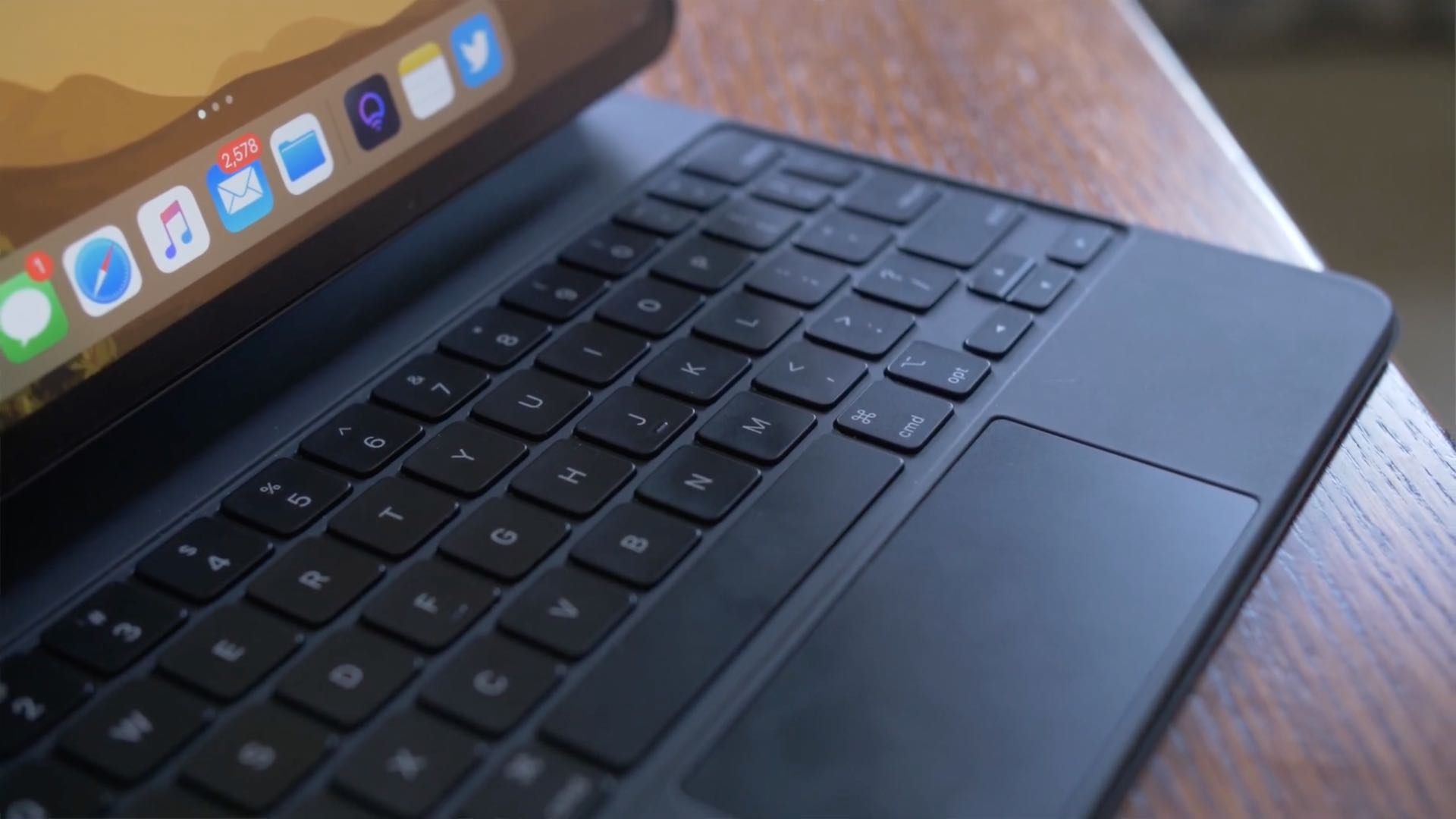
iPadOS brings an adaptive iPad cursor that uses subtle animations when hovering over various parts of the system to help you navigate. As an example, toolbar buttons in apps change color, and app icons on the Home Screen grow bigger. The animated cursor gives you a sense of context, but power users may want to disable these iPad pointer animations in order to enjoy a smoother tracking experience that resembles their computer.
Follow this step-by-step tutorial to learn how you can disable iPad pointer animations with just a few taps.
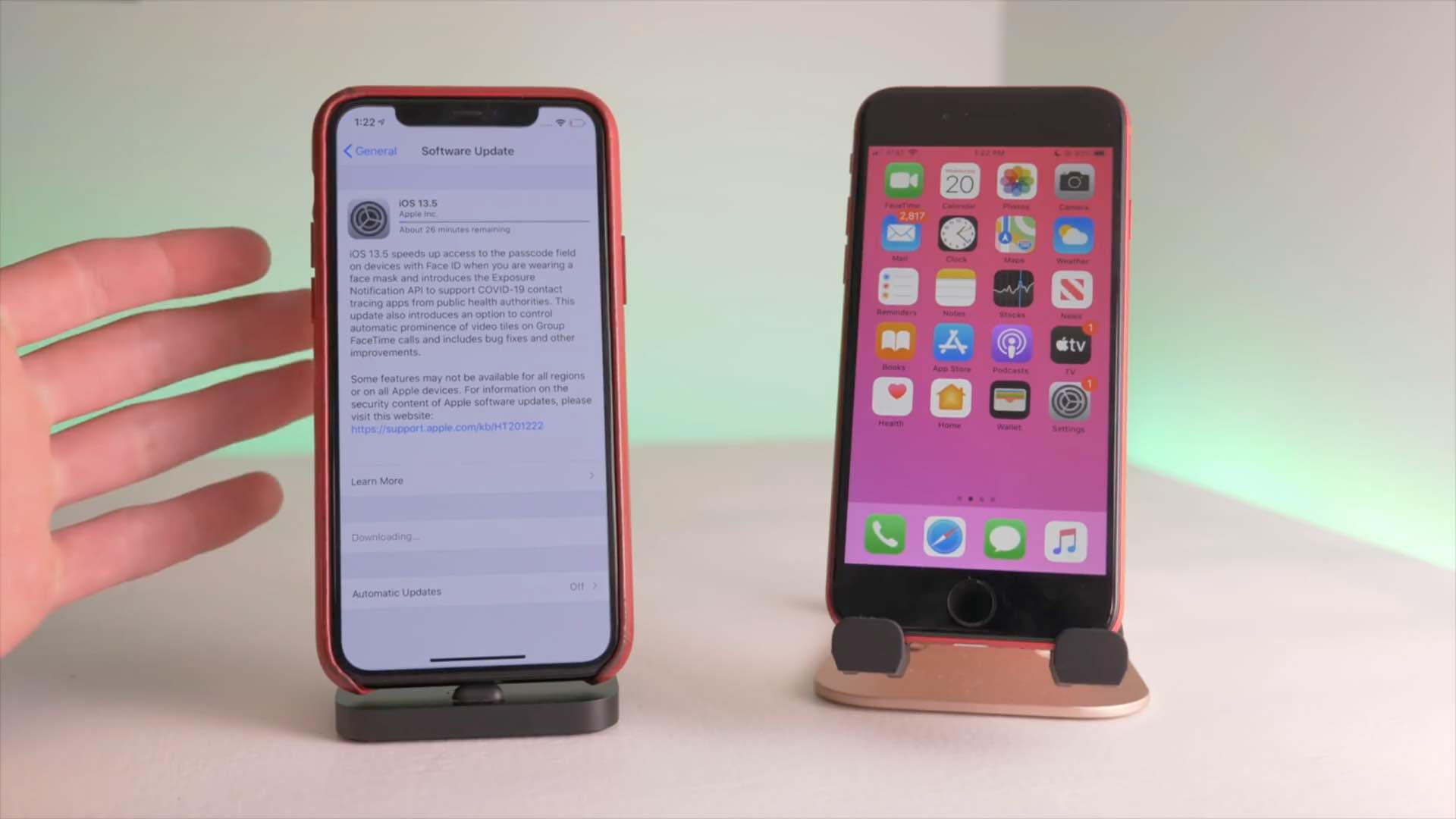
Apple yesterday released the iOS 13.5 software for the iPhone and iPod touch alongside iPadOS 13.5 for the iPad. The updates bring out several new features including coronavirus exposure logging, Apple Music sharing and APIs for developers to create privacy-first COVID-19 apps, as well as Face ID and group FaceTime improvements. To help you make the most out of these new software updates, we've tasked our videographer Harris Craycraft with putting together a little hands-on video walkthrough detailing all the changes in iOS and iPadOS 13.5.

In this tutorial, we’ll explain what burst mode is on iPhone, how to use it to capture the perfect shot, and then keep the best pictures while getting rid of the rest.
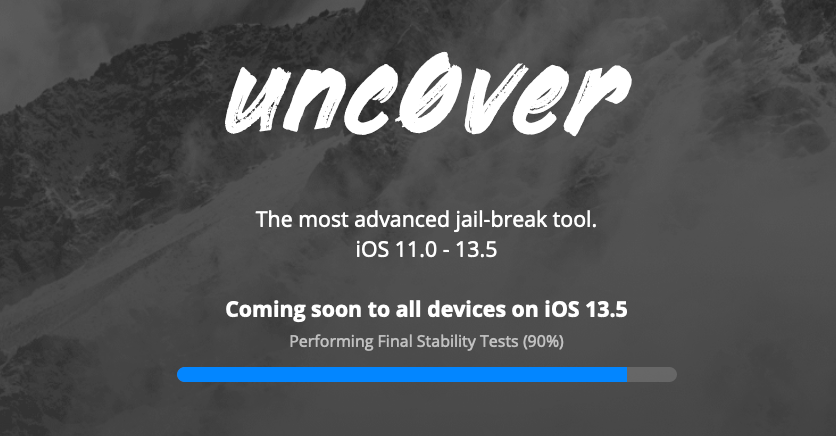
It’s been a while since we’ve heard anything new from the unc0ver Team; in fact, the last time the tool was even updated was at the beginning of March. But that silence was broken Wednesday evening when the unc0ver Team teased the imminent release of unc0ver v5.0.0, which purportedly adds support for all devices running Apple’s freshly released iOS 13.5.
The particularly exciting announcement was shared via by the unc0ver Team on Twitter at approximately 8:08 P.M. Eastern time, and was quickly Retweeted by unc0ver lead developer Pwn20wnd:
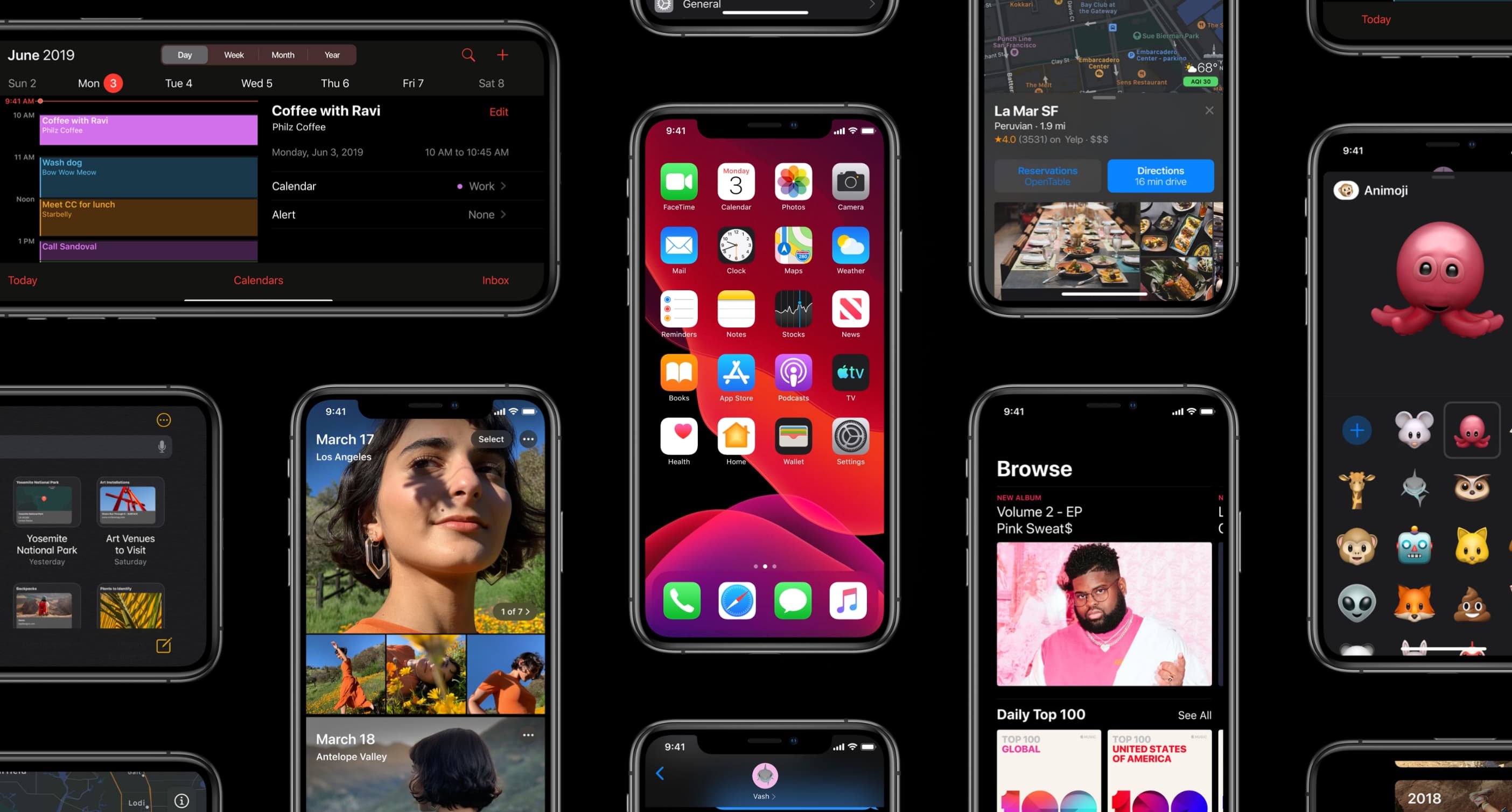
Apple on May 20, 2020 released iOS 13.5 for the iPhone and iPod touch devices and the iPadOS 13.5 update for compatible iPads. With those updates come several new features worth mentioning, including a new COVID-19 exposure notification system, Face ID improvements for mask wearers, disabling moving faces in FaceTime, Apple Music sharing to Instagram and Facebook Stories and more. Follow along with our quick tutorial explaining how to use everything new in iOS and iPadOS 13.5.

"If Found...", a hand-drawn interactive visual novel about going home, coming out and erasing everything, is now available on the iPhone, iPad and Mac.

Owners of compatible iPhones with dual-SIM, which provides an embedded SIM (eSIM) in addition to a physical nano-SIM slot, can now register their device with Google's Fi service.
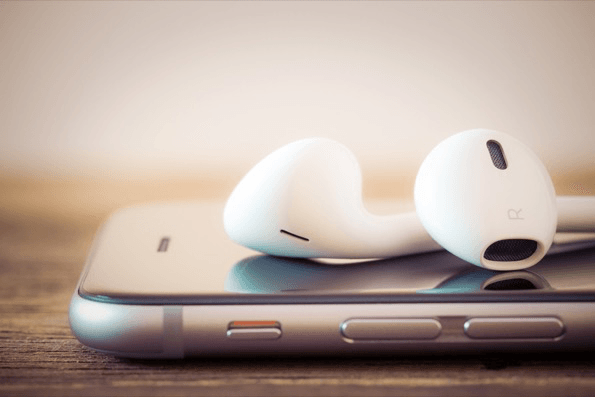
Apple may stop bundling free earphones with new iPhones by the time its next iPhone models launch this fall, a major change considering that the company has been shipping its free wired earphones, called the EarPods, ever since the original iPhone launched back in 2007.