Apple Pay Later is a service offered by Apple that works a lot like any other buy now pay later (BNPL) service — buy something you can’t afford now, and pay it back in four smaller payments.
Stay up-to-date on the latest iPhone news and learn new tips and tricks with our comprehensive tutorials. From software updates to new features, we’ve got you covered.
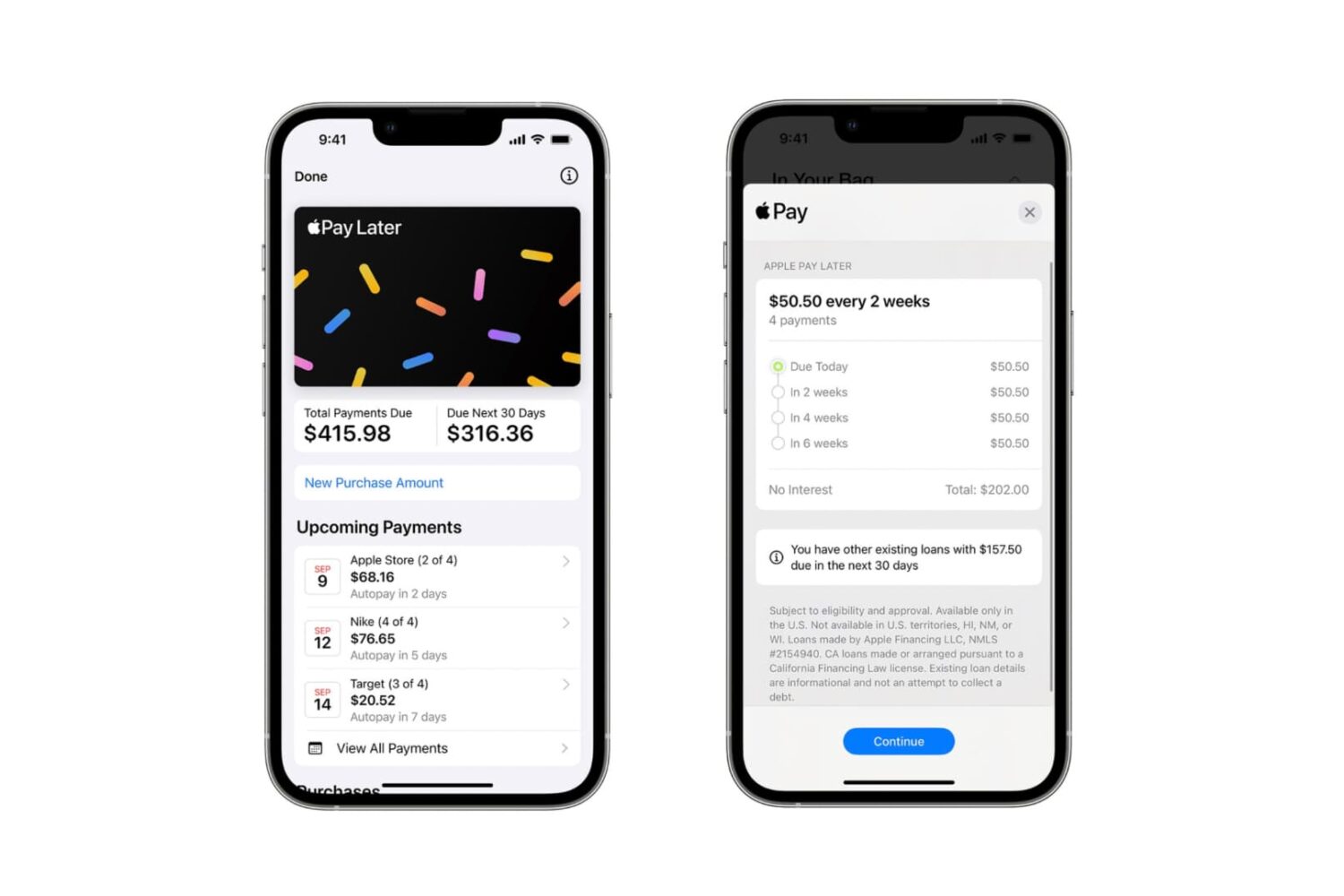
Apple Pay Later is a service offered by Apple that works a lot like any other buy now pay later (BNPL) service — buy something you can’t afford now, and pay it back in four smaller payments.
Our friends at ZAGG are kicking off yet another site-wide sale this week, this time in the name of the Halloween spirit.
Dopamine jailbreak lead developer Lars Fröder released another new update to the iOS & iPadOS 15.0-15.4.1 jailbreak tool for arm64e (A12-A15) devices on Tuesday despite comments about the previous update likely being the last for a while.

Accessory maker Pad & Quill, long touted for making quality pieces for Apple devices, is sadly going out of business after 13 years in the industry.
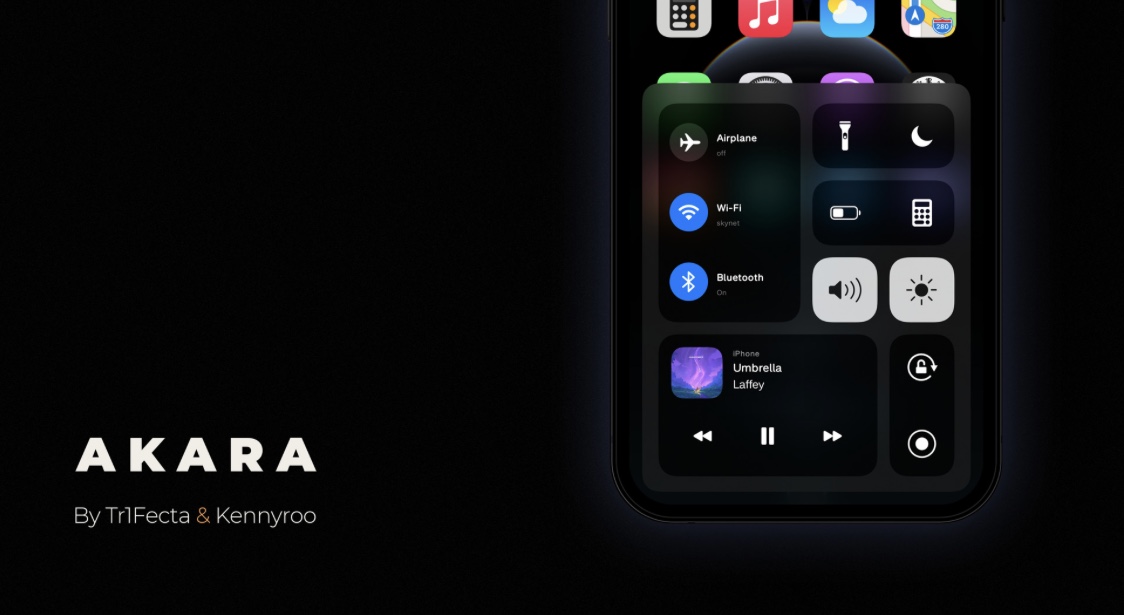
Around two years ago, we showed you a jailbreak tweak called Akara by iOS developers Tr1fecta and Kennyroo that reimagined the Control Center user experience while maintaining a semi-stick aesthetic as not to detract from Apple’s design techniques.
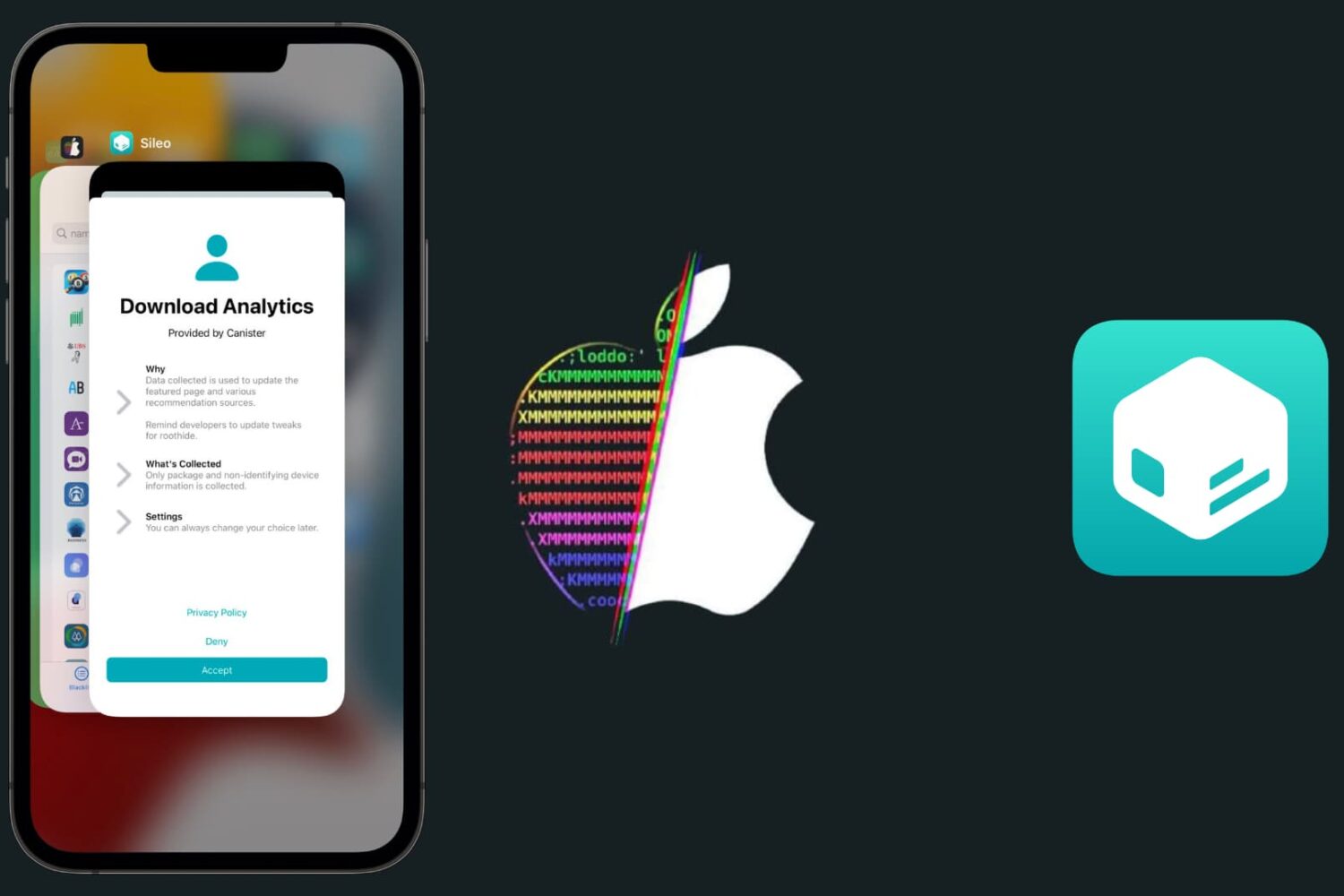
If you’re taking advantage of the RootHide jailbreak detection bypass for the Dopamine jailbreak on an A12-A15 device running iOS or iPadOS 15.0-15.4.1 and you also depend on Sileo as your package manager app, then we would strongly recommend opening Sileo and refreshing your sources this morning.
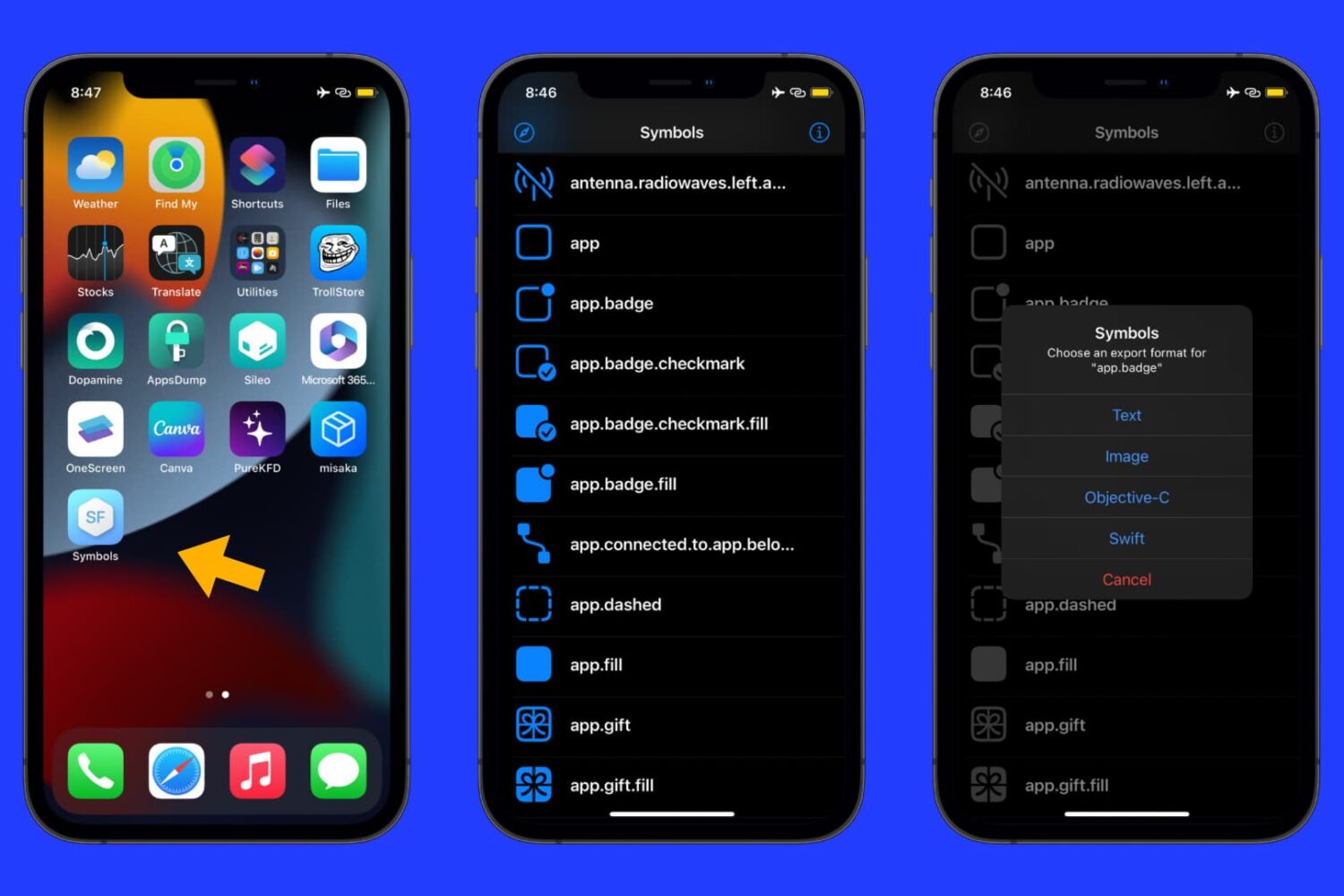
Ever wished you could have a full library of Apple’s SF Symbols graphics on your mobile device? If so, then a new jailbreak app called Symbols by iOS developer MTAC will be your best friend.
Learn how to prevent your iPhone from sharing data when you bring it near another iPhone.
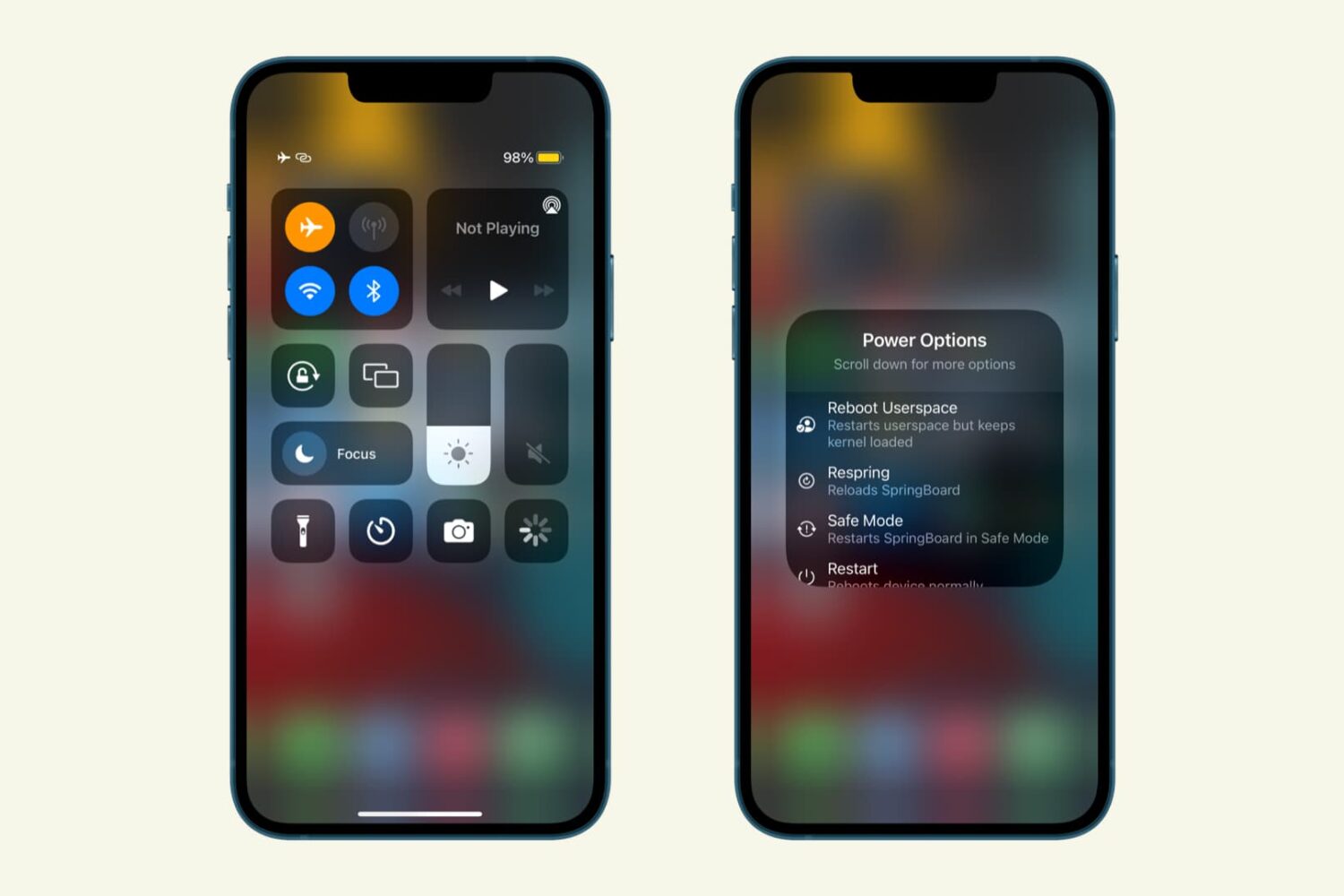
Anyone who appreciates convenience will have no problem taking a liking to a new and free jailbreak tweak release called CCPowerMenu by iOS developer MTAC.
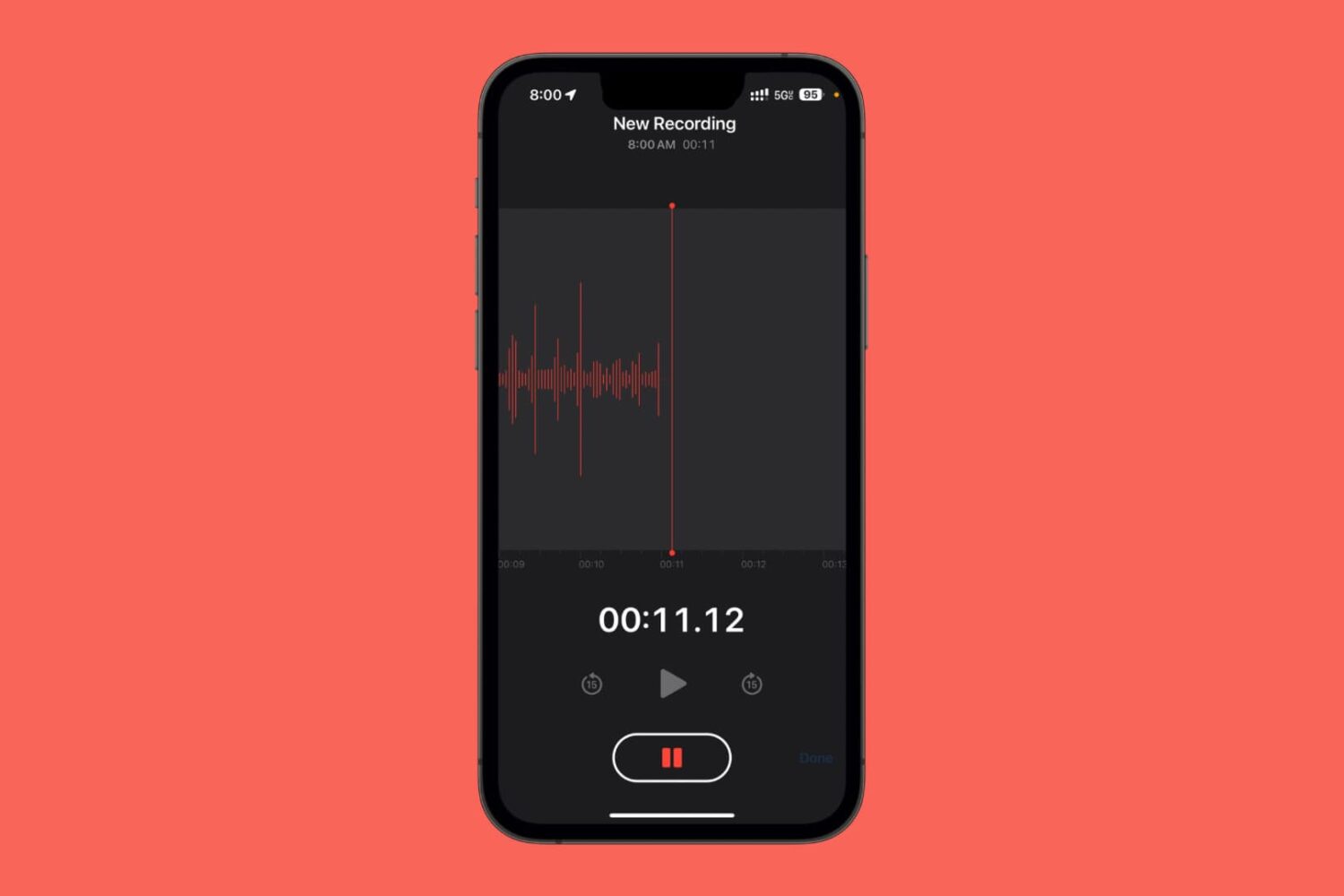
The stock Voice Memos app on the iPhone can be particularly useful for recording audio events, but it’s so non-discreet that anyone who sees your iPhone would be able to tell you were recording their voice.
The iDB team has worked hard this week to bring you the latest iPhone hacking and jailbreaking news as it happened, but if you missed any of that because of your busy life, then you can refer to today’s roundup post to see what’s happening.
Dopamine lead developer Lars Fröder (@opa334dev) released another update to the iOS & iPadOS 15.0-15.4.1-centric jailbreak tool for arm64e devices late Friday night in the form of version 1.1.9.