iPad

From the latest news to the most comprehensive tutorials, learn how to get the most out of your iPad with our step-by-step guides and expert tips.

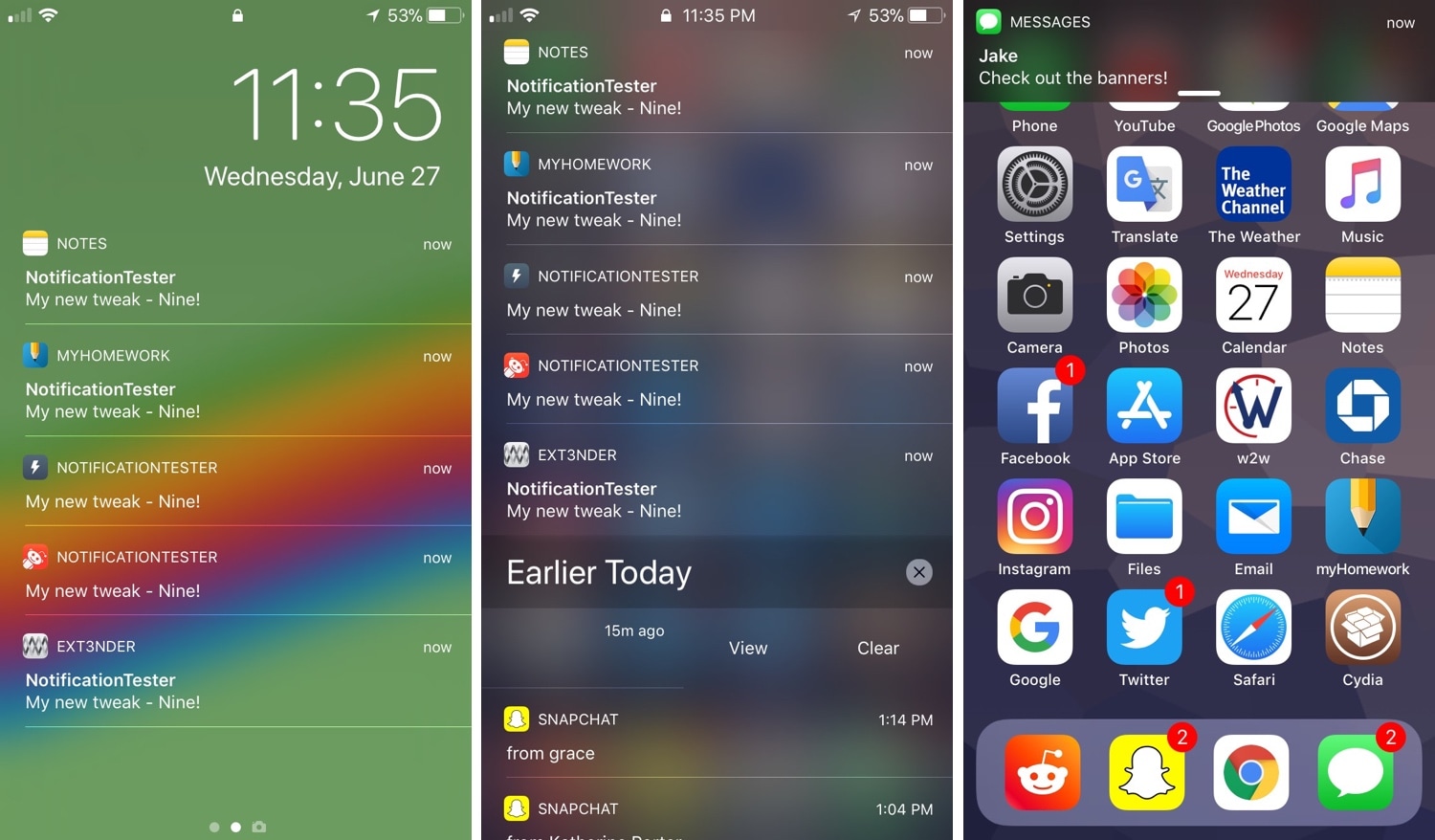
Miss how notifications looked in iOS 9? Try a new tweak called Nine

iOS 11 introduced a polarizing makeover for notifications on the Lock screen, Notification Center, and throughout the rest of the operating system. Unsurprisingly, not everyone is onboard with the redesign.

Fortunately, you now have the option of rolling back the look and feel of your iPhone or iPad’s incoming notifications with a new free jailbreak tweak called Nine by iOS developer Jake Kaslewicz.
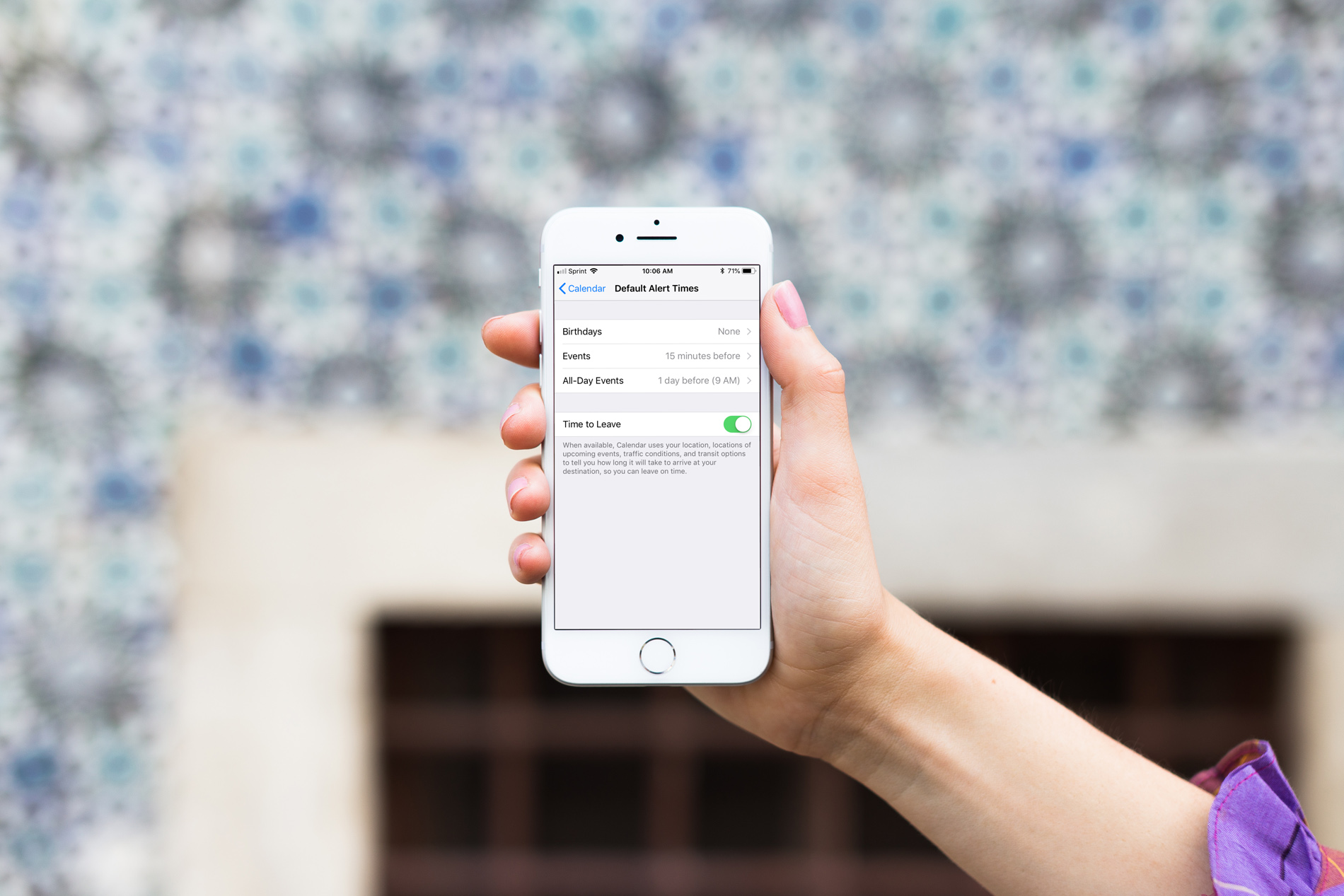
How to customize default alert times for Calendar events on iPhone and iPad

Calendar Event Types

When you create events in the iOS Calendar app, you can easily set an alert to remind you of that event. But you’ll also notice that a time for the alert pops into your event alert automatically. This is the default time in your Calendar app, and you can change it to suit your preference.

Once you set the default alert time you want, you won’t have to change it when creating the event unless you really need to, and here’s how.