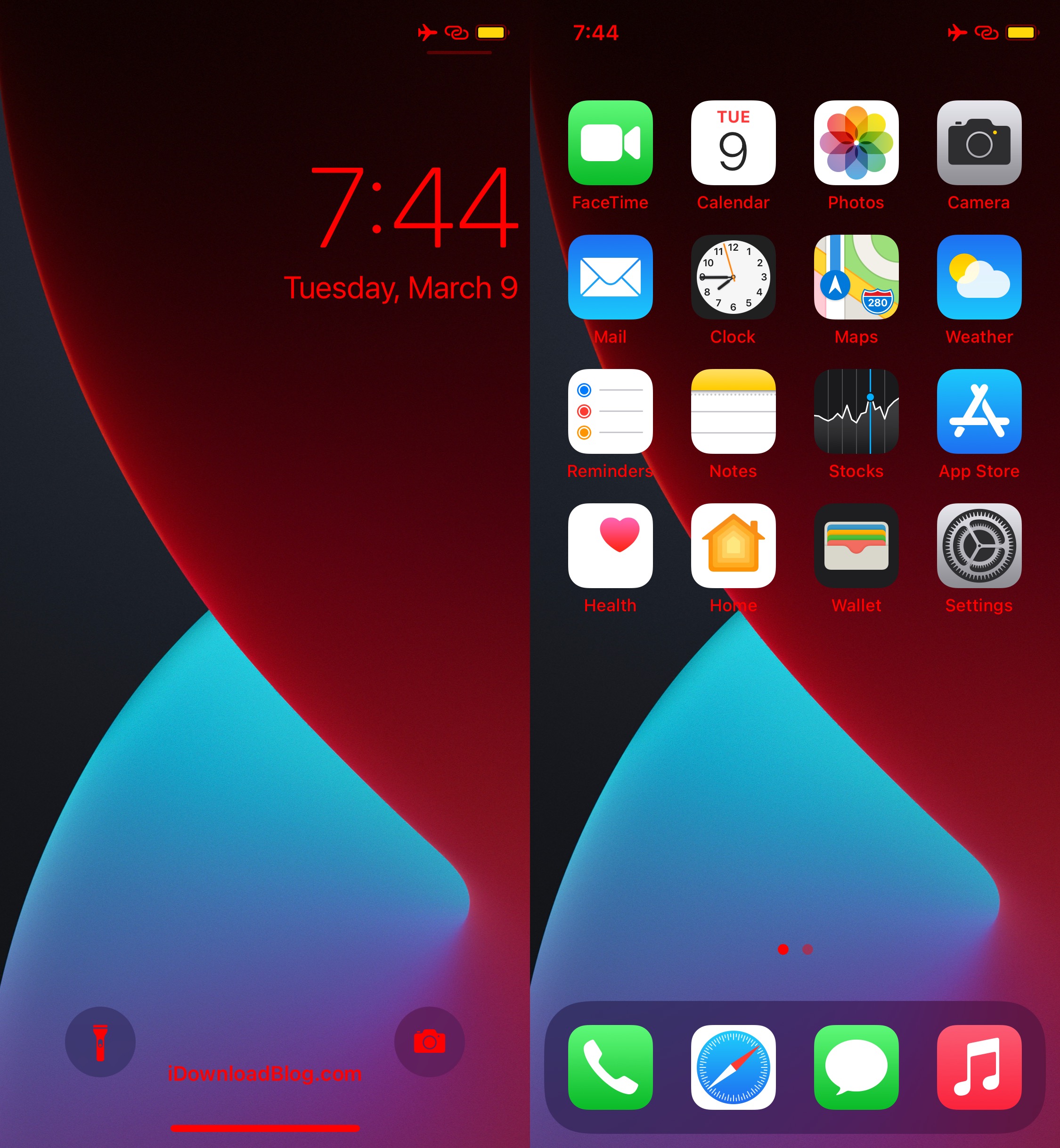
iOS 13

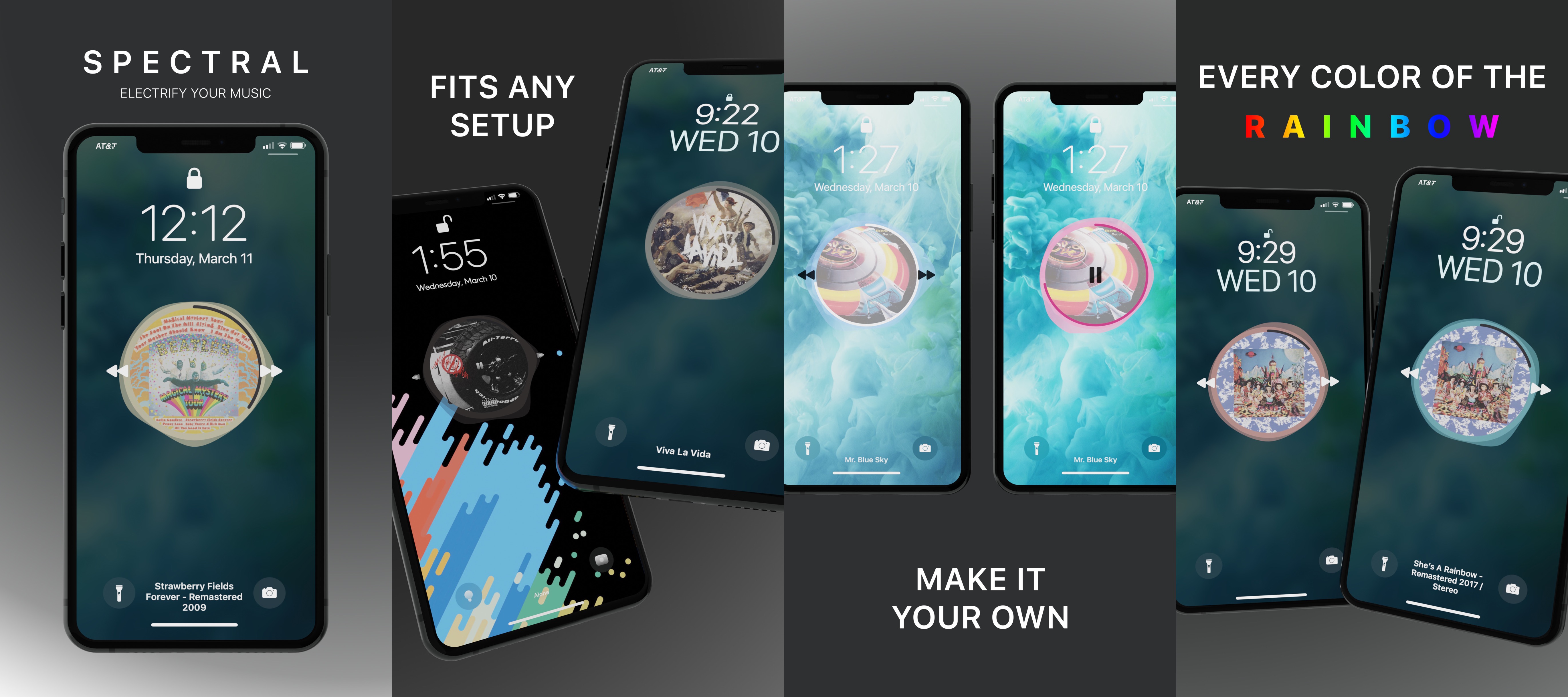
Spectral gives jailbreakers a sleeker Now Playing interface with an audio visualizer

Given that iOS devices continue to be some of the best music players on the market today, it’s not surprising that we continue to see more and more jailbreak tweaks for pwned handsets that try to out-do Apple at their own game, or at the very least, offer a level of personalization for the end user that otherwise wouldn’t be available on a stock handset.

For those wanting to expand on Apple’s award-winning music player experience, a new jailbreak tweak dubbed Spectral by iOS developer Beckett O’Brien just might be of interest.

Sileo updated to v2.0.1 with extensive list of fixes & improvements, now open source

If you’ve been following news in the jailbreak community recently, then you’ve probably caught wind about Taurine, the upcoming iOS & iPadOS 14.0-14.3-supported jailbreak tool for all devices. More specifically, the project has entered internal beta testing and will be released to the general public in the near future.

Taurine, much like Odyssey for iOS & iPadOS 13 and Chimera for iOS 12 before it, will utilize the Sileo package manager out of the box as opposed to Cydia, and given that Taurine is nearing a public release, it may not come as much of a surprise that the Sileo Team has launched a fresh update for its package manager.

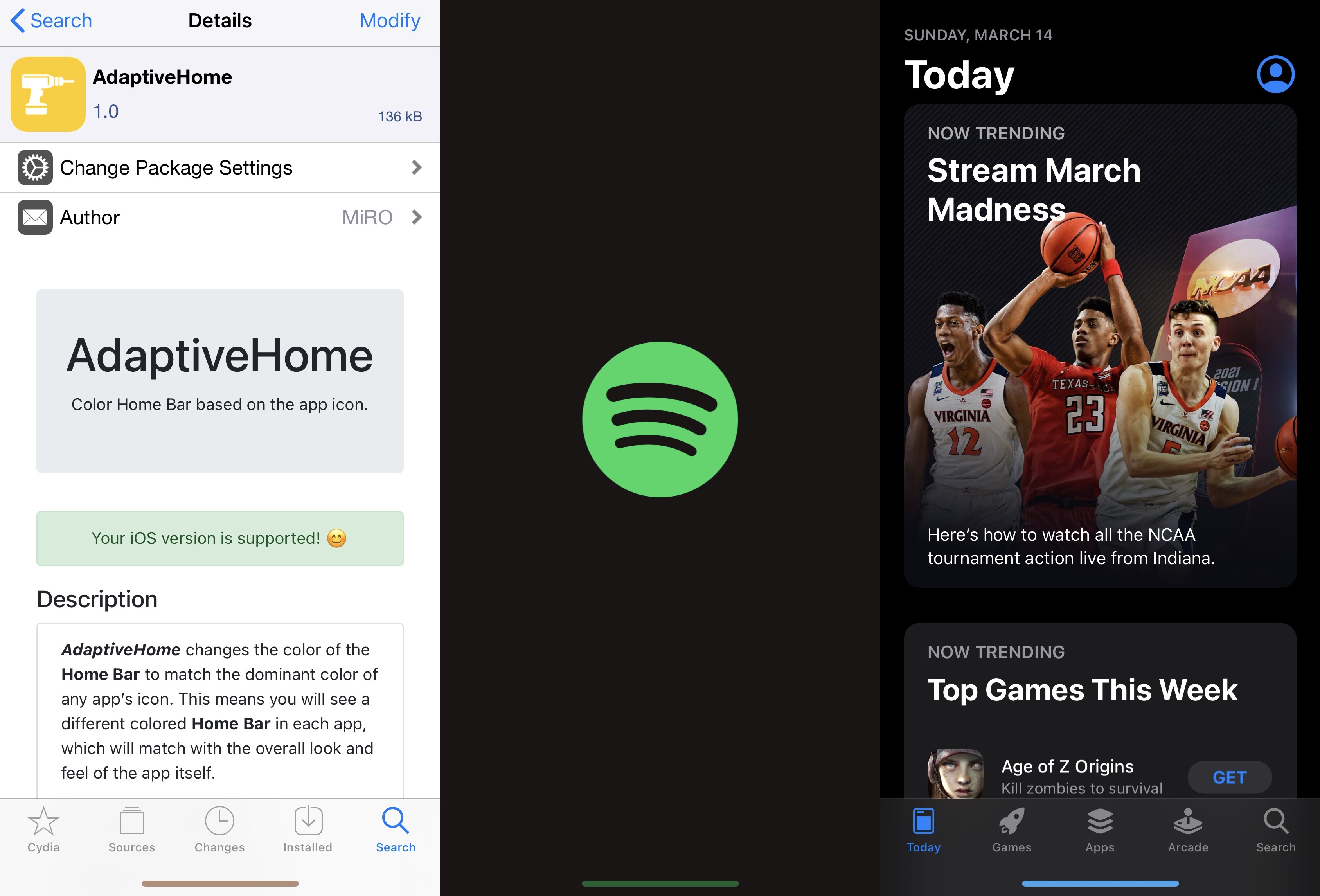
AdaptiveHome colors the Home Bar based on the icon of the app you’re using

One thing I like to do with a jailbroken iPhone or iPad is give it some personality. It doesn’t have to be anything extravagant, but I thoroughly enjoy subtle modifications that maintain Apple’s native design aesthetic to a certain degree while still offering something a bit more custom than what you’d experience on a device fresh out of the box.

If you’re anything like me with regard to the above sentiment, then I think you might enjoy a newly released and free jailbreak tweak dubbed AdaptiveHome by iOS developer MiRO.

Jailbreak tweaks of the week: BatteryBuddy, Libellum, MediaBar14, & more…

The jailbreak community has been electrified ever since the unc0ver jailbreak picked up support for iOS & iPadOS 14.0-14.3, and with CoolStar's Odyssey14 jailbreak right around the corner, the community still has a lot more to look forward to.

In this roundup, we'll showcase all the latest jailbreak tweak releases and jailbreak-centric news from this past week, covering Monday, March 8th to Sunday, Match 14th. As always, we'll kick things off by discussing our favorite releases first, and then we'll wrap things up with an outline of everything else afterward.

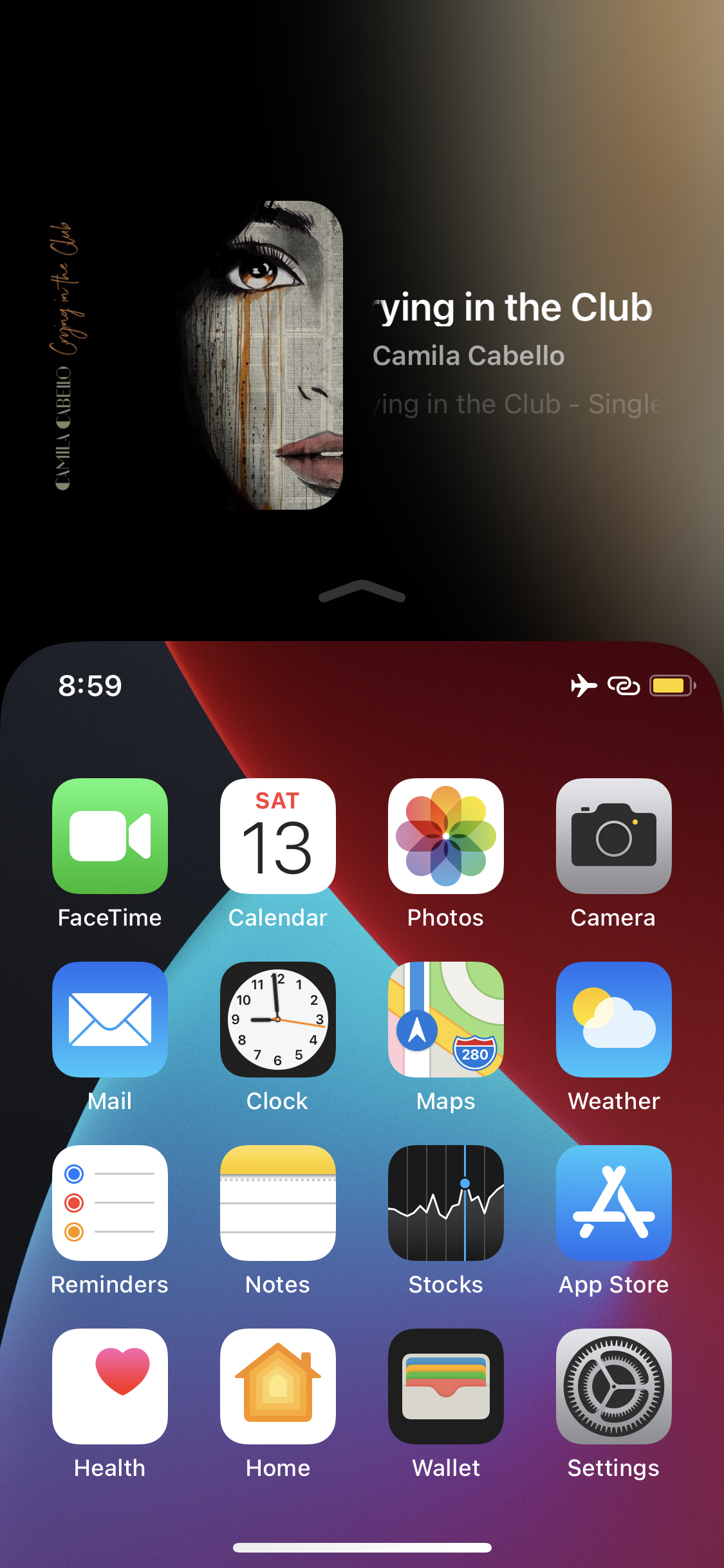
ReachPlayer fills the Reachability interface’s void with Now Playing info

Apple knows that its largest handsets can be unwieldy for one-handed usage, and that’s the primary reason why all modern iPhones come equipped with an accessibility feature dubbed Reachability.

I take advantage of Reachability somewhat frequently on my massive 6.7-inch iPhone 12 Pro Max, and while doing so, I often think to myself about just how much potential screen real estate is being wasted at the top of the display. After all, Apple could at least show device information of some sort in the unused Reachability space so that it isn’t occupied by a whole lot of nothing.

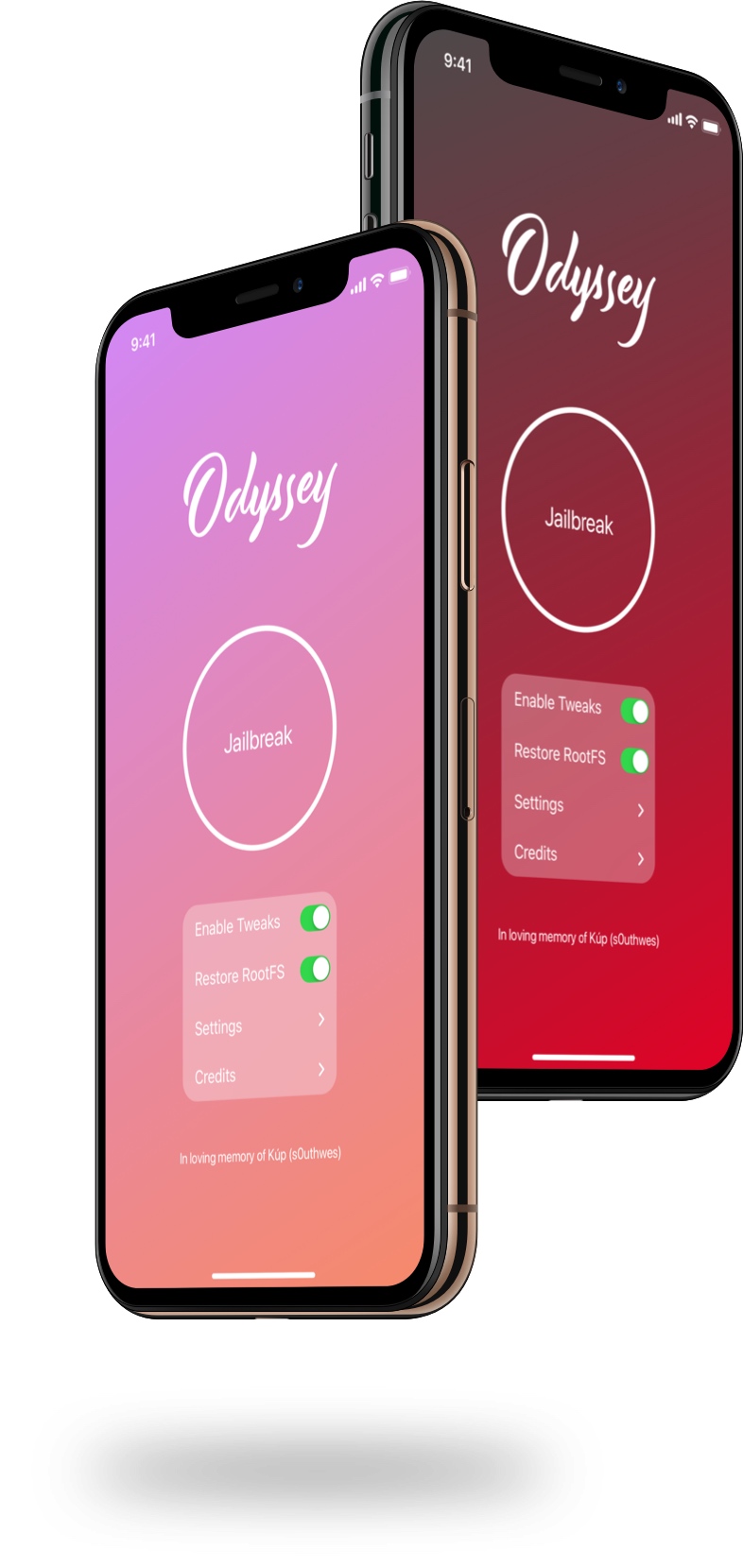
CoolStar seeds second beta of Odyssey v1.3.1 with bootstrap fix for cicuta_verosa exploit

Odyssey jailbreak tool for iOS 13.0-13.7.

Just under a week ago, CoolStar seeded Odyssey v1.3.1 beta 1 to members of the Sileo / Odyssey Discord channel for public beta testing. The biggest change was initial support for the new cicuta_verosa kernel exploit by @ModernPwner.

It wasn’t long after the beta release that the Odyssey Team learned of an issue involving bootstrapping a fresh device when using the cicuta_verosa exploit. Consequently Odyssey v1.3.1 beta 2 is now available with a fix.

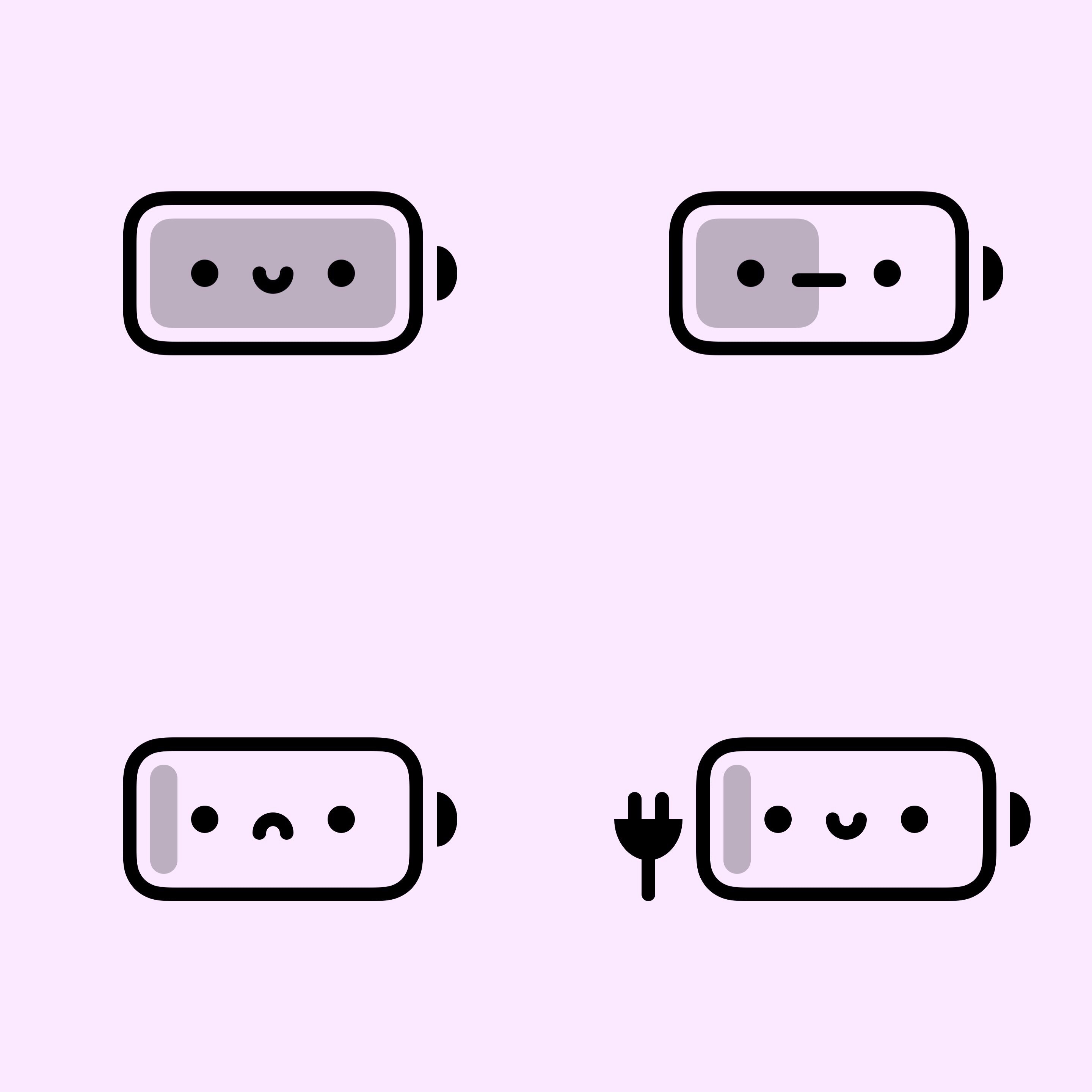
BatteryBuddy is a cute Status Bar battery icon extension for pwned iPhones

Many different forms of device customization exist for jailbroken iPhones and iPads. Whether you’re trying to make the device behave differently than it does out of the box or you’re looking to personalize the user interface with themes, there’s a little bit of something out there for everyone.

One great example would be a newly released and free jailbreak tweak dubbed BatteryBuddy by iOS developer Litten, which provides the end user with a much cuter battery indicator in the Status Bar.

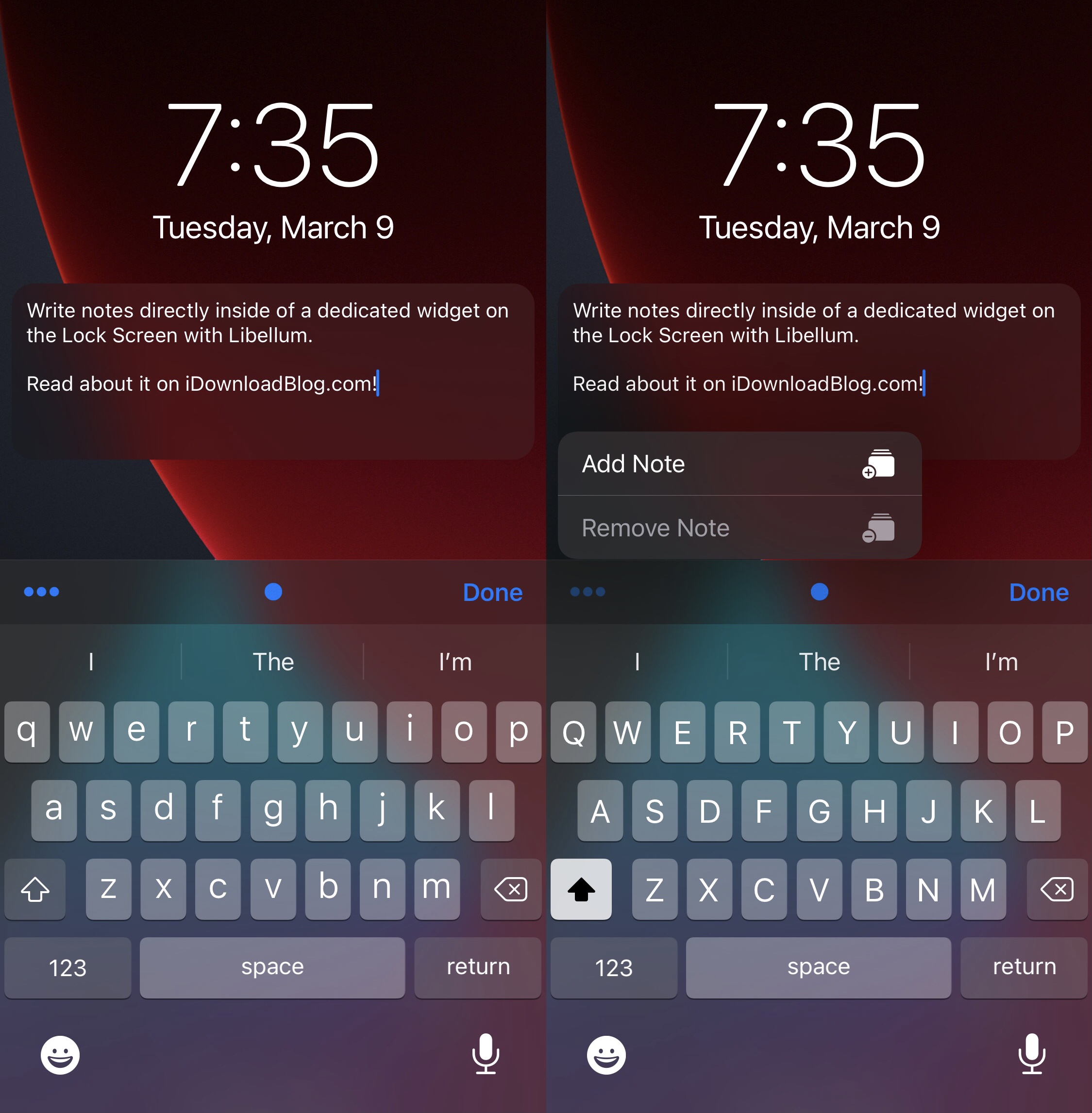
Libellum lets jailbreakers jot notes down directly on the Lock Screen

Note-taking is an incredibly useful way to ensure you don’t forget something later on, and while Apple’s Notes app is a great tool for jotting down a note here and there, it can be a nuisance trying to get to the app in a pinch when I need it.

Libellum is a newly released and free jailbreak tweak by iOS developer LacertosusDeus that offers refuge from the aforementioned qualm, and it does so by putting a convenient note-taking widget directly on your Lock Screen that you can interact with without any delay of any kind.

Customize your jailbroken iPhone’s Lock Screen with LockNice

If you’re in the market for an easy-to-use jailbreak tweak that lets you customize aesthetics on the Lock Screen and some other parts of iOS, then you may want to turn your attention to the likes of a newly released and free jailbreak tweak called LockNice by iOS developer ahmedmakls.

At face value, LockNice appears to be made for tweaking the look of your Lock Screen in subtle, yet personal ways. But when we tested the tweak, we were pleasantly surprised to find that some of the colorization features extended to the Home Screen.

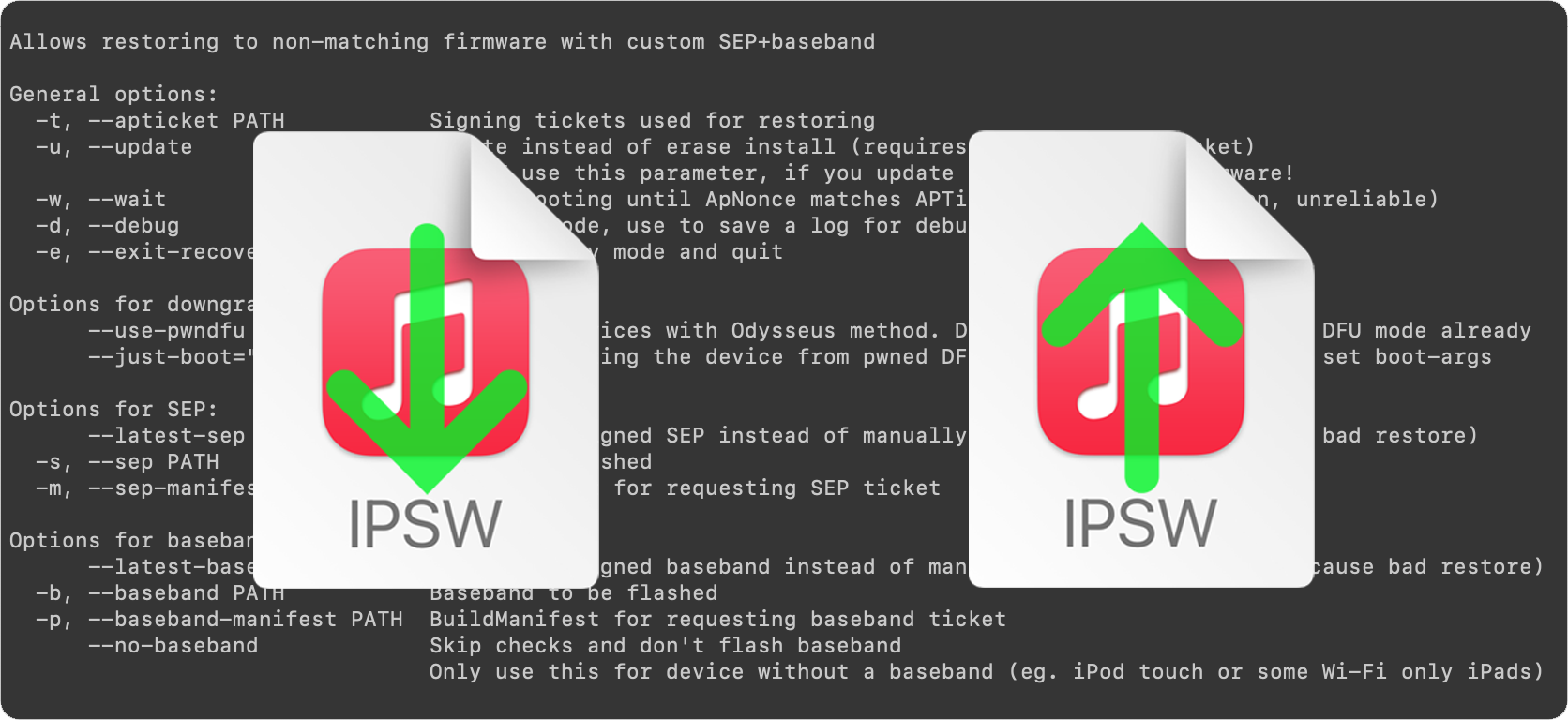
Guide to futurerestore: Introduction

This is an introductory article which explains what futurerestore is and how it works, as well as how to follow our futurerestore guides to upgrade/downgrade your device.

Before attempting any of the guides, everyone should read this article. It explains whether the guides apply to you, and if they do, which ones you should follow, as well as making sure that you fulfil the requirements for it to work. Not everyone can use futurerestore.

Guide to futurerestore Part 1: How to set a generator

This is Part 1 of a two-part guide on how to use futurerestore.

Before attempting this guide, everyone should read the introductory article, Guide to futurerestore: Introduction. It will explain whether this guide applies to you, as well as making sure that you fulfil the requirements for it to work.

If you currently have a jailbreak and you want to move to a different firmware with futurerestore’s generator mode, you must follow this guide first before following Part 2.

If you currently have no jailbreak, and you want to move to a different firmware with futurerestore’s Apnonce collision mode, you can skip this guide and head straight to Part 2. This method does not apply to most users.

Guide to futurerestore Part 2: How to use futurerestore to restore to unsigned firmwares

This is Part 2 of a two-part guide on how to use futurerestore.

Before attempting this guide, everyone should read the introductory article, Guide to futurerestore: Introduction. This will explain whether the guides apply to you, as well as making sure that you fulfil the requirements for it to work.

If you currently have a jailbreak and you want to move to a different firmware with futurerestore's generator mode, you must follow Part 1 of the guide before following Part 2.

If you currently have no jailbreak, and you want to move to a different firmware with futurerestore's Apnonce collision mode, do only this part of the guide. This method does not apply to most users.