iCloud

Apple to soon require app-specific passwords to access your iCloud data

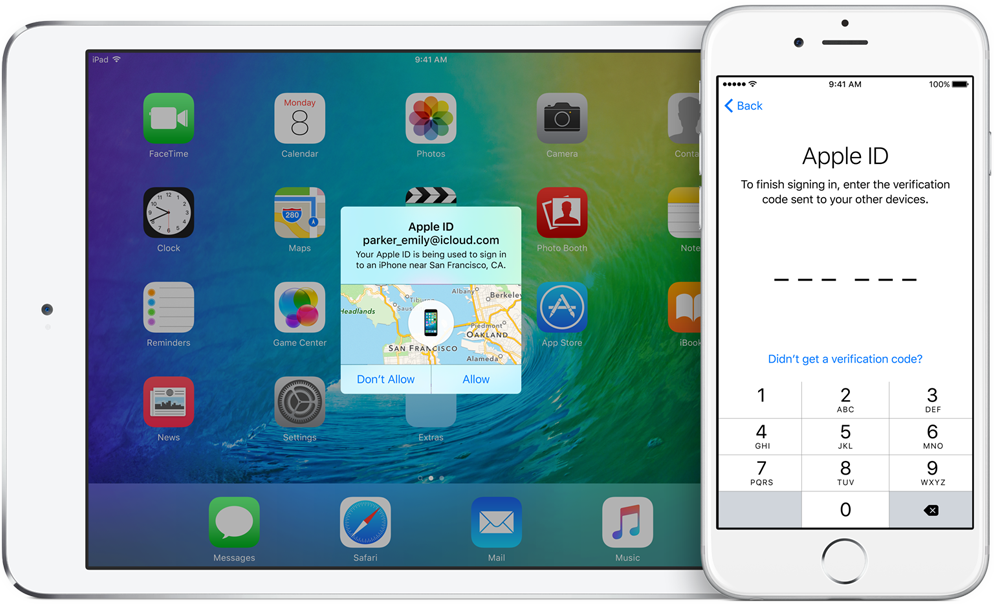
According to an Apple Support email sent out today, all native third-party apps for iPhone, iPad, Mac and other platforms will be required to use app-specific passwords to access user data stored in iCloud, not Apple ID credentials.

App-specific passwords went into effect in October 2014.

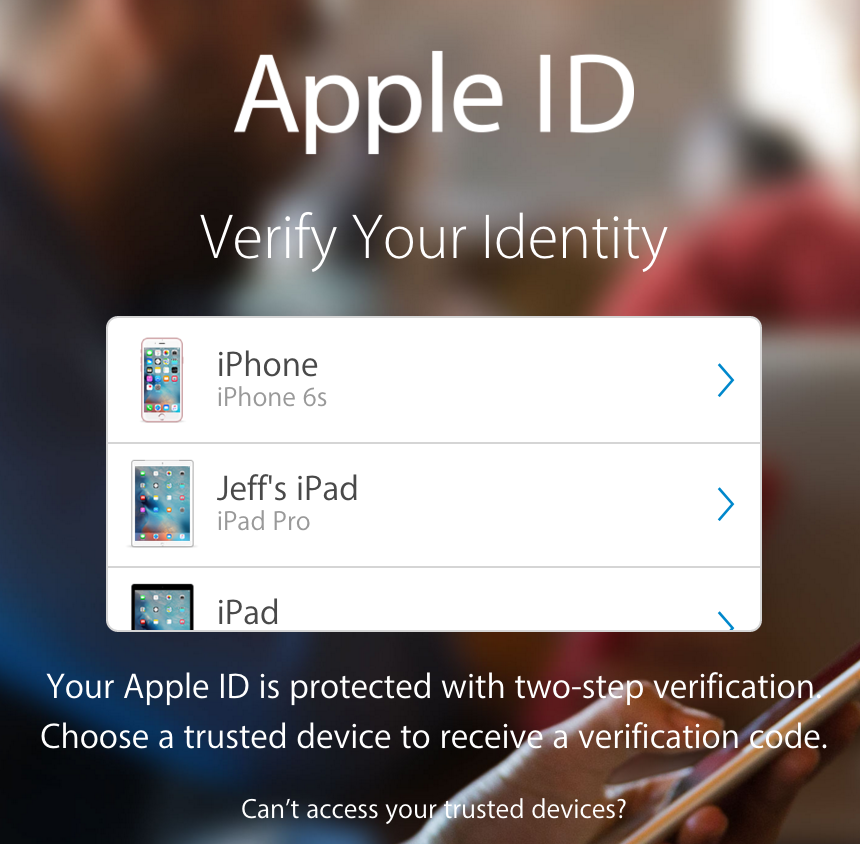
Back then, enabling two-step verification for Apple ID would turn on app-specific passwords for web-based apps and services. Starting on June 15, app-specific passwords will become a mandatory requirement for any native app that wishes to access user data in iCloud.

You can generate app passwords in the Password & Security section of the Apple ID website.

A password created for one app, like Outlook, doesn't work in another app like Spark.

Come June 15, you'll be automatically signed out of all apps that use your Apple ID credentials. As an example, if you set up Fantastical for Mac with your Apple ID to access your iCloud calendars, you'll need to generate an app-specific password to continue accessing your iCloud calendars from within the app on and after June 15.

In simpler terms, you'll be required to enable two-factor authentication for your Apple ID and generate individual passwords for each app after the cutoff date.

The change is platform-agnostic: if you use Windows 10's Mail app to receive your iCloud data like contacts and calendars, you'll need to create an app-specific password for it. This is for the sake of everyone's security because signing into third-party apps with your primary Apple ID password may expose you to various attacks and hacking attempts.

To be clear, this only affects apps which access iCloud in a non-native way, which includes email clients like Outlook, Thunderbird and others. If an app has been updated to use iCloud Drive, it won't need an app-specific password to access user data in iCloud.

Bottom line: Apple still lets you grant apps access to your iCloud data, but soon you'll be able to do so in such a way that keeps your primary Apple ID password safe and secure.

Apple's first-party apps are not affected by this change.

WhatsApp quietly added encryption to iCloud backups in late 2016

WhatsApp last year closed an important security loophole by adding encryption to users' chat backups stored in iCloud. Before the change, hackers could theoretically gain access to WhatsApp chat archives in iCloud using third-party forensic tools to access underlying messages in a readable form.

Rather than rely on iCloud Drive to protect customer data, the Facebook-owned company has added a unique encryption key created by the WhatsApp app.

A spokesperson confirmed iCloud backups are now being encrypted, telling Forbes: “When a user backs up their chats through WhatsApp to iCloud, the backup files are sent encrypted.”

Although Apple holds the encryption keys for iCloud, it's up to app makers to use encryption when sending user data to iCloud. According to TechCrunch, a Russian company called Oxygen Forensics, which supplies mobile and cloud hacking tools, was able to generate encryption keys for WhatsApp's iCloud backups.

The workaround requires that an attacker have access to a SIM card with the same mobile number that the app uses to send a verification code to generate the encryption key for the iCloud backup. Of course, Oxygen still needs a user's Apple ID and password to gain access to their iCloud user space in the first place.

“Then, using the associated SIM, Oxygen said it can generate the encryption key for decrypting the data by passing the verification process again,” explains TechCrunch. Forbes suggests the method could be used by police in possession of a device where the WhatsApp account has been deleted but iCloud backups have not been wiped.

https://twitter.com/FiloSottile/status/861569977681412096

In other words, after realizing that forensic tools could be used to download encrypted WhatsApp data from iCloud backups in a readable form, WhatsApp has beefed up security and quietly rolled out encryption for iCloud backups last year.

You can backup your entire WhatsApp chat archive to iCloud by tapping the Settings tab in the lower-right corner of the app. Now tap Chats, then Chat Backup and finally hit Back Up Now.

By the way, WhatsApp should update the wording of the Chat Backup screen because it states, somewhat confusingly, that “media and message you back up are not protected by WhatsApp end-to-end encryption while in iCloud.”

Issues with your Apple Music subscription or iCloud storage? You’re not alone

As acknowledged on Apple's System Status webpage, an unknown percentage of Apple Music subscribers have been experiencing issues with their subscriptions since Tuesday, ranging from the inability to download tracks for offline listening to being unable to connect to the service at all.

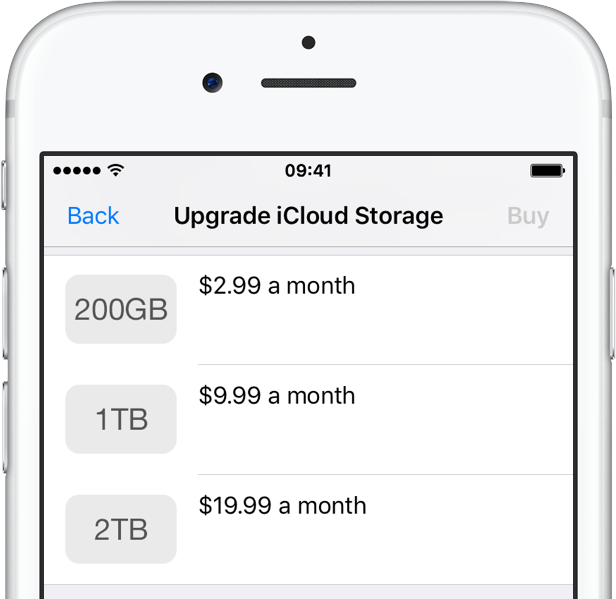
According to complaints on Reddit, some folks are also being greeted with a “Cannot Connect to iCloud” error message when attempting to upgrade or downgrade their iCloud storage plan.

Has iOS 10.3 randomly turned on your previously disabled iCloud services in Settings?

Released nine days ago, iOS 10.3 appears to be randomly re-enabling iCloud features that users previously disabled in Settings. The software update consolidates the various iCloud and Apple ID-related features under one central place at the top of the Settings app. The new organization has nothing to do with this behavior. It's a bug, Apple told customers in an email message obtained by MacRumors, that affects a small number of users.

Rumor: iOS 11’s Siri will learn from user behaviors, gain iMessage integration & iCloud syncing

A sketchy rumor released Monday by the Israeli outlet The Verified claims that Siri will gain some interesting new capabilities when iOS 11 launches this fall. For starters, Apple's personal digital assistant will tap into machine learning deeper than ever before to learn from user behaviors within the context of individual apps. Moreover, Siri will integrate with Apple's iMessage service and sync data via iCloud.

Apple responds to ransom threat: iCloud, Apple ID and other systems have not been breached

Yesterday, a hacker group known as “Turkish Crime Family” told Motherboard it had obtained access to hundreds of millions iCloud and Apple ID accounts. They've threatened to reset passwords and remotely wipe Apple devices of all their data, including photos, videos and messages, unless the company pays a ransom of either $75,000 in the Bitcoin/Ethereum cryptocurrencies or $100,000 in iTunes Gift Cards, by April 7. Today, Apple denied the hacking claims, telling Forbes that iCloud, Apple ID and other systems haven't been hacked into directly.

Hackers tying to extort Apple over dubious claims, threatening to remotely wipe iOS devices

As reported Tuesday by Motherboard, hackers that go under the code-name “Turkish Crime Family” have allegedly obtained, through unknown means, access to hundreds of millions of Apple email accounts, including iCloud inboxes with email addresses on @icloud and @me domains.

They're threatening to remotely wipe iOS devices unless Apple pays a laughable ransom. It's notable that iCloud has never been hacked into directly and other reasons make this story hard to swallow.

How to check Activation Lock status via Apple’s support pages

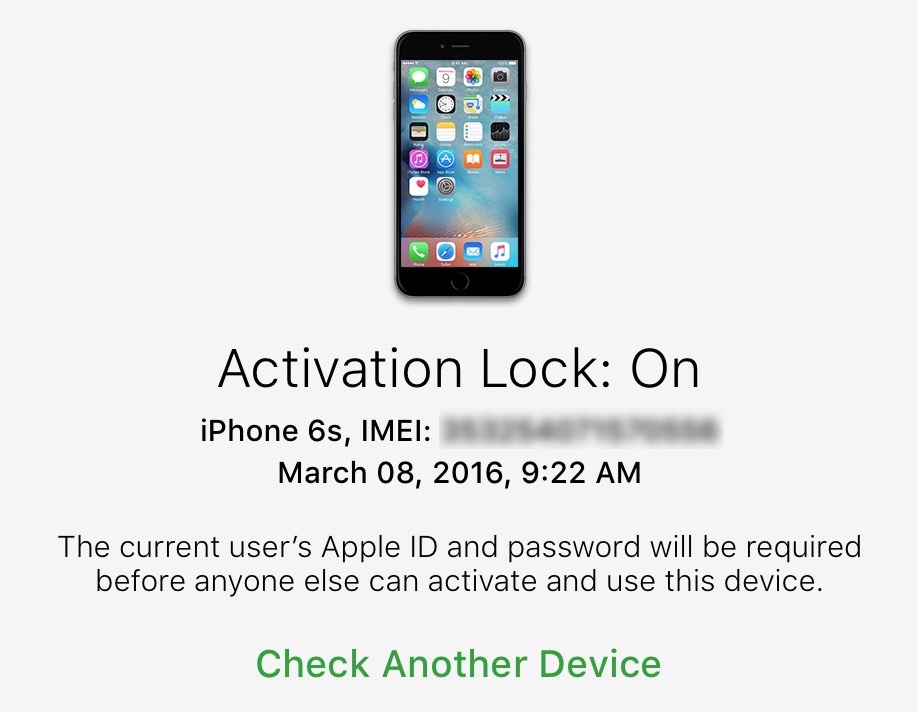
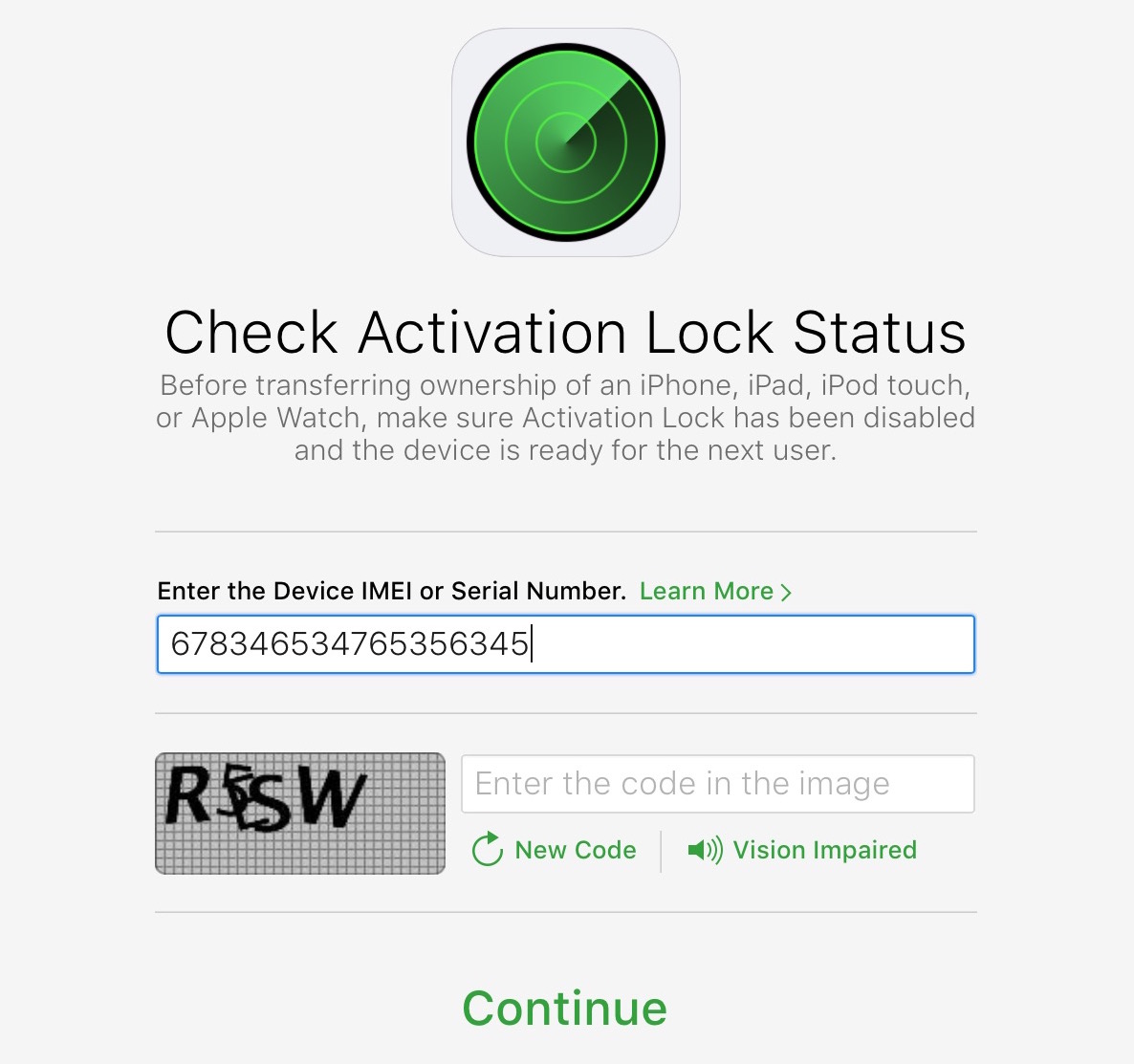
In the past, you could check the Activation Lock on a dedicated official iCloud page by entering the IMEI number. However, Apple removed it a few years back. Now the only reliable option to check a device's Activation Lock is by having physical access to that iPhone or iPad.

But, there is a workaround that might work for some. So the tutorial below talks about that trick which involves using the Apple Support page to check the Activation Lock. If it works for you, great! If it doesn't, you can follow these tips to check Activation Lock before buying a used iPhone.

iCloud was storing deleted browsing histories, but Apple fixed the issue

A Russian forensics firm named Elcomsoft has discovered that Apple was storing users' Safari browsing histories in iCloud going back more than a year, possibly much longer. This was happening even after users had asked for any deleted records to be wiped from their iCloud-connected devices. Soon after Elcomsoft announced a way to extract deleted browsing histories from iCloud, Apple applied a server-side fix to stop the retrievals and apparently purged all records older than two weeks.

Apple likely took down iCloud Activation Lock to stop hacks relying on stolen serial numbers

As we reported, Apple recently took down its tremendously useful Activation Lock webpage for reasons unknown. The theft-deterrent tool allowed legitimate iOS device owners and just about anyone else to check the status of the Activation Lock feature by entering a serial number. Apple provided no explanation for the removal, but all checks point to it being a precautionary measure meant to prevent hacks relying on stolen serial numbers, as a reader pointed out in comments.

For reasons unknown, Apple takes down theft-deterrent Activation Lock web tool

Apple recently took down its web tool for checking if a used iPhone, iPad, iPod touch or Apple Watch was stolen. The firm gave no explanation for the move.

The link to the Activation Lock webpage no longer works and the support document detailing the feature does not contain any reference to the web tool as of January 24. It was unclear at post time if a new version of the tool might be returning in the future in one form or another.