How to

How to jailbreak iOS 6.1.2 with evasi0n 1.4

Evasion 1.4 was just released with support for the recently released iOS 6.1.2, and we've got the details on how to use it to jailbreak your iDevice of choice. Although iOS 6.1.2 doesn't bring any new features to the table, there is a bug fix that makes the upgrade worth it.

Take a look inside as we show you how to jailbreak iOS 6.1.2 with evasi0n 1.4. This tutorial is for the Mac, but the same principal applies across all computing platforms.

6 ways to get more out of Auxo

It's no secret that the Auxo jailbreak tweak is one of my favorite jailbreak tweaks of all time. It's a tweak that adds a full snapshot preview of your running apps in the app switcher. It also includes handy toggles and redesigned music controls.

Now the question stands to be asked: how do you go about getting the most out of Auxo? Inside I'll share some handy tips that show you how to become an Auxo pro.

How to jailbreak iOS 6.1 (5.2) on the Apple TV 2

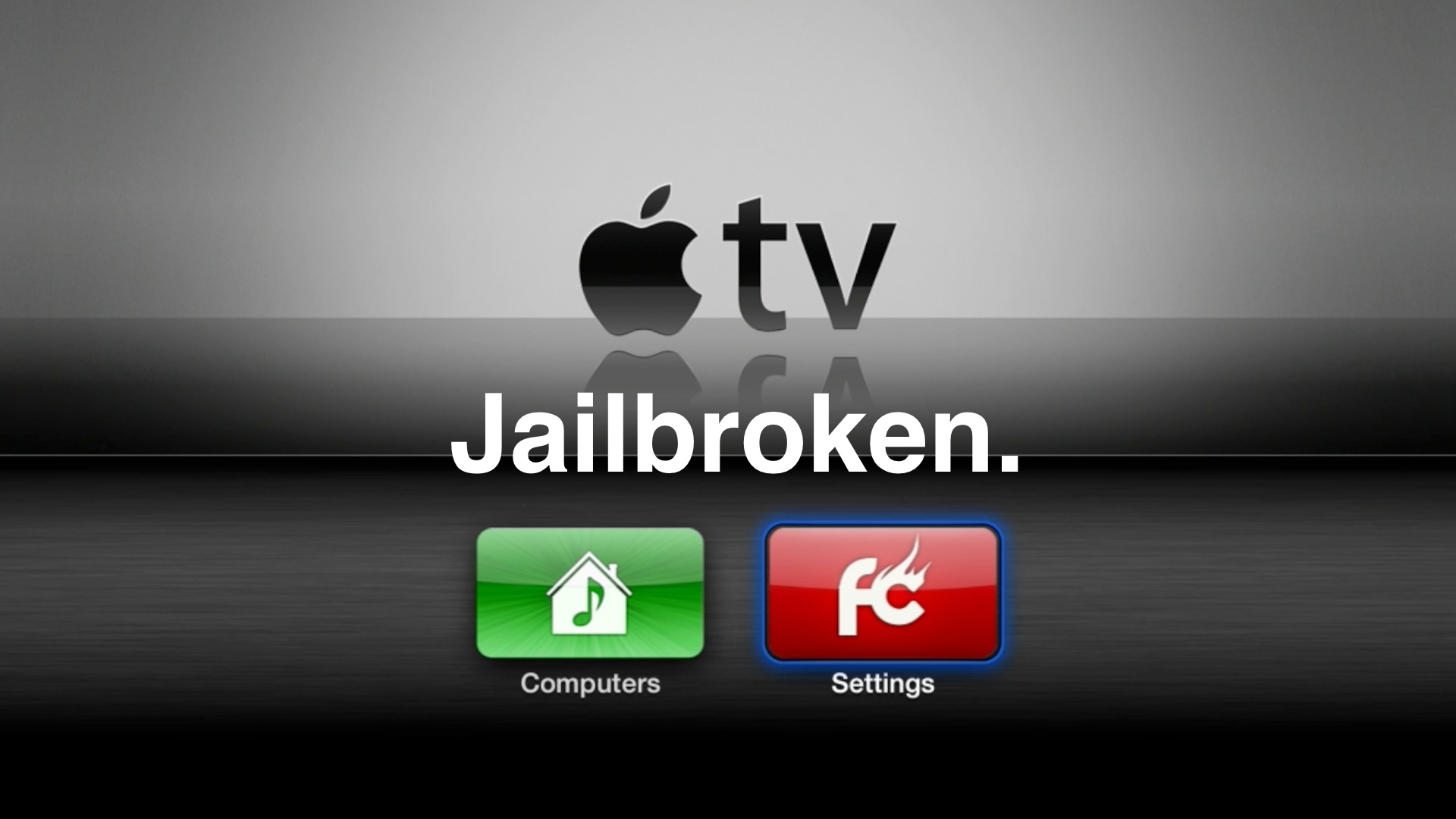
A little over a week after the evasi0n jailbreak tool for iOS 6 devices initially dropped, the hardworking folks over at FireCore have finally provided us with a tool to do likewise for our Apple TV 2's.

The big upgrade this time around regarding the Apple TV's latest firmware, is Bluetooth keyboard support. It, along with a few additional minor features certainly makes it worth upgrading to the latest and greatest. Thanks to the Seas0nPass update released yesterday, you can now enjoy those new features along with an untethered jailbreak. Take a look past the break as we show you how to jailbreak the Apple TV running iOS 6.1...

3 steps to protect your iOS 6 jailbreak

When you consider the amount of hard work that went into providing the public with an iOS 6 jailbreak, and how long it took for that solution to come to fruition, protecting the jailbreak is of paramount concern. Recently BigBoss added a section to each page of its highly visible repo addressing the concern, that's how important it is.

There are some basic fundamental steps that you should take for the sake of preserving your device's iOS 6 jailbreak. That's simply because, as you know, you never know how long it will take for the next jailbreak to come around. Once Apple inevitably addresses the exploits used in the evasi0n untethered jailbreak, chances are we'll have to wait deep into iOS 7's lifecycle before we get another jailbreak, if we do at all.

So again, it's of real concern for those of you who love your jailbroken device, to read the following 3 tips and strategies, and implement them.

How to jailbreak iOS 6.1.1 with evasi0n

To the surprise of many of us, Apple released iOS 6.1.1 today for the iPhone 4S. Fortunately, @planetbeing has reiterated the fact that the evasi0n untethered jailbreak works with iOS 6.1.1 perfectly fine.

Living up to that promise, the evad3rs just a few moments ago, released their update to evasi0n with iOS 6.1.1 support in tow. We have tested out the jailbreak for ourselves, and can confirm that the process is exactly like the previous jailbreak process, except it now works for iOS 6.1.1.

If you feel like doing so, it is now okay to go ahead an update to iOS 6.1.1, and re-jailbreak your iPhone 4S with the latest version of evasi0n. One thing that must be kept in mind, however, is that the iOS 6.1.1 update will most likely update your iPhone 4S' baseband. So, if you're relying on some sort of unlock like UltraSn0w, it's advisable that you hold off for the time being. Those of you who are factory unlocked won't have a problem.

Check inside for the full tutorial and video walkthrough.

How to easily fix the Weather app after jailbreaking with evasi0n

Some of you who used evasi0n to jailbreak their iPhone earlier this week might have encountered an issue where the Weather app would just crash at launch. The evad3rs were quick to identify the issue, and yesterday, they released a "manual" solution to fix the problem.

This fix, which we detailed and explained, required a bit of code manipulation, and was not really the easiest way to go at it. Fortunately, the evad3rs have now released and update that can be downloaded right from Cydia...

Use CydiaUpdates to manually install .deb packages when Cydia is unreliable

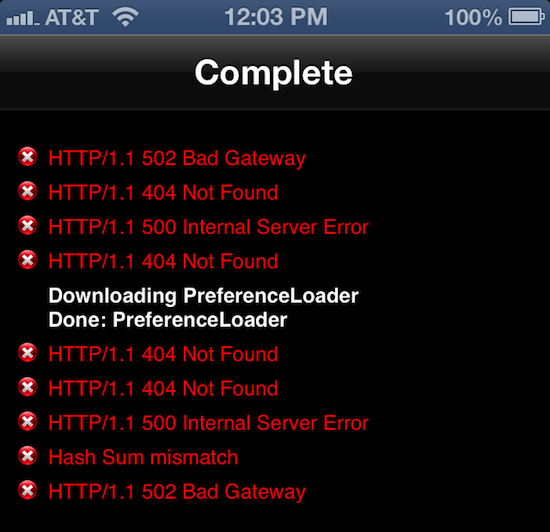
Remember when Jay Freeman said that Cydia wouldn't get bogged down by the massive demand for users of the evasion jailbreak, thanks to measures like including the package catalog in Cydia? The lesson here is to never underestimate the demand for jailbreaking. At its peak, Freeman's servers were hit with over 4 million HTTP hits per five minutes. There aren't many independent websites that can survive that kind of spike in traffic overnight, so it shouldn't be a surprise that downloading tweaks through the Cydia app remains an unreliable process...

How to manually fix the Weather app issue after jailbreaking with evasi0n

As you may be aware, the initial release of the evasi0n untethered jailbreak broke a few minor features in iOS 6, most visibly the native Weather app on the iPhone and iPod touch. Word from the developers is evasi0n's exploit corrupted an important plist settings file for System apps like Weather, Siri, and the App Store. Lucky for our tech savvy readers, there's an easy fix that can replace the broken plist file in minutes. The script we are working with come from pod2g himself...

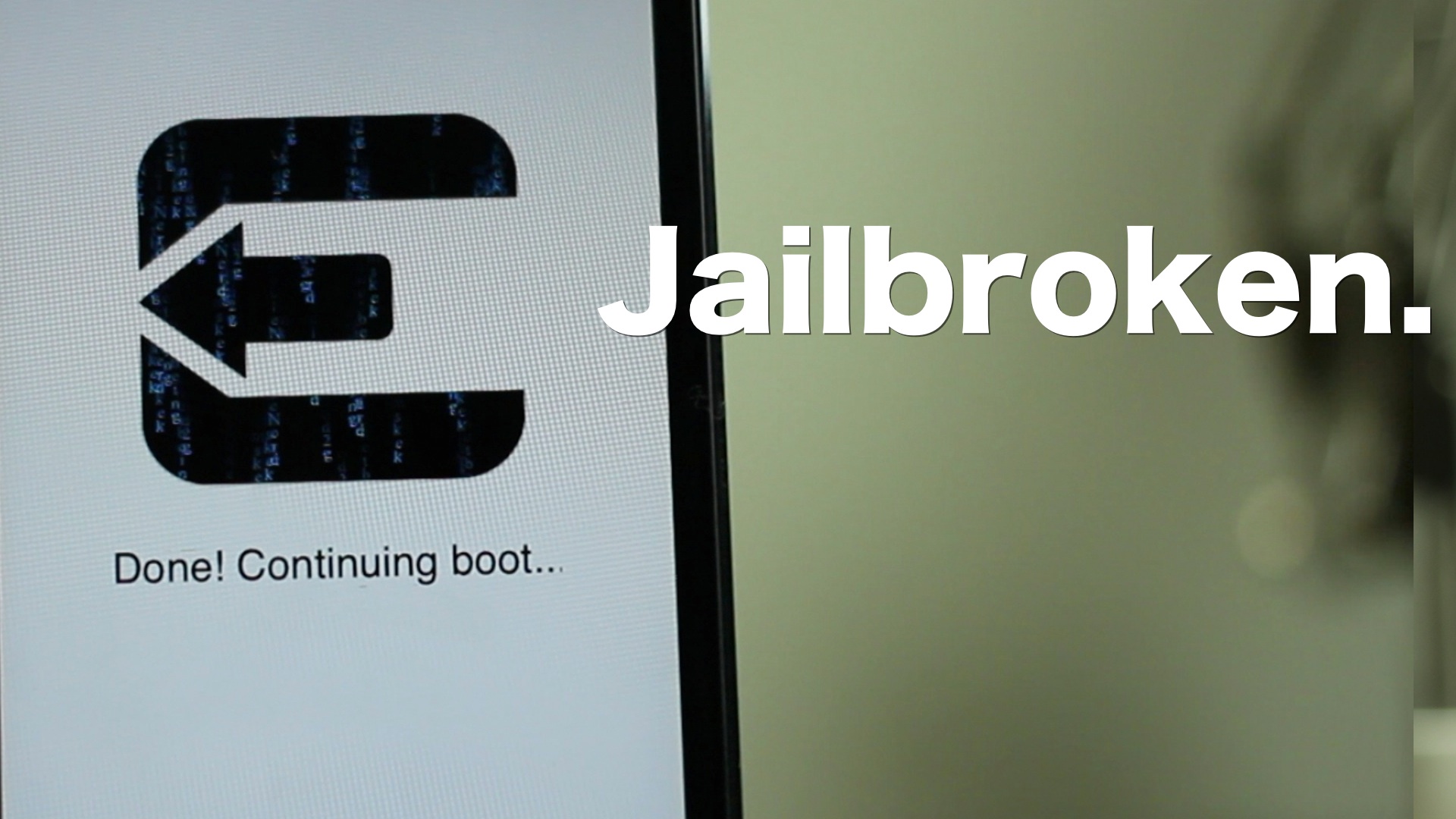
How to jailbreak iOS 6 using evasi0n [Mac tutorial]

As we just told you, the evad3rs have released their jailbreak tool called evasi0n, and it allows you to easily jailbreak iOS 6. As we always do, we’ve created an easy to use written and video walkthrough to show you how to jailbreak iOS 6 on your iPhones, iPads, and iPod touches.

The good news is that evasi0n works with all flavors of iOS 6. That includes iOS 6.0, iOS 6.0.1, iOS 6.0.2, and of course, iOS 6.1. The evad3rs have worked hard to create easy to use tools, which allow you to jailbreak iOS 6 using Mac OS X, Windows, and even Linux.

We have personally confirmed that this tutorial works on every iOS 6 compatible device outside of the Apple TV 2 and Apple TV 3. This includes the iPhone 5, iPhone 4S, iPhone 4, iPhone 3GS, iPad 2, iPad 3, iPad 4, iPad mini, iPod touch 4G, and iPod touch 5G. This first tutorial will show you how to jailbreak any of those devices using evasi0n on Mac OS X, and we will shortly follow up with Windows and Linux tutorials.
How to jailbreak iOS 6 using evasi0n [Windows tutorial]

We’ve already shown Mac users how to jailbreak iOS 6 using evasi0n, and now it’s your turn Windows users! Inside, you’ll find a step-by-step tutorial that shows how to jailbreak your iOS device on your operating system of choice.

In this example, I’m using Windows 8, but this should work on virtually any version of Windows, including Windows 7, Windows Vista, and even Windows XP. Take a look inside for our guide...

How to convert a tethered iOS 6.1 jailbreak into an untethered jailbreak

As we told you a bit earlier in the day, if you're using a tethered jailbreak for iOS 6.1 via the RedSn0w method, then you can easily convert that tethered jailbreak into an untethered jailbreak by means of a Cydia package.

Indeed, by downloading the evasi0n package from Cydia, you can transition over to an untethered jailbreak in just a few steps. While this isn't perhaps the most ideal way to achieve an untethered jailbreak, it is nice to have the option. This is especially useful for users who already have a ton of Cydia packages downloaded. By using this method, you don't have to reinstall all of your Cydia apps and tweaks. Given the state of Cydia right now, that's a very desirable proposition.

Take a look inside, as we show you how easy it is to convert your tethered jailbreak into an untethered jailbreak.

How to watch the Super Bowl on your iPhone

Over 100 million people are expected to gather in front of their TV sets tomorrow to watch the Super Bowl. But for those of you that for one reason or another can’t get in front of a television, there’s other ways to catch the Big Game.

If you're going to have access to a computer, you can watch it there. The game will be streamed live via CBS Sports. No computer? No problem, iDB has you covered. We've compiled a list of ways to follow the action on your iPhone...