Try these troubleshooting tips to fix iMessages not syncing across your iPhone, iPad, and Mac.
Fix iMessage not syncing between Mac and iPhone

Try these troubleshooting tips to fix iMessages not syncing across your iPhone, iPad, and Mac.
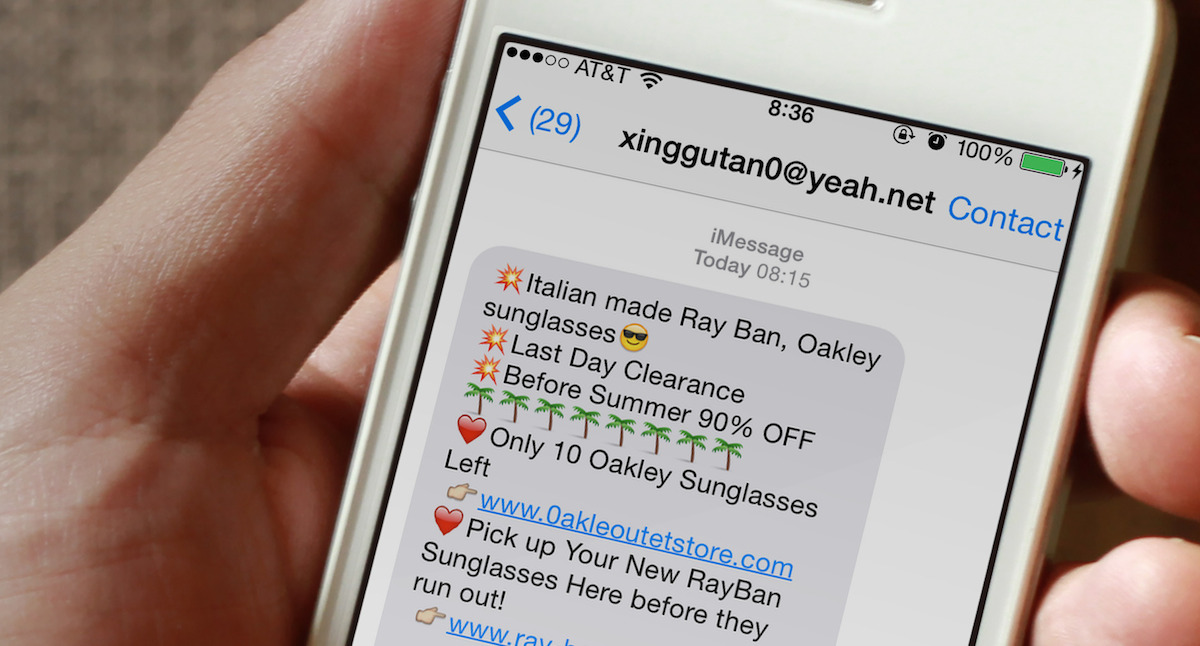
Are you getting spam iMessages from unknown people or scammers with international numbers and weird email addresses? In this post, we will go over four simple ways to protect yourself and stop iMessage spam for a hassle-free messaging experience on your iPhone.
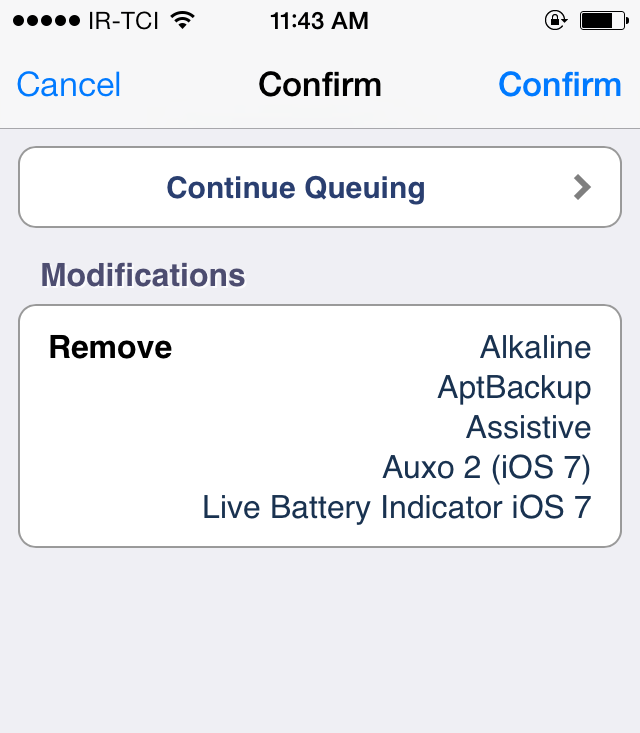
If you're a jailbreak enthusiast like me, you'll probably end up installing a bunch of jailbreak tweaks that will pile up over time. Sooner or later, you might forget about them and after a period of time, you'll end up with a lot of unused tweaks which may have a negative impact on the performance of your device and can slow it down or cause lags. Surely, it's easy to remove one or two tweaks that you don't need, but it becomes a hefty task if you want to delete a lot of tweaks that you no longer use.
Fortunately, there's a workaround that allows you to uninstall all the jailbreak tweaks that you don't need in a single tap. This involves queuing all of them together and performing a batch uninstall. To find out how, follow our step-by-step guide outlined below.

OS X includes a nifty Dictation feature which allows you to control your Mac and apps with your voice. You can use “speakable items”, basically a set of spoken commands, to open apps, choose menu items, email contacts and convert whole spoken sentences to text, wherever you can type text.
This is much like iOS’s Dictation feature as both iOS and OS X use the same Nuance-powered technology that turns speech to text. iOS devices have limited computing power so the Dictation feature on the iPhone, iPod touch and iPad requires network connectivity in iOS 7 (iOS 8 supports streaming voice recognition and 22 new languages).
On the Mac, computing resources like CPU power, battery life and RAM are not of paramount importance as on mobile, Therefore, OS X Mavericks provides a new Enhanced Dictation feature which converts your words to text without utilizing Apple’s servers.
In other words, server-based Dictation lets you dictate without an active Internet connection. Because voice recognition processing runs locally on your Mac, text appears instantly as you speak. That is: continuos, streaming dictation with live feedback is made possible.
In this tutorial, I’m going to show you how to turn on Enhanced Dictation in OS X and take advantage of speech-to-text, even when you're off the grid...

In this tutorial, I will show you how to delete movies, TV shows, and music videos from your iPhone, iPad, or iPod touch to remove watched content and free up significant storage space.
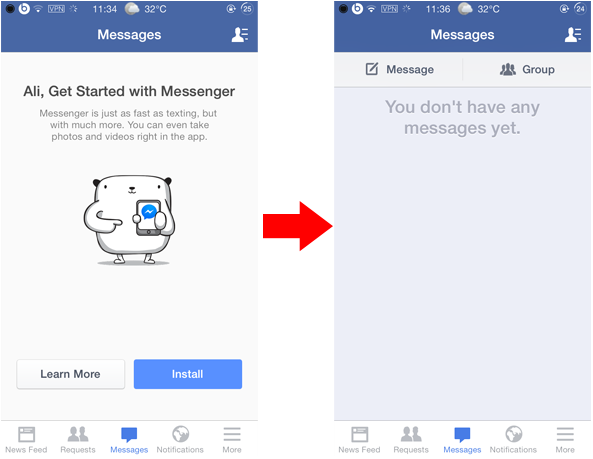
Last month, Facebook announced that it was disabling the messaging service in its official Facebook app for iOS requiring users to switch to its Facebook Messenger app in order to continue to send and receive messages from friends. This move by the company to force users to use its standalone messenger app was disliked by many.
Yet, if you wish to get rid of this restriction and continue chatting with your friends without using the Facebook Messenger app, you can follow either of the methods outlined below. In this post, we will share two methods that will allow you to send messages in Facebook without using the standalone Messenger app.

In this guide, we’ll show you how to remove recent and other email addresses from the recipient autofill field in the Apple Mail app on your iPhone or iPad.

Find out how to personalize your iPhone or iPad by changing its name to make it easily identifiable and give it a unique touch.
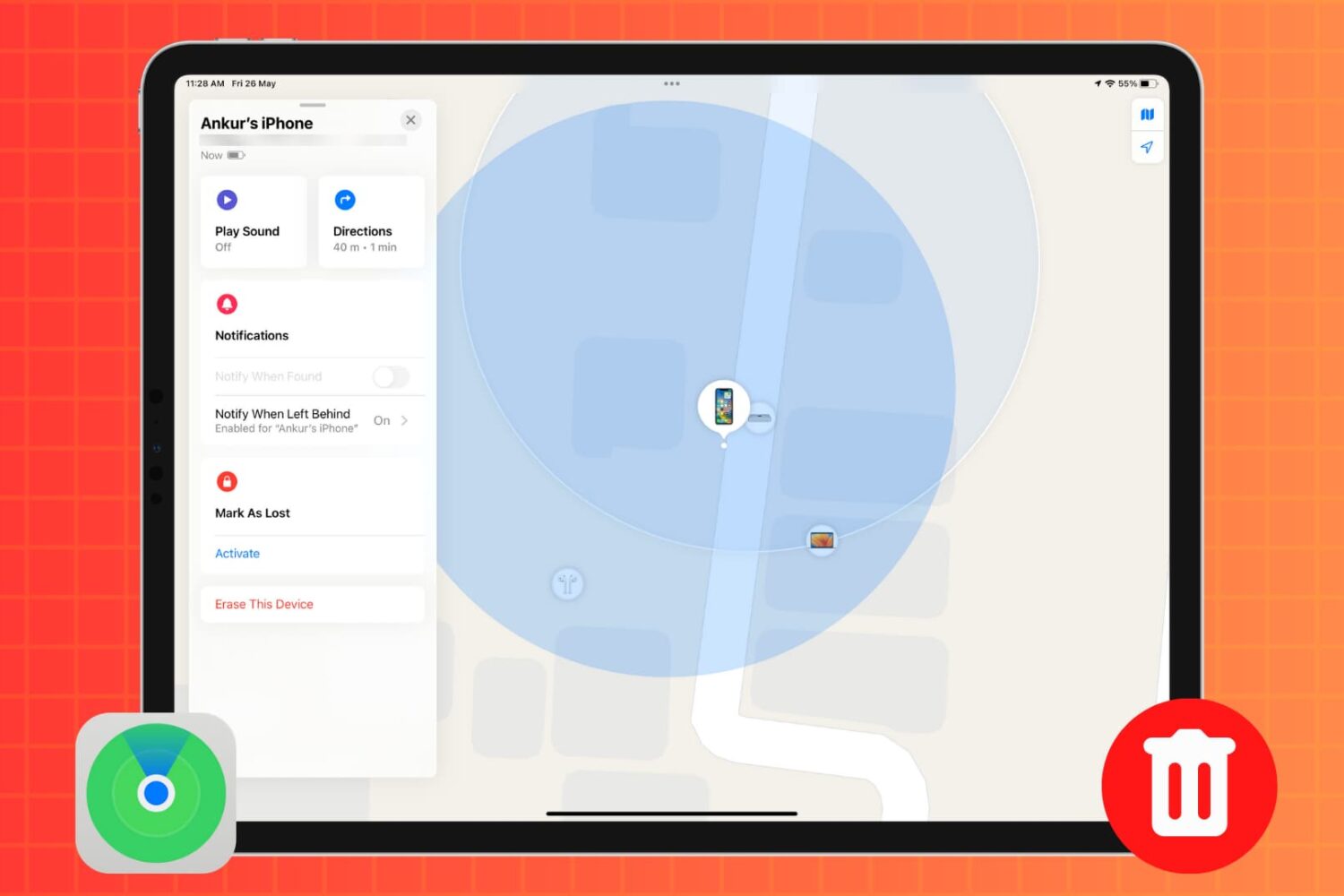
In this tutorial, we’ll show you how to remotely erase an iPhone or iPad that was lost or stolen to safeguard your personal data and privacy.

Learn how to rename your MacBook to distinguish it from other computers on your network, in system menus and elsewhere in macOS.

In this tutorial, we’ll show you how to track your lost or stolen iPhone or iPad using Apple’s Find My service, play an alarm-like sound on it, see how far away it is, and get directions to it to help you recover it.

Learn how to automatically stop playing music, video or other media on your iPhone or iPad when a timer runs out, like before you usually fall asleep.