Learn how to reveal the hidden Save As menu option on your Mac to save your documents in apps as duplicates instead of overwriting the existing file.
How to enable the ‘Save As’ option on Mac
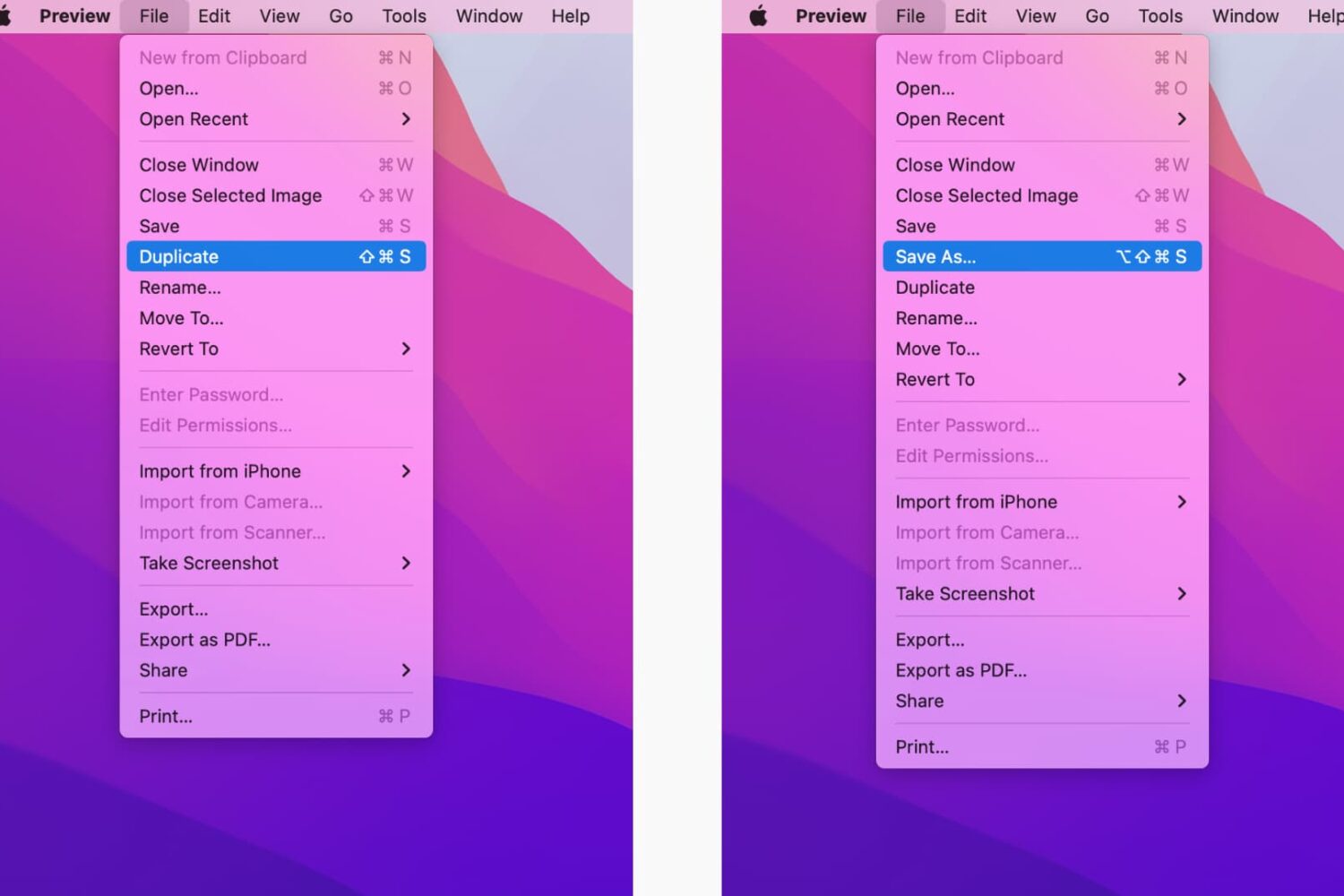
Learn how to reveal the hidden Save As menu option on your Mac to save your documents in apps as duplicates instead of overwriting the existing file.
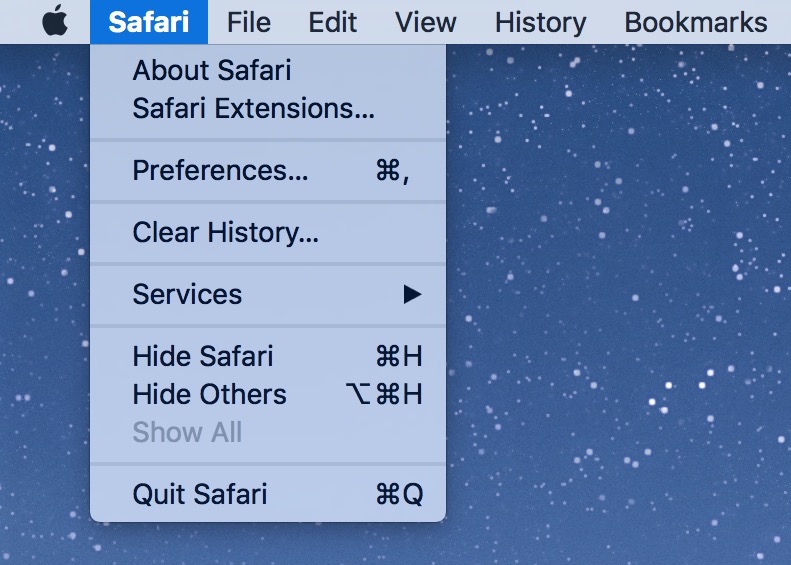
You can take a screenshot of any menu in any app on your Mac, with or without the menu title. This also works with windows in the Finder and most apps.
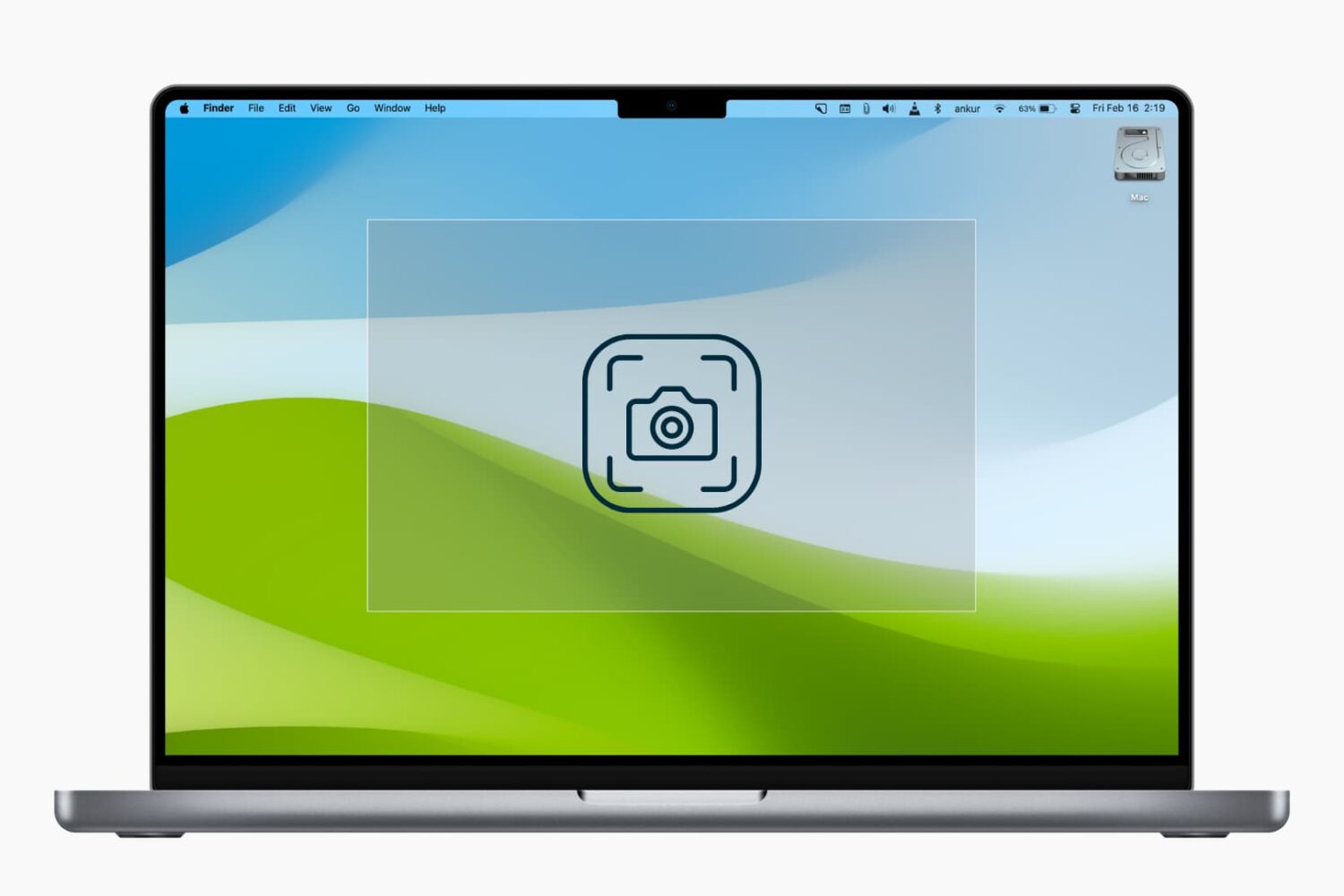
In this tutorial, we’ll explain how to use modifier keys to accurately reposition or refine the dimensions of the selection area when you’re taking screenshots of your Mac’s screen.

Learn how to change the name of the room your HomePod is kept in using the Home app on your iPhone, iPad, or Mac.

Learn how to use the Home app on your iPhone, iPad, or Mac to rename your HomePod so you can differentiate it from other HomePods in your house.

Learn all the ways you can select stuff on your Mac, including contiguous groups of Finder files, multiple non-adjacent items, and more.
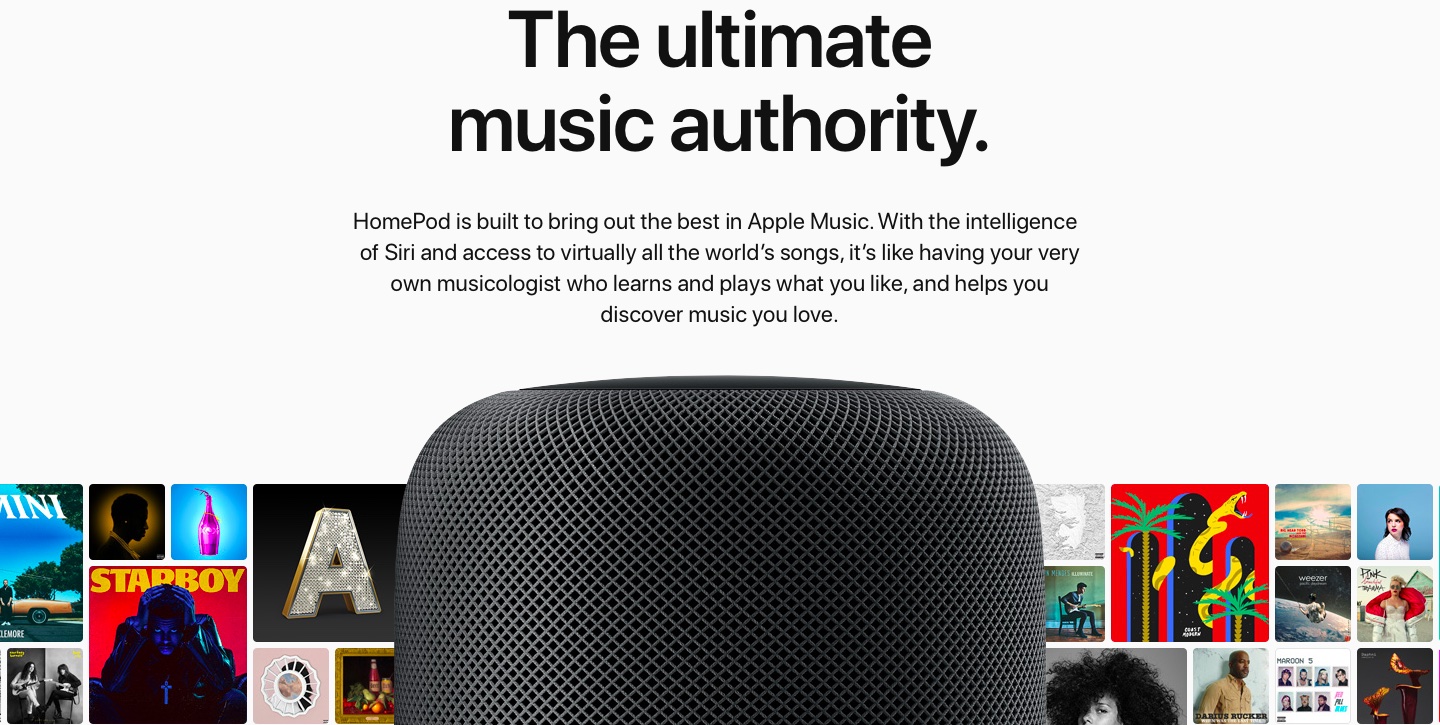
In this tutorial, we’ll show you how to stop your Apple Music recommendations from getting influenced by what your spouse, kids, or family members listen to on the HomePod linked to your Apple Music account.
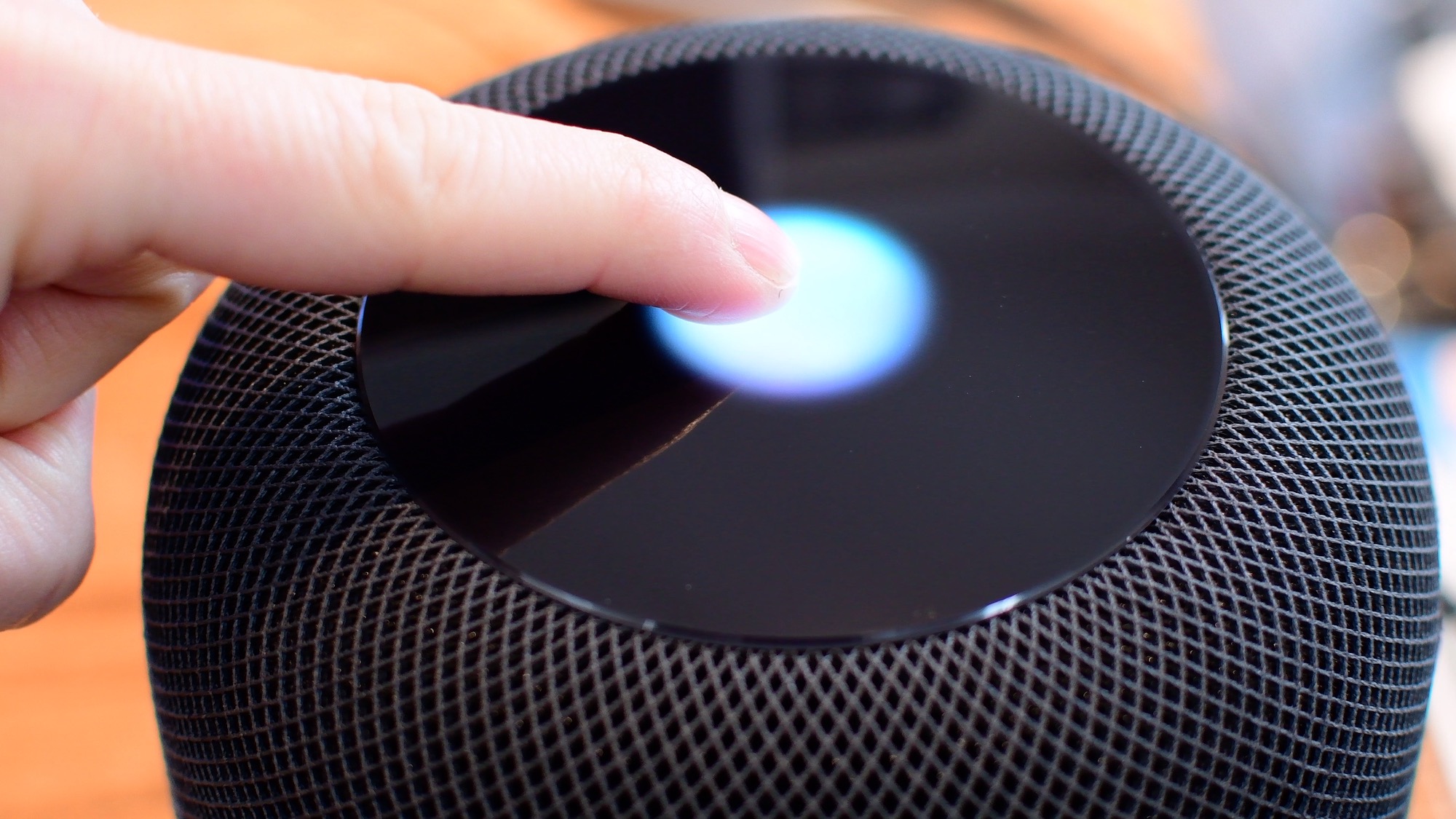
Knowing what the various status lights on the top of your HomePod convey is an important feedback mechanism when using the speaker's touch controls and other interactions.

Learn the easy way to schedule emails to be sent automatically at a later date and time on your iPhone, iPad, and Mac.

In this step-by-step tutorial, we’ll show you how to automatically hide and show the Mac Dock, and we’ll even share a pro tip to make the animation faster.
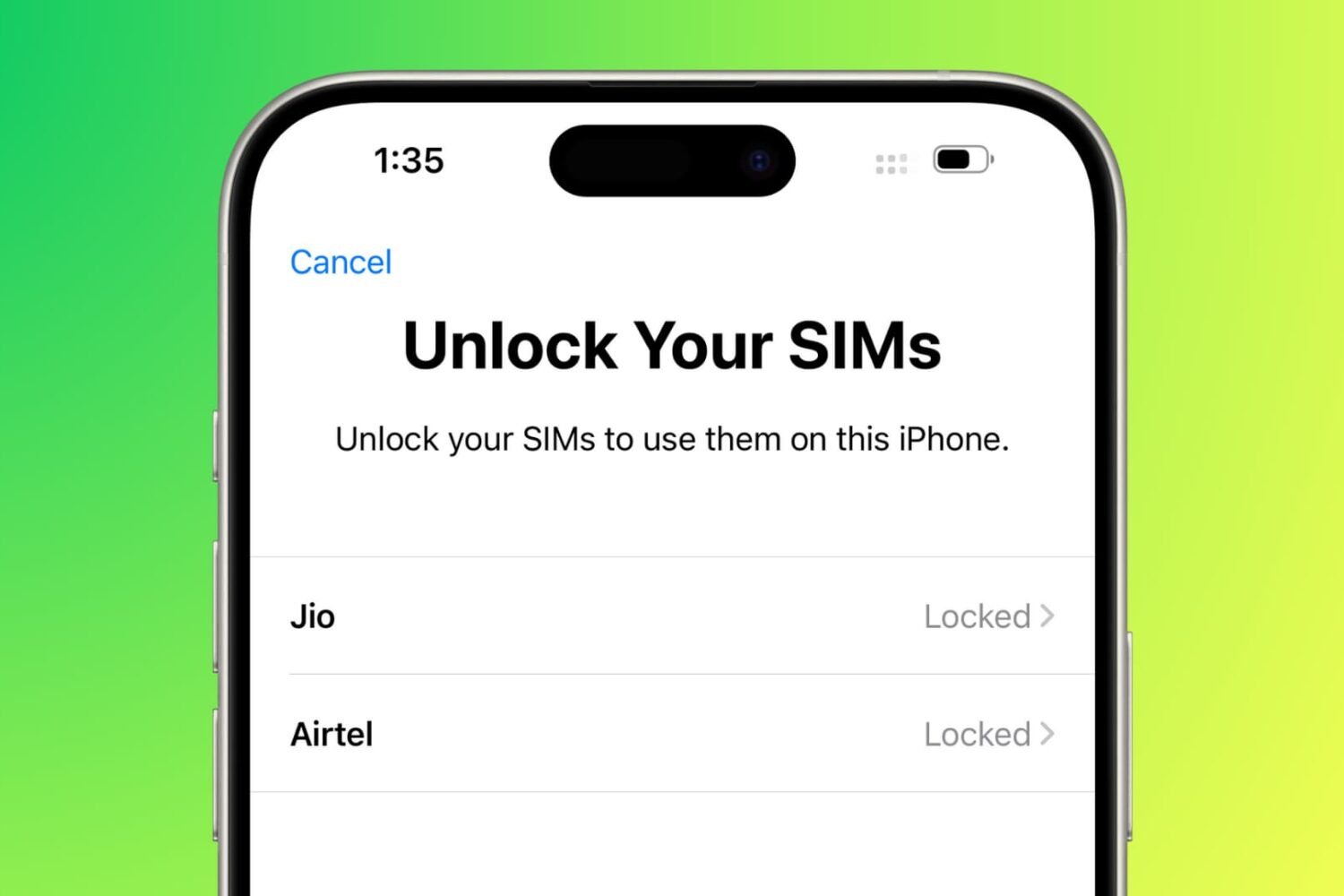
Learn how to increase the security of your iPhone’s physical SIM or eSIM by adding a numeric PIN.
We’ll also show you what to do if you don’t know the default SIM PIN or have exhausted the limit, which now requires you to enter a PUK code.

In this tutorial, we will share the easy steps to filter reviews for an app on the iPhone or iPad App Store. This will help you see only the most favorable, critical, recent, or helpful reviews.