How to

How to clear website data on Apple Watch
Web browsing on Apple Watch

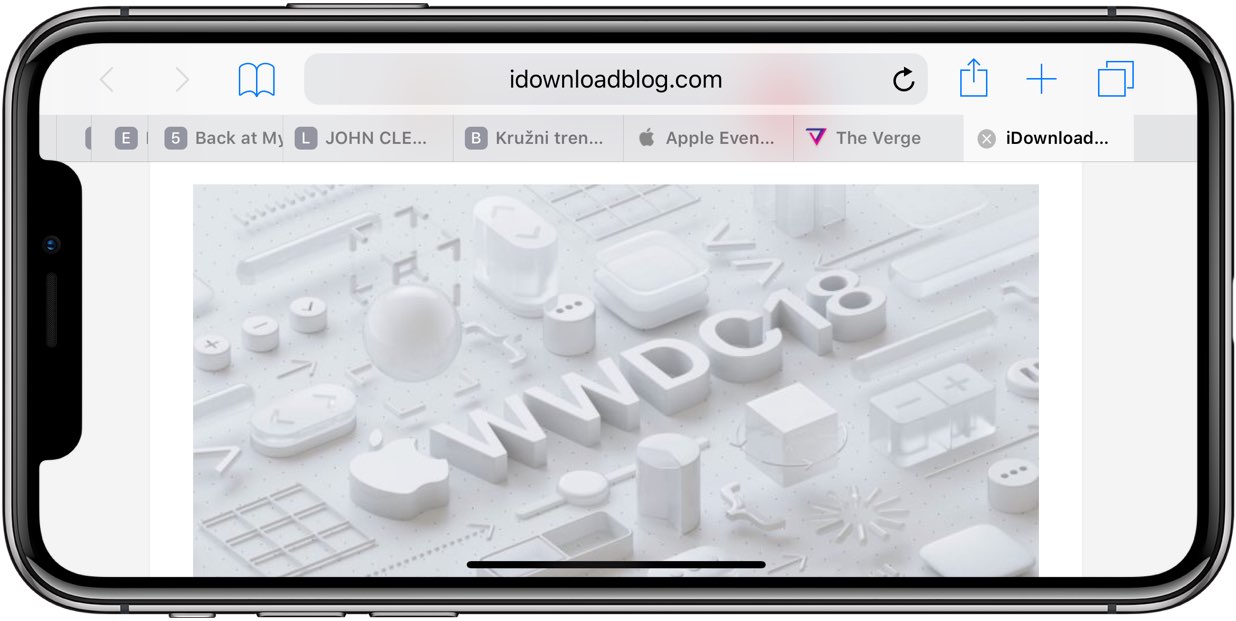
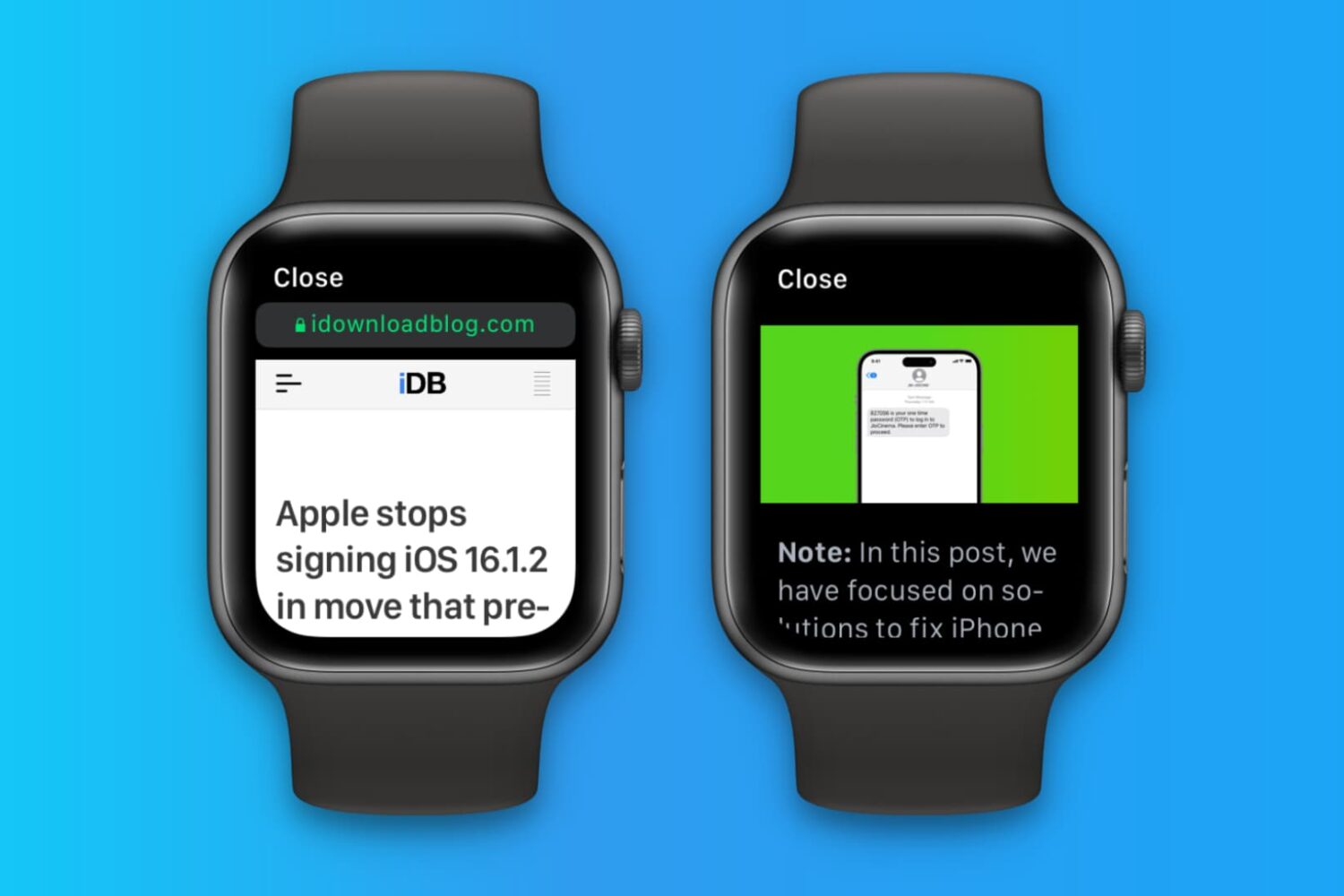
Apple Watch doesn't have its own Safari browser, but limited WebKit engine integration in watchOS lets you open website links embedded in messages and email. Over time, website data may accumulate, and you should clear it to keep things snappy on your Apple Watch.

How to identify legacy Mac apps

legacy apps macOS mojave

There's a Legacy apps tool in macOS Mojave. Here's how to use it.

At the 2018 Worldwide Developers Conference (WWDC), Apple confirmed macOS Mojave would be the last version to support 32-bit apps. To help developers and users alike find out whether their Macs use these apps, Apple has introduced a tool in the System Report in macOS Mojave. Though similar to a tool found in macOS High Sierra, this one makes it even clearer that support will soon end for these apps.

How to allow calls and texts from specific contacts with Do Not Disturb on

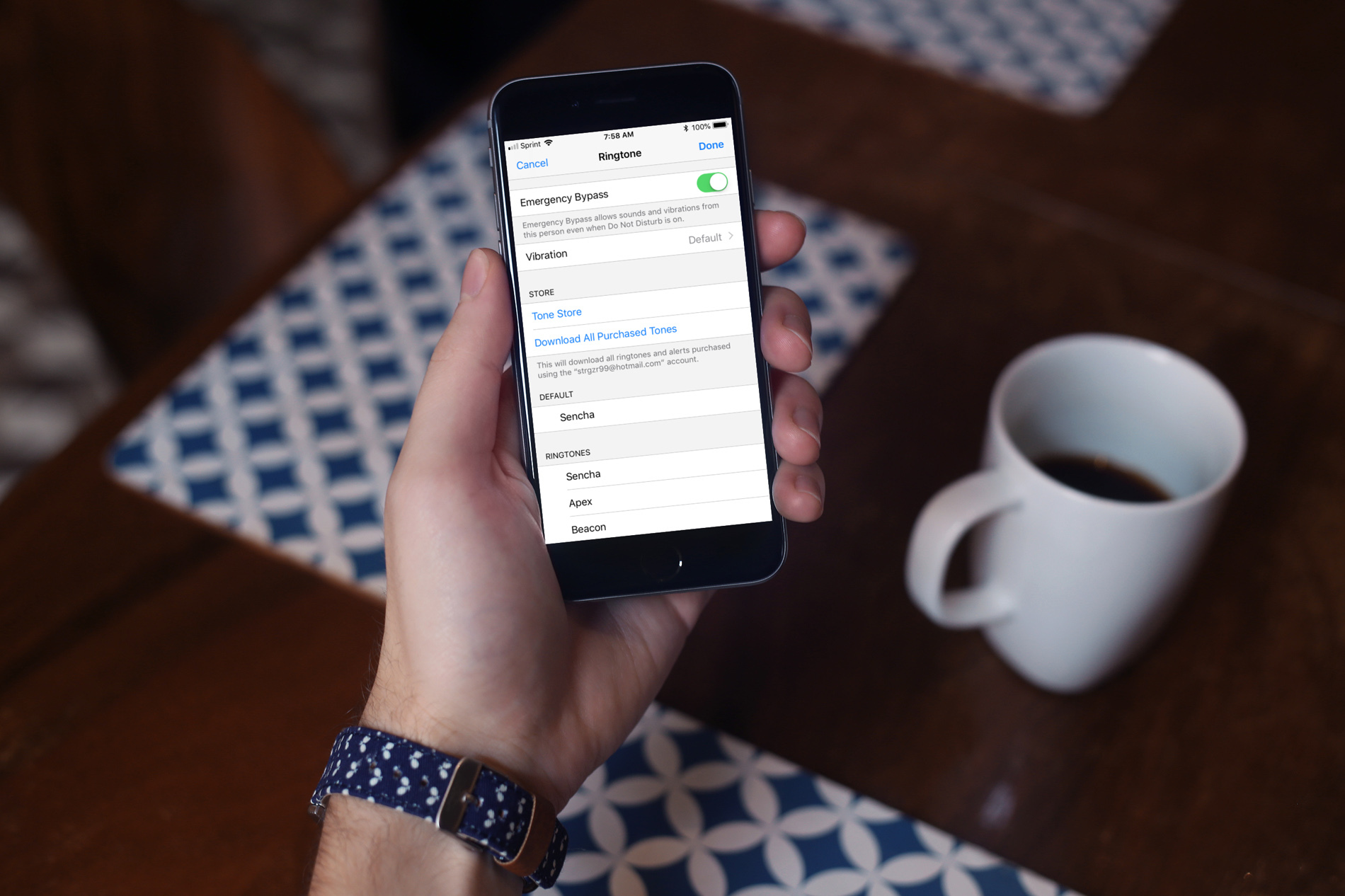
Emergency Bypass Enabled

The Do Not Disturb feature on your device is a handy tool for those times when you need to unplug. But, if an emergency pops up, you still want calls or texts from certain contacts to get through.

One way to do this is to add those contacts to your Favorites or create a new group for them. However, there is another way to allow those important phone calls and messages to come through by using the Emergency Bypass setting.