Learn how to use the Alexa communications features with the Alexa phone app and Amazon Echo to have a simple intercom system in your home.
How to use Alexa’s Drop In and other communication features
Do you use a pointer device with your iPad, like a trackpad? If so, it pays to know about an option that makes tapping the trackpad with one finger register as clicking. Follow along with us as we show you how to enable or disable Tap to Click for your connected iPad trackpad in case you'd like to make taps on the trackpad register as either regular taps or physical clicks.
Learn how to use the Alexa app to set alarms, reminders, and timers on your iPhone or your Amazon smart speakers, such as the Echo Dot.
Learn how to reverse the iPad scroll direction when using a trackpad or mouse, which can be helpful if you’re a Windows or Linux user.
Learn how to listen to Spotify using Alexa on your Amazon smart speaker. We'll also show you how to make it the default music service so you don't have to say "on Spotify" in every voice command.
Learn how to declutter the systemwide Share menu on your iPhone or iPad to only show the apps, people, and options you frequently use.
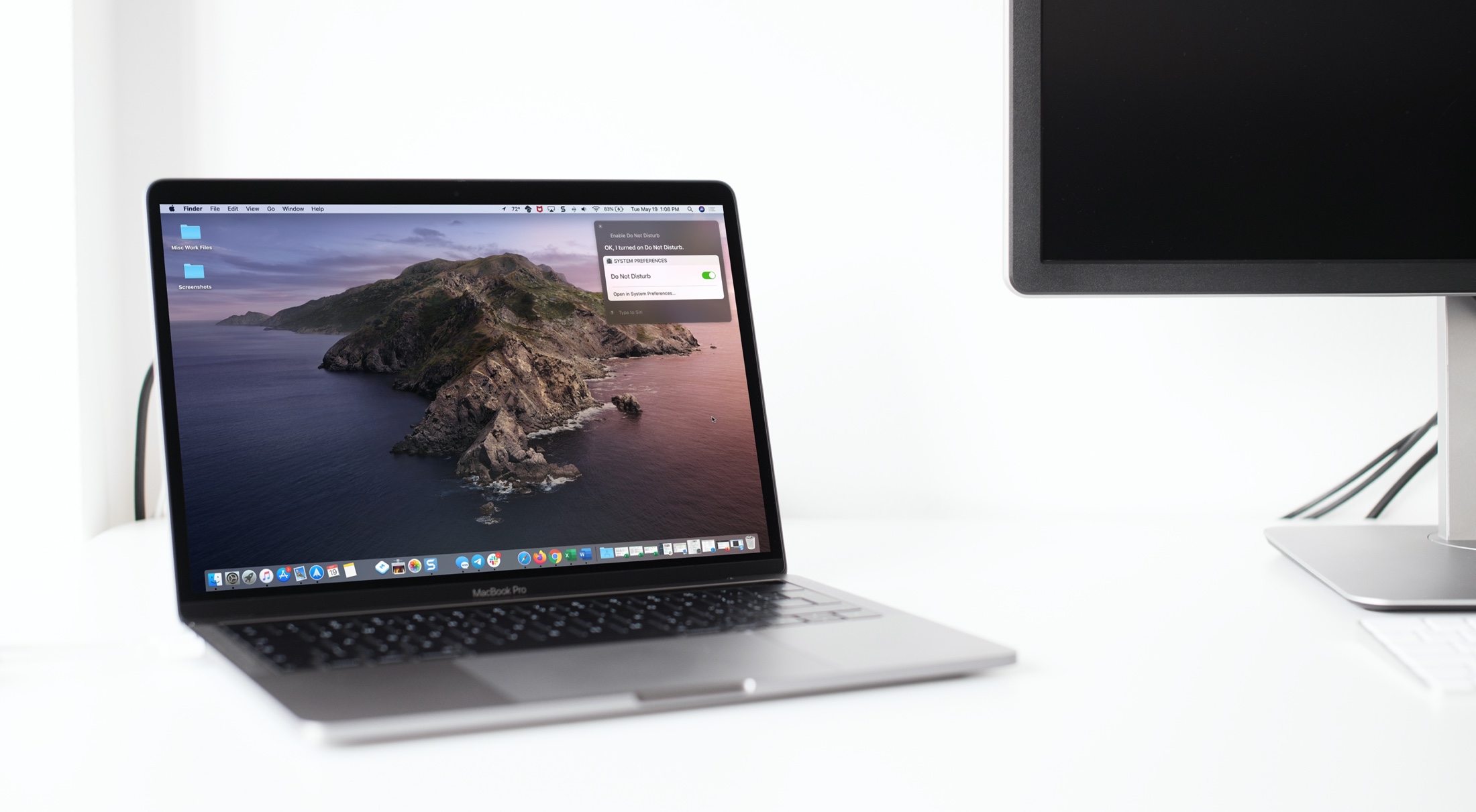
Learn how to use the Mac Automator Calendar Alarms to speed up your regular tasks and have a more productive and smooth experience.
Learn how to easily check the remaining days before your deleted photos and videos are permanently removed from your iPhone, iPad, and Mac.
Learn how to slow down or speed up timelapse videos shot on your iPhone using Apple's free iMovie app to adjust video speed to your liking.
Some games are just easier or more fun to play with a controller. And if you happen to own a Nintendo Switch, you can use the Joy-Con controllers from it to play games on your Mac. You can take them out of the Switch, connect them to Mac, and then pop them into the Joy-Con Grip in just a few minutes.
This tutorial shows you how to connect your Joy-Con controllers to your Mac so the gaming can begin!
You can hide Spotify songs within an album or playlist that you don't want to hear. When listening to your music, Spotify will automatically skip any hidden tracks. Temporarily hiding a song is much better than removing it completely. Follow along with us to learn how to hide Spotify songs and unhide them if you change your mind.
With just a few adjustments, you can have your Mac announce alerts and speak text. Spoken alerts are super handy for grabbing your attention when you’re hard at work, and spoken text can help you spot errors or get pronunciations.