This tutorial shows you how to set a firmware password on your Intel Mac to further increase the security of your computer.
How to secure your Mac with a firmware password

This tutorial shows you how to set a firmware password on your Intel Mac to further increase the security of your computer.

In this piece, we'll share with you 10 useful Finder keyboard shortcuts that you can use to quickly navigate around the filesystem on macOS.

The Preview app comes pre-installed on all Macs and is more useful than a lot of people give it credit for. It's not only used for opening different file types that reside on your Mac but it can also be used to edit those files and extract images from apps.
Regardless, most of you probably use just your mouse or trackpad to get things done in the Preview app. In this piece, we'll show you 10 ways you can use your keyboard to quickly perform actions in Preview by way of these useful individual keyboard shortcuts.
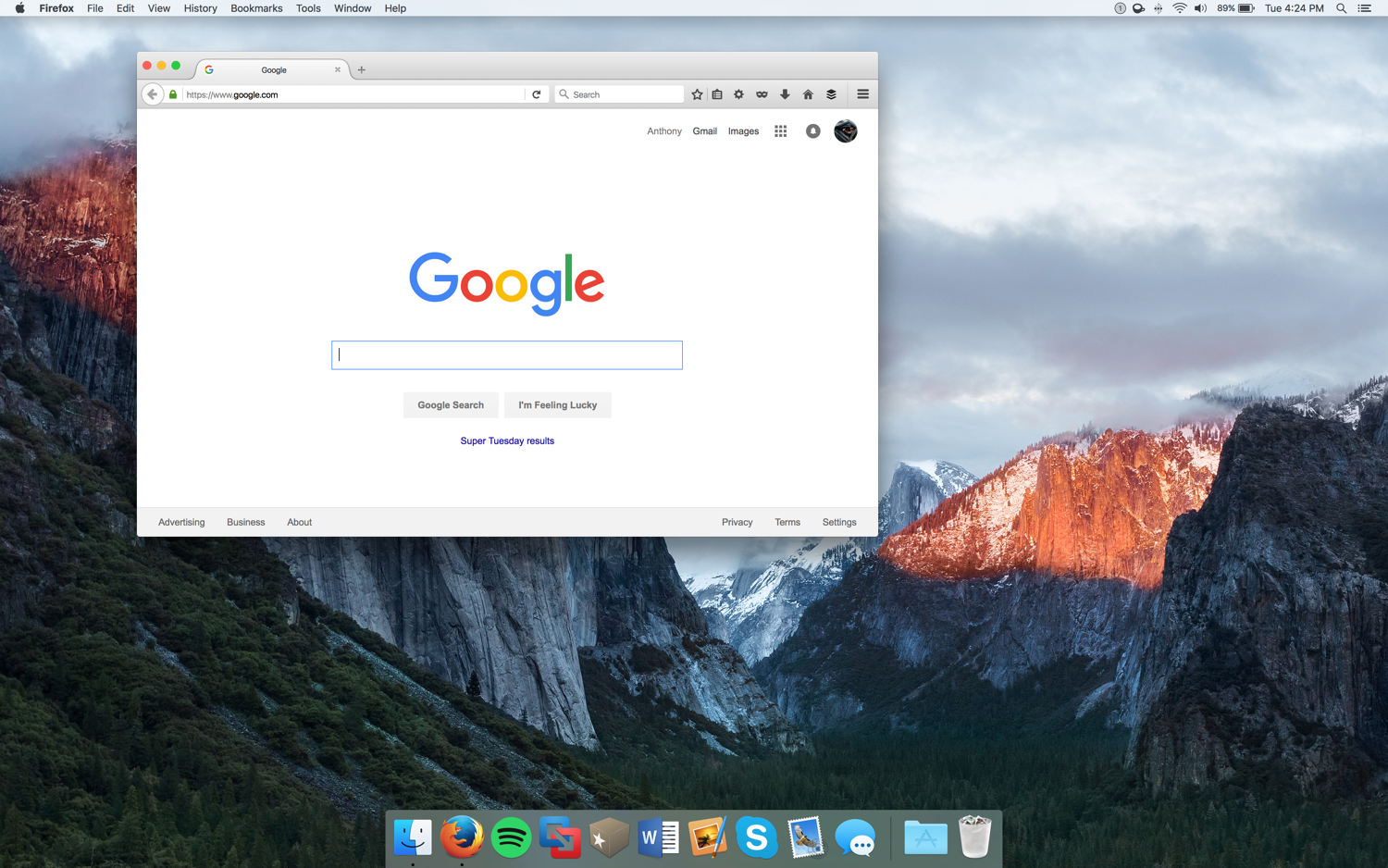
Macs that comes with retina displays allow the user to configure their own resolution scaling options.
These scaling options can be taken advantage of to give your Mac more screen space and gives you the illusion that your screen is bigger than it really is. With that in mind, you can run more windows side-by-side and be more productive.
In this tutorial, we'll be showing you how you can create more space on your screen for additional windows on your Retina display Mac – this includes the new MacBook, some MacBook Pro models, and even some iMac models.

Check out these must-know keyboard shortcuts for the Apple Mail app on Mac so you can streamline your workflow and speed things up.
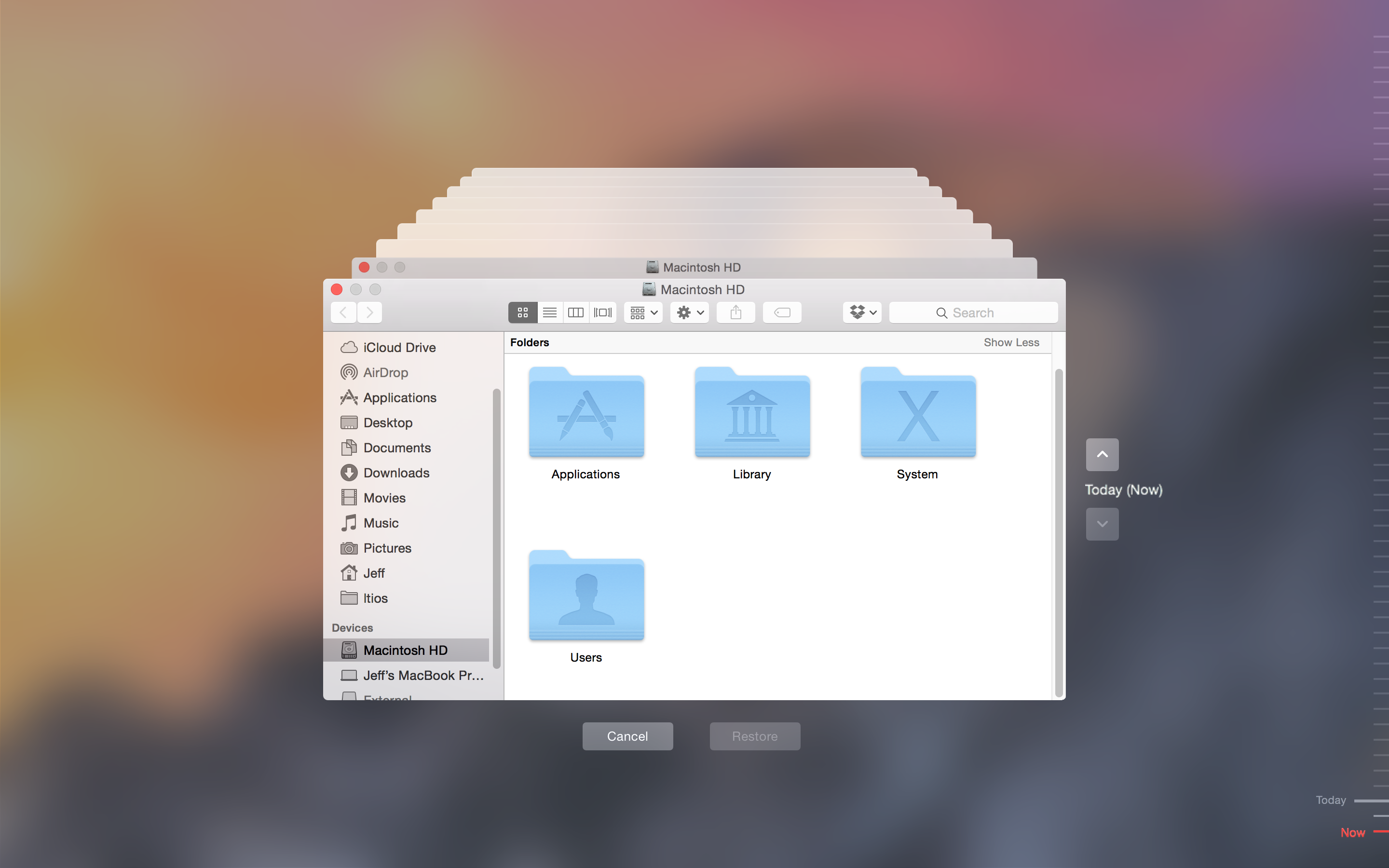
Suppose a software update or an app you installed has corrupted system files and as a result your Mac refuses to start up properly, what do you do?
Those who have planned ahead and created a bootable USB install disk for El Capitan can do a clean install of macOS, and then restore their Mac from the most recent Time Machine backup.
But there's a better way to deal with such situations. In this tutorial, we'll educate you on booting into macOS' Recovery Mode and using the built-in recovery tools to restore your Mac from a Time Machine backup.
Get your Mac to speak selected text back to you, turning your computer into a personal reader that can help you absorb information more effectively, and even assist if you have visual impairments.

In this piece, we’ll explain what a sysdiagnose is, what it contains, and how to create one so you can file a proper bug report to Apple when you have issues with your Mac.

From accessing online resources to resolving network issues, this guide will show you how to use Safari when you enter macOS Recovery or Internet Recovery Mode on your Mac.
Check out ten simple commands you can perform with Terminal that could be of use to you now or in the future.
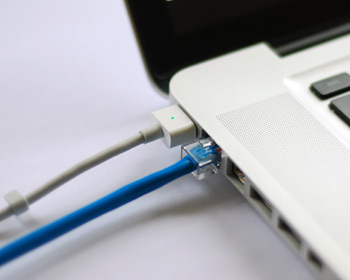
As my colleague Christian reported on Saturday, some Mac models have been plagued by non-working Ethernet ports after installing a new security update outed by Apple. Although a lot of modern Macs don't even have an Ethernet port, many models still carry it and many people still love using a wired internet connection because it's faster, more reliable, and more secure than a wireless network.
The security update, known as "031-51913 Incompatible Kernel Extension Configuration Data 3.28.1," reportedly blacklists the Broadcom BCM5701 driver used by the Ethernet port that comes standard on many Mac machines.
Fortunately, there's a light at the end of the tunnel for anyone experiencing issues with their Ethernet ports after installing this security update. Apple has issued a support document on Sunday that notes how to fix the problem. In this tutorial, we'll go over the steps to fix the problem yourself.
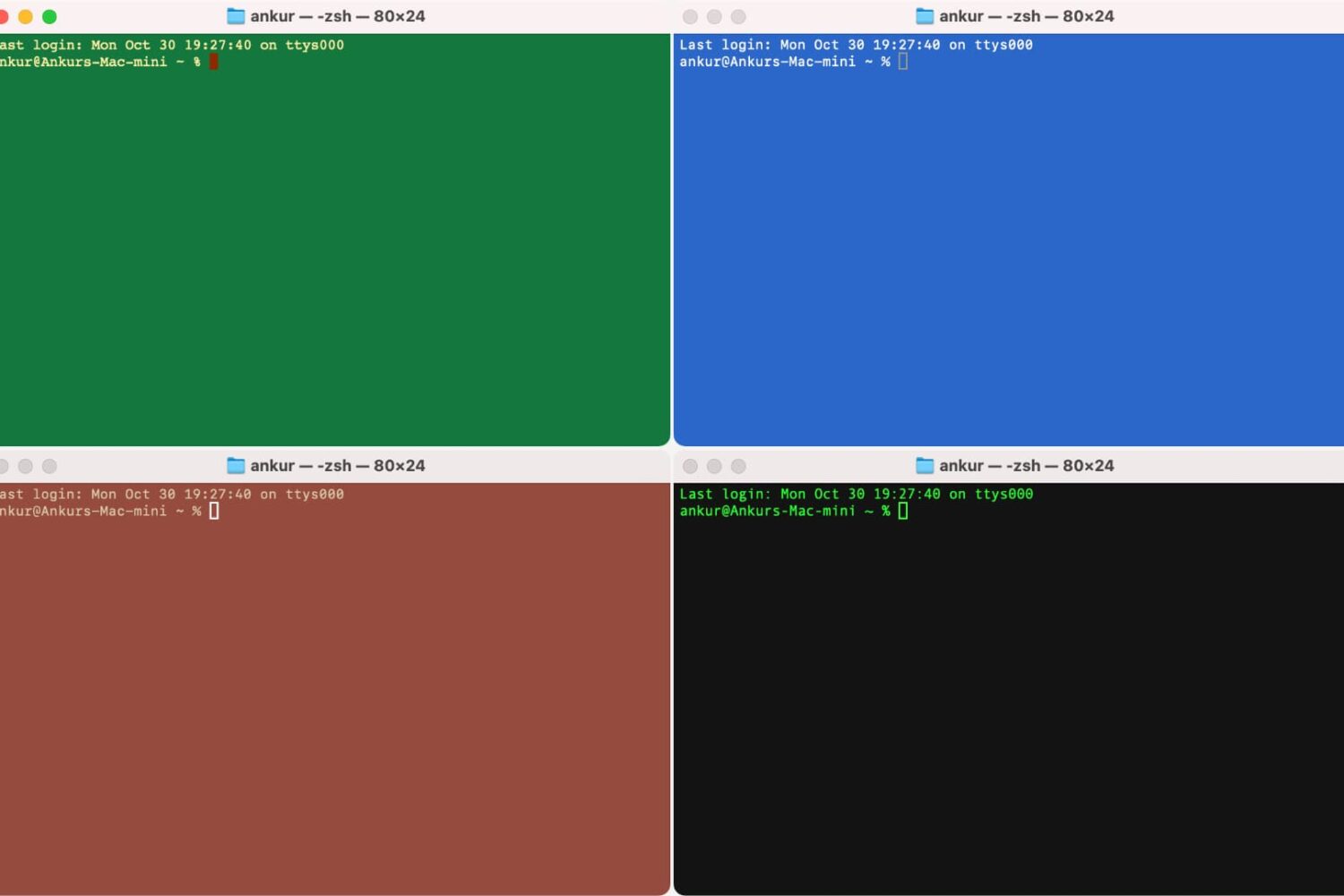
Many people use Terminal on their Mac to carry out the commands they want to use to make changes on their system, and by default, it’s a plain white interface with black text. Because this is simply boring, we’re going to show you in this tutorial how you can colorize the Terminal window to look exactly how you want it to.