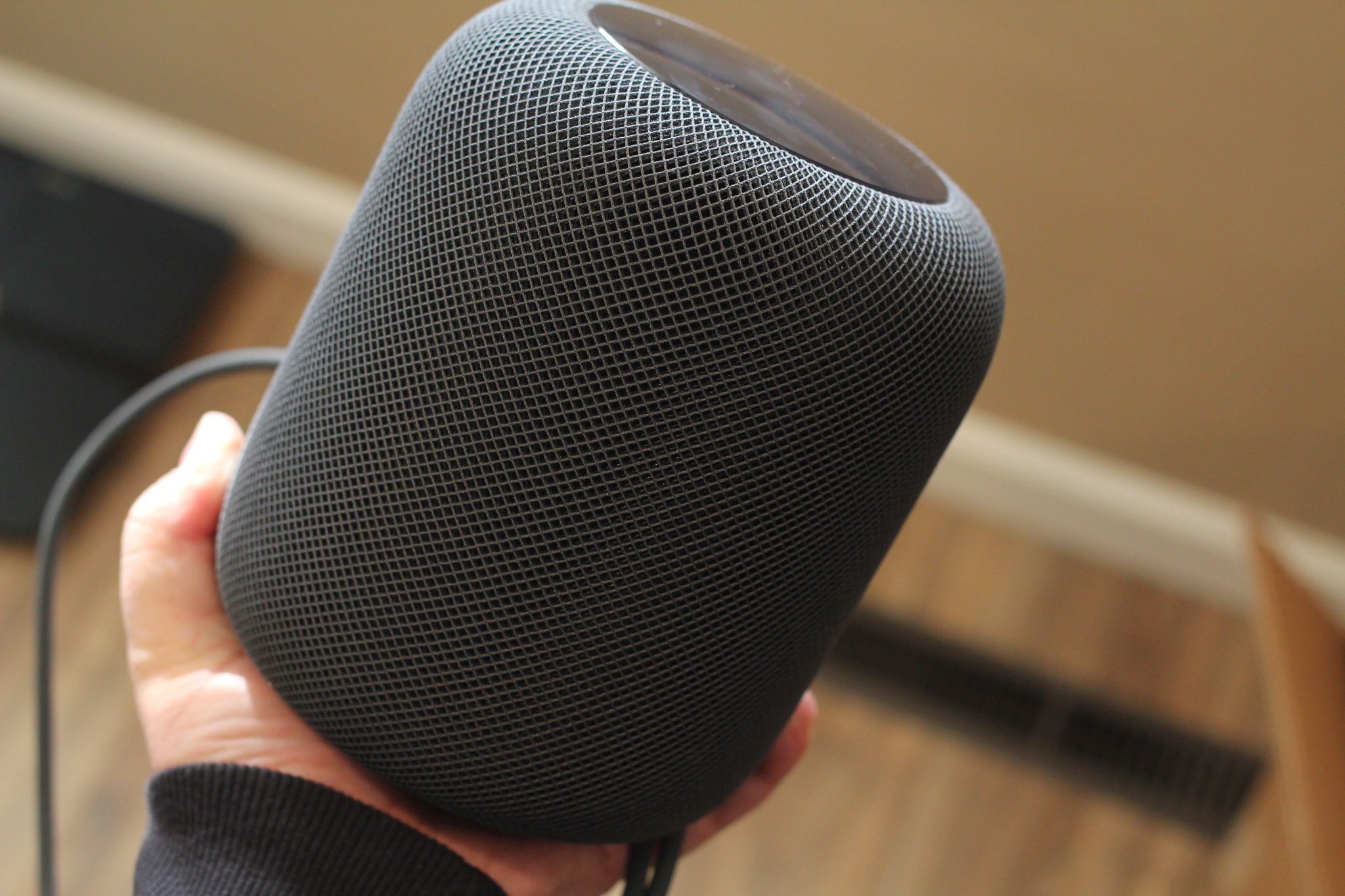
Apple's Siri-driven HomePod wireless speaker retails for $349, but the components that go into it cost an estimated $216, suggesting Apple is making 38% margin on its latest product.
HomePod costs an estimated $216 to build
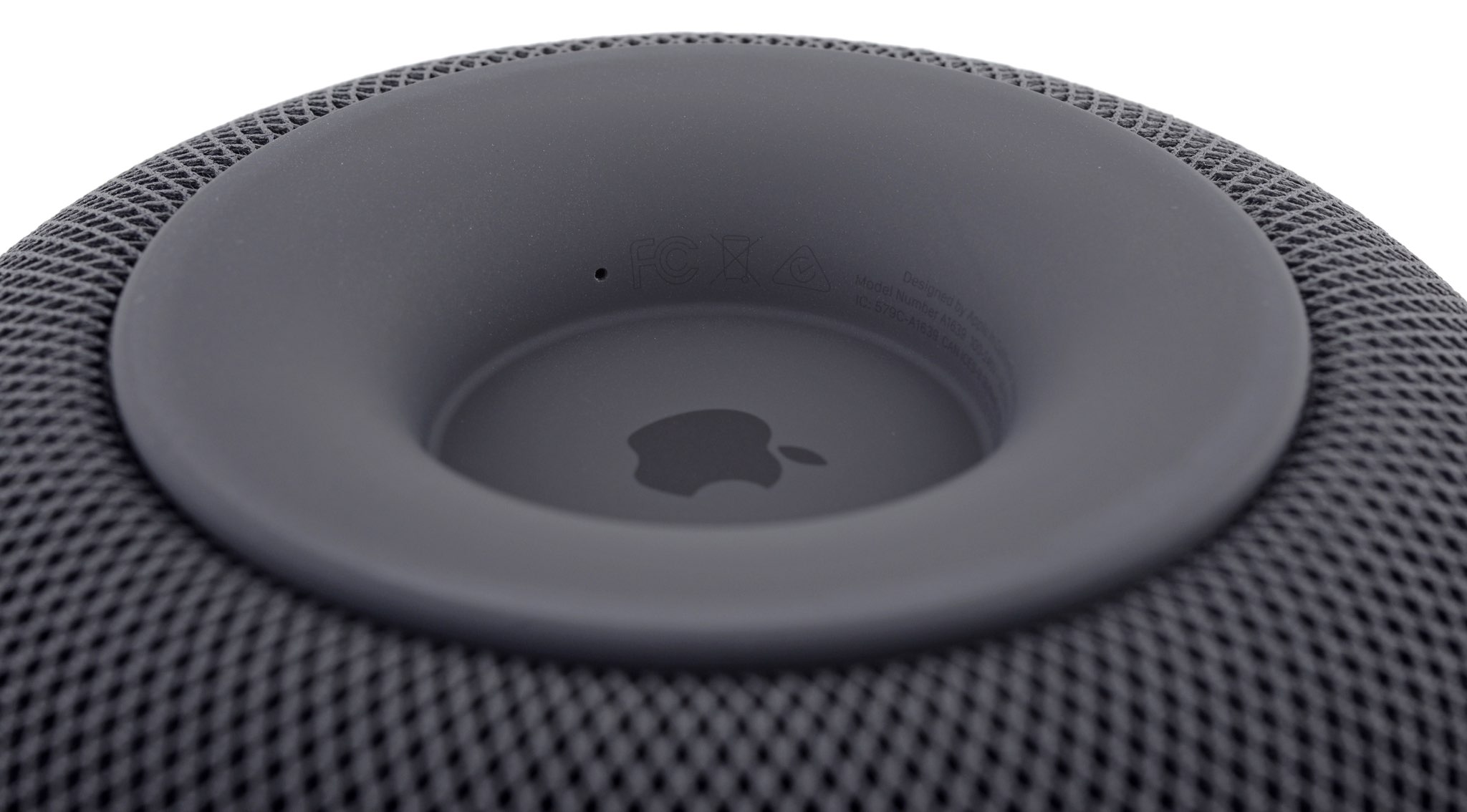
Stay up-to-date on the latest HomePod news, and learn how to get the most out of your device with our comprehensive tutorials. From initial set up to advanced features, we’ve got you covered!
Apple's Siri-driven HomePod wireless speaker retails for $349, but the components that go into it cost an estimated $216, suggesting Apple is making 38% margin on its latest product.
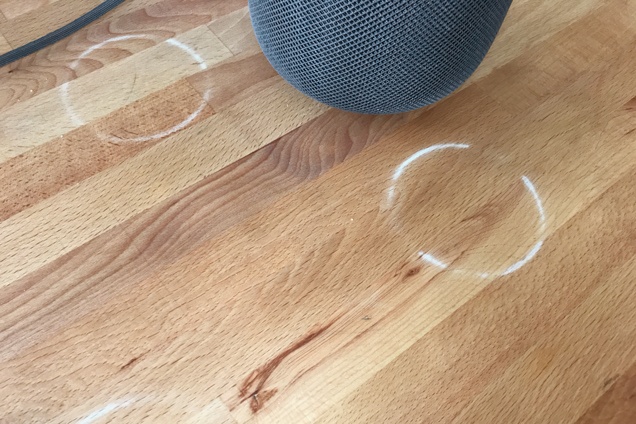
Apple on Wednesday issued a statement confirming reports that the HomePod can leave visible marks on select wooden surfaces. In early reviews, Wirecutter and other publications noted that when placing the HomePod on treated wooden surfaces, a ring-shaped mark develops beneath the speaker within as little as 20 minutes.
Here's the blurb about the marks from Wirecutter's review:
The HomePod can damage wood furniture: An unhappy discovery after we placed a HomePod on an oiled butcher-block countertop and later on a wooden side table was that it left a defined white ring in the surface. Other reviewers and owners have reported the same issue, which an Apple representative has confirmed.
And here's Apple's official response to the publication:
Apple says “the marks can improve over several days after the speaker is removed from the wood surface,” and if they don’t fade on their own, you can basically just go refinish the furniture—the exact advice Apple gave in an email to Wirecutter was to “try cleaning the surface with the manufacturer’s suggested oiling method.”
Apple also adds that it's not unusual for speakers with a silicon base to leave small marks when placed on certain oiled or waxed surfaces—it has something to do with a chemical reaction to treated wood. Still, for a product that is touted for its beautiful design, this is not a good look. Especially given all of the criticism it's been taking in other areas.
Source: Wirecutter
Update: Apple has posted a new support document entitled "Cleaning and Taking Care of HomePod," with a section called Where to Place HomePod.
HomePod is designed for indoor use only. When using HomePod, make sure to place it on a solid surface. Place the power cord so that it won't be walked on or pinched.
It is not unusual for any speaker with a vibration-dampening silicone base to leave mild marks when placed on some wooden surfaces. The marks can be caused by oils diffusing between the silicone base and the table surface, and will often go away after several days when the speaker is removed from the wooden surface. If not, wiping the surface gently with a soft damp or dry cloth may remove the marks. If marks persist, clean the surface with the furniture manufacturer's recommended cleaning process. If you’re concerned about this, we recommend placing your HomePod on a different surface.
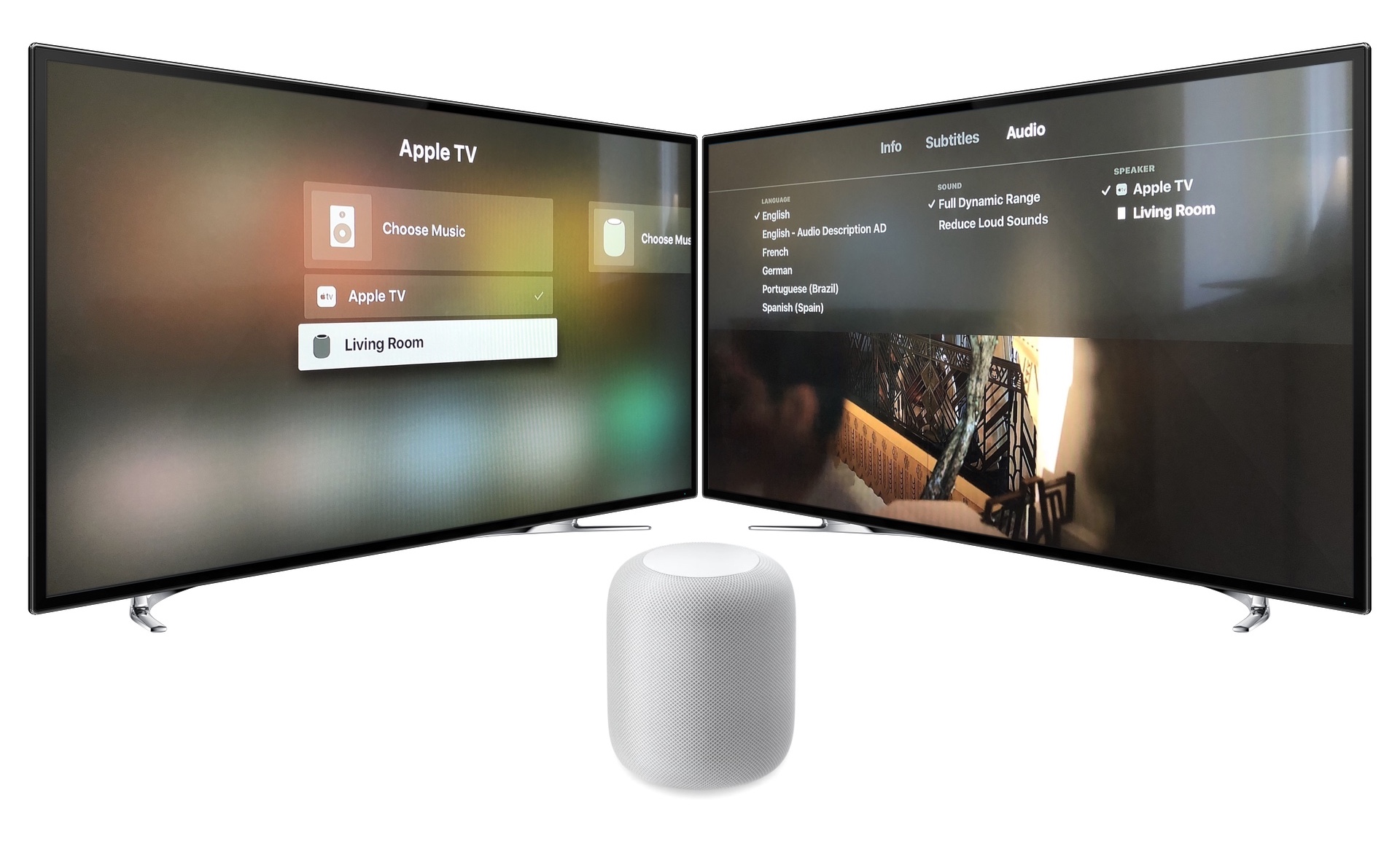
Learn how to use your HomePod with Apple TV. We'll look at the setup, the playback settings and controls, and the limitations of HomePod as your main Apple TV speaker.

In this tutorial, we'll guide you through the steps to download and install the latest software version on your HomePod using your iPhone, iPad, or Mac, so you can enjoy all the newest features on your smart speaker.

This tutorial shows you how to find the serial number and the current software version of your HomePod 1st & 2nd generation or HomePod mini.
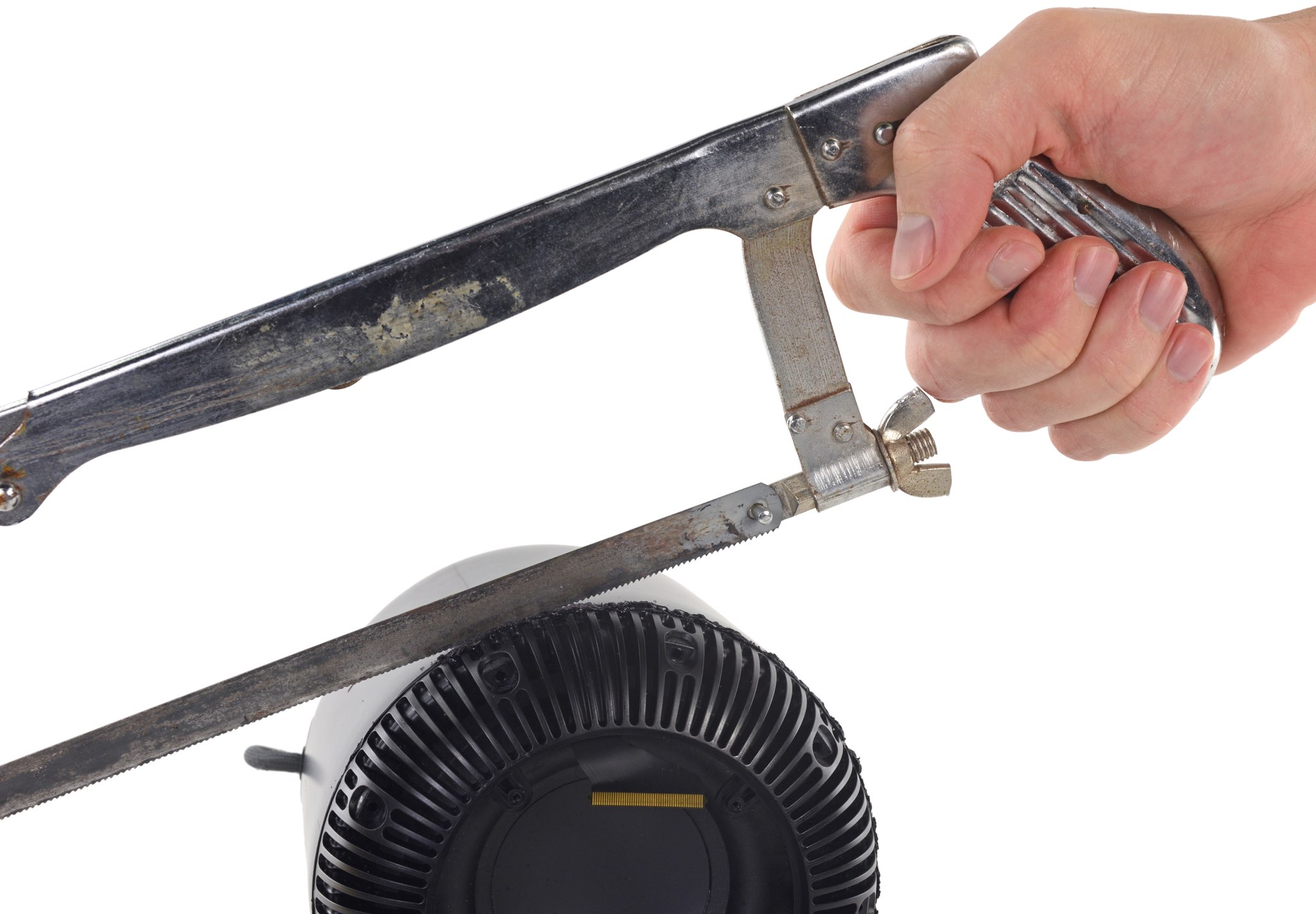
iFixit used knives and a hacksaw to pry open their HomePod so you don't have to.
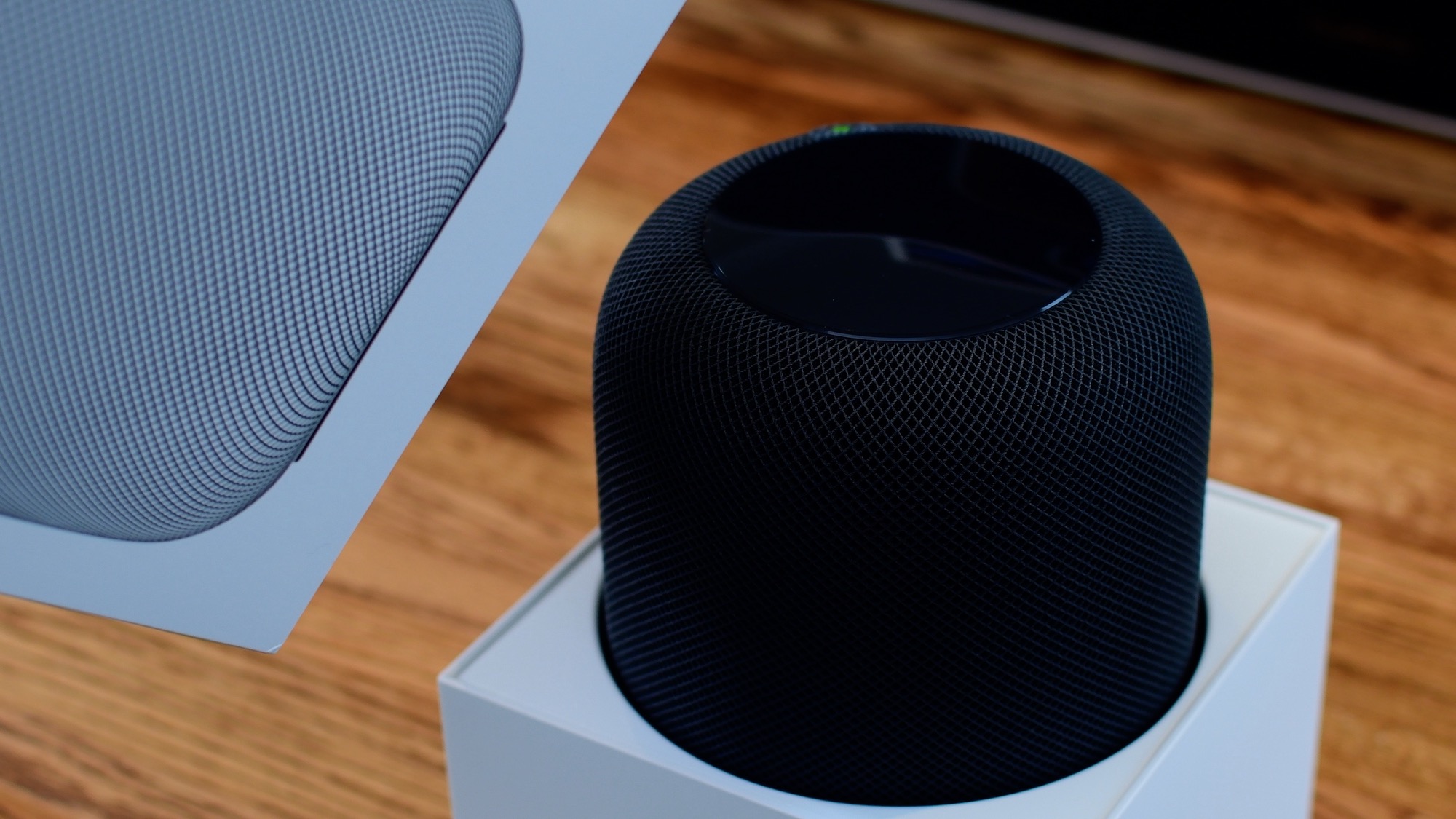
From connecting your HomePod to your Wi-Fi network to setting up Siri, this guide will walk you through the simple steps to get your HomePod up and running in no time, thanks to Apple's Automatic Setup feature.
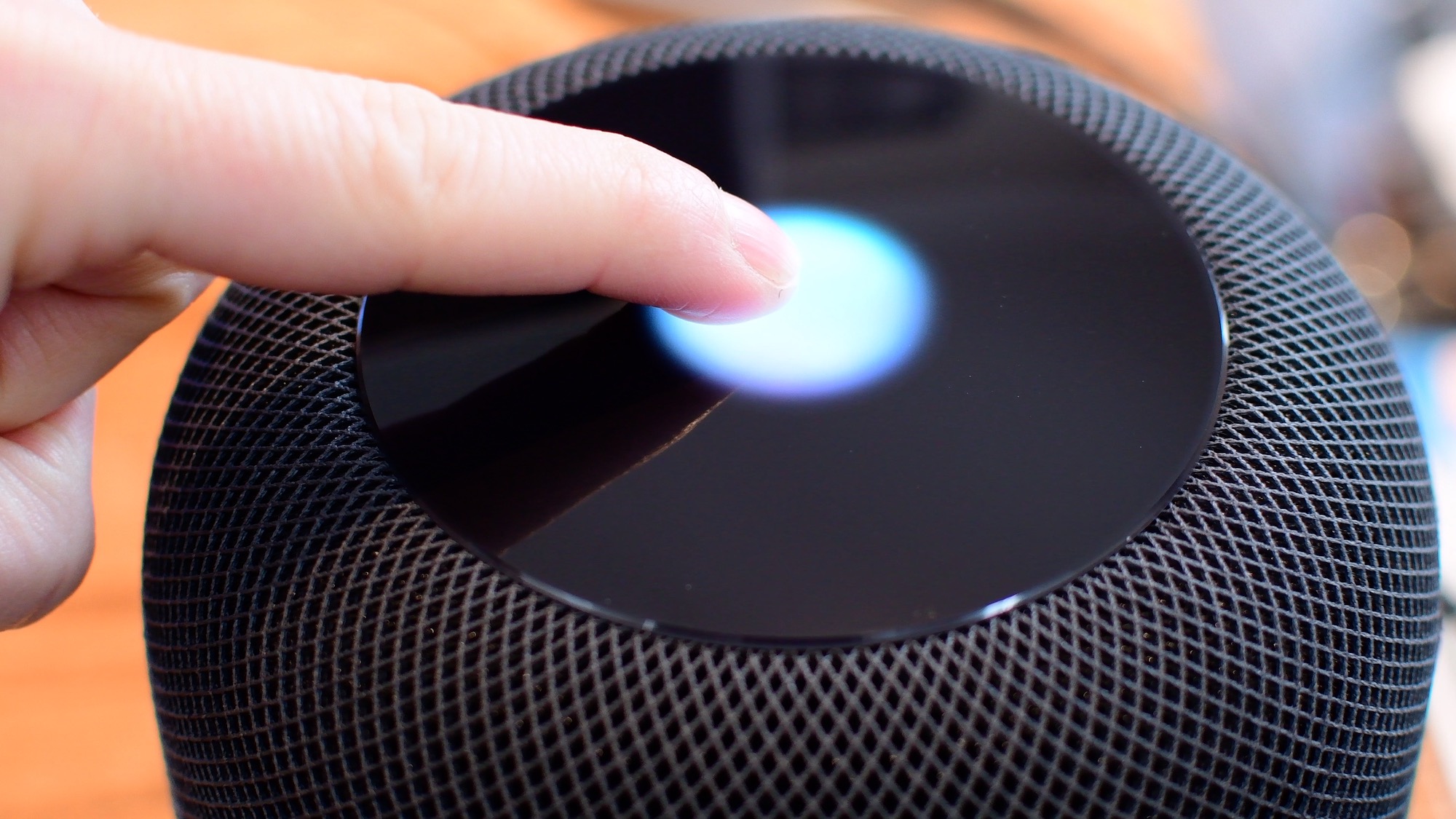
Siri is clearly going to be the best way to control your HomePod or HomePod mini. Everything that you do with touch, you can also do with Siri. However, there are times when it is easier/more convenient to use the touch interface instead. Take a look at this video or scroll down for our written tutorial.
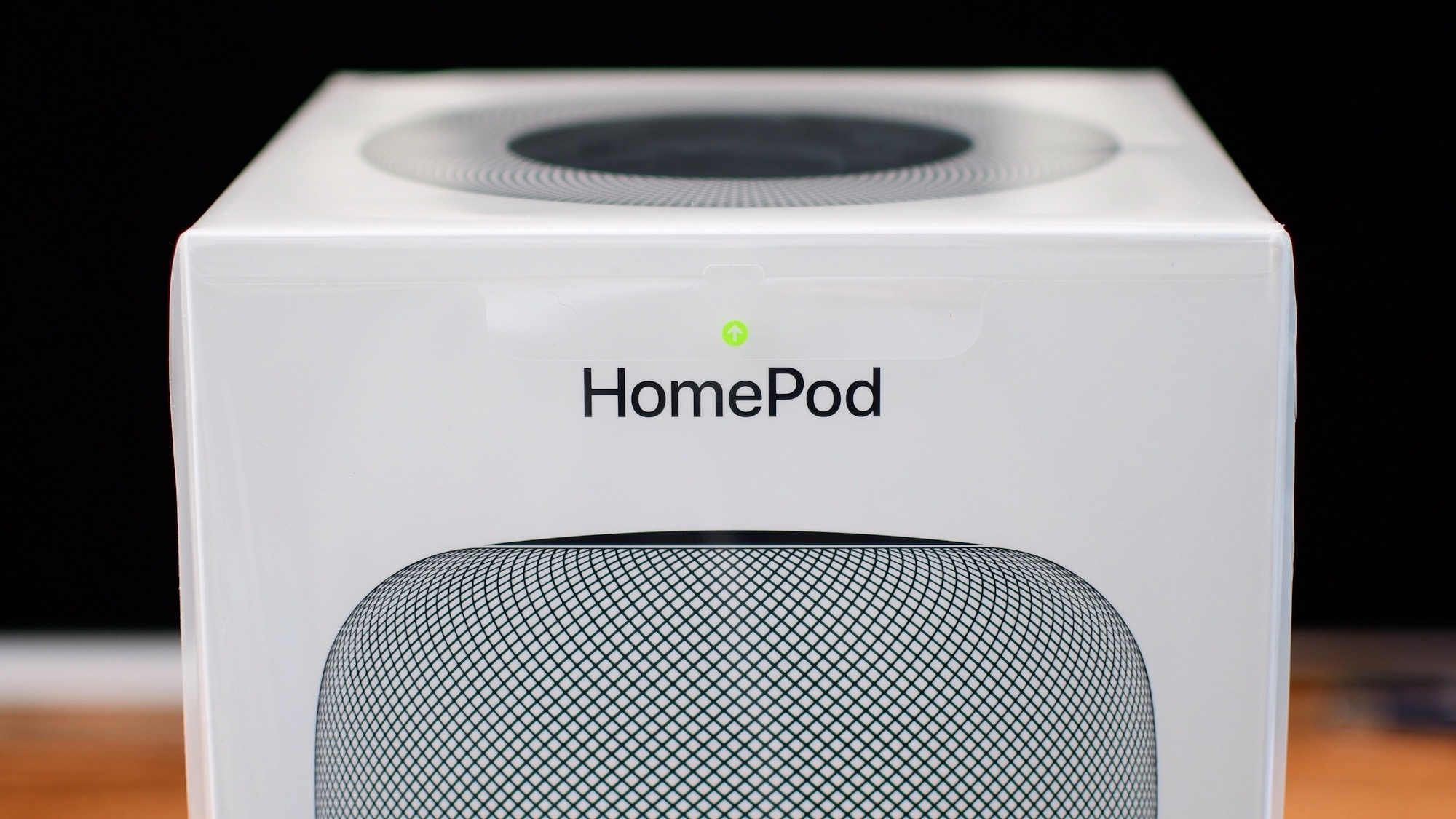
We got our hands on Apple's new HomePod today and were quick to unbox it, and gather our first impressions in our short and sweet hands-on video walkthrough.
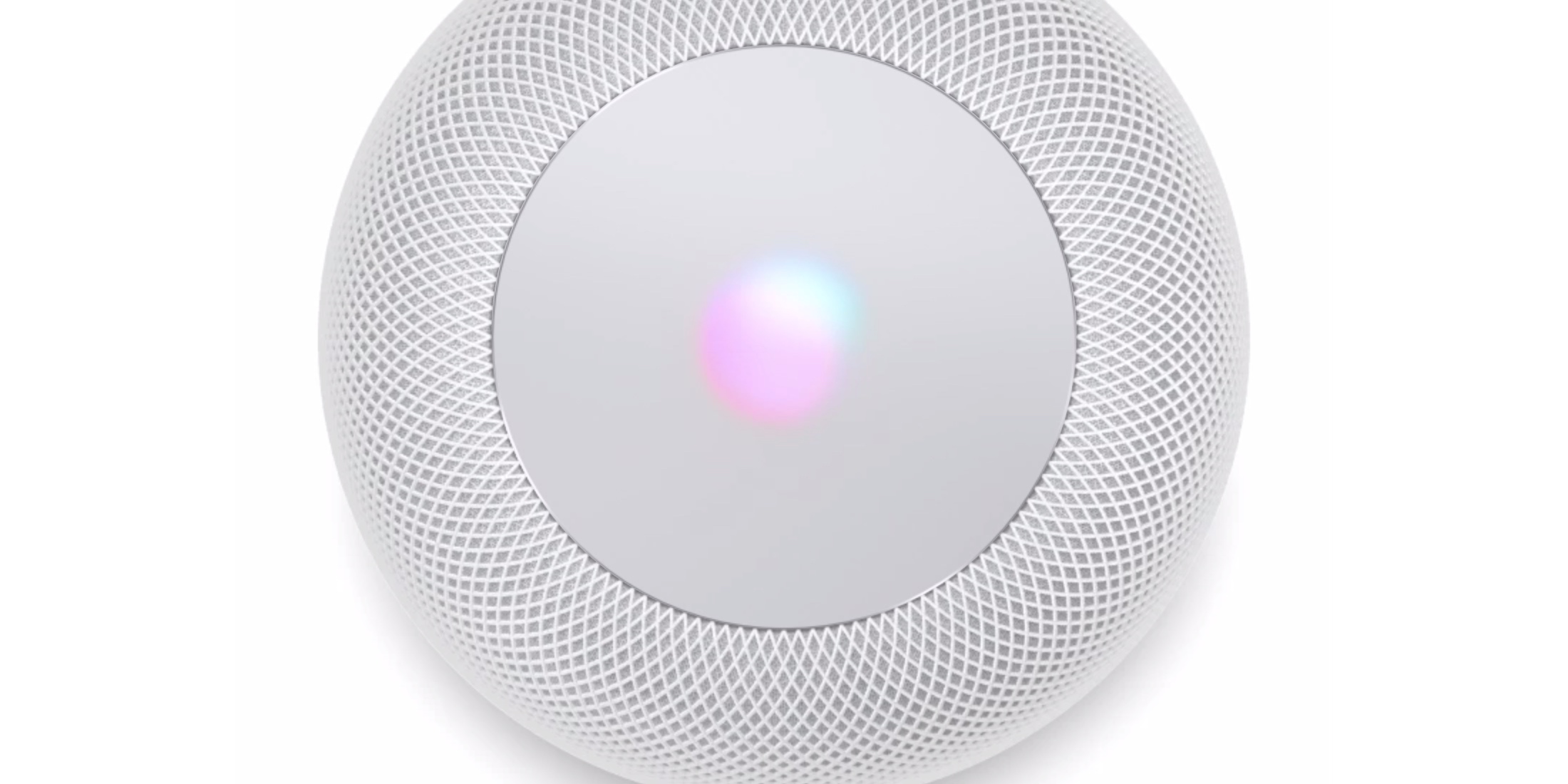
HomePod is here and competitors are taking notice.
According to Apple's new online user guide, unlocking HomeKit security accessories like door locks through Siri on HomePod requires authentication using Face ID, Touch ID or a passcode on your iPhone, iPad or iPod touch in order to protect your privacy and security.
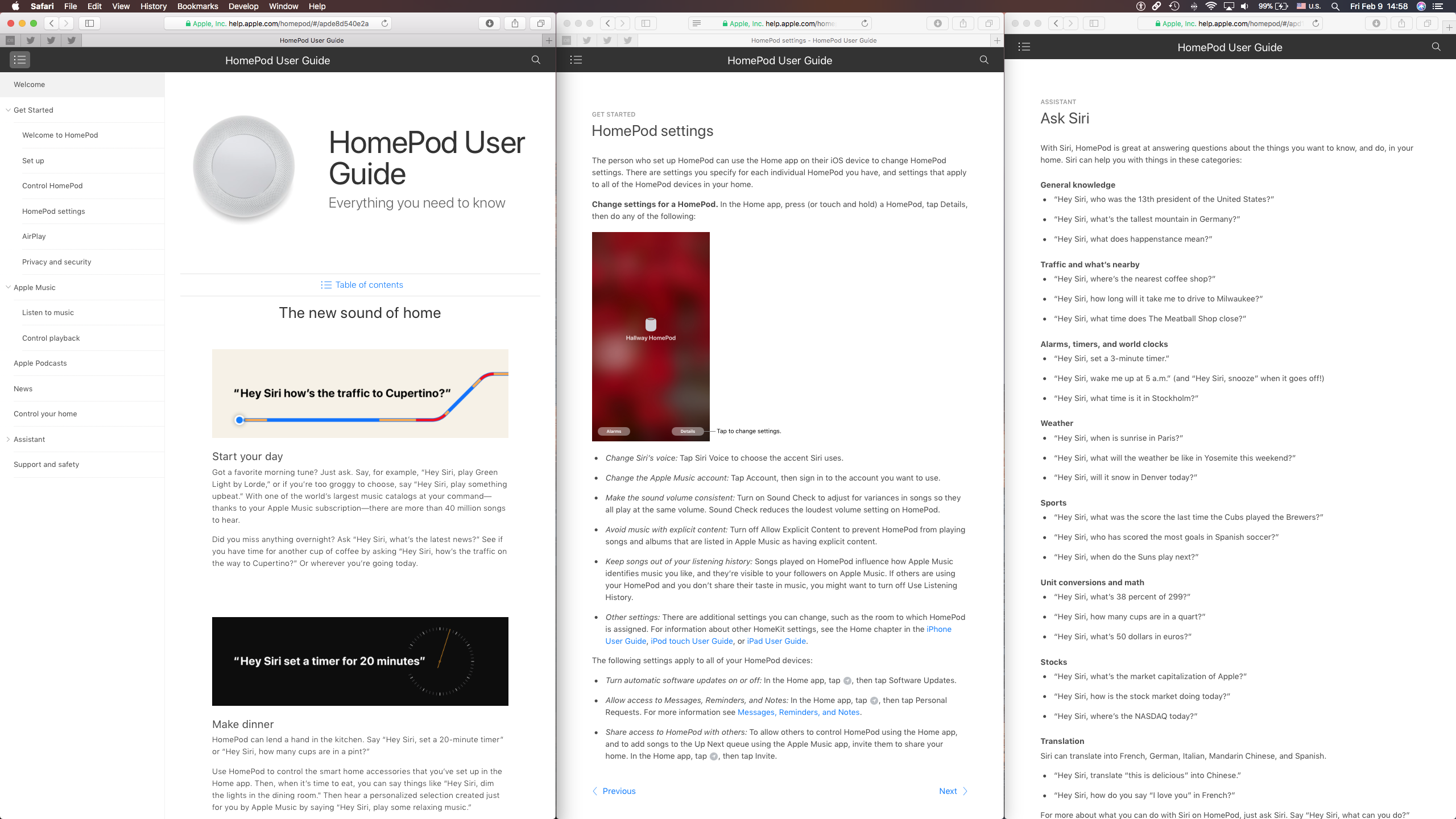
Following HomePod's arrival today, Apple started educating customers on what it can do with helpful videos through its Tips app and the official HomePod User Guide on the web.