Learn how to stop people you’re not friends with from showing up in your Facebook chat and adjust settings to prevent them from showing up again.
How to stop non-friends from showing up in your Facebook chat

Learn how to stop people you’re not friends with from showing up in your Facebook chat and adjust settings to prevent them from showing up again.

Many jailbreakers will be familiar with the program TinyUmbrella, which has traditionally been one of the best ways to save SHSH blobs for their iOS devices onto their Macs for safekeeping. What SHSH blobs are, their function, and how to save them is outside the scope of this article, (I will put something together soon on this), but suffice to say that saving these blobs is of some importance to many jailbreakers and that TinyUmbrella has been the go-to application for doing so for a long while.
Whilst the application was updated as recently as August by its creator Semaphore, many Mac users (myself included) have noted that the new version, 9.3.4, gives an error on launch and cannot be used at all. This guide will walk you through the fix to get your umbrella back up again on Mac, so you can carry on wishfully saving those blobs.
The AirDrop file transfer protocol, introduced with Mac OS X Lion and iOS 7, is a fast and convenient way to transfer files between Apple devices. The current version of the service is interoperable between iOS and macOS, but requires both Bluetooth and Wi-Fi to be active in order to work. It also requires Mac OS X Yosemite or newer and a hardware model from 2012 or later.
However, the version of AirDrop that shipped as standard with OS X between 10.7 (Lion) and 10.9 (Mavericks), whilst unable to send files to iOS devices, works without Bluetooth and on Mac models going back as far as 2008. Luckily, alongside the newer version, this legacy mode is still included on all Mac models to date, and as this guide will show, can be modified to have an even broader functionality.

Ditto was released in a server-side Pokémon GO update last week, and while many players have already caught the shape-shifting purple Pokémon, others are still having trouble trying to bag it for their Pokédex collection.
In this piece, we’ll talk about everything you’ll need to know about catching and using Ditto in Pokémon GO.
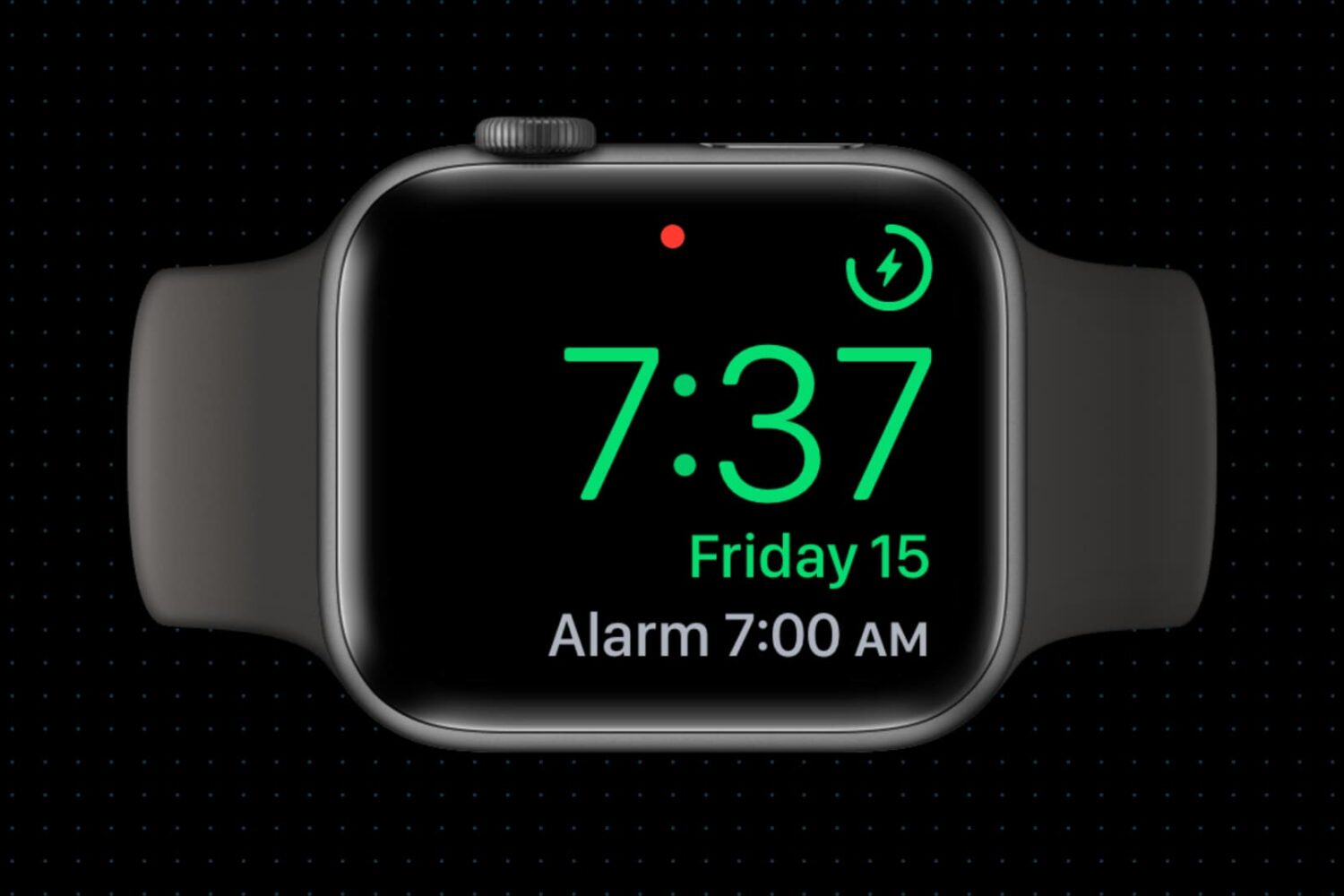
Did you know your Apple Watch can be used as a bedside clock? In this tutorial, we will show you how to use the Nightstand Mode feature to give your Apple Watch a purpose even when you’re not wearing it.

It's been a while since we posted in our Account Deletion series, which deals with terminating accounts on popular services from brands like Apple, Google, PayPal, Netflix, Spotify, Dropbox, Twitter, Viber, WhatsApp, Facebook, Instagram and many others. In this tutorial, you will learn how to close and terminate your personal account on Yahoo along with personal information and settings associated with it.
We'll also show you how to remove your child's account as part of your family account, educate you on Yahoo's data retention policy and lay out any caveats you should be aware of ahead of breaking ties with Yahoo.

Wouldn’t it be nice if you could just turn on your Mac and start using it without having to log in to it all the time? If you’re someone who doesn’t need Fort Knox-like security to keep people from getting into your computer, then you can set up your Mac to log in to your account automatically when you turn it on, and we’ll show you how to do that.

Learn how to set up Touch ID on a MacBook or Magic Keyboard, enroll your fingerprints in the system, and use it to quickly unlock your computer, make purchases on websites with Apple Pay, and much more.
Are you on a capped data plan? In this brief tutorial, we will share a few quick tips to reduce cellular data usage when you use the Facebook app on your iPhone or iPad.
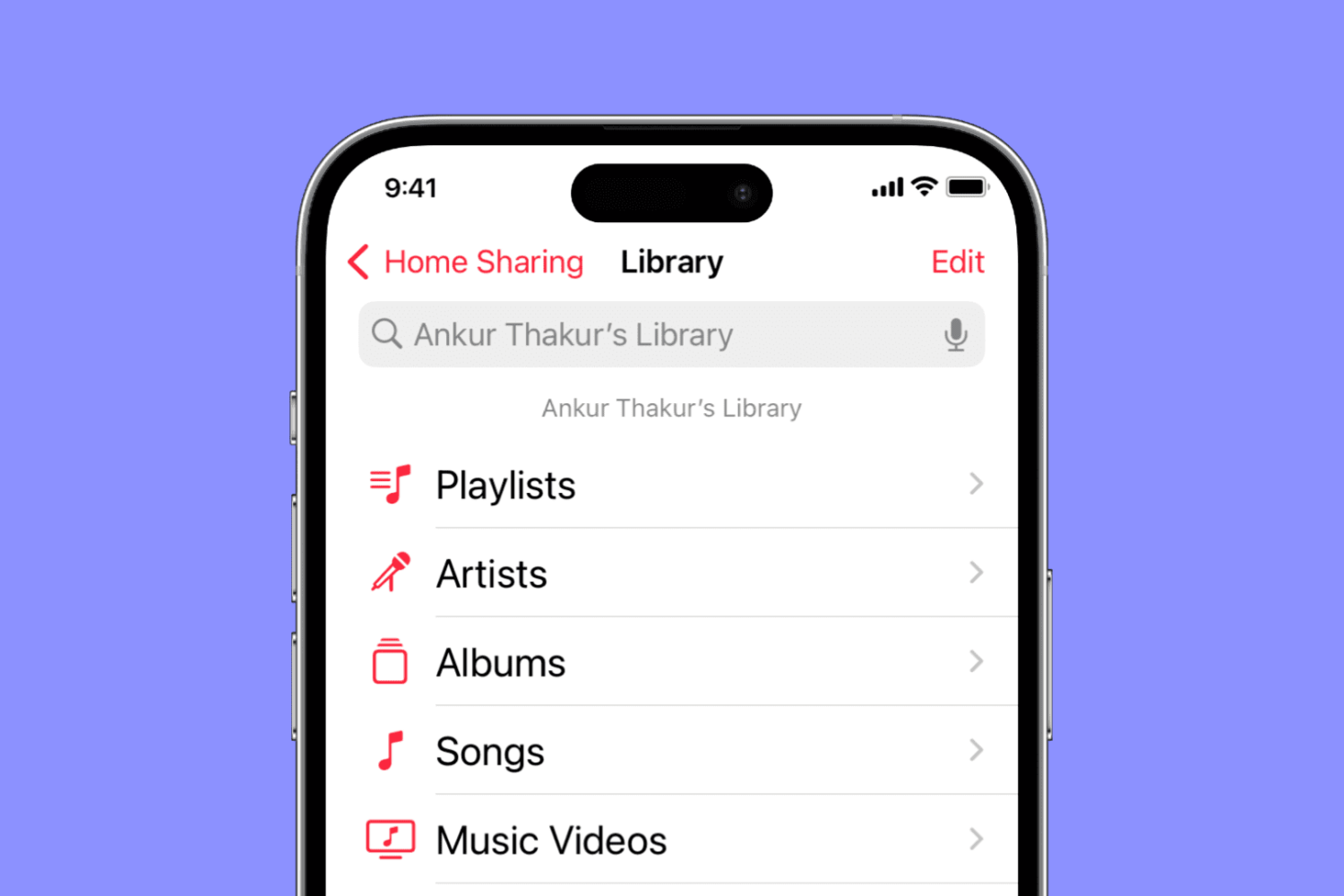
Find out what to do if music and video Home Sharing isn’t working between your Mac, iPhone, iPad, Apple TV, and Windows PC.

Filter out junk notifications and get alerted only about the stuff you care about by turning on the quality filter option in the X app or website.
