Guide

Does your Mac support Night Shift?

macOS Sierra 10.12.4 brought Night Shift to Mac. As you know, Night Shift debuted on iPhone, iPad and iPod touch with the release of iOS 9 nearly two years ago.

Like with iOS devices, macOS's implementation of the feature automatically shifts your display's colors to the warmer end of the color spectrum after dark, based on your computer's clock and geolocation. This helps cut down on exposure to blue light, which is said to cause sleeping problems.

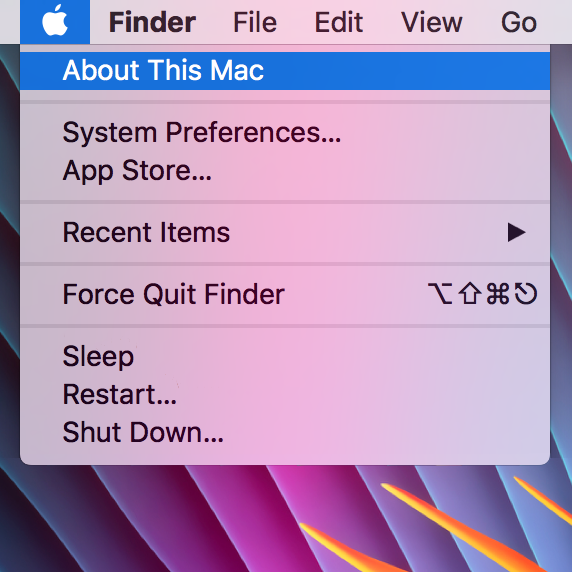
Your computer must meet certain hardware requirements in order to benefit from Night Shift. Here are the full Mac system requirements for Night Shift and how to find out whether or not your particular Mac model is compatible with this feature.

How to use Wish List to track iOS apps and games

Wish List is one of the lesser-known features of App Store. Your Wish List is accessible in App Store on mobile and iTunes on desktop. As the feature's title suggests, you can add iPhone, iPad and iPod touch apps and games to your Wish List that you might want to explore or purchase later.

With this tutorial, you'll learn how to add, remove and downloads items on your Wish List on your iPhone, iPad, iPod touch, Mac or PC devices.

How to add Continuity features to older Macs

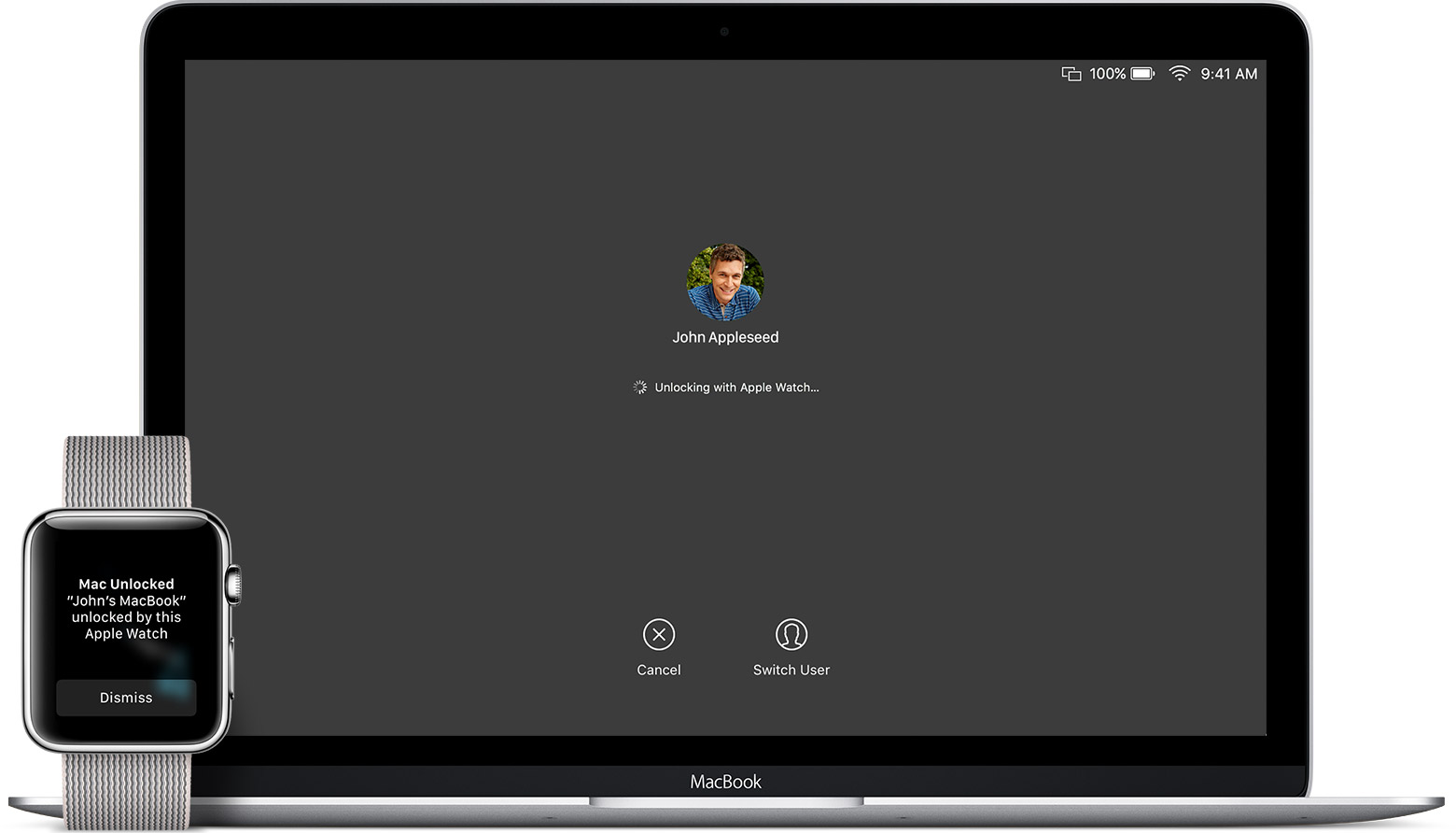
Most of our readers will be familiar by now with Apple's Continuity suite, a slew of features which were introduced with iOS 8 and OS X Yosemite. These features include Instant Hotspot, a new AirDrop, SMS/Phone calls from Mac, and Handoff. With macOS Sierra and iOS 10, they added Auto Unlock and Universal Clipboard to the group.

The catch is of course that making use of these features requires certain hardware. Therefore, Macs from before about 2010/11 appear not to support some or all of the new functionality. However, it turns out there is a way to enable Continuity on your older hardware. In this guide we'll go through how to do it.

How to show basic system information on your Mac login screen

See System Information on Mac's login screen

If you're one of those who love to tweak every little facet of their Mac experience, then this guide is for you. It brings some system information items, such as your computer name, your current IP address, and your macOS version, right to your login screen where they can be easily referenced. For this modification, all you need is the Terminal application and a few minutes.

How to show the expanded Save dialog by default on Mac

By default, the behaviour of macOS upon saving a file is to open a simple dialog window, with only a single drop-down menu showing possible save locations. These locations can vary based on the program settings, your most-used save location, or your last-used save location.

Although this is fine for quickly saving documents to common folders such as Documents or Downloads, it is cumbersome to use the drop-down menu when saving regularly to multiple hard drives and previously unused nested folders. Luckily, there is a way to always show a full file browser in the save dialog for more granular control.

Apple wants to zero in on ‘Pro’ segment, but what about the large majority?

In a statement warmly welcomed by us internet folk, Tim Cook recently proclaimed "you will see us do more in the pro area." In our circles, this is unquestionably good news, as we all foster an insatiable appetite for new innovations, be that on a hardware or software level. More pro is great, however I invariably had to spare a thought for the average, not-so techy Apple customer.

I’m talking about the type of customer that after owning their iPhone 6S for more than a year, still has little concept of what 3D Touch does. Or how about the one that loves their new MacBook, but will gaze at you with a stunned expression when you introduce them to Force Touch on their trackpad. This is by no means meant to sound snarky or patronizing, because as a matter of fact, I don’t blame them for not knowing - I blame Apple for failing to take everyone along for the ride due to poor communication.

Shifting up the ‘Pro’ a notch in the future sounds great, that said how do you straddle the line between pleasing us tech-warriors and not entirely overwhelming a large majority of users, a majority already only privity to roughly half of the juicy features on their devices? Apple needs to find some cogent answers to this issue, and rather than creating a two-tier system in their hardware sold (labelling only some products 'Pro'), I contend that software could be the key.