Guide

How to add Continuity features to older Macs

Most of our readers will be familiar by now with Apple's Continuity suite, a slew of features which were introduced with iOS 8 and OS X Yosemite. These features include Instant Hotspot, a new AirDrop, SMS/Phone calls from Mac, and Handoff. With macOS Sierra and iOS 10, they added Auto Unlock and Universal Clipboard to the group.

The catch is of course that making use of these features requires certain hardware. Therefore, Macs from before about 2010/11 appear not to support some or all of the new functionality. However, it turns out there is a way to enable Continuity on your older hardware. In this guide we'll go through how to do it.

How to show basic system information on your Mac login screen

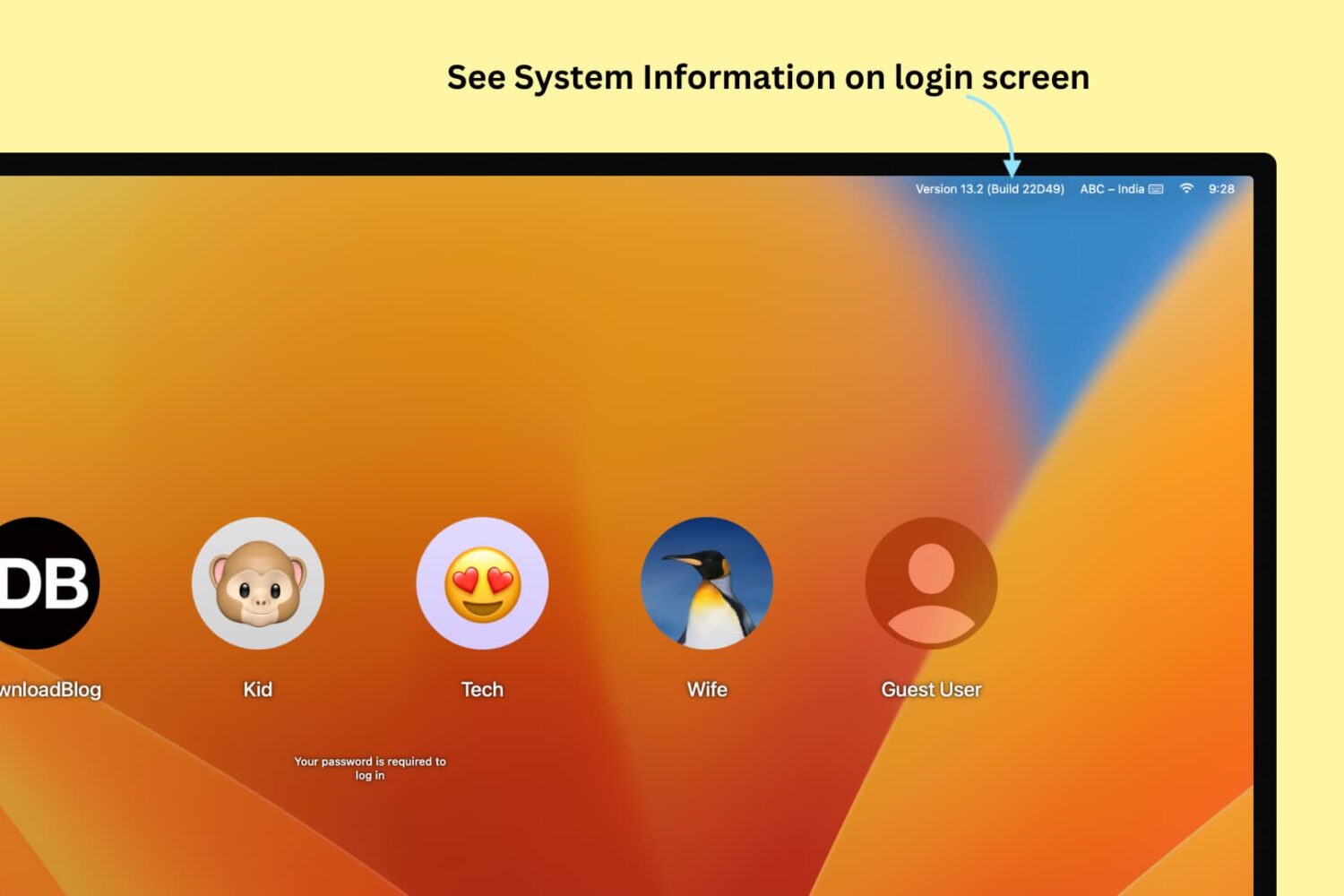
See System Information on Mac's login screen

If you're one of those who love to tweak every little facet of their Mac experience, then this guide is for you. It brings some system information items, such as your computer name, your current IP address, and your macOS version, right to your login screen where they can be easily referenced. For this modification, all you need is the Terminal application and a few minutes.

How to show the expanded Save dialog by default on Mac

By default, the behaviour of macOS upon saving a file is to open a simple dialog window, with only a single drop-down menu showing possible save locations. These locations can vary based on the program settings, your most-used save location, or your last-used save location.

Although this is fine for quickly saving documents to common folders such as Documents or Downloads, it is cumbersome to use the drop-down menu when saving regularly to multiple hard drives and previously unused nested folders. Luckily, there is a way to always show a full file browser in the save dialog for more granular control.

Apple wants to zero in on ‘Pro’ segment, but what about the large majority?

In a statement warmly welcomed by us internet folk, Tim Cook recently proclaimed "you will see us do more in the pro area." In our circles, this is unquestionably good news, as we all foster an insatiable appetite for new innovations, be that on a hardware or software level. More pro is great, however I invariably had to spare a thought for the average, not-so techy Apple customer.

I’m talking about the type of customer that after owning their iPhone 6S for more than a year, still has little concept of what 3D Touch does. Or how about the one that loves their new MacBook, but will gaze at you with a stunned expression when you introduce them to Force Touch on their trackpad. This is by no means meant to sound snarky or patronizing, because as a matter of fact, I don’t blame them for not knowing - I blame Apple for failing to take everyone along for the ride due to poor communication.

Shifting up the ‘Pro’ a notch in the future sounds great, that said how do you straddle the line between pleasing us tech-warriors and not entirely overwhelming a large majority of users, a majority already only privity to roughly half of the juicy features on their devices? Apple needs to find some cogent answers to this issue, and rather than creating a two-tier system in their hardware sold (labelling only some products 'Pro'), I contend that software could be the key.

How to jailbreak your Apple TV 4 with liberTV

As reported by iDB, a jailbreak for the Apple TV 4 and tvOS 9.1-10.1 was recently released by Jonathan Levin. If you're interested in the ins and outs of his new tool, check out our article on the subject for more information.

In this guide we will focus instead on how to install the liberTV application to your Apple TV, and how to use it to jailbreak.

How to change the default AirDrop destination folder on Mac

Change Airdrop Location on Mac

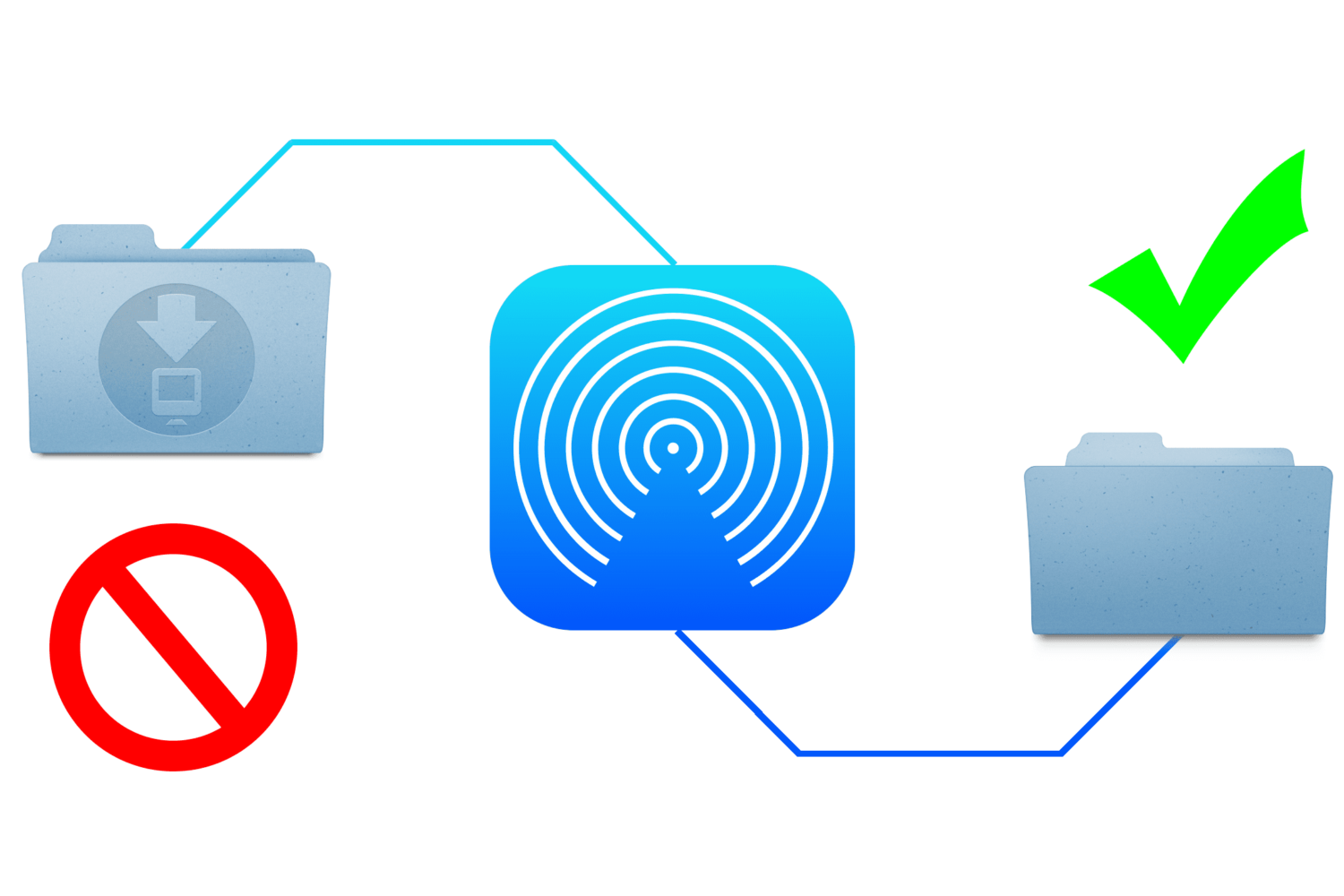
When you send files to your Mac via AirDrop, the received files are automatically saved to the Downloads folder. While this is a logical place for them to go, it's non-configurable and lumps them in with your Mail attachments and Safari downloads.

This approach is not granular enough for some users who may wish to designate a specific folder for AirDrop files to be saved to. Although macOS does not allow this out of the box, it's possible with some straightforward steps.

In this guide, we show you how to change the save location of files you receive via AirDrop on your Mac.

Tip: open video pages in Safari from YouTube app

Thanks to iOS's deep linking feature, YouTube URLs automatically open in the mobile app on your iPhone, iPad or iPod touch. Unfortunately, you cannot temporarily disable this feature for those times when you might prefer YouTube links to always open in Safari instead of the mobile app.

But don't you worry—you just have to work around a bit to have the mobile app open a video link in YouTube's mobile interface in the Safari browser.

How to install macOS 10.12 Sierra on unsupported Mac hardware

With macOS Sierra, Apple dropped support for some of its hardware models for the first time in several years. Citing various incompatibilities and hardware deficiencies, they cut out a large swathe of machines from running Sierra. However, many Mac owners have questioned their motives, observing that some machines have made the cut whilst their more powerful contemporaries (such as the MacBook Pro) have mysteriously been left behind.

This led some to conclude that Apple is simply raising the bar to encourage hardware upgrades, and that there is often no incontrovertible hardware reason which dictates the unsupported machines. In many cases this turned out to be true, and with a few tweaks and amendments many of the "unsupported" machines have been brought back into the fold by a tool by dosdude1, called macOS Sierra Patcher. In this guide, we'll walk you through how to use the tool to install macOS 10.12 Sierra on older Mac hardware, which claims not to support it.