Find out what to do if the next episode of a TV show does not auto-play when the current one ends in the Netflix app or website.
How to fix next episode of a TV show not auto-playing on Netflix
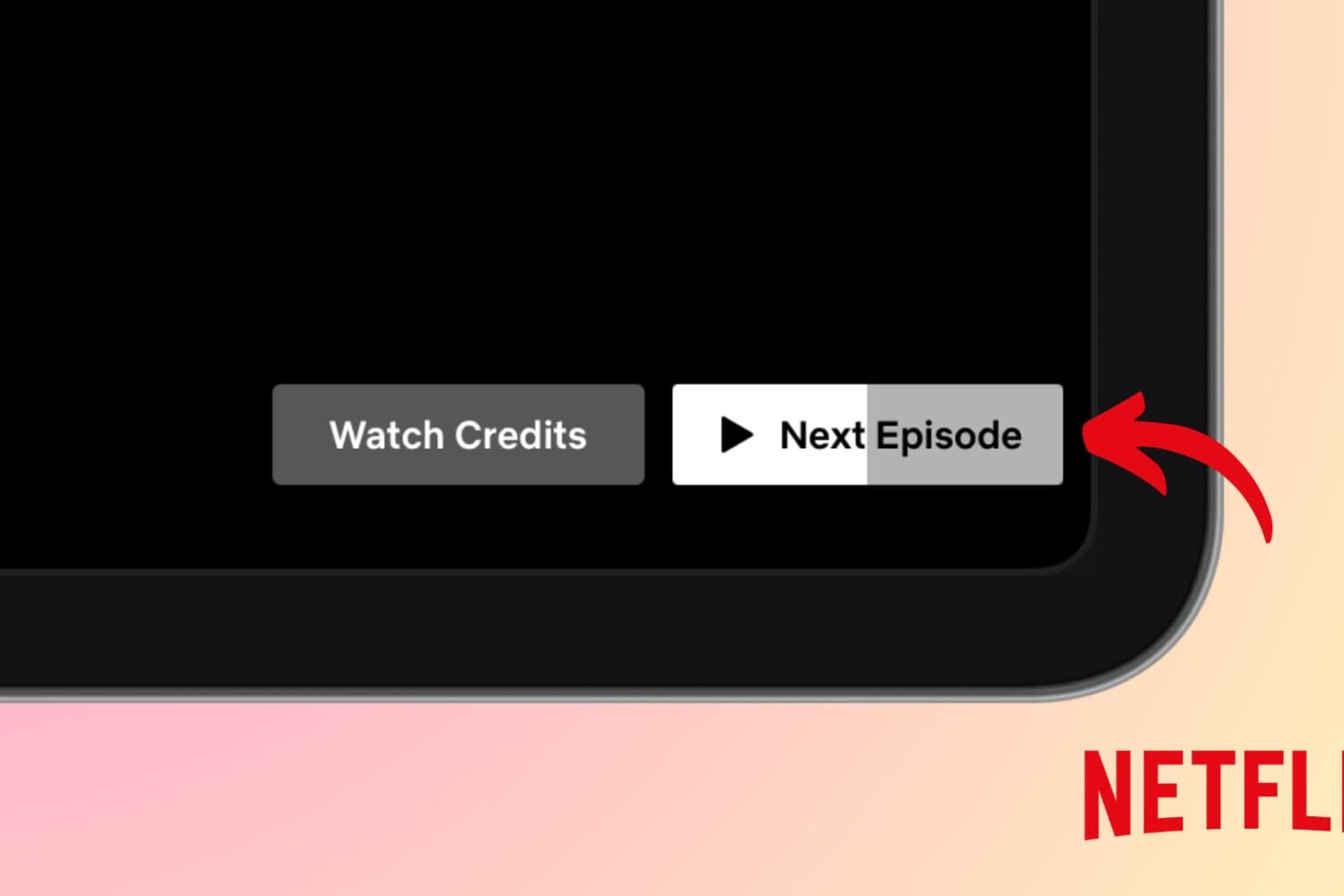
Find out what to do if the next episode of a TV show does not auto-play when the current one ends in the Netflix app or website.
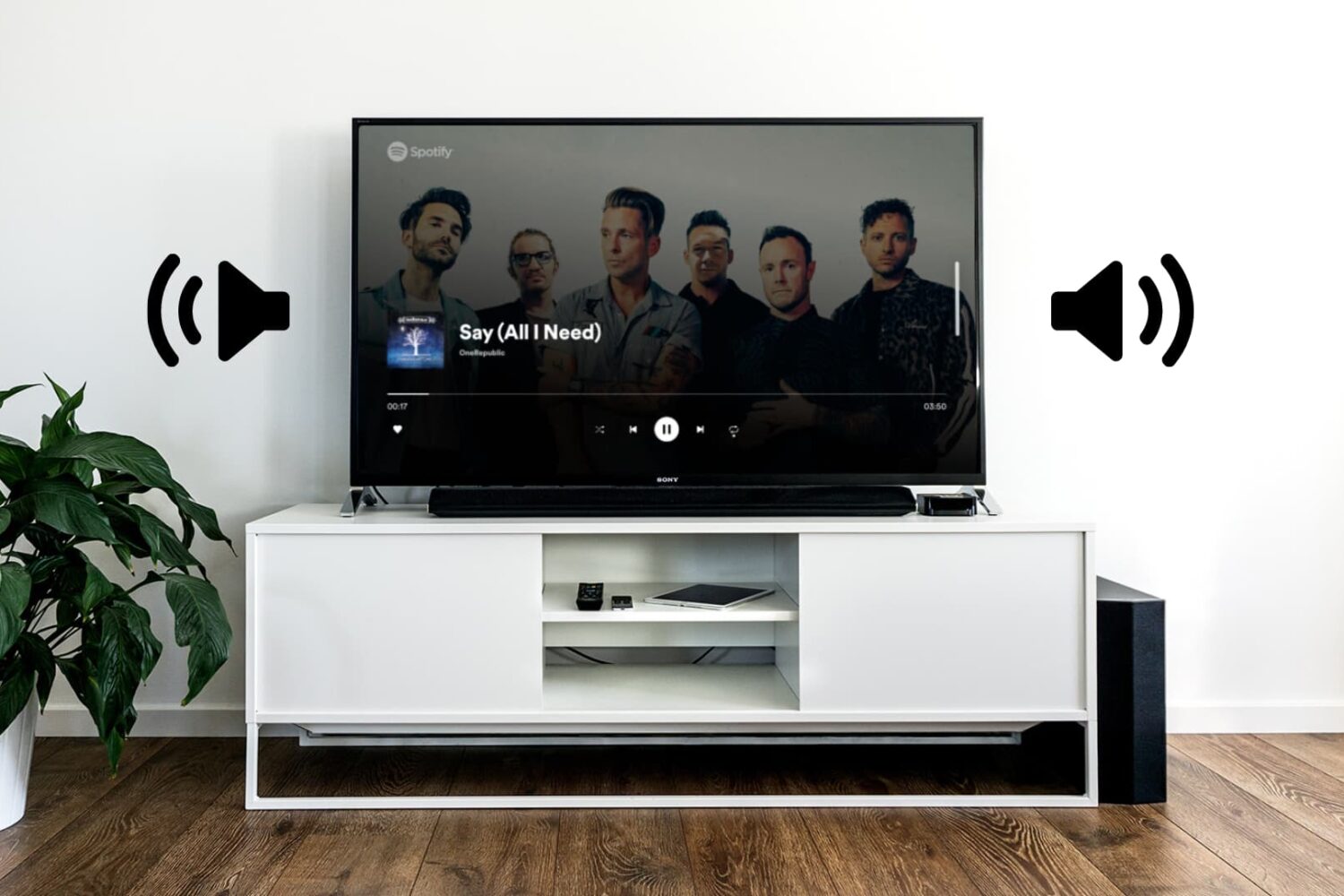
In this tutorial, we’ll show you which settings to enable so you can adjust or mute your connected television volume using the Apple TV Siri Remote, eliminating the need to constantly juggle between the two remotes when watching a movie or TV show.
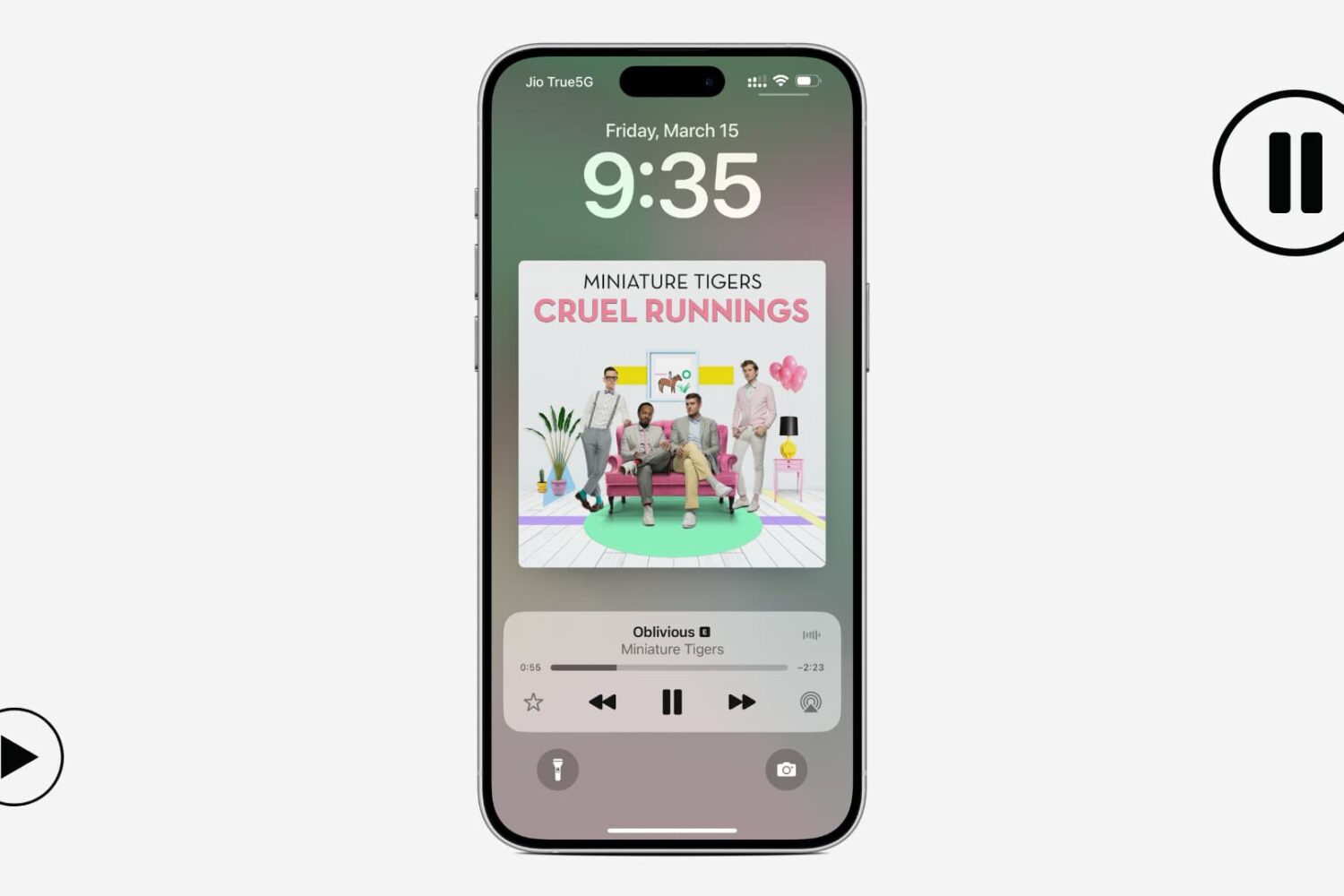
Does your iPhone automatically start playing songs out of nowhere? In this guide, we go over potential causes and solutions to prevent this from happening again.

If you've encountered issues using USB hubs, Java software or professional audio plug-ins on your Mac, installing macOS Sonoma 14.41 should fix them.
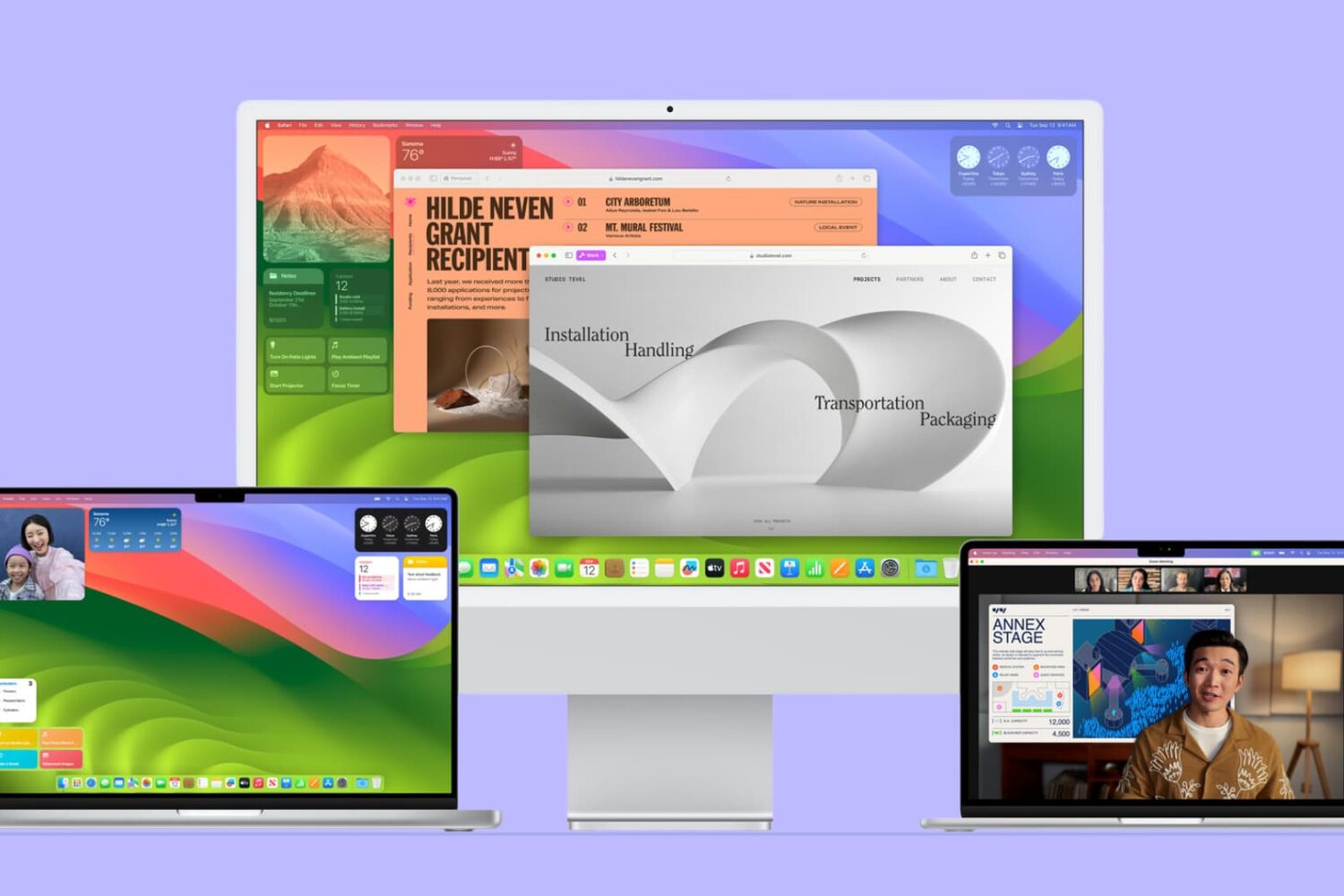
In this guide, we'll go over some common problems that can affect Mac users running macOS Sonoma. We've also listed the potential solutions to address these issues.
Are you frustrated with your iPhone's contacts not saving or updating properly? In this guide, we'll explore common reasons for this issue and provide troubleshooting tips to ensure your contacts are always up-to-date.
A text bug on your iPhone, iPad, Mac and Apple Watch has been fixed with iOS 17.3.1, iPadOS 17.3.1, macOS Sonoma 14.3.1 and watchOS 10.3.1.
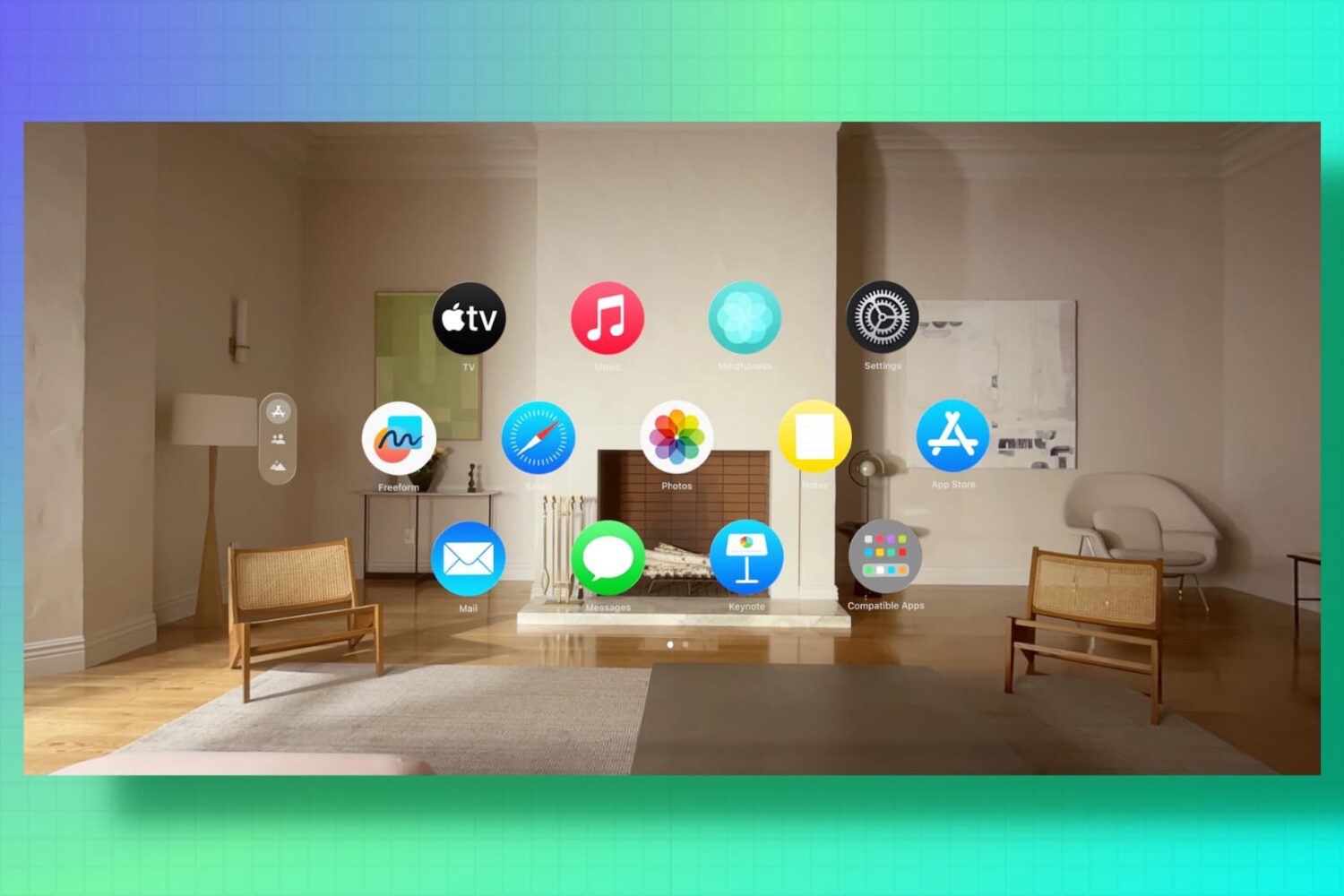
Is your Apple spatial computer not working correctly or freezing periodically? Find out how to fix such issues by force restarting your Vision Pro.
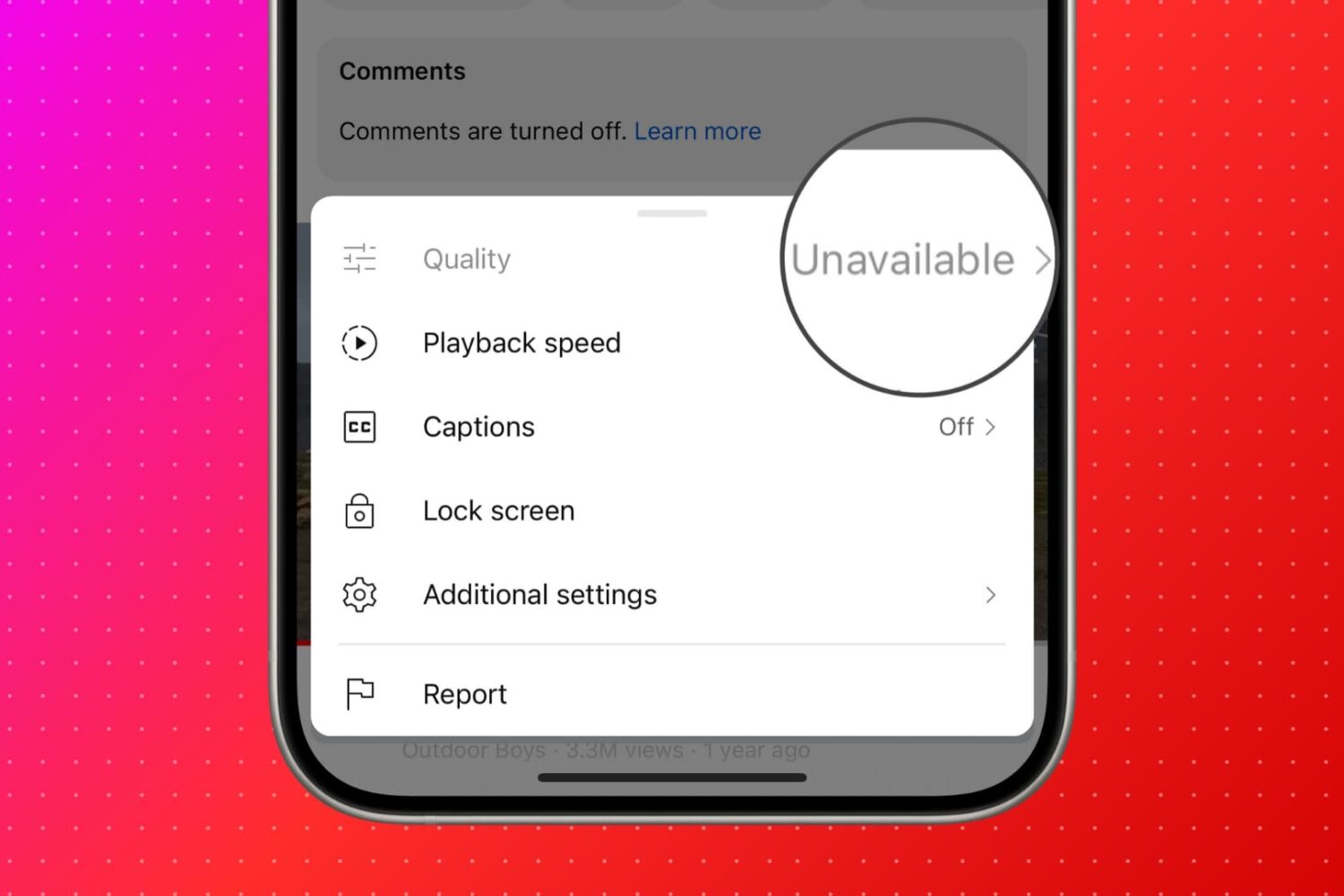
Find out what to do if you see "Quality Unavailable" in the YouTube app or website when you hit the gear icon to select the preferred video quality.
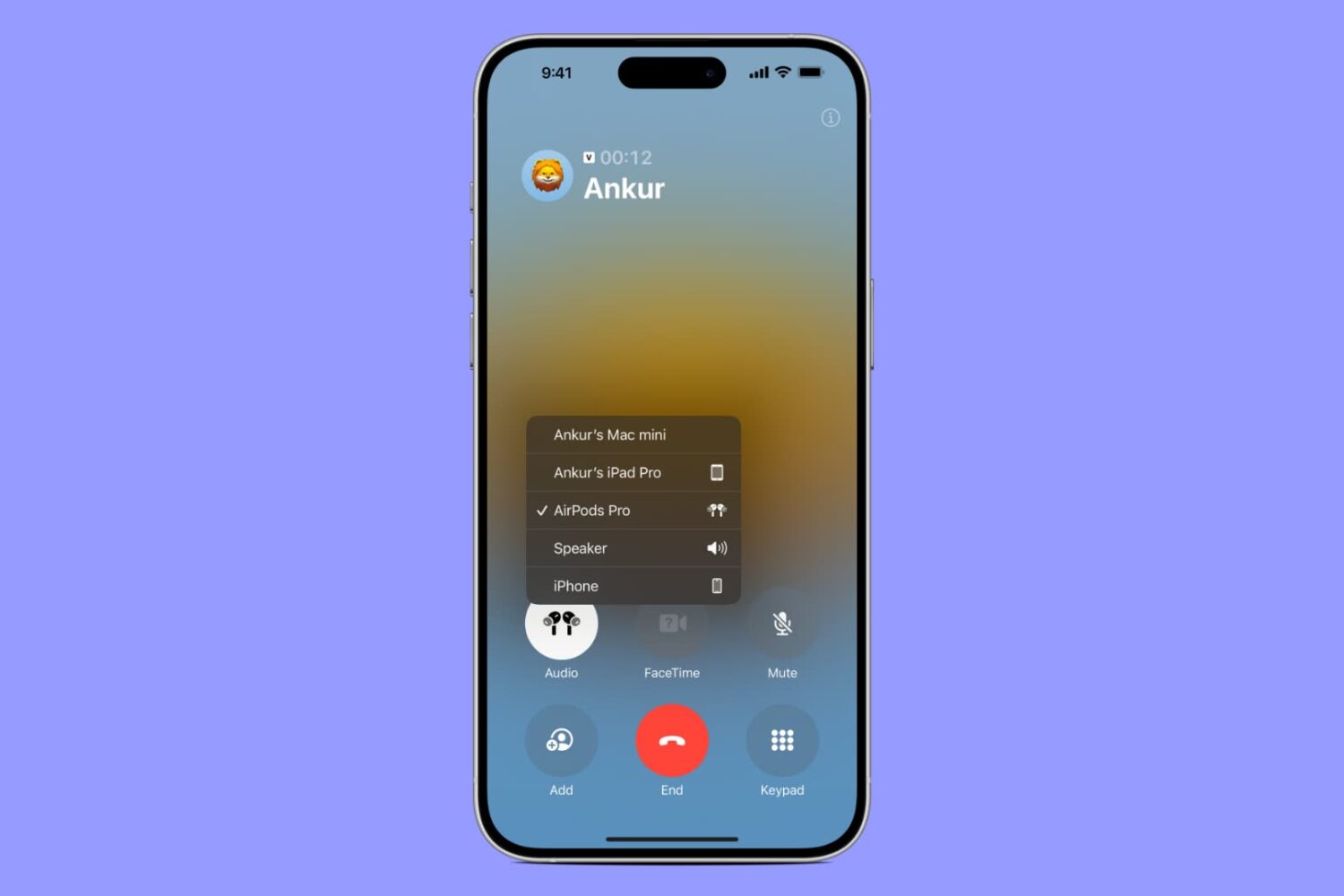
This troubleshooting guide explores all the solutions to ensure your AirPods, AirPods Pro, or AirPods Max do not disconnect from your iPhone when you are on a phone call.

In this tutorial, we will share some tips to keep your Slack status active to ensure your colleagues know you're online and available.
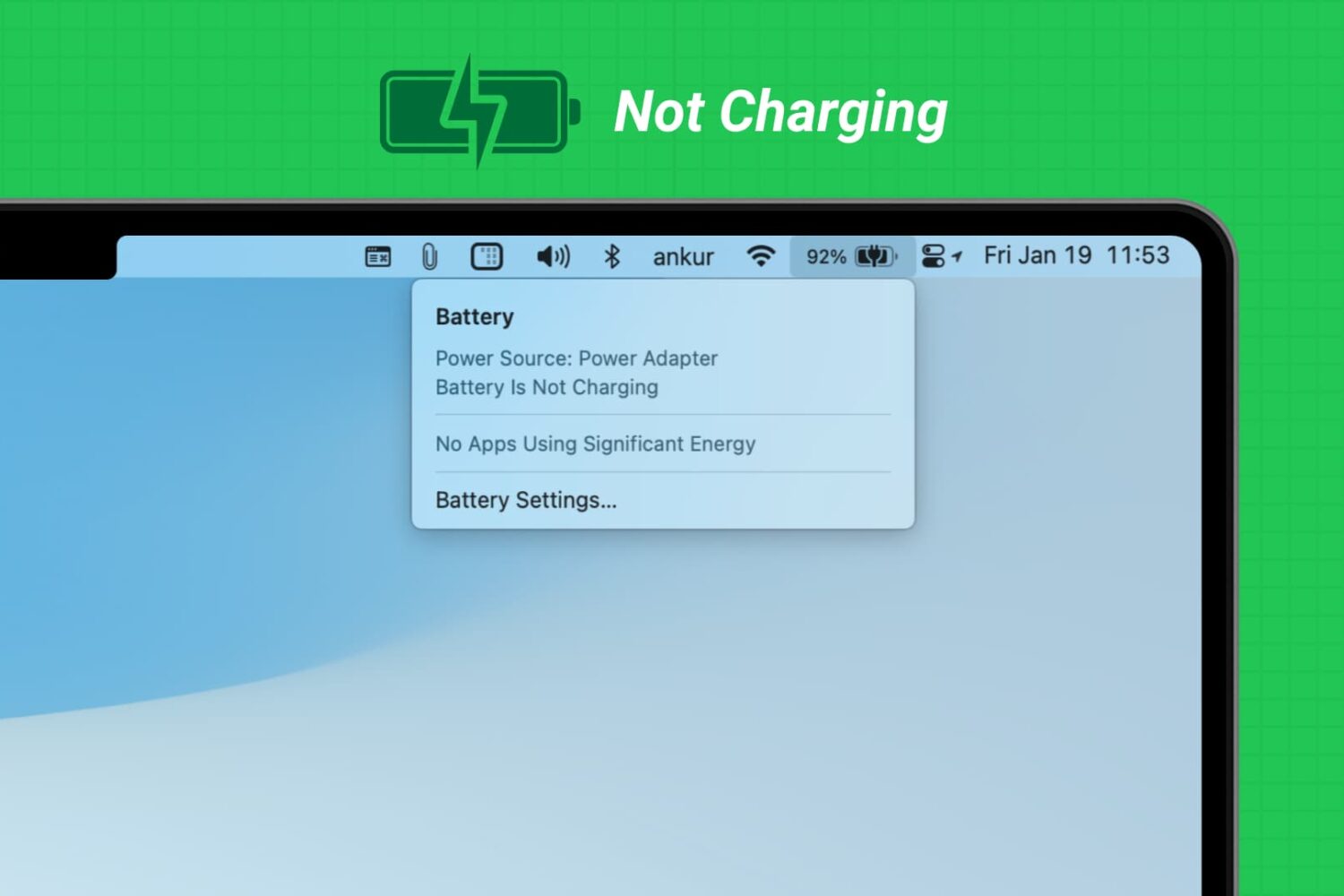
Learn what to do if you have connected your MacBook Air or MacBook Pro to charge, but the battery percentage is not increasing, and you see “Not Charging” or “Battery Is Not Charging” when you click the battery icon.