Apple has launched iOS 17.7, iPadOS 17.7, macOS Sonoma 14.7 and macOS Ventura 13.7 with security fixes for older iPhones, iPads and Macs.
Apple releases iOS 17.7, iPadOS 17.7, macOS Sonoma 14.7 and macOS Ventura 13.7 with important security fixes
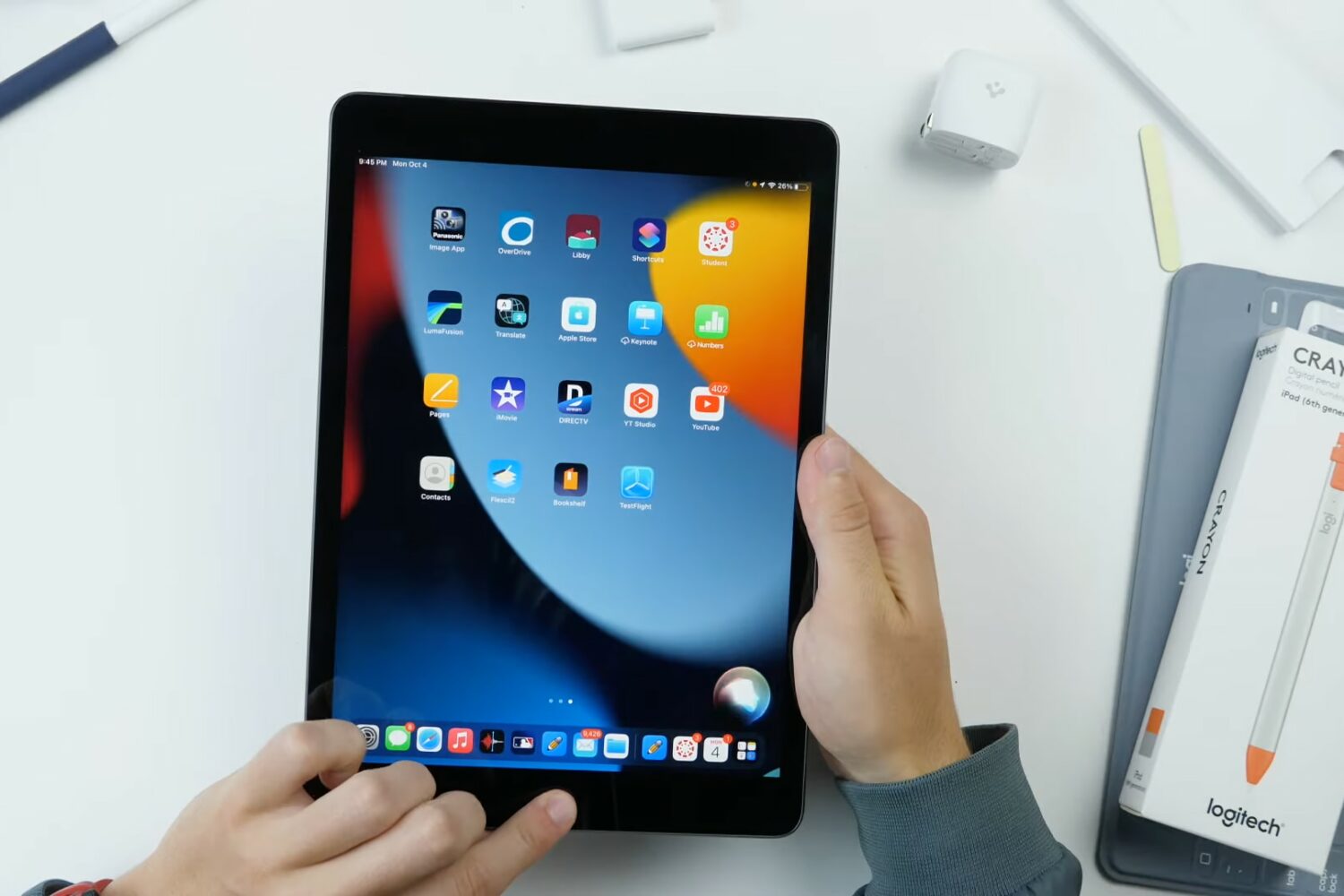
Apple has launched iOS 17.7, iPadOS 17.7, macOS Sonoma 14.7 and macOS Ventura 13.7 with security fixes for older iPhones, iPads and Macs.

Learn why you see “SOS” or “SOS Only” on your iPhone or iPad and explore the solutions to fix this problem and regain cellular connectivity.

Learn what to do if you're trying to use your AirPods with your iPhone, iPad, Mac, Apple TV, or other device, but it fails to connect.

In this troubleshooting guide, we’ll explain what to do if the photos and videos you take on your iPhone or iPad do not contain location information.

Learn what to do if you are unable to open an existing app on your Mac, even though it was working fine earlier.

Learn what to do if you don’t get the option to enter the SIM PIN after restarting your iPhone or turning on a SIM line in the Settings app.
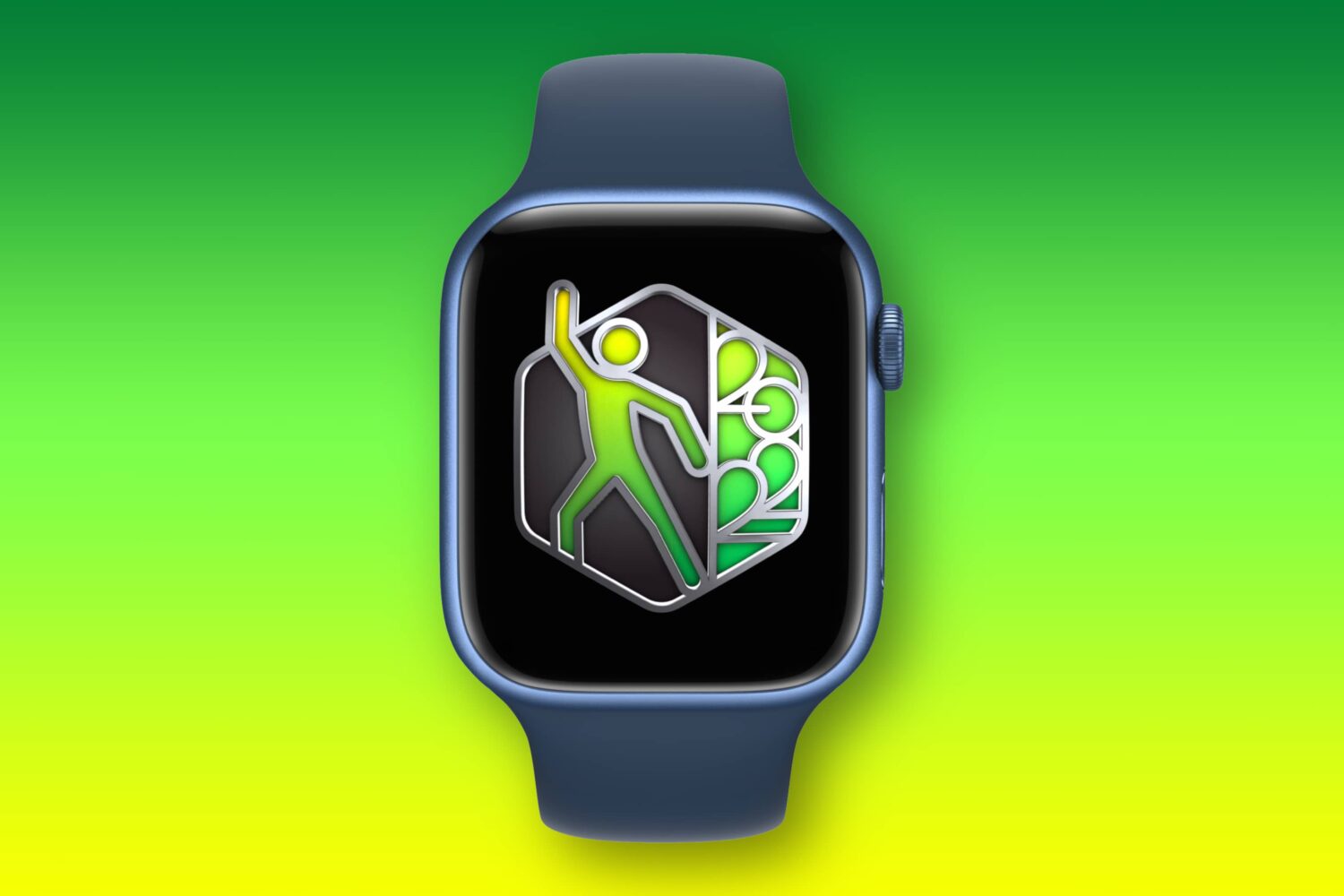
Release notes for watchOS 10.6 reveal the software update fixes a bug that could make the Fitness+ service inaccessible on your Apple Watch.

Apple has released iOS 17.6.1 and other software updates that bring security patches and bug fixes for the misbehaving Advanced Data Protection feature.

Learn what to do if the screenshots you take on your Apple Watch are not showing up in the Photos app on your iPhone.
iOS 17.6 and iPadOS 17.6 patch as many as 30 vulnerabilities and zero-day exploits, so install the update on your iPhone and iPad to get the latest security protections.

In this tutorial, we’ll show you how to reset Siri and set it up again from scratch if it isn’t recognizing your voice correctly or failing to work properly.

Learn what to do if the "My Shazam Tracks" playlist on Apple Music or Spotify is not updating automatically with your newest recognized songs.