Learn what to do if your Apple Magic Keyboard, Magic Trackpad, or Magic Mouse fails to connect and work with your iMac, Mac mini, Mac Studio, Mac Pro, or MacBook.
Fix Magic Keyboard, Trackpad, or Mouse not connecting to Mac

Learn what to do if your Apple Magic Keyboard, Magic Trackpad, or Magic Mouse fails to connect and work with your iMac, Mac mini, Mac Studio, Mac Pro, or MacBook.

Learn what to do if you know Apple has published a new macOS software update, but your Mac is not showing it. These solutions are also helpful if your Mac is stuck on the Software Update screen in System Settings or refusing to download it.

Apple is developing a fix for a bug in iPhone Mirroring that could compromise your privacy and security when using the feature at work.

Learn what to do if your AirTag is not connecting to your iPhone or its location is not being updated in the Find My app on your Apple devices.
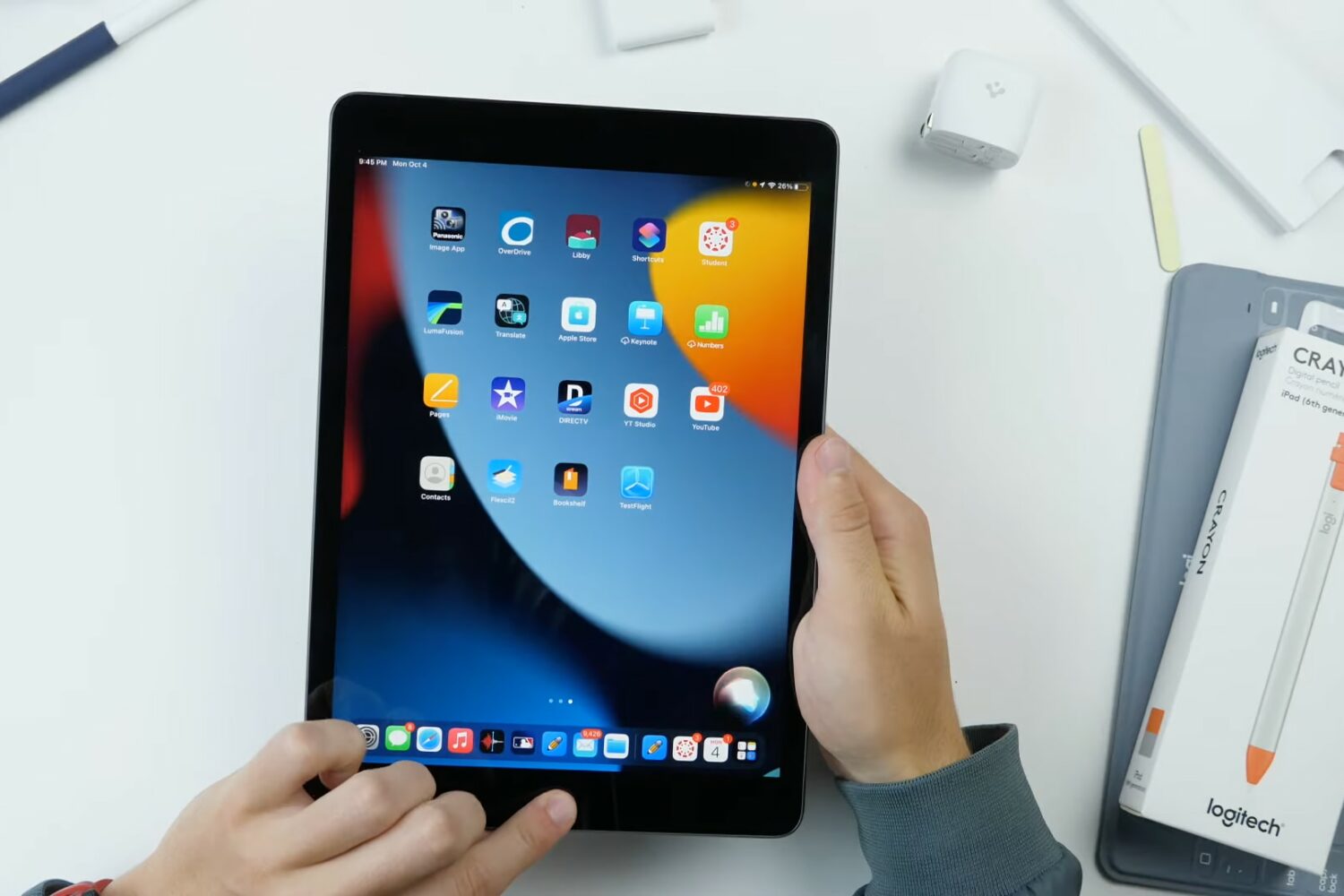
Apple has launched iOS 17.7, iPadOS 17.7, macOS Sonoma 14.7 and macOS Ventura 13.7 with security fixes for older iPhones, iPads and Macs.

Learn why you see “SOS” or “SOS Only” on your iPhone or iPad and explore the solutions to fix this problem and regain cellular connectivity.

Learn what to do if you're trying to use your AirPods with your iPhone, iPad, Mac, Apple TV, or other device, but it fails to connect.

In this troubleshooting guide, we’ll explain what to do if the photos and videos you take on your iPhone or iPad do not contain location information.

Learn what to do if you are unable to open an existing app on your Mac, even though it was working fine earlier.

Learn what to do if you don’t get the option to enter the SIM PIN after restarting your iPhone or turning on a SIM line in the Settings app.
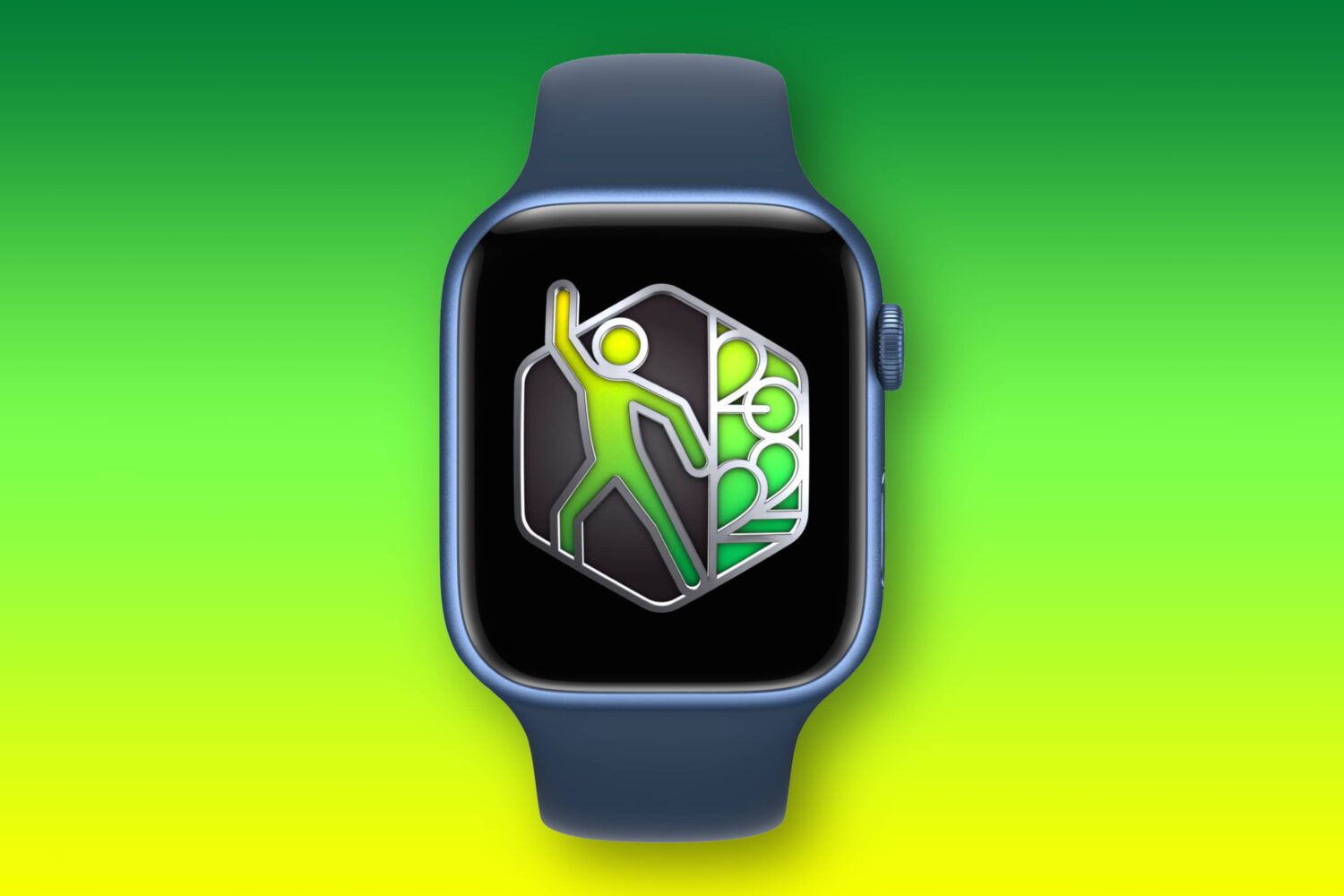
Release notes for watchOS 10.6 reveal the software update fixes a bug that could make the Fitness+ service inaccessible on your Apple Watch.