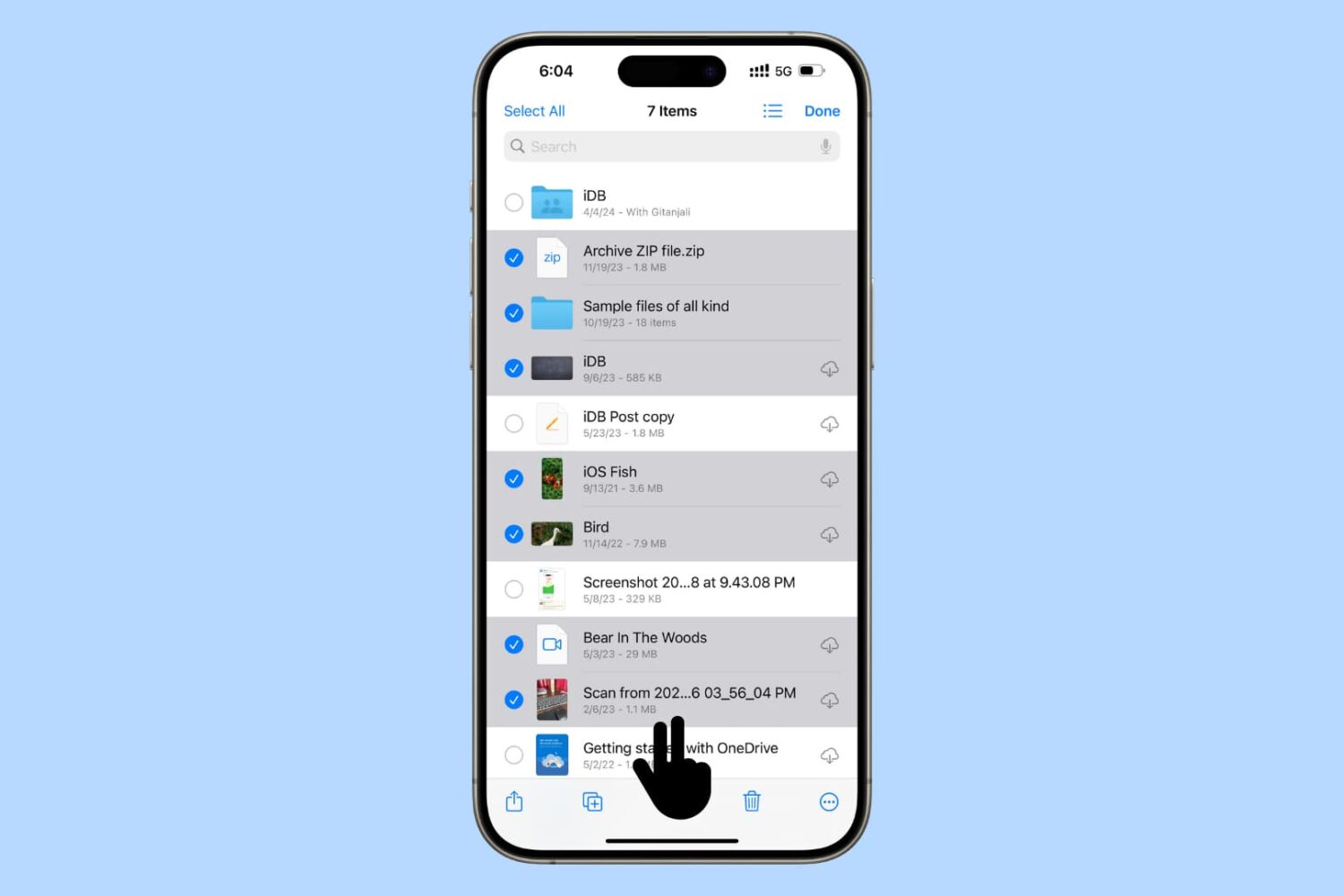
The free Gmail app for iPhone and iPad will soon permit customers to upload various attachments straight from Apple's native Files app, Google announced yesterday.
Gmail for iOS rolling out uploading attachments via Apple’s Files app

The free Gmail app for iPhone and iPad will soon permit customers to upload various attachments straight from Apple's native Files app, Google announced yesterday.

Learn how to stop receiving Apple subscription renewal emails every time one of your subscription apps or services charges your payment method on file.

The powerful, free Spark email client by Ukrainian developers Readdle today pushed an update to its iPhone, iPad, Apple Watch and Mac apps on App Store, bringing a few new features such as sending the same email again on iOS/macOS and using inbox avatars on a Mac.
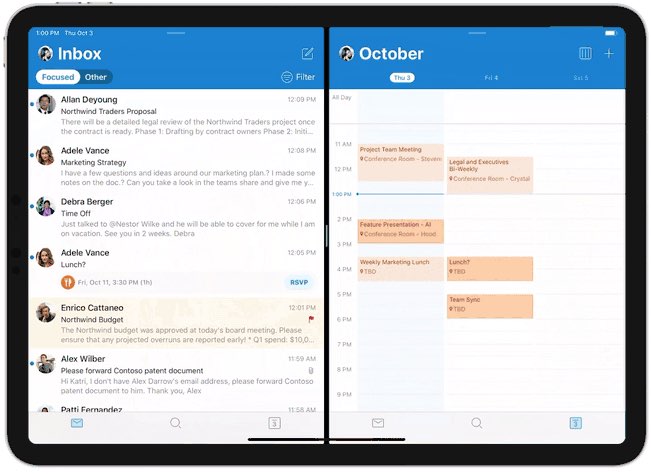
Microsoft today pushed an update to the native Outlook app for iPhone and iPad which brings support for iOS's side-by-side Split View multitasking mode on iPad. This makes you more productive by making it easy to open multiple emails at once on your Apple tablet.
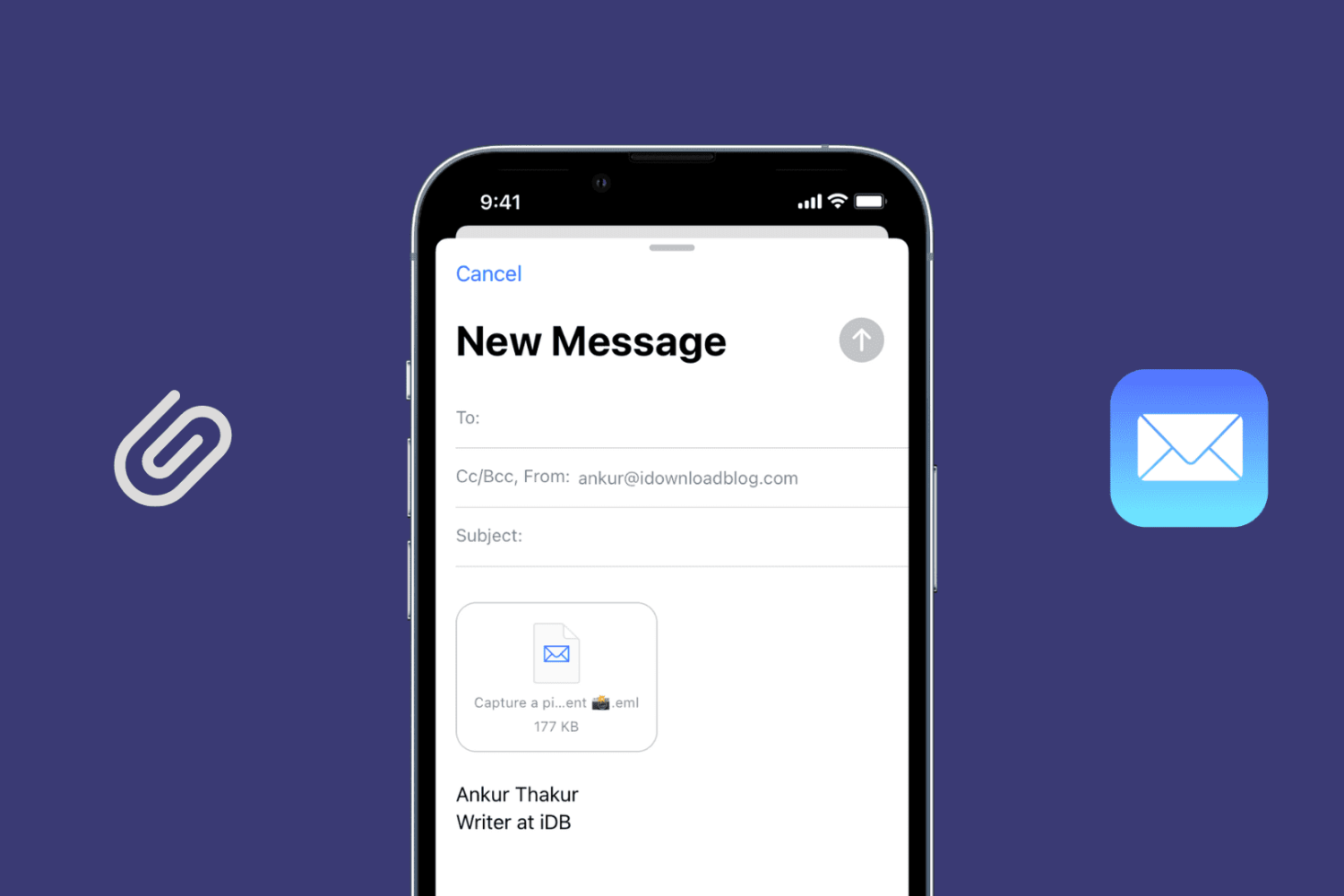
Learn how to send an existing email as an attachment using the Apple Mail app on your Mac, iPad, and iPhone to retain the original message instead of forwarding it.
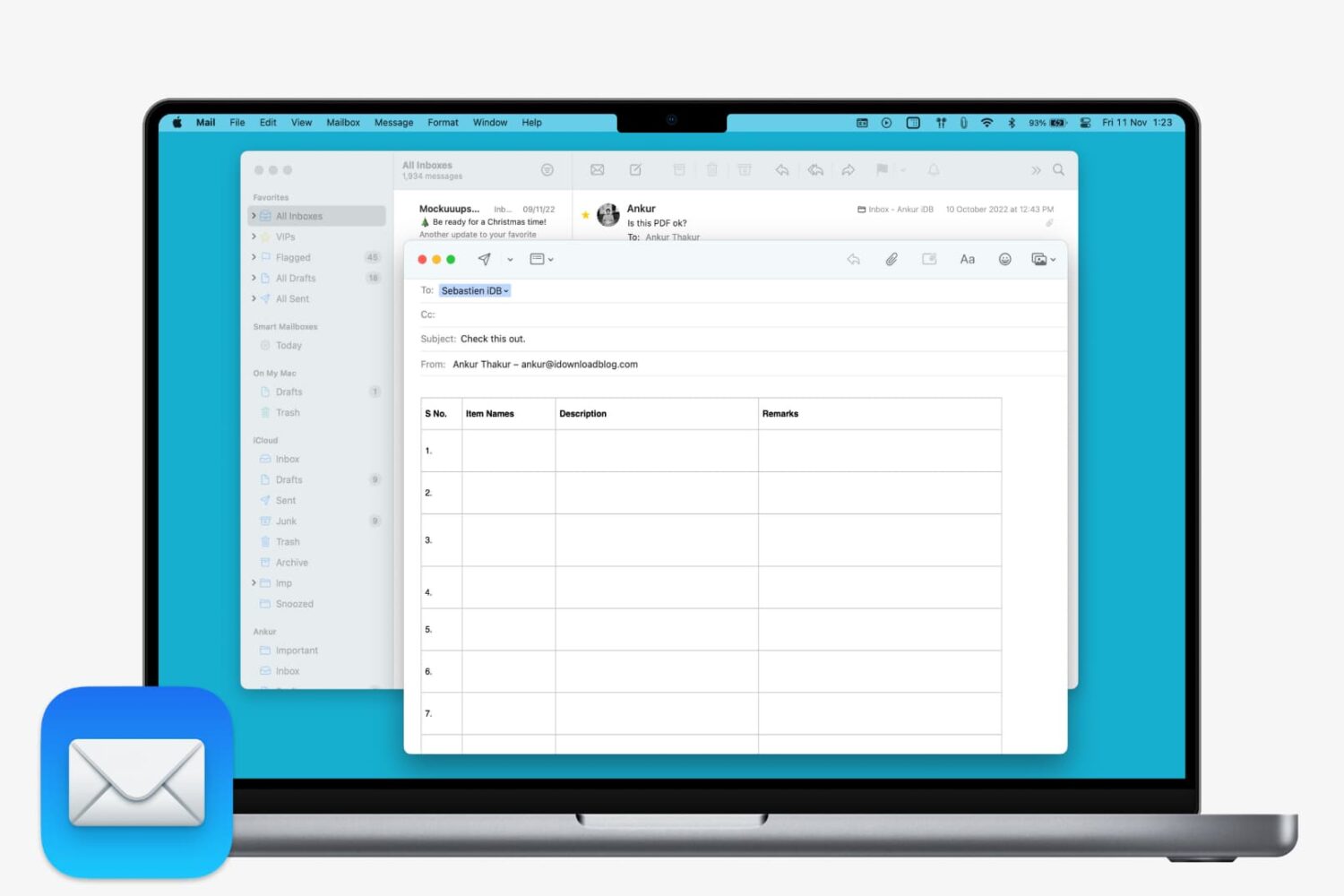
Learn how to insert a table in Apple Mail on Mac to create and format your email with clear, structured data.
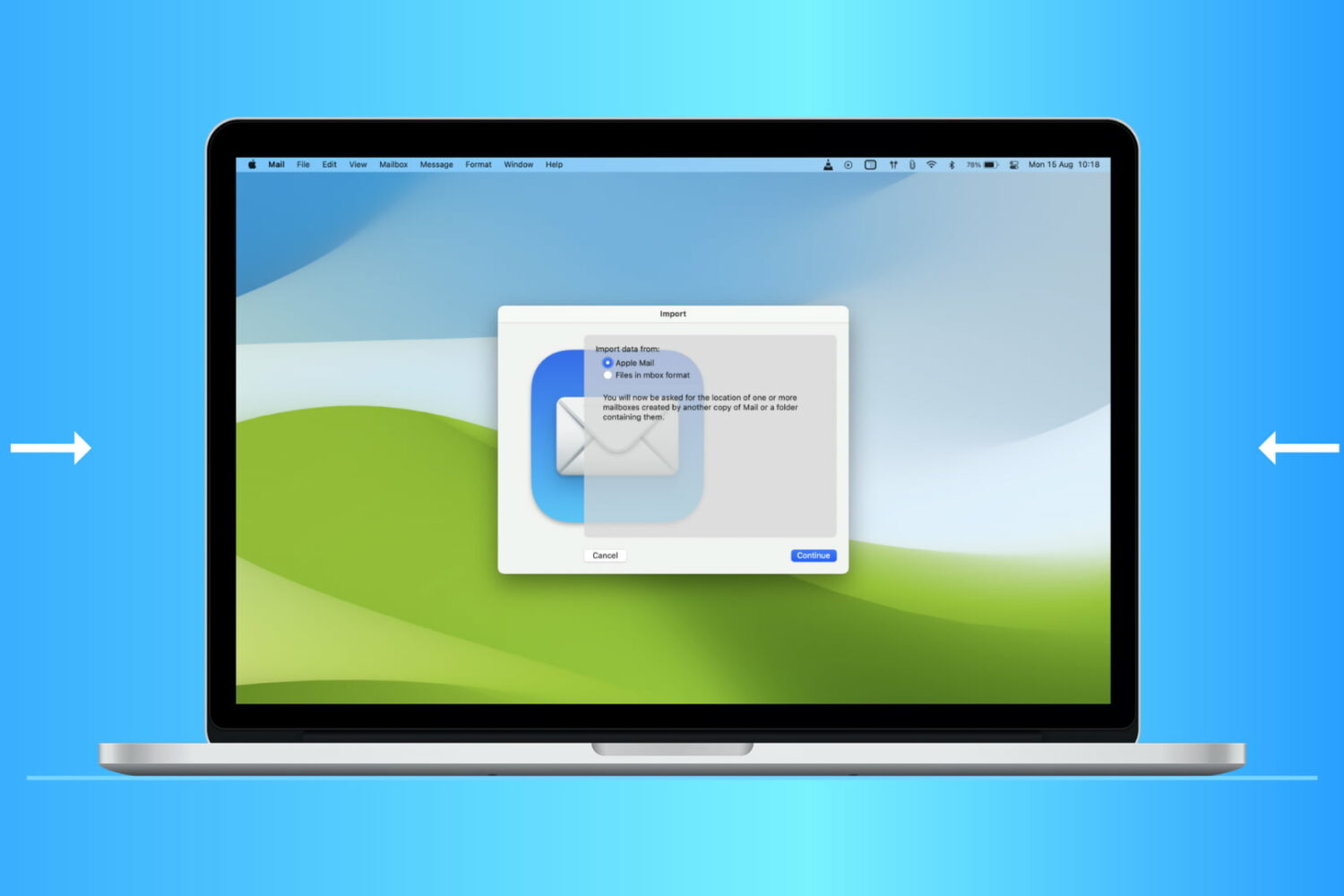
Find out how to import or export mailboxes in the Apple Mail app on Mac to back up your emails or transfer them to a new device.
Google has updated its mobile Gmail app for iPhone and iPad with support for dynamic email.

In its biggest redesign in years, Readdle's beautiful Spark email client for iPhone, iPad and iPod touch has been redesigned from scratch with new features such as inbox avatars, support for iOS 13's Dark Mode, multiple window support on iPadOS and other perks.
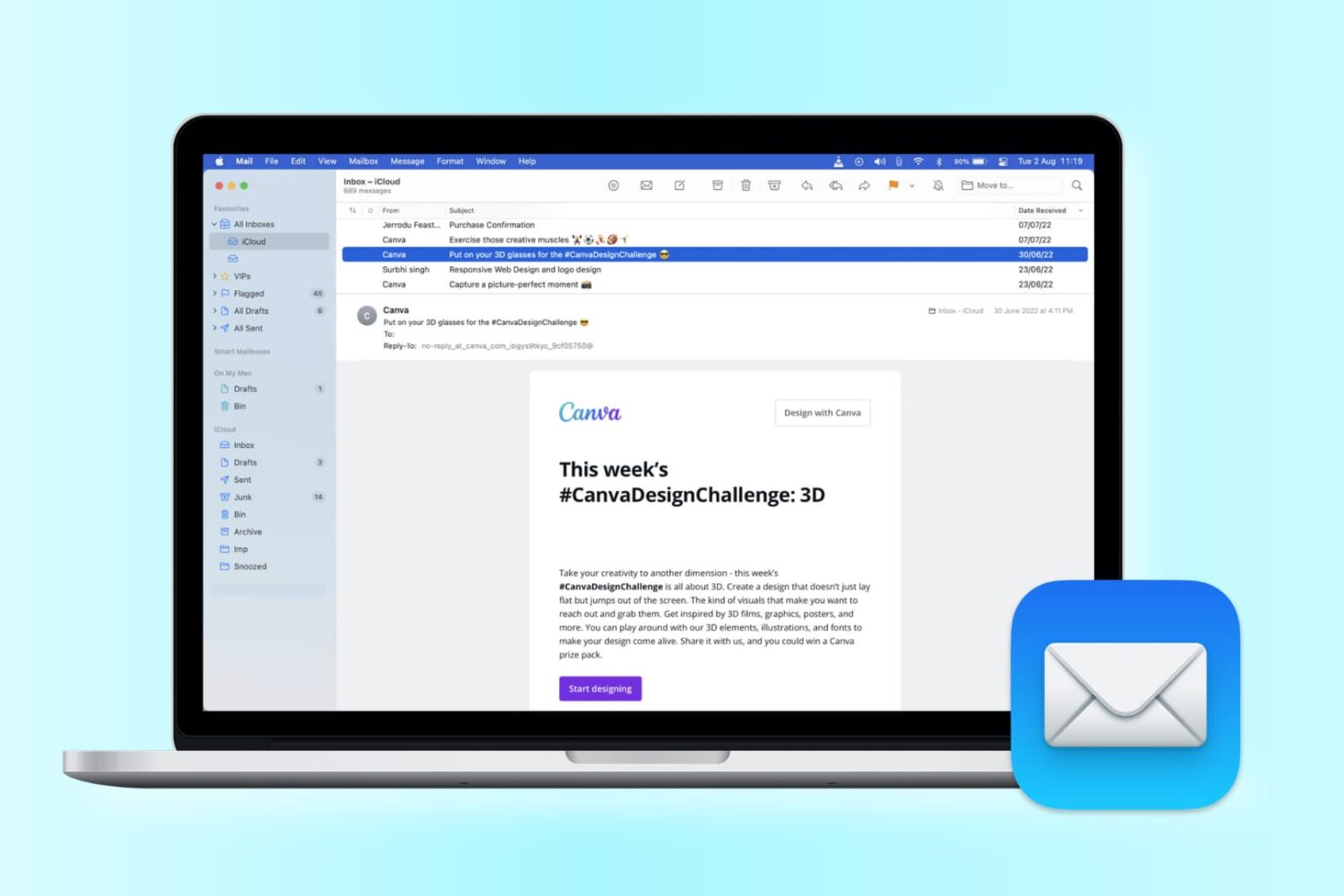
Want to change the look of your Mail app? Check out these handy tips to use sidebar, column, previews, and more to personalize your inbox for increased productivity.
If you are an iPhone 5 user and you haven't yet updated your phone to iOS 10.3.4, time is running out. Apple says you need to do so before midnight on November 3, 2019, at least if you want your iPhone 5 to keep working with the App Store, iCloud, e-mail and web browsing.
Apple explained the issue in a support document:
This is due to the GPS time rollover issue that began affecting GPS-enabled products from other manufacturers on April 6, 2019. Affected Apple devices are not impacted until just before 12:00 a.m. UTC on November 3, 2019.
The GPS bug fix was first pushed out by Apple in July, and has been available as an Over the Air (OTA) update since then. iPhone 5 users who haven't already updated to the new release are now being presented with a full-screen push warning to update, according to 9to5Mac.
The GPS issue also affects iPhone 4S, iPad 2, third-generation iPad (iPad with Retina Display), and fourth gen iPad, but those non-updated devices will simply stop working with GPS-related apps and services at the deadline. iPhone 5 users will suffer more significant issues.
If your iPhone 5 isn't updated before the deadline, you'll have to use a Mac or PC equipped with iTunes in order to download and install the 10.3.4 update to continue working.
Are you still using an iPhone 5? Have you upgraded to 10.3.4 or are you holding off? Let us know what you think in the comments.