Learn how to quickly unsubscribe from newsletters and promotional emails with just two taps in the Mail app on iPhone, iPad, and Mac if you’re getting flooded by unwanted emails.
How to use the Unsubscribe feature in Mail on iPhone, iPad, Mac

Learn how to quickly unsubscribe from newsletters and promotional emails with just two taps in the Mail app on iPhone, iPad, and Mac if you’re getting flooded by unwanted emails.

The next time you receive a password reset email that purports to be from Instagram, or spot a similar phishing scam in your mailbox, be advised that the popular photo-sharing service now offers a pretty clever way of running those emails agains genuine messages the app has sent to you.

Learn how to block specific email senders in the Apple Mail app on iPhone, iPad, and Mac to make sure you never see an email from that person or company again.
Learn how to efficiently sort, organize, and search your emails in the Apple Mail app of your Mac so you can stay on top of your inbox and quickly find what you need.
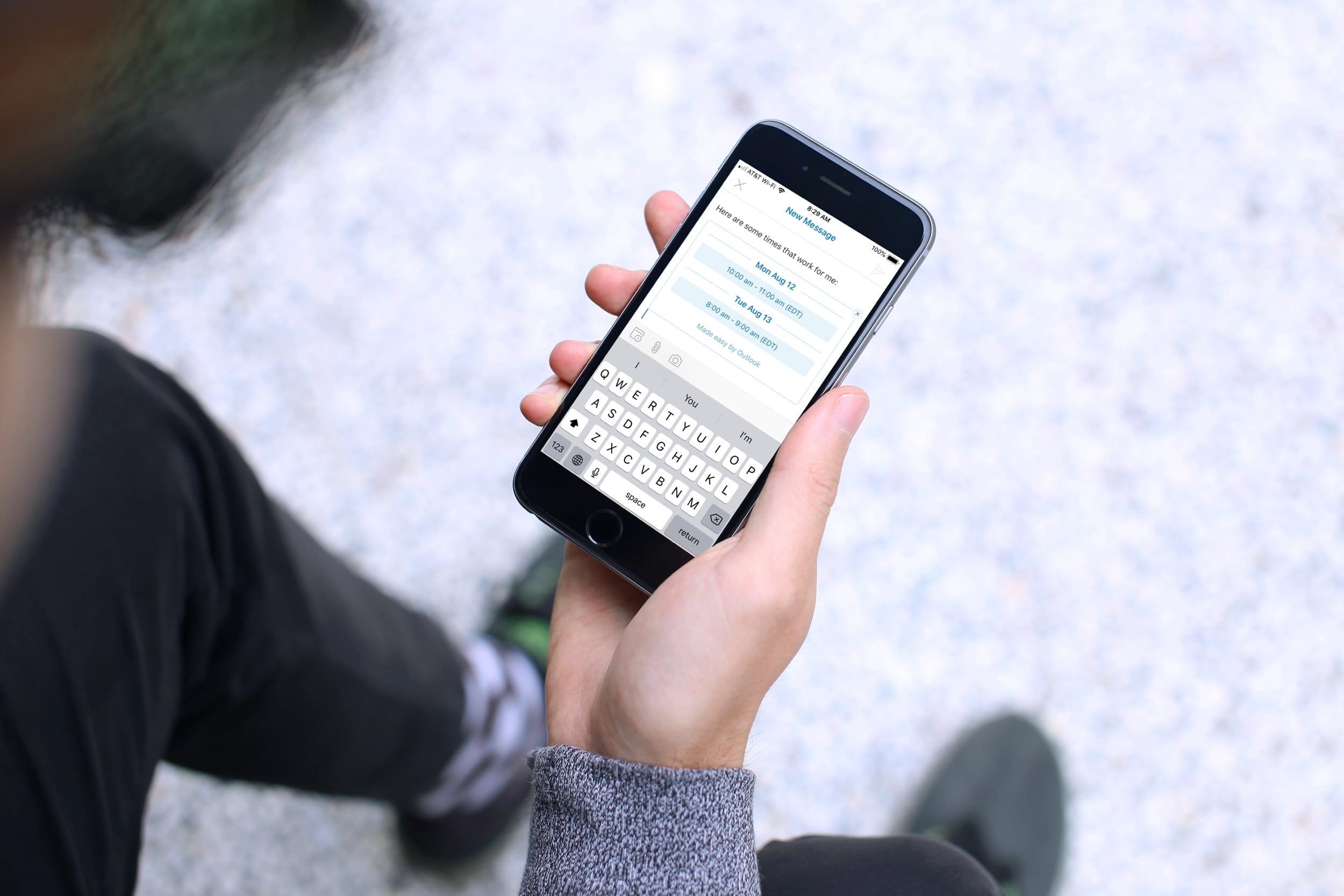
Learn how to use the built-in calendar feature in the Outlook app on your iPhone or iPad to quickly check your schedule and share your availability over email.

Getting notified of unnecessary messages from an overly active email thread? In this tutorial, we’ll show you how to mute emails in the Apple Mail app on your iPhone or iPad and customize its settings.
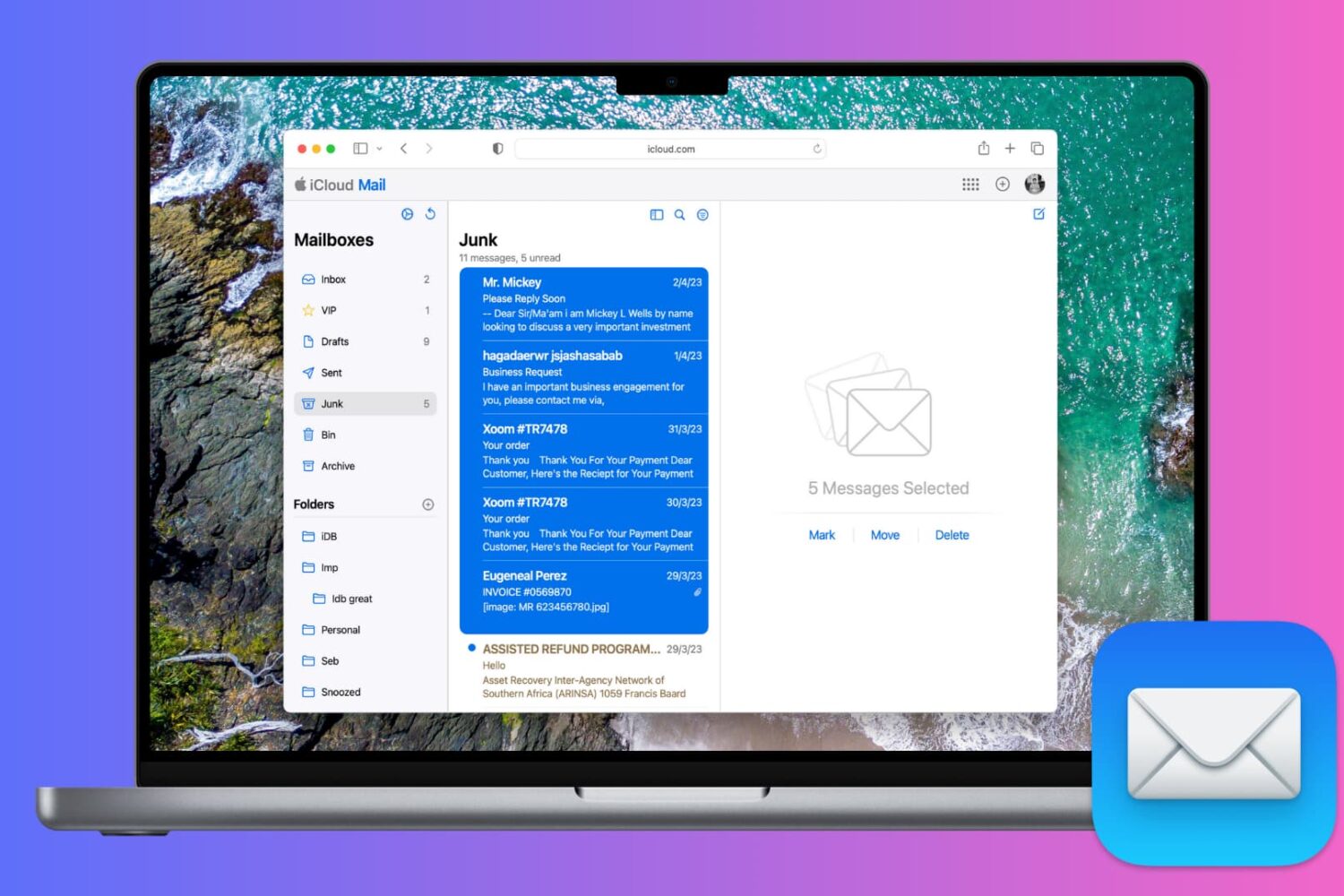
Learn how to effectively manage spam emails on iCloud.com and keep your iCloud Mail inbox clean with this simple guide.
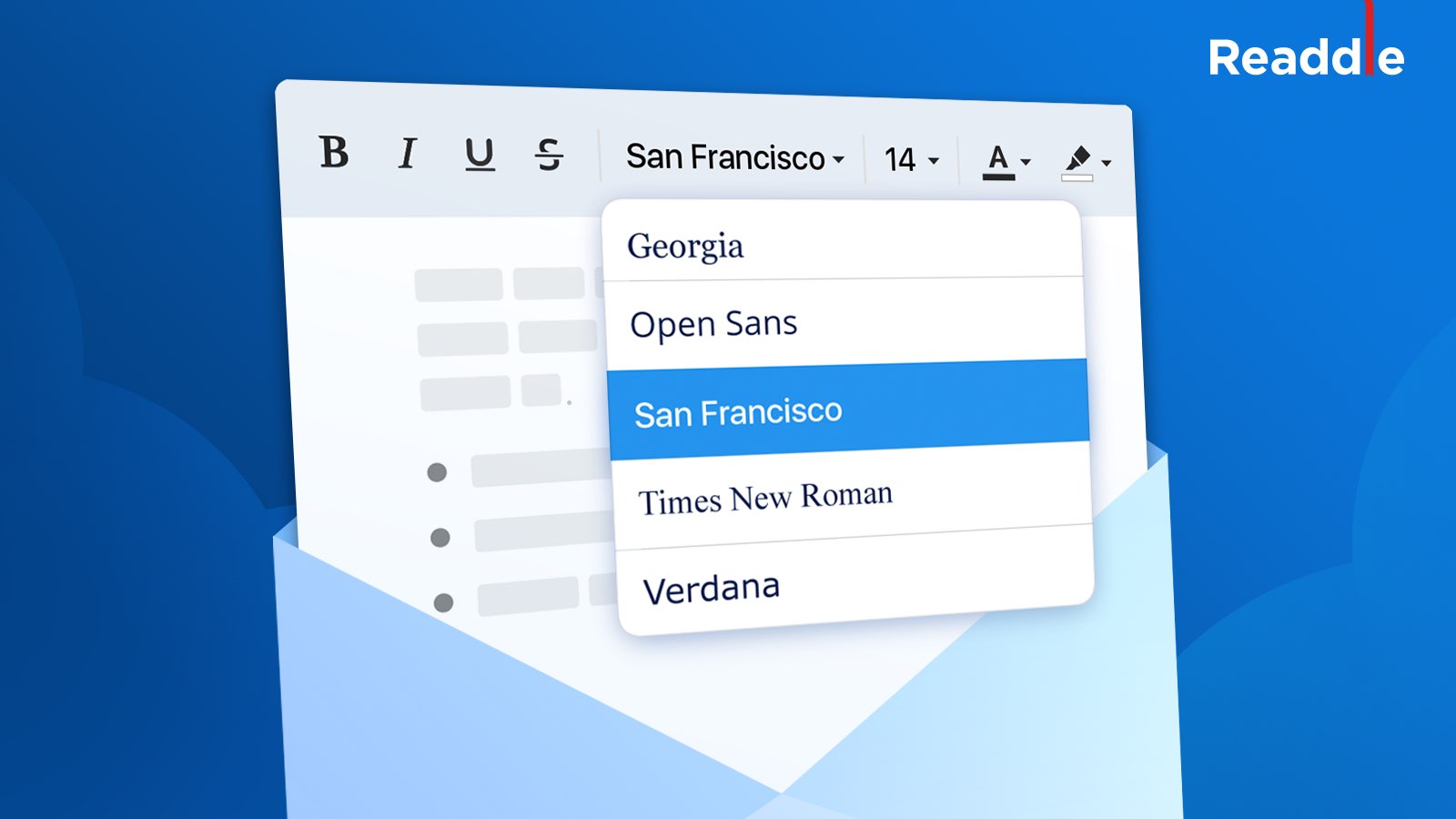
The Spark email client now lets you craft eye-catching messages by allowing you to change the font and text size of your emails, Ukrainian developer Readdle announced in a blog post today.
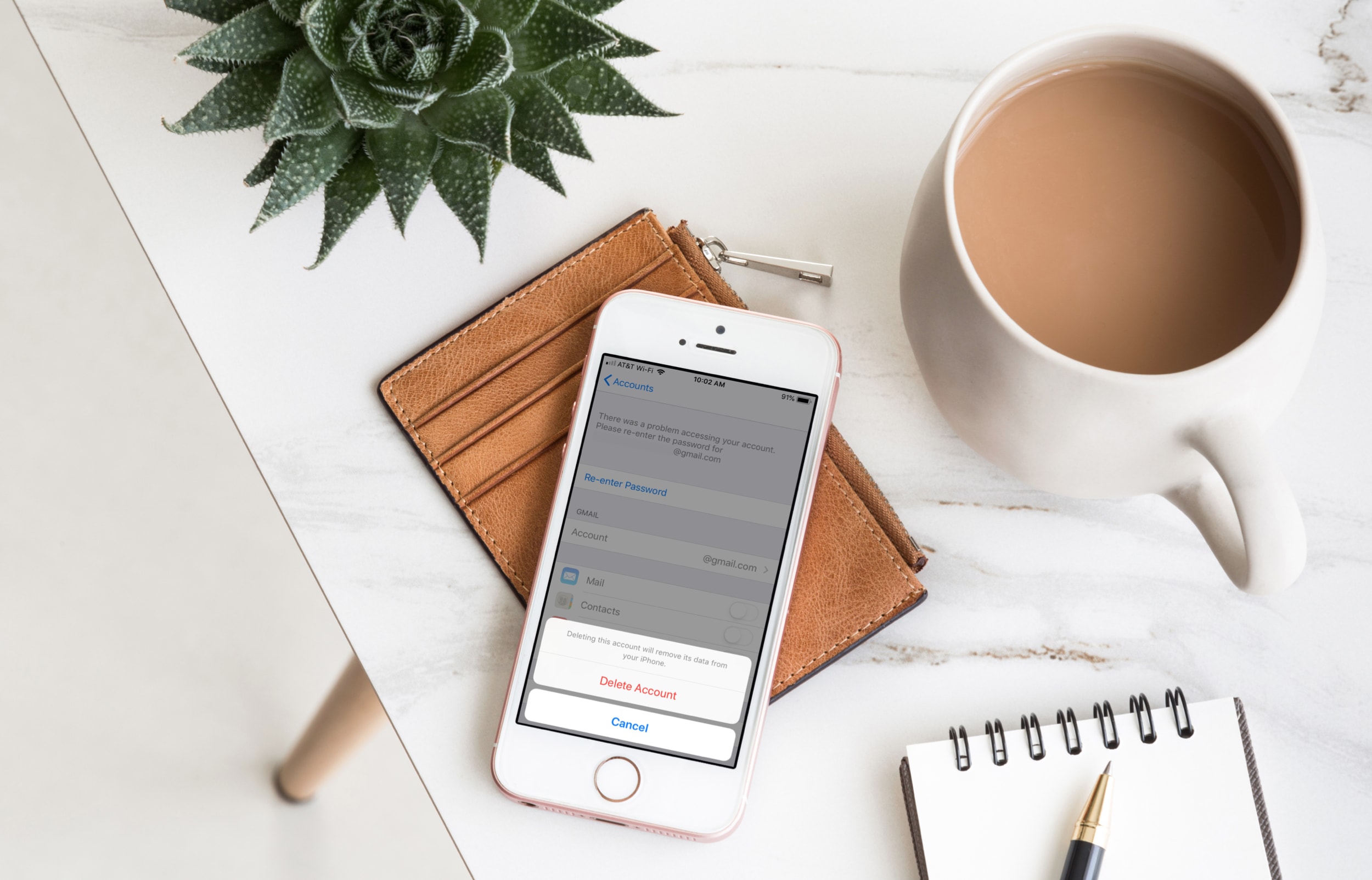
Find out how to quickly remove Gmail, Outlook, Yahoo, or other email accounts from the Apple Mail app on your iPhone, iPad, or Mac to declutter and streamline your inbox.
Learn how to organize your emails efficiently by automatically color-coding them with the Rules feature in the Apple Mail app on Mac.

Learn how to set a default email account on iPhone, iPad, and Mac, so you don’t send emails from the wrong account.

Learn how to hide an email address using the “Bcc” feature in the Apple Mail app to copy someone on an email you’re sending without your recipient seeing it.